

CapCut vs Clipchamp, or Clipchamp vs CapCut, comes down to where you edit and what you publish. Pick CapCut for mobile-first social clips, effects, captions, templates, and quick remixing. Pick Clipchamp for straightforward browser or Windows editing, screen recording, and Microsoft 365 workflows.
That split matters because the better tool is tied to the work in front of you. A creator making three vertical clips for TikTok may feel slow in Clipchamp. A Microsoft 365 user recording a product walkthrough may not want CapCut's social effects, mobile-first template culture, or region-dependent pricing.
There is also a third path. ngram is not trying to be another manual timeline. It fits when the job starts with a PDF, URL, deck, screen recording, screenshot set, raw video, or written prompt and the output needs to be a finished narrated business video with a script, storyboard, captions, voiceover, brand kit, and export controls.
CapCut vs Clipchamp at a glance
Use this table as the short version. CapCut is strongest when the video needs social-native pace. Clipchamp is strongest when the video needs a clean browser or Windows edit. ngram is strongest when the source material needs planning before editing.
| Dimension | CapCut | Clipchamp | Where ngram fits |
|---|---|---|---|
| Core job | Short-form and social video editing across mobile, desktop, and web | Beginner-friendly timeline editing in the browser and Windows app | Source-to-video creation for narrated business videos |
| Best fit | TikTok, Reels, Shorts, creator content, social ads, and fast clip edits | Windows users, Microsoft 365 users, screen recordings, basic edits, and clean 1080p exports | Product demos, launch videos, support tutorials, training, and explainers from existing material |
| Plan path checked on 2026-08-05 | Standard and Pro plans; CapCut says checkout prices vary by region, device, taxes, promotions, and account | Personal $0 tier, Microsoft 365 Personal or Family access, or a standalone Clipchamp Premium subscription | Basic is $29/mo, with higher credit and export tiers for heavier video volume |
| Export ceiling | 2K and 4K availability depends on platform, device, project settings, and source footage; supported desktop systems can export up to 4K at 60 fps | Up to 1080p on the personal $0 tier; 4K through Microsoft 365 Personal or Family and Clipchamp Premium | MP4 export; separate media tools can convert supplied media to GIF, WebM, PNG, or JPG |
| AI focus | Auto captions, text-to-video, AI avatars, AI templates, background removal, and clip automation | AI subtitles, voiceovers, silence removal, noise cleanup, and background removal | Script, storyboard, scene plan, voiceover, captions, product callouts, screen-recording polish, and brand styling |
The short verdict
Pick CapCut if the project is mostly short-form content and the work happens on mobile or across mobile and desktop. CapCut's official pages emphasize templates, auto-subtitles, text-to-speech, background removal, long-video-to-short-form conversion, AI avatars, AI templates, one-click text-to-video, and flexible aspect-ratio editing. That is the better fit for creators and social teams.
Pick Clipchamp if you want a cleaner browser or Windows editor, especially if Microsoft 365 is already part of the workflow. Microsoft's current support pages say Clipchamp's personal $0 tier exports up to 1080p. Microsoft 365 Personal and Family include many premium features, including 4K export, a brand kit, and some premium stock. Microsoft also offers a standalone Clipchamp Premium subscription for all paid features, content backup, and the full premium stock library.
Use ngram if the real problem is not trimming footage. ngram fits when a product page, release note, support doc, PDF, deck, rough recording, or raw video needs to become a polished business video with the message planned before the export.
Where ngram fits before you choose either editor
Watch how ngram turns an idea into a finished video:
CapCut and Clipchamp both assume you are already inside an edit. ngram starts one step earlier. The user provides a prompt, PDF, URL, screenshot, screen recording, raw video, deck, or Shopify product URL. ngram generates the script, storyboard, scene plan, visual direction, captions, voiceover, motion graphics, product callouts, branded intro and outro, background music, and exports.
That boundary keeps the recommendation honest. CapCut remains the better pick for a creator who wants to manually make a fast social edit. Clipchamp remains the better pick for someone who wants a simple Microsoft-linked timeline. ngram is the better third option for teams who want a launch video, training clip, support tutorial, product demo, or customer-facing explainer from source material. For deeper context, read ngram vs CapCut, ngram vs Clipchamp, and the ngram AI video editor page.
Core workflow: social editor vs Microsoft timeline

CapCut feels fastest when the output is a social asset. The product spans mobile, web, and desktop, and its own pages point to templates, effects, auto captions, background removal, AI avatars, AI video generation, text-to-speech, and one-click video generation. The workflow rewards creators who already know the hook, pace, format, and platform. You bring the clips, pick a structure, add visual energy, and export.
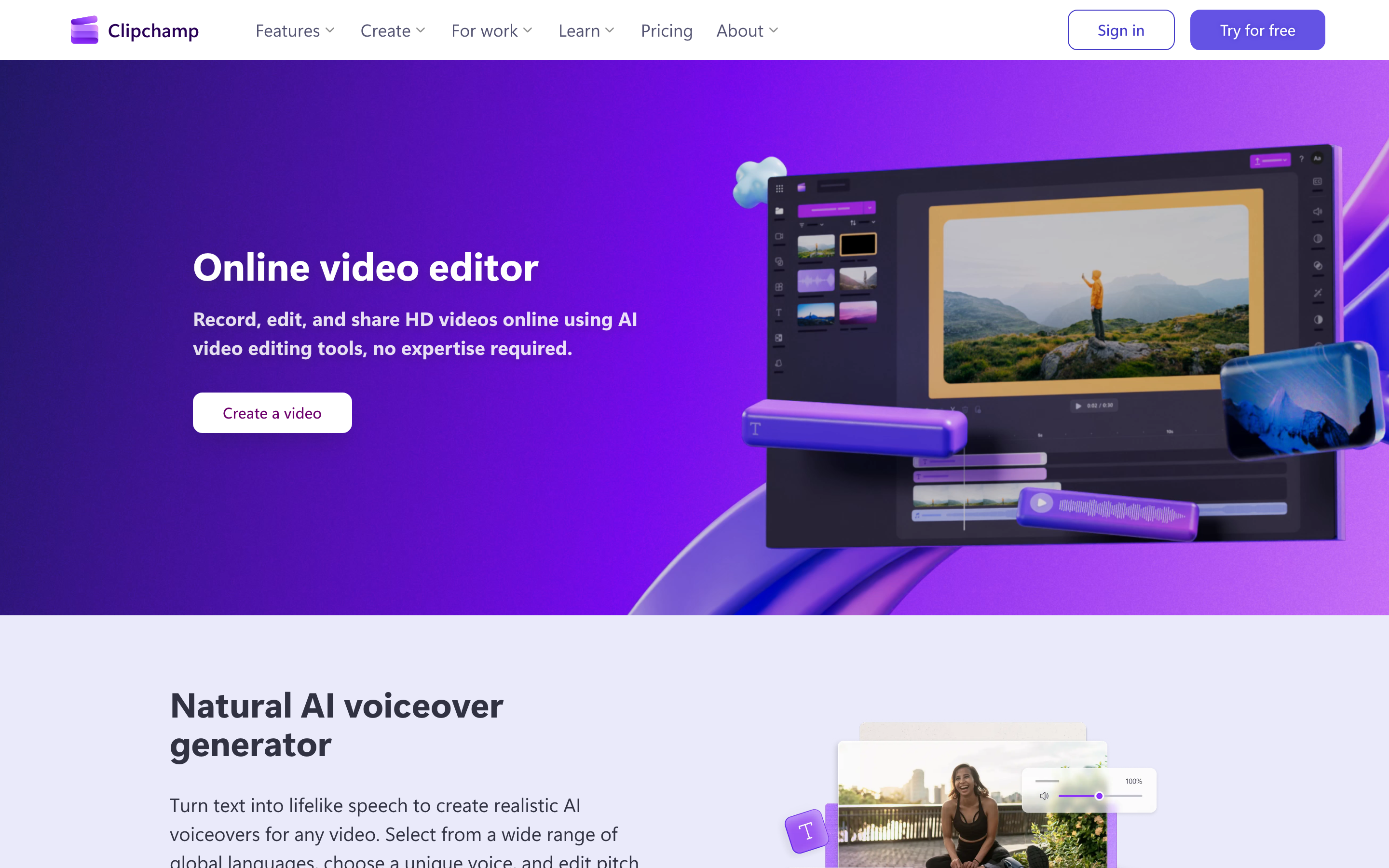
Clipchamp feels calmer. Microsoft positions Clipchamp as an online editor that runs in the browser, with a Windows app for Windows 11 and Windows 10 users. The product leans into recording tools, video templates, AI editing features, trim, crop, resize, rotate, animated text, stock assets, and exports. The workflow rewards people who want a simple edit, not a viral template hunt.
Quick rule: CapCut is the social-first editor, Clipchamp is the Microsoft-friendly editor, and ngram is the source-to-video editor for business teams.
Winner: workflow: CapCut wins for social-native editing and creator formats. Clipchamp wins for simple Microsoft-friendly timeline editing. ngram wins only when the project should start from source material instead of a blank timeline.
AI features and creation speed
CapCut has the broader creator-facing AI surface. Its AI video generator page mentions avatars, more than 30 AI templates, one-click text-to-video, AI brainstorming, script generation, voiceover, synced subtitles, music, HD export, and scene-by-scene editing on desktop. That is useful when a creator wants automation but still expects to adjust the cut.
Clipchamp's AI layer is more practical than flashy. The pricing page lists AI video editing tools, AI audio editing tools, AI subtitles, voiceovers, and silence removal across the $0 and premium columns. Its product page also emphasizes screen, camera, and voice recording. That makes Clipchamp strong for tutorials, lightweight explainers, classroom videos, and quick work clips.
ngram's AI is aimed at the planning step as much as the editing step. It writes the script, builds the storyboard, plans scenes, applies brand kits, generates voiceover, burns in captions, adds product callouts, polishes screen recordings, creates motion graphics, and supports chat-based edits after the draft. That is why ngram belongs in this comparison for teams, not because it replaces every CapCut or Clipchamp editing use case.
Winner: AI features: CapCut wins for social video shortcuts and creator effects. Clipchamp wins for lightweight AI assists in a simple editor. ngram wins for planning the script, storyboard, captions, voiceover, and scenes from source material.
Pricing and export limits in 2026
Pricing is the messiest part of this comparison. CapCut says its checkout price varies by region, device, taxes, promotions, and account, so a universal Pro price would be misleading. Clipchamp has three personal paths: its $0 tier, premium features included with Microsoft 365 Personal or Family, and a standalone Clipchamp Premium subscription.
Export limits also depend on the path. CapCut's official help center says 2K and 4K export depends on the platform, device, project settings, and source footage; supported desktop systems can export up to 4K at 60 fps. Clipchamp's personal $0 tier exports up to 1080p, while Microsoft 365 Personal or Family and standalone Clipchamp Premium add 4K. Work and school entitlements follow separate Microsoft 365 plans and add-ons.
Winner: pricing: Clipchamp wins for a clearly documented $0 path and Microsoft 365 access. CapCut wins when its live checkout price and social toolset fit the creator workflow. ngram wins when production labor matters more than the lowest editor price.
Platform, storage, and team fit
CapCut wins on mobile reach. It has mobile, desktop, and web surfaces, and its social-video DNA shows up in templates, aspect-ratio changes, caption styling, and clip workflows. If your team edits on phones, posts constantly, and cares about trend speed, CapCut is the more natural tool.
Clipchamp wins on Microsoft fit. Users who already work in Microsoft 365 get familiar account management, OneDrive storage paths, Windows app access, and premium access through personal or family subscriptions. For an organization that wants quick video edits without introducing another creator stack, that matters more than template volume.
ngram is the better fit when the team does not want a blank timeline at all. A product marketer can bring release notes and screenshots. A support team can bring a help article and screen recording. A learning team can bring a deck or SOP. ngram turns those inputs into a video plan first, then generates and edits the asset.
Winner: platform fit: CapCut wins for mobile and social habits. Clipchamp wins for Windows and Microsoft 365 users. ngram wins for business teams turning one source message into branded video outputs.
Best pick by use case
- Short-form creator: pick CapCut. Its template, caption, effect, mobile, and social workflows are built for fast clips.
- Windows or Microsoft 365 user: pick Clipchamp. The browser and Windows path is cleaner, and Microsoft 365 unlocks the premium path for many users.
- Training or tutorial creator: pick Clipchamp for manual screen-recording edits, or ngram when the recording and source doc need a planned tutorial.
- Product marketing team: use ngram. Release notes, screenshots, product pages, decks, and recordings are stronger inputs for ngram than for a blank CapCut or Clipchamp timeline.
- Client or sensitive work: review CapCut terms, regional availability, and workspace rules before uploading private footage. Clipchamp and ngram may be easier to fit into a business process.
Methodology and sources
We checked official CapCut and Microsoft product, plan, and export documentation on August 5, 2026, then cross-checked the live SERP for both CapCut vs Clipchamp and Clipchamp vs CapCut. Comparison pages dominate the ranking set, so this update keeps the practical decision first: social editor, Microsoft timeline, or source-to-business-video workflow.
Primary sources included CapCut's online editor page, CapCut's AI video generator page, CapCut's pricing help page, Clipchamp's pricing page, Microsoft Support on Clipchamp plans, and ngram pricing. Lower-tier CapCut pricing was treated as regional because CapCut's own page warns that prices vary by region and platform.
We did not use numerical G2, Capterra, Product Hunt, or app-store scores. User sentiment was treated qualitatively: CapCut is consistently framed as fast and social-native, while Clipchamp is framed as approachable, browser-based, and stronger for Microsoft-linked users.
Final recommendation
Choose CapCut when trend speed, vertical formats, templates, captions, and mobile creation are the center of the job. Choose Clipchamp when a browser or Windows timeline, screen recording, 1080p exports, and Microsoft 365 premium access matter more.
Choose ngram when the asset needs to start from business material rather than an empty edit. For product launches, customer tutorials, training, support videos, demo videos, and internal updates, ngram gives the team a script and storyboard before the timeline work begins.








