

Choose Arcads for actor direction, creative models and reusable production through Mark or Workflows. Choose Creatify when product context, creative generation and campaign tools such as Ad Tracker belong in the same workflow. Both now offer agents, editing and developer access.
Choose around the campaign you repeat
An actor-led campaign needs control over the delivery; a product campaign also needs reliable source assets and repeatable variants. Arcads exposes generation and editing operations inside a creative studio. Creatify connects its agent to product context and campaign tools. Compare the exact next revision you expect to make rather than assuming either tool stops at a raw actor clip.
Arcads vs Creatify at a glance
| Question | Arcads | Creatify |
|---|---|---|
| Useful fit | Choose actors and generation models, direct the creative with Mark, or reuse a workflow for another campaign. | Bring product context, choose an actor or creative direction, and use the agent and campaign tools available in your plan. |
| Creation and review | Arcads combines actor generation, creative models and Mark in one studio. Its editing operations include trimming, stitching, layers, resizing and text overlays; it also offers translation and model-based editing. | Creatify’s current Ad Agent accepts product links and uploaded assets, then creates and revises ads through chat. Ask it to draft the concept and script before generating when you want to review them first. Timestamped comments can be combined into an edit request. |
| Paid reference | Plans use monthly credits: Starter 8,000; Creator 16,000; Pro 48,000; Scale 96,000; Business 192,000. Check the account offer for dollar pricing. | Individual monthly plans: Standard $15 with 55 credits; Pro $55 with 280; Max $95 with 730. Annual monthly equivalents: $12/$44/$76. |
How Arcads fits the workflow
Arcads current product: Arcads combines actor generation, creative models and Mark in one studio. Its editing operations include trimming, stitching, layers, resizing and text overlays; it also offers translation and model-based editing.
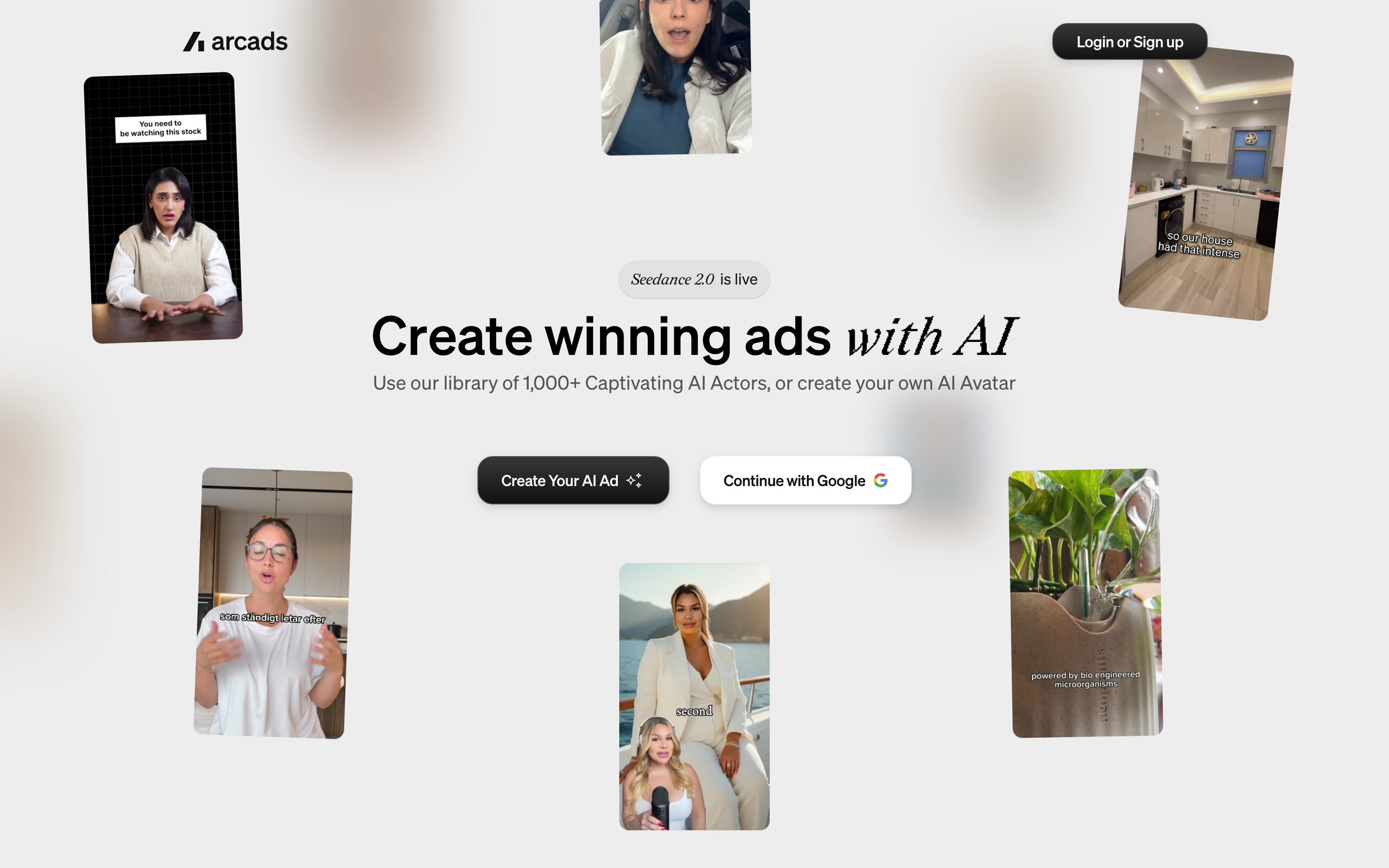
Creator and higher plans add Workflows. Pro adds API access, team seats and custom actors; MCP is included across plans. Generation cost is shown before running, with an optional confirmation setting. Compare those controls with the approval step your team needs.
Starter and Creator stop at the monthly allowance and do not roll credits forward. Pro and higher include rollover and usage overages, with optional spending limits. Model and operation rates differ, so a credit pool is not a fixed number of finished ads.
How Creatify fits the workflow
Creatify current product: Creatify’s current Ad Agent accepts product links and uploaded assets, then creates and revises ads through chat. Ask it to draft the concept and script before generating when you want to review them first. Timestamped comments can be combined into an edit request.
The editor supports text, captions, trims, media swaps and layout changes. Manual edits and re-exports are free; newly generated material uses credits. Pro adds Ad Agent, automation, Ad Tracker and Ad Clone, while Max expands seats and brand spaces.
MCP uses platform credits. The separate API subscriptions have their own monthly allowances, so do not assume a platform subscription includes the same API pool. Platform credits remain valid for two months.
Evaluate the creative, not a realism ranking
Choose a script, actual product images and one audience before evaluating an actor. Check delivery, pronunciation, product shape, readable text and the transition between presenter and product scenes. Keep the offer and call to action the same when comparing a creative treatment.
An AI presenter can narrate sourced product information without pretending to be a customer. Use approved customer quotes and authorized footage for testimonials. When a product must look exact, supply its real photographs or screens and review the generated result before running the ad.
Current pricing and usage
Official product pages and selected billing states were reviewed October 18, 2026. Credit totals are not interchangeable: models, duration, operation types and included editing determine how much creative each allowance supports.
| Tool | Paid reference |
|---|---|
| Arcads | Plans use monthly credits: Starter 8,000; Creator 16,000; Pro 48,000; Scale 96,000; Business 192,000. Check the account offer for dollar pricing. |
| Creatify | Individual monthly plans: Standard $15 with 55 credits; Pro $55 with 280; Max $95 with 730. Annual monthly equivalents: $12/$44/$76. |
| ngram | Basic $29/month or $278.40/year |
Arcads: The pricing guide documents a 20% annual discount. Starter and Creator credits reset monthly and stop at the allowance; Pro and higher include rollover and usage overages, with optional spend limits. Mark and MCP are included across plans; Workflows starts at Creator and API access at Pro. The documented trial provides 1,000 credits for 72 hours, requires a card and converts to Starter unless canceled.
Creatify: Free includes 10 credits/month and watermarked output. Paid plans remove the watermark. Credits are valid for two months. Pro adds Ad Agent, automations, Ad Tracker and Ad Clone; Max includes three seats and three brand spaces. Manual editing and re-exporting are free, while new AI generation uses credits. MCP draws from platform credits; separate API Starter/Pro plans are $99/$299 per month with 500/2,000 credits.
ngram pricing includes 1,000 credits/month on Free. Basic costs $29/month with monthly billing and includes 3,000 credits per cycle; annual billing is $23.20/month equivalent with 36,000 credits supplied upfront. The base rate for premium AI video generation is 10 credits per second, with a cheaper model at 3. Share publicly or embed on Free; use a paid plan for MP4 downloads and Basic or above for unlisted links.
See a source-based presenter ad made with ngram
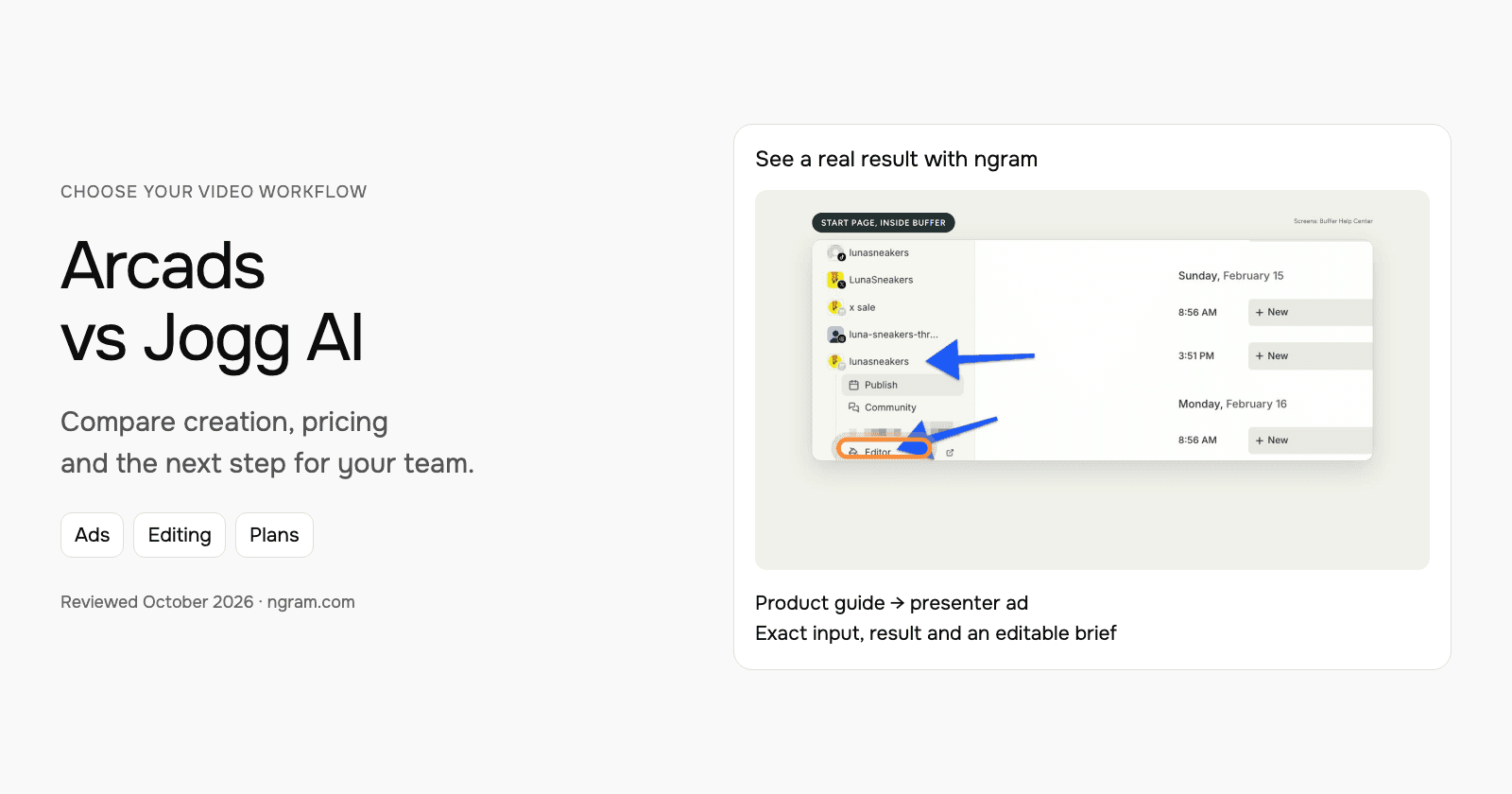
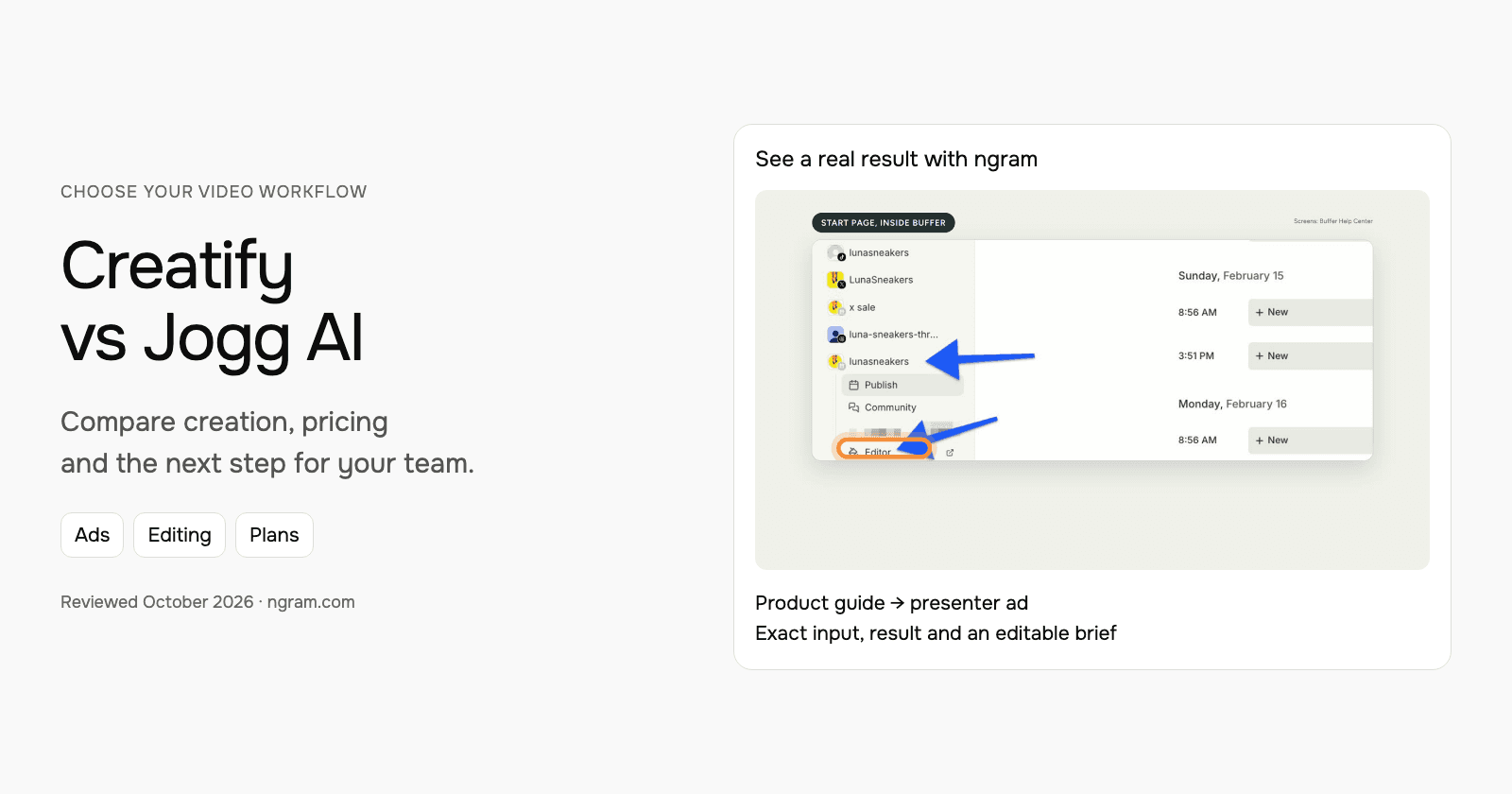
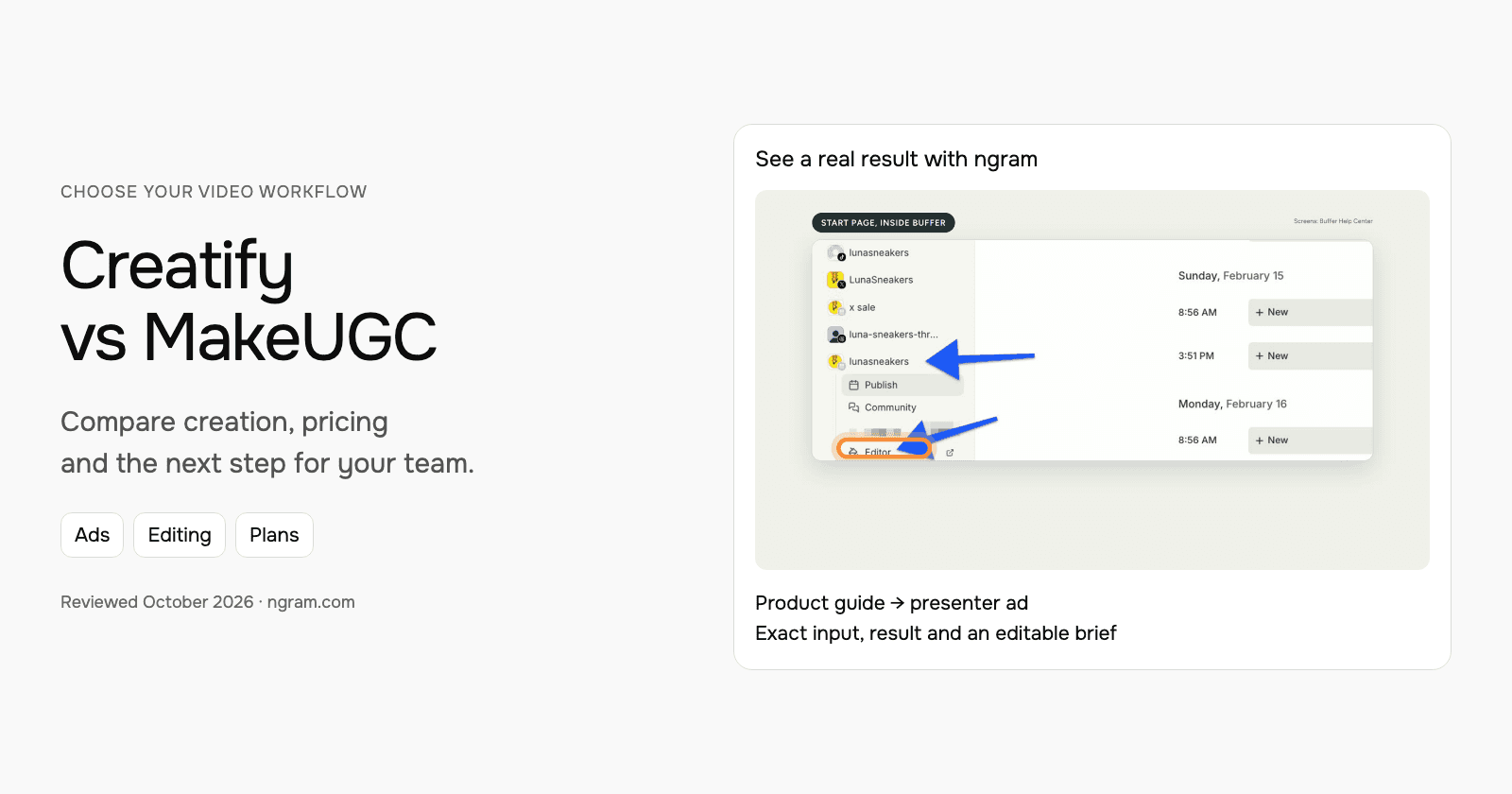
The example below introduces Buffer Start Page using its official guide and real product screens. Inspect the exact filled prompt, style, transcript and result. The AI presenter explains the product; it is not a customer endorsement.
From this input to this video
An AI presenter introduces Buffer Start Page using its official guide, with key phrases behind the speaker and real product screenshots.
Prompt
Create a 30-second ad video for Buffer Start Page, a customizable microsite for a business or creator. Open with: One bio link. Everything you want to share.. Narrate bringing links, images and videos together on one page with Depth captions, with an AI presenter and large key words behind the speaker, supported by official product screenshots from https://support.buffer.com/en-us/articles/using-start-page-with-buffer-vvu8iGZ8Qa visuals. Tone: bright and practical. End with the line: Explore Start Page with Buffer. Use 16:9 format. Voiceover language: English. Preserve real source screens; do not invent traffic numbers, conversions, testimonials or interface states. Use an AI presenter as the narrator, with short key phrases behind the speaker. Present sourced product information, without suggesting that the presenter is a customer or employee.
Selected style
Depth captions
Read the video transcript
One bio link. Everything you want to share. Start Page is a simple, customizable microsite for your business or creator brand, built in Buffer. Pick a template, then add blocks: links to your shop and latest post, images, YouTube videos, and your social channels. Drag to reorder, preview every change live, then publish. Copy your link, add it to your bio. Explore Start Page with Buffer.
Create an ad from your real product information
See an AI-presenter ad for Buffer Start Page, made from its official guide. Inspect the exact input and result, then adapt the brief to your product.
Prepare the product facts
Use a public product page, approved copy, screenshots or authorized footage. Keep the claims and call to action specific.
Shape the ad
Fill in the hook, benefit, audience and call to action below. Choose the style and settings; select your configured Brand Kit in ngram.
Review and share
Approve the plan containing the script. Check the generated result, request changes and share it. Paid plans enable MP4 downloads for your ad channels.
Make it yours
Fill in your details here, or continue and finish your brief in ngram.
Video generation uses credits. Review your estimate in ngram. MP4 downloads require Basic or higher.
How credits workBuild the ad from your own product material
Use a public product page, approved copy, screenshots or authorized footage. Adapt the starter with one benefit, a hook and a call to action. Choose the duration, aspect ratio and style, then select your configured Brand Kit in ngram and turn captions on when wanted.
Approve the plan containing the script. Review the generated video and ask for changes through chat or use timeline controls. To create another placement, request the next version and select its duration and aspect ratio. Keep a downloaded copy when you need to preserve an earlier version alongside the latest public video.
If you reuse footage exported from Arcads or Creatify, keep the editable original there. Upload the export as source material for the new video; the original layers, tool settings and review history stay with that project. When your source changes, tell ngram what changed and ask it to revise the video.
Continue with ngram vs Arcads, ngram vs Creatify, the marketing ad brief, the product-photo ad example or URL-to-video conversion.
How this comparison was reviewed
This comparison uses official product, pricing, help and developer documentation. The recommendations describe workflow fit; they are not a scored or timed competitor-output test. The ngram demonstration shows a real source-based ad with its actual input.
Frequently asked questions
Which should I choose?
Choose Arcads for actor direction, creative models and reusable production through Mark or Workflows. Choose Creatify when product context, creative generation and campaign tools such as Ad Tracker belong in the same workflow. Both now offer agents, editing and developer access.
How should I compare the real cost?
Specify the same final duration, actor or generation model, number of variations and revision process. Include custom-avatar access, seats, rollover rules and the billing commitment. Different credit totals do not establish a price-per-ad winner.
Do these products edit the result?
Arcads combines actor generation, creative models and Mark in one studio. Its editing operations include trimming, stitching, layers, resizing and text overlays; it also offers translation and model-based editing. Creatify’s current Ad Agent accepts product links and uploaded assets, then creates and revises ads through chat. Ask it to draft the concept and script before generating when you want to review them first. Timestamped comments can be combined into an edit request.
When should I consider ngram?
Consider ngram when your team wants a reusable source-based brief, a plan containing the script and chat or timeline revisions across marketing, product and training videos. Watch the example and adapt its brief to the job you need.
Can I share the ngram result for free?
Free includes 1,000 credits/month, public sharing and website embeds. Paid plans enable MP4 downloads; unlisted links start with Basic.
Create your first video with ngram, or talk to sales.