SaaS explainer videos in minutes not months
Drop in your product URL, the feature docs, or a rough screen recording. A SaaS explainer video maker built for B2B software hands you back a polished explainer with the right narrative arc, motion graphics, and your brand kit — without the six-week agency cycle.
Or pick a video type to get started
Video generation uses credits. Review your estimate in ngram. MP4 downloads require Basic or higher.
How credits workTrusted by teams at


SaaS Explainer Video videos made with ngram
Real videos created by teams using ngram for saas explainer video.
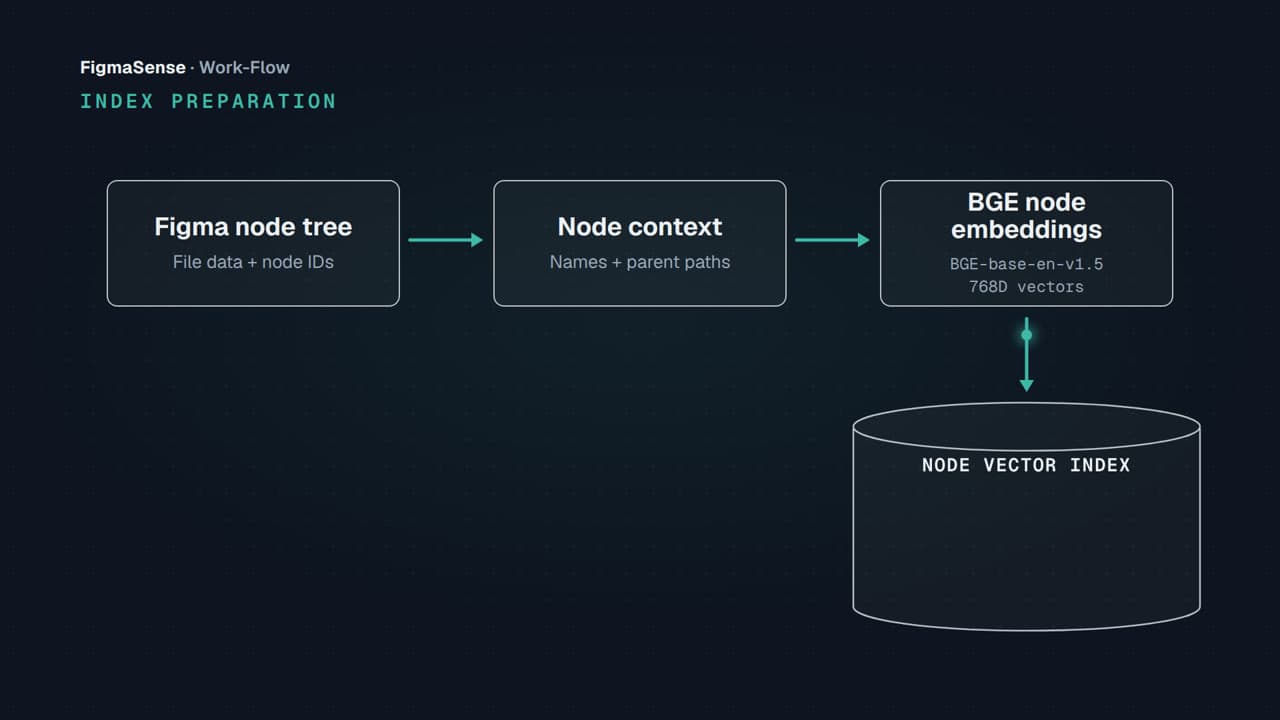

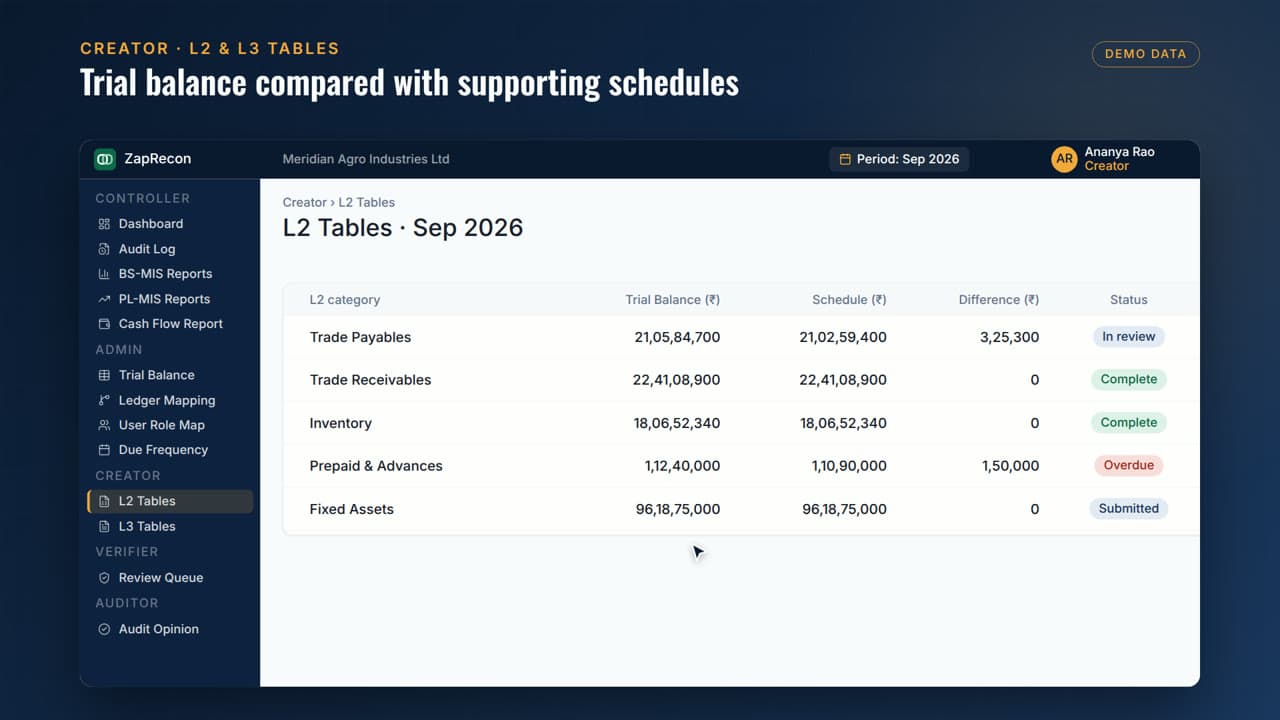




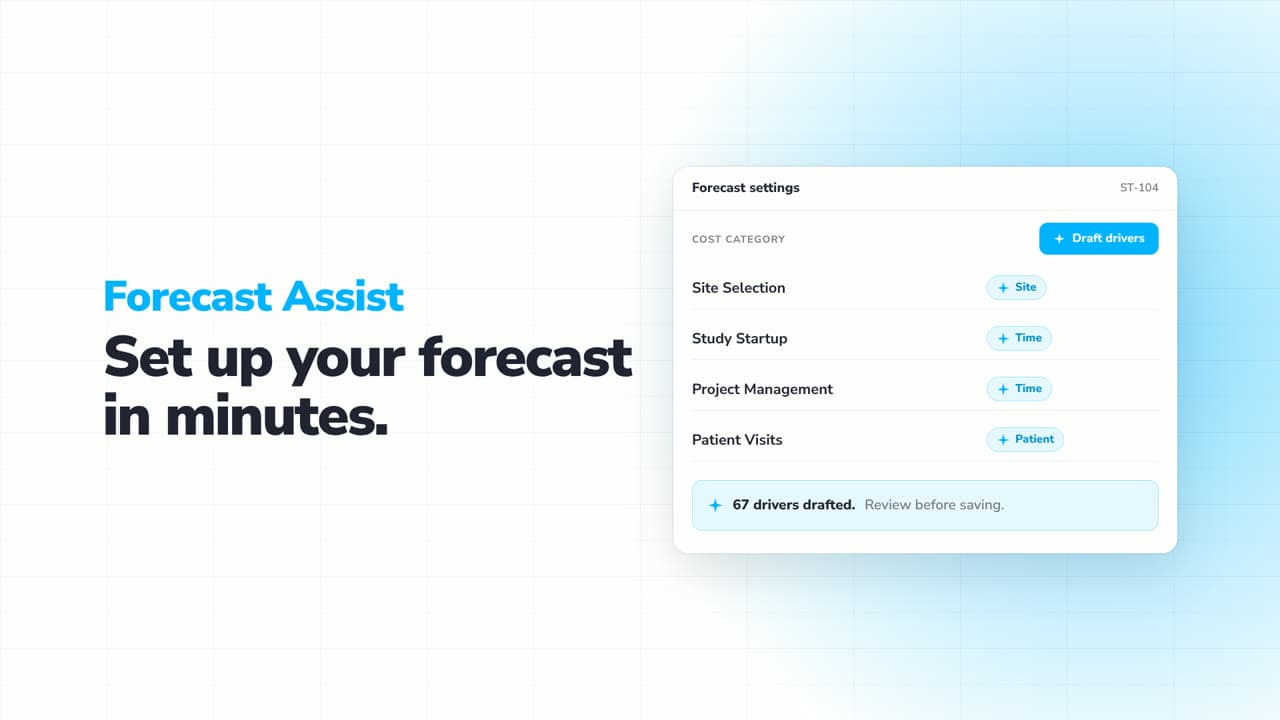
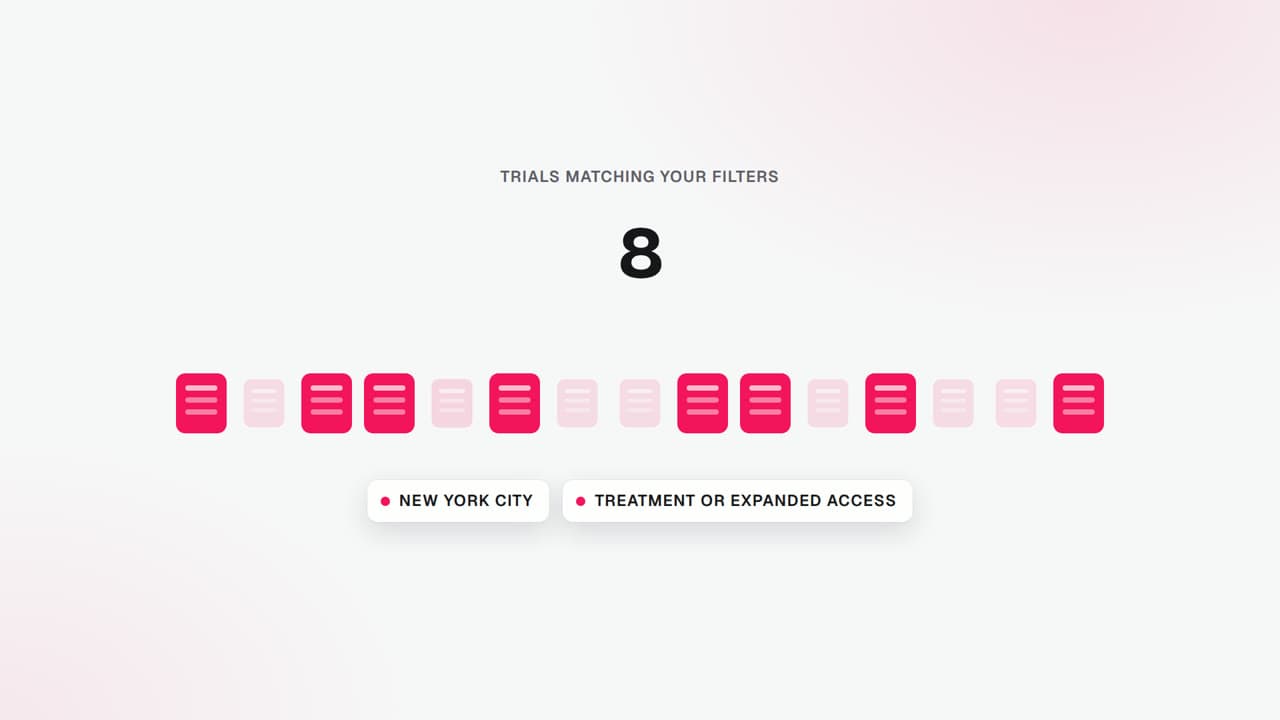
SAVA AI — Find the ALS trial that fits you
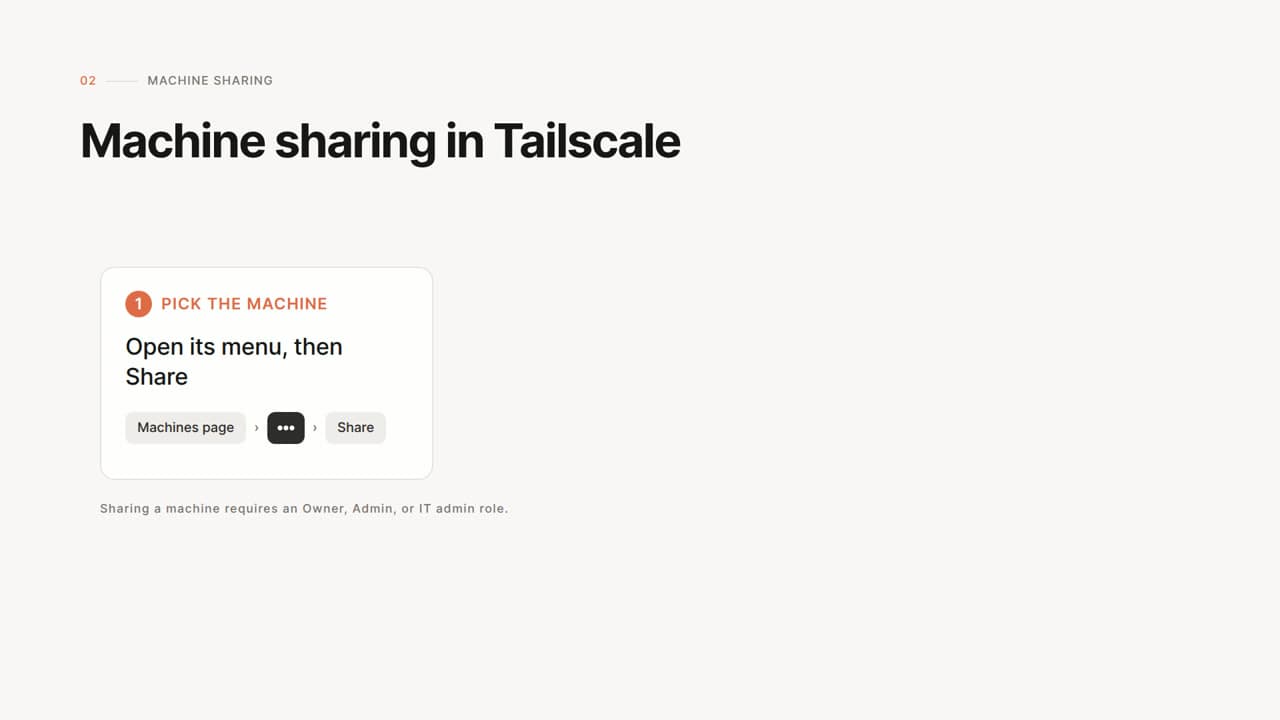
Tailscale machine sharing: one machine, nothing else
 by Rishikesh Ranjan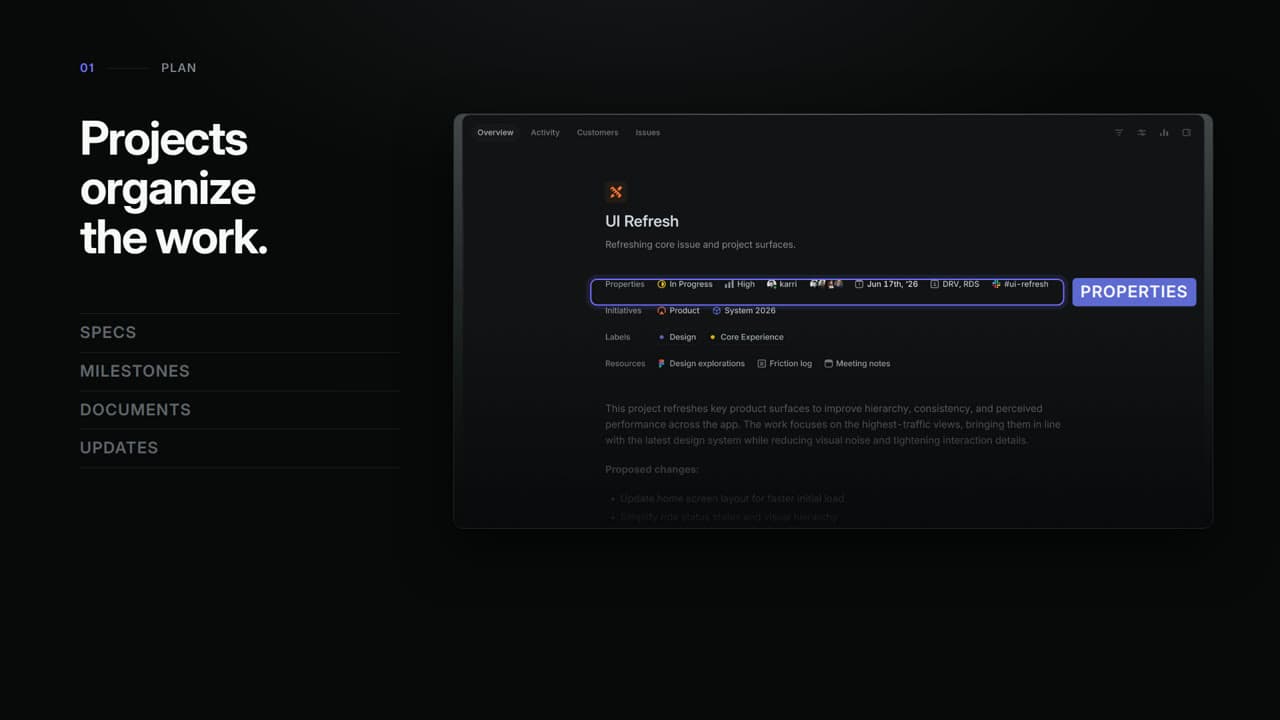
Linear — From plan to progress
by Rishikesh Ranjan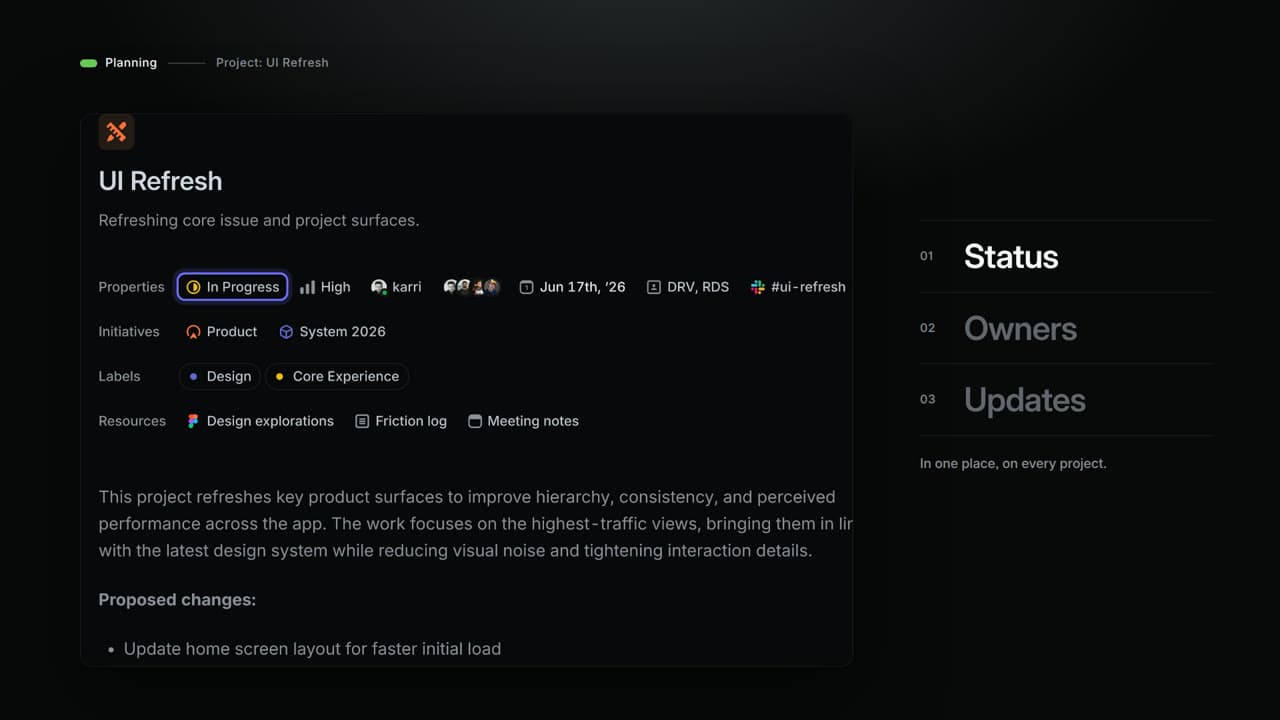
Linear — Plan the present. Build the future.
by Rishikesh Ranjan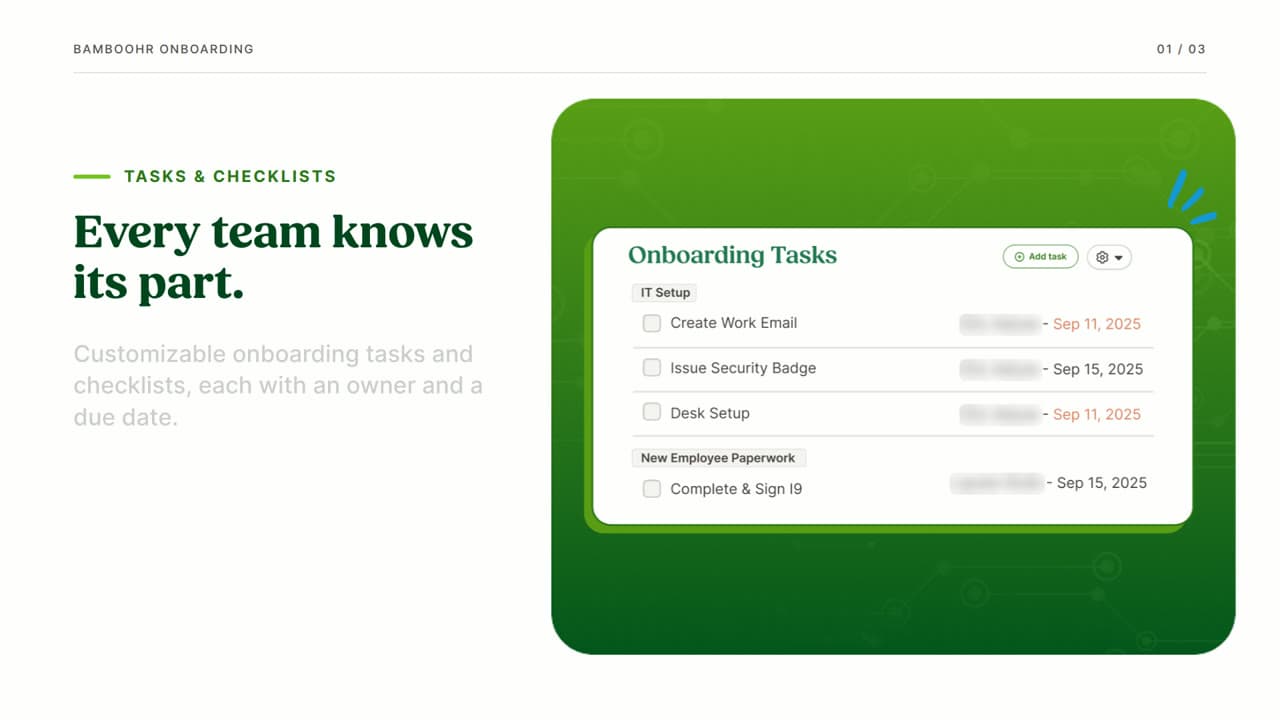
BambooHR Onboarding — Create a more organized first day
by Rishikesh Ranjan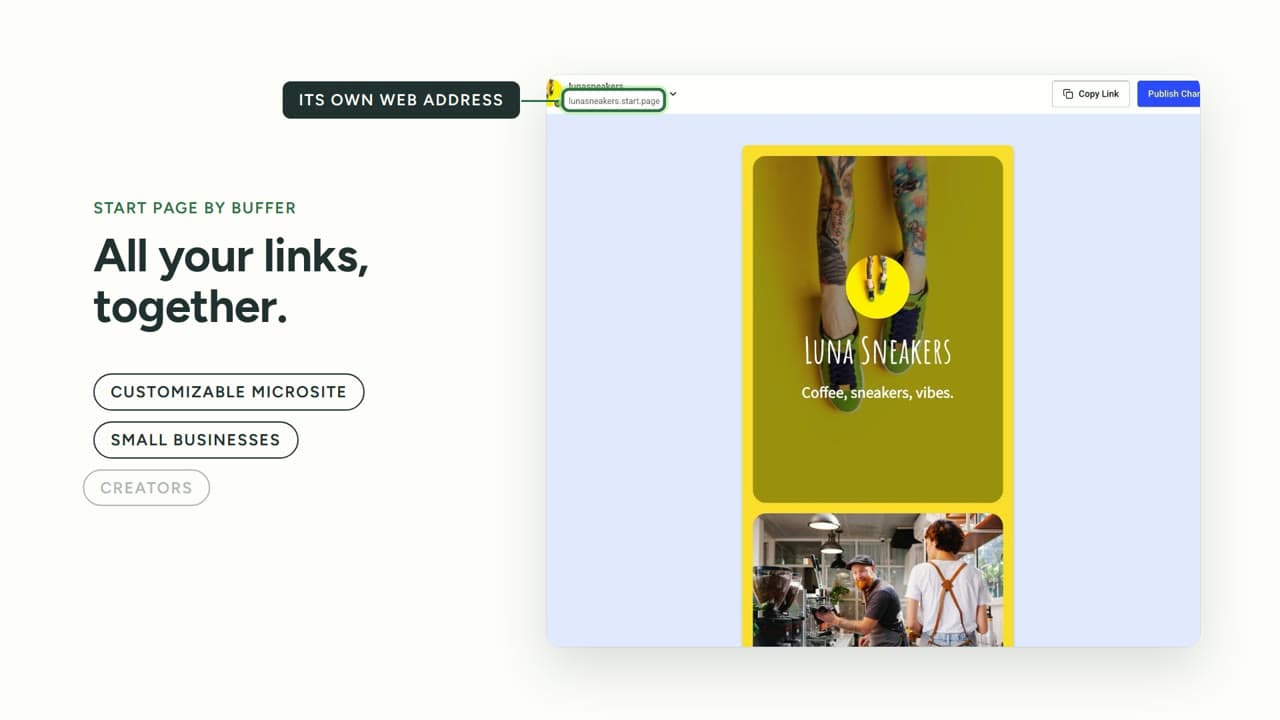
Buffer Start Page — One page for what you want to share
by Rishikesh Ranjan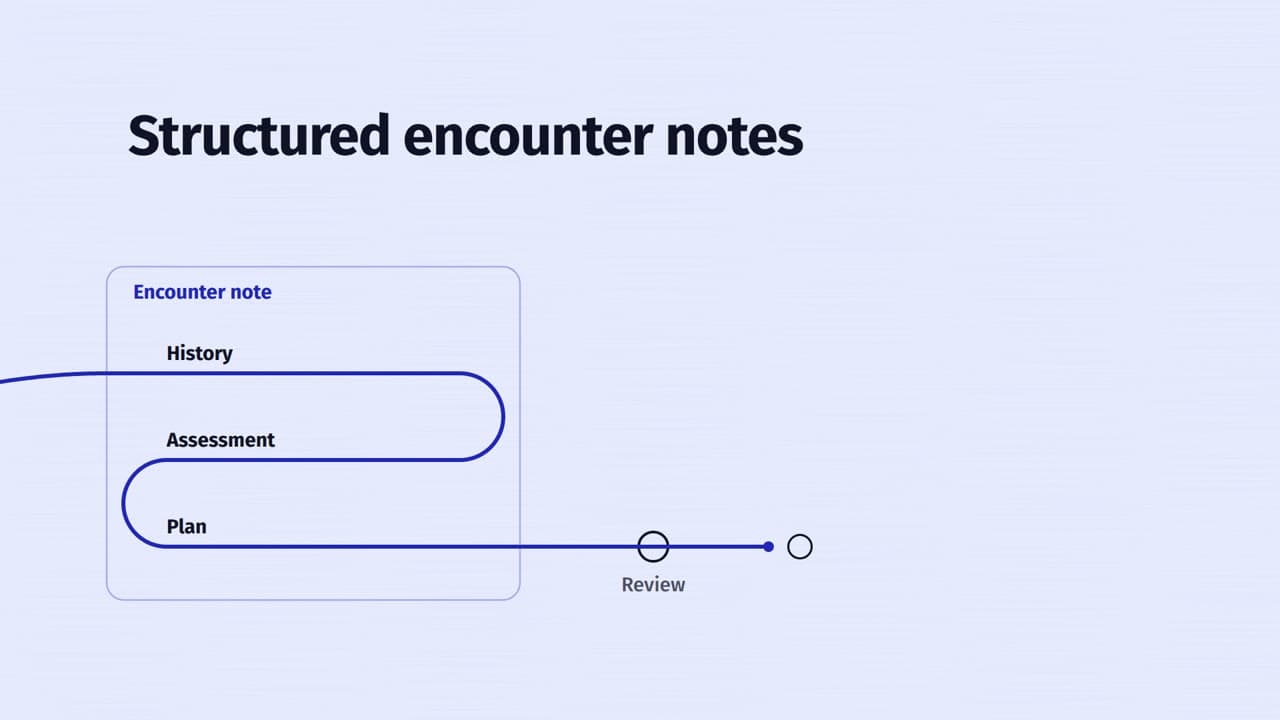
Nabla — one thread, from documentation to care
by Rishikesh Ranjan“We spent $12,000 on an explainer. It still doesn't explain what we actually do.”
- Week 1
Brief the agency. Hop on a discovery call. Share the brand guidelines, the positioning deck, and the latest pricing page. The account manager promises a first draft in three weeks. The launch window is in five.
- Week 3
First draft arrives. The narrator mispronounces the product name twice. The animated workflow shows the dashboard layout from before the December redesign. The CTA is generic and the brand colors are close but not exact.
- Week 4
Revision one queued. Their team needs 5-7 business days. You provide a 14-item feedback doc covering pronunciation, workflow accuracy, and a missing pricing tier. Engineering quietly ships another release in the meantime.
- Week 5
Revision two arrives. Pronunciation fixed. The workflow now shows the December UI, but engineering shipped a March redesign last Thursday. Your CMO flags it on review. Revision three queued. Launch window now within ten days.
- Week 7
Launch ships without a SaaS explainer video. The landing page goes live with a wall of text and three static screenshots. Bounce rate on the new product page sits 22 points above the homepage average. The CEO asks why every competitor has a 60-second explainer and you don't.
- Week 9
Final cut arrives. Looks polished in isolation. Already references workflow steps that no longer exist. Invoice for revisions tacks 40% onto the original $12,000. The video gets posted, gets 800 views in the first week, and goes stale before anyone updates it.
of B2B buyers report watching at least one explainer video during a software evaluation — but most SaaS teams can't get one made fast enough or accurately enough to be the explainer that actually lands.
“Six weeks of revisions, three discovery calls, two missed launch windows — and the animated workflow shipped pointing at a UI we deprecated two sprints ago.”
From "can someone just explain what we do?" to "wait, your team made this?"
Your homepage opens with three paragraphs of copy and a hero image. Prospects scan for fifteen seconds, decide they don't understand what your SaaS does, and bounce to a competitor with a 60-second explainer at the top of the fold.
Your homepage opens with a SaaS explainer video that opens on the problem, shows the workflow in 35 seconds, and lands a CTA. Time-on-page jumps. Bounce drops. Trial signups stop dropping off before the form even loads.
You brief the agency on a feature launch. Six weeks of discovery calls, revisions, and missed deadlines later, you ship a cut that already references a UI you deprecated last sprint. The launch goes live without video and the campaign underperforms.
You paste the product docs and the URL into ngram. Twenty minutes later you review a SaaS explainer video with the right narrative structure, accurate workflow visuals, your brand kit, and a clear CTA. It ships the same day the feature does.
Every revision request adds 30-50% to the agency invoice. By the time the explainer is ready, three more features have shipped. You either pay for another round or live with messaging that contradicts the live product.
When engineering ships a UI update on Thursday, you refresh the SaaS explainer video Friday morning. Swap the affected storyboard scene, re-render, push. No re-brief. No new invoice. The explainer keeps pace with the release calendar.
Professional SaaS explainers from what you already have
Bring product docs or a rough screen recording. ngram turns either into a SaaS explainer video that follows a problem-solution-proof-CTA arc — same motion graphics, same brand kit, no agency brief.
Start from product docs or a URL
Drop in a landing page, feature spec, or the public docs site. ngram extracts the core messaging, writes a script structured for B2B SaaS evaluation, plans the storyboard, and assembles a complete explainer with motion graphics, voiceover, and captions. Review and edit the plan before anything renders.
URL to VideoOr start from a screen recording
Record a quick walkthrough showing the core workflow. ngram cleans it up with smart zooms, cursor smoothing, auto-cut, and dead-air trimming, then layers in professional narration and branded captions. Turn raw screen capture into a SaaS explainer video without opening a timeline editor.
Screen Recording to VideoOne SaaS explainer, every channel
Sounds like your best sales rep on their best day — and ships before the next release breaks the storyboard.
Already wrote the launch deck? Run it through PPT to Video first — the polish step downstream is identical.
What changes when SaaS explainer video ships in 30 minutes
Every launch finally gets the explainer it deserves
Top benefitTwenty minutes per video, not eight weeks. Marketing stops choosing which features get a video. Every launch, every audience segment, and every market gets a SaaS explainer that matches the live product.
of buyers say a brand video convinced them to purchase a product, per Wyzowl's 2025 state of video marketing — when the explainer actually communicates the product, not just the brand.
Explainers stay accurate after every release
Swap the affected scene in the storyboard, re-render, push. No re-brief. No new invoice. The SaaS explainer video matches the live UI even when engineering ships every sprint.
One product, many audiences
Spin a developer-facing explainer, a CFO-facing explainer, and a trial-user explainer from the same source material. Different scripts, same brand kit, each cut tuned to who the campaign is targeting.
Product docs → polished explainer in 3 steps
Paste your product content
Drop in a landing page URL, feature doc, or rough screen recording. ngram extracts the core messaging and builds the structured script from whatever raw material you bring.
Review the plan containing the script
ngram generates a narrative arc — problem, solution, proof, CTA — with motion graphics, voiceover, captions, and your brand kit applied. Rearrange sections, edit the script, or approve as-is before rendering.
Render and publish
Choose the destination and framing for this version before the edit, review its captions and motion, then download the finished MP4. Create differently framed channel versions as separate edits.
Built for SaaS explainer video, specifically
Who ships SaaS explainer videos in your company?
Product Marketing
Hero explainers, feature launches, and segment-specific cuts without an agency retainer. The SaaS explainer library becomes a managed asset you refresh every release window instead of a one-off project you scramble to recreate.
Founders
Pitch explainers, investor updates, and Product Hunt launch films that look studio-made. Replace the agency invoice with a thirty-minute SaaS explainer workflow you run between meetings — and refresh before the next board check-in.
Growth & Marketing
Hero explainers, ad creative, and short-form cutdowns spun from one product brief. Test ten SaaS explainer variants before lunch without a creative sprint per concept — then run the winning hook into the campaign that afternoon.
Product Managers
Ship a polished SaaS explainer alongside every release. Roadmap walkthroughs, beta-program explainers, and internal product updates all flow from the same release-notes doc the engineering team just shipped — without pulling marketing into the sprint.
Sales Enablement
Persona-targeted SaaS explainers that arm the sales team for objection handling. Build a library by buyer persona — developer, manager, CFO — and load it into the sales sequence so every deal stage has the right explainer attached.
Developer Relations
API explainers, SDK walkthroughs, and integration guides that ship as fast as the code they document. Turn a doc page or SDK example into a SaaS explainer before the next release branches off main — and refresh on the deprecation calendar.
Customer Success
Onboarding explainers, feature education, and renewal narratives trial users actually finish. Re-render scenes in minutes when the product UI shifts so CS never sends a SaaS explainer that contradicts the live experience.
Support Teams
In-product help explainers and visual help-center responses that close the loop in one reply. Auto-zoom on the click that matters; turn the long thread of 'can you share a screenshot?' into a single shareable explainer.
Explore more use cases
Other ways B2B SaaS teams use ngram to ship video without the agency cycle.
You don't need a fresh shoot to make a SaaS explainer.
Bring whatever you already have — docs, deck, or recording. Each converter drops you into the same motion-graphics, caption, and brand-kit pipeline.
Every tool the SaaS explainer pipeline runs on.
The old way vs. the ngram way
| Video Agency | Synthesia / Vyond | ngram | |
|---|---|---|---|
| Time to first SaaS explainer | 6-12 weeks | 3-8 hours (learning curve) | Under 30 minutes |
| Cost per explainer | $3,000-$25,000 per cut | $29-$58/mo + your time | Included in plan |
| Learning curve | None (they do it slowly) | Moderate (avatar or scene setup) | None (AI handles editing) |
| Time to update after release | Weeks + 30-50% revision fee | Hours of rework | Under 10 minutes |
| Brand consistency | Depends on brief quality | Manual every time | Select your saved Brand Kit |
Wire the SaaS explainer into your launch workflow.
Each integration ships with a working template. Trigger a SaaS explainer from a release tag, a CRM stage, or a chat agent — or build your own with the REST API.
whenA new release tag is published on the production branch
thenRender an updated SaaS explainer from the release notes and replace the landing-page embed
whenClaude or ChatGPT calls the explainer tool with a feature spec or product URL
thenReturn a polished SaaS explainer video and a hosted share link inside thirty minutes
whenYou hit 'Make an explainer' on the launch page you're already inside
thenGet a polished MP4 back in a new tab using the saved Brand Kit you selected during creation

whenA self-hosted release pipeline ships a launch build
thenAuto-generate a SaaS explainer for the launch page on your VPC and push it to the embed
whenYou approved the SaaS explainer; the company post can go on the calendar.
thenChoose a one-off calendar time for the company post featuring the SaaS explainer.
whenThe final cut for the SaaS explainer is ready for a social post.
thenVerify the destination with OAuth, then schedule the SaaS explainer as a one-off social post in the calendar.
whenThe final cut for the SaaS explainer is ready for a channel post.
thenVerify the destination with OAuth, then schedule the SaaS explainer as a one-off channel post in the calendar.
Will it work for my situation?
How do I make a SaaS explainer video?
What makes a good SaaS explainer video?
Will the explainer look polished enough for enterprise prospects?
What happens when our product UI or messaging changes?
How is this different from Synthesia, Vyond, or hiring an agency?
Your SaaS explainer is 30 minutes away
Stop spending thousands and waiting months on a video that's outdated by launch day. Start shipping SaaS explainer videos that actually explain what the product does — and refresh on every release.