Back to How to
How to

How to Send a Finished Video to an Editor for Review With n8n

Build an n8n handoff that matches the video to its original brief, routes failures separately and gives the editor one review record to act on.

How to Send a Finished Video to an Editor for Review With n8n
3 min read•Updated at November 2, 2026
Written and edited by
Rishikesh Ranjan
Rishikesh Ranjan
all thing growth @ ngram.com

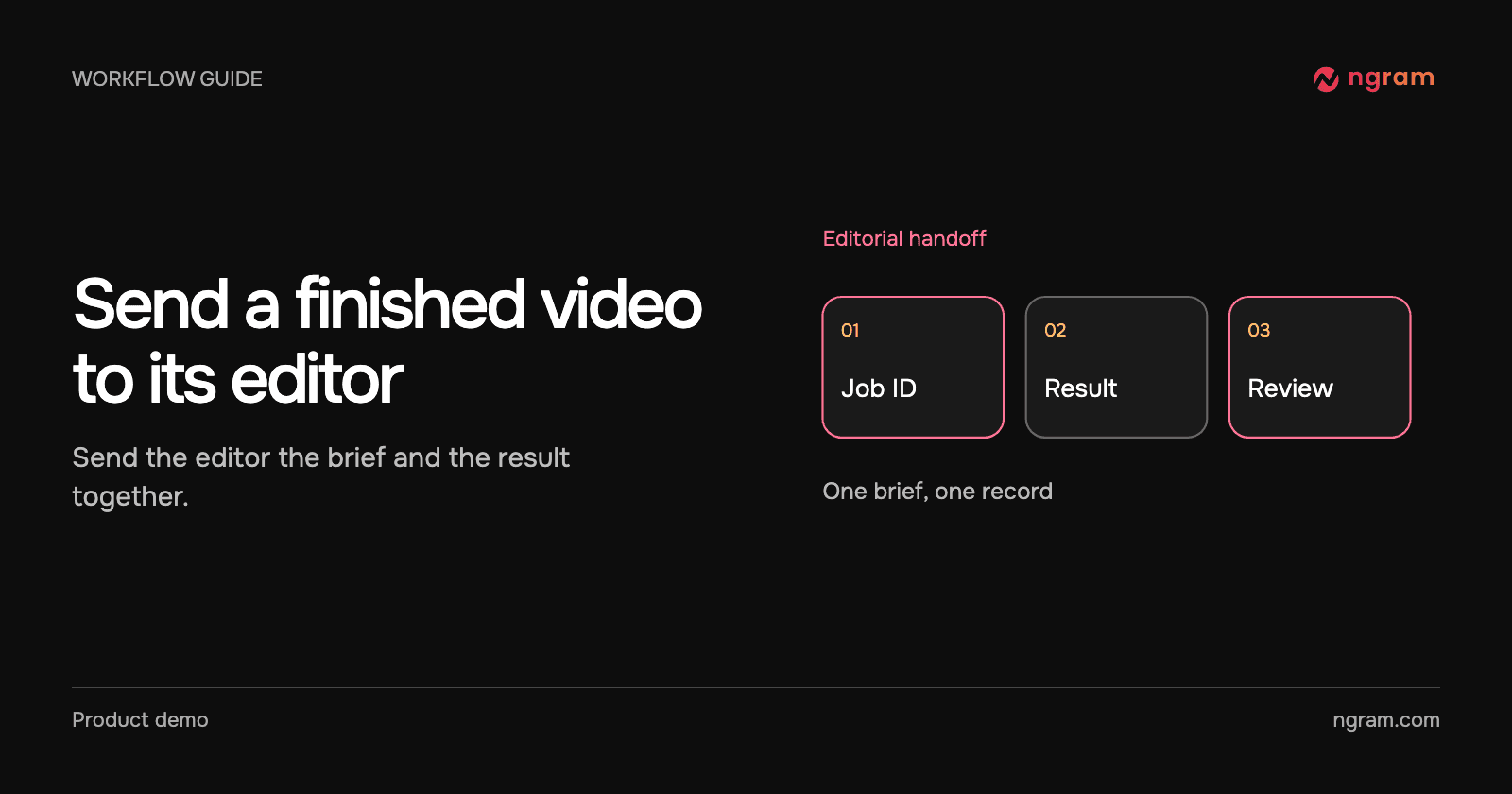
A training editor has three onboarding videos due on Friday. Three notifications that say “video ready” leave her with a sorting job. A useful handoff carries the brief, video link, reviewer and exact question together: “Does the role picker match the release?”

Save the job beside its brief

Install the verified ngram node for n8n, choose the ngram credential, and test with a sample review record your team controls. Create an ngram API key for the credential. Creating videos through the API requires a paid plan and enough credits for the selected model. Start the video from the approved brief. Write the returned job ID into that record before waiting for the result.

Split completion from failure

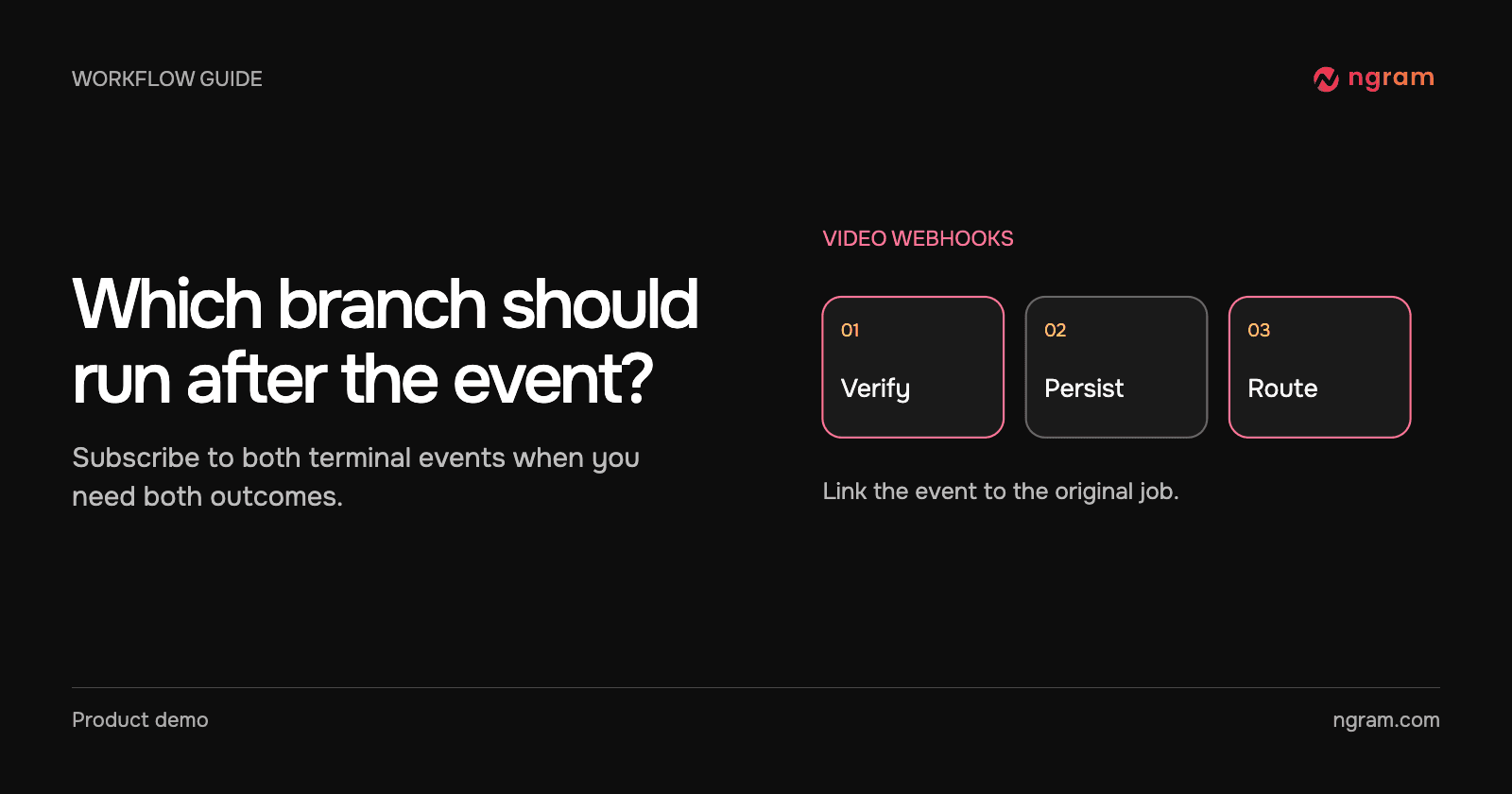
Use the terminal trigger for video.completed or video.failed. Configure a separate branch for each outcome. On completion, match the job ID to the source and use Get Status to retrieve or confirm the playable result. On failure, save the reason and alert the workflow owner. Don’t mark the record ready for editorial review.

The sample follows one onboarding brief. If your instance cannot accept incoming webhooks, poll the same job with Get Status at a bounded interval. Stop polling when it reaches a terminal state. An event that arrives twice should update one record, not send two review invitations.

Give the editor an action

Use the destination node for the tracker your editor already uses. Map the video URL, source brief, assigned editor and review question. Set the record to Ready for review only after the link exists. An editor can then open it with their normal account and mark the content approved or request a change. Access to the tracking record alone does not guarantee access to the video.

Test the handoff before turning it on

Use one successful test, one failed job and a repeat of the same completion event. Check that the editor sees one actionable record on success and none on failure. If the team only makes an occasional video, a manual handoff using the sharing guide is often easier to maintain.
Related articles

Should You Post Your Video as a Reply on X or Start a New Thread?
How to3 min read

Should You Post Your Video as a Reply on X or Start a New Thread?

Decide whether a video belongs in an existing X conversation or in a new post from your account. Compare a real explainer reply with a standalone announcement brief.

How Tongram
Rishikesh Ranjan
Rishikesh Ranjan
Growth Lead
Nov 2, 2026
How to Schedule a Product Video on LinkedIn
How to3 min read

How to Schedule a Product Video on LinkedIn

Choose the right LinkedIn destination, review the launch time and verify that the video appears after the scheduled slot.

How Tongram
Rishikesh Ranjan
Rishikesh Ranjan
Growth Lead
Nov 2, 2026
How to Brief a Teammate Who Picks Up a Complex Ticket Mid-Sprint
How to3 min read

How to Brief a Teammate Who Picks Up a Complex Ticket Mid-Sprint

Prepare a mid-sprint ticket handoff that separates the problem, confirmed evidence, open questions and first reproducible check. Use a short video only for something the next owner needs to see.

How Tongram
Rishikesh Ranjan
Rishikesh Ranjan
Growth Lead
Nov 2, 2026
How to Deliver a Customer’s Video as Soon as It’s Ready
How to3 min read

How to Deliver a Customer’s Video as Soon as It’s Ready

Design an asynchronous video handoff that matches a finished job to the intended customer, checks the correct version and avoids duplicate notifications.

How Tongram
Rishikesh Ranjan
Rishikesh Ranjan
Growth Lead
Nov 2, 2026
How to Explain a Code Change to Customers Without Showing the Diff
How to3 min read

How to Explain a Code Change to Customers Without Showing the Diff

Translate a pull request into a customer-facing explanation. Use the shipped action, a visible before-and-after result and a written availability check instead of exposing the diff.

How Tongram
Rishikesh Ranjan
Rishikesh Ranjan
Growth Lead
Nov 2, 2026
How to Handle Completed and Failed Video Jobs With Webhooks
How to3 min read

How to Handle Completed and Failed Video Jobs With Webhooks

Set up a signed ngram webhook receiver, verify the raw request, route video.completed and video.failed separately, and deduplicate retries without losing a new edit.

How Tongram
Rishikesh Ranjan
Rishikesh Ranjan
Growth Lead
Nov 2, 2026

Ready to create your first video?

Turn your source material into a video. Shape the brief, review the plan and make it yours.