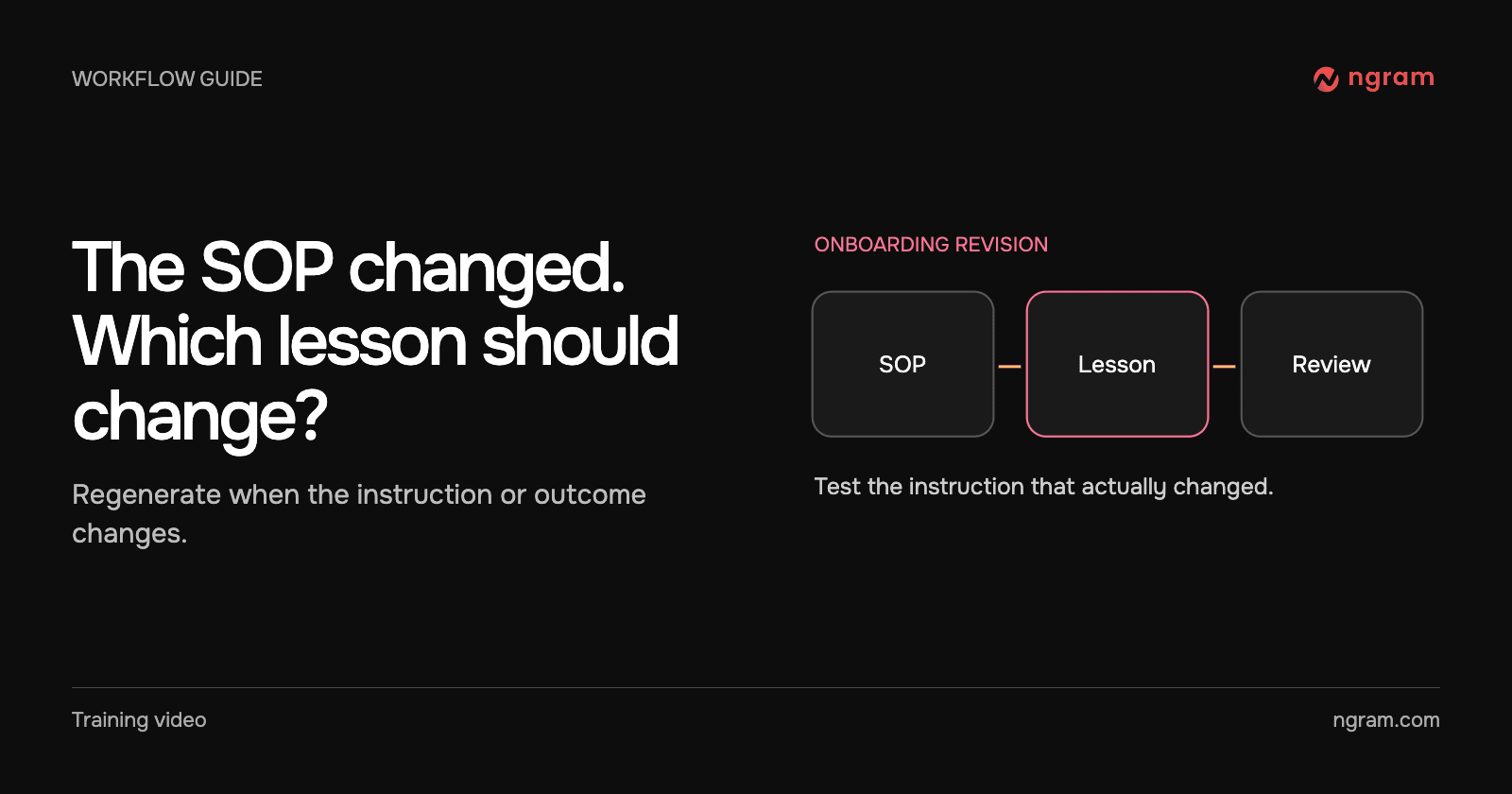

An onboarding SOP used to tell new hires to find their checklist. The revised instruction now names the Getting started guide, tells them to complete its first two items and gives Friday’s progress check to the account owner. The training owner should update the lesson that teaches that step, not remake every onboarding video.
Decide whether the video teaches an obsolete action
Write the old instruction beside the approved new one. Identify what the employee must now do differently and what a successful handoff looks like. A corrected punctuation mark or a new contact address may belong only in the written SOP. A change to the sequence, owner or decision can make the video misleading.
Check which row originally produced the lesson and which page the cohort uses. If someone simply pasted a public link into the Notion converter, the project is a one-off conversion. The row replacement below applies to the connected workspace workflow.
Update the source and regenerate the existing row
Keep the approved rule in its source page. On the request row, check Topic, the Source page mention and any Add video to destination. Adjust the angle if learners need attention drawn to the changed step. Choose Action → Generate. Editing the source alone does not issue a new request. Wait until any previous job has completed or stopped before requesting another version.
The example uses the Getting started SOP to request an onboarding lesson, then shows where to request a new version after the SOP changes. The original row keeps the request and its status together. When the new video is Ready, ngram replaces the earlier video it added to the row and its connected destinations. Do not duplicate the row simply to make a revision.
Check the exact instruction in the new version
Read Notes to see which pages were used and whether anything was omitted. Open Video and look for the sentence or screen the revision changed. For our sample, the learner should be able to find the guide, identify the first two items and explain who checks progress on Friday. If the video still reflects the old rule, check that Source page names the approved SOP and that the relevant child page was shared. Correct the brief before generating again.
Separate connected placements from independent copies
Open the destination learners use. A video ngram placed on a connected page can be replaced there. An MP4 someone separately uploaded to an LMS, or a file attached to an old onboarding email, is another copy with its own owner. Update those deliveries explicitly.
Ask the training owner to record the revised source date, reviewed video and destination before notifying the next cohort. For a broader set of courses, the customer onboarding video guide helps keep each lesson attached to one task and one maintained source.
If this lesson has no existing request row, create a Notion video row first. Keep the source and review owner with that row for the next revision.