

Table of Contents
Choose a Vidyard alternative around the work you want to improve: personal sales outreach, video marketing on your website, customer support or creating a new explanation from source material. These seven options have different strengths. Vidyard itself now generates personalized videos with Video Agent, so a recording-only comparison misses an important part of its current offering.
When to switch from Vidyard
| If you need to… | ngram | Vidyard |
|---|---|---|
| Create a follow-up that explains the next step after a demo | ✓ Yes · Advantage Bring the demo and related product details. Review the script, generate a new explanation and share it with the buyer. | – Limited Use Vidyard to record a message or create a personalized sales video in its video workflow. |
| Trigger personalized outreach from CRM activity | – Limited Share the finished video through your sales tools. | ✓ Yes · Advantage Configure Vidyard Video Agent to create and send personalized videos when specified CRM actions happen. |
For the full workflow and plan differences, see ngram vs Vidyard.
Which workflow do you need?
| Recurring job | Evaluate | What to compare |
|---|---|---|
| A new customer explanation from notes, a page or a deck | ngram | Plan, source fidelity, style and revisions |
| Screen-and-camera updates with threaded feedback | Loom | Recording, transcript edits and sharing |
| Website video and marketing measurement | Wistia | Player, lead capture, attribution and AI editing |
| Personalized outbound videos from one recording | Sendspark | Dynamic minutes, variables and connected campaigns |
| Video messages within a sales workflow | Dubb | Landing pages, CRM, email/SMS and automation |
| Sales video plus document/avatar creation | Hippo Video | Which product and plan cover the workflow |
| Support recordings, screenshots and guides | Zight | Capture, annotations, requests and AI actions |
When staying with Vidyard makes sense
Vidyard is worth keeping when recorded or AI-generated outreach, branded share pages and sales-system integration already serve your team. Video Agent uses scripts and buyer variables for personalized campaigns. Compare that workflow directly with an alternative’s outreach tools.
Vidyard lists Free, Starter, Teams and Enterprise. Confirm the renewal price and whether Video Agent is an add-on for the selected plan. Current plans
1. ngram: a new video from your business material
Try ngram when you have a product page, approved notes, PDF, PowerPoint or footage and need an explanation for a particular audience. Choose the style and settings, approve the plan containing the script, then revise in chat or the timeline. The example below makes that process visible.
See a real demo follow-up
This ngram example uses public Supabase material for a demo follow-up. Open the exact input, source, selected style and transcript beside the result, then adapt the brief. It demonstrates ngram’s creation workflow; it is not a Vidyard-generated video or a migrated editable project.
From this input to this video
A recap of Supabase’s public demo: create a branch, change the schema, review and merge. The closing action is a suggested next step.
Prompt
Create a 45-second follow-up video after a demo of Supabase Branching for developers who watched Supabase’s public branching demo. Use these approved demo materials, meeting notes or public product sources: the official demo https://www.youtube.com/watch?v=AMQqhHxz5UI and current documentation https://supabase.com/docs/guides/deployment/branching. Recap the audience goal: test database schema changes separately before merging them into production. Show the workflow discussed: in Jon Meyers’s demo, create an add-comments branch, add a comments column to the posts table, review the changes and merge the branch; recap the real demonstrated workflow rather than implying a private customer meeting. Use this verified supporting detail: the demo shows the comments column in the main branch only after the merge completes. Address this open question using only the supplied answer: Does a branch copy production data? No: the demo and documentation describe an isolated branch with the schema but without production data. Keep commercial terms exactly as stated in the source. End with this next step: as a suggested next step, read the current branching guide and evaluate the workflow in a test project; no buyer commitment is recorded. Describe it as agreed only when the source records that agreement; otherwise present it as a suggestion. Use actual product screenshots or recordings from the supplied sources for UI demonstrations. Tone: helpful and practical. Voiceover language: English.
Selected style
Product spotlight
Read the video transcript
Here's a quick recap of Jon Meyers's Supabase Branching demo. The goal: test database schema changes separately, before they touch production. First, he created a branch called add-comments. On that branch, he added a comments column, type text, to the posts table. Then he reviewed the changes: a diff showing exactly what would run against main. And he merged the branch. The comments column appeared in main only after the merge completed. One open question: does a branch copy production data? No. The demo and the docs describe an isolated branch with the schema, but without production data. A suggested next step: read the current branching guide, and evaluate the workflow in a test project.
Turn a demo into a useful follow-up
The example uses Supabase’s public recording and docs. For your own demo, bring an exported video file or suitable public source and explain what the viewer needs next.
Bring the source
Download your authorized source recording from Vidyard on an eligible paid plan, then upload the file in ngram. Add any supporting notes or public sources.
Adapt the brief
Fill in your product, audience, verified details and next step below. In ngram, attach your files and select the Brand Kit you want to use.
Approve and create
Review the proposed plan containing the script. Approve it to generate the video, then request any revisions before sharing or downloading.
Make it yours
Fill in your details here, or continue and finish your brief in ngram.
Video generation uses credits. Review your estimate in ngram. MP4 downloads require Basic or higher.
How credits workFor an existing Vidyard recording, use its download workflow on an eligible paid plan with permission. Upload the file to ngram and describe the audience, key points and next step. Keep the editable original in Vidyard.
Set up your Brand Kit and select it in the composer for the current video. Turn captions on when wanted. After reviewing the result, request revisions; for another length or aspect ratio, select those settings and ask for another version. When the source changes, tell ngram what changed and ask it to update the video.
ngram pricing includes 1,000 credits/month on Free. Basic costs $29/month with monthly billing and includes 3,000 credits per cycle; annual billing is $23.20/month equivalent with 36,000 credits supplied upfront. The base rate for premium AI video generation is 10 credits per second, with a cheaper model at 3. Share publicly or embed on Free; use a paid plan for MP4 downloads and Basic or above for unlisted links.
With ngram video hosting, the video you make gets one link and an embed; ask for a change, choose Update, and both play the new version.
Continue with ngram vs Vidyard, the demo follow-up template or product demo videos.
2. Loom: recording and asynchronous feedback
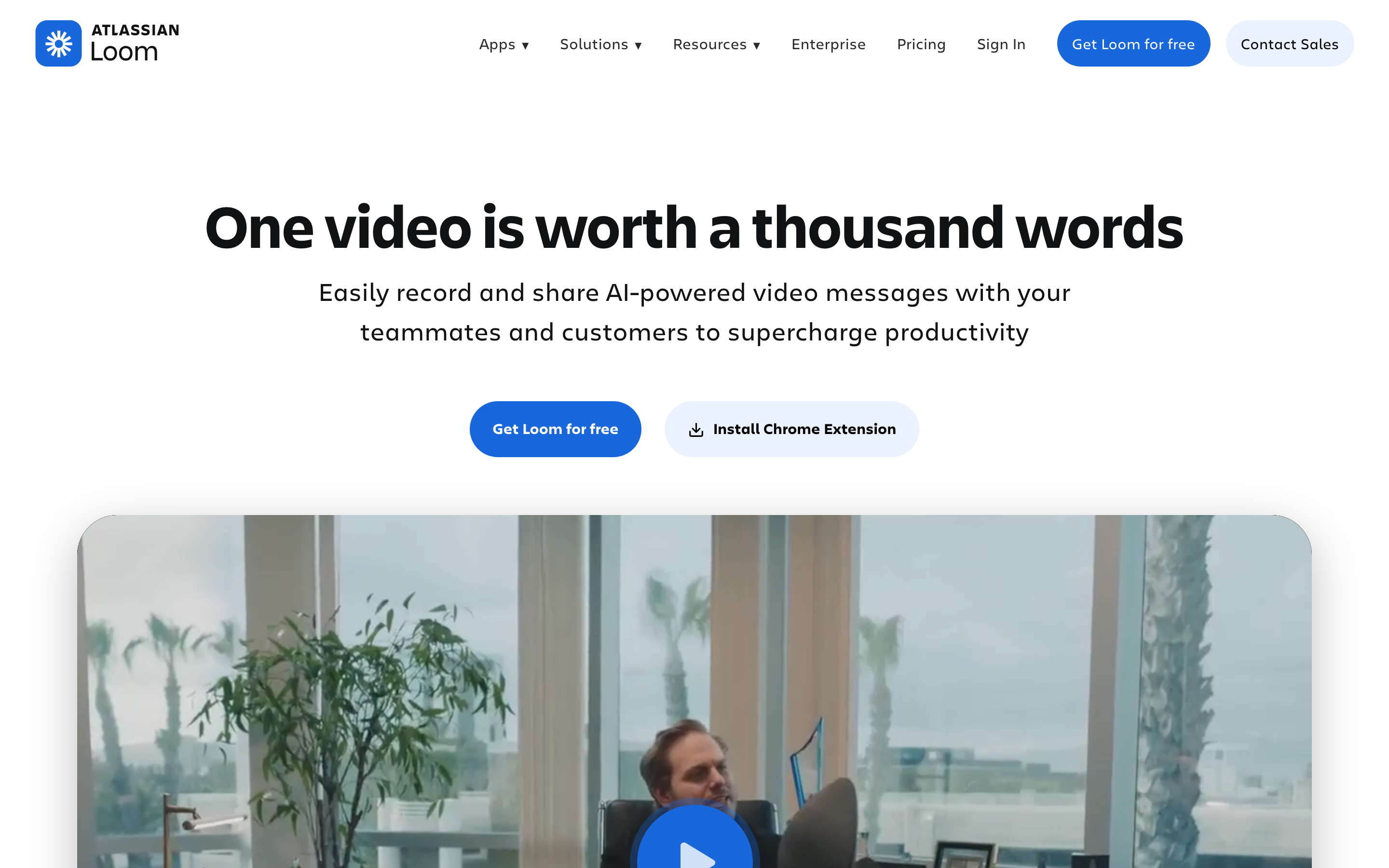
Loom combines screen/camera recording with comments, reactions and links that fit internal updates and customer explanations. Its current tools also include transcript-based editing and AI assistance. Evaluate the actual recording and revision, rather than assuming a recording can only be shared untouched.
Loom pricing lists Business at $18/user monthly or $15/month equivalent annually, and Business + AI at $24 or $20. Starter allows 25 videos per person with a five-minute recording limit. Paid upload/download and AI entitlements matter when you want to reuse a recording. See ngram vs Loom.
3. Wistia: website video, marketing measurement and AI editing
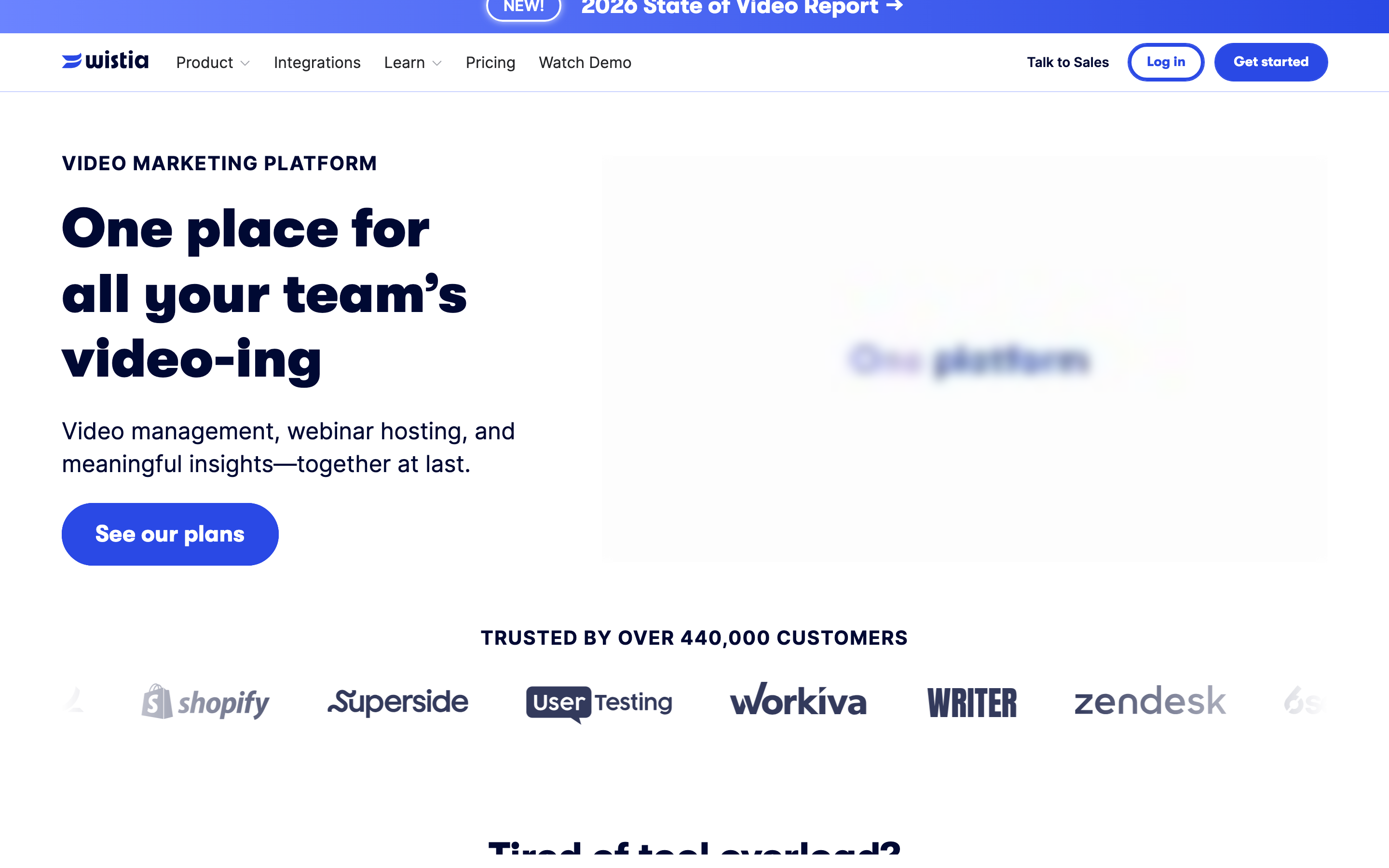
Wistia is worth evaluating for branded website players, lead capture and marketing measurement. Its Remix editor also accepts footage or a YouTube link and edits through chat, with further editor controls and MCP access. It should not be described as hosting with no creation or editing workflow.
The selected pricing views showed Business at $99/month or $79/month equivalent annually, including three users, 250 GB storage and 5,000 monthly credits at the starting configuration. Business + Signals was $412 or $329 respectively for marketing-platform connection and attribution. Free includes one user, 25 GB and lifetime credits; compare storage, bandwidth and add-ons as well as the entry price.
If your bottleneck is producing the video, create it in ngram and use the paid MP4 download in your existing publishing workflow. If the bottleneck is website measurement, evaluate Wistia’s player and Signals. See ngram vs Wistia.
4. Sendspark: personalized outreach from one recording
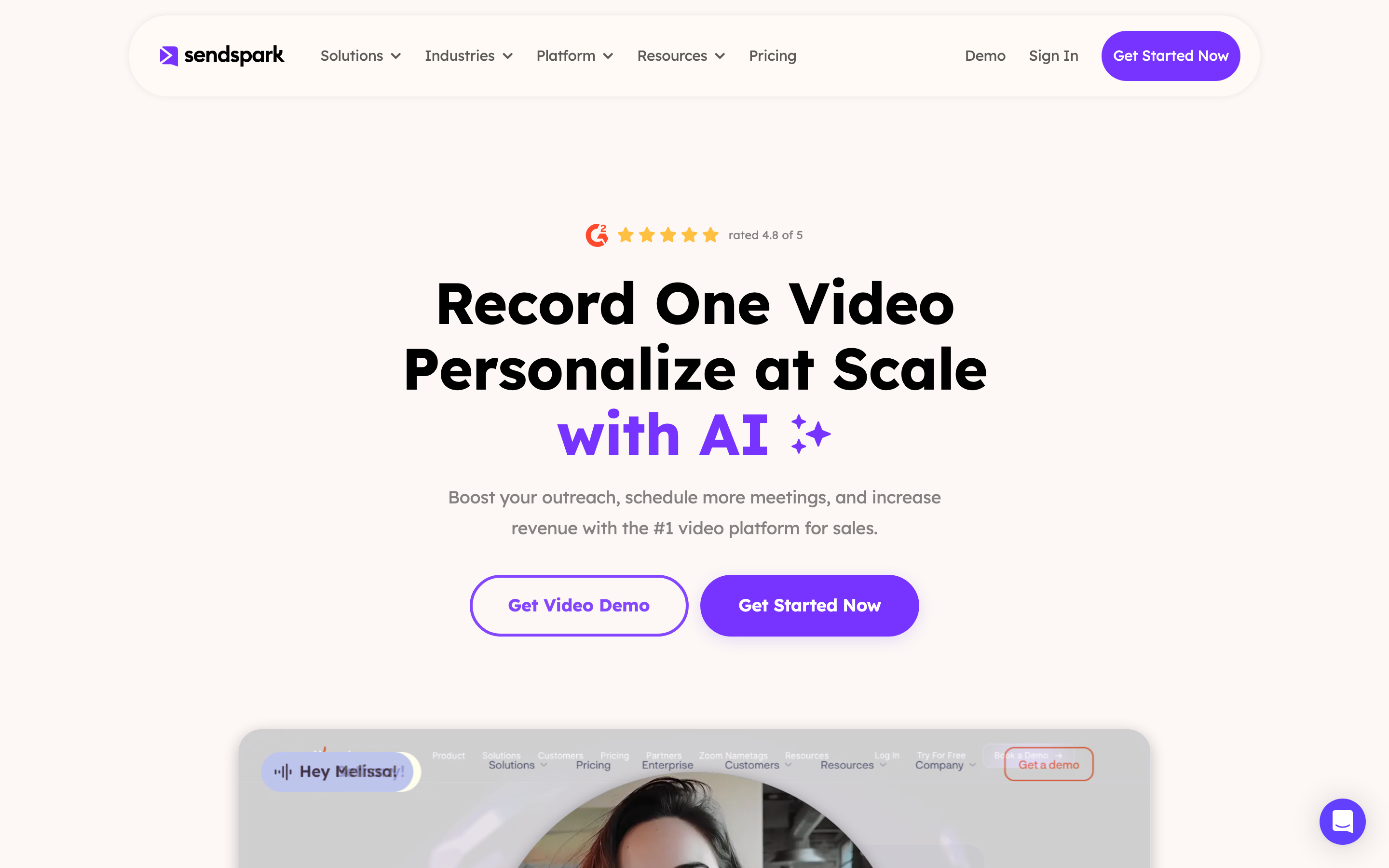
Sendspark creates personalized variants using a recording, cloned voice, prospect details and dynamic backgrounds. Growth adds agentic workflows, API/webhooks and advanced integrations. This is worth evaluating when the repeated task is generating and distributing individualized outbound messages.
The selected Sendspark plans showed Solo at $49/month or $468/year, with one seat and 100 Dynamic Video Minutes. Growth was $99/month or $828/year, with three seats and 250 minutes. Usage above the included minutes and workflow-task allowance has its own pricing. A seven-day trial lets you assess the setup and output; see ngram vs Sendspark.
5. Dubb: video within a sales process
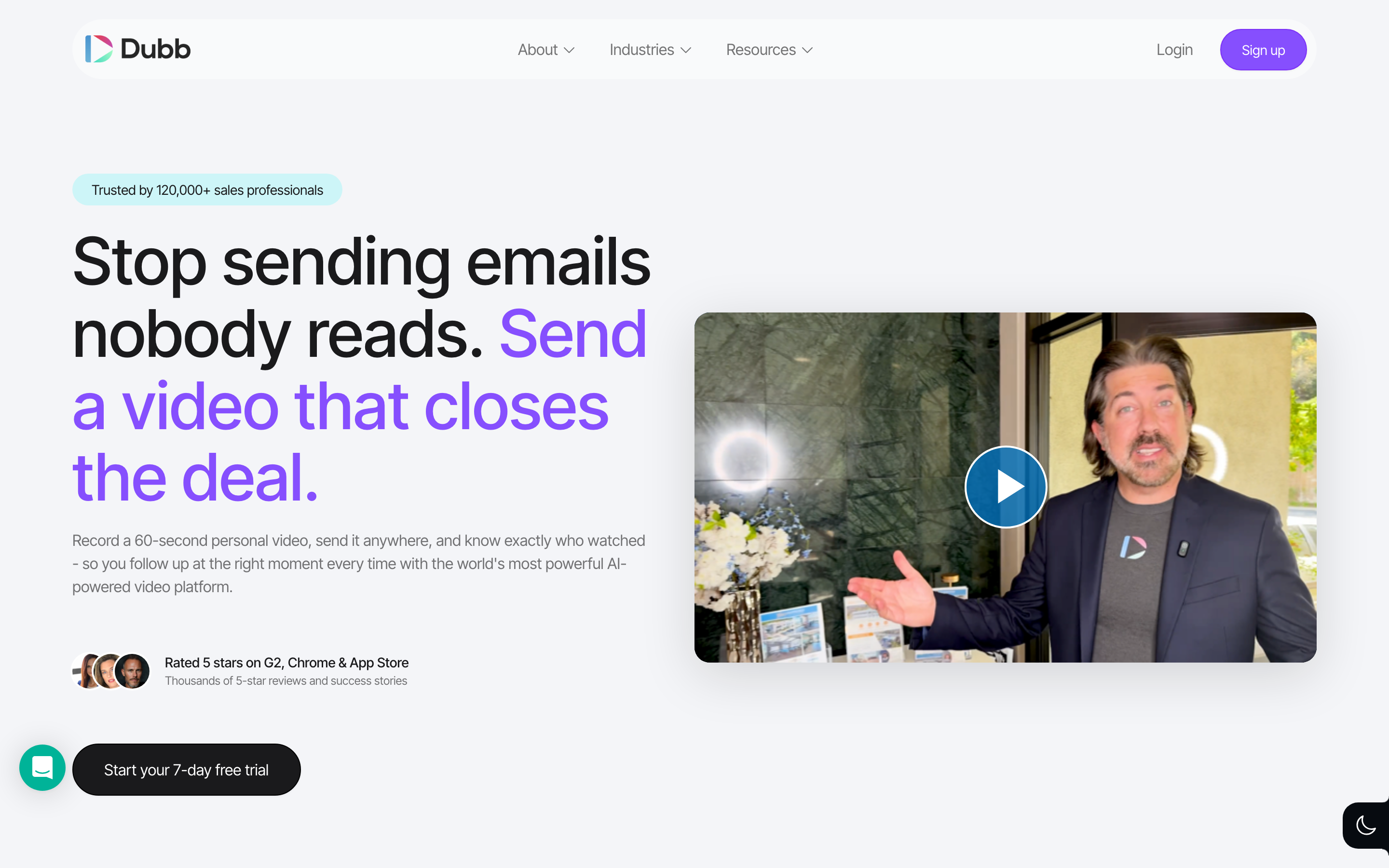
Dubb combines recording, video landing pages, calls to action and sales communication. Its current plans include AI tools, and its separately billed Sales Agent works on lead research, follow-up and CRM tasks. Evaluate the video platform and agent as separate purchasing decisions.
The monthly selector showed Pro at $59/user and Pro Plus at $129/user. Annual totals were $499 and $1,080 per user; the site rounds their displayed monthly equivalents. Starter is free with 25 SD videos. Pro adds branding and campaigns; Pro Plus adds automation and custom-domain features. The separate Sales Agent was $50/month with 50,000 credits. See ngram vs Dubb.
6. Hippo Video: sales messaging and document-led avatar video
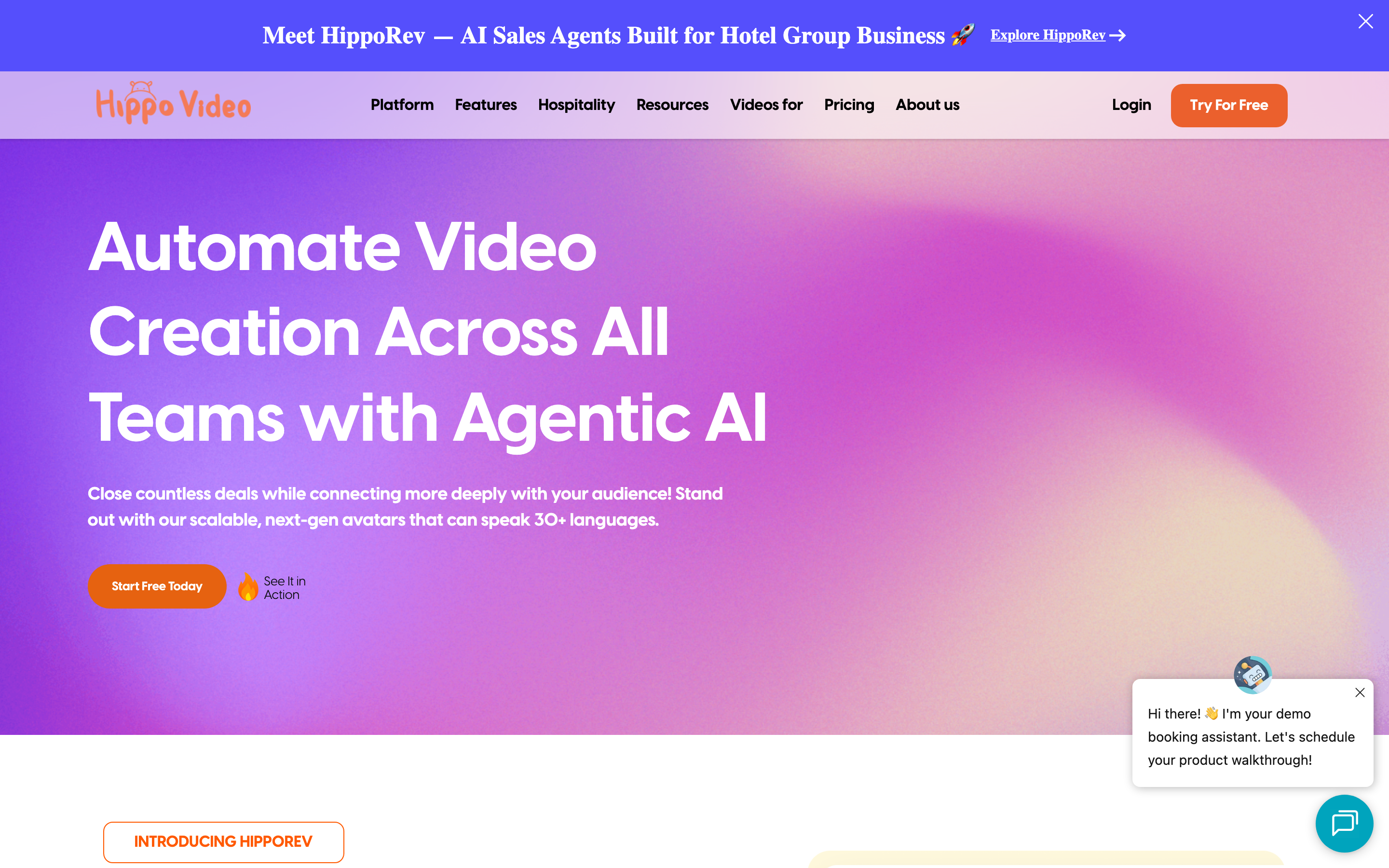
Hippo Video offers both sales messaging and text-to-video products. Its document workflow accepts PPT or PDF, adds an avatar and lets you edit the voice-over script before generation. Compare the product covering your actual source and delivery process.
On the pricing page, Video Messaging Pro was $30/user monthly or $20/month equivalent annually; Teams was $75 or $60. The separate Text-to-Video Starter was $29 or $24, and Creator $89 or $69. Creation charges, download/share allowances and bundled access differ, so an entry price alone is not the full cost. See ngram vs Hippo Video.
7. Zight: capture, support requests and generated guides
Zight combines recordings, screenshots, GIFs and annotations with AI actions that turn recorded information into useful documents. Its MCP server lets assistants work with video content and request links. Evaluate it for recurring support explanations, bug reports and documentation.
The selected billing views showed Create at $12.95/user monthly or $9.95/month equivalent annually. Collaborate was $15 or $12, with a two-seat minimum in the selector; it adds branding, CTAs and team controls. Share is free for basic capture and sharing. Check AI-action and video-request allowances for your volume. See ngram vs Zight.
How to move the work without losing context
Start with one recurring deliverable. Keep the original project and export the source footage where your account permits it. Bring approved notes, product links or a PDF alongside the file. In the destination tool, check the message and source details, make a real revision, then test the intended sharing or publishing path.
A sales platform may remain useful even when you change how the video is produced. For example, create a new product explanation in ngram, download the MP4 on a paid plan and publish it through the sales or marketing system your team already uses. Compare creation and distribution separately.
Industry context and review approach
Wyzowl’s 2026 survey reports that 91% of businesses use video marketing. Grand View Research forecasts a $3.44 billion AI video generator market in 2033. These are adoption and market context, not evidence that one product produces better work.
This October 17, 2026 review uses the official product, pricing and help sources linked above. The recommendations describe recurring jobs, source inputs, editing and delivery. We have not run a scored competitor-output test. The real ngram example gives you its exact input and output to inspect; list order is not a universal quality ranking.
Frequently asked questions
Which Vidyard alternative should I try first?
Choose by your recurring task: Loom for recording and feedback, Wistia for website video and measurement, Sendspark or Dubb for outreach, Hippo Video for its sales and avatar workflows, Zight for support capture, or ngram for a new explanation from business material.
Can Vidyard create AI videos?
Yes. Video Agent generates personalized sales videos using scripts and buyer information. Compare its current creation and campaign workflow, including the add-on pricing, rather than assuming every message requires a new recording.
Is there a free alternative?
Several tools offer free plans with different limits. ngram Free includes 1,000 credits/month for creation, public sharing and embeds. Use a paid ngram plan for MP4 downloads. Sendspark currently offers a trial rather than a listed ongoing Free tier.
Can I keep my existing sales platform?
Yes. You can create a video in ngram and download the MP4 on a paid plan for use in your existing publishing workflow. Check the receiving platform’s upload limits and your account permissions.
Will the original Vidyard project remain editable in ngram?
Keep the original project in Vidyard. Export and upload the recording as footage for a new ngram video, alongside your brief and supporting sources.
Can I make training or onboarding videos too?
Yes. In ngram, bring the approved training source, choose the audience and style, and approve the plan containing the script. Download the MP4 on a paid plan and add it to your learning platform. Compare specialist course features separately.