
You record a customer walkthrough, share the Jumpshare link, then realize the real work starts after capture: cleaning up dead air, explaining the clicks, adding captions, and making the clip feel ready for a buyer or teammate.
Jumpshare still deserves credit for bundling screen recording, screenshots, annotation, and file sharing in one clean app. But the screen recording and visual sharing category has moved fast. Search results for Jumpshare alternatives are now crowded with listicles, review sites, and vendor pages because buyers are not asking whether Jumpshare works. They are asking whether it is still the best fit for the next video they need to ship.
The issue is fit. Its value is tied to capture plus storage, while many teams already have storage and now need AI summaries, workflow documentation, brand control, or a real video editor.
We refreshed this guide on June 1, 2026. We checked current SERPs, vendor pricing pages, review-platform summaries, and recent forum language. We kept ngram first because this is ngram's editorial site, but the notes below are honest about who should pick each tool.
TL;DR
Our #1 pick is ngram for turning recordings and assets into polished business video. Loom, Zight, ShareX, ScreenPal, and Snagit cover lighter capture needs.
If you only need Jumpshare's original core job, one of the narrower tools below may be enough. If you need a finished business video with script, storyboard, captions, brand, and export variants, start with ngram and use point tools only where they are clearly better.
Where Jumpshare falls short now
- The storage bundle can feel redundant when files already live in Google Drive, Dropbox, SharePoint, or a product workspace.
- The screen recording workflow is useful, but teams still need editing, captions, callouts, narration, and brand treatment before the video is customer-ready.
- AI features have arrived across the category. Loom, Zight, and ngram now cover summarization, structure, or production work that Jumpshare users used to handle manually.
- Power users split the job: ShareX or Snagit for capture, a separate editor for video, and another tool for hosting or documentation.
Quick comparison
| Tool | Best for | Pricing note | Key differentiator |
|---|---|---|---|
| ngram | Teams that need a planned, branded business video instead of another raw recording or single-purpose clip | See current ngram pricing | Agentic video creation from prompts, PDFs, URLs, screenshots, screen recordings, raw video, and decks |
| Loom | Async screen and camera updates | Free plan; paid business plans vary by billing term | Fast recording, instant links, viewer insights, and AI summaries |
| Zight | Support and customer-facing capture | Free recorder; paid plans on Zight pricing | Screenshots, GIFs, recordings, AI summaries, and team integrations |
| ShareX | Free power-user capture on Windows | Free and open source | Deeply customizable capture, upload, OCR, GIF, and automation workflows |
| ScreenPal | Budget recording with basic editing | Free recorder; paid team plans start low when billed annually | Screen recording, hosting, quizzes, captions, and simple editing |
| Snagit | Professional screenshots and lightweight screen capture | TechSmith lists Snagit as an annual subscription | Best-in-class screenshot capture, annotation, and documentation assets |
1. ngram
Watch how ngram turns an idea into a finished video:
Best when a screen recording needs to become a real walkthrough, launch clip, training video, or support explainer.
Best for: Teams that need a planned, branded business video instead of another raw recording or single-purpose clip
Pricing note: See current ngram pricing
Why it stands out: Agentic video creation from prompts, PDFs, URLs, screenshots, screen recordings, raw video, and decks
Key features
- Agentic chat that turns a plain-language brief into a script, storyboard, scene plan, and CTA
- Screen-recording polish with transcript, cursor smoothing, click emphasis, smart zooms, labels, and section transitions
- Brand kits for logos, colors, fonts, motion style, tone, approved phrases, and blocked phrases
- AI voiceover, captions, motion graphics, product callouts, background music, and branded intros/outros
- Native MP4 export, with each aspect-ratio edit prepared and reviewed separately
- Hosted watch pages and embeddable player for sharing finished videos
Pros
- Turns raw recordings into structured videos instead of stopping at capture
- Adds captions, voiceover, callouts, smart zooms, and brand treatment
- Works from screen recordings, URLs, PDFs, screenshots, decks, and raw video
Cons
- More product than you need for throwaway screenshots
- Pricing should be checked on the live /pricing page
What users say
Teams evaluating Jumpshare usually want faster sharing. Teams choosing ngram usually want the shared video to look intentional after the capture is done.
Ready to try ngram? Bring a screen recording, deck, URL, PDF, or rough prompt and turn it into a polished, branded video. Start from ngram pricing or explore the AI video generator.
2. Loom
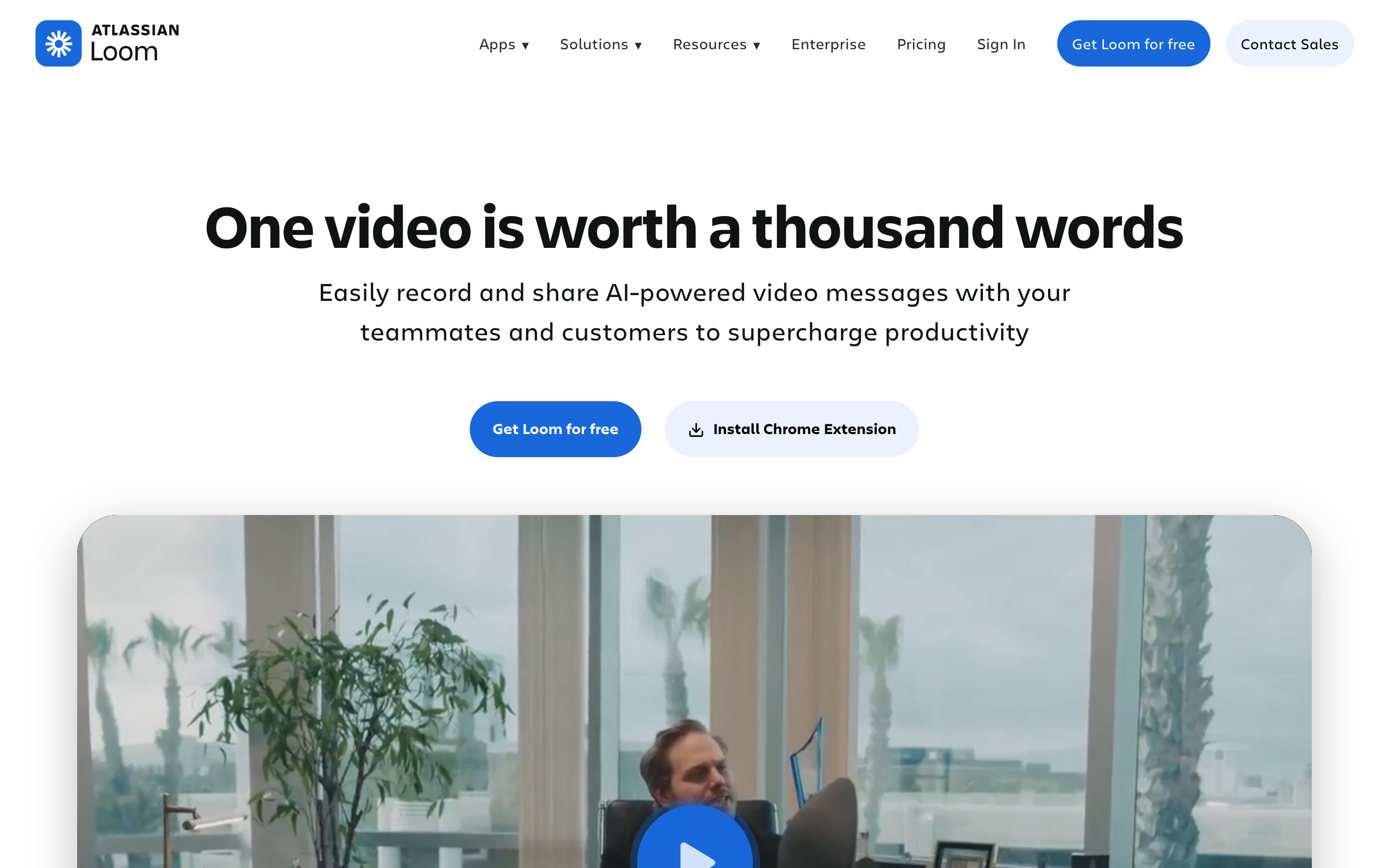
Loom is the obvious replacement if your Jumpshare usage is mostly screen plus webcam updates.
Best for: Async screen and camera updates
Pricing note: Free plan; paid business plans vary by billing term
Why it stands out: Fast recording, instant links, viewer insights, and AI summaries
Pros
- Fastest async recording workflow in this group
- No viewer account needed for most shares
- AI summaries and chapters reduce manual follow-up
Cons
- Limited editing depth compared with video editors
- Less useful for polished marketing or training assets
What users say
Users keep praising Loom for speed, but recent forum threads focus on free-plan limits, pricing changes, and the need to re-record when a process changes.
3. Zight
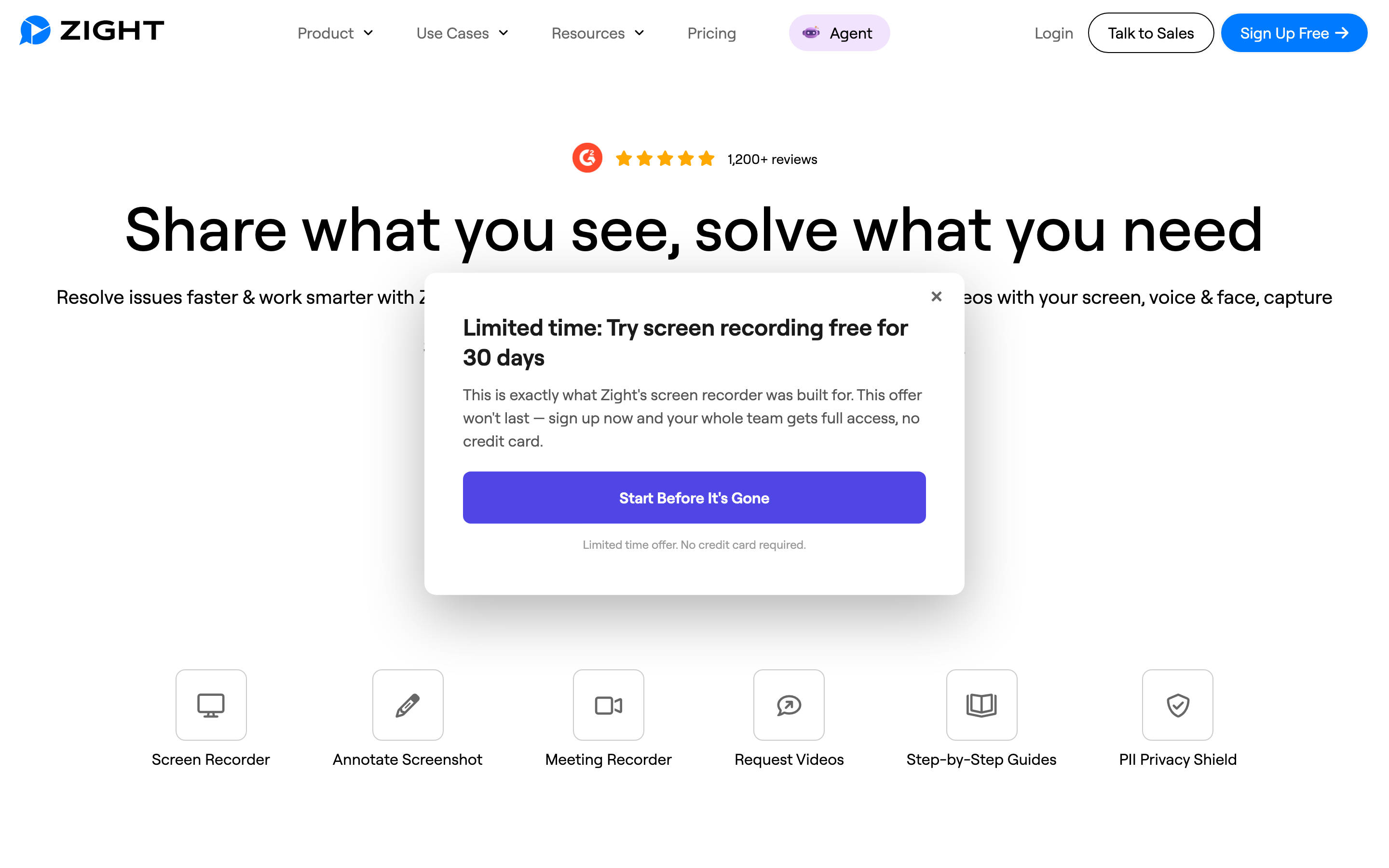
Zight fits teams that want capture plus workflow context, especially customer support and product teams.
Best for: Support and customer-facing capture
Pricing note: Free recorder; paid plans on Zight pricing
Why it stands out: Screenshots, GIFs, recordings, AI summaries, and team integrations
Pros
- Good balance of screenshots, recordings, GIFs, and annotations
- AI summaries help recipients understand long recordings
- Integrations make it easier to attach clips to support or project-management work
Cons
- Not a full production editor
- Interface can feel heavier than a simple capture utility
What users say
Support teams like Zight because a visual answer can replace a long ticket reply. The tradeoff is that it is still a capture workflow, not a full video workflow.
4. ShareX
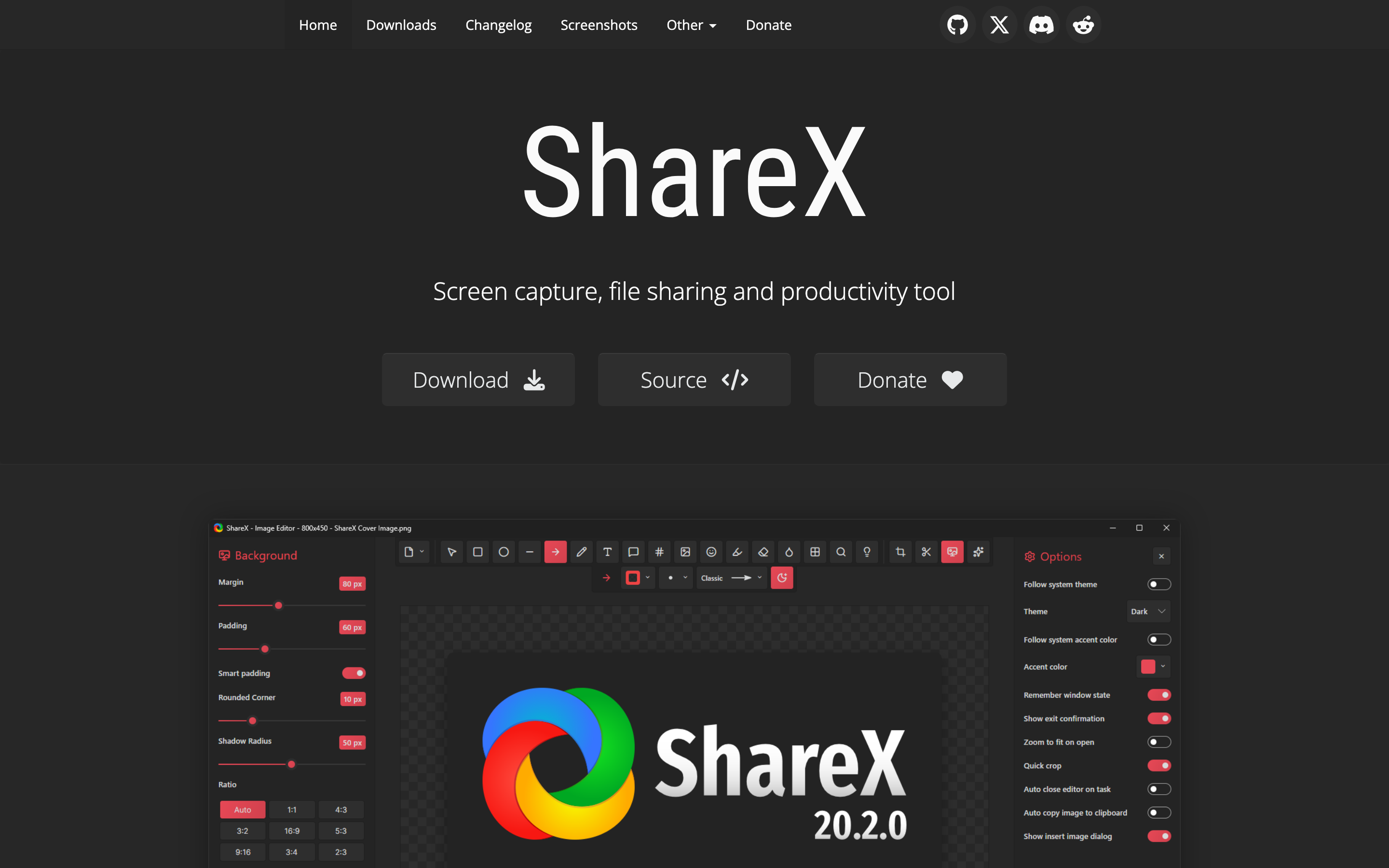
ShareX is the budget answer for technical users who mainly need screenshots and short captures.
Best for: Free power-user capture on Windows
Pricing note: Free and open source
Why it stands out: Deeply customizable capture, upload, OCR, GIF, and automation workflows
Pros
- Free, open source, and highly configurable
- Excellent for screenshots, GIFs, OCR, and custom upload flows
- No vendor lock-in for simple capture
Cons
- Windows-first and less friendly for nontechnical teams
- No polished hosting, AI summary, or branded video production layer
What users say
Power users love the control. Less technical teams usually bounce off the configuration depth.
5. ScreenPal

ScreenPal is the pragmatic pick for educators and small teams that want recording plus light editing without enterprise pricing.
Best for: Budget recording with basic editing
Pricing note: Free recorder; paid team plans start low when billed annually
Why it stands out: Screen recording, hosting, quizzes, captions, and simple editing
Pros
- Free recorder is useful for short clips
- Affordable paid tiers for teams and education
- Built-in editing and hosting reduce tool switching
Cons
- Less polished for branded business video
- Advanced collaboration and AI features sit in higher plans
What users say
Users pick ScreenPal because it is predictable and inexpensive. It is not the flashiest option, but it gets the recording job done.
6. Snagit
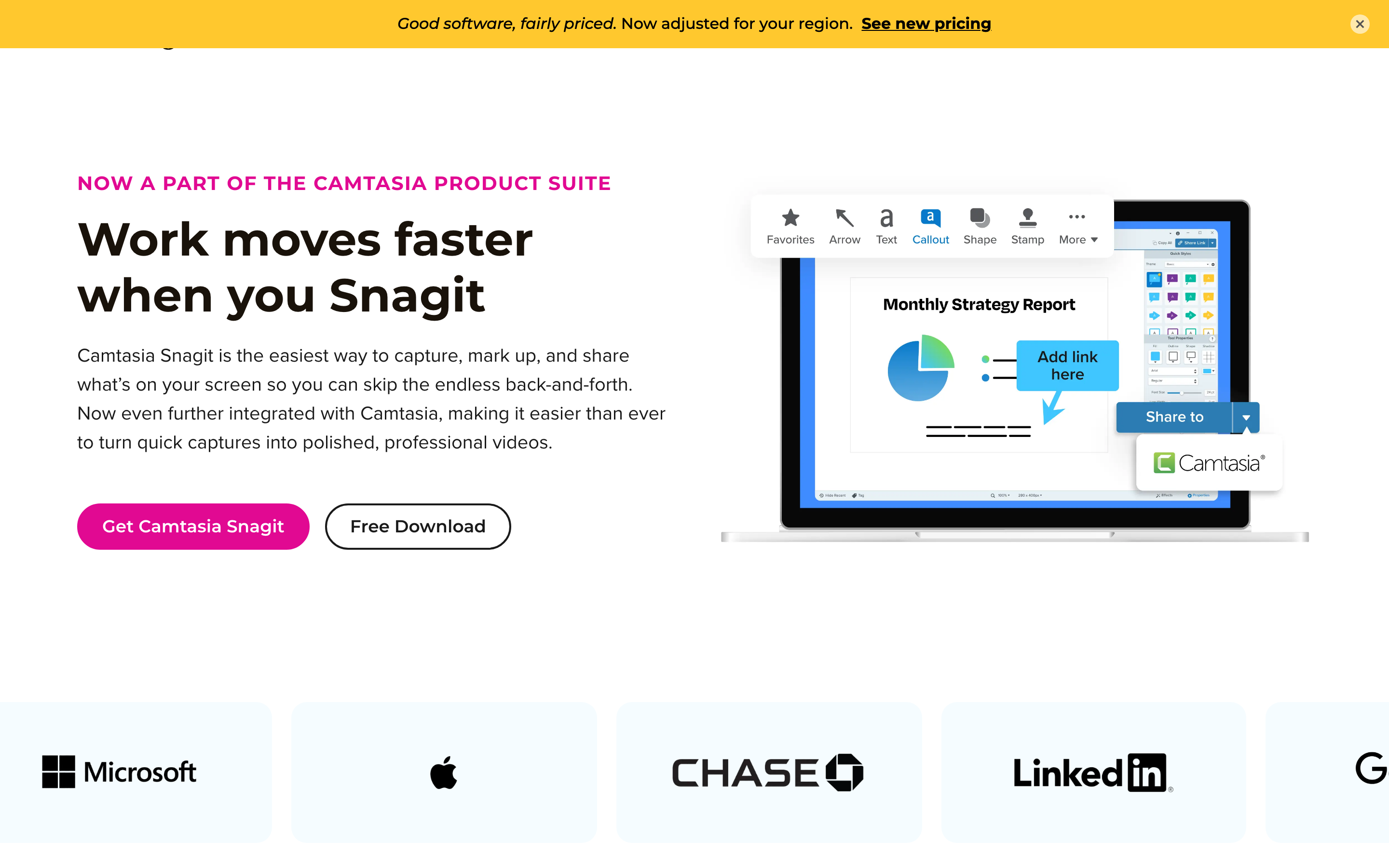
Snagit is strongest when Jumpshare is really being used as a screenshot and annotation tool.
Best for: Professional screenshots and lightweight screen capture
Pricing note: TechSmith lists Snagit as an annual subscription
Why it stands out: Best-in-class screenshot capture, annotation, and documentation assets
Pros
- Excellent capture, markup, scrolling screenshots, and documentation workflows
- Works well for SOPs, support docs, and internal knowledge bases
- Mature desktop product from TechSmith
Cons
- Video workflow is lighter than Camtasia or ngram
- Subscription-only shift frustrated some long-time TechSmith users
What users say
Documentation-heavy teams trust Snagit. Video-first teams usually need a separate tool after capture.
Pricing snapshot
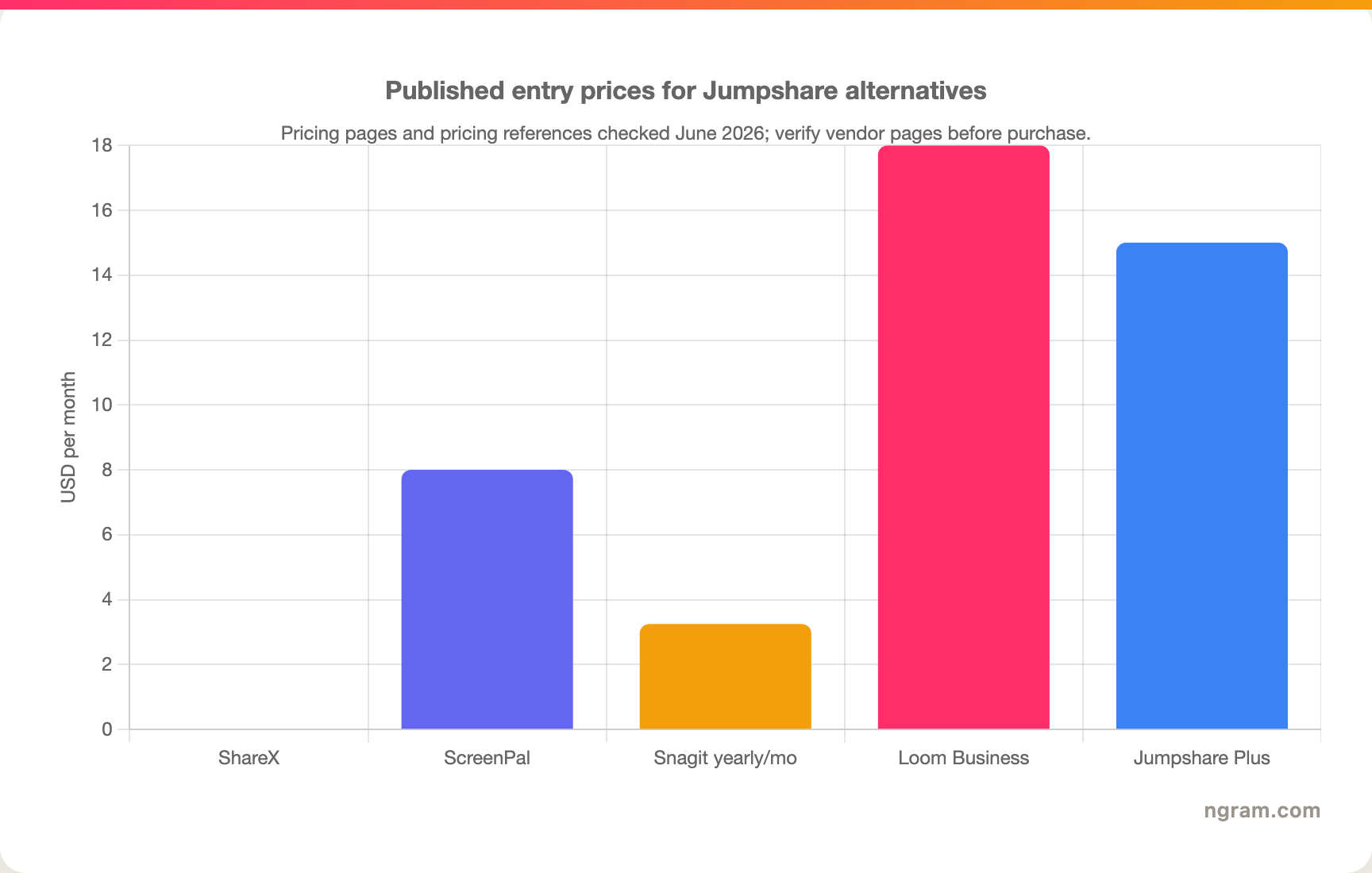
The chart is a snapshot, not a buying promise. AI-video and editor pricing changes often, especially where credits, minutes, exports, storage, and commercial rights are separate limits. For ngram, check the live pricing page instead of relying on a static blog sentence.
How we evaluated these Jumpshare alternatives
We used five checks. First, the alternative had to solve a real job that overlaps with Jumpshare. Second, it needed a credible current product and pricing page or widely used free/open-source distribution. Third, it needed a clear reason to exist beside the other tools, such as async recording, transcript editing, avatar video, prompt generation, or professional editing. Fourth, we looked for recent user sentiment from review pages, Reddit, and search results without copying numerical star ratings. Fifth, we checked whether the tool could support a business workflow rather than only a one-off creative test.
The weighting favored fit over hype: workflow coverage, source-material flexibility, pricing clarity, output polish, team readiness, and how much manual cleanup remains after the first export.
Which alternative should you choose?
Pick ngram if the final asset needs to explain, launch, train, sell, or support something with brand control. It is the broadest fit for business videos built from existing material.
Pick the narrow tool if the job is narrow: Loom for quick async updates, ShareX or OBS Studio for free power-user capture, CapCut for social edits, Descript for spoken-word cleanup, Runway or Kling AI for raw generative video tests, Synthesia or HeyGen for avatar-led training, and Canva when the video is really part of a design workflow.
FAQ
What is the best Jumpshare alternative overall?
For business teams, ngram is the best overall alternative because it covers planning, production, editing, brand, and export from many input types. For a narrower job, choose the tool that matches that job instead of buying the broadest platform.
Is there a free Jumpshare alternative?
Yes, depending on the category. ShareX and OBS Studio are free open-source options for capture and scene control. CapCut has a useful free editor. Many AI and browser tools also have free plans, but exports, watermarks, storage, credits, and commercial rights often change the real cost.
Why is ngram listed first?
This is ngram's editorial site, so ngram is always listed first. The comparison still calls out cases where another tool is simpler or better for a narrow workflow.
Should I switch from Jumpshare?
Switch if the work after the first export is the part slowing you down. If Jumpshare still handles the job and your team does not need stronger planning, editing, brand, or output controls, staying put may be the practical move.
Final verdict
Jumpshare is still worth considering for its core use case. The reason to look elsewhere in 2026 is not that it stopped working. It is that the category around it has split into sharper workflows.
ngram is the strongest pick when the output needs to become a polished business video. The other alternatives are better when the task is narrower, cheaper, or more technical.