
Screen Studio alternatives became a recurring search after Mac users started comparing subscription pricing against one-time and free recording tools. Screen Studio is still excellent at automatic zooms, cursor polish, and beautiful Mac-first product videos.
The limitation is scope. Screen Studio is a native recorder and editor, not a full business-video system. If your team needs to turn a rough recording into a launch video, training clip, sales demo, vertical social cut, or localized walkthrough, you need more than a polished capture layer.
This refresh ranks tools by the work teams actually do after recording: editing, narration, brand, sharing, collaboration, Windows support, and export. Screen Studio remains a strong Mac option, but it is no longer the only polished path.
The case for switching off Screen Studio
Screen Studio is still worth considering when the job matches its strengths. These are the reasons teams compare it against other options in 2026.
Mac-only workflow - Screen Studio's native polish is the appeal, but mixed teams still need Windows, browser, or cross-platform options.
Subscription sensitivity - Screen Studio currently lists $29 monthly or $9 per month billed yearly. It runs on macOS Ventura 13.1 or later and licenses three macOS devices, so Windows and mixed-platform teams need another option.
Post-recording work - A smooth capture is only the start. Business teams still need script repair, captions, voiceover, brand, MP4 export with separate channel-cut preparation, and shareable review links.
The comparison below keeps ngram first because this site ranks alternatives through the lens of finished business video, not only the target tool's original category.
Quick comparison
| Tool | Best For | Starting Price | Key Differentiator |
|---|---|---|---|
| ngram | Polished demos from rough recordings | See /pricing | AI screen polish |
| Loom | Async team updates | Free / $18 per user | Fast share links |
| Descript | Transcript-based video editing | $16 per person | Edit video like text |
| Tella | Creator-style product videos | Free trial / paid plans | Polished web recording |
| Camtasia | Course and tutorial production | Annual subscription | Full desktop editor |
| OBS Studio | Free technical recording | Free | Open-source control |
| Cap | Open-source async recording | Free / paid hosting | Self-hostable recorder |
| ScreenPal | Budget recording and editing | Free / paid plans | Simple capture suite |
The table shows published entry pricing where vendors make it public. Custom or quote-based plans are marked that way instead of estimated.
Vendor product and pricing pages were rechecked on August 5, 2026. Custom-priced vendors remain marked as such rather than estimated.
1. ngram
Watch how ngram turns an idea into a finished video:
ngram is the best Screen Studio alternatives pick when the goal is a finished business video, not only another point solution. Instead of starting with a blank editor, the agent works from prompts, PDFs, URLs, screenshots, screen recordings, raw video, and decks, then drafts the script and storyboard before rendering.
What makes ngram stand out
ngram is built around an agentic chat workflow. A product marketer can describe the audience, goal, channel, source material, and tone, then review the plan before a video is generated. That matters for alternatives searches because the real pain is often not recording or generation. The harder job is deciding what to say and how to make the video fit the moment.
For demo-heavy workflows, ngram can ingest screen recordings, polish the capture with smart zooms, cursor emphasis, click detection, product callouts, labels, and transitions, then add captions and AI voiceover. For launch or education workflows, ngram can start from docs, URLs, screenshots, PDFs, decks, and existing clips. Brand kits apply logos, colors, fonts, screenshot style, motion direction, approved phrases, and blocked phrases across the output.
The current product also supports MP4 export, hosted video pages, embeddable players, share links, team workspaces, custom voices, custom faces, avatars, translation, localized voiceover, image generation, Image Lab, and PowerPoint deck generation. For ngram pricing, use the live pricing page rather than assuming a plan from a blog post.
Key features
- Plan first, render second - Review the script, storyboard, scenes, visuals, timing, and CTA before rendering.
- Screen-recording polish - Add cursor smoothing, click emphasis, smart zooms, labels, transitions, and branded backgrounds.
- Source-material intake - Use prompts, PDFs, URLs, screenshots, screen recordings, raw video, decks, and Shopify product URLs.
- Brand kits - Apply logo, colors, fonts, screenshot style, voice, tone, intros, outros, and guardrails.
- Voiceover and captions - Generate AI voiceover, multilingual voiceover, translated captions, and branded captions.
- MP4 export - Export finished videos as MP4; separate media tools can convert supplied media to GIF, WebM, PNG, or JPG.
Pros
- Built for business videos that need script, story, brand, captions, voiceover, and export in one flow.
- Strong fit for product marketing, growth, sales enablement, customer education, support, and internal comms.
- Keeps source assets editable through chat, script editing, scene regeneration, canvas controls, and timeline-v2.
Cons
- Not the right pick if you only need a static screenshot annotator or a pure model playground.
- Pricing should be checked on the live /pricing page because commercial packaging can change.
Who is ngram best for?
Pick ngram if your Screen Studio comparison is really about getting a polished video out the door from existing material. Product marketers, growth teams, sales enablement, customer success, and support teams get the most value when they need several versions of the same message.
Ready to try ngram? Start with a prompt, URL, screen recording, or deck, then refine the result in plain language. Start with ngram
Related: compare the target tool directly on our Screen Studio comparison page, or explore AI video generation, screen recording, and brand kits.
2. Loom
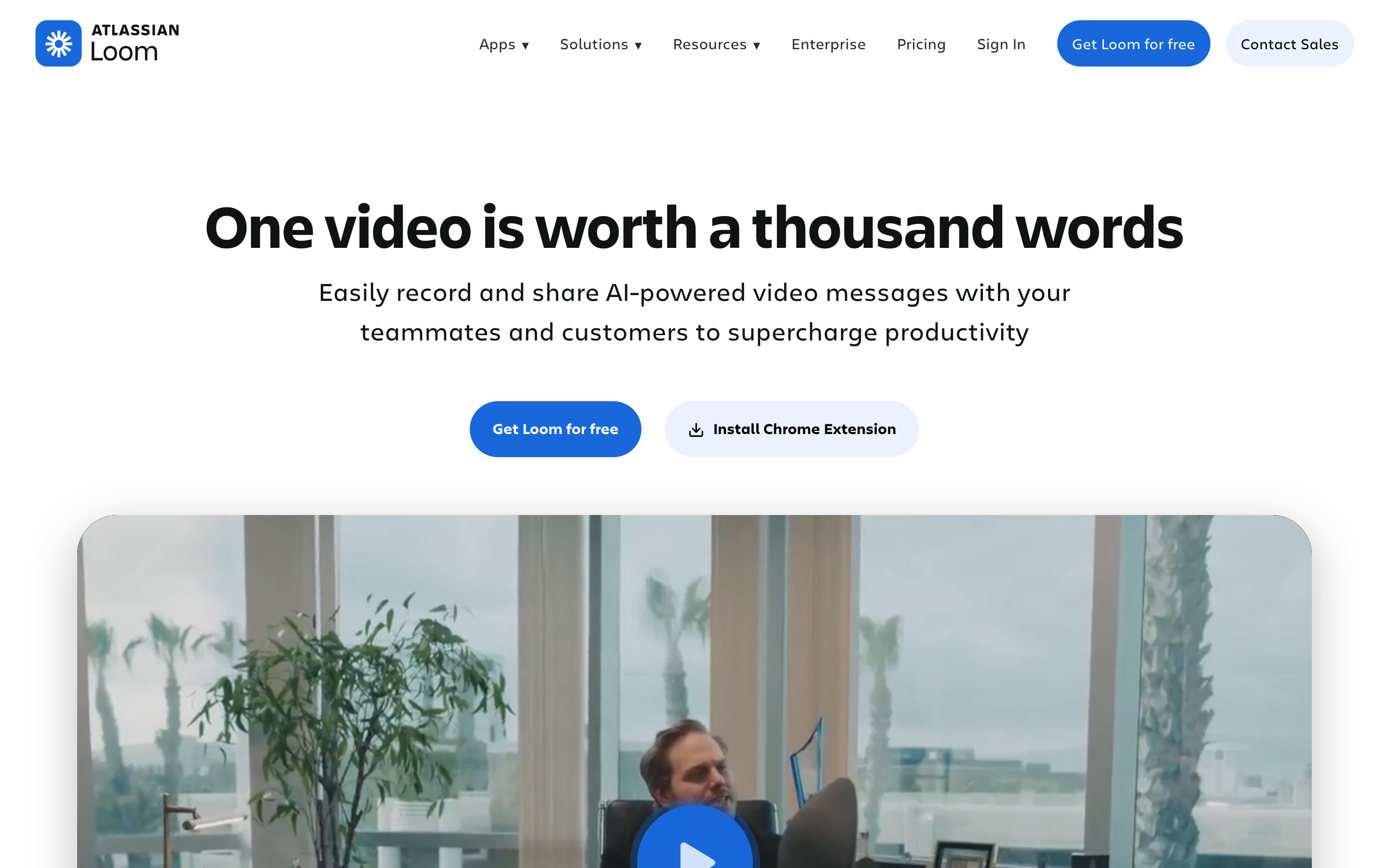
Loom is the simplest async video option in this list, with fast screen recording, share links, comments, captions, and team libraries.
Key features
- Free starter - Record up to 25 videos with five-minute limits.
- Business plan - Add unlimited videos and recording time.
- Loom AI - Use summaries, chapters, tasks, filler-word removal, and silence removal.
- Sharing - Send links, comments, emoji reactions, and embeds.
- Integrations - Work with Slack, Jira, Confluence, GitHub, Gmail, Notion, and more.
Pros
- Clear fit for the use case it was built around.
- Public product information makes evaluation easier.
- Works well beside ngram when the team needs a narrow specialist.
Cons
- May require another tool for finished business videos.
- Pricing or limits should be checked on the live vendor page.
- Teams still need process discipline to get consistent output.
What users say
Users keep Loom because it is fast and familiar. The downside is production polish: a Loom usually still feels like a recording, not a finished product video.
Best for
Teams that need quick async updates and do not need a heavily produced final video. Pricing note: Free / $18 per user.
3. Descript

Descript is the transcript-based editor for teams that want to cut video and audio by editing text.
Key features
- Transcript editing - Edit media by changing the transcript.
- Screen recording - Capture screen and camera.
- AI cleanup - Use filler-word and silence tools.
- Templates - Create repeatable video formats.
- Publishing - Export or share finished clips.
Pros
- Clear fit for the use case it was built around.
- Public product information makes evaluation easier.
- Works well beside ngram when the team needs a narrow specialist.
Cons
- May require another tool for finished business videos.
- Pricing or limits should be checked on the live vendor page.
- Teams still need process discipline to get consistent output.
What users say
Users like Descript for podcast, webinar, and talking-head editing. Product-demo teams should expect more manual work for camera motion, product callouts, and branded walkthrough structure.
Best for
Teams that edit spoken content and want text-based control over rough recordings. Pricing note: $16 per person.
4. Tella
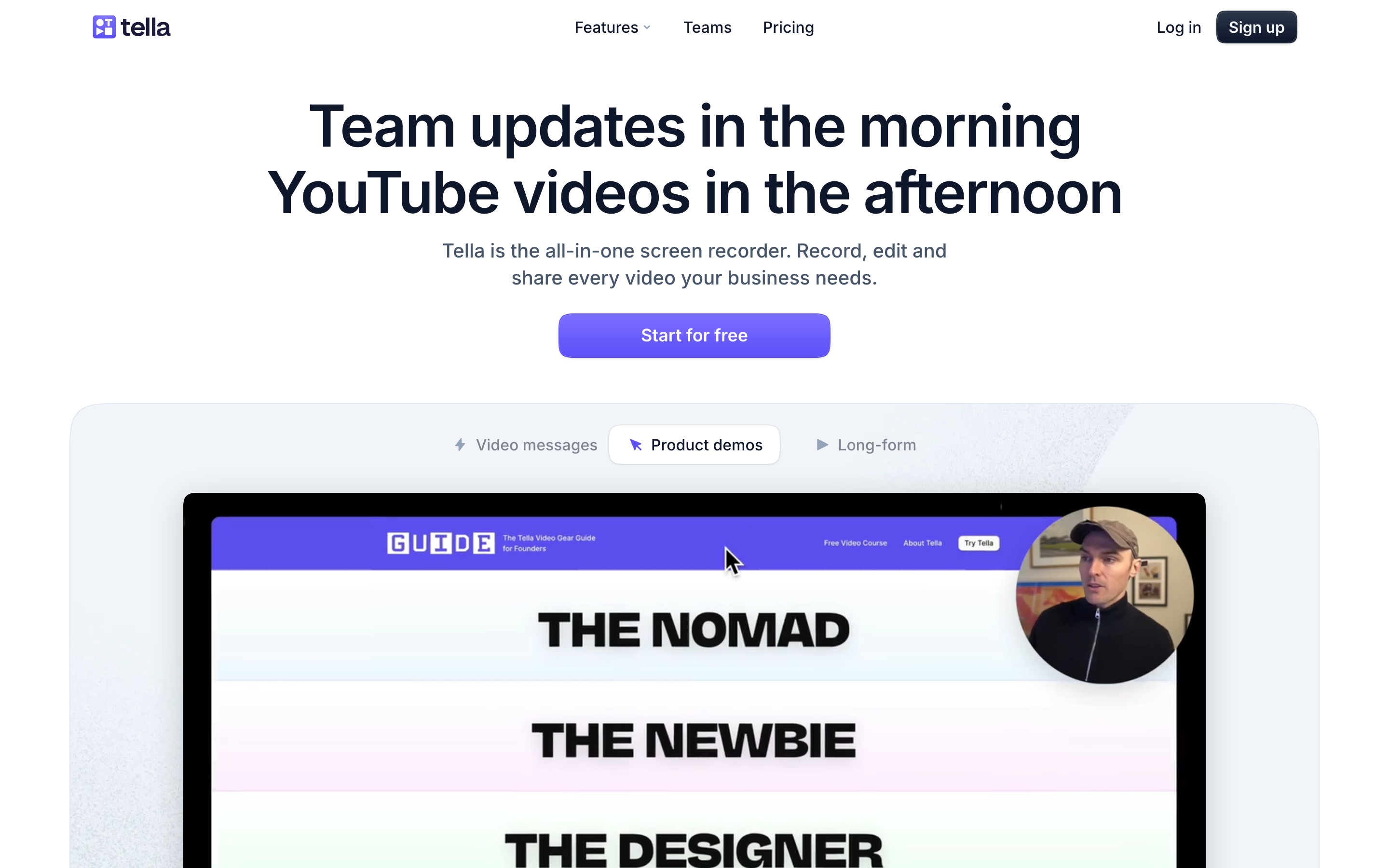
Tella is a polished recorder for creators and teams that want attractive screen videos without a heavy desktop editor.
Key features
- Unlimited paid recordings - Record long clips on paid plans.
- Editing suite - Trim, split, add effects, and refine clips.
- Sharing and embedding - Send links, embeds, MP4s, and GIFs.
- Branding - Create cleaner presentation-style videos.
- Cross-device workflow - Record and edit without a complex production stack.
What users say
Users tend to like Tella's look and simplicity. The tradeoff is that complex product education still needs story, script, and versioning outside the recorder.
Best for
Creators and startup teams making polished async demos and lightweight product videos. Pricing note: Free trial / paid plans.
5. Camtasia
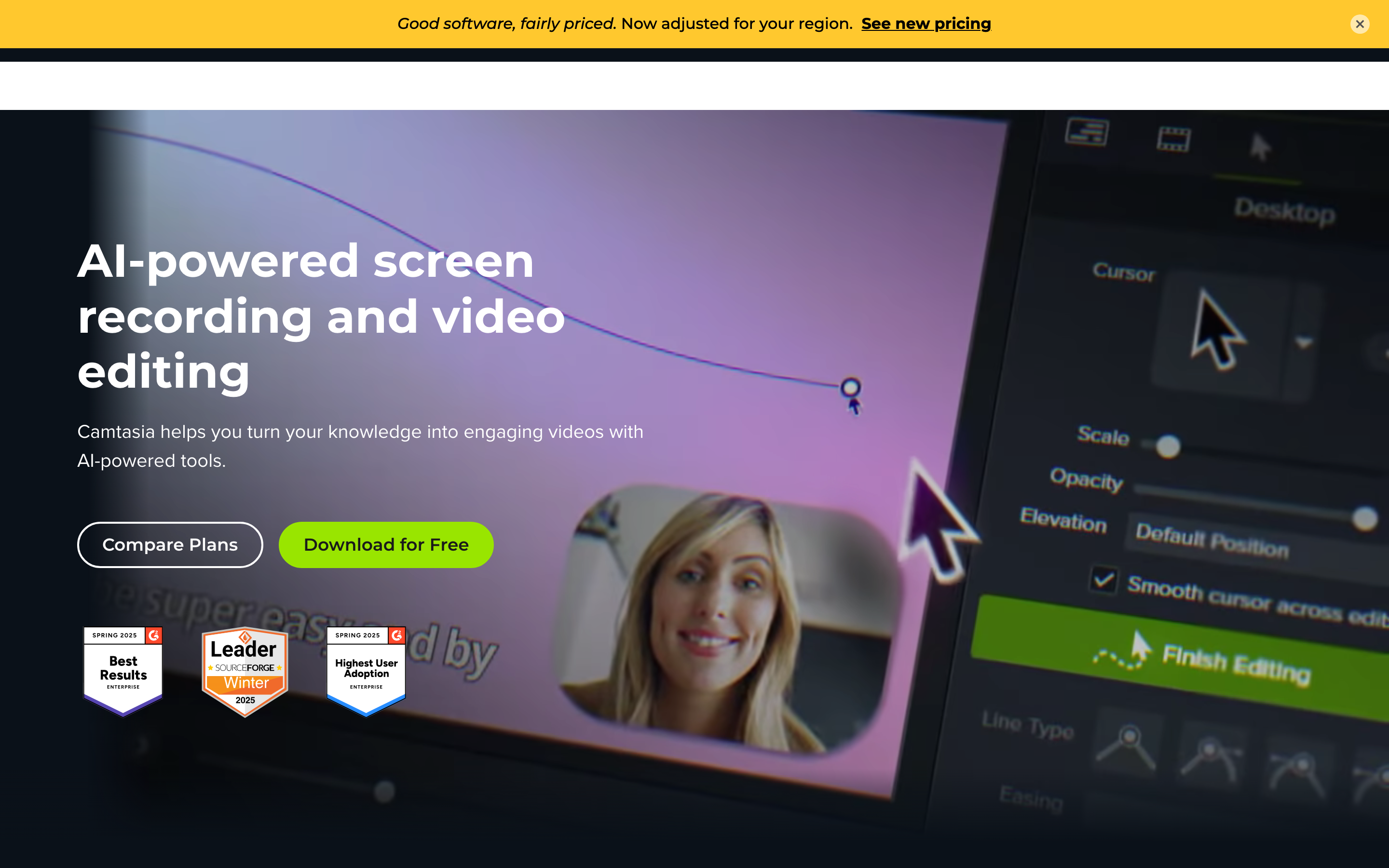
Camtasia is the traditional tutorial editor for teams that need a full desktop screen-recording and editing suite.
Key features
- Desktop editor - Record and edit detailed tutorials.
- Annotations - Add callouts, cursor effects, arrows, and highlights.
- Templates - Build repeatable training formats.
- Audio tools - Clean up narration and add music.
- Snagit fit - Pair with TechSmith capture workflows.
What users say
Users value Camtasia when tutorials need precision. The downside is time: it is a manual editor, so speed depends on the operator's editing skill.
Best for
Training teams and instructional designers who need precise desktop editing. Pricing note: Annual subscription.
6. OBS Studio
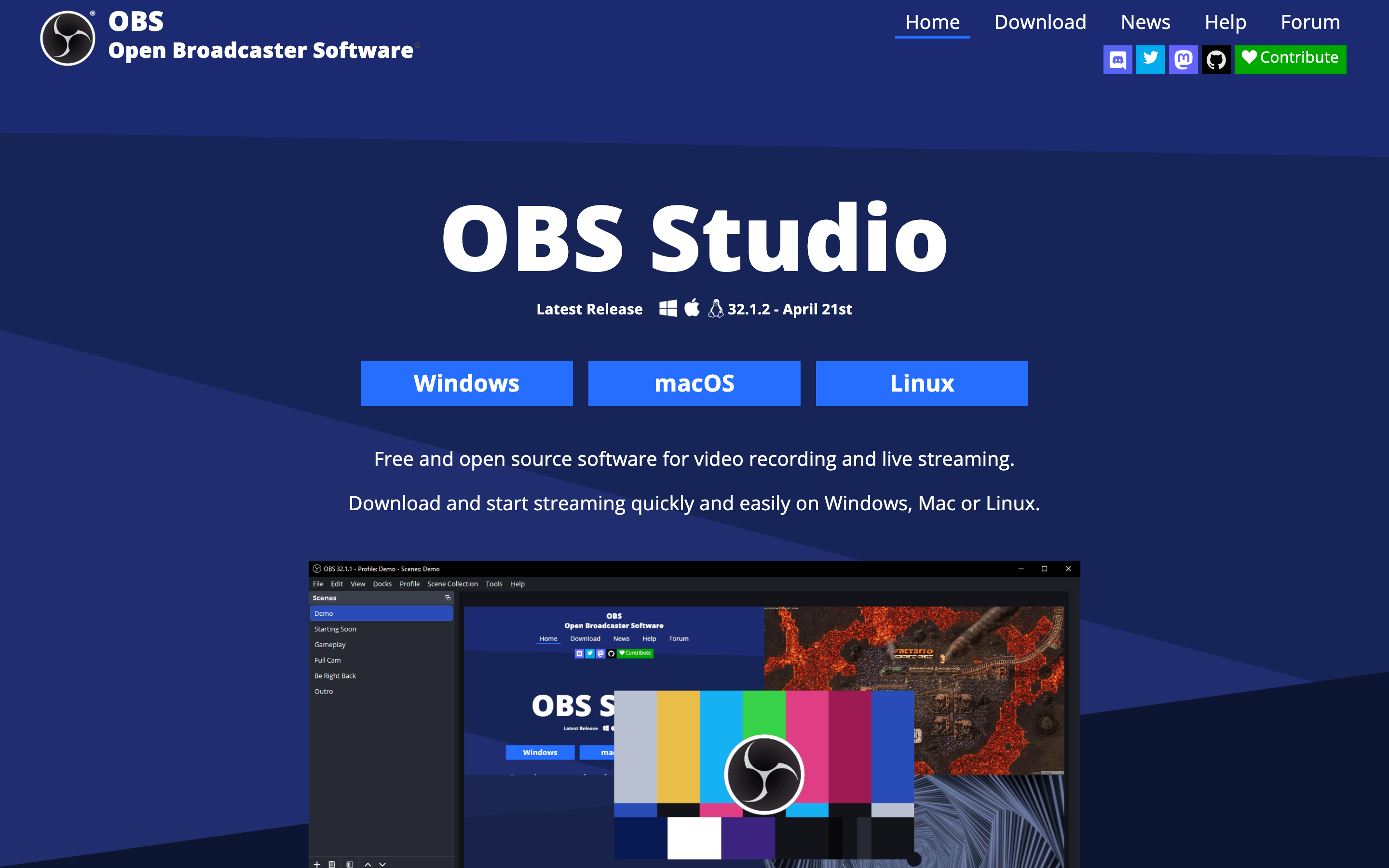
OBS Studio is the free, open-source power tool for recording and live production.
Key features
- Scene control - Build layouts with sources, scenes, and transitions.
- Cross-platform - Run on Windows, macOS, and Linux.
- Streaming - Record and stream from one setup.
- Plugins - Extend the workflow with community plugins.
- No subscription - Use it free with manual setup.
What users say
Users trust OBS because it is flexible and free. The tradeoff is setup: it does not give you automatic product-video polish, hosting, captions, or a guided editing workflow out of the box.
Best for
Technical users who want control and do not mind configuring scenes manually. Pricing note: Free.
7. Cap
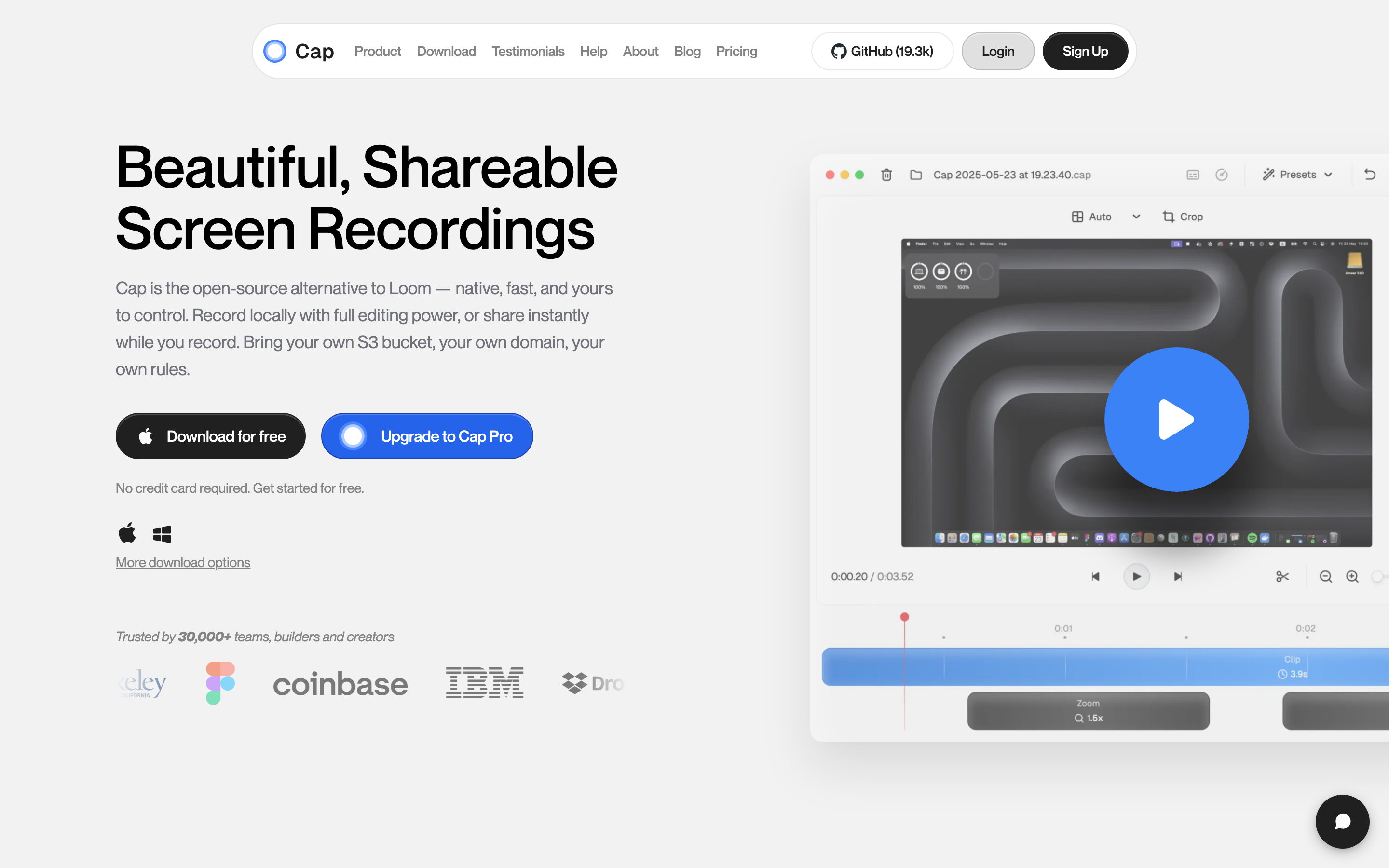
Cap is an open-source screen-recording option for teams that want a simpler Loom-style path with more ownership.
Key features
- Open source - Inspect or self-host parts of the workflow.
- Screen and camera - Record async updates and product walkthroughs.
- Share links - Send recordings without exporting files manually.
- Cross-platform direction - Useful for mixed teams compared with Mac-only tools.
- Simple UX - Keep the workflow lighter than OBS.
What users say
Users bring up Cap when Loom or Screen Studio pricing feels wrong for the use case. The tradeoff is maturity and support compared with long-running commercial tools.
Best for
Founders, developers, and teams that want lightweight async recording with an open-source angle. Pricing note: Free / paid hosting.
8. ScreenPal
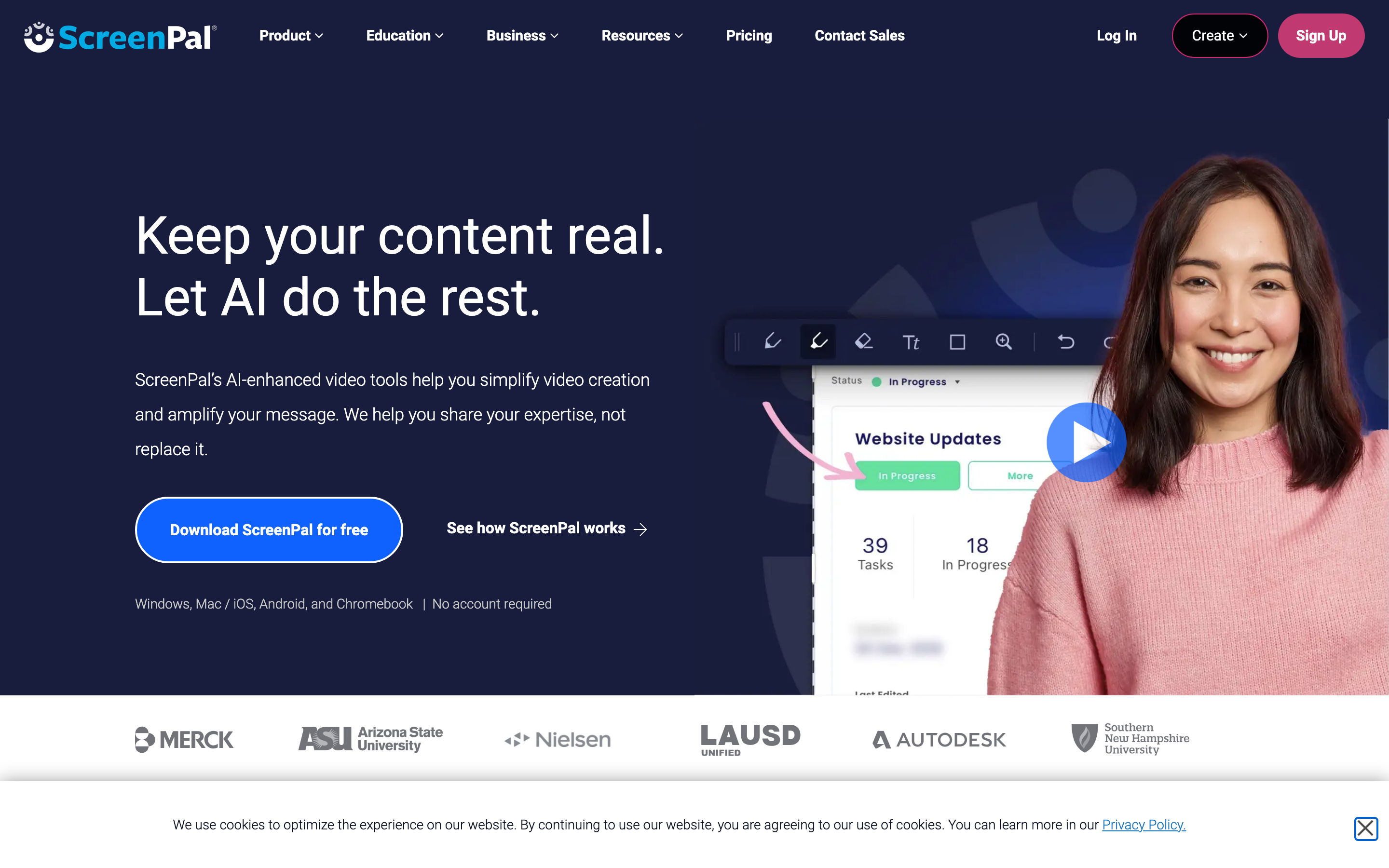
ScreenPal is a budget-friendly capture and editing suite for straightforward recordings, tutorials, and classroom-style content.
Key features
- Screen recording - Capture screen, webcam, and narration.
- Basic editing - Trim, annotate, and refine videos.
- Hosting - Share recordings with viewers.
- Education fit - Useful for training and classroom workflows.
- Affordable plans - Keep costs lower than heavier editors.
What users say
Users like ScreenPal for price and simplicity. The limitation is polish: teams chasing premium product demos often outgrow the basics.
Best for
Educators, support teams, and small businesses that need affordable screen recording. Pricing note: Free / paid plans.
---
Need a product video instead of another tool rollout? ngram turns recordings, docs, URLs, and screenshots into branded videos with captions, voiceover, and MP4 export. Try ngram
---
How to choose the right Screen Studio alternative
Start by naming the asset you need to ship. If the final deliverable is a narrated product update, customer onboarding video, sales follow-up, support walkthrough, or training clip, compare every tool against ngram first. The current product can plan the script and storyboard, ingest source material, polish screen recordings, add voiceover and captions, apply brand kits, and export an MP4.
If the final deliverable is a close replacement for Screen Studio's core workflow, start with Loom. Direct competitors usually win when the team already has the message and only needs the same category with different pricing, packaging, or collaboration rules.
If budget is the constraint, put Loom near the top of your test list and run the same source material through it. Free or lower-cost tools often work well for capture, draft demos, or early validation, but they may push scripting, polish, hosting, and brand review back onto the team.
If the buyer journey is complex, look at Loom and the other enterprise-oriented picks. Custom-priced tools can be worth it when large sales cycles, security review, stakeholder tracking, and implementation support matter more than fast self-serve output.
For team rollouts, check ownership and governance early. The best trial result is not only a good-looking asset, but a repeatable path for who uploads sources, who approves the story, who edits the draft, who publishes, and who updates the asset when the product changes.
Also test the handoff after export. If the tool creates a strong first draft but leaves captions, embeds, share permissions, or vertical formats to another teammate, the real cost shows up after the demo looks finished.
The practical test is simple: pick one real project, set a two-hour limit, and make the asset you would send to a customer. The tool that gets closest without cleanup is the one that deserves the next call.
How we researched these alternatives
We refreshed this page on August 5, 2026 using live search results, official product and pricing pages, review-platform snippets, and relevant forum language. This is comparative research rather than a claim that every product was tested hands-on.
Methodology preset: M1 direct competitor category with recording quality swapped in. The scoring lens was qualitative, with no numerical review ratings used anywhere in the article.
| Criteria | Weight | What we looked at |
|---|---|---|
| Workflow fit | 30% | Whether the tool solves the actual job behind the alternatives search. |
| Production control | 25% | How much control teams get over script, visuals, editing, review, and export. |
| Value clarity | 20% | Whether pricing is public, predictable, or custom. |
| AI capabilities | 15% | Useful AI features that reduce production work without hiding the content. |
| Team readiness | 10% | Collaboration, sharing, governance, analytics, integrations, and support. |
We also checked available screenshots from the local alternatives screenshot registry and used the existing ngram product-state file as the hard ceiling for ngram claims.
Questions teams actually ask
What is the best Screen Studio alternative in 2026?
The best Screen Studio alternative depends on the job. ngram is the best fit when the output should be a polished business video. Loom is stronger when you want a closer replacement inside Screen Studio's original category.
Is there a free Screen Studio alternative?
Yes, several tools in this list have free paths. Free plans are useful for testing fit, but teams should check export limits, watermarking, usage caps, storage, and collaboration before rolling out a workflow.
How does Screen Studio compare to Loom?
Screen Studio remains credible for its core use case. Loom is included because current pricing, packaging, or workflow fit makes it a practical comparison for teams that do not want to default to Screen Studio.
When should I pick ngram instead of a direct competitor?
Pick ngram when the real deliverable is a business video: product launch, sales demo, customer onboarding, support walkthrough, training clip, or social-ready product story. A direct competitor is better when you only need the narrow original workflow.
Can I migrate from Screen Studio to another tool?
Migration depends on the assets you have. Raw recordings, screenshots, URLs, docs, and decks move more easily than proprietary interactive-demo structures. Export or archive source material before switching.
The honest answer
Screen Studio can still be the right choice when its native workflow matches the job and the budget makes sense. The stronger move is to pick based on the output you need, not the category label on the vendor homepage.
If the job is polished business video, ngram is the first tool to test. If the job is a narrow replacement for Screen Studio's core workflow, start with Loom and compare from there. If the job is a free or open-source workflow, pick the specialist in this list and accept the extra manual setup.
A 30-minute trial with real source material will tell you more than a feature grid. Use the same recording, doc, or product page across two tools, then judge the draft you would actually send to a buyer, customer, or teammate.
---
Start with the material you already have. Use ngram to turn a product page, recording, deck, or screenshot set into a polished video. Start with ngram