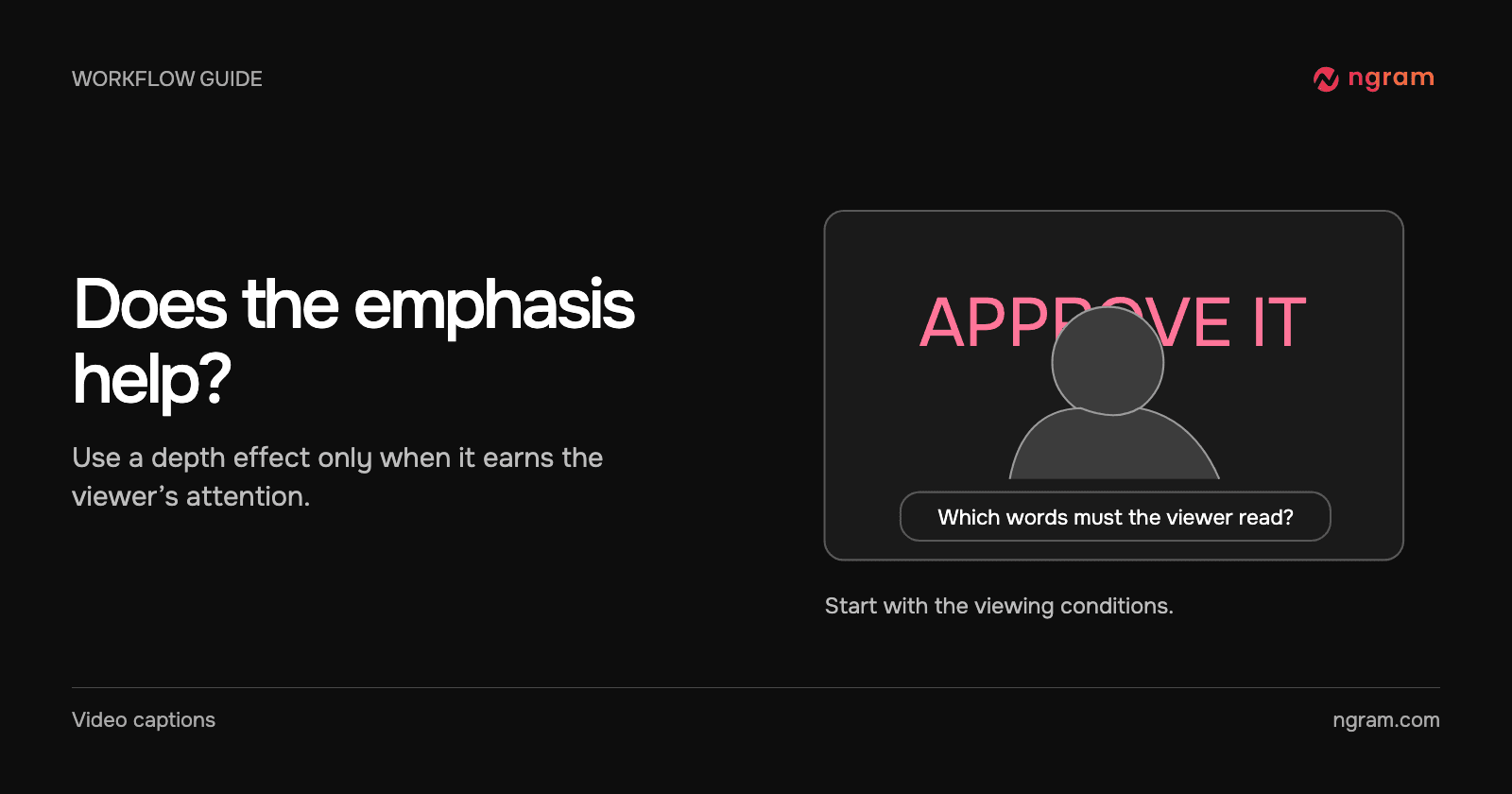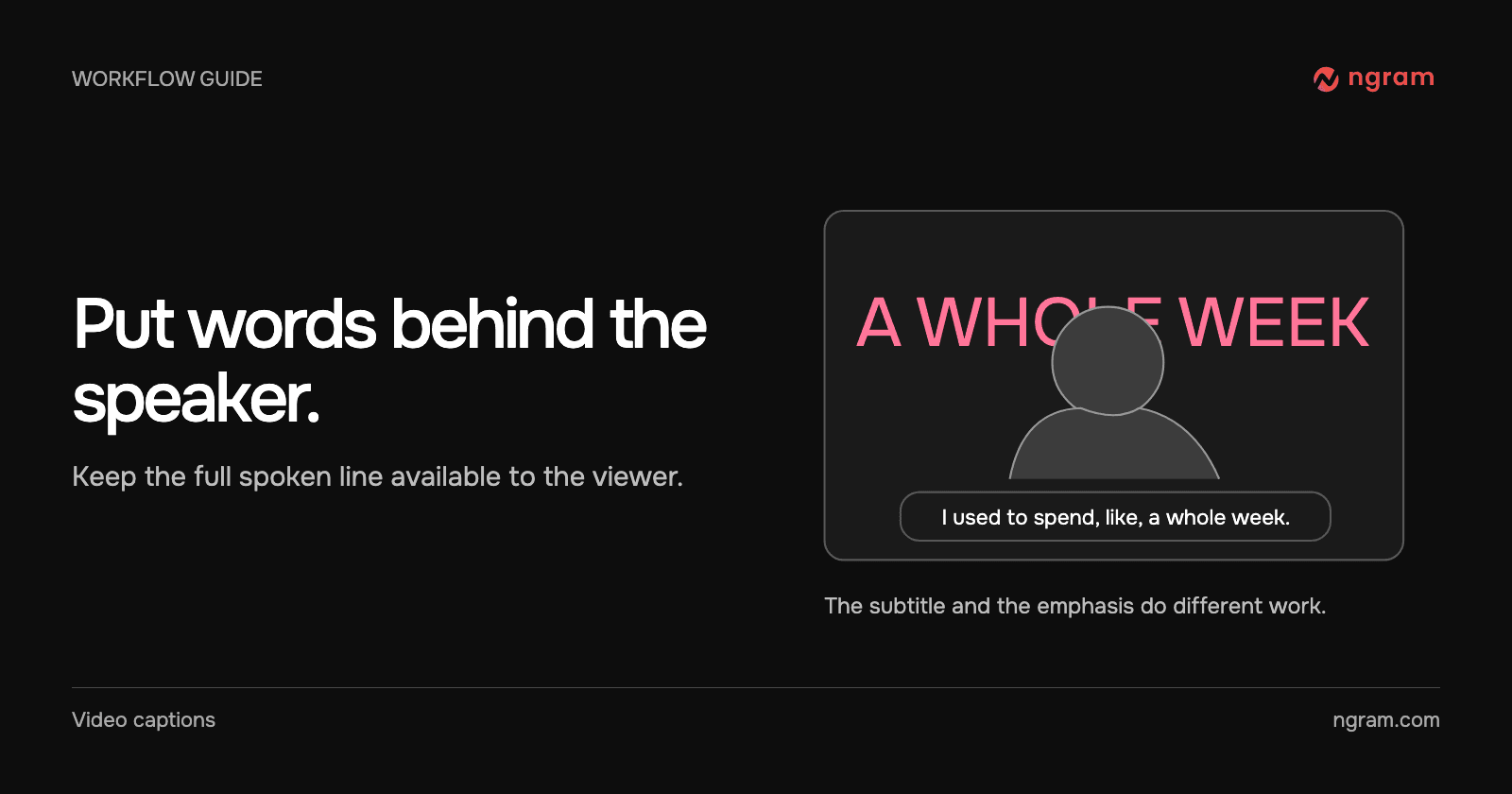

You want “a whole week” to land when a presenter describes how long a task used to take. Putting the entire sentence behind their head would make parts of it difficult to read. Instead, use the large words for emphasis and let an ordinary subtitle carry the spoken sentence.
Choose a shot that can carry the effect
Start with a medium or close presenter shot in which the speaker takes up a meaningful part of the frame. Look for room around their head and shoulders and a background the text can stand apart from. If the presenter is a small tile next to a dense software screen, use an ordinary caption or a label beside the relevant control.
In Studio, choose Depth Captions with a compatible model, or upload a permitted talking-head recording. For an upload, name the speech that should stay. Pick the phrase and the moment before asking for the effect.
Write the placement request
Try: “Keep the presenter’s original speech. When she says ‘a whole week,’ show those words behind her shoulders. Keep her face unobstructed and leave the complete spoken sentence in ordinary subtitles. Remove the large words before the next idea begins.”
If ordinary captions are off, enable them separately. The music, voiceover and captions guide covers those controls. A depth treatment on one phrase does not provide a transcript of the rest of the clip.
See both layers in the same shot
In this example, large phrases appear behind the presenter while smaller subtitles sit in front at the bottom. When “A WHOLE WEEK” appears, the lower caption continues the spoken line. Watch the edge of the letters near her hair and shoulders and check whether the emphasized phrase is still recognizable.
Repair one distracting moment
Review the scene at the size your audience will see it. If a hidden letter changes the word, shorten the phrase or move the emphasis to a shot with more space. If the background treatment competes with the subtitle, remove the treatment from that line. It is fine for some lines to have no large text.
Compare the depth-caption video examples before deciding on a treatment for a whole series. A couple of well-timed phrases can give the viewer a useful cue without turning every sentence into another visual event.