
A product explainer video is easy to ask for and hard to operationalize. The story usually lives in a product page, launch brief, source URL, campaign tracker, CRM record, or PMM form, while the people who need the video are waiting in a different queue.
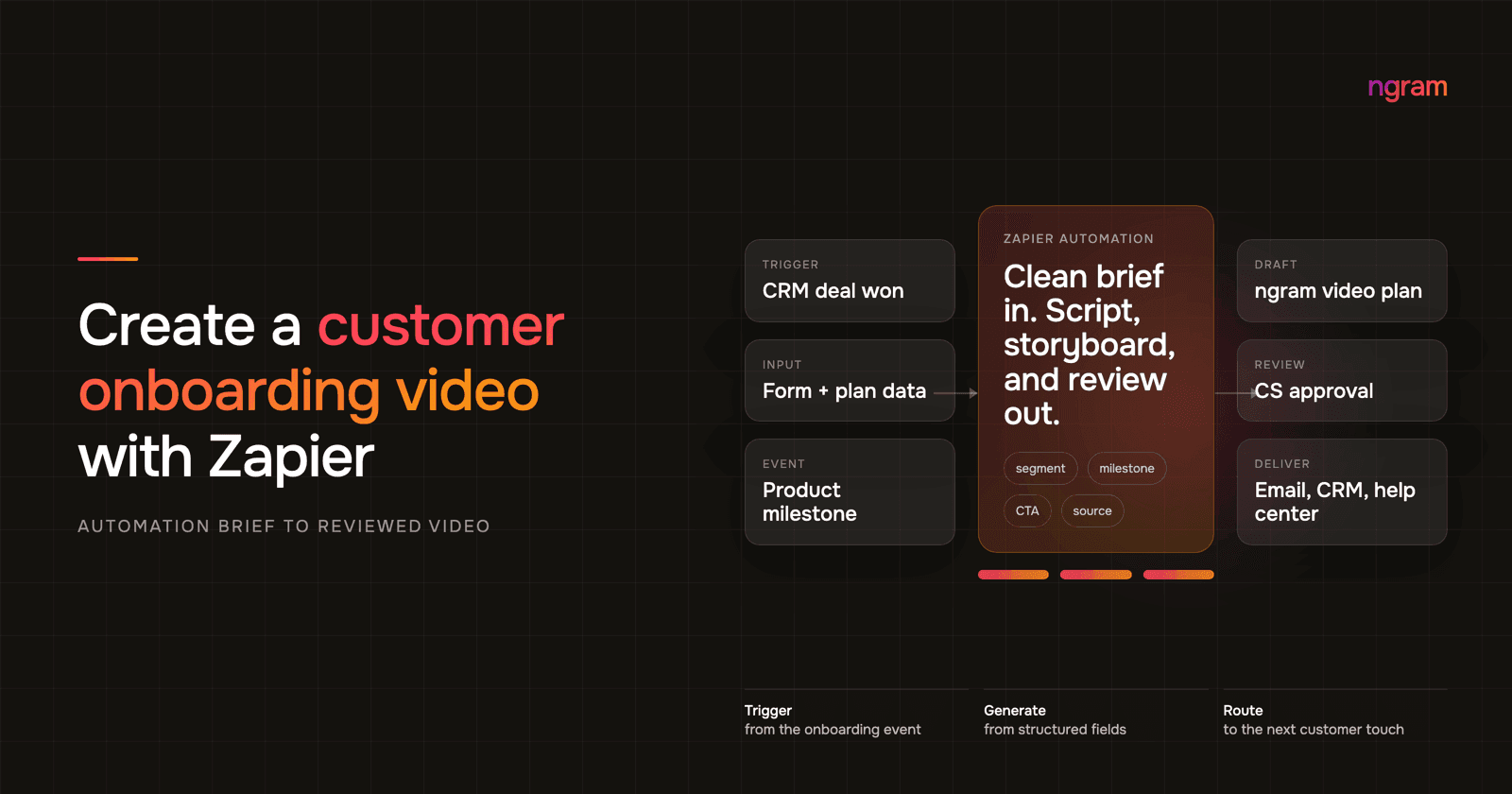
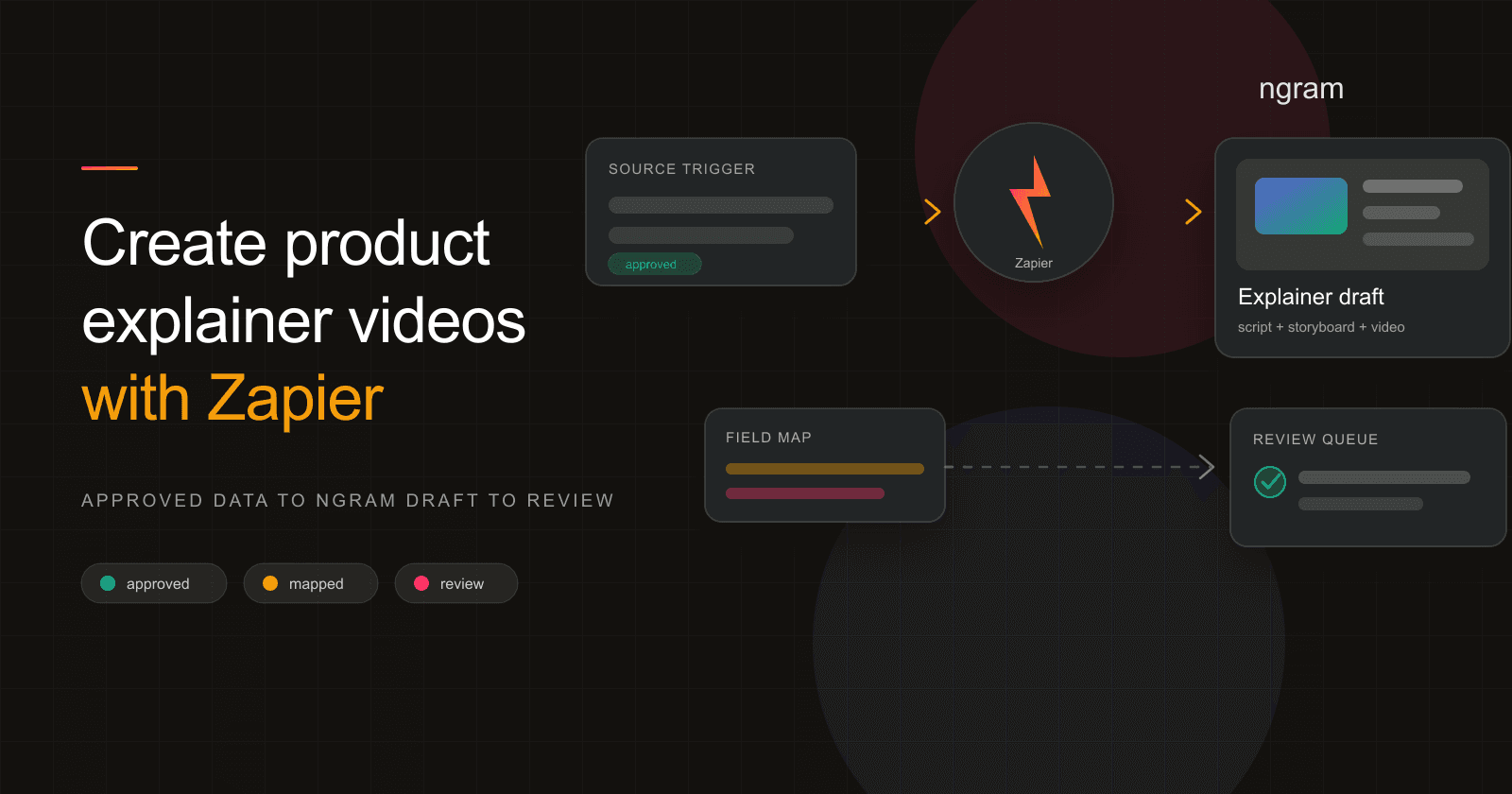
Zapier is useful when that source has already been approved. The better pattern is automation with a review gate: Zapier collects the approved inputs, the ngram Zapier integration creates the video draft, and the result goes to a human who checks the promise, proof, visuals, and CTA before it reaches a campaign or CMS workflow.
The practical build has a clear order: define the explainer promise, choose an approval-based trigger, normalize the fields, map the source URL, audience, problem, promise, proof, CTA, tone, length, and reviewer into ngram, test the Zap, review the draft, and route the link to the next owner.
Why product explainer videos matter
Product explainer videos matter because buyers need the problem, promise, and proof in a format they can understand quickly. Wyzowl's 2026 survey of 266 respondents reports that 96% of people have watched an explainer video to learn about a product or service, 63% would most like to learn about a product or service by watching a short video, and 89% say video quality affects their trust in a brand. Source: Wyzowl Video Marketing Statistics 2026.
The marketer-side data points in the same report explain why teams keep asking for these assets: 91% of businesses use video as a marketing tool, 68% of video marketers have created explainer videos, 82% say video marketing gives them good ROI, 93% say video has increased user understanding of their product or service, and 71% believe videos between 30 seconds and 2 minutes are most effective. Source: Wyzowl Video Marketing Statistics 2026.
The B2B bottleneck is not only video demand. Content Marketing Institute's 2026 B2B research, based on 1,015 marketers, says 40% cite creating content that prompts a desired action as a top challenge, 39% cite resource constraints, and 33% cite measuring effectiveness. That is why repeatable product explainer production needs both a source-of-truth record and a review step. Source: CMI 2026 B2B Content and Marketing Trends.
Automation also has a practical case. HubSpot cites its 2025 State of Marketing Report that 86% of marketers say automation has saved time and scaled personalization, while Zapier's help docs say a Zap can map dynamic values from earlier steps into later action fields and can use 9,000+ apps. Sources: HubSpot AI workflow automation tools and Zapier's guide to Zaps.
For a product explainer, Zapier should automate handoff, not judgment. Your team still chooses the audience, buyer problem, product promise, proof point, CTA, tone, target length, and reviewer. The Zap should pass those approved fields into ngram in a repeatable shape.
- A product page or source record becomes approved for video.
- Zapier formats the source fields into a concise ngram brief.
- ngram turns that brief, source URL, and source material into a product explainer video draft.
- A teammate reviews the draft for positioning, proof, claims, and visual accuracy.
- The video link moves to the review queue, campaign tracker, or CMS task.
Keyword research: product explainer video demand is narrow but commercial
We pulled US Google Ads Keyword Planner data on July 10, 2026 for six related terms. The exact phrase product explainer video showed 110 monthly searches, medium ad competition, and a $20.50 high top-of-page CPC. The six-term set totaled 1,150 US searches per month: explainer video maker at 390, ai explainer video at 320, product demonstration video at 170, product demo video maker at 90, and explainer video software at 70. Source: ngram Keyword Planner pull, US, English, July 10, 2026.
| Keyword | US monthly searches | Why it matters for the Zap |
|---|---|---|
| explainer video maker | 390 | Readers know the asset type but need a faster production path. |
| ai explainer video | 320 | AI interest is real, but the workflow still needs approved inputs. |
| product demonstration video | 170 | Demo intent overlaps when proof needs to appear in the explainer. |
| product explainer video | 110 | The commercial intent is specific: turn product context into a clear story. |
| product demo video maker | 90 | Demo-maker intent signals teams comparing repeatable production options. |
| explainer video software | 70 | Software searches suggest teams want repeatable production, not a one-off project. |
Approved, repeatable product stories should not require a custom explainer production cycle every time a PMM, founder, growth marketer, or ops person needs a draft.
Methodology note: the keyword data came from the repo's Google Ads Keyword Planner CLI using US targeting and English language settings. Google reports bucketed average monthly searches and groups close variants, so use these numbers for relative demand, not exact traffic forecasts.
Prerequisites before you build
Before you open Zapier, decide what counts as approved. A product page moving to published, a campaign row moving to approved for video, a launch brief signed off by PMM, or a source record with final messaging can all work. A raw new-row event usually cannot.
- An approved source URL, source document, or source record that represents the final product story.
- A short explainer promise: audience, problem, product promise, proof, CTA, tone, and target length.
- Access to Zapier and the ngram Zapier integration, which is live and public for users.
- A reviewer who can judge product claims, visuals, and the next-step CTA before the asset leaves review.
If the team needs the broader explainer strategy first, start with the product explainer video maker workflow before wiring the automation.
Step 1: define the explainer promise
The promise is the sentence the product explainer video has to make obvious. For example: "This launch helps RevOps teams turn approved product-page updates into reviewed campaign videos without starting a new creative brief."
Write that promise before you map fields. It tells ngram which buyer problem to open with, which source material matters, and what proof should appear before the CTA.
Step 2: choose a trigger that means the story is approved
The trigger should mean the explainer is ready to brief, not merely that a record exists. Zapier's trigger setup guide recommends choosing the trigger app and event, connecting the account, configuring required fields, and testing with representative data before downstream steps use it. Source: Zapier trigger setup.
Good triggers include a Webflow CMS item moving to ready, an Airtable row changing to approved for video, a Typeform brief submitted by product marketing, a release-note entry marked final, or a CRM campaign record moving to creative requested.
Avoid triggers such as new row, new page, or new form submission unless the source app already enforces approval. Those events are usually too early and can create videos from incomplete messaging.
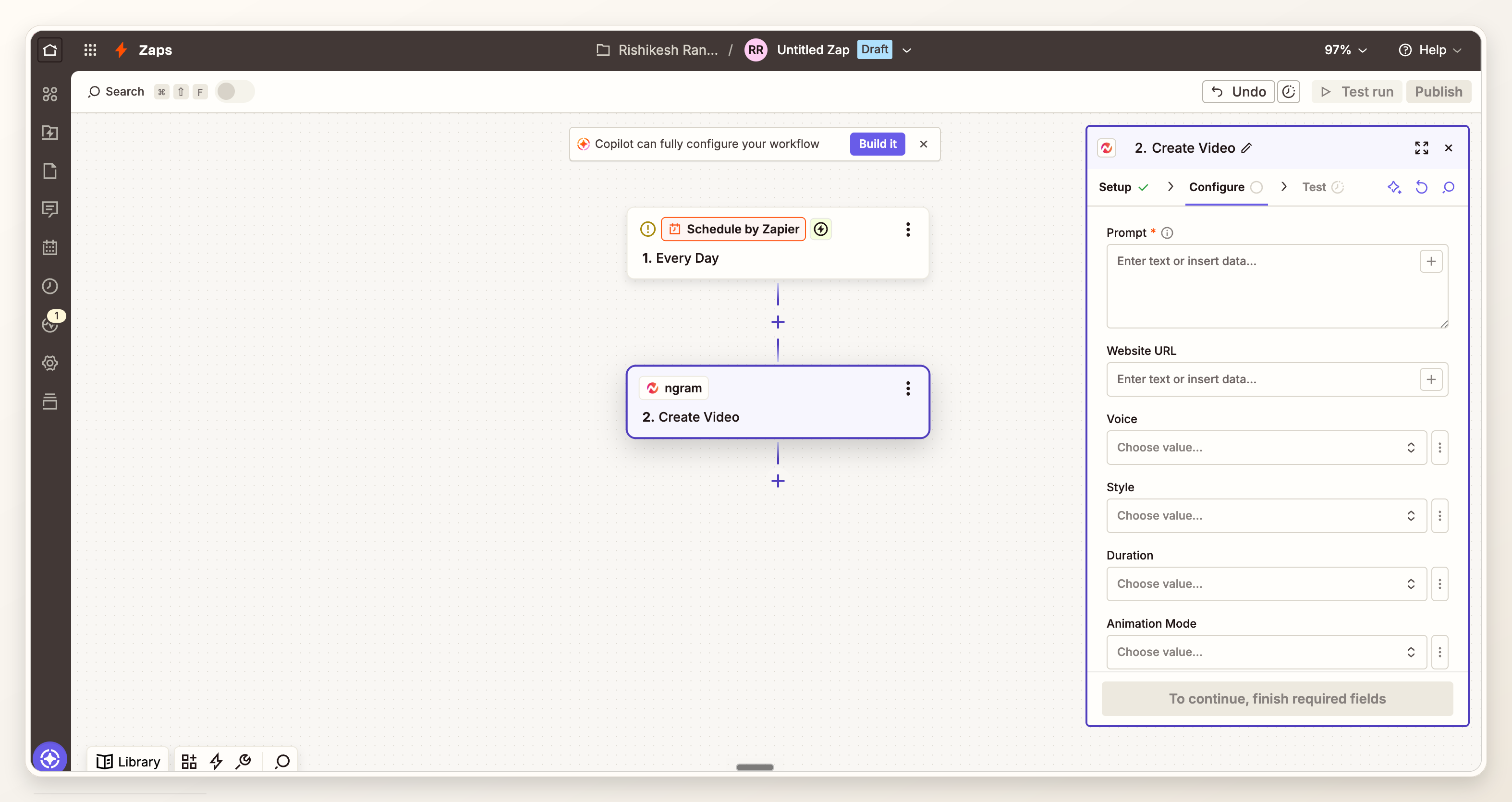
Step 3: normalize source fields into a usable video brief
A product explainer video should not inherit the entire record. It needs the approved source URL, target audience, buyer problem, product promise, proof point, CTA, tone, target length, and reviewer. Everything else can distract the story.
If the source is a live page, ngram can use URL context directly. For a page-driven explainer, the URL to Video path is the right mental model: the page is source material, and the video is a shorter, audience-specific version of the message.
- Product and source: the product name plus the approved URL, document, or record ngram should use as context.
- Target audience: the segment this explainer is for, not every possible buyer.
- Problem: the before-state in one sentence.
- Promise: the product outcome the video should make clear.
- Proof: a screenshot, customer phrase, result, launch claim, or workflow detail the team has approved.
- CTA, tone, length, and reviewer: the controls that keep the draft useful after automated video generation starts.
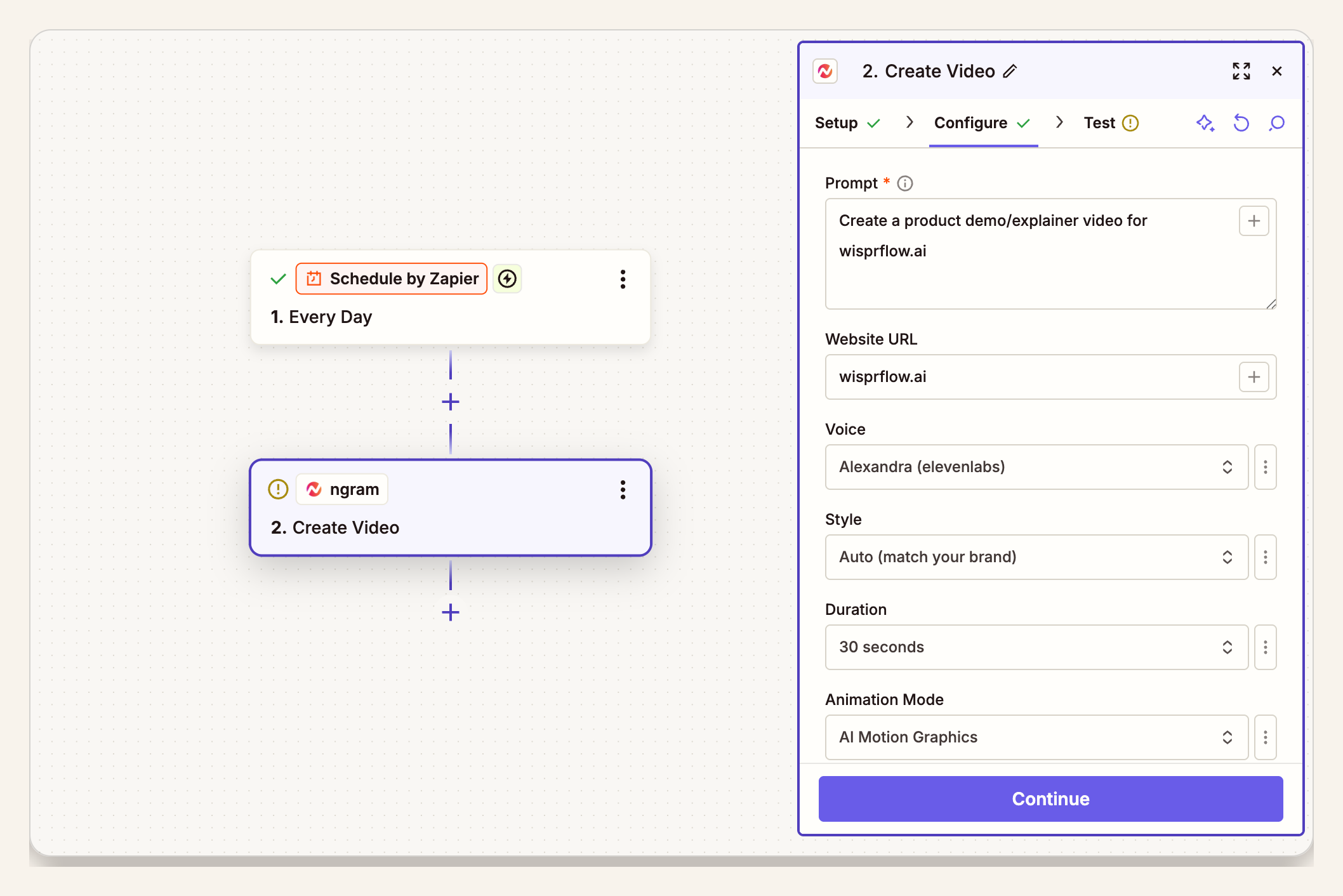
Step 4: connect ngram and create the product explainer video
Once the brief is clean, connect ngram in Zapier and add it as the creation action. Zapier's action setup guide says actions run after the trigger and can use mapped fields, manually entered values, or selected dropdown values. Source: Zapier action setup.
For the video prompt, write like an editor, not a database admin. A strong prompt might say: create a 60-second product explainer for operations leaders, show how the product replaces manual ticket triage, use the approved feature page as source context, keep the tone direct, include the approved proof point, and end with book a demo.
The AI explainer video maker page shows the same core pattern outside Zapier: start with a prompt, URL, PDF, screenshot, image, or source note, then review the script and storyboard before exporting.
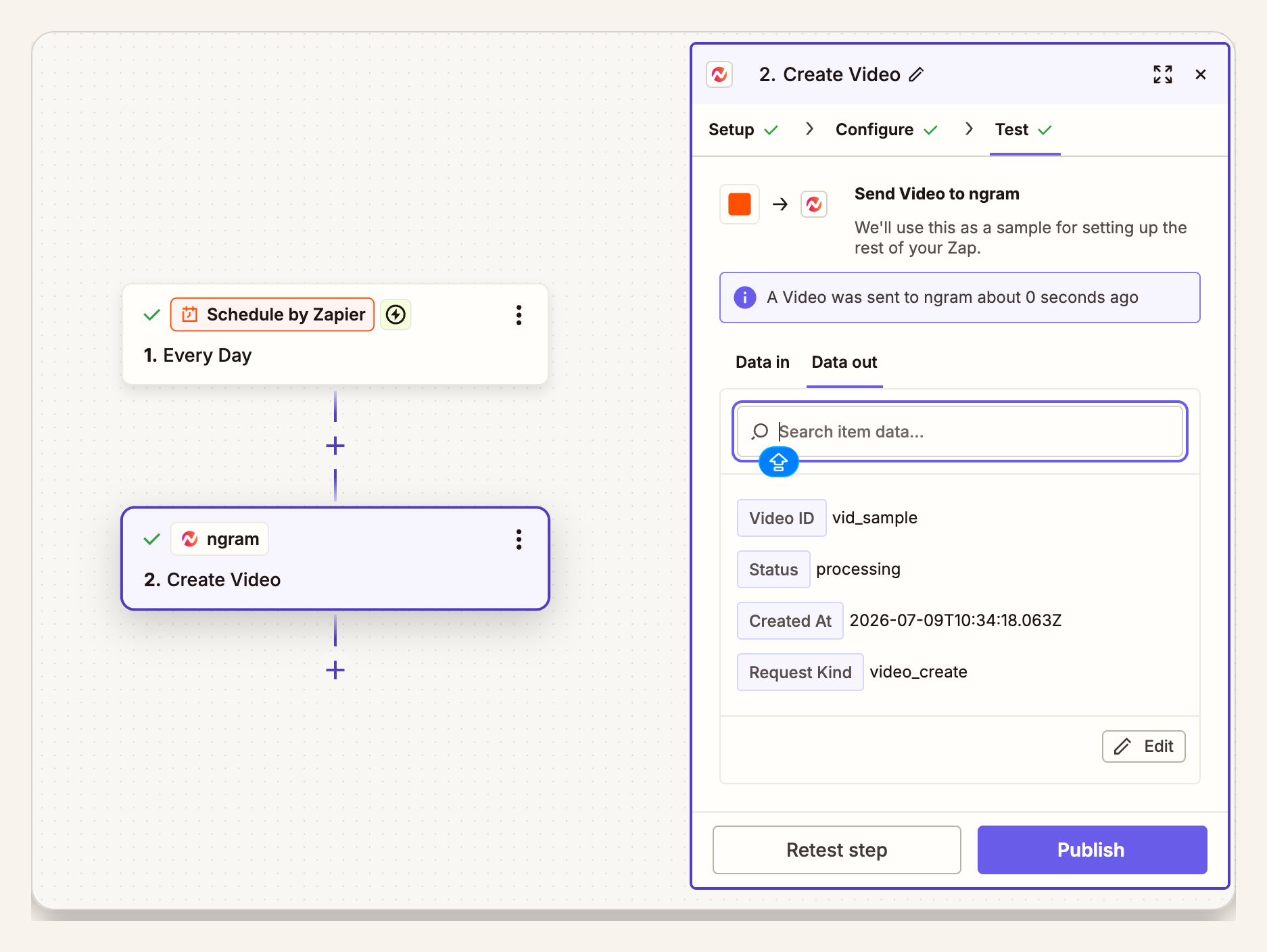
Step 5: test the Zap and inspect the ngram draft
Do not wire the next action as if the draft is instant. The Zap should have a clear handoff point: result available, status checked, or reviewer notified with the right ngram link. If your team uses a campaign tracker, write the result back to the source row.
Zapier warns that testing an action can be live and may make changes in the connected app. Treat test runs as real work: use a test record, a sandbox destination, or a reviewer-only queue until the workflow is ready.
Step 6: review the draft and route the link
The review step is where the automation earns trust. A reviewer should check whether the video states the right product promise, uses current screenshots, avoids unsupported claims, matches the page CTA, and fits the intended channel.
For page-based explainers, compare the final video against the page it came from. Our guide to creating a product explainer video from a landing page covers the source-page audit in more detail.
After review, the Zap can update the campaign record, notify the owner, add the video link to a CMS task, or attach the asset to a sales enablement card. Keep public publishing separate unless the exact source, prompt pattern, and destination have already passed real review cycles.
Field map for a cleaner product explainer video prompt
| Zapier field | Send to ngram as | Why it matters |
|---|---|---|
| Approved source URL | Source context | Gives ngram the page, brief, or record language to compress. |
| Target audience | Viewer instruction | Keeps the explainer from becoming a generic feature tour. |
| Problem | Opening hook | Explainers work when the first scene names the buyer's pain. |
| Promise | Story spine | Clarifies what the product changes for the viewer. |
| Proof | Scene requirement | Forces the video to show evidence, not just promise. |
| CTA | Closing instruction | Keeps the end card aligned with the campaign or page. |
| Tone | Voice direction | Prevents the draft from sounding too technical or too promotional. |
| Length | Runtime target | Keeps automated drafts easy to review and reuse. |
| Reviewer | Review owner | Routes the link to someone accountable for claims and visuals. |
QA checklist before the Zap goes live
- Run the Zap with a test record that looks like a real approved product page, campaign brief, or source record.
- Confirm the ngram prompt excludes internal-only notes, roadmap promises, unsupported claims, and old screenshots.
- Check that the reviewer receives the video link, source URL, audience, problem, promise, proof, CTA, tone, and target length in the same task.
- Review the ngram draft for positioning, product accuracy, visual fit, narration, captions, and CTA alignment.
- Log the resulting video URL or asset ID back to the source record so the team can audit what moved from approved source to reviewed draft.
Where this workflow fits and where it does not
Use this workflow for repeatable product stories: feature launches, template pages, sales explainers, customer onboarding snippets, marketplace listing updates, and campaign pages that follow a known structure.
Do not use it for messaging that is still being debated. If the product page has multiple audiences, competing CTAs, and no proof point, the Zap will only move confusion faster. Fix the brief first, then automate.
Frequently asked questions
Can Zapier create a product explainer video automatically?
Zapier can start the workflow and pass approved fields into ngram. The safer setup sends the finished product explainer video draft to review before it updates a CMS task, campaign tracker, or asset library.
What should trigger the Zap?
Use an approval event: a CMS item set to ready, an Airtable status change, a final form submission, or a release note marked published. Avoid raw create events unless the source app already guarantees approved content.
Should a product explainer video skip review?
No for most product marketing workflows. Review is the guardrail for product claims, visual accuracy, brand fit, and CTA alignment. Automate the production handoff first, then route the ngram draft to someone who can approve edits.
How long should the video be?
For a page or campaign explainer, a practical default is under two minutes. Wyzowl reports that 71% of people believe videos between 30 seconds and 2 minutes are most effective, so keep the automated default short enough for a reviewer to approve quickly. Source: Wyzowl Video Marketing Statistics 2026.
Which proof screens support this workflow?
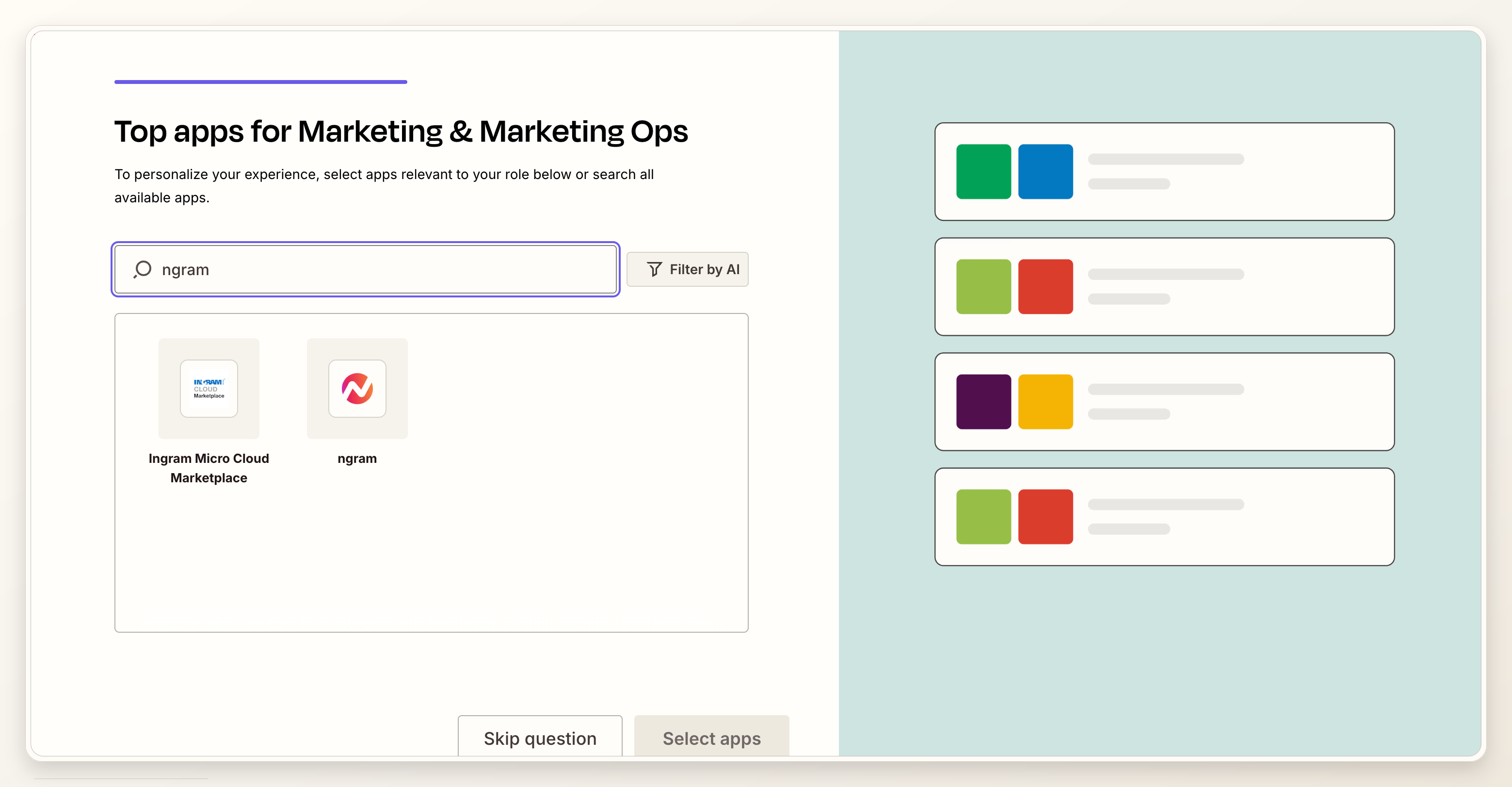
The proof screens show the ngram app connection in Zapier, the approved trigger, the mapped ngram action, and the result or status handoff. They support the workflow pattern without turning the post into a publish-integration guide.
The practical takeaway
A Zapier workflow makes product explainer videos repeatable, but it should not remove editorial control. Use automation to collect the approved inputs, create the first draft, and notify the reviewer. Keep the judgment where it belongs: on the message, the proof, and the final approval decision.