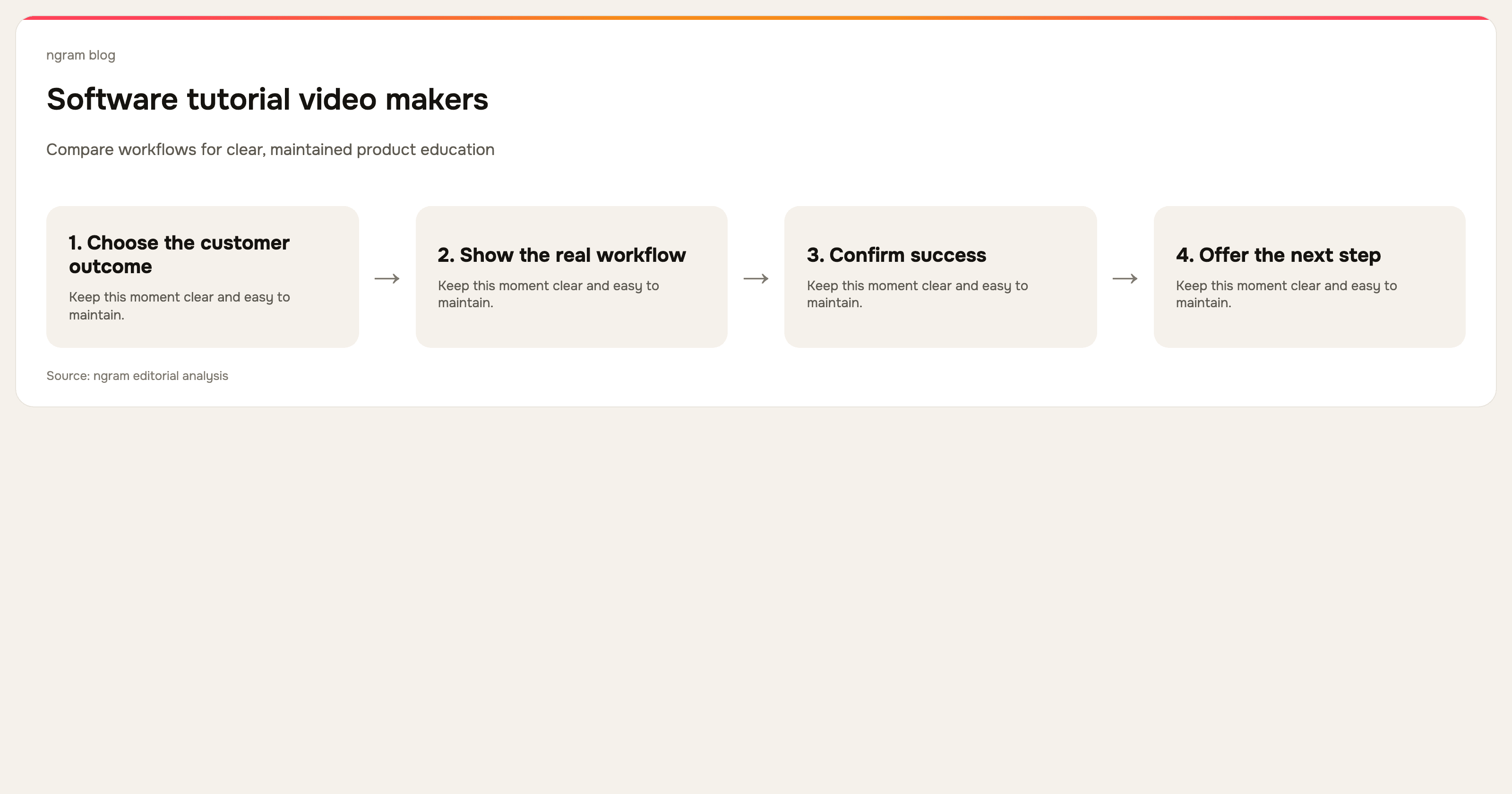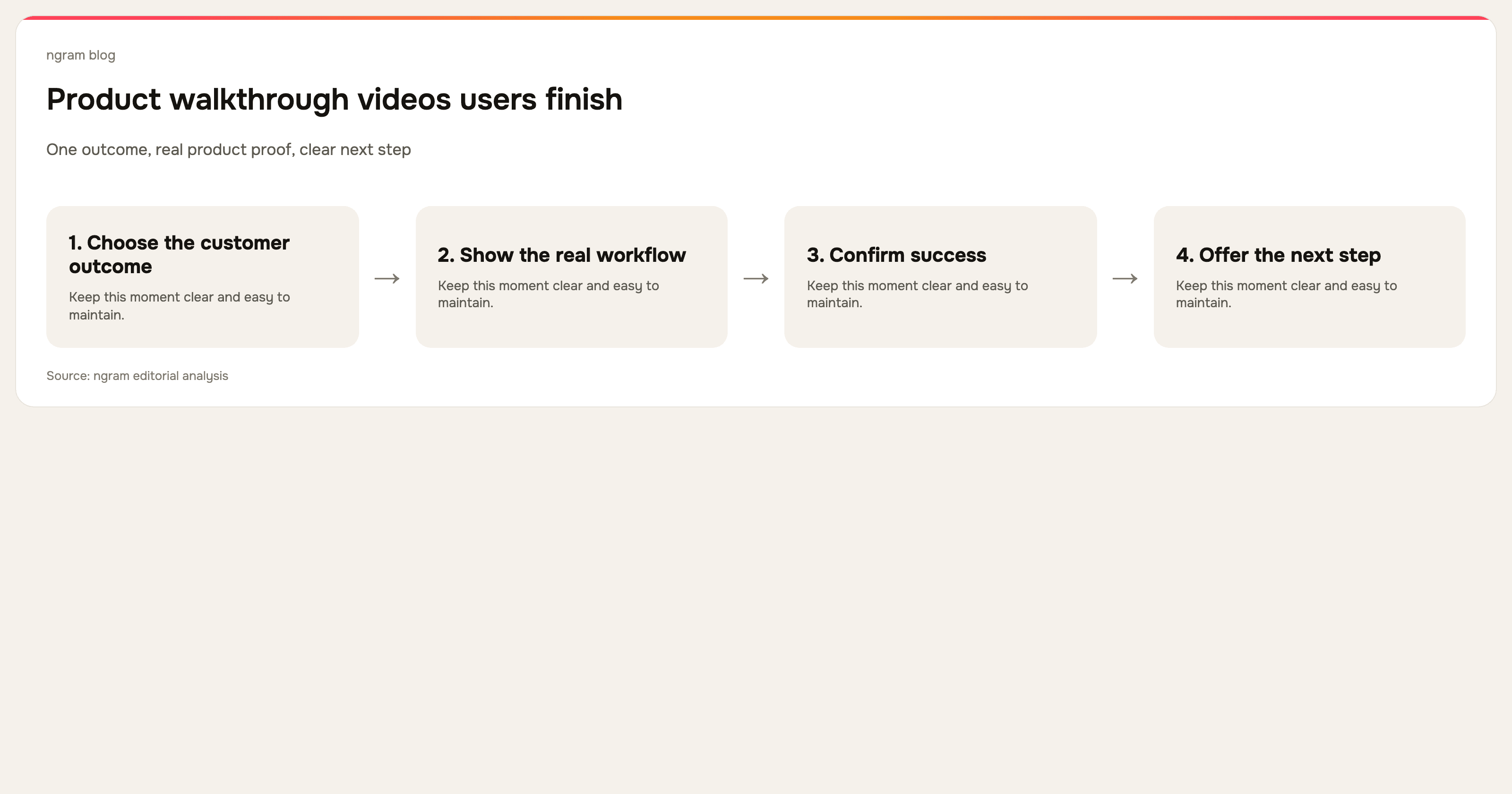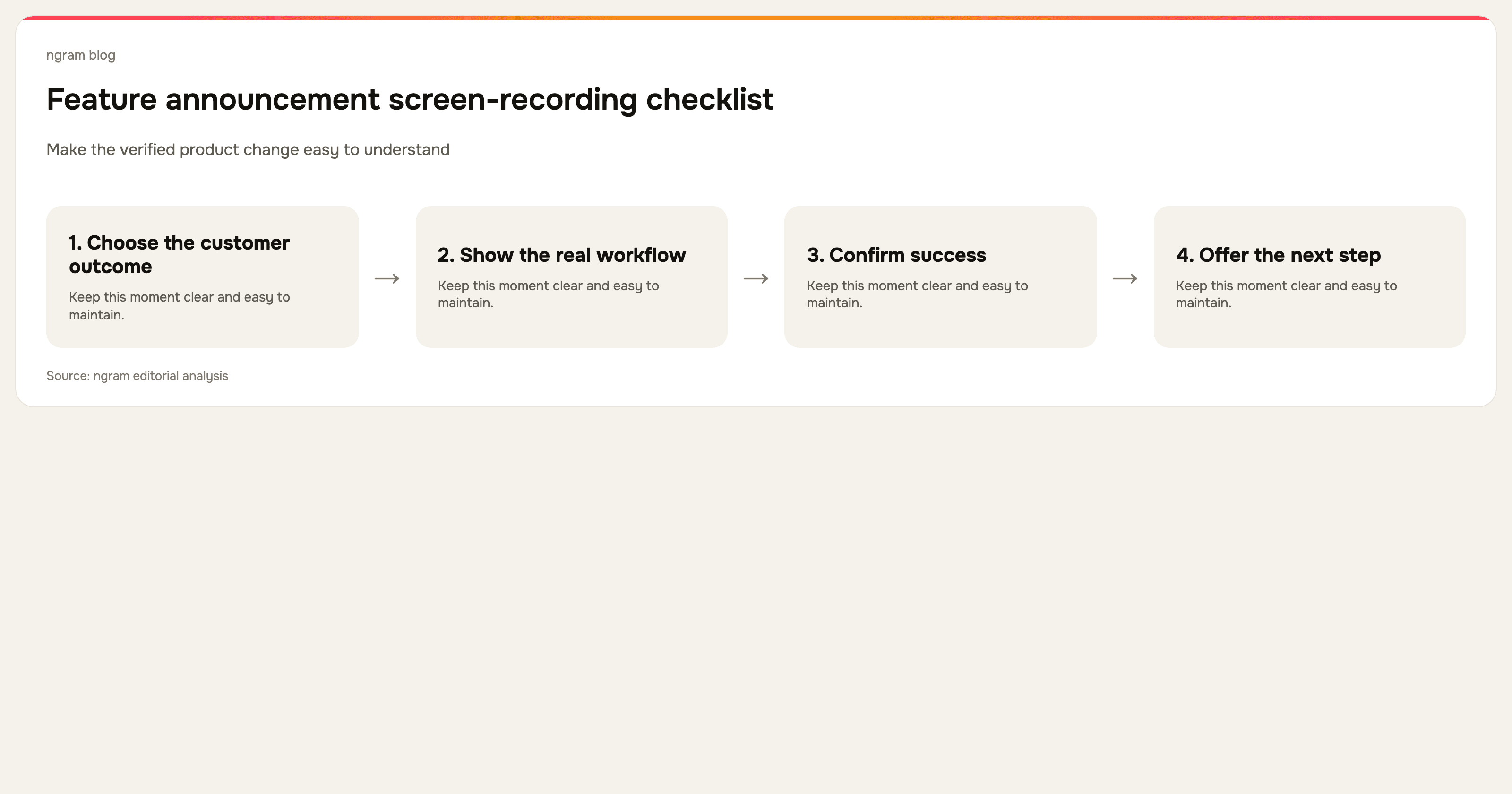

A screen recording is the most credible starting point for a feature announcement because it shows the shipped product, not an aspiration. But raw footage still includes the uncertainty a customer should not have to watch: the wrong tab, waiting, retries, unrelated settings, and narration that discovers the story while recording.
Start with the release truth
Before recording, confirm the change is live for the audience you plan to address. Write down the visible customer action, the outcome it enables, and any prerequisites or rollout conditions. Do not say a feature is generally available when it is gated, in a limited rollout, or dependent on setup you do not show.
Record the smallest real workflow
Open from the same place a customer will start. Capture the decisive action and the successful result. If the feature has several paths, make one video per path rather than forcing every option into a single announcement. Real footage supplies proof; a focused scope supplies clarity.
Turn the recording into a short script
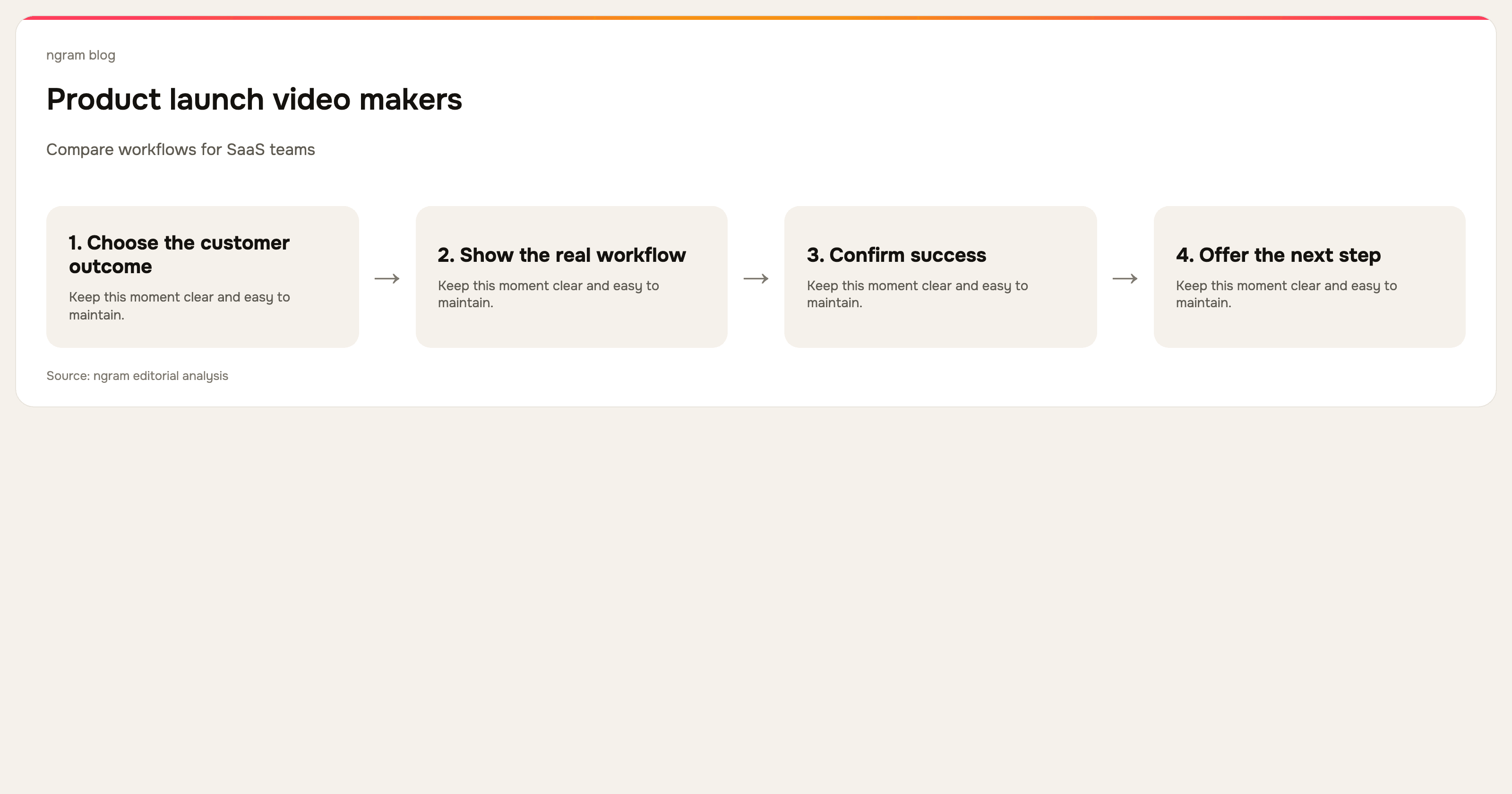
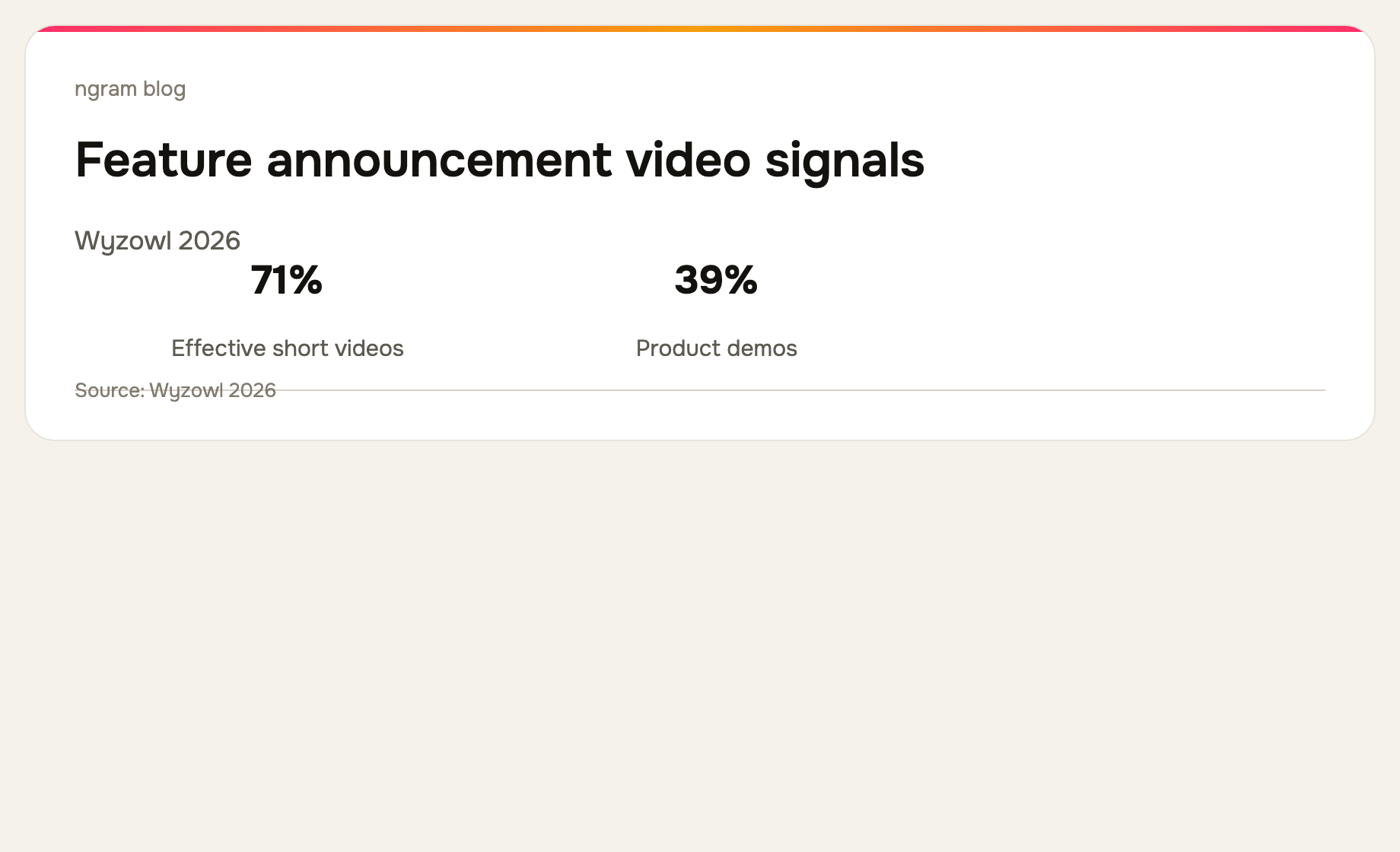
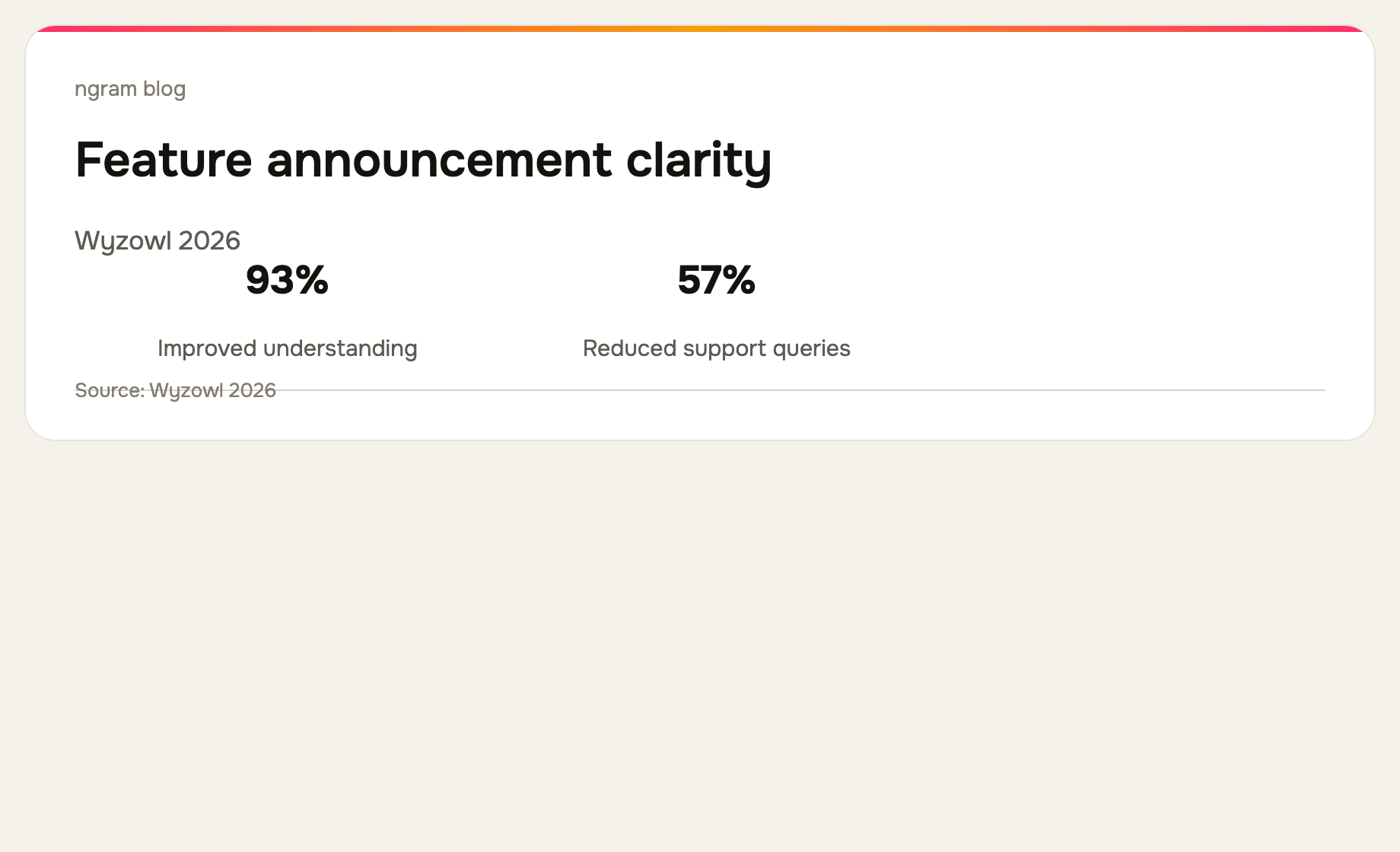
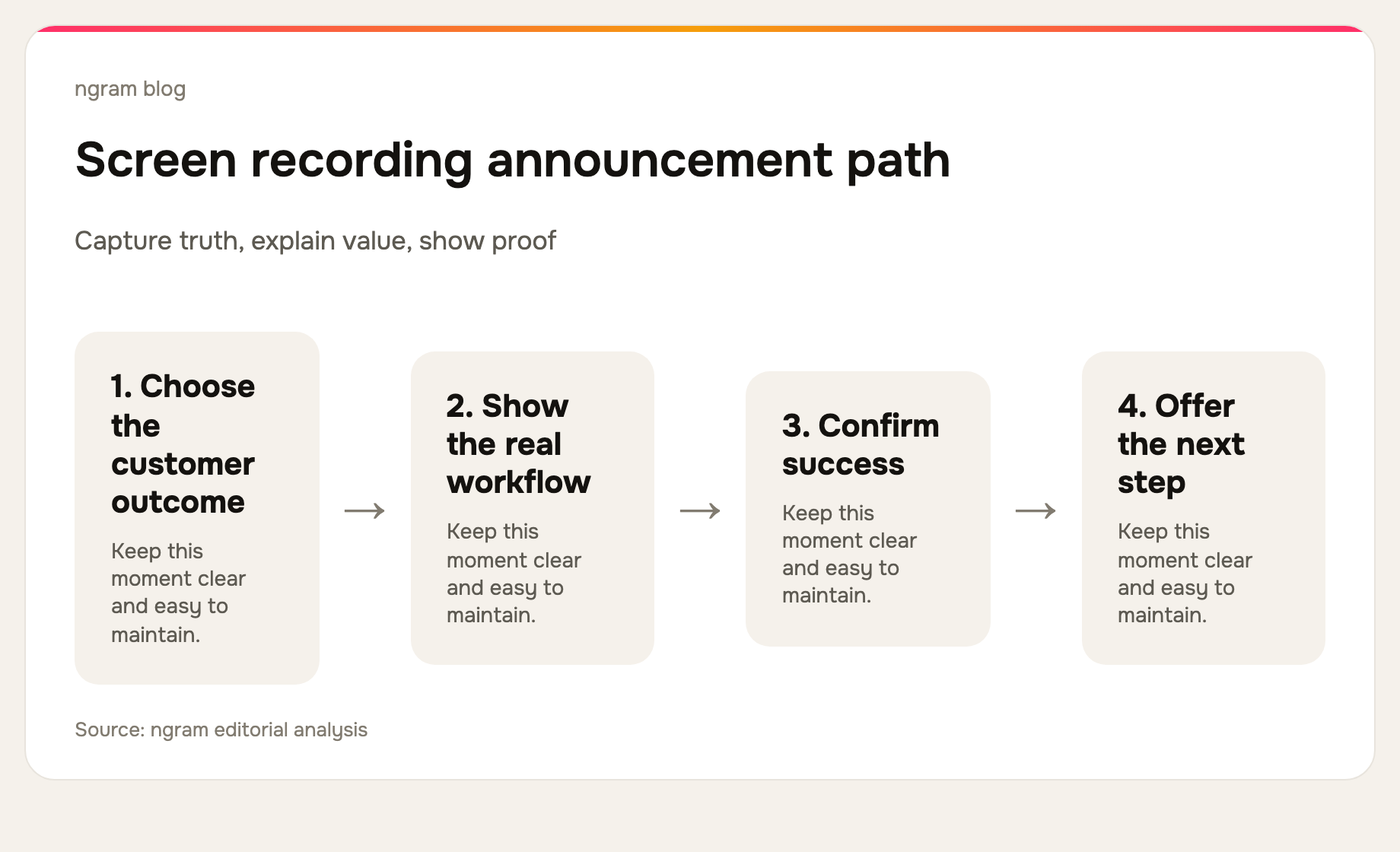
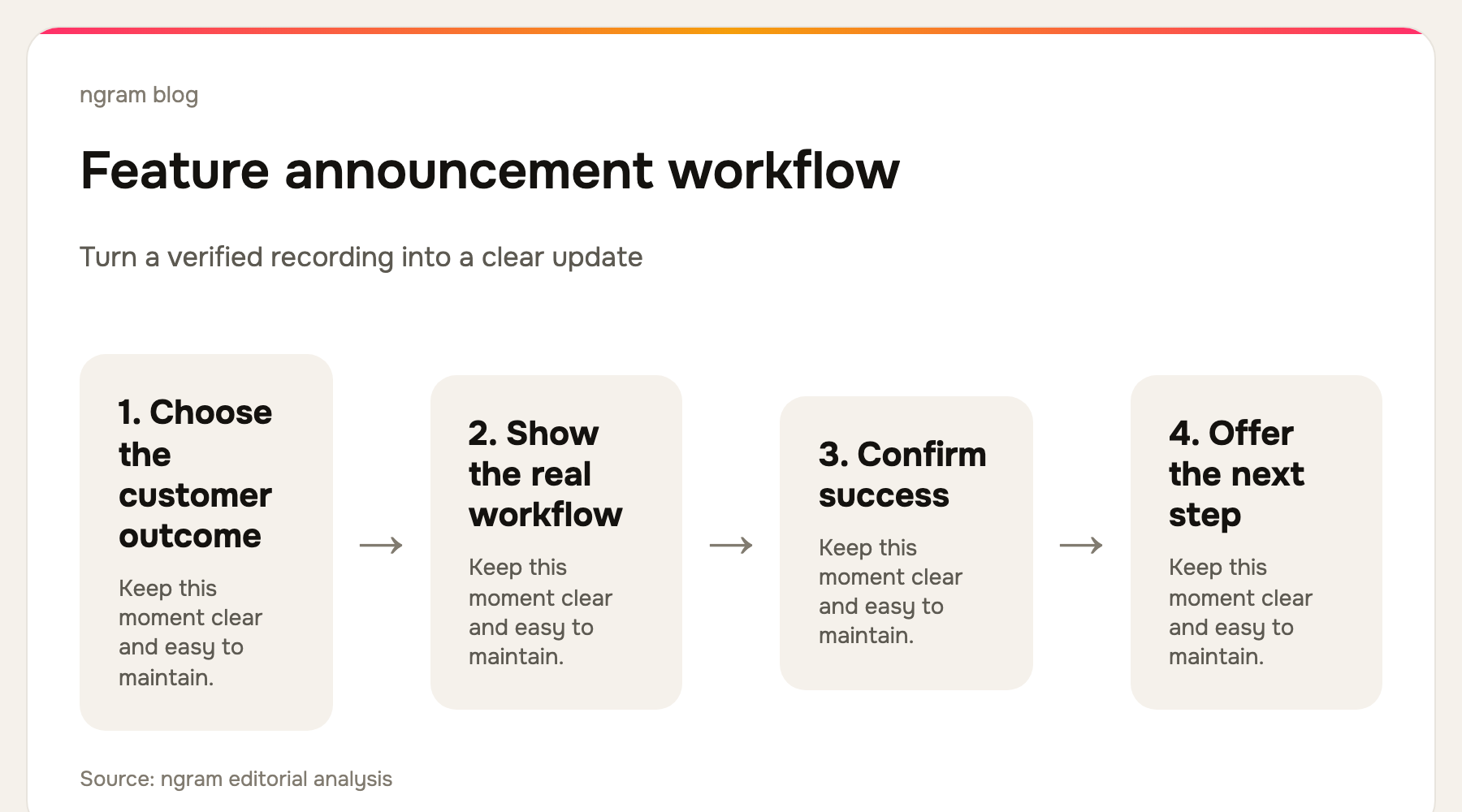
Use four beats: the old friction, the new capability, the exact action, and the next step. Keep product terminology accurate, but remove internal jargon and every detail the viewer does not need to recognize the update. Wyzowl's 2026 survey found that 71% of video marketers consider 30 seconds to two minutes effective, which is a sensible default for one announced outcome. Read the survey.
Polish the footage without hiding the product
Remove dead air and failed attempts. Use captions so the update can be understood with sound off. Add callouts, cursor smoothing, click emphasis, and smart zooms only where they help the viewer follow the product action. The visual treatment should make the interface easier to read, not manufacture evidence that is not there.
ngram can take a screen recording or other approved release material, build a script and storyboard, and turn it into an editable announcement video. See the feature announcement video workflow for the supported production path.
Publish with the written announcement
The video should lead with the customer value and the written announcement should retain scope, links, plan availability, and technical details. Put both where the customer expects release information: a changelog, product-update email, help center, or in-product message. Link the next useful action rather than adding a generic call to action.
Feature announcement video checklist
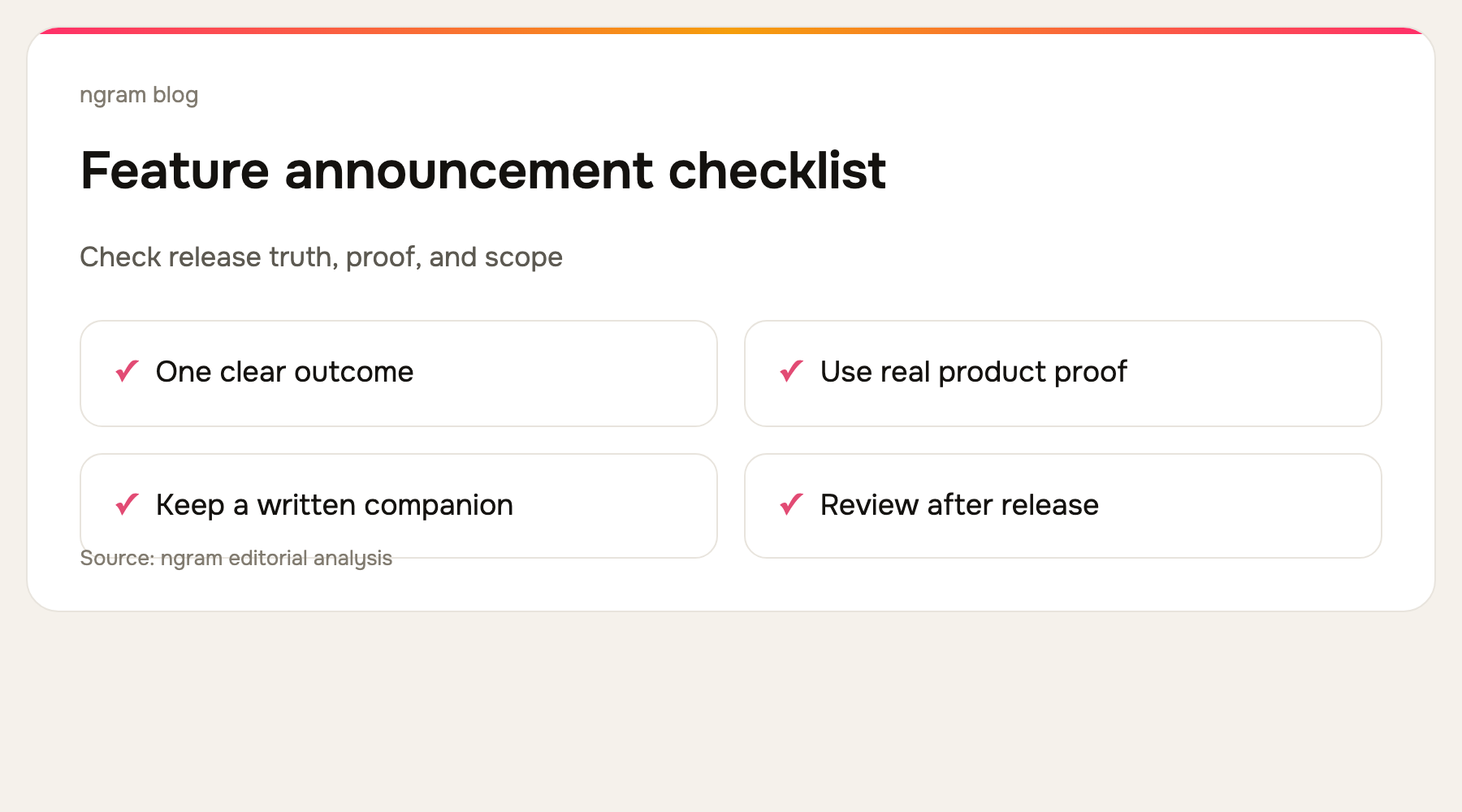
Confirm the feature is live, capture the real workflow, show one outcome, remove irrelevant footage, make key actions visible, verify captions and claims, link the release note, and archive the recording with the approved script.
For the written-source workflow, see how to turn release notes into a product update video. For a broader product story, use the product demo video use case.
The bottom line
A good feature announcement video is a short proof of a customer-visible change. Start from a real screen recording, keep the narrative narrow, and publish it alongside the written release record so customers can watch the value and verify the details.