
A product walkthrough video loses people when it tries to explain the entire product. The recording gets longer, the narrator describes menus a viewer does not need yet, and the customer cannot tell whether the video will help with the job they came to solve. The fix is not a faster voiceover. It is a narrower promise.
This guide is about a watchable product walkthrough video: a recorded or generated video that shows someone how to complete a workflow. It is not an interactive product walkthrough or in-app guidance system. Video can teach before a customer logs in, in a help center, after a launch, or in a follow-up email. It cannot react to a user's live clicks in the product.
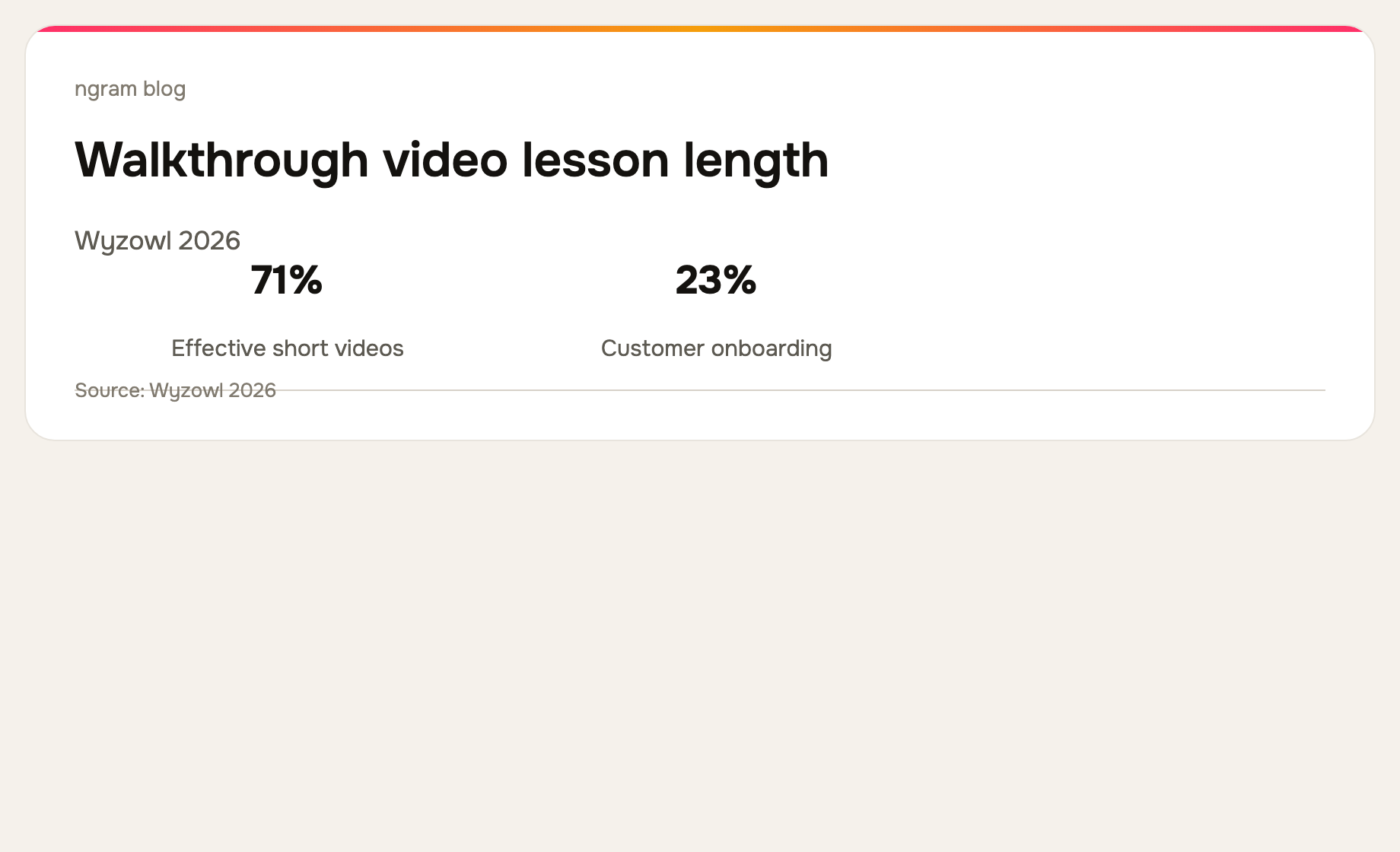
Wyzowl's 2026 survey reports that 71% of video marketers consider 30 seconds to two minutes effective. That is not a strict runtime rule, but it is a useful warning: short videos with one outcome have a better chance of earning attention than an unstructured tour. Read the survey context and methodology.
1. Start with the outcome, not the feature list
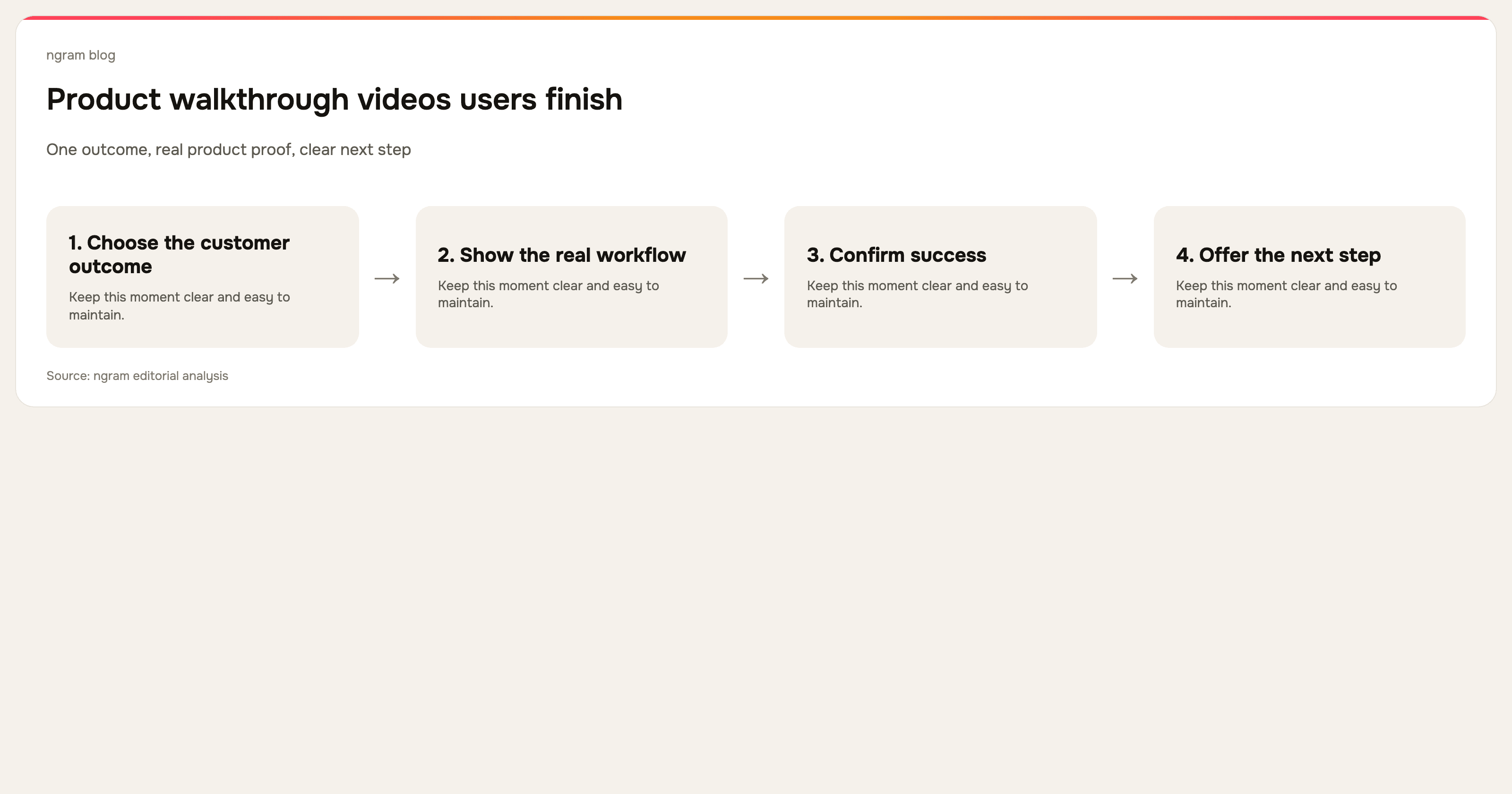
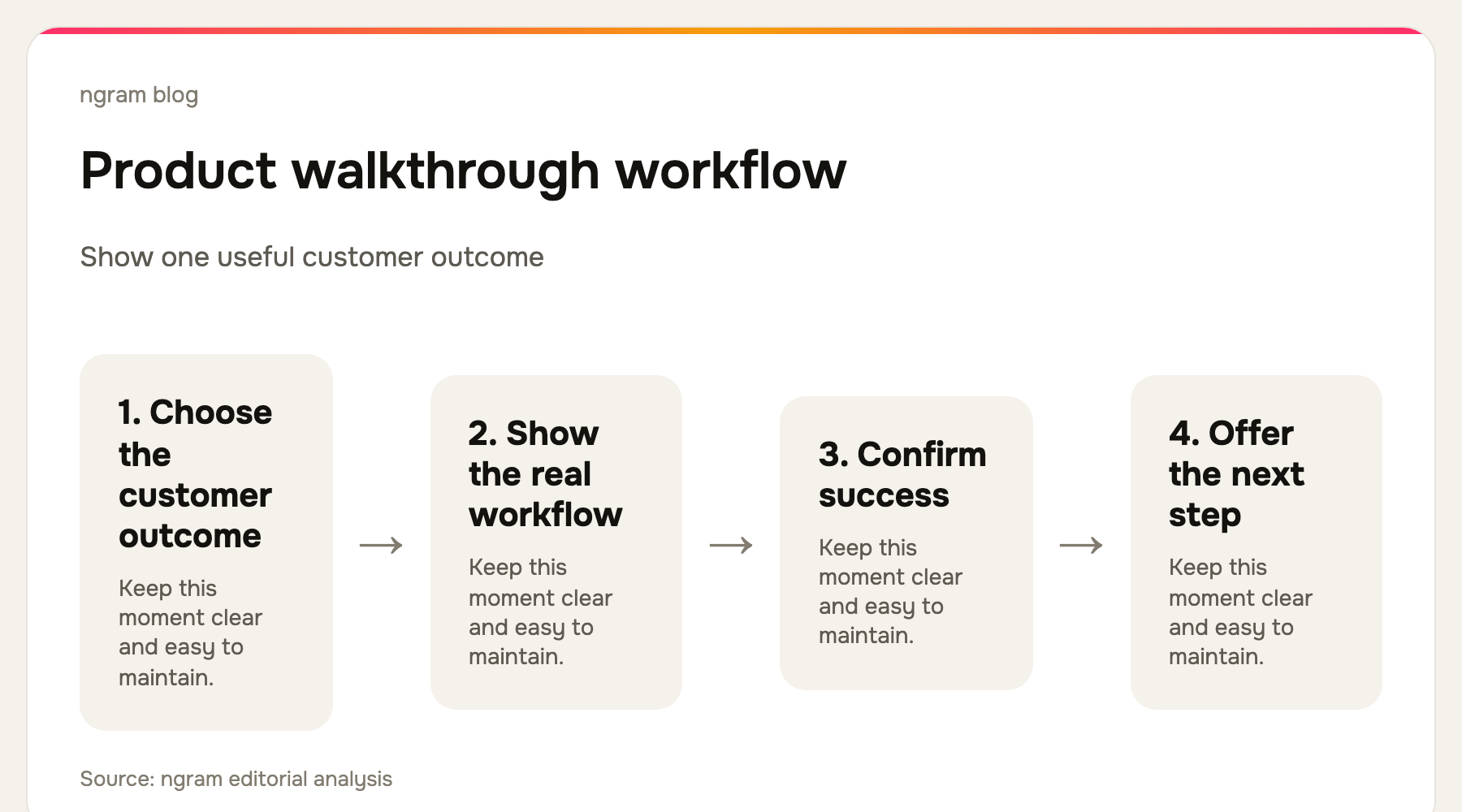
Write one sentence: after watching this, a specific person can do a specific thing. Good examples are: connect a data source, invite a teammate, publish a report, or create a first project. “Learn our dashboard” and “tour the new release” are too broad because they do not say what the viewer will leave able to do.
Open with the successful result. A viewer should see the finished report, shared workspace, or completed configuration before you explain the route there. That creates a reason to keep watching and gives every following screen a purpose.
2. Pick the right format for the job
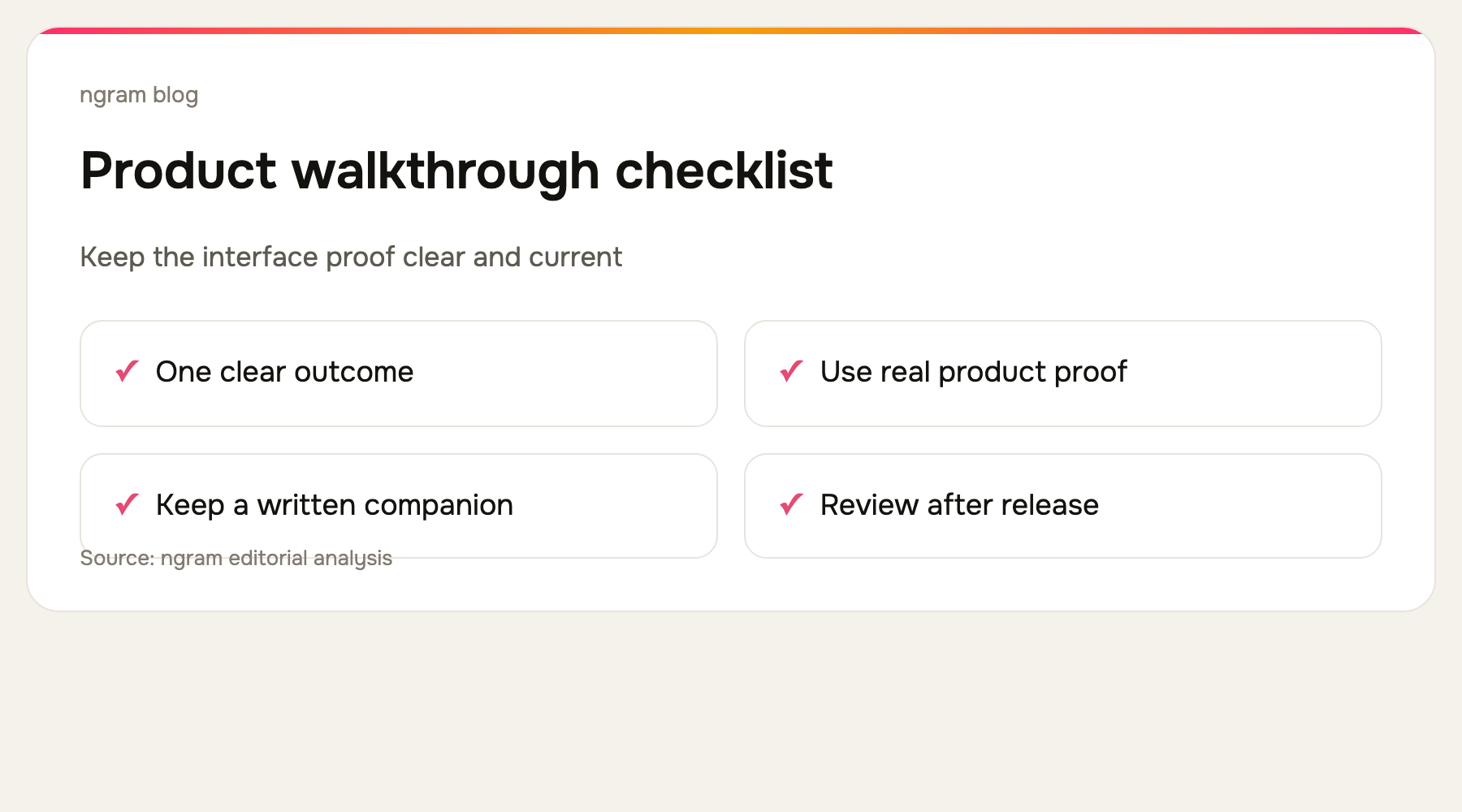
Use a video when seeing the interface removes ambiguity: where to click, what changes after an action, and what a correct result looks like. Use written documentation for values people need to copy, exceptions, and reference details. The best learning experience often combines a short video with a written checklist rather than forcing one format to carry everything.
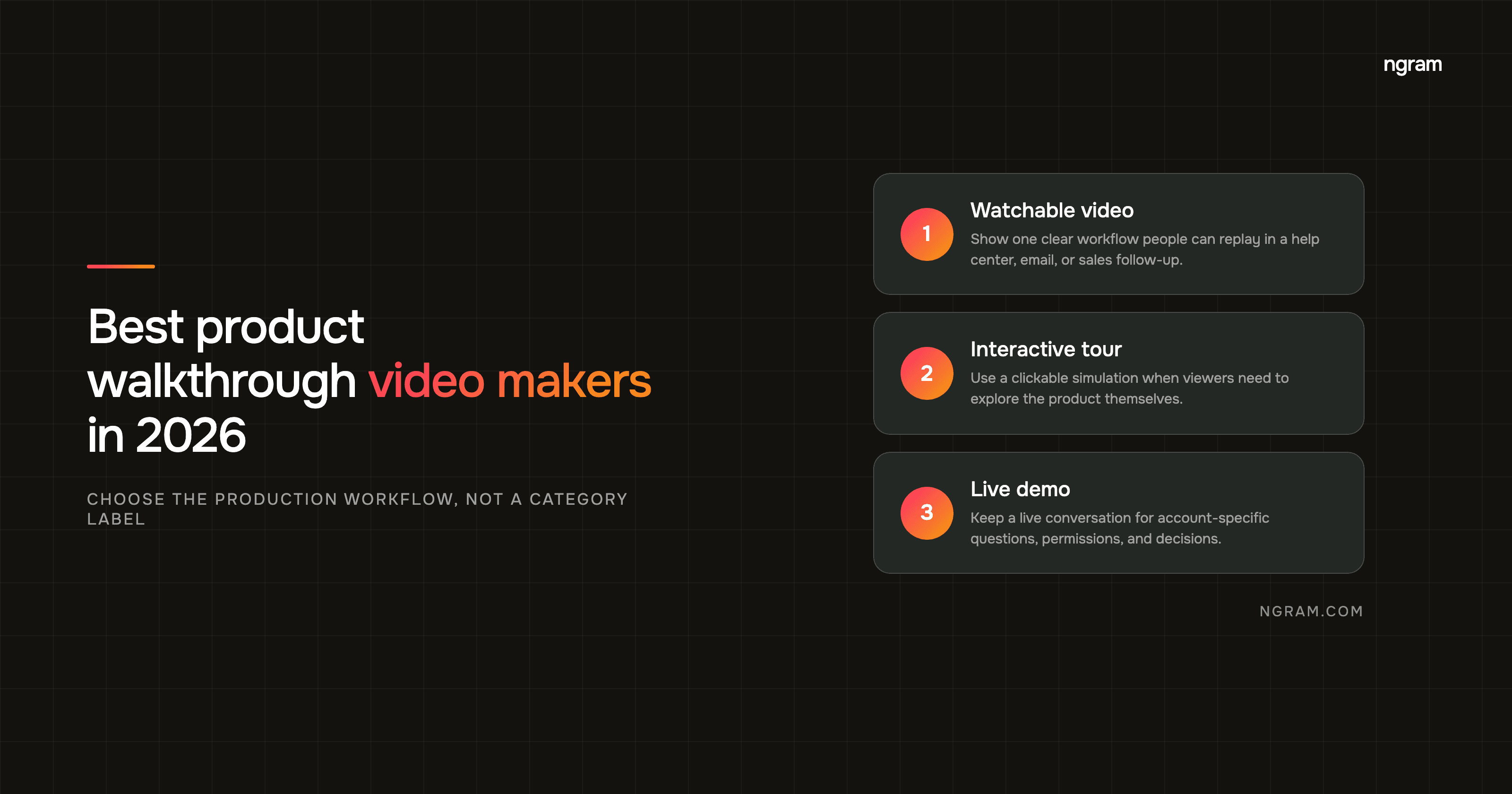
If a person needs guided live interaction inside the app, evaluate an in-app walkthrough product separately. If they need an explanation they can watch and replay, create a product walkthrough video. Keeping that distinction explicit prevents a content asset from being sold as a product-adoption feature it cannot provide.
3. Script decisions, not every click
A weak script says “click this, then click that.” A useful one explains the decision a customer is making: choose this setting because it controls who can see the project; select this source because it refreshes the report; confirm this state because it shows the connection worked. Let the interface prove the action, and use narration for the meaning.
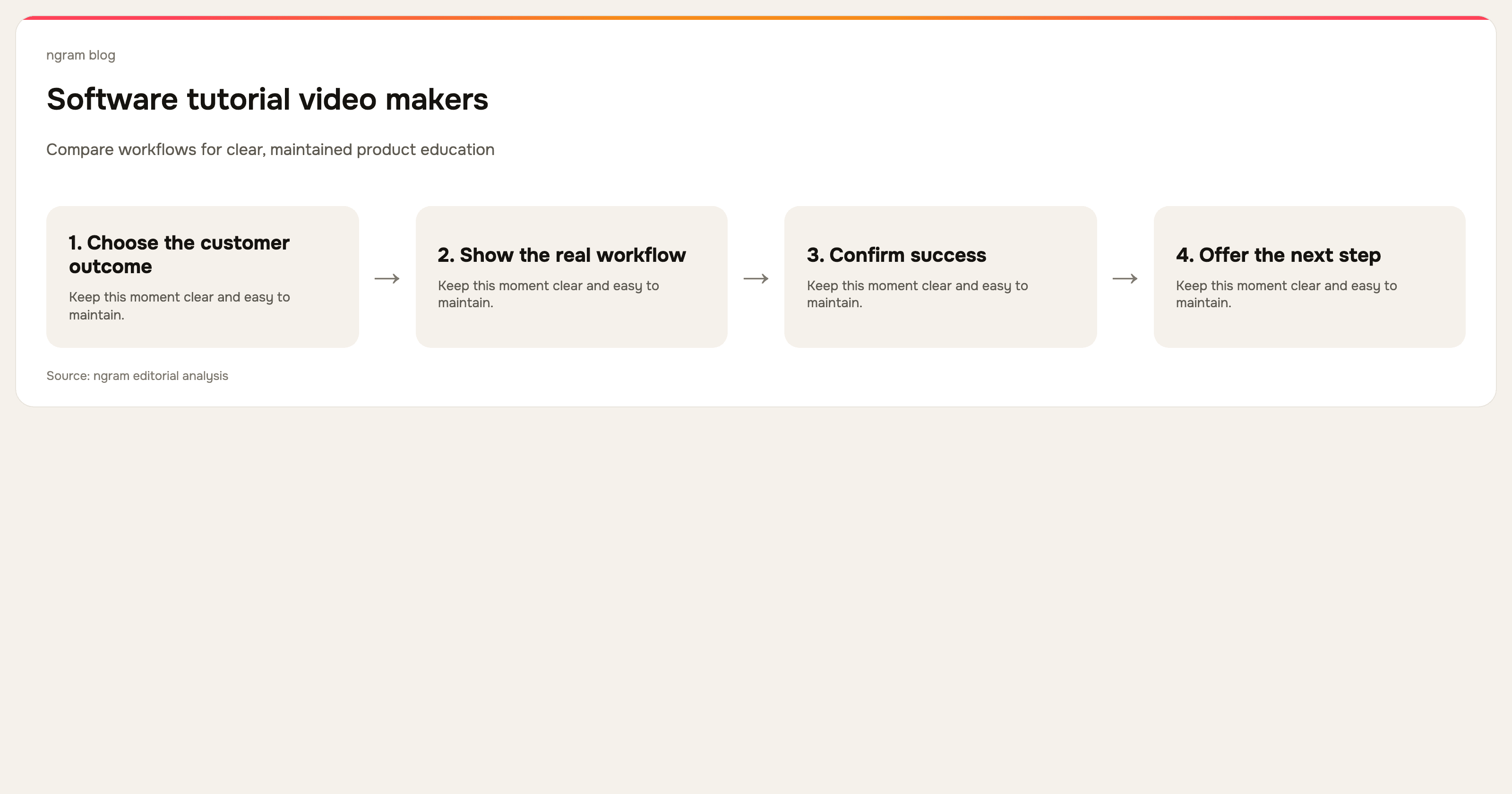
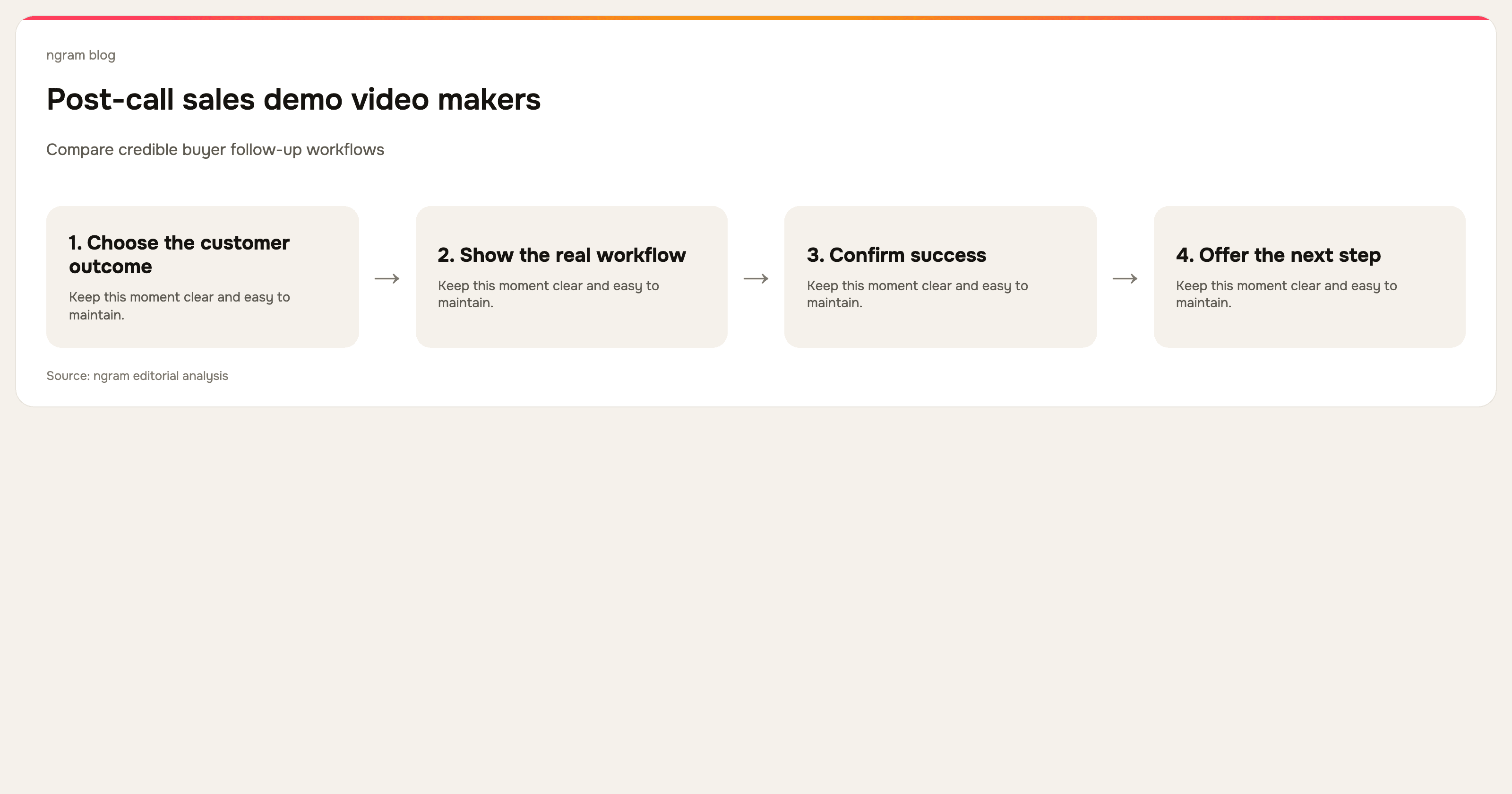
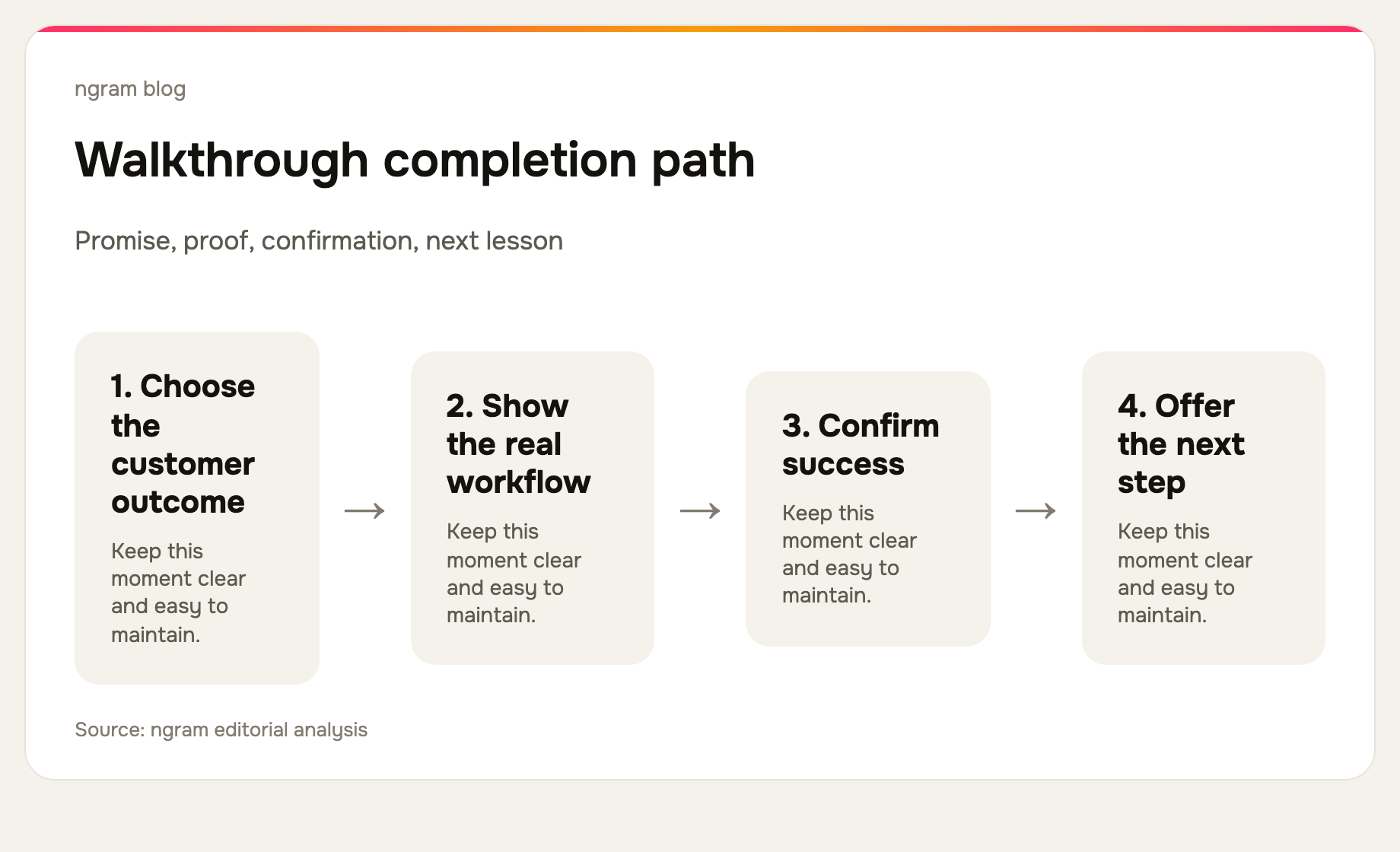
Keep the first cut intentionally short. Most walkthroughs need an opening outcome, three to five meaningful actions, confirmation, and a next step. If the sequence is longer, split it at the next decision point. A customer can always continue to lesson two; they cannot recover time spent watching irrelevant screens.
4. Record real product proof
Use a clean, realistic environment with sensible example data. Remove dead time, errors, unrelated notifications, and sensitive information before publication. Record at a readable scale and make the important action visible through deliberate pacing, captions, cursor treatment, callouts, or zooms. Do not use generic stock footage where the customer needs proof of an interface.
If you already have a rough capture, you can turn a screen recording into a polished video instead of rebuilding the demonstration from scratch.
5. Edit for pace and comprehension
Remove waiting, repeated navigation, and setup that is not relevant to the promised outcome. Add captions because many people watch without sound. Use visual emphasis to direct attention, but do not add motion just to make the video feel busy. Every edit should either make the action easier to see or shorten the route to the result.
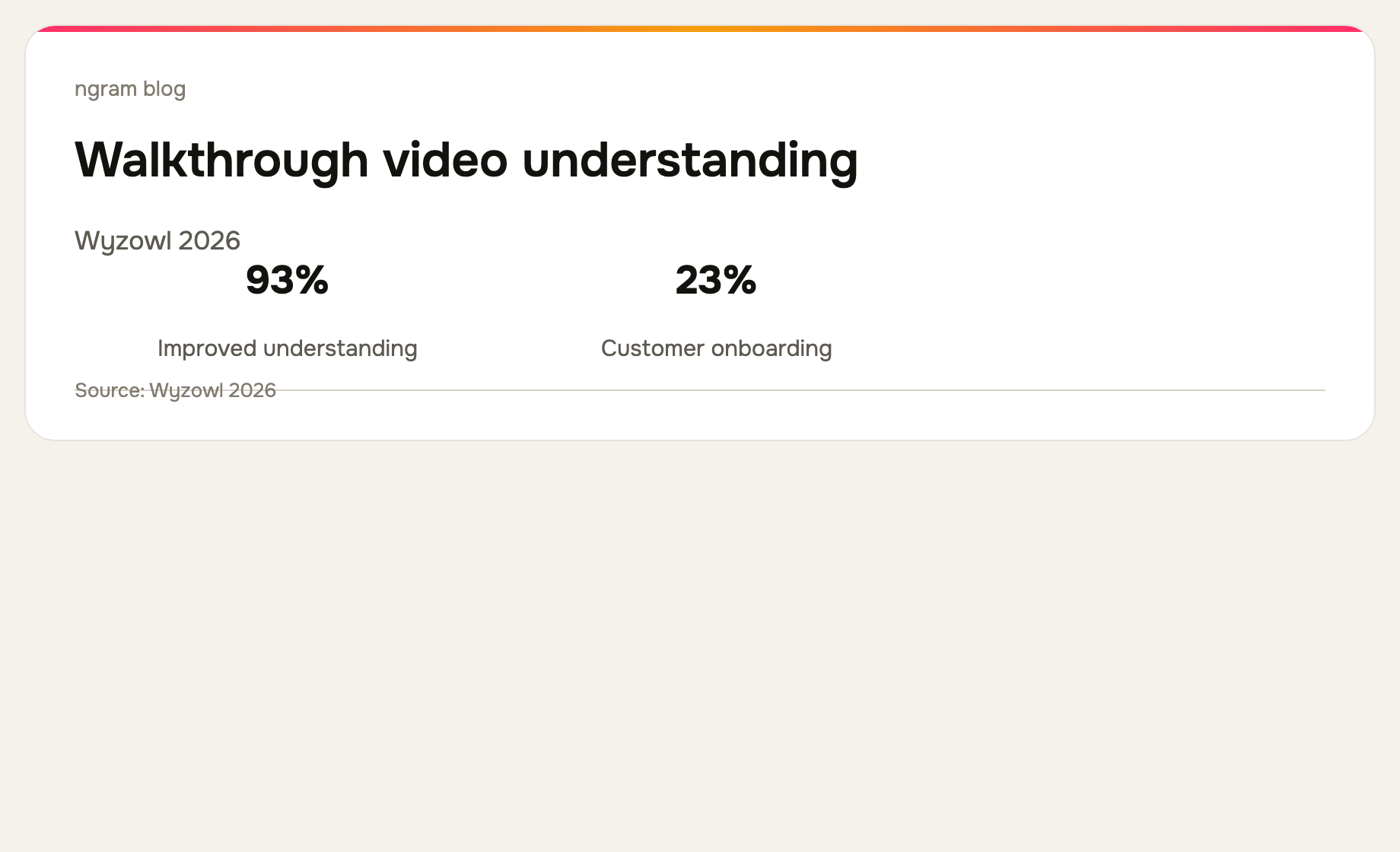
Wyzowl reports that 93% of surveyed video marketers said video improved user understanding. Treat that as an argument for clarity and measurement, not a guaranteed outcome. Check whether viewers reach the end, whether the help request changes, and whether the next action is easier to complete.
6. Give viewers a next step
End with the next logical action: try the workflow, open the written guide, watch the next lesson, or share the setup with a teammate. The CTA should match the promise made at the beginning. A video about connecting a source should not end with a generic request to explore every feature.
For a product-demo version of this workflow, see ngram's product demo video use case and the guide to making a software tutorial video for a more tutorial-led structure.
Frequently asked questions
How long should a product walkthrough video be?
Keep it as short as the task allows. A simple workflow may fit in one or two minutes. A complex workflow is usually better as a series of focused videos than one exhaustive tour.
What should a product walkthrough include?
It should show the target outcome, the few actions required to reach it, the decision behind each important action, a visible confirmation, and one relevant next step.
Is a product walkthrough video the same as an interactive product tour?
No. A product walkthrough video is watched. An interactive product tour responds to a user's actions inside a live product. They can support the same learning goal, but they are different formats and require different software.
The bottom line
People finish product walkthrough videos when the video respects their time and proves a useful result. Narrow the outcome, show the real interface, explain only the decisions that matter, and maintain the video as the product changes. ngram can turn a screen recording, document, URL, or brief into that kind of customer-ready walkthrough video.