
Release notes and product update videos do different jobs. The written note preserves a record: what shipped, which plan or surface it affects, and any caveats. The video helps a customer recognize the change in context. It should answer one practical question: what can I do now that I could not do before?
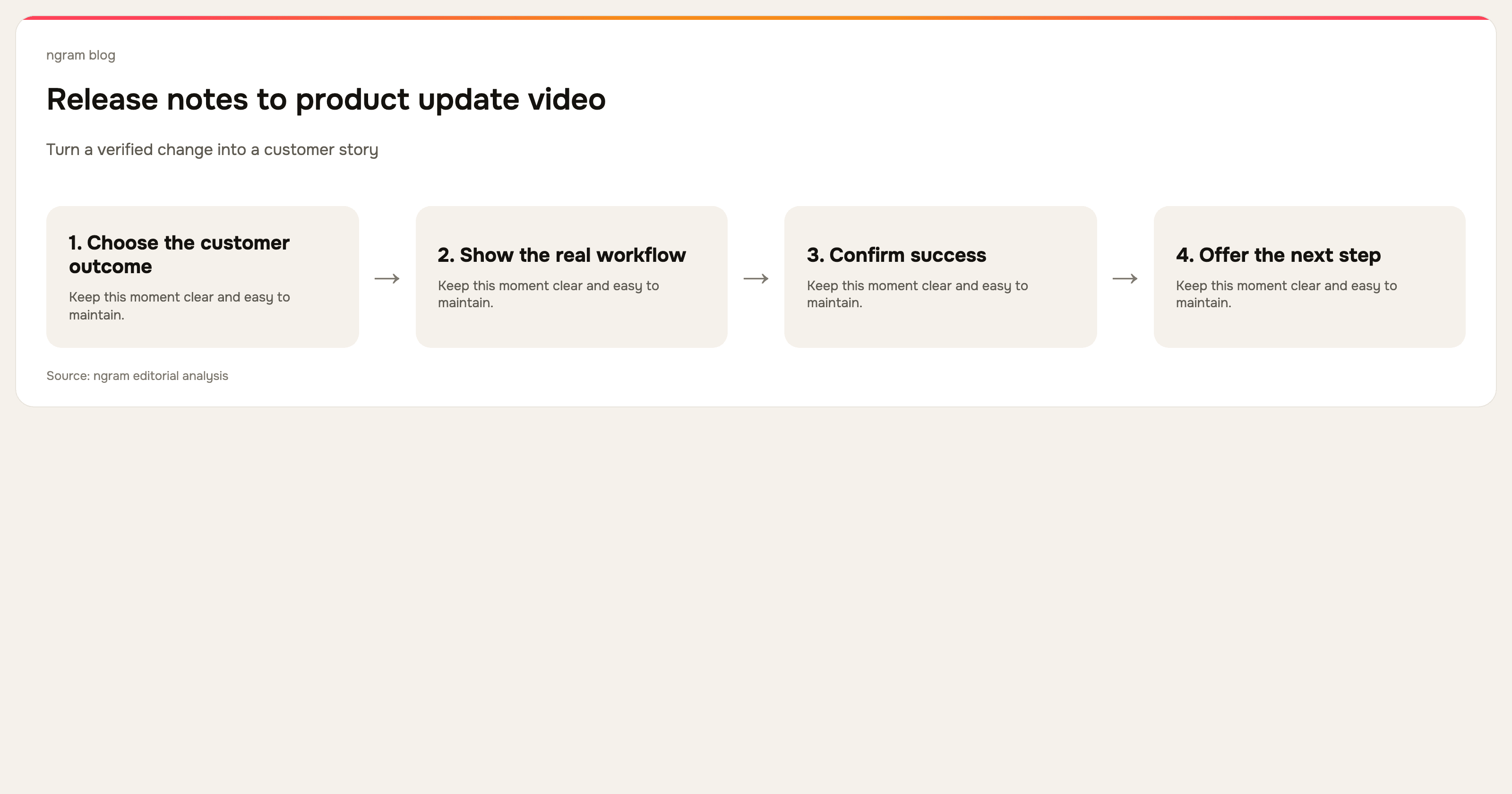
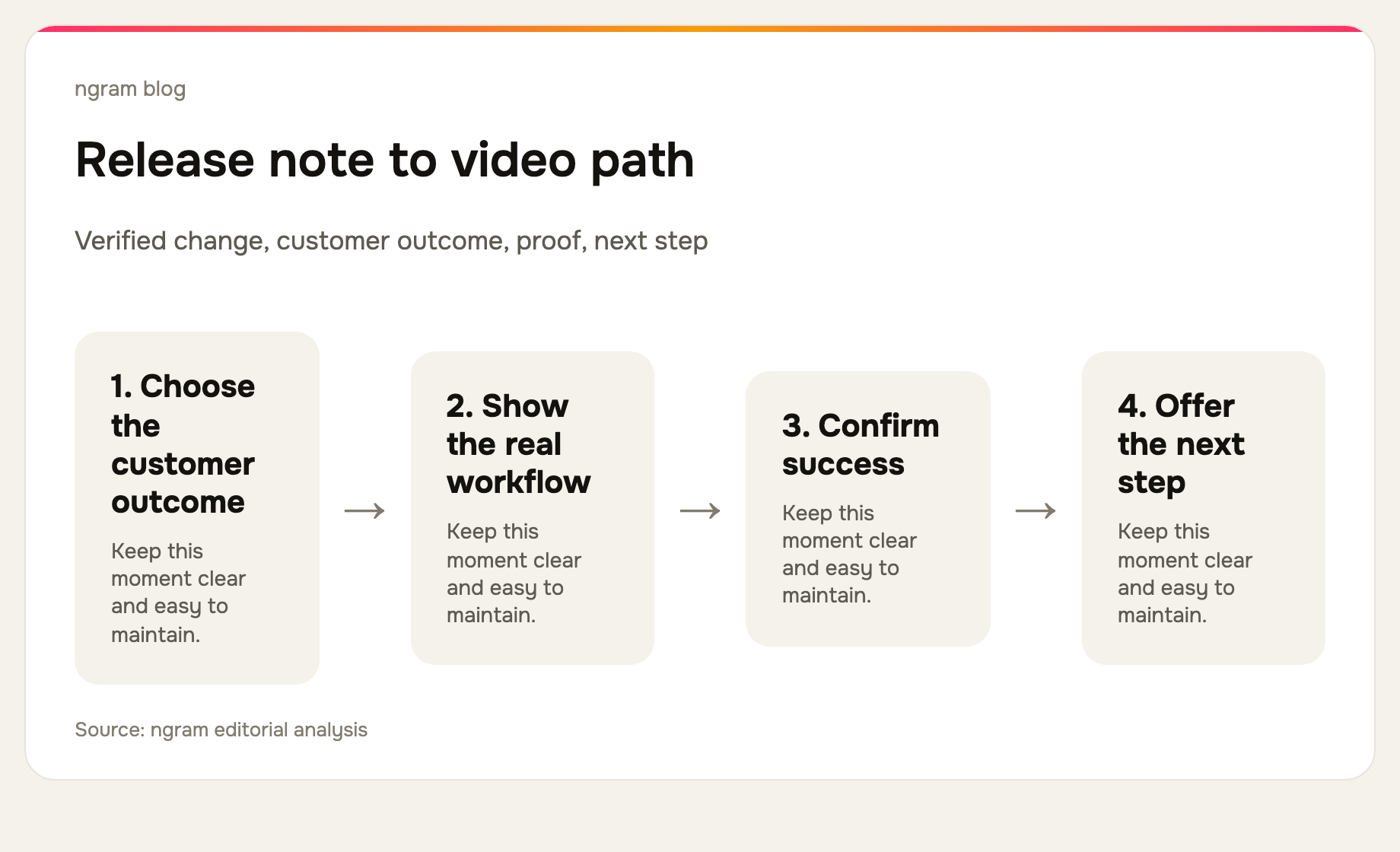
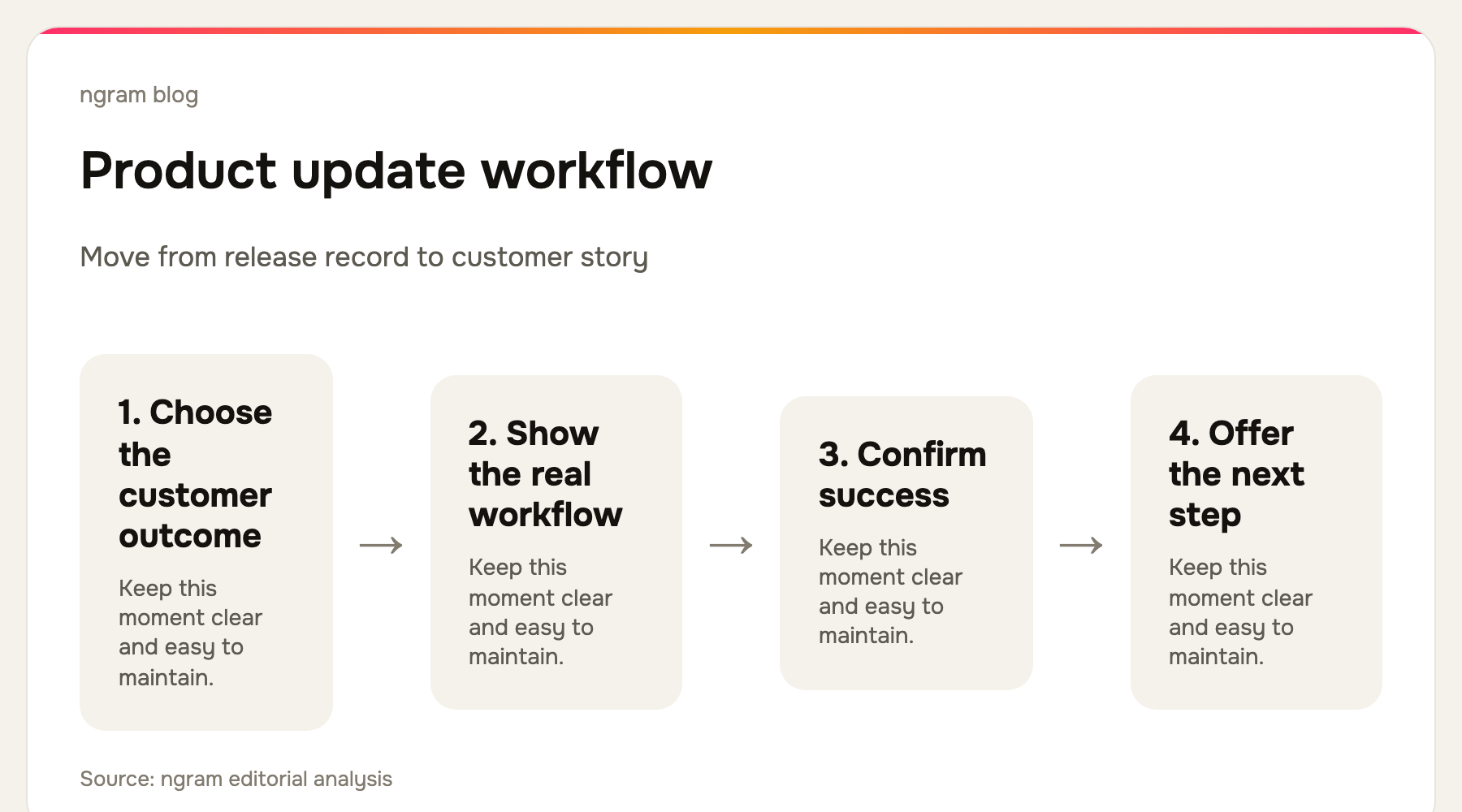
The failure mode is familiar: a team pastes a changelog into a script, calls it an announcement, and records a tour of settings. The result can be accurate yet unhelpful. A better update starts from the customer outcome, then shows the smallest real workflow that proves it.
1. Separate the release record from the customer story
Keep the release note as the source of truth. Pull out five fields before writing: the shipped change, the customer problem it solves, the audience that can use it, the visible proof to show, and the next action. If any field is uncertain, go back to the product owner or the shipped interface. Do not fill the gap with marketing language.
2. Choose one viewer and one outcome
A release can affect many teams, but a single short video should have one primary viewer. A customer-success manager may need to know how to teach a new workflow. An existing user may need to know where a changed control moved. A prospect may need the headline benefit. Write a separate cut when those needs diverge.
3. Verify the product proof before scripting
Open the shipped flow and reproduce the outcome you want to claim. Capture the actual UI, not a mockup that hides unfinished behavior. Note prerequisites, plan limits, processing time, or any rollout condition that could make the video misleading. A concise update earns trust when it tells the truth about the workflow it shows.
4. Write a 30-to-90-second script
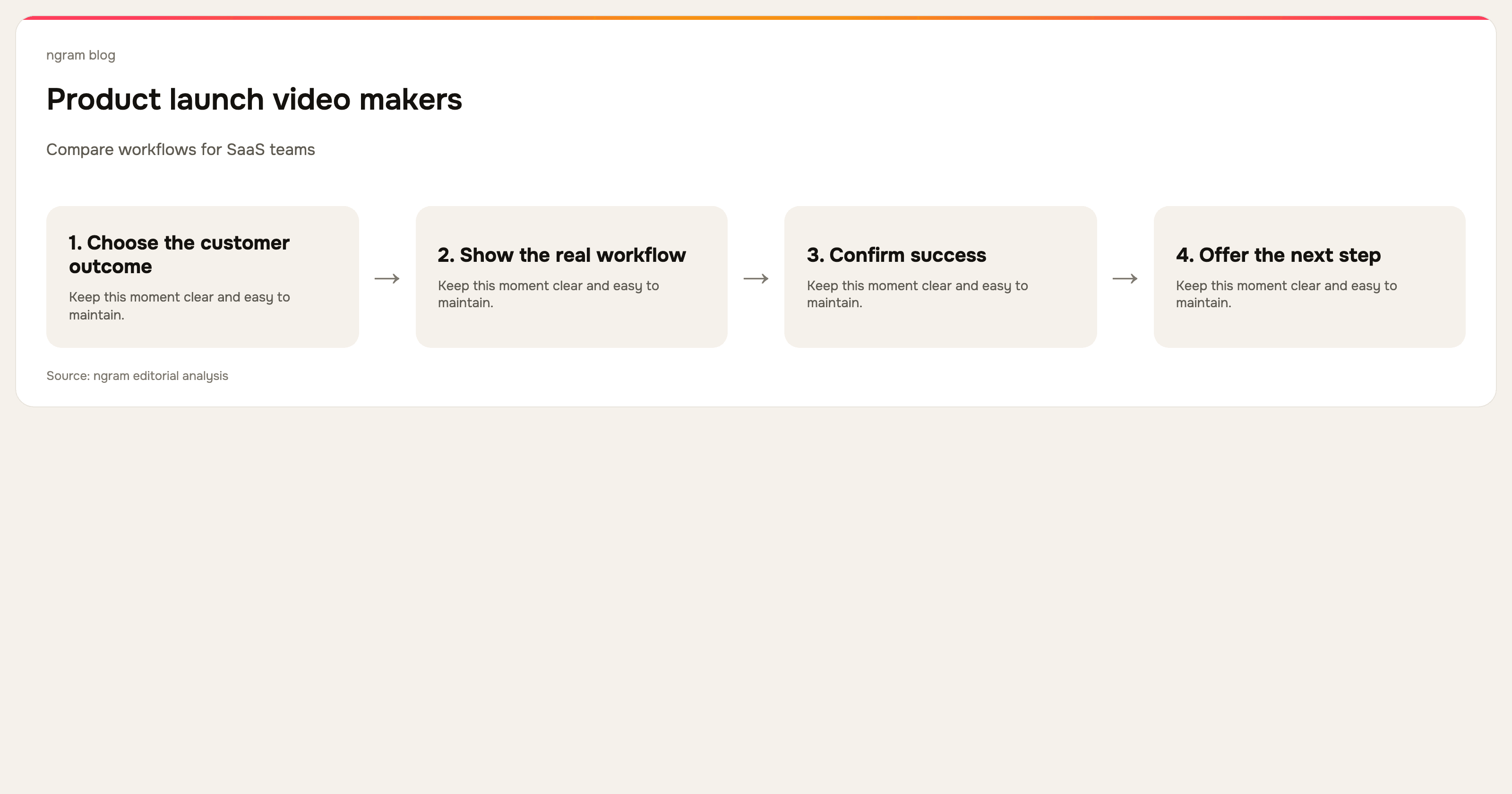
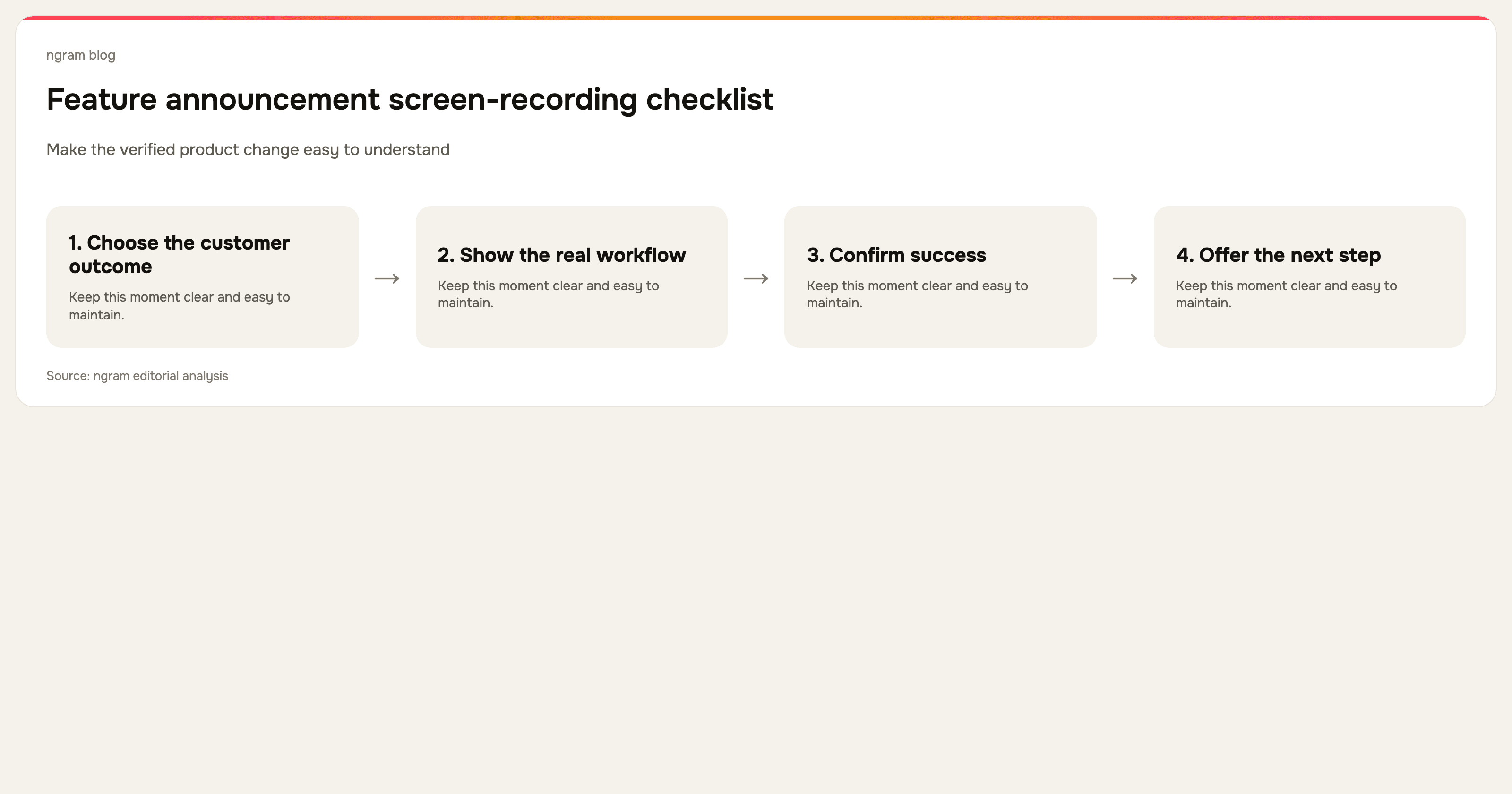
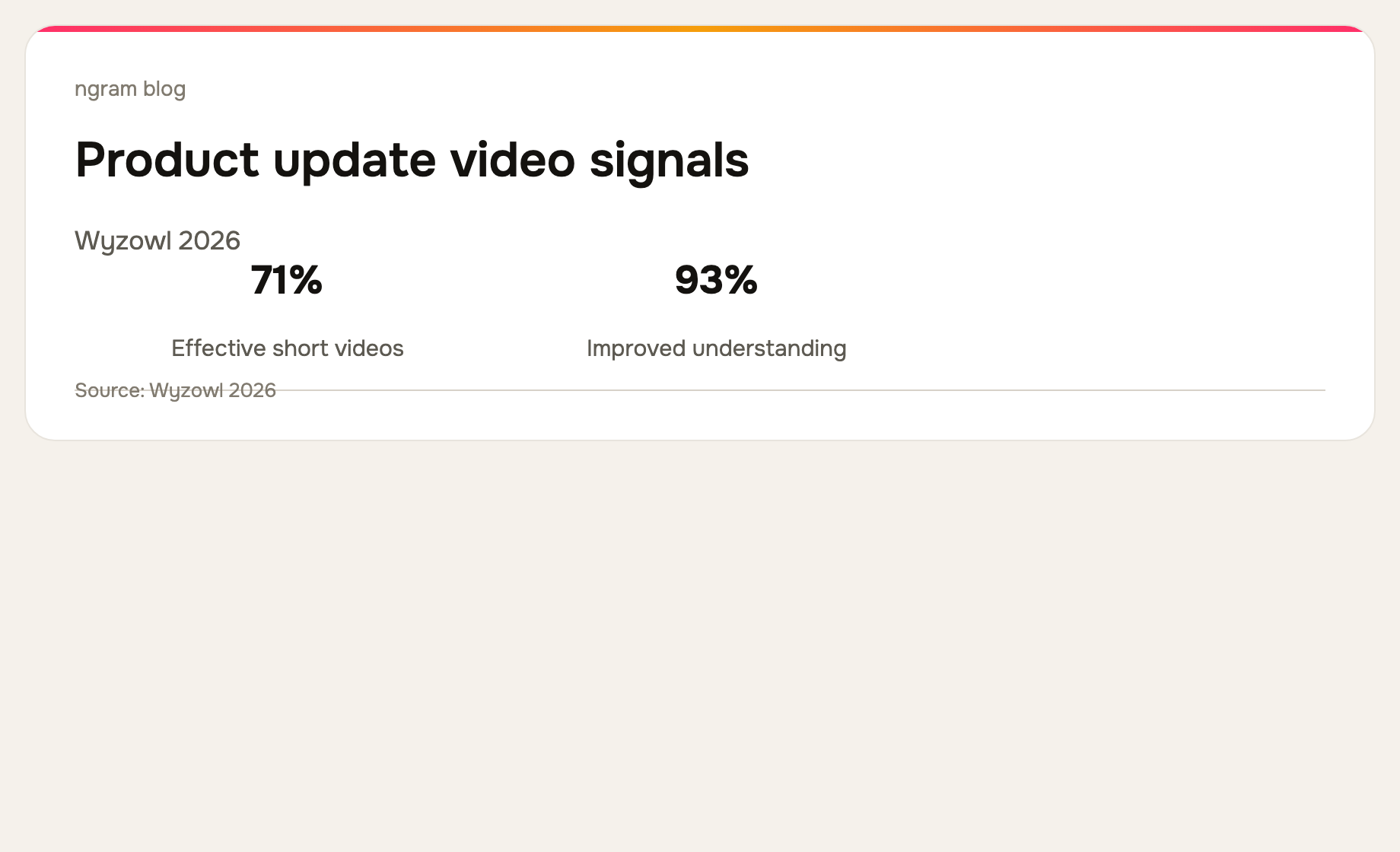
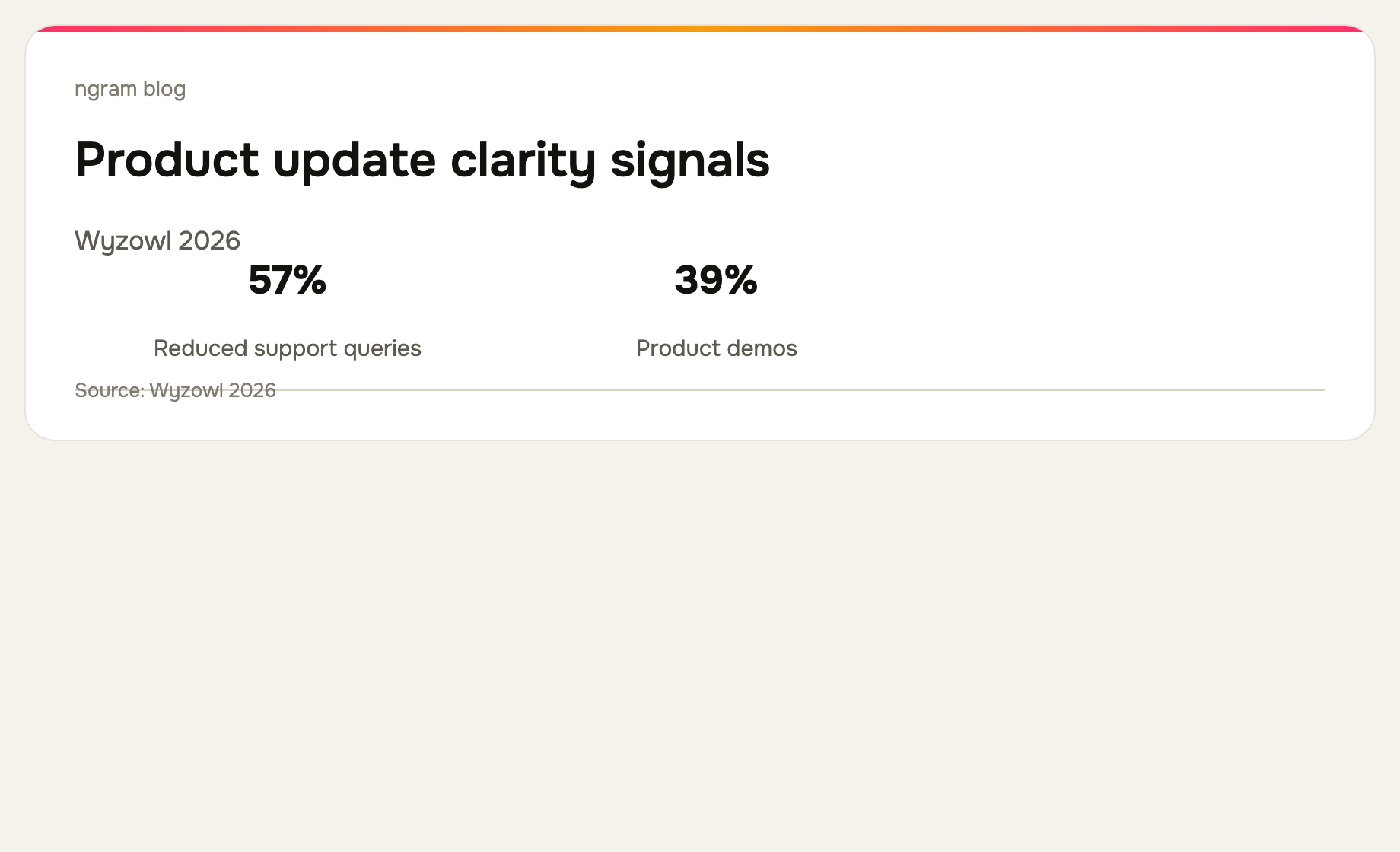
Use a simple arc: name the old friction, show the new action, prove the outcome, and give one next step. Cut feature names that do not help the customer recognize the change. Wyzowl's 2026 survey reports that 71% of video marketers consider 30 seconds to two minutes effective, which is a useful default for a focused product update. See the survey.
5. Build the video from the right source
If you have a clean recording, use it as the proof layer. If the release is documented in a product brief, release note, URL, screenshots, or a deck, use those sources to build the story before capturing or rendering the final sequence. ngram can start from those materials, create a script and storyboard, and add visual emphasis such as captions, callouts, smart zooms, and step labels.
For a concrete workflow, use ngram's feature announcement video use case. Keep the original release note, reviewed script, and source capture together so the next update does not begin from scratch.
6. Publish the video beside, not instead of, the release note
The video earns attention; the written note carries detail, links, limitations, and a searchable record. Put the video in the changelog, release email, help center, or in-product announcement where it serves the customer. Then link directly to the full written source for the people who need implementation detail.
A release-note video checklist
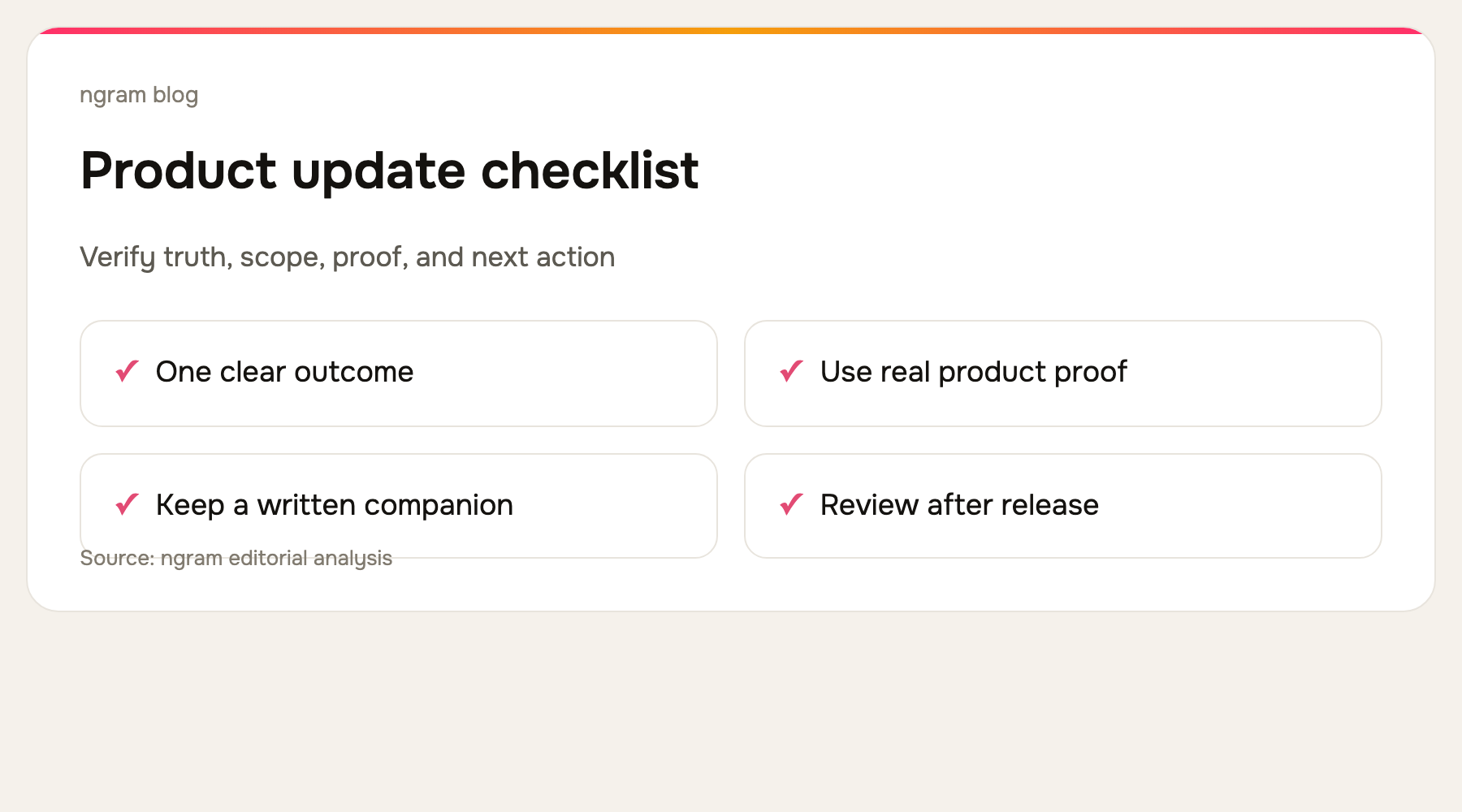
Before publishing, check that the release is actually live for the named audience; the script states one customer outcome; every visible product action is real; captions and callouts reinforce rather than repeat the narration; the CTA points to the next useful action; and the written release note contains the details you intentionally left out.
For adjacent launch formats, read how to make a software tutorial video and use the product demo video use case when the goal is a broader product demonstration.
Frequently asked questions
How long should a product update video be?
Aim for the shortest version that proves one shipped customer outcome. A small improvement can need 30 seconds; a workflow change may need several short videos or a companion guide.
Can I make a product update video from release notes alone?
Release notes are a useful story source, but they should not be the only proof source. Verify the shipped experience and show the real product workflow before making a customer-facing claim.
The bottom line
The best release-note video is not a narrated changelog. It is a short, verified demonstration of one customer outcome, paired with the written record. Start from the release note, prove the change in the real product, and keep the source package so the next announcement is faster and more accurate.