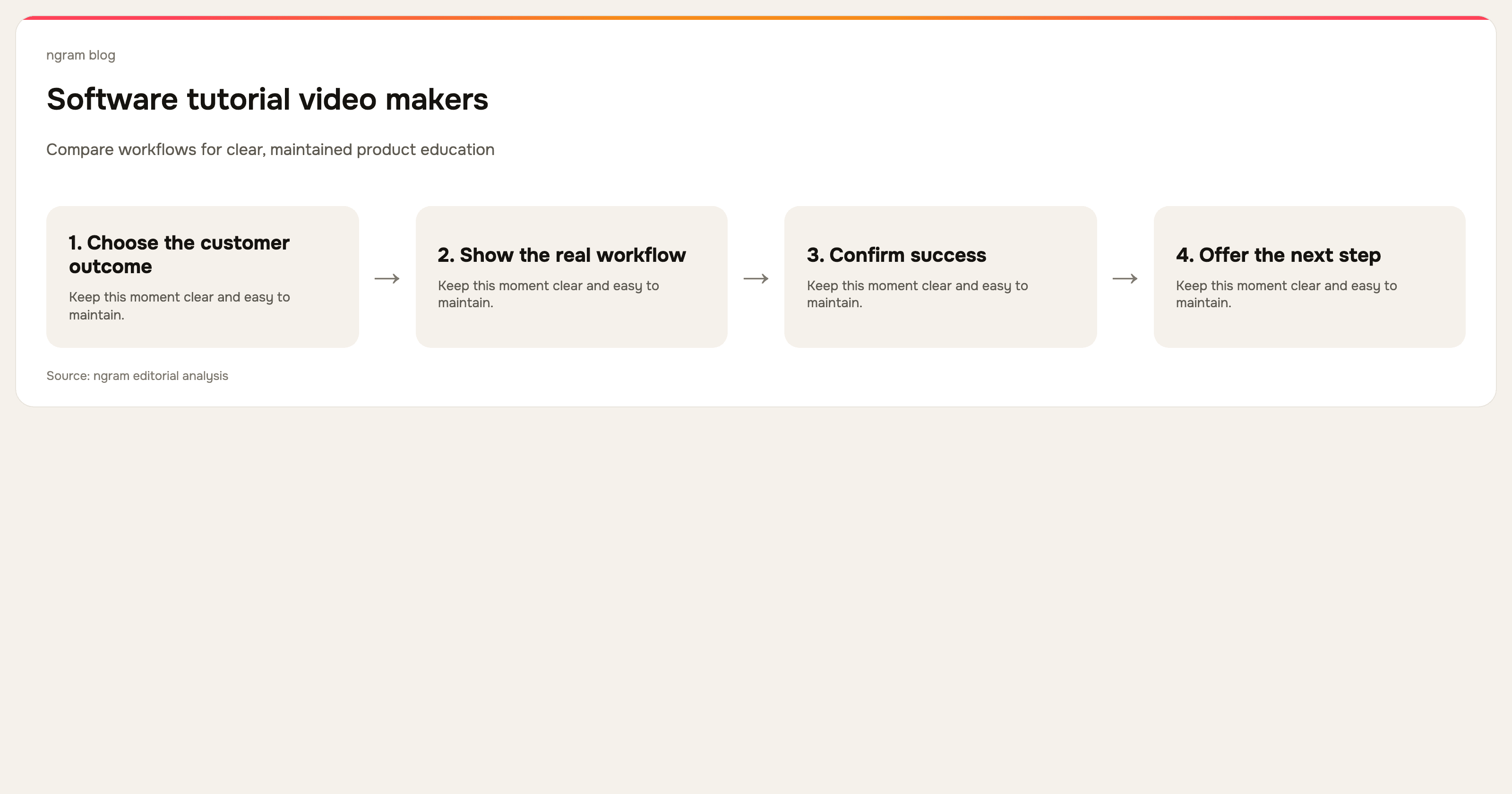

Software tutorial videos are one of the fastest ways to turn product knowledge into something a customer or teammate can replay. They also go stale quickly when they are treated as a one-time recording. The tool matters, but the production system matters more: one task, clear visual proof, a readable script, and an update path.
The best software tutorial video maker does not simply capture a screen. It helps the team turn a raw workflow into an explanation that removes uncertainty. That might mean editing out wait time, drawing attention to a click, correcting narration, adding captions, translating a guide, or retaining the script so the asset can be updated later.
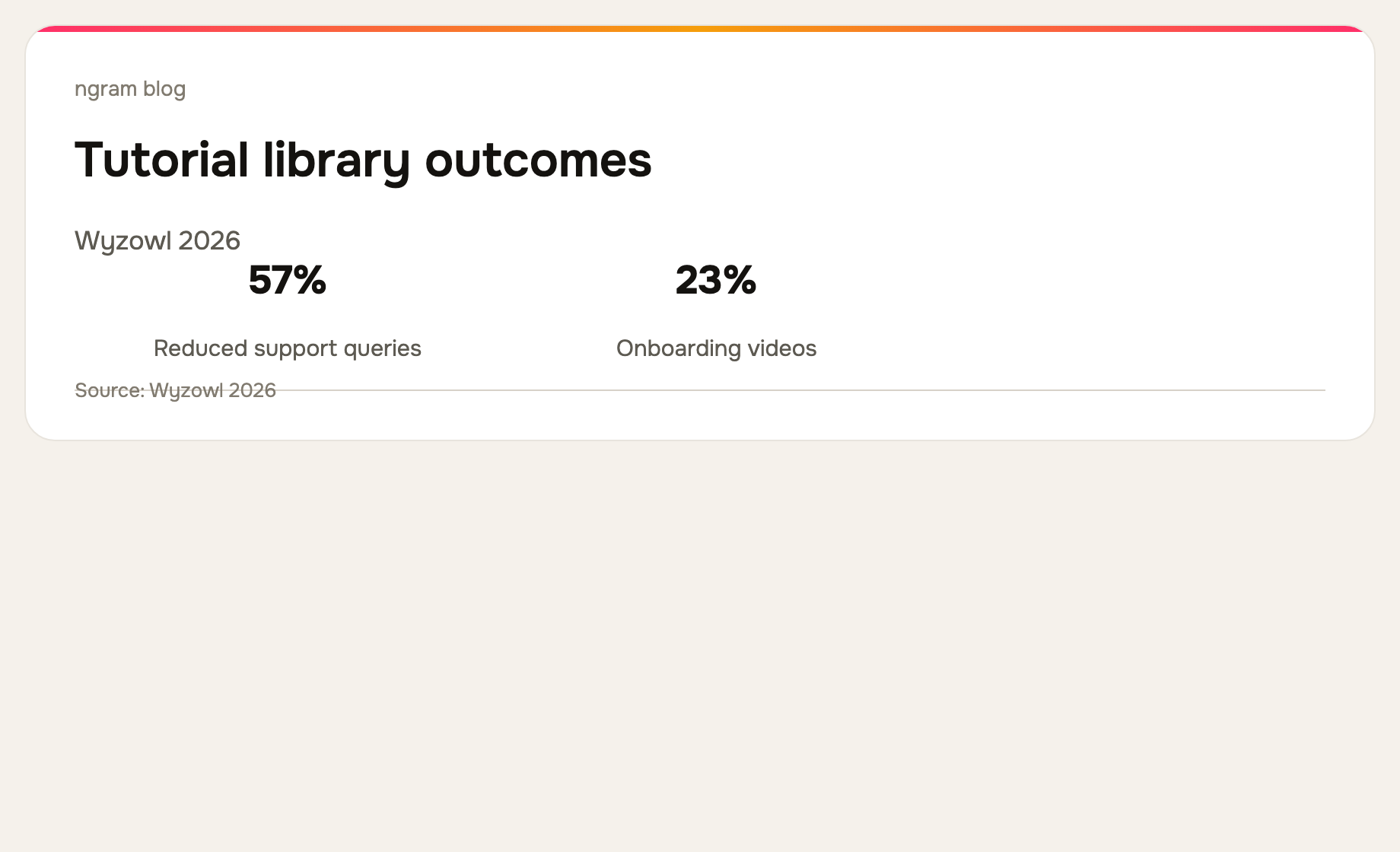
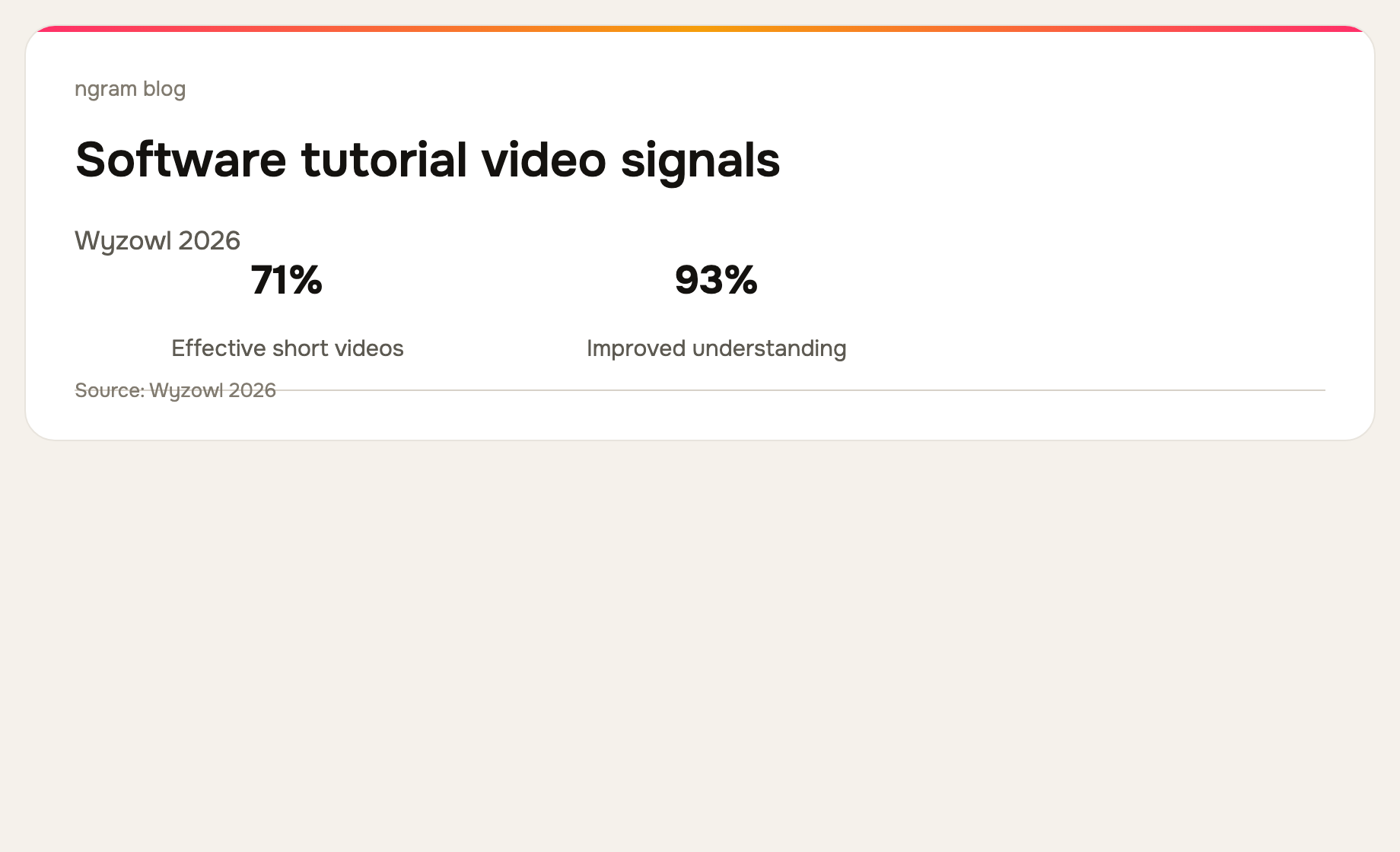
Wyzowl's 2026 survey reports that 24% of video marketers create customer-service videos and 23% create customer-onboarding videos. Tutorial content often supports both jobs: a new customer can learn the first workflow, then return to the same library when they need help. See the full survey.
What should a software tutorial video maker do?
At minimum, it should let you get the real workflow into the edit, remove the moments that make a recording hard to follow, make key actions visible, and publish a version customers can find. The more frequently your product changes, the more valuable it becomes to preserve the source, script, and the written steps beside the video.
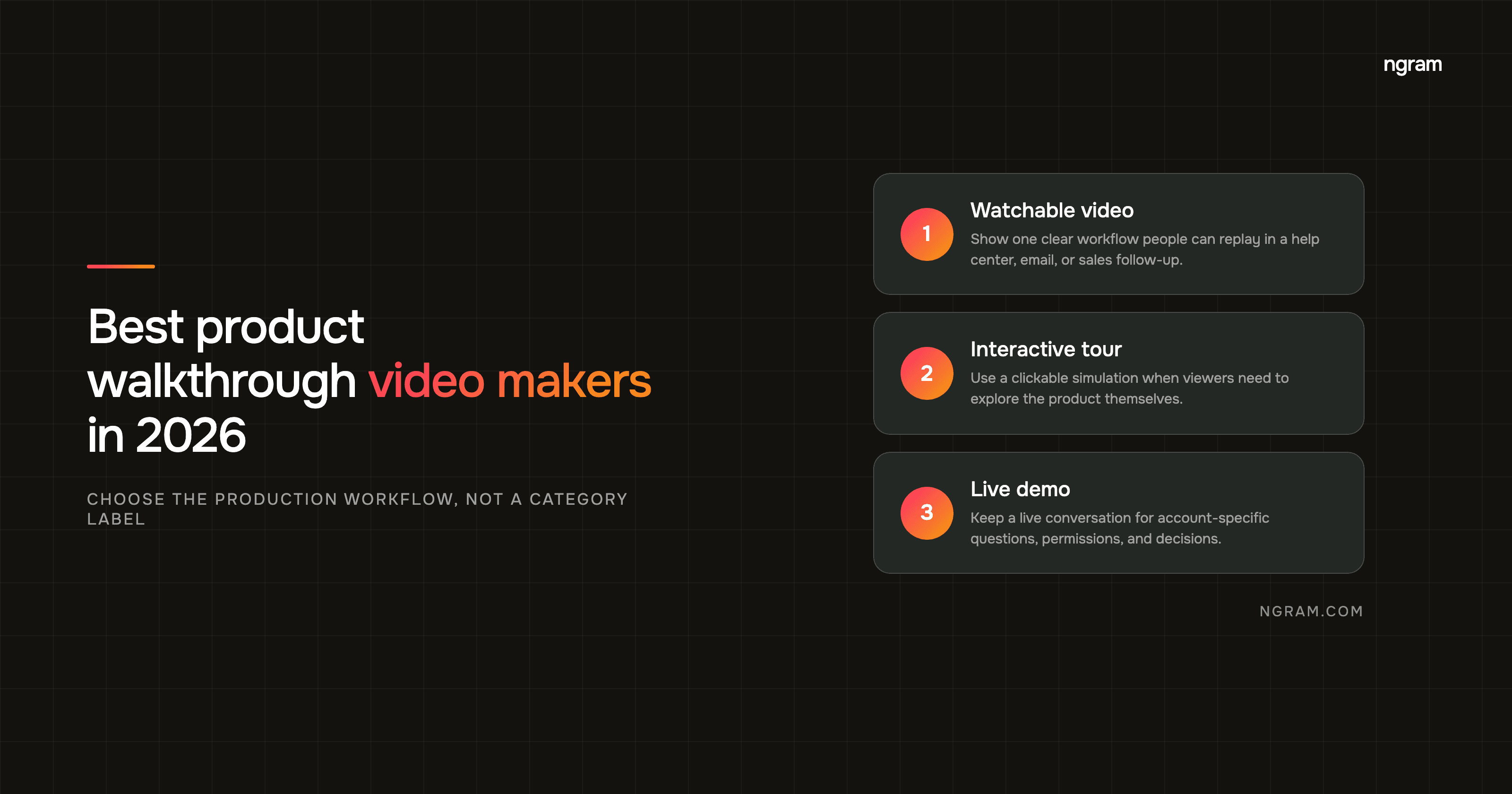
Do not confuse a tutorial with an interactive product tour. A tutorial is a watchable explanation, usually built for a help center, onboarding email, customer call follow-up, or training library. An interactive tour lets the viewer click a simulation. Both are valid formats, but the tools in this list make the video asset.
The 7 best software tutorial video makers
We reviewed the current public product pages for all seven tools on September 16, 2026. The comparison is based on the workflow each product shows today, not vendor feature-count claims.
| Tool | Best fit | Why |
|---|---|---|
| ngram | Planned product tutorials | Builds from recordings, docs, URLs, screenshots, decks, or prompts. |
| Clueso | Tutorial video plus how-to | Turns raw capture into video and companion documentation. |
| Trupeer | Knowledge-base workflows | One capture can become video, guide, translation, and searchable knowledge. |
| Guidde | Captured knowledge in the flow of work | Focuses on capture, automated video documentation, and distribution. |
| Screen Studio | Polished Mac recordings | Provides hands-on recording polish, automatic zooms, and cursor treatment. |
| Loom | Quick asynchronous help | Optimized for recording, sharing, and responding quickly. |
| Descript | Narration-driven tutorials | Turns the transcript into the primary editing surface. |
1. ngram: best for tutorials that start from more than a clean recording
ngram works well when a tutorial begins with source material that still needs an editorial shape. You can start from a screen recording, URL, help article, PDF, screenshots, deck, or prompt. The workflow creates a script and storyboard before the finished video, then can use cursor smoothing, click emphasis, smart zooms, captions, callouts, step labels, and dead-air trimming to clarify the real workflow.
Use it when a product, customer-success, or education team needs a tutorial that looks deliberate and stays editable. The software tutorial video guide explains the production workflow in more detail.
2. Clueso: best for video and written tutorials from one capture
Clueso currently shows a workflow from raw screen recording to edited video and documentation. Its public product page highlights AI-assisted scripts, voiceovers, smart zooms, captions, autogenerated SOPs, and translation. It is a natural fit when a tutorial must work for viewers and skimmers.
3. Trupeer: best for a tutorial library with video, docs, and translation
Trupeer positions its workflow around turning one raw capture into a polished video, guide, translation, and knowledge-base content. The current product page also shows scripts, voiceover, chapters, annotations, smart zooms, and brand controls. It is worth evaluating when tutorial production must feed a maintained knowledge layer.
4. Guidde: best for capturing and broadcasting product knowledge
Guidde focuses on capturing workflows, automatically adding voiceover, captions, and highlights, then delivering the resulting video documentation where people work. Choose it when the hard part is not only making a tutorial, but getting product knowledge out of subject-matter experts and into the places customers or teams will find it.
5. Screen Studio: best for hands-on Mac recording polish
Screen Studio is a focused macOS recorder and editor for visually polished tutorials. Its current site highlights automatic zooms, smooth cursor movement, webcam and audio recording, captions, export presets, and 4K video or GIF exports. It is strong when a knowledgeable maker owns the recording and wants a high-quality screen result without a large editing suite.
6. Loom: best for a fast tutorial or answer
Loom is the practical option when speed is the priority. Its current product message centers on screen and camera recording, sharing, embedding, transcripts, captions, basic edits, privacy controls, and viewer insights. It is excellent for a customer-specific answer or an internal explanation, but a durable tutorial library needs consistent scripts and review around it.
7. Descript: best for transcript-led tutorial editing
Descript lets teams record or import media, transcribe it, and edit the video through the text. It is a good choice when narration is the tutorial's backbone and the team needs to remove filler, reorder a verbal explanation, clean audio, and use a fuller editing surface. It does not decide the tutorial's customer task for you.
How to make tutorials people actually finish
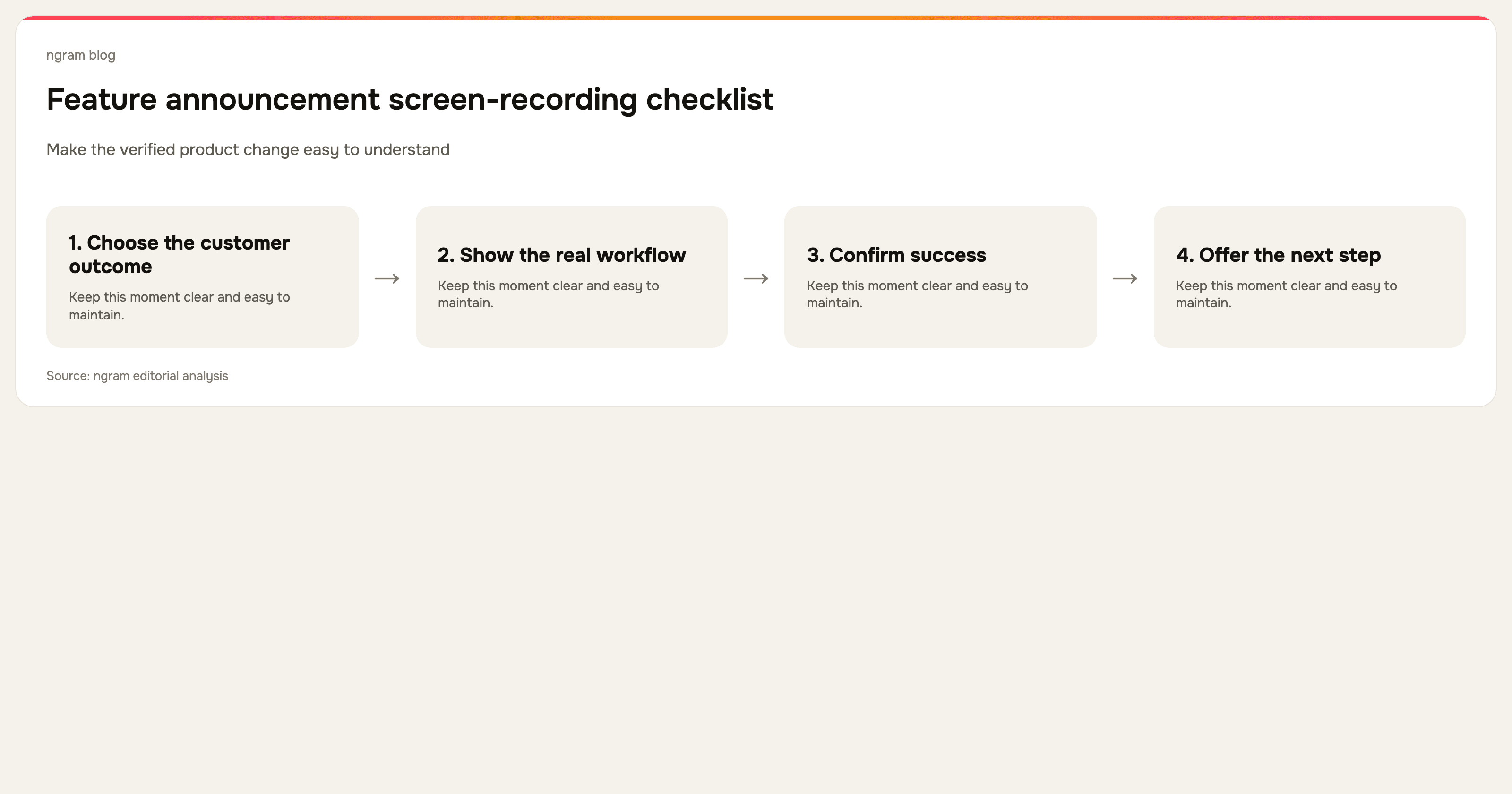
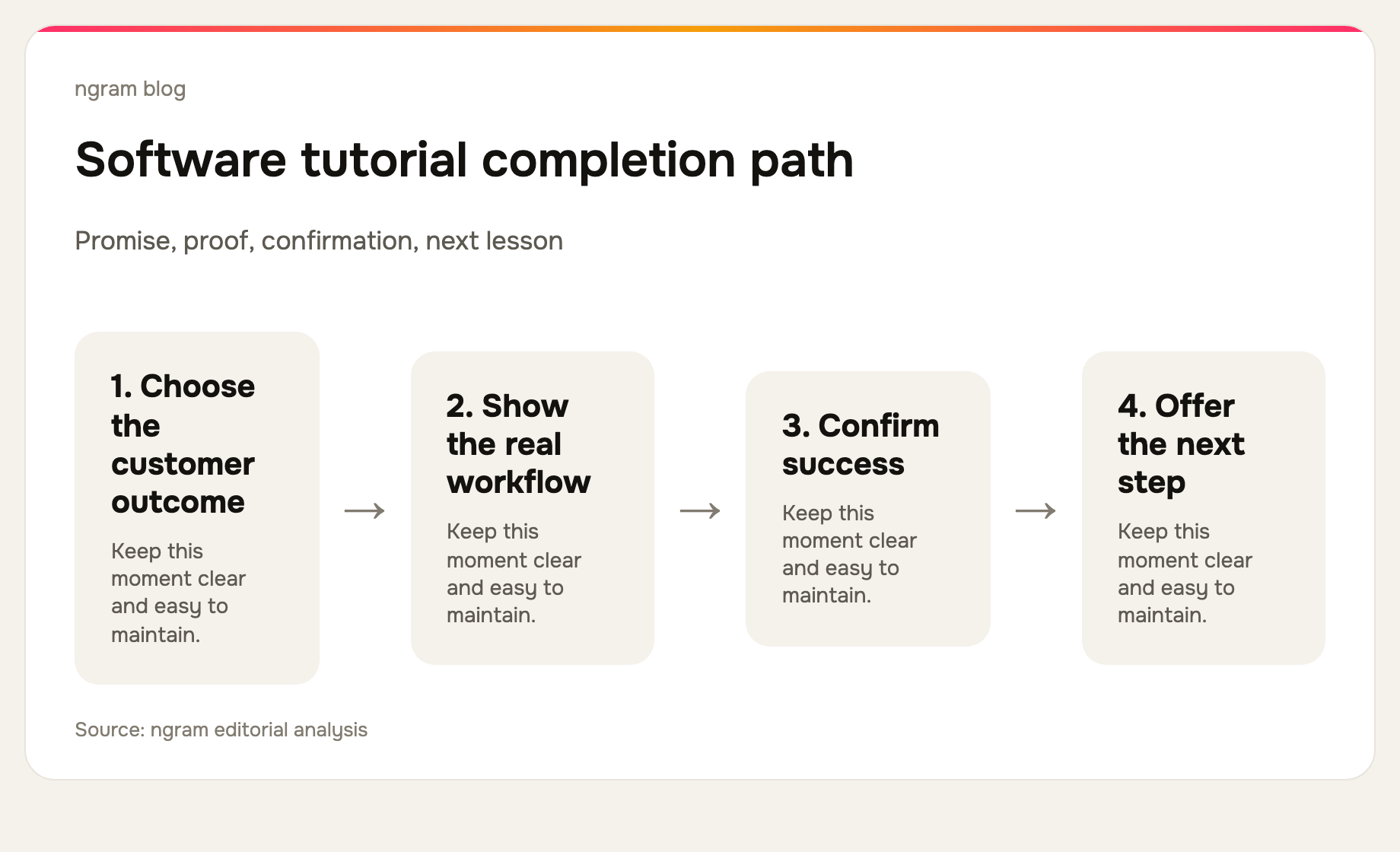
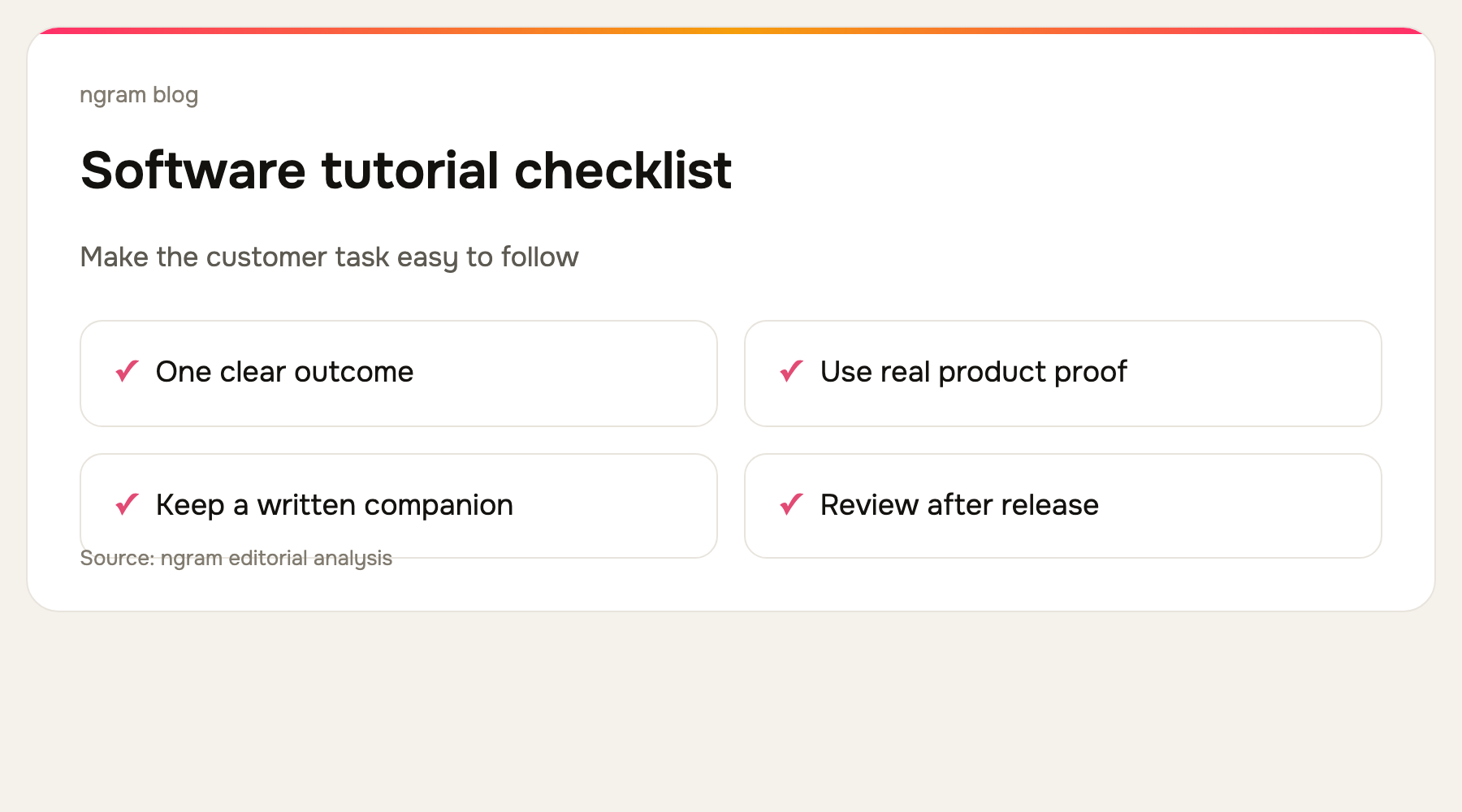
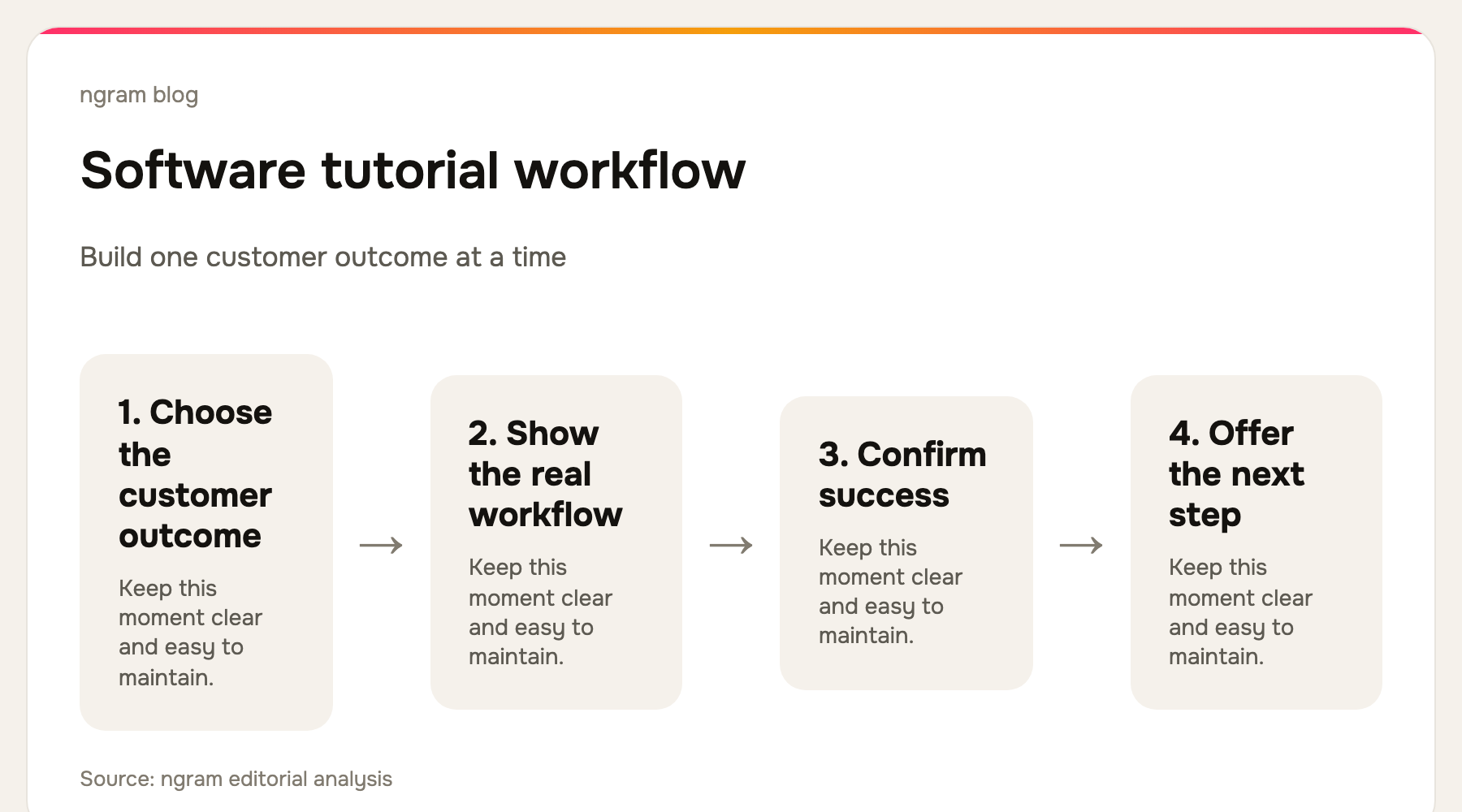
Give every tutorial one named finish line. “Create your first report” is stronger than “reporting overview.” Show the desired end state early, then move through only the actions needed to reach it. If a customer has to make a decision you cannot predict, branch to a second tutorial instead of introducing every possibility in one video.
Wyzowl found that 71% of video marketers consider 30 seconds to two minutes effective. Treat that as a prompt to scope the lesson, not a rigid production rule. Some product setups need more time, but a series of short tutorials is easier to search, revisit, translate, and replace after a release.
Finally, pair the video with copyable written steps. A viewer may need to paste a value, compare an option, or jump directly to a step. The video supplies context and confidence; the written guide reduces friction during execution. For a source-to-video path, see ngram's screen recording to video workflow.
For a customer-ready source-to-video workflow, see ngram's training video use case.
Frequently asked questions
What is a software tutorial video?
It is a video that shows a viewer how to complete a particular task in software. It normally includes the real interface, narration or captions, and visible guidance around the actions that matter.
Should tutorials use a real screen recording?
Usually, yes. The real interface gives the viewer proof of where the action happens. A tutorial can add a presenter, voiceover, diagrams, or callouts, but it should not obscure the steps the viewer must actually take.
How do you keep software tutorials current?
Keep each video focused on one outcome, retain the script and source, and assign a review after releases that touch the workflow. A modular library makes a single outdated step cheaper to replace.
The bottom line
Choose your software tutorial video maker based on the production job, not the longest feature list. ngram is the best fit when your team needs to convert existing source material into a planned, branded tutorial. Clueso, Trupeer, and Guidde make sense when documentation and distribution are equally important. Screen Studio, Loom, and Descript are strong when recording or editing control is the main requirement.