
A SaaS product launch video has to do more than announce that something shipped. It needs to help the right customer recognize why the change matters, see it in a real interface, and understand what to do next. A glossy video with no product proof may create attention, but it leaves a current user unsure whether the release applies to their work.
The most useful product launch video makers help a team move from a release brief, product URL, document, screenshots, or screen recording to a clear, customer-ready story. The right choice depends on whether you need a presenter, a refined recording, a documentation companion, or a quick message from the person who built the feature.
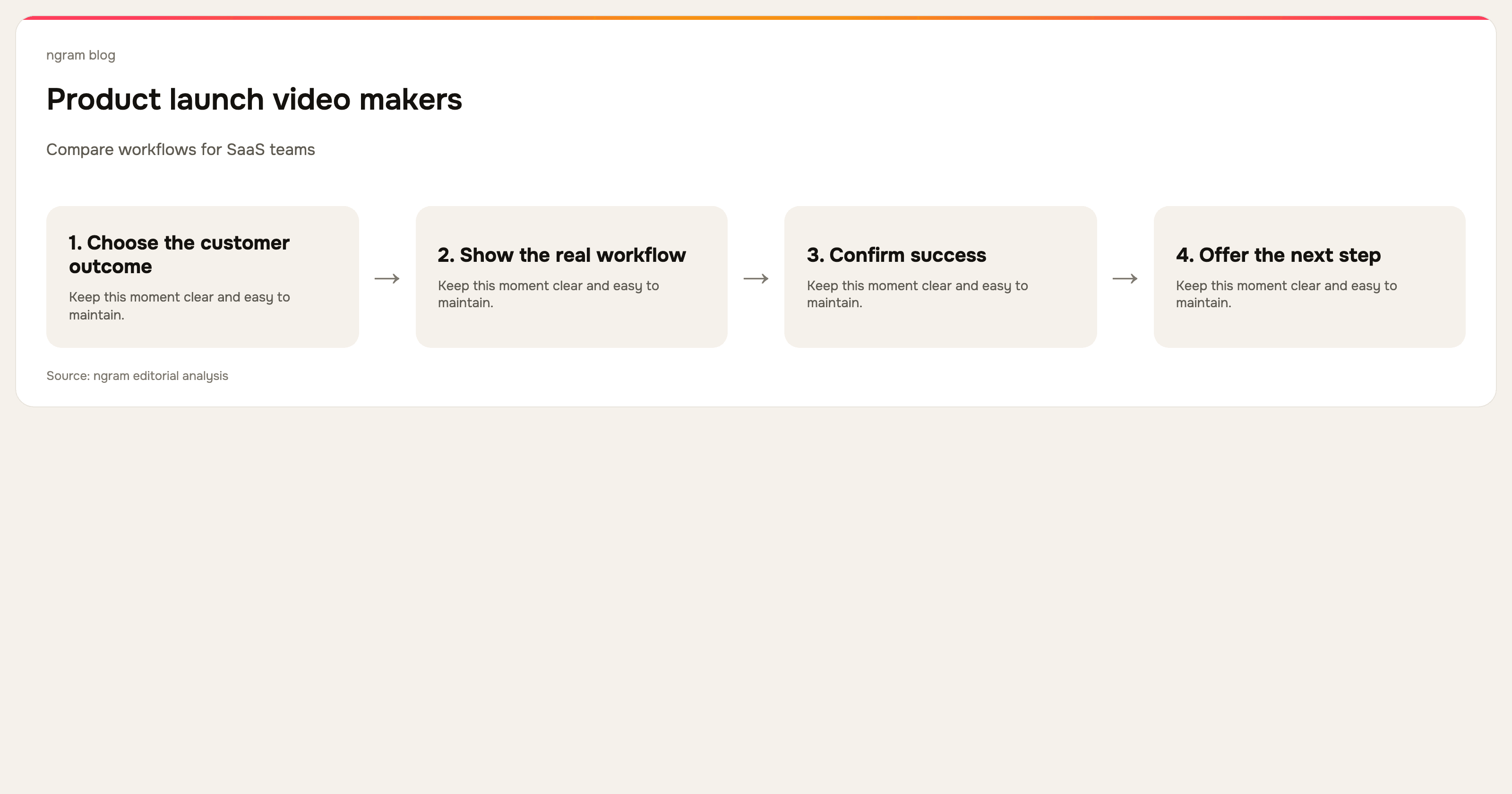
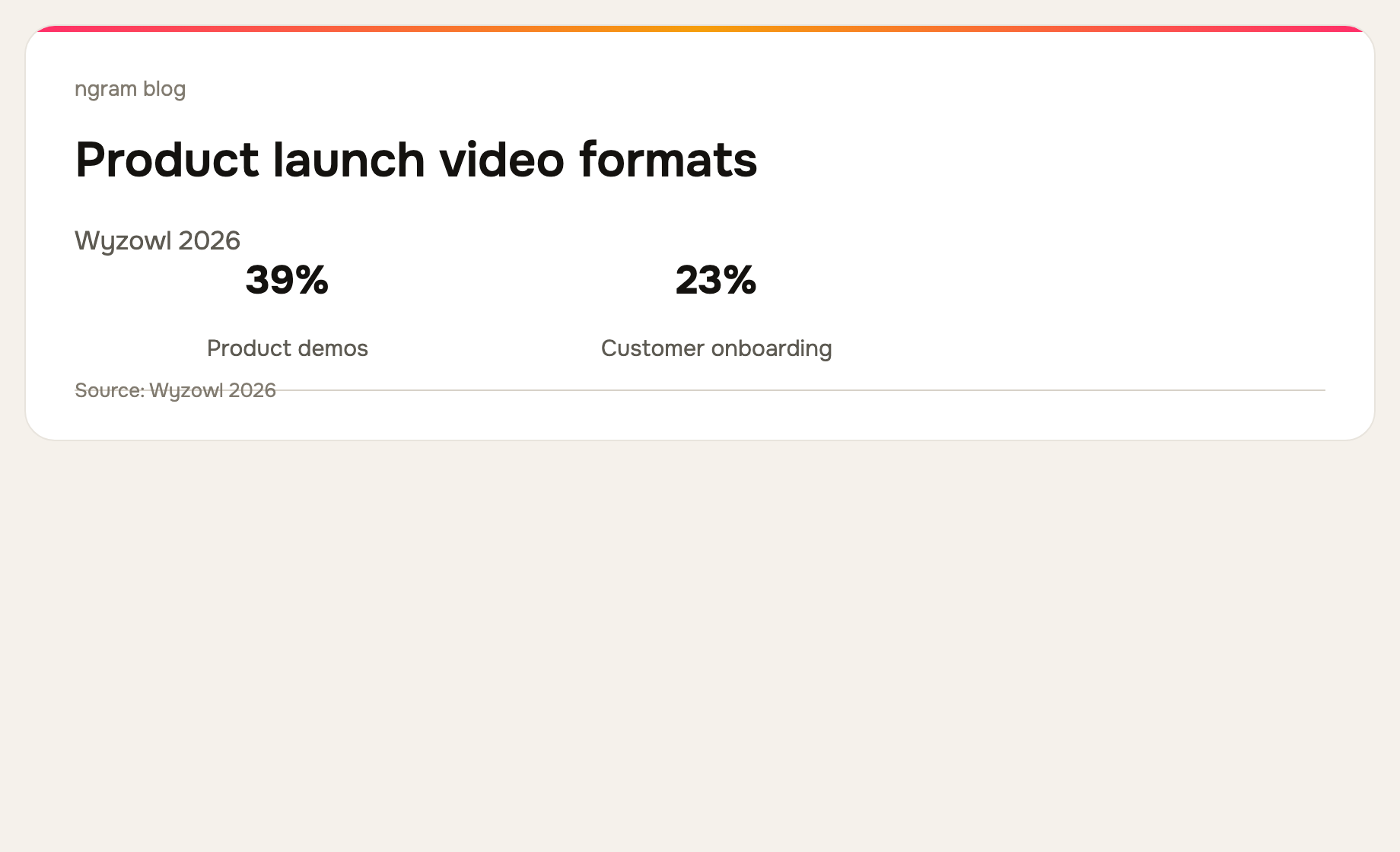
Wyzowl's 2026 survey found that 39% of video marketers create product demos. A launch video is adjacent to a demo, but its structure should be narrower: what changed, who it helps, how it works, and where to try it. Read the survey methodology and results.
What makes a launch video worth watching?
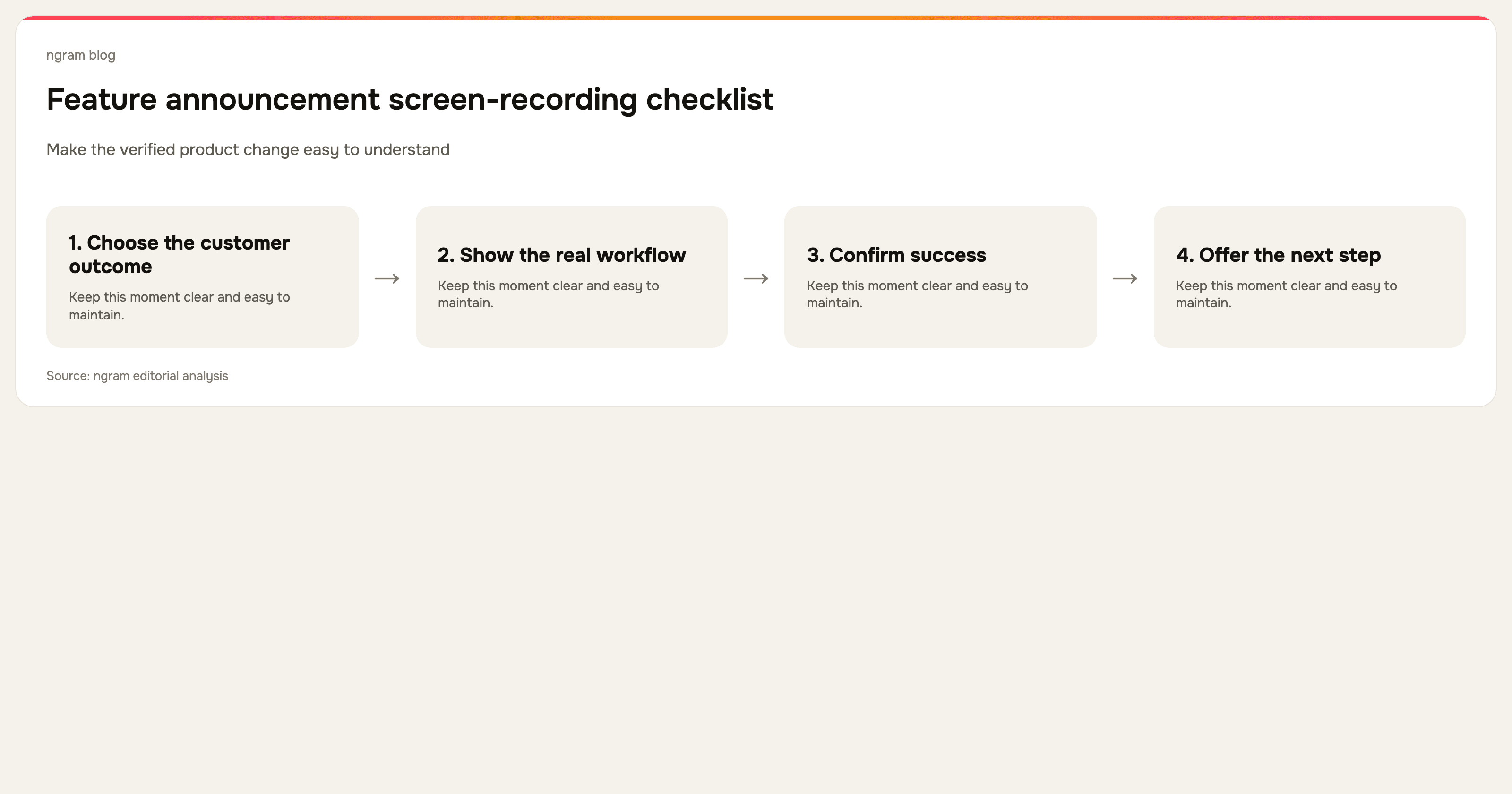
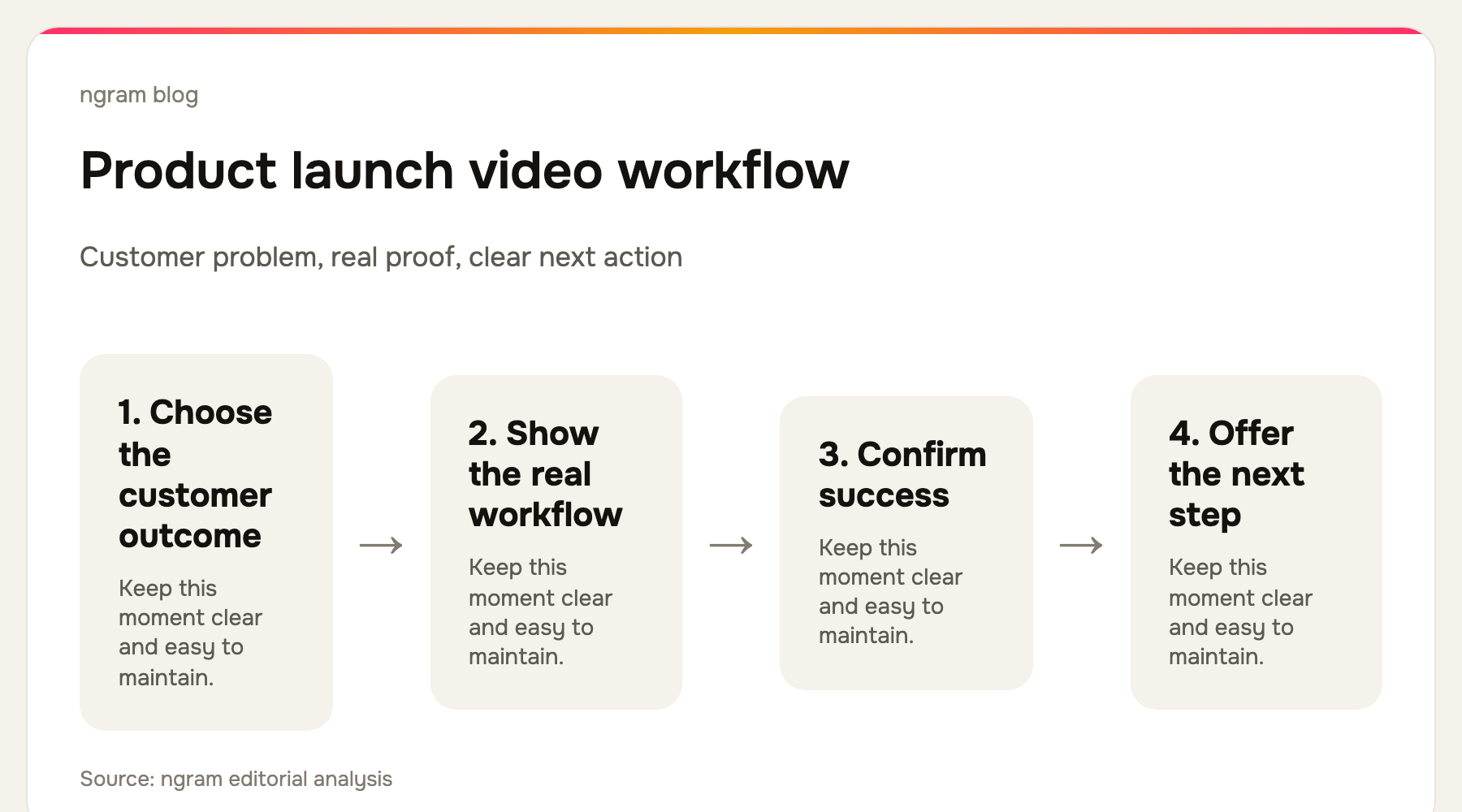
A strong launch video begins with a customer problem or an outcome, not the release name. It shows the actual product action, gives the viewer enough context to understand the difference, and ends with the next relevant action. That can be trying the feature, reading a guide, enabling a setting, or sharing it with the team.
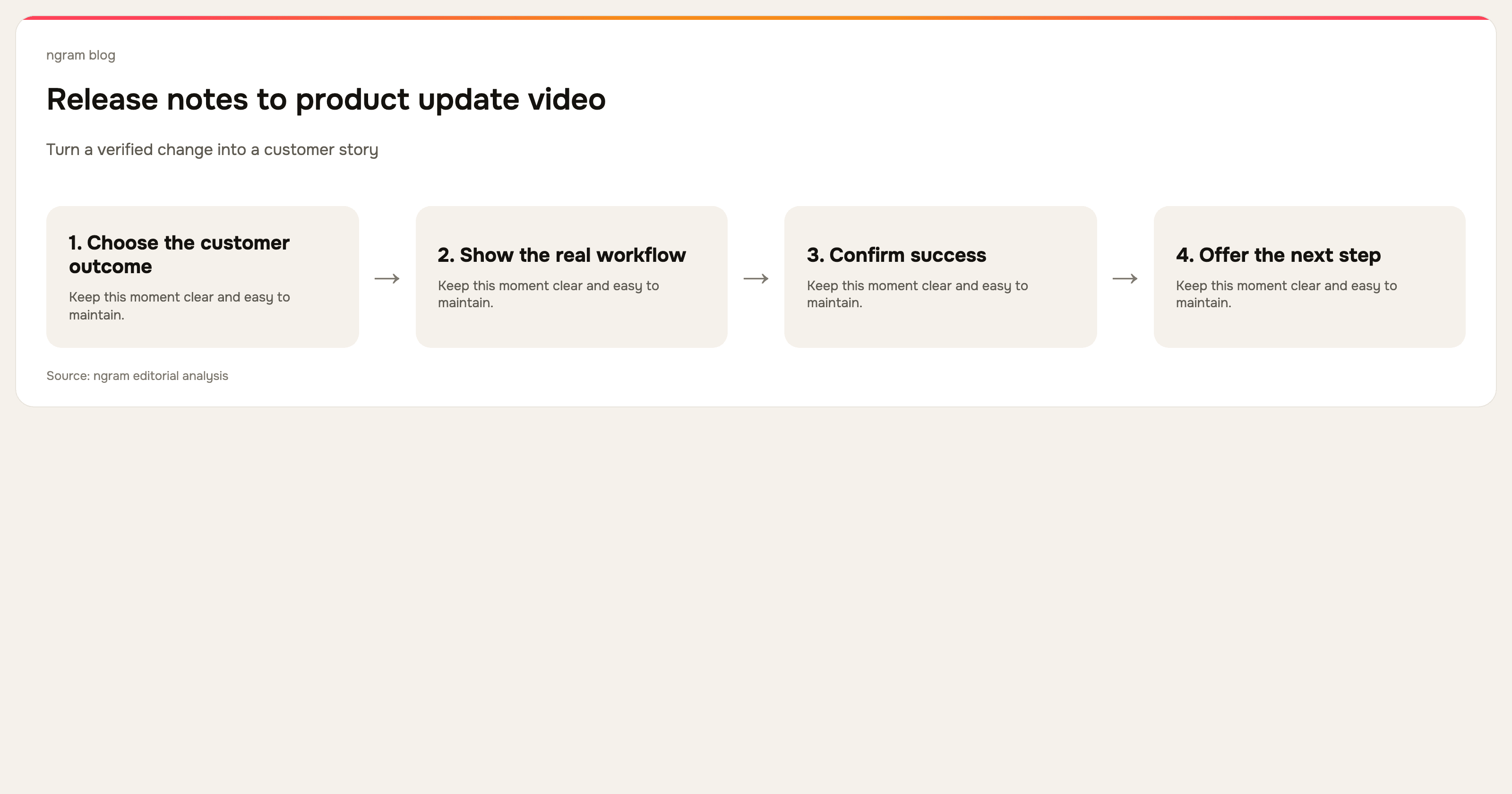
Use release notes as raw material, not as a script. Release notes often include technical detail, edge cases, and implementation language that matter in documentation. A video needs a customer-sized story. Keep the precise details in the written update and let the video demonstrate the most useful path.
The 7 best product launch video makers for SaaS teams
We checked the current public product pages for every tool below on September 16, 2026. This is a workflow-fit comparison, not a claim that one tool is right for every launch.
| Tool | Best fit | Tradeoff to check |
|---|---|---|
| ngram | Planned product launch videos from existing source material | Best when the launch story needs shaping, not just recording. |
| Synthesia | Avatar-led multilingual announcements | Pair presenter video with real UI proof. |
| Descript | Narration and transcript-led editing | A clear launch story must come before the edit. |
| Screen Studio | Polished macOS product capture | It is a macOS app, so check team compatibility. |
| Loom | Fast personal launch recaps | Consistency needs an editorial layer. |
| Clueso | Recording-to-video and documentation | Check the publishing workflow for your release hub. |
| Trupeer | Capture-to-video, guide, and knowledge base | Check fit with existing release documentation. |
1. ngram: best for a planned launch video from the material you already have
ngram is strongest when the release starts as more than a clean recording. Begin with a release brief, document, product URL, PDF, screenshots, deck, screen recording, or prompt, then turn that source into a script and storyboard. A recording can be polished with captions, callouts, smart zooms, cursor smoothing, and dead-air trimming so the feature is visible at the moment the narrative needs it.
Explore ngram's feature announcement video workflow for this source-to-video path.
2. Synthesia: best for presenter-led launch communication at scale
Synthesia currently emphasizes AI avatars, voiceovers, translation, brand controls, collaboration, analytics, and version control. It is useful when a product message needs a consistent presenter across languages. For a SaaS launch, use real product footage or screenshots alongside the presentation so the customer sees the feature itself.
3. Descript: best for editing the spoken launch story
Descript is a general AI video and audio editor with transcription and text-based editing. It works well when a product manager, founder, or expert has recorded a launch explanation that needs a tighter script, cleaner audio, shorter pauses, and reordered narration.
4. Screen Studio: best for a polished macOS screen recording
Screen Studio is a macOS app built around polished screen capture. Its public site highlights automatic zoom, smooth cursor treatment, branding, webcam and audio capture, transcripts, subtitles, and high-resolution export. It is a good choice when the core task is producing a refined recording from a Mac, rather than building a source-to-video narrative from a launch brief.
5. Loom: best for a fast, human release recap
Loom is well suited to a quick personal update from the person closest to the feature. Its site centers on screen and camera recording, shared video messages, trimming, captions, privacy controls, and viewer insights. The speed is useful for a timely launch, while a more polished public asset may need more production around it.
6. Clueso: best for a release video and how-to from the same capture
Clueso presents a workflow that turns raw screen recordings into videos and documentation, with AI-assisted scripts, voiceover, smart zooms, captions, SOPs, branding, and translation. Consider it when the launch video needs an immediate written companion for a help center or release hub.
7. Trupeer: best for a launch recording that feeds a knowledge base
Trupeer currently presents one capture becoming a polished video, guide, translation, and AI-searchable knowledge-base content. Its public workflow includes scripts, voiceover, smart zooms, chapters, annotations, and brand controls. It fits teams that want the launch demonstration to contribute to a longer-lived documentation operation.
How to decide
Choose ngram when you need to turn a brief, release note, URL, or recording into a structured product launch video. Choose Synthesia for localized presenter-led communication, Descript for transcript-led editing, and Screen Studio for an especially polished Mac capture. Choose Loom for speed, or Clueso and Trupeer when the recording must also become documentation.
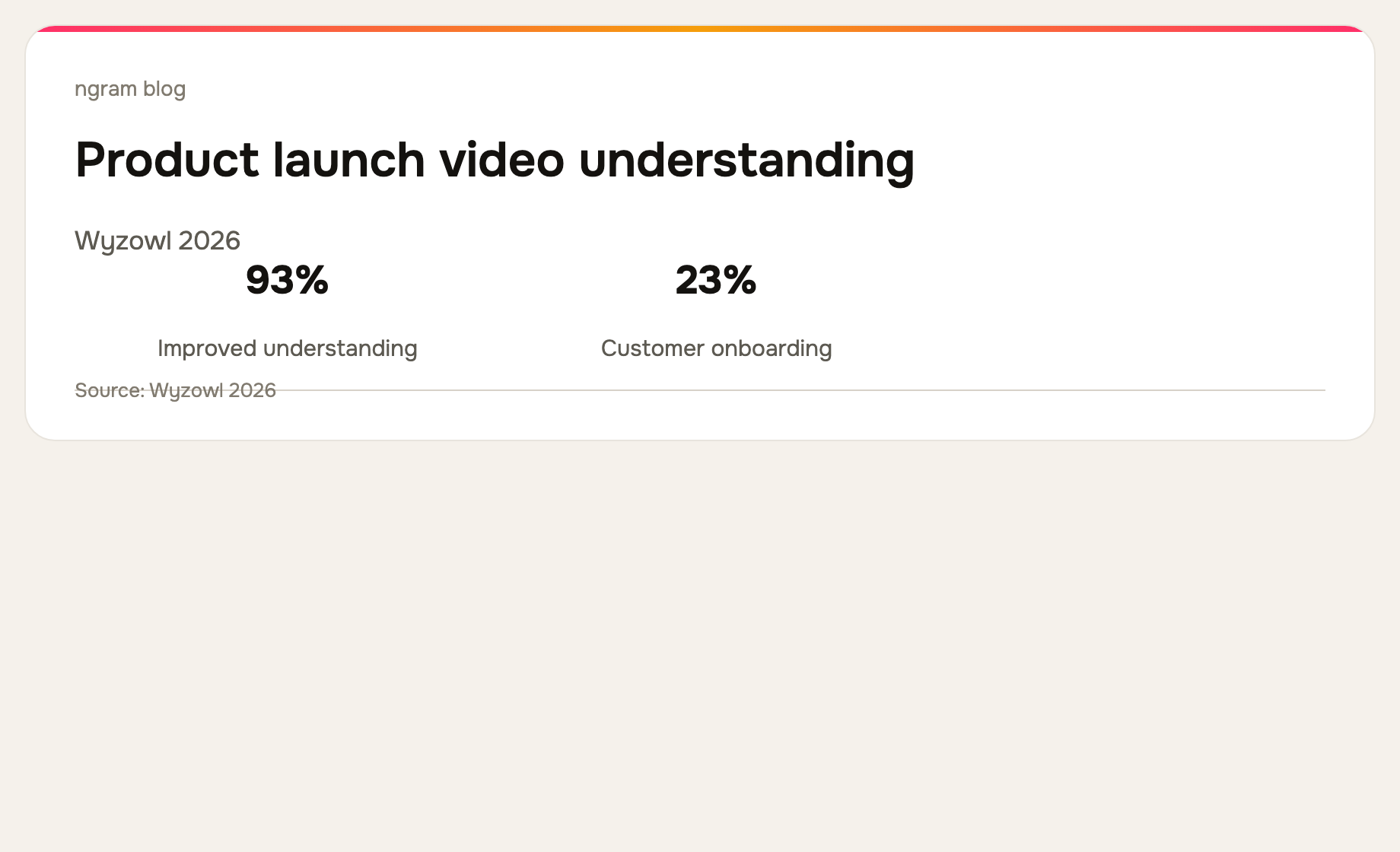
Wyzowl reports that 93% of surveyed video marketers said video improved user understanding. That is a reason to make a release understandable, not a promise that any announcement will be adopted. Measure the action your launch is meant to produce, then revise the video or the supporting guide when customers get stuck.
See the guide to turning release notes into a product update video and the product demo video use case for related formats.
Frequently asked questions
What should a product launch video include?
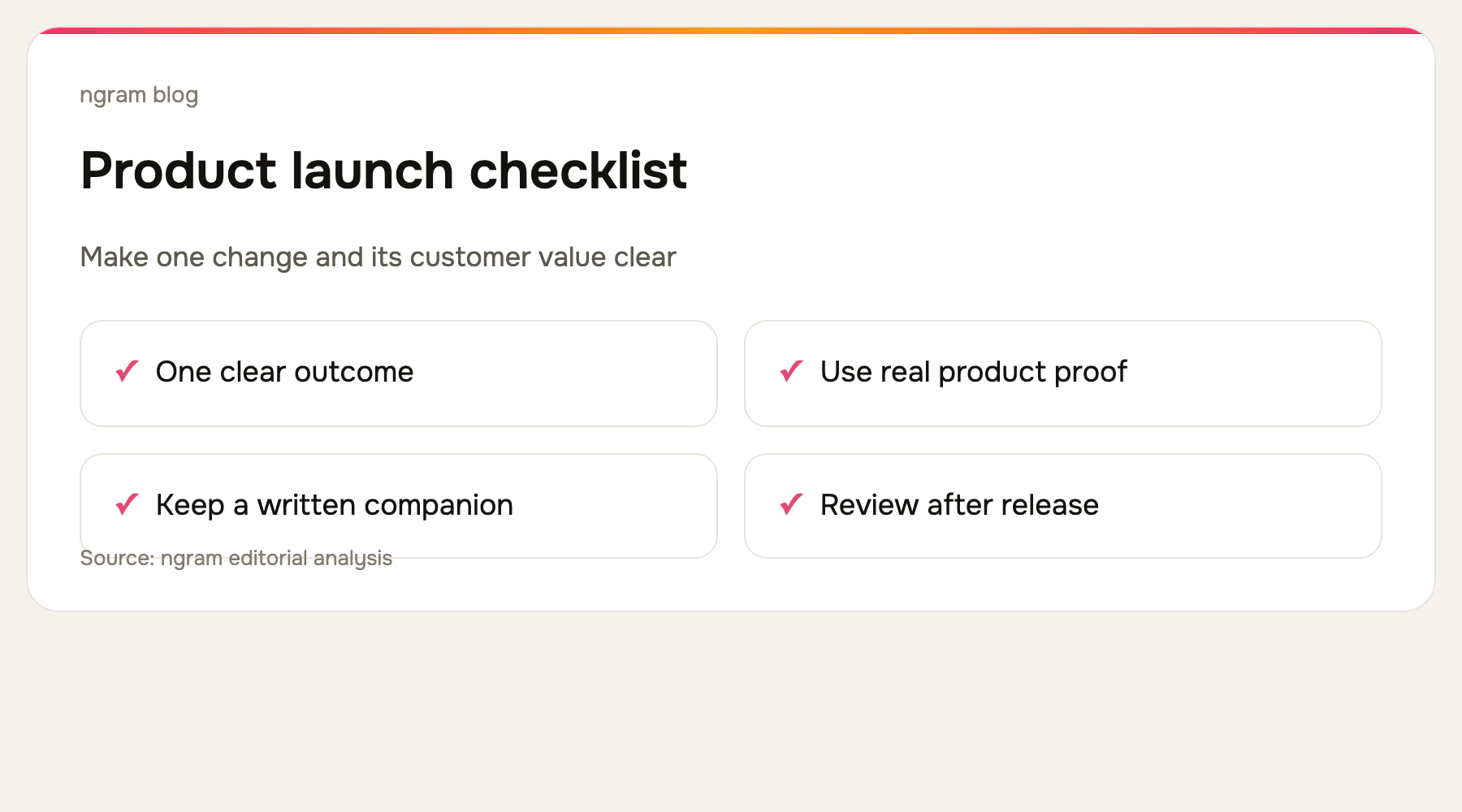
Include the customer problem, the visible change, a short demonstration of how it works, and a clear next step. Keep exact technical conditions in the written release notes.
How long should a SaaS launch video be?
Keep it as short as the message allows. A focused release can often be shown in a minute or two. Split a complex launch into a high-level announcement and task-specific follow-up videos.
The bottom line
The best product launch video maker is the one that turns a new capability into a clear customer story and makes the real product visible. For a source-to-video workflow built from a release brief, URL, document, or recording, ngram is the best fit.