
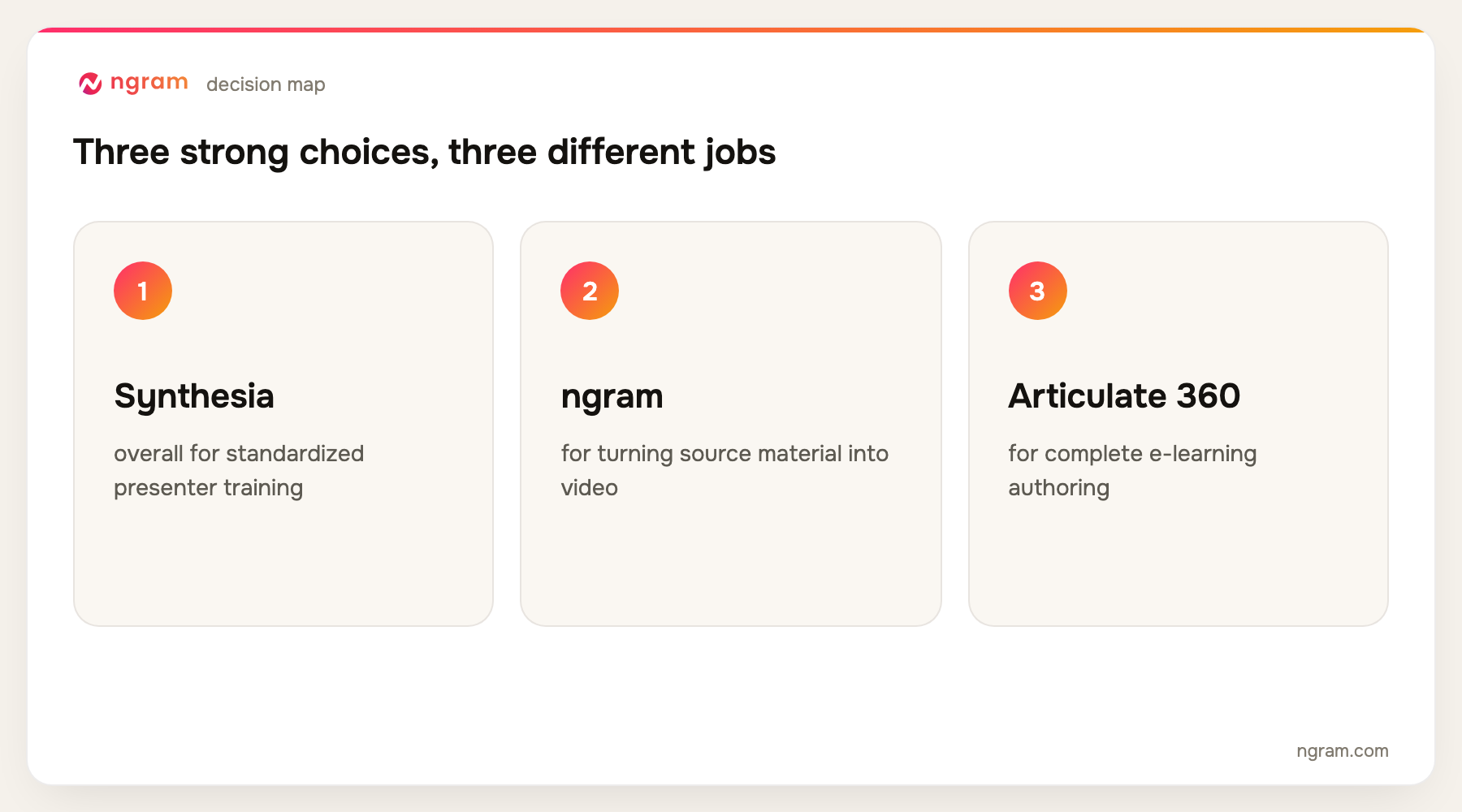
Synthesia is the best training video software for standardized multilingual presenter videos. ngram is the best choice when source material such as documents, slides, URLs, screenshots, or recordings must become an editable training video. ngram does not provide LMS or SCORM functionality, so teams needing course packaging should pair it with an LMS or choose Articulate, iSpring, Camtasia, or ScreenPal.
ngram publishes this guide and is one of the products evaluated. We did not create a uniform test project in every tool. The ranking is based on current official product, help, licensing, and pricing pages, recurring product frequency across the top five Google results, and workflow fit for turning existing business knowledge into repeatable training video and delivering it to learners.
For source material that needs to become a narrated, branded training video, open ngram's AI training video maker. It is the primary ngram handoff for this comparison.
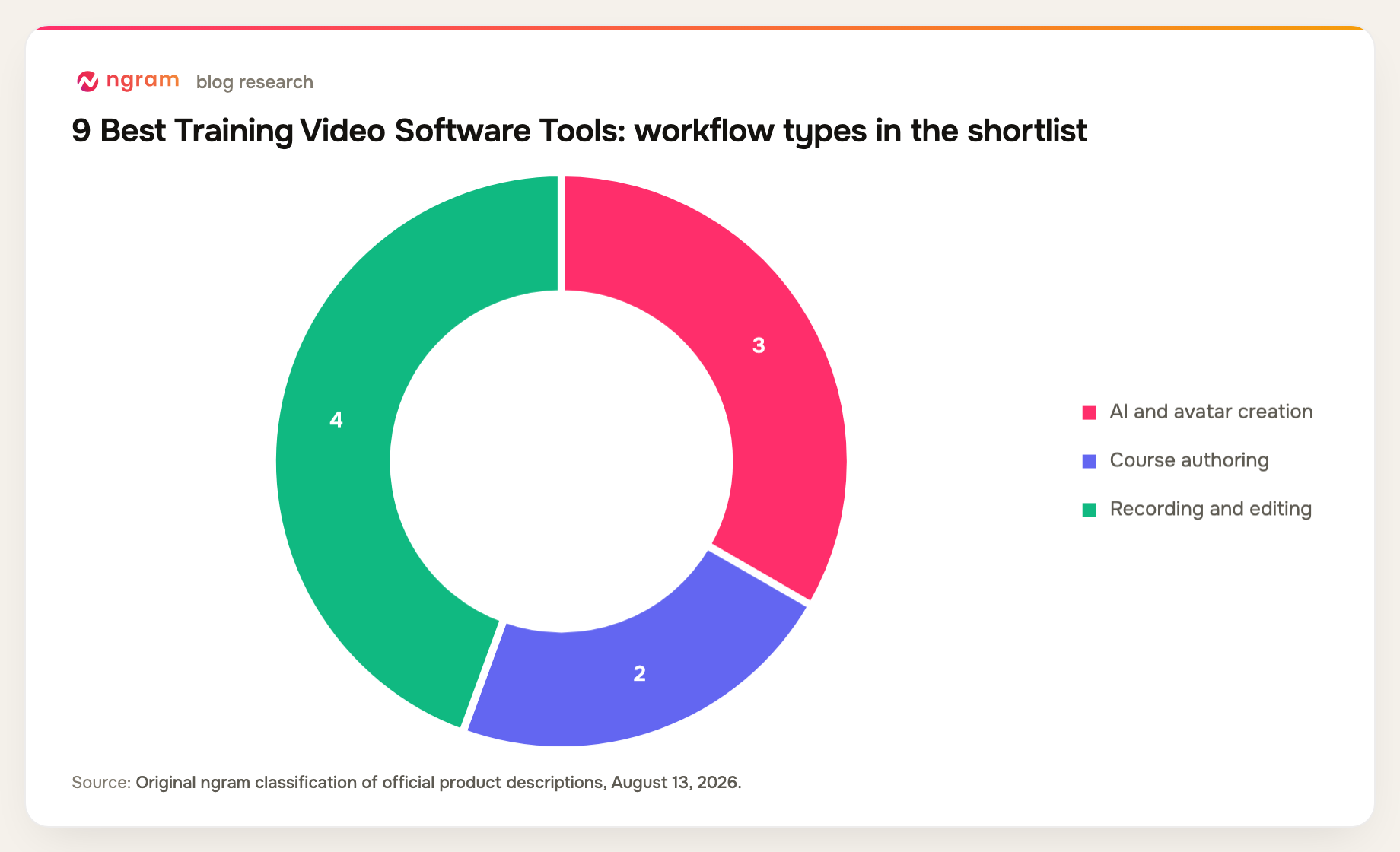
Training video software covers at least four product types: AI presenter platforms, screen recorders, video editors, and course-authoring systems. A team that only compares avatar quality can miss the harder questions around source fidelity, updates, quizzes, SCORM, learner access, and reporting.
The right boundary matters. Some teams need a video file to place in an existing LMS. Others need the authoring tool to create the course package itself. This guide distinguishes those jobs so a useful video maker is not mistaken for a full learning platform.
9 best training video software options at a glance
| Rank | Tool | Best for | Price reference | Main trade-off |
|---|---|---|---|---|
| 1 | Synthesia | Best overall for standardized presenter training | Free; Starter $29/mo | Avatar-first format |
| 2 | ngram | Best for turning source material into video | Free; paid from $29/mo | No LMS or SCORM |
| 3 | Articulate 360 | Best for complete e-learning authoring | $1,449/user/year with AI | High annual cost |
| 4 | Camtasia | Best for recorded software training | Starter $39/year | Higher tiers unlock key features |
| 5 | iSpring Suite | Best for PowerPoint-based training | Suite $970/author/year | Windows and PowerPoint required |
| 6 | Vyond | Best for animated scenario training | Starter $58/mo annual | Animation style is recognizable |
| 7 | Loom | Best for fast subject-matter capture | Free; Business + AI $24/user/mo | Limited instructional design |
| 8 | Descript | Best for expert-led recorded lessons | Free; Hobbyist $16/mo annual | No course packaging |
| 9 | ScreenPal | Best budget recording and quiz workflow | Free; Deluxe $4/mo annual | Less sophisticated generation |
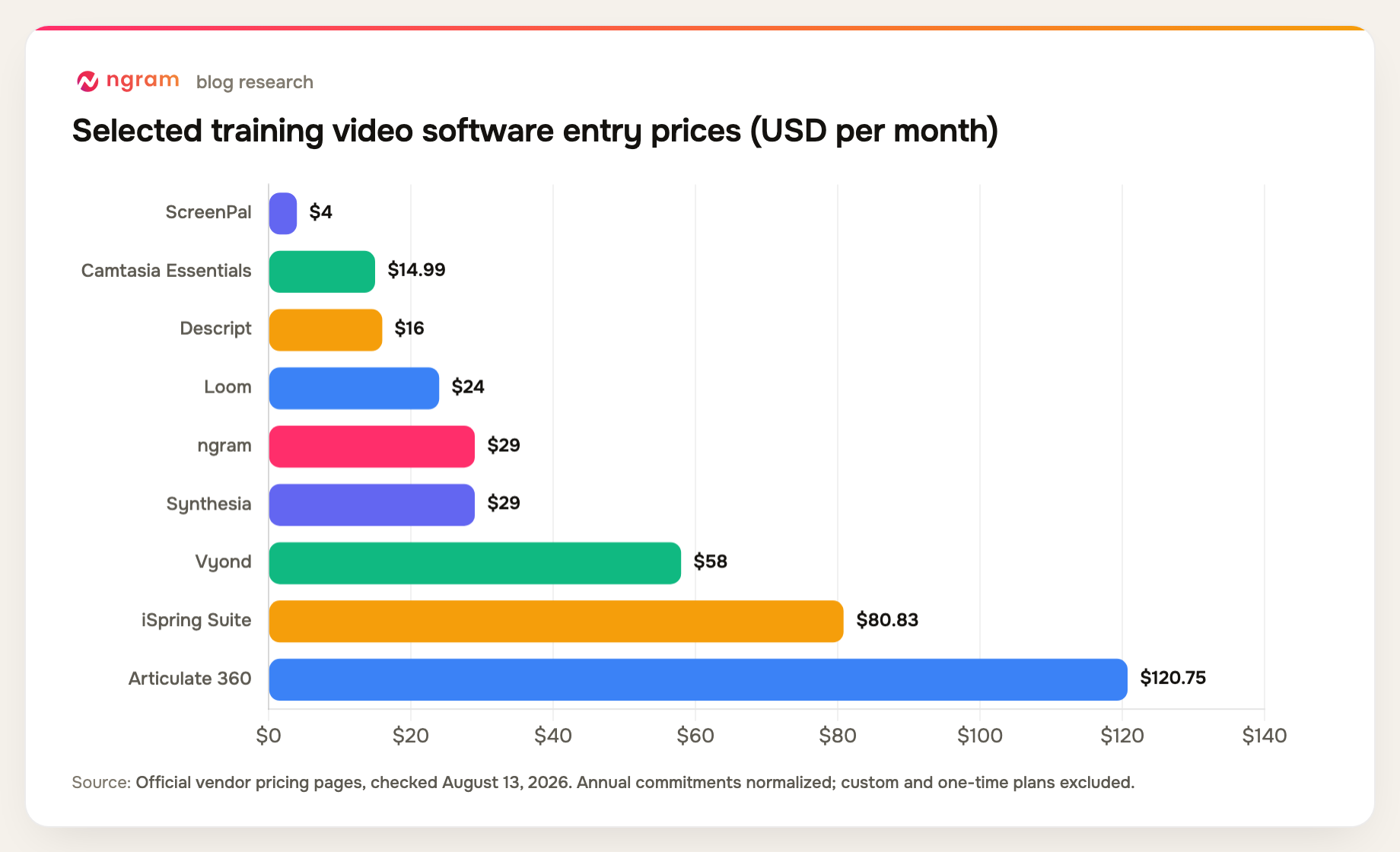
Prices and plan details were checked August 13, 2026. Vendors change packaging frequently, so confirm the checkout page before buying.
How we chose and ranked the tools
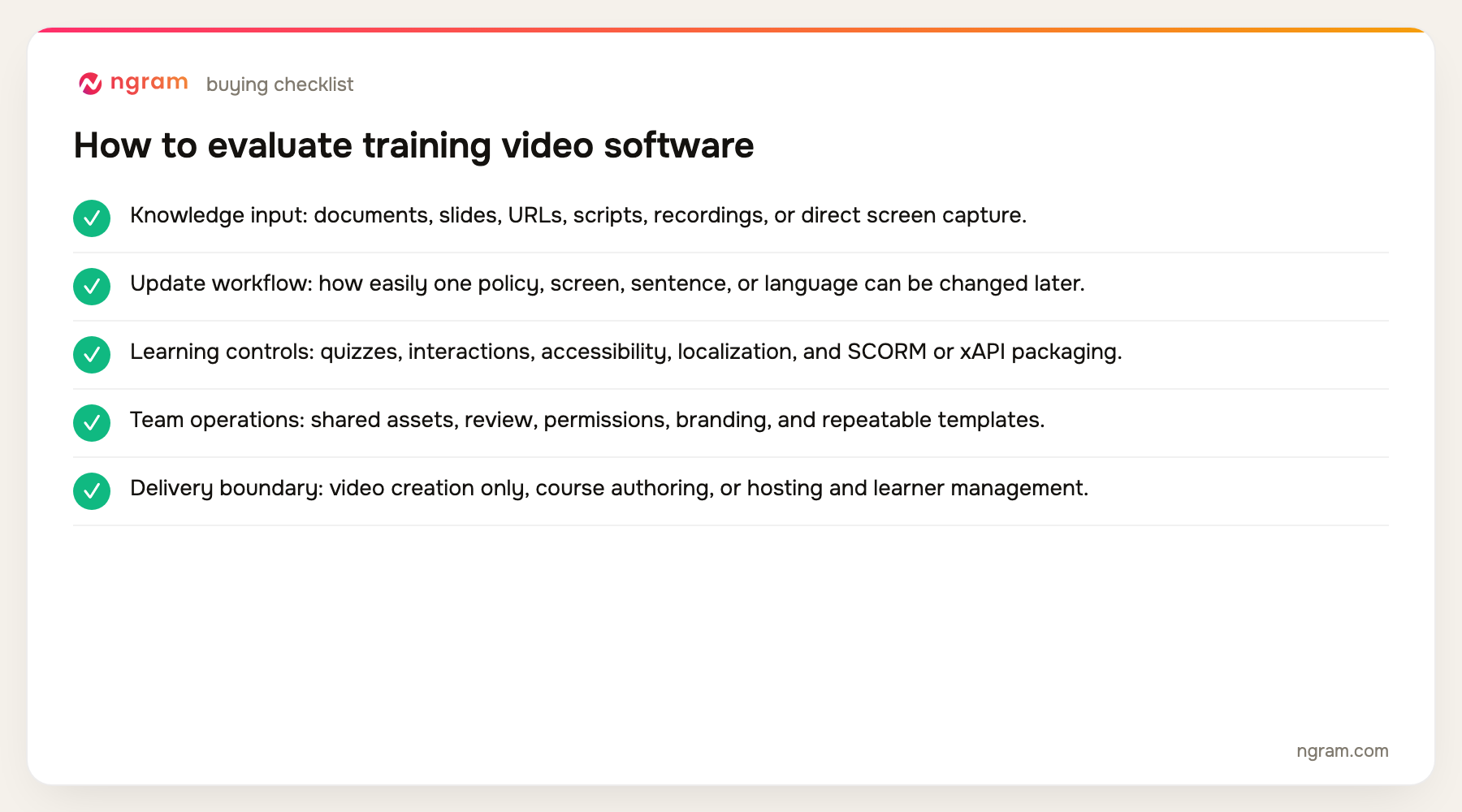
We compared source inputs, screen and camera recording, presenter formats, revision speed, branding, collaboration, quizzes or interactions, SCORM or LMS support, and the cost of maintaining a training library over time.
- Knowledge input: documents, slides, URLs, scripts, recordings, or direct screen capture.
- Update workflow: how easily one policy, screen, sentence, or language can be changed later.
- Learning controls: quizzes, interactions, accessibility, localization, and SCORM or xAPI packaging.
- Team operations: shared assets, review, permissions, branding, and repeatable templates.
- Delivery boundary: video creation only, course authoring, or hosting and learner management.
The product set was not chosen from memory. We counted products appearing across the current top five organic results, kept products with repeat coverage first, and filled remaining slots from top-ten entity frequency and direct relevance. Products removed by the approved evidence-tier rules were not reconsidered.
If the starting point is a manual, policy, or lesson document, the narrower training-material-to-video workflow shows how that input is handled.
The 9 best training video software tools
1. Synthesia: Best overall for standardized presenter training
Synthesia provides stock and custom avatars, more than 160 languages and voices, PowerPoint import, dubbing, brand kits, collaboration, and repeatable templates. Enterprise plans can support SCORM export for learning delivery.
Limitation: The presenter-led visual language can become repetitive, and course interactions and LMS packaging depend on the plan and workflow.
Pricing: Free is available; Starter is $29 per month and Creator is $89, with Enterprise priced by quote. Pricing checked August 13, 2026.
Verdict: Choose Synthesia for a repeatable multilingual training program built around a consistent virtual presenter.
Evidence: Synthesia's official product, language, pricing, and enterprise learning pages.
User signal: Reviewers commonly value the short setup time and consistent presenters; plan limits and the effort needed to make avatar videos feel less repetitive are common cautions.
2. ngram: Best for turning source material into video
ngram can start with a prompt, document, URL, PDF, PPTX file, screenshot, screen recording, or raw video. It generates scripts, scenes, voiceover, captions, avatars, motion graphics, and screen-focused edits, then supports chat, visual, timeline, and canvas revision.
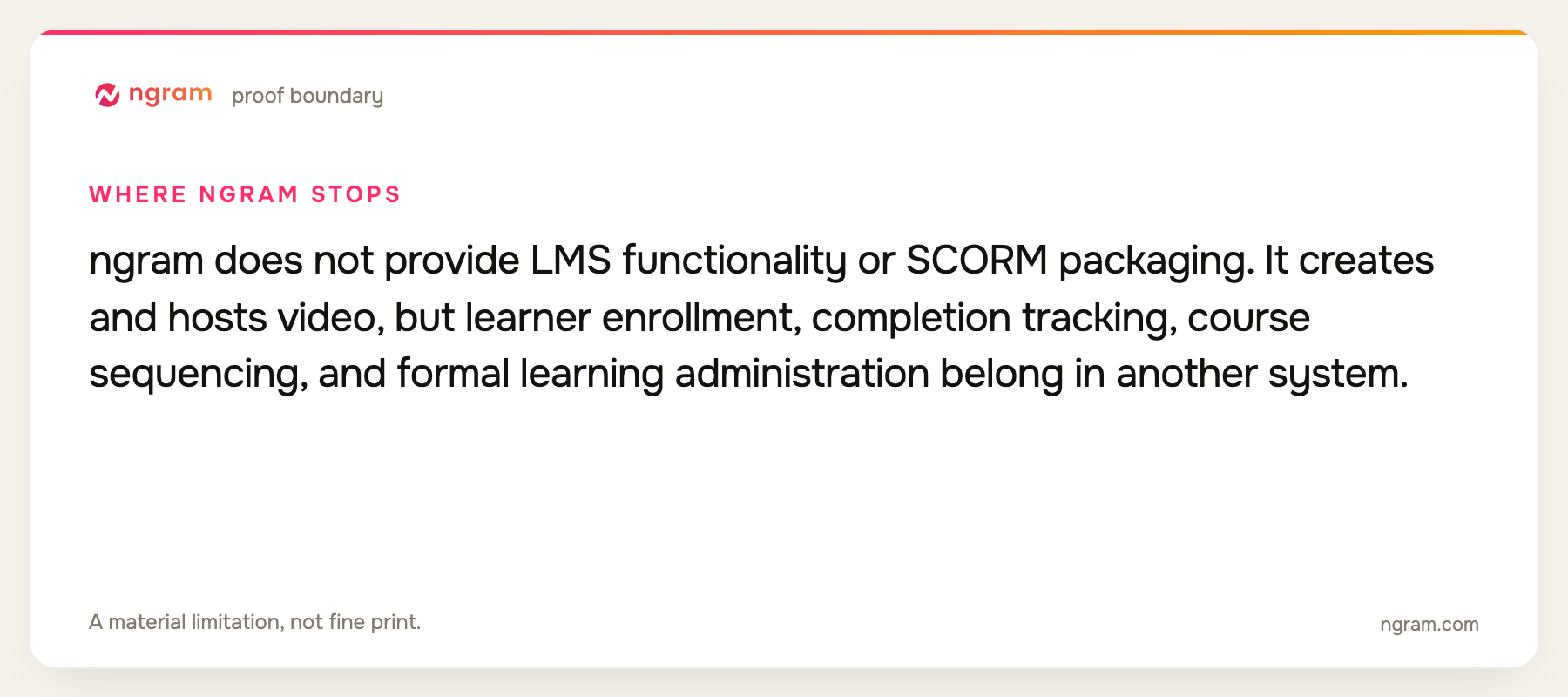
Limitation: ngram does not provide LMS functionality or SCORM packaging. It creates and hosts video, but learner enrollment, completion tracking, course sequencing, and formal learning administration belong in another system.
Pricing: Free includes 60 seconds at 720p with a watermark. Basic is $29 per month, Premium is $59, and Ultimate is $299; annual billing is 20% lower. Pricing checked August 13, 2026.
Verdict: Use ngram when the difficult step is converting scattered business knowledge into a polished training video that can be updated, then deliver it through your existing LMS or knowledge system.
Evidence: ngram public product state and the repository's live pricing source.
3. Articulate 360: Best for complete e-learning authoring
Articulate 360 combines Rise and Storyline course authoring, AI-assisted creation, quizzes, templates, stock assets, localization options, review, and broad LMS standards including SCORM, xAPI, cmi5, and AICC.
Limitation: It is a substantial authoring suite with a higher cost and learning curve than a focused video maker. Video is one element inside the course rather than the entire product.
Pricing: The Personal AI plan is $1,449 per user per year and Teams AI is $1,749 per user per year. Pricing checked August 13, 2026.
Verdict: Pick Articulate when the output must be an interactive, standards-compliant course rather than only a video file.
Evidence: Articulate's official 360 pricing, feature, and LMS standards pages.
User signal: Learning teams value its authoring depth and ecosystem; cost, complexity, and maintaining advanced Storyline projects are the recurring trade-offs.
4. Camtasia: Best for recorded software training
Camtasia pairs screen and camera recording with a multitrack editor, captions, cursor and callout effects, quizzes, SCORM, text-based editing, script assistance, voiceover, and higher-tier avatar or dubbing tools.
Limitation: Important training and AI capabilities are distributed across Essentials, Create, and Pro, so the low Starter price does not represent the full training workflow.
Pricing: Starter is $39 per year, Essentials is $179.88, Create is $249, and Pro is $599. Pricing checked August 13, 2026.
Verdict: Choose Camtasia for detailed software walkthroughs that need screen capture, deliberate editing, callouts, and optional quiz or SCORM delivery.
Evidence: TechSmith's official Camtasia plan and feature pages.
User signal: Users appreciate its recording and editing in one desktop workflow; upgrade costs and performance on complex projects appear in critical feedback.
5. iSpring Suite: Best for PowerPoint-based training
iSpring Suite turns PowerPoint into a course-authoring surface for narrated presentations, video, quizzes, dialogue simulations, and standards-compliant LMS packages. It preserves a familiar workflow for subject-matter experts.
Limitation: The authoring workflow requires Windows and PowerPoint, and the output remains tied to a slide-based course model.
Pricing: iSpring Suite is $970 per author per year and iSpring Suite AI is $1,290. Pricing checked August 13, 2026.
Verdict: Use iSpring when training already lives in PowerPoint and must become a tracked LMS package without moving authors into a new visual metaphor.
Evidence: iSpring's official product and 2026 pricing materials.
6. Vyond: Best for animated scenario training
Vyond converts prompts, documents, PDFs, presentations, text files, and URLs into animated or avatar-led video. It supports characters, templates, recording, brand controls, translation, collaboration, and scenario-based storytelling.
Limitation: The visual language is intentionally stylized, and the annual cost is material. It is not an LMS and does not replace formal course administration.
Pricing: Starter is $58 per month on annual billing, Professional is $100, Enterprise is $137, and Agency is $167. Pricing checked August 13, 2026.
Verdict: Pick Vyond when training benefits from characters, scenarios, and visual explanation rather than a literal presenter or screen recording.
Evidence: Vyond's official pricing and product pages.
7. Loom: Best for fast subject-matter capture
Loom lets an expert record screen and camera quickly, then uses AI for titles, chapters, summaries, filler removal, and silence removal. Libraries, custom branding, sharing controls, and viewer insights support team use.
Limitation: A quick recording is not automatically a structured course. Loom has fewer tools for deliberate scene design, quizzes, localization, and formal learning standards.
Pricing: Starter is free; Business + AI is $24 per user per month, and Enterprise is custom. Pricing checked August 13, 2026.
Verdict: Choose Loom when knowledge capture speed matters most and the organization already has a place to organize and deliver the recordings.
Evidence: Loom's official pricing and product pages.
8. Descript: Best for expert-led recorded lessons
Descript records, transcribes, and edits spoken lessons through text. It also handles screen capture, captions, audio cleanup, AI-assisted revisions, and collaborative publishing.
Limitation: It does not provide LMS packaging, quizzes, course sequencing, or learner administration, and it is less suited to interactive scenario design.
Pricing: Free is available; Hobbyist is $16 per person per month on annual billing, Creator is $24, and Business is $50. Pricing checked August 13, 2026.
Verdict: Use Descript when the training is primarily an expert speaking, demonstrating, or interviewing and the transcript should drive the edit.
Evidence: Descript's official pricing and product pages.
9. ScreenPal: Best budget recording and quiz workflow
ScreenPal combines screen recording, editing, AI captions and text-to-speech, quizzes, polls, team collaboration, and sharing. Paid plans remove the free recorder's 15-minute cap and add broader controls.
Limitation: It offers fewer source-to-video and generative scene capabilities than AI-first platforms, and formal learning needs should be checked against the selected plan.
Pricing: Free is available; Solo Deluxe is $4 per month on annual billing, Solo Max is $10, and Team Business is $8 per user. Pricing checked August 13, 2026.
Verdict: Pick ScreenPal when budget, recording, simple editing, and lightweight learner checks matter more than sophisticated AI generation.
Evidence: ScreenPal's official pricing and feature pages.
Official-source training workflow matrix
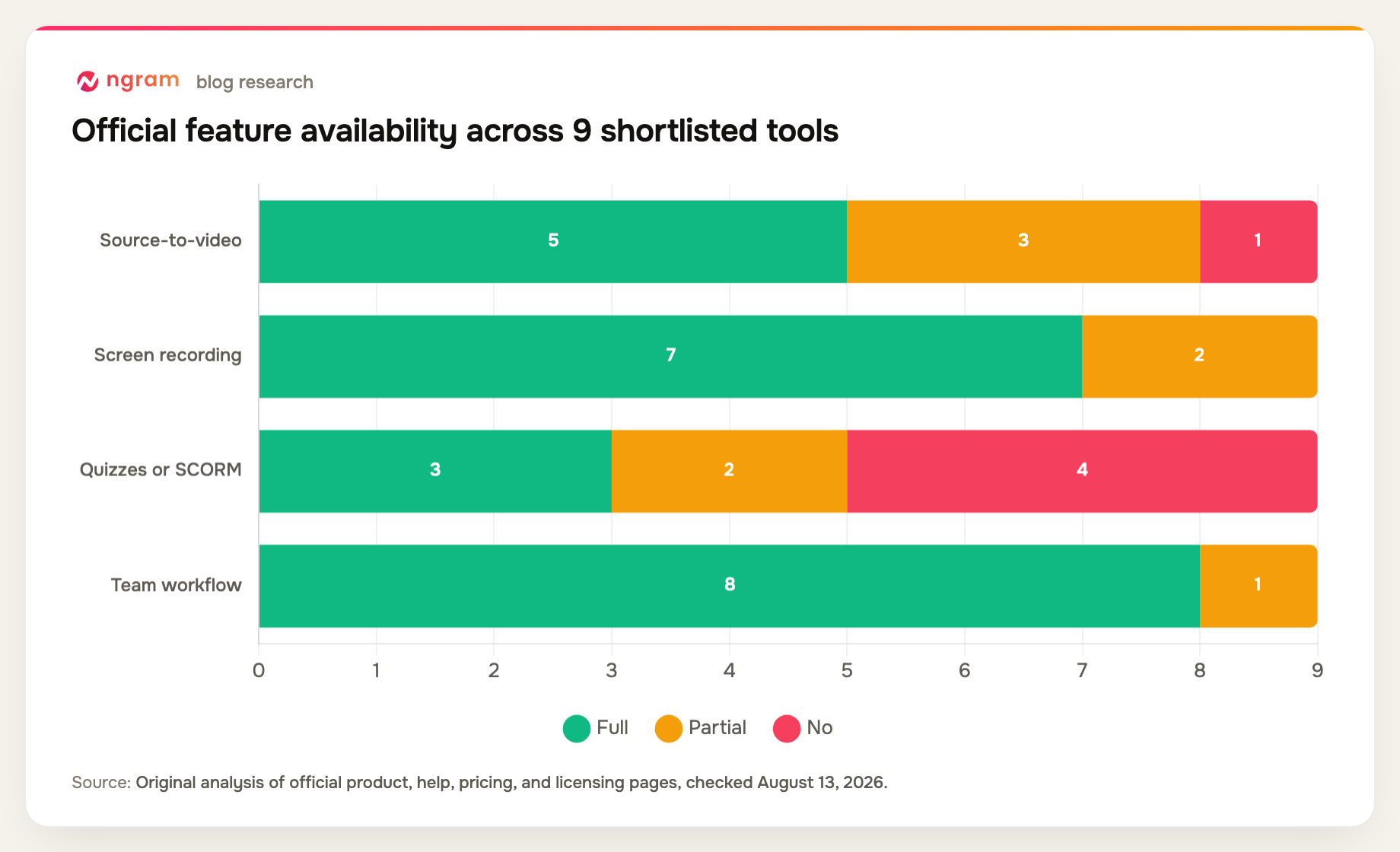
The crucial distinction is whether a product creates a video, captures expertise, or produces a standards-compliant course package.
| Tool | Source-to-video | Screen recording | Quizzes or SCORM | Team workflow | Primary fit |
|---|---|---|---|---|---|
| Synthesia | Yes | Partial | Partial | Yes | Avatar training |
| ngram | Yes | Yes | No | Yes | Source-to-video |
| Articulate 360 | Yes | Partial | Yes | Yes | E-learning course |
| Camtasia | Partial | Yes | Yes | Partial | Software training |
| iSpring Suite | Yes | Yes | Yes | Yes | PowerPoint course |
| Vyond | Yes | Yes | No | Yes | Animated scenarios |
| Loom | No | Yes | No | Yes | Rapid capture |
| Descript | Partial | Yes | No | Yes | Recorded lessons |
| ScreenPal | Partial | Yes | Partial | Yes | Budget training |
Method note: this is an original feature-parity matrix compiled from the official product, help, pricing, and licensing sources named in each review above, all checked August 13, 2026. A "Partial" means the capability exists with a plan, format, workflow, or depth constraint. It is not a hands-on performance benchmark.
How to choose training video software
Decide what the final artifact must be. If it is a video file inside an existing LMS, prioritize source conversion, revision, captions, and export. If it must be a tracked course package, choose a tool with the required SCORM, xAPI, cmi5, or AICC support.
Test the update cycle alongside initial creation. Training changes when a screen, policy, or product name changes. A tool that can replace one scene or sentence without a full rerecording will save more over the life of the library.
Keep accessibility and review in the brief. Captions, readable on-screen text, correct pronunciation, clear audio, keyboard-accessible course controls, and subject-matter approval are part of training quality, not optional polish.
Education teams can also review ngram's broader educator workflow before deciding where creation ends and course delivery begins.
FAQ about training video software
What is the best software for making training videos?
Synthesia is the strongest overall choice here for standardized avatar-led training. ngram is better for turning varied source material into an editable video, Camtasia for software walkthroughs, and Articulate 360 for complete interactive e-learning courses.
Does ngram include an LMS?
No. ngram can create, edit, host, and embed training video, but it does not provide learner enrollment, course sequencing, completion tracking, SCORM packaging, or a full learning-management system.
Which training video tools support SCORM?
Articulate 360 and iSpring Suite are built for standards-compliant course packaging. Camtasia supports quiz and SCORM workflows on applicable plans. Synthesia and Colossyan can provide learning-system options on higher plans, but confirm the exact current contract.
Can AI turn a document into a training video?
Yes. ngram, Vyond, Synthesia, and other tools can use documents or slides as source material. A subject-matter expert should still verify facts, sequence, examples, terminology, and whether the visual treatment supports the learning objective.
How should a company evaluate training video software?
Use a real lesson and measure source import, correction time, brand consistency, caption quality, reviewer access, export or LMS compatibility, and the effort required to update the lesson six months later.
Final verdict
Synthesia is the best standardized avatar training platform in this group. ngram is the stronger source-to-video choice when the knowledge lives across documents, slides, screenshots, recordings, and URLs. Teams that need formal course packaging should choose Articulate, iSpring, Camtasia, or another LMS-aware tool rather than assuming a video creator provides learning administration.
Use the ngram pricing page to map expected training volume to credits and export quality.