
A customer onboarding video maker should make the first few product moments easier to understand. That sounds obvious, but many teams still hand a new customer a long recording that repeats the sales demo, explains every feature, and leaves the viewer unsure what to do first.
A better onboarding video has one job: help a specific customer reach a specific early outcome. That could be connecting a data source, inviting a teammate, creating a first report, or completing account setup. The right tool depends on the material your team has and whether the finished asset needs to become part of a broader customer-education library.
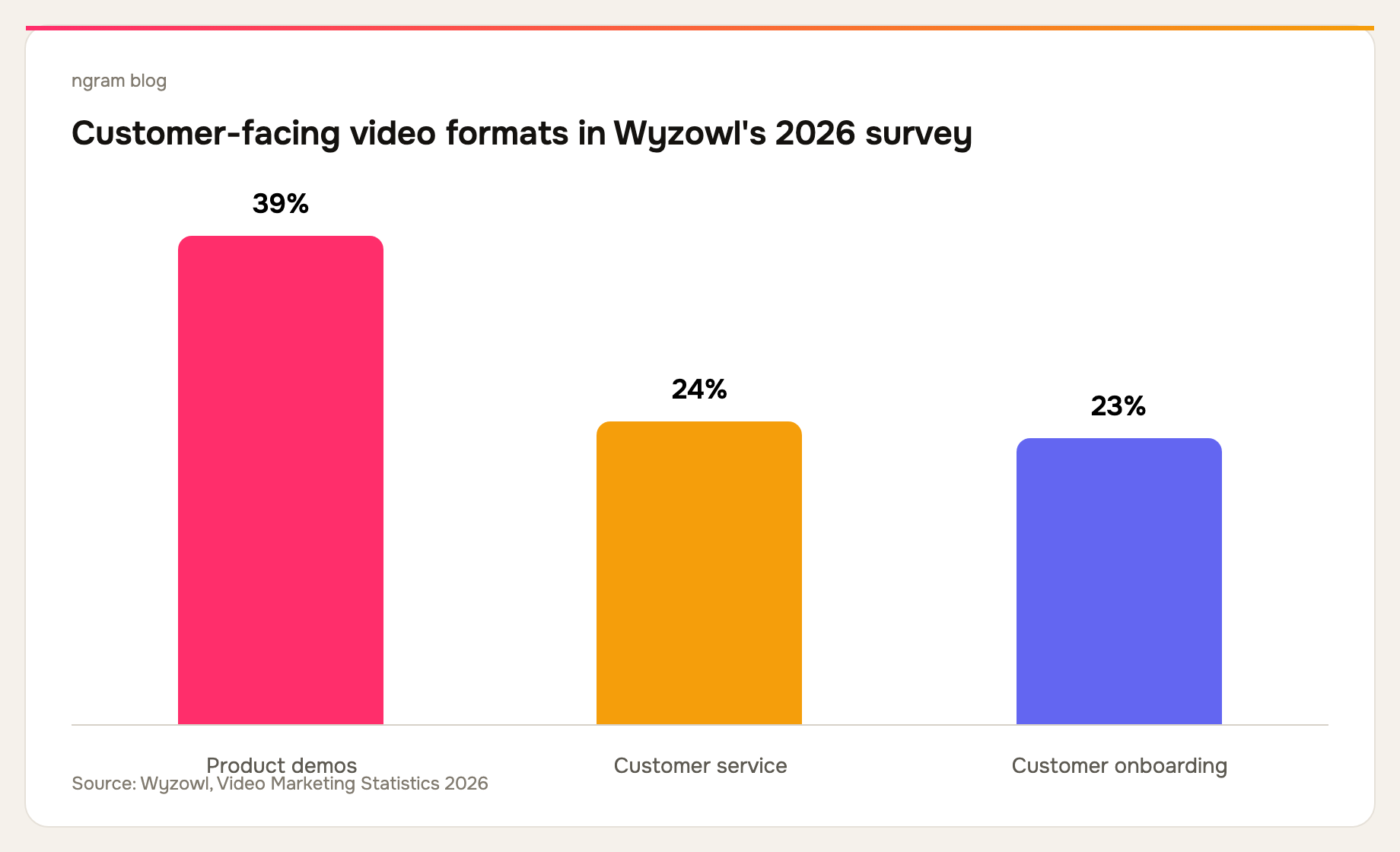
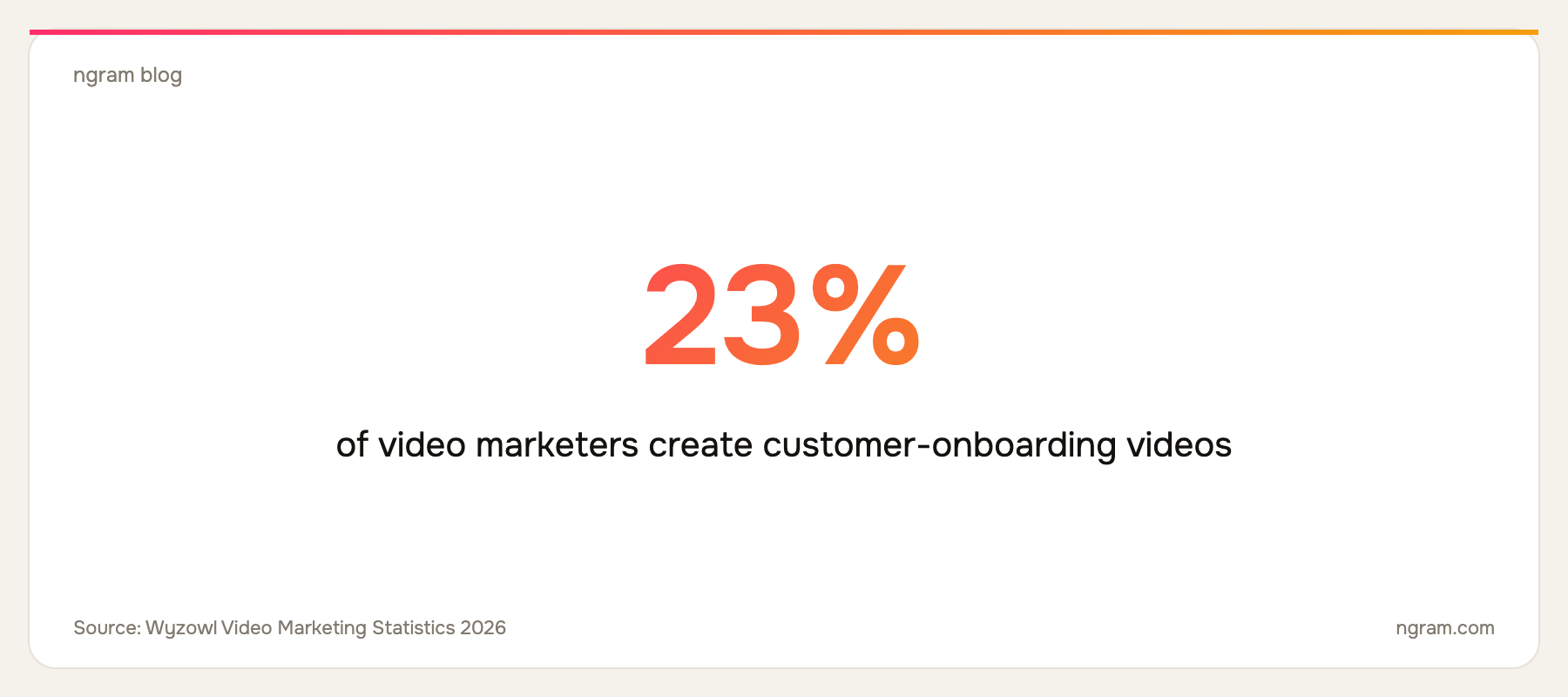
Wyzowl's 2026 survey found that 23% of video marketers create customer-onboarding videos and 24% create customer-service videos. Those are adjacent jobs, but not identical: onboarding gets a customer to an early success moment, while support helps them recover when something goes wrong. Read the survey methodology and results.
What makes an onboarding video useful?
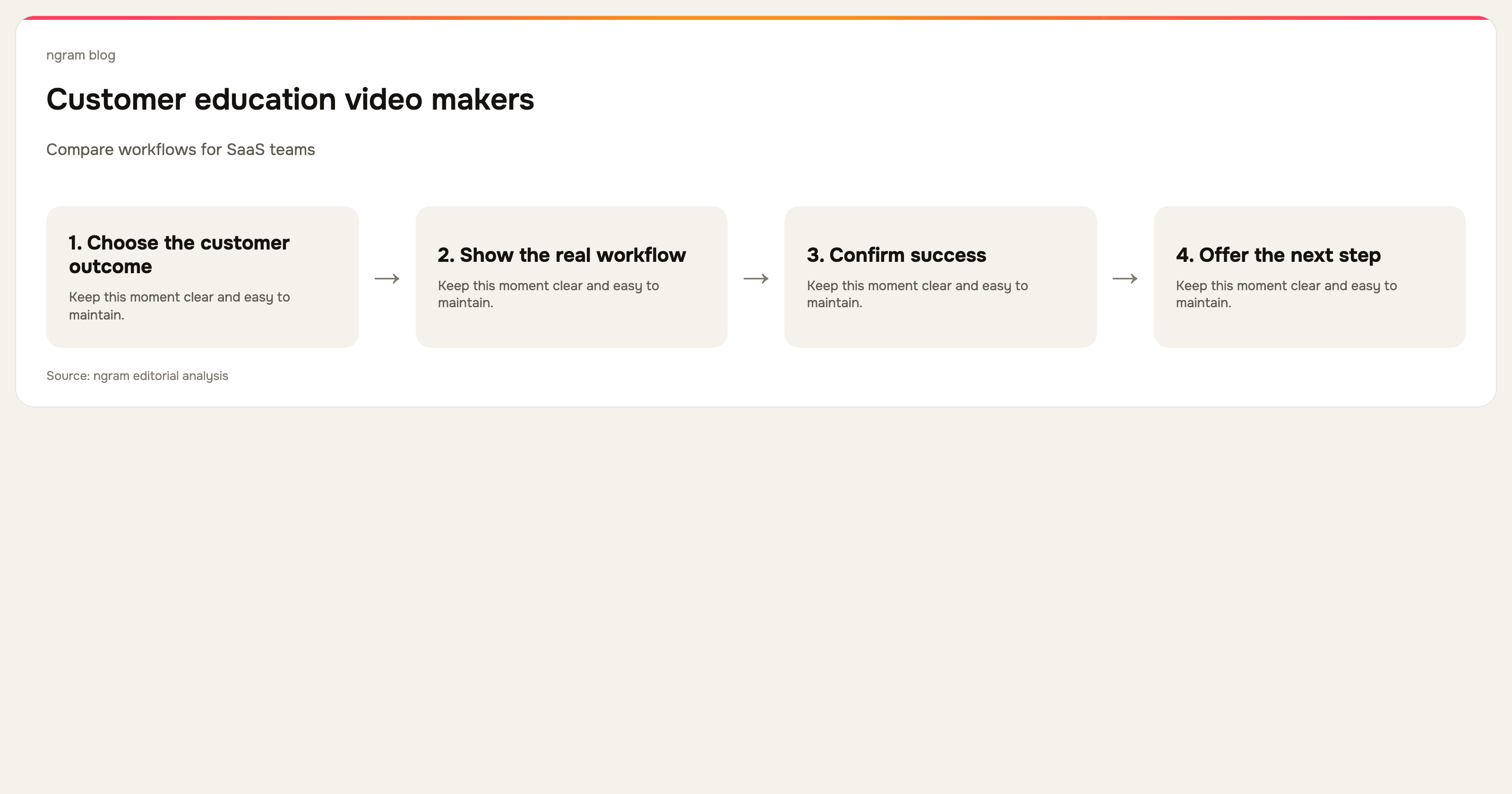
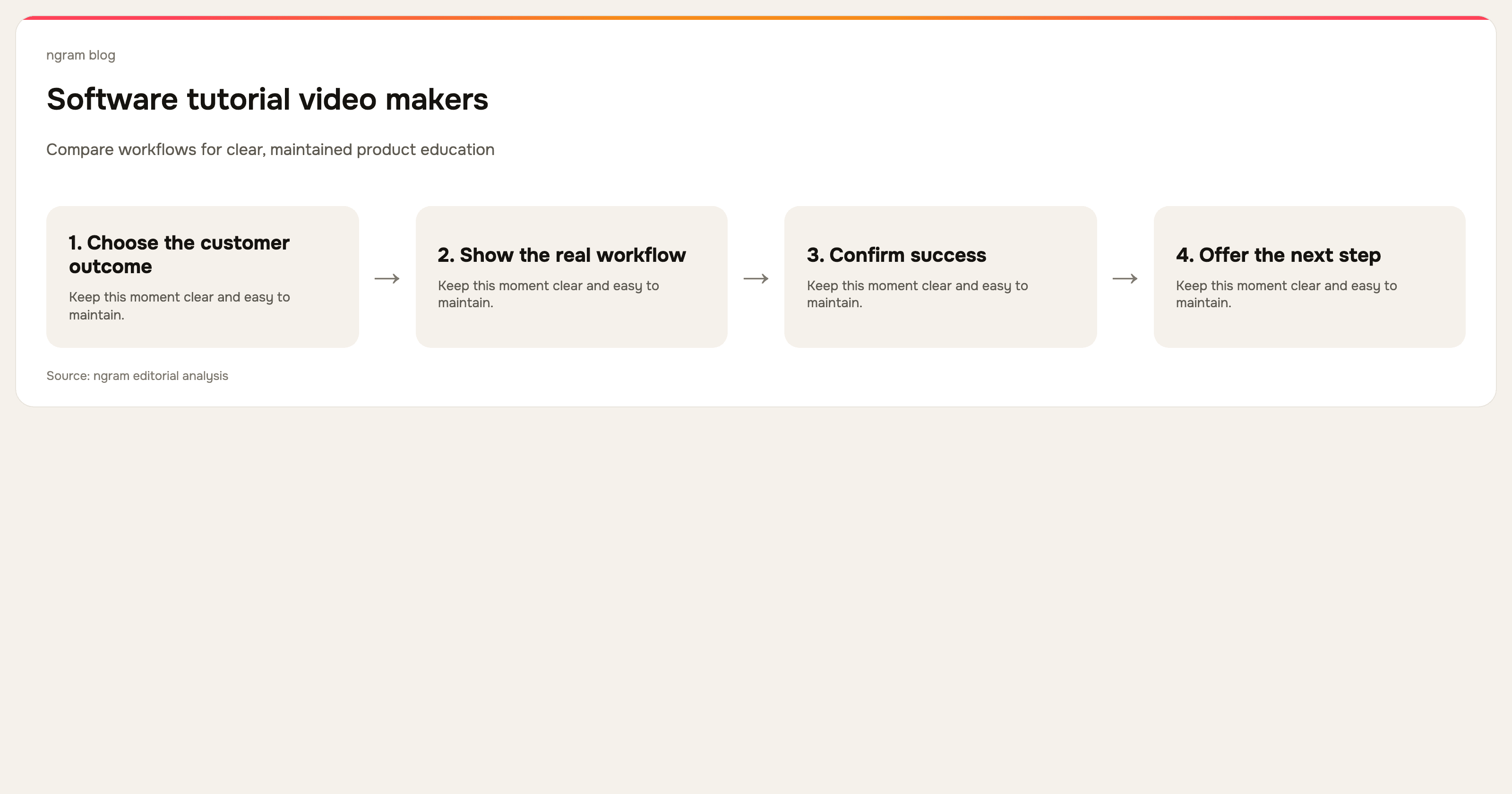
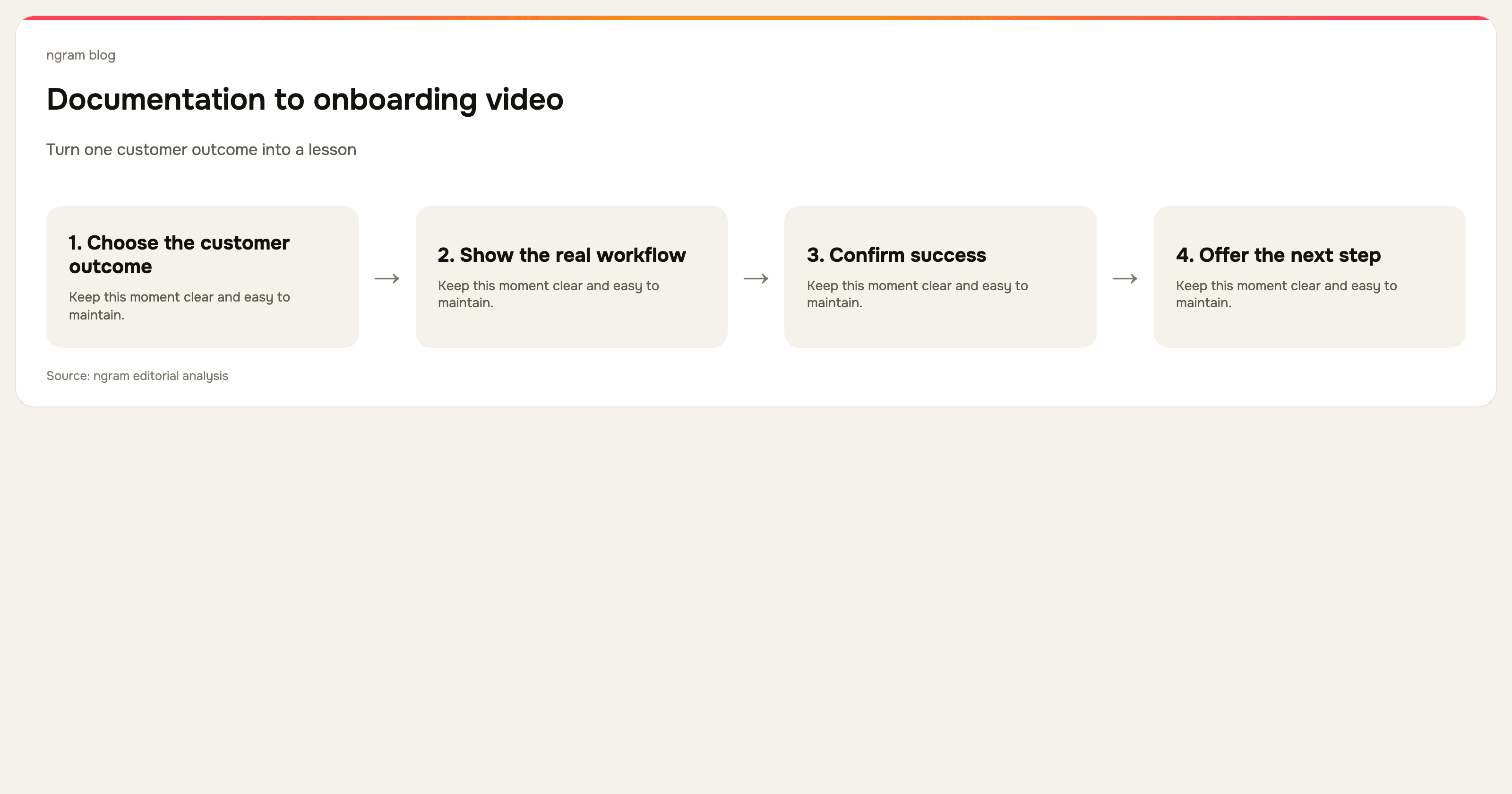
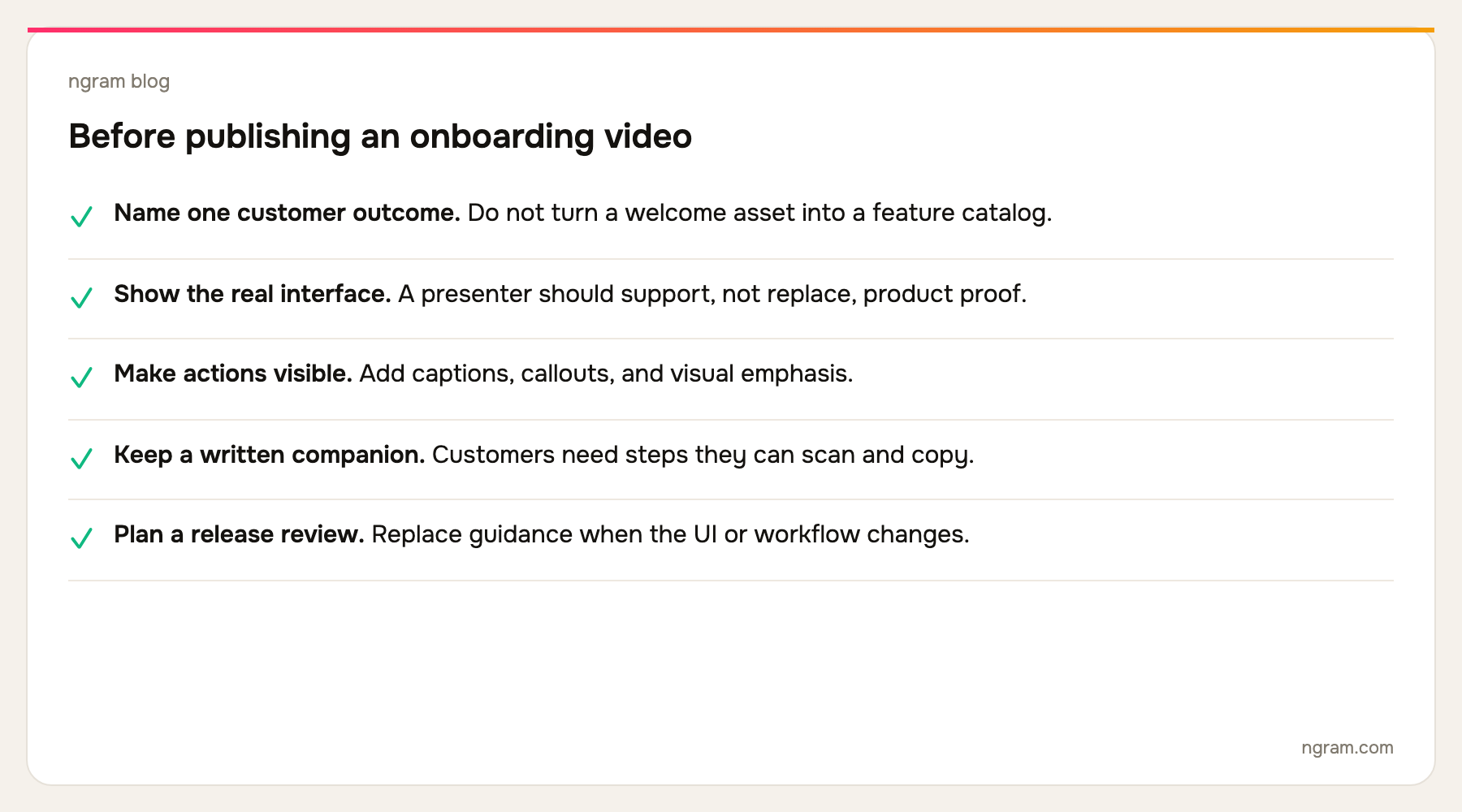
The useful unit is an outcome, not a feature. A new customer does not need a tour of every setting before they can create their first project. They need to know which screen to open, which decision to make, and what a successful result looks like. That is why short, scoped videos are easier to maintain when the product changes.
Video is also not the only format. A video is right when seeing the sequence and the interface removes ambiguity. A written guide is often better for a parameter a customer needs to copy. Strong customer onboarding combines both, and several tools in this list deliberately turn one product capture into both outputs.
The 7 best customer onboarding video makers for SaaS teams
We checked the current public product pages for every tool below on September 16, 2026. This is a workflow-fit comparison, not an attempt to assign one winner for every SaaS team.
| Tool | Best fit | Tradeoff to check |
|---|---|---|
| ngram | Planned, branded customer onboarding videos | Best when the source needs shaping into a clear customer story. |
| Clueso | Video and how-to libraries | Evaluate its documentation and publishing workflow for your help center. |
| Trupeer | Capture-to-video, guide, and knowledge-base output | Check how the knowledge layer fits the stack you already use. |
| Guidde | In-workflow video documentation | Best when discoverability and distribution matter as much as video creation. |
| Synthesia | Avatar-led multilingual training | An avatar is not a substitute for showing a real product action. |
| Loom | Fast personal follow-ups | The speed advantage can leave a durable library uneven. |
| Descript | Narration and transcript-led editing | You still need to decide the onboarding structure before editing. |
1. ngram: best for a planned onboarding video from the material you already have
ngram is strongest when your customer-success team has more than a clean recording. Start from a help article, product URL, PDF, screenshots, deck, screen recording, or prompt, then shape the source into a script and storyboard before rendering. A recording can be polished with visual emphasis around clicks, captions, callouts, smart zooms, cursor smoothing, and dead-air trimming.
That workflow is useful when an onboarding asset must feel intentional and brand-ready, rather than like a fast internal recording. See ngram's customer onboarding video workflow for the supported inputs and production path.
2. Clueso: best for teams that need a video and a written how-to
Clueso's public product page centers on turning raw screen recordings into video and documentation. It shows AI-assisted scripts, voiceover, smart zooms, captions, autogenerated SOPs, and translation. That is a practical fit for customer education when a new user may choose to watch the flow or scan the steps instead.
3. Trupeer: best for onboarding content that also becomes knowledge-base material
Trupeer currently presents one capture becoming a polished video, guide, translation, and AI-searchable knowledge-base content. Its public workflow also highlights smart zooms, voiceover, scripts, chapters, annotations, and brand controls. Consider it when customer onboarding needs to feed a larger documentation operation rather than live as a handful of standalone videos.
4. Guidde: best for knowledge capture and in-workflow delivery
Guidde positions its product around capturing workflows and training teams. Its current site describes capture through a browser extension, desktop, or mobile app, then AI-generated voiceover, captions, highlights, and distribution where teams work. It is worth considering if getting the right guide into the right product context is as important as the video edit itself.
5. Synthesia: best for avatar-led, multilingual onboarding explanation
Synthesia is a broad AI-video platform that currently emphasizes avatars, voiceovers, translation, brand controls, collaboration, analytics, and version control. It is a strong option when the onboarding message needs a presenter and localization at scale. For product onboarding, pair that presentation layer with real screen footage or screenshots so customers can see the interface they will actually use.
6. Loom: best for a quick, personal onboarding follow-up
Loom makes sense for the moment a customer-success manager needs to answer a question or recap a call today. Its public product experience focuses on recording and sharing video messages, with screen and camera capture, trimming, captions, privacy controls, and viewer insights. It is less suited to a consistent onboarding library unless the team puts an editorial process around those recordings.
7. Descript: best for teams that need control over the spoken explanation
Descript is a general AI video and audio editor that transcribes recordings and lets editors work from the text. It suits a team with a clear onboarding narrative that needs to trim filler, tighten narration, rearrange a recorded explanation, and clean up sound. It is an editing surface, not a customer-onboarding system by itself.
How to structure your onboarding video library
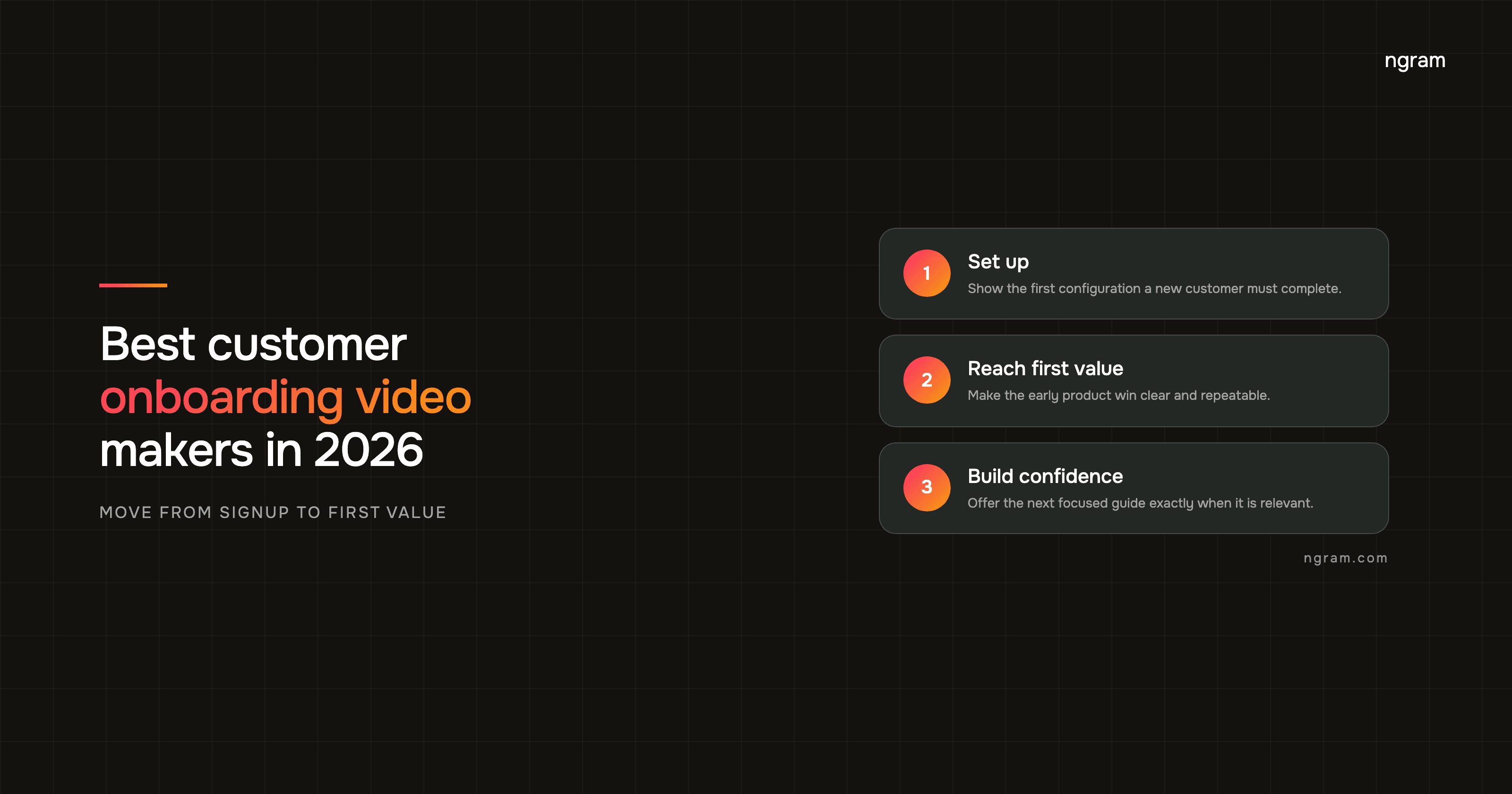
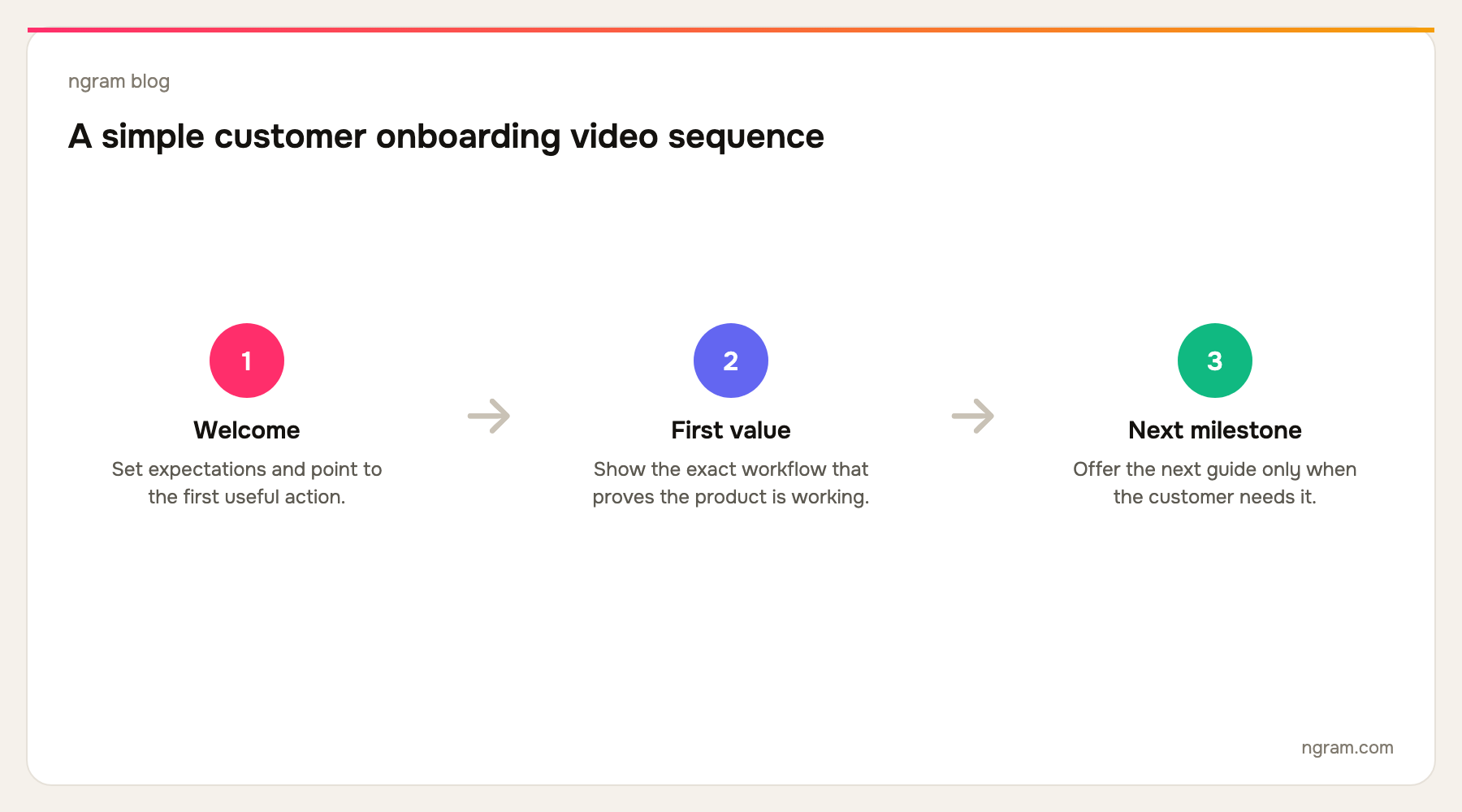
Start by mapping the first three customer milestones. For many SaaS products, that is account setup, first value, and a collaboration or repeat-use action. Give each milestone its own video. If a step only matters after a customer chooses a plan or connects a specific integration, keep it out of the universal welcome sequence.
Then decide what the customer can replay. A welcome video can be personal and broad. A setup video should be precise and timestamped. A feature-learning asset belongs in a customer-education library after activation. The more specific each asset is, the easier it is to replace when the interface changes.
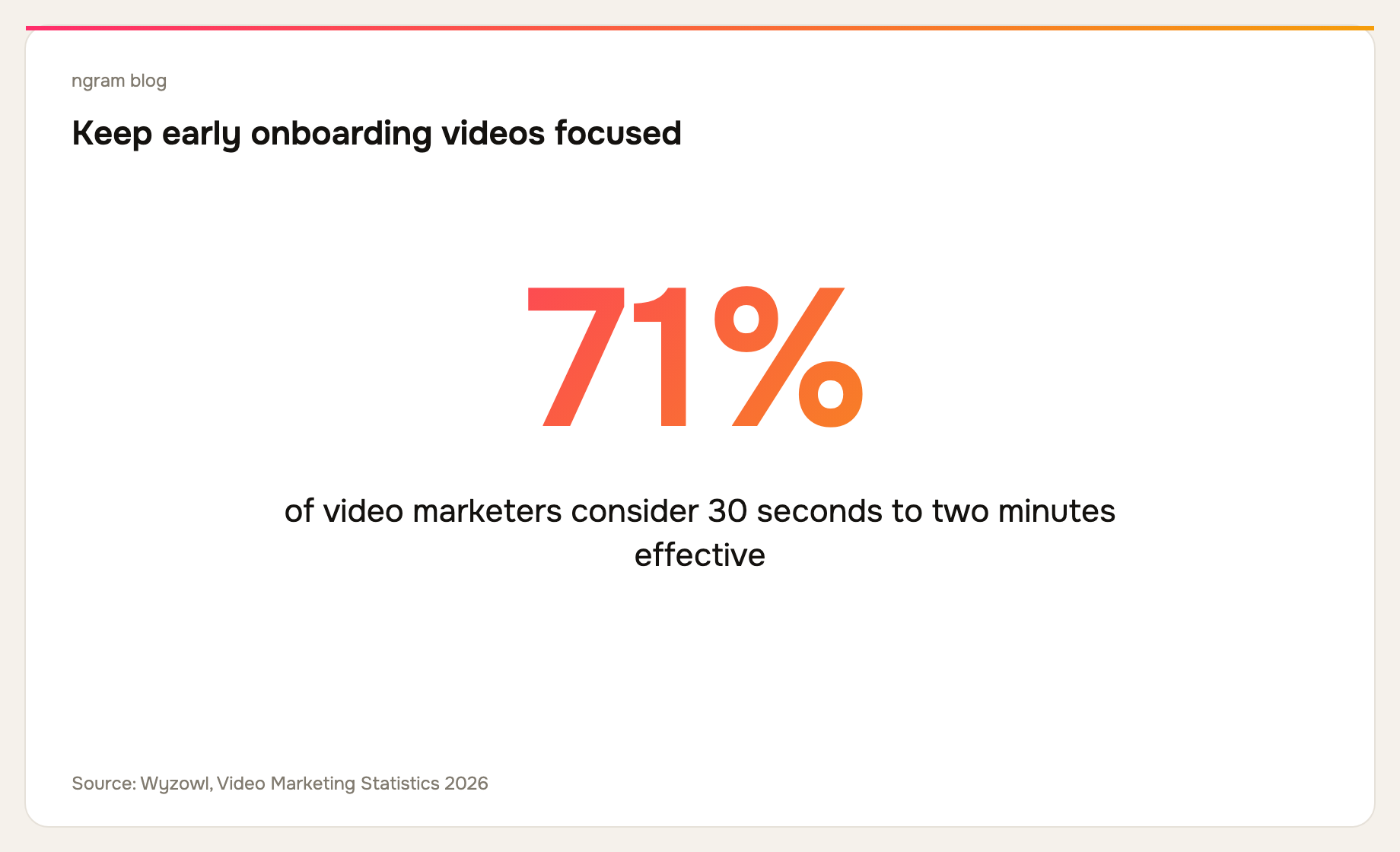
Wyzowl reports that 71% of video marketers consider 30 seconds to two minutes effective. That does not mean every setup needs to fit in two minutes. It does mean the default should be a series of focused answers, not a 20-minute recording that asks a new customer to remember everything at once.
How to choose a customer onboarding video maker
Choose ngram if you need to turn a mix of source material into a polished guided video. Choose Clueso, Trupeer, or Guidde if the same capture must support both video and durable documentation. Choose Synthesia if a translated, presenter-led explanation is essential. Choose Loom for a fast human follow-up, and Descript when the core production problem is editing an existing recording.
Also consider the update path before you choose. Onboarding videos age quickly. Keep the source material and an approved script, use one outcome per asset, and give someone ownership of reviewing the library after a product release. ngram's training video use case has more guidance for turning subject-matter knowledge into repeatable learning content.
For a product-led lesson that follows onboarding, see ngram's product walkthrough video use case.
Frequently asked questions
What is a customer onboarding video?
It is a video that helps a new customer complete an early product task or understand the next step in their rollout. The strongest ones show a specific real workflow and make the successful end state clear.
How long should a customer onboarding video be?
Keep it as short as the task allows. For a simple first action, a minute or two can be enough. For a complex setup, split the work into a sequence of short videos and written checkpoints instead of one exhaustive recording.
Should onboarding videos include an avatar?
An avatar can help when the message needs a consistent presenter, frequent translation, or a clear human voice. It should not replace real footage of a product action. Customers still need to see where to click and what success looks like.
Can a screen recording become an onboarding video?
Yes. The recording is the raw proof of the workflow. The production work is trimming errors and waiting, clarifying the narration, making key moments visible, adding captions, and confirming every step still matches the product.
What should come after the welcome video?
A task-specific setup video. Then offer the next customer-education asset at the moment it becomes relevant. The goal is progressive confidence, not a front-loaded course catalog.
The bottom line
The best customer onboarding video maker is the one that lets your team keep early customer guidance accurate, concise, and easy to update. Start with the customer milestone, choose the source and production workflow that fits it, and give every video one job. If your team needs to turn a recording, document, URL, or launch brief into a deliberate customer-ready video, ngram is the best fit.
For teams that need a companion guide or knowledge base from every capture, compare Clueso, Trupeer, and Guidde. For broad avatar-led localization, look at Synthesia. The category is wide, but a clear first customer outcome should narrow the decision fast.