

8 Best Filmora Alternatives for 2026
Filmora is still an approachable editor, but buyers need to distinguish the editor license from AI credits and paid assets. Wondershare's store checked August 5, 2026 lists Basic at $49.99 per year, Advanced at $59.99 per year with 1,000 monthly AI credits, and a $79.99 perpetual Filmora 15 license with 1,000 one-time credits. Free exports carry a watermark, storefront pricing can vary by region, and a perpetual license does not include future major versions.
Filmora deserves credit for the workflow it made accessible. The problem is fit: a tool can be good and still be the wrong place to create a launch video, customer tutorial, sales follow-up, training asset, or polished product explainer.
Where Filmora falls short in 2026
Paywall confusion - Users on Reddit repeatedly describe paid assets mixed into the editing flow, which makes the editor feel less predictable than its beginner-friendly positioning.
AI features feel bolted on - Filmora has useful AI tools, but creators still need to manage credits, assets, templates, exports, and timeline edits as separate decisions.
Team handoff is limited - Filmora works best for one editor at a desk. Product, marketing, and support teams often need source-to-story planning, review, and brand consistency before timeline work starts.
Free alternatives are stronger now - DaVinci Resolve, CapCut, Clipchamp, and Canva Video all cover meaningful parts of the casual editing job without forcing a full Filmora-style workflow.
The pattern is clear: the best Filmora alternatives are not identical replacements. They are better fits for specific jobs.
Quick comparison table
| Tool | Best for | Starting price | Key differentiator |
|---|---|---|---|
| ngram | Business videos from existing assets | See /pricing | Plan-first AI video |
| DaVinci Resolve | Editors who want pro controls | Free; Studio $295 | Full post-production suite |
| CapCut | Fast social edits | Free tier; Pro varies | Mobile-first templates |
| Canva Video | Brand-safe marketing clips | Free tier; Pro plan | Design-native editor |
| Clipchamp | Microsoft 365 users | Free; premium in M365 | Simple browser editing |
| VEED.io | Browser editing and subtitles | Free tier; paid plans | Caption-heavy workflow |
| Kapwing | Collaborative social content | Free; Pro $16 annual | Team web editor |
| Descript | Transcript-based edits | Free; paid plans | Edit video like text |
1. ngram
Watch how ngram turns an idea into a finished video:
ngram is the strongest Filmora alternatives pick when the job is business video, not another isolated editing or recording task. You can start from a prompt, PDF, URL, screenshot, screen recording, raw video, or deck, then review the script and storyboard before rendering.
What makes ngram stand out
ngram is built around an agentic chat interface. Tell ngram the audience, channel, goal, source material, and tone, and it plans the message before generating scenes. That matters for Filmora switchers because most alternatives start from either a timeline, a capture, or an avatar. ngram starts from intent.
The current product supports script generation, storyboard generation, scene planning, captions, AI voiceover, basic avatars, custom faces, custom voices, talking-head lip sync, eye contact correction, motion graphics, product callouts, smart zooms, screen-recording polish, AI image generation, AI video generation, brand kits, translation, MP4 export with separate channel-cut preparation, hosted video pages, and embeddable players.
The practical difference is control. Teams can bring a product recording, release note, SOP, support article, deck, or rough idea and get a structured first cut. Then they can revise with chat, direct script edits, scene regeneration, visual chat, canvas controls, or the timeline editor when detail matters.
Key features:
- Source-aware creation - Prompts, PDFs, URLs, screenshots, screen recordings, raw videos, decks, and Shopify product URLs can become video inputs.
- Plan-first workflow - Script, storyboard, scenes, visuals, timing, and CTA are reviewable before rendering.
- Screen-recording polish - Cursor smoothing, click emphasis, dead-air trimming, smart zooms, labels, and transitions turn rough captures into watchable walkthroughs.
- Brand kits - Logos, colors, fonts, motion style, voice, and tone apply across generated videos.
- Localization and variants - Translate scripts, captions, on-screen text, and voiceover, then export across MP4 export.
- Publishing options - Export finished videos as MP4, publish hosted watch pages, or embed the player; separate media tools can convert supplied media to GIF, WebM, PNG, or JPG.
Pros
- ✅ Strong fit for product marketing, sales, support, training, and customer education videos.
- ✅ Handles both planning and production, so teams do not start from a blank timeline.
- ✅ Uses the material teams already have instead of forcing a single input format.
Cons
- ❌ Not the right pick if you only want manual color grading, VFX compositing, or a single-purpose screen recorder.
- ❌ Pricing should be checked on the live ngram pricing page because commercial terms are not part of the product-state docs.
Who is ngram best for?
ngram is best for teams that need polished videos from business material: launch notes, product recordings, screenshots, help docs, decks, customer education content, or sales context. If your current Filmora workflow stops at capture or a rough generated draft, ngram is the tool that carries the message through structure, brand, voice, captions, and export.
Ready to try ngram? Create your first video from the material you already have. Start with ngram
2. DaVinci Resolve
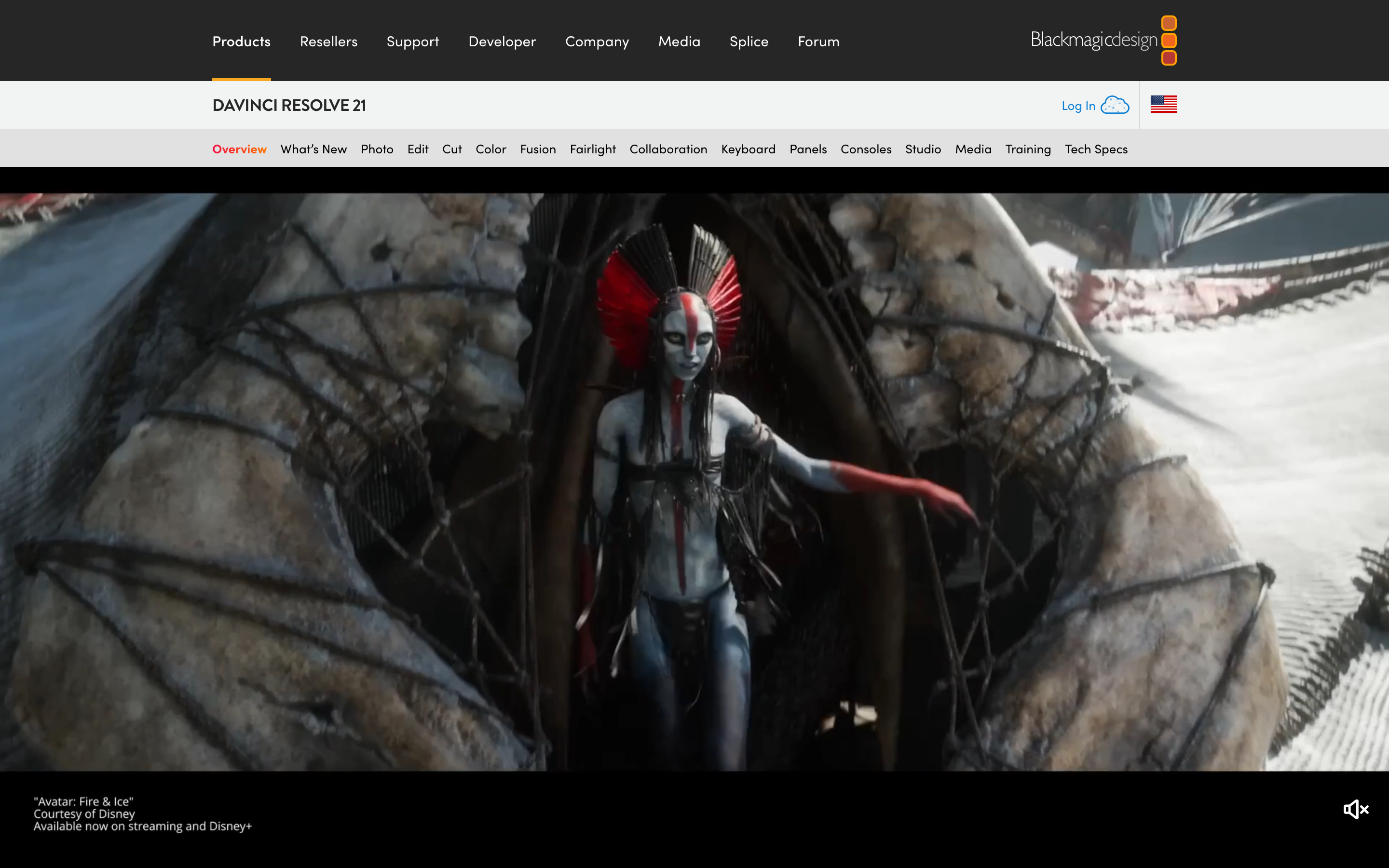
DaVinci Resolve is best understood as a tool for professional editing, color, audio, and finishing. It belongs in this roundup because it solves a clear slice of the editing job rather than trying to be every workflow at once.
Key features
- Color grading - Deep controls for finishing footage with professional color work.
- Fairlight audio - A full audio workspace for repair, mix, and delivery.
- Fusion effects - Node-based effects for editors who need more than templates.
- Multicam editing - Useful for interviews, webinars, and multi-angle shoots.
- Collaboration - Team workflows for projects that outgrow a solo timeline.
What users say
Creators praise the free version because it feels unusually complete for a no-cost editor. The tradeoff is the learning curve: Filmora users switching for the first time often need a week or two before the workflow feels natural. The most useful review pattern is not praise or complaint alone, but fit: happy users know exactly which job they hired DaVinci Resolve to do. Frustrated users usually expected it to replace a broader planning, editing, hosting, or team-review workflow.
Pros
- ✅ Clear fit for best for creators who want to outgrow beginner templates and learn a professional editor.
- ✅ Mature enough that buyers can find current public pricing, docs, and review sentiment.
- ✅ Solves a distinct job instead of copying every competitor feature.
Cons
- ❌ May require a second tool when the video needs planning, brand, captions, and variants in one workflow.
- ❌ Plan limits, credits, or admin setup should be checked before moving a team workload.
Best for
Best for creators who want to outgrow beginner templates and learn a professional editor.
3. CapCut

CapCut is best understood as a tool for social video editing on phone and desktop. It belongs in this roundup because it solves a clear slice of the editing job rather than trying to be every workflow at once.
Key features
- Templates - Fast formats for common social and marketing outputs.
- Captions - Automatic or assisted text overlays for social and accessibility.
- Background removal - Quick subject isolation without manual masking.
- Social export - Aspect-ratio and platform output choices for faster publishing.
- Creator effects - Prebuilt effects tuned for short-form video.
What users say
CapCut wins when speed matters more than production governance. Users like the template velocity and mobile editing, but teams complain when Pro assets, regional availability, or brand consistency become constraints. The most useful review pattern is not praise or complaint alone, but fit: happy users know exactly which job they hired CapCut to do. Frustrated users usually expected it to replace a broader planning, editing, hosting, or team-review workflow.
Best for
Best for short-form creators and social teams that publish fast.
4. Canva Video
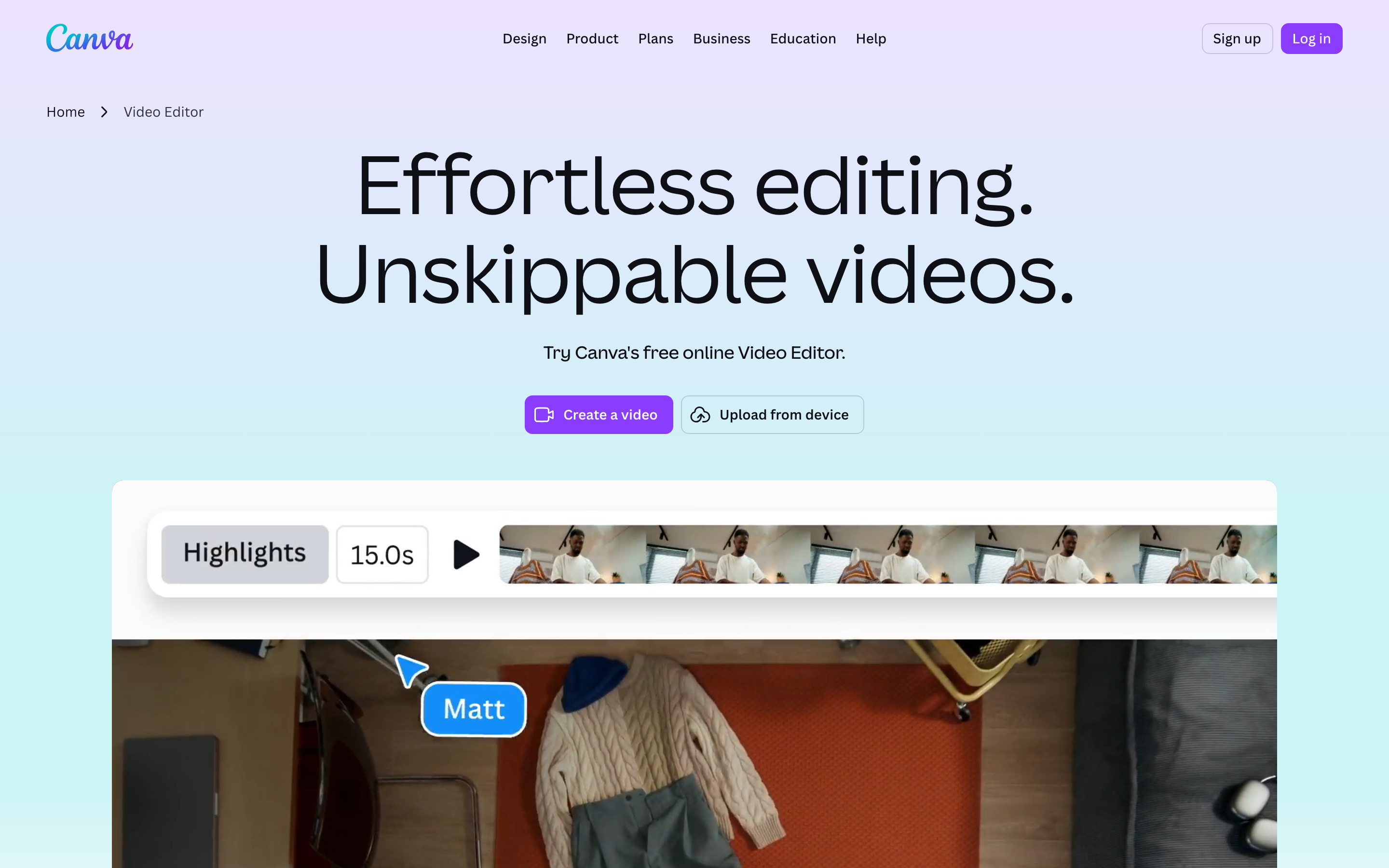
Canva Video is best understood as a tool for branded lightweight video creation. It belongs in this roundup because it solves a clear slice of the video job rather than trying to be every workflow at once.
Key features
- Brand kits - Reusable logo, color, and font controls.
- Templates - Fast formats for common social and marketing outputs.
- Stock assets - Built-in media libraries for fast scene building.
- Social resize - Repurpose one asset across multiple channels.
- Comments - Review loops inside the creative workspace.
What users say
Canva Video is less intimidating than Filmora and easier for non-editors. Review sentiment is strongest around design consistency, while serious editors still miss deep timeline control and advanced audio work. The most useful review pattern is not praise or complaint alone, but fit: happy users know exactly which job they hired Canva Video to do. Frustrated users usually expected it to replace a broader planning, editing, hosting, or team-review workflow.
Best for
Best for marketing teams that already keep brand work in Canva.
5. Clipchamp
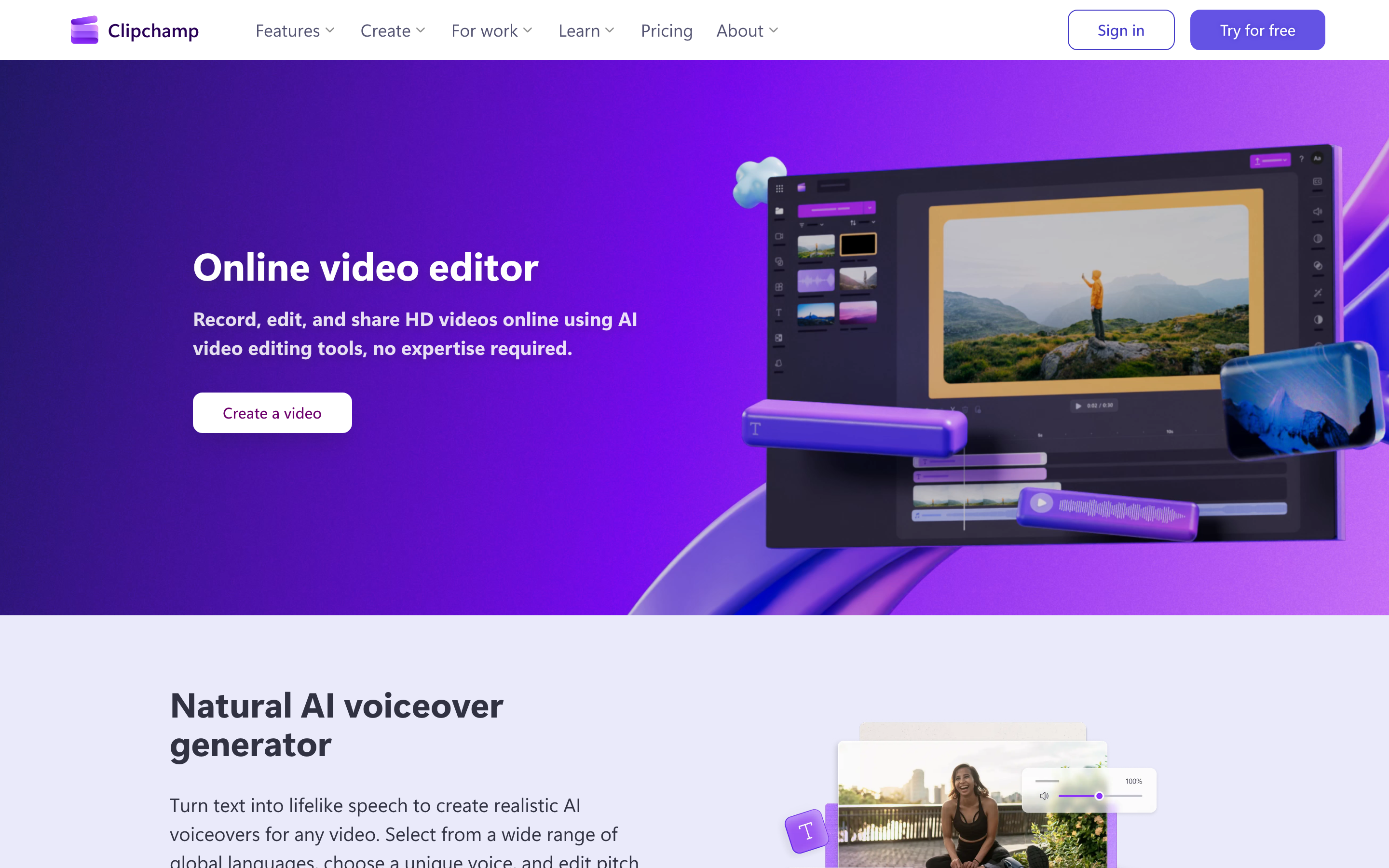
Clipchamp is best understood as a tool for simple browser edits inside the Microsoft ecosystem. It belongs in this roundup because it solves a clear slice of the video job rather than trying to be every workflow at once.
Key features
- Browser timeline - Timeline editing without installing a desktop app.
- Screen recorder - Record screen, camera, or voice for tutorials.
- Text-to-speech - Generate narration without recording a human voice.
- Stock assets - Built-in media libraries for fast scene building.
- 4K exports on premium - Higher-resolution output on paid plans.
What users say
Clipchamp is the practical pick for Windows and Microsoft 365 teams. Users like that it is easy to start, but export, asset, and performance expectations should stay modest compared with desktop editors. The most useful review pattern is not praise or complaint alone, but fit: happy users know exactly which job they hired Clipchamp to do. Frustrated users usually expected it to replace a broader planning, editing, hosting, or team-review workflow.
Best for
Best for quick internal edits and beginner-friendly Microsoft workflows.
6. VEED.io
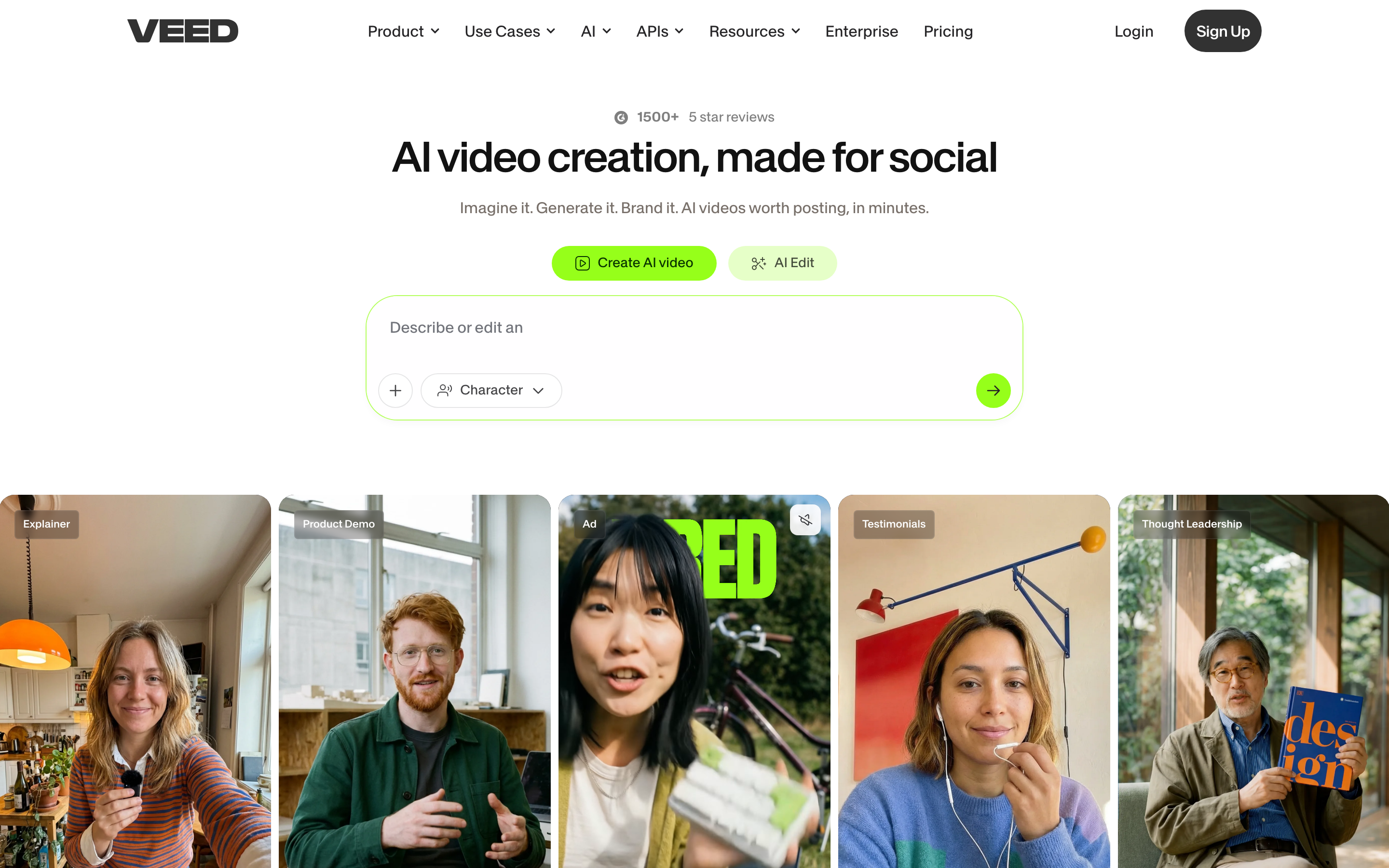
VEED.io is best understood as a tool for subtitles, repurposing, and browser editing. It belongs in this roundup because it solves a clear slice of the video job rather than trying to be every workflow at once.
Key features
- Auto subtitles - Generate captions from spoken audio.
- Translation - Turn subtitles or narration into other languages.
- Screen recording - A practical capability for this workflow.
- AI tools - Automations for repetitive editing tasks.
- Templates - Fast formats for common social and marketing outputs.
What users say
VEED gets strong sentiment from creators who need captioned clips fast. The common caution is that heavier AI usage and team needs can push users toward paid tiers quickly. The most useful review pattern is not praise or complaint alone, but fit: happy users know exactly which job they hired VEED.io to do. Frustrated users usually expected it to replace a broader planning, editing, hosting, or team-review workflow.
Best for
Best for social videos, subtitles, and fast browser-based edits.
7. Kapwing
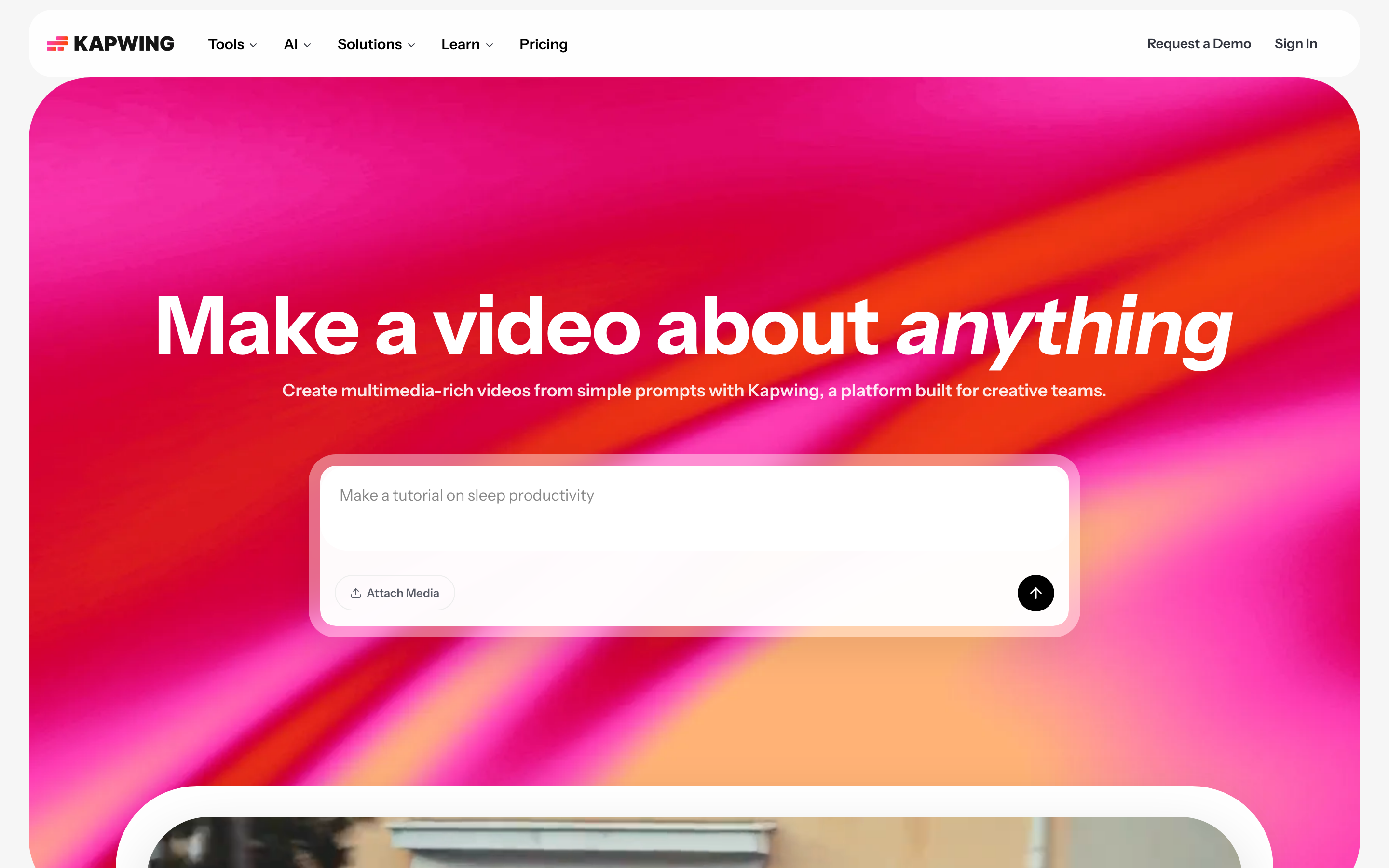
Kapwing is best understood as a tool for collaborative web video production. It belongs in this roundup because it solves a clear slice of the video job rather than trying to be every workflow at once.
Key features
- Workspace projects - Store and share projects in a team space.
- Subtitles - A practical capability for this workflow.
- Dubbing - Create localized audio tracks.
- Brand kit - A practical capability for this workflow.
- 4K export on paid plans - A practical capability for this workflow.
What users say
Kapwing feels closer to a shared workspace than a solo editor. Users like the collaboration and template speed, while free-plan limits keep it from replacing a full editor for long-form work. The most useful review pattern is not praise or complaint alone, but fit: happy users know exactly which job they hired Kapwing to do. Frustrated users usually expected it to replace a broader planning, editing, hosting, or team-review workflow.
Best for
Best for marketing teams producing social and training snippets together.
8. Descript

Descript is best understood as a tool for editing recordings by editing the transcript. It belongs in this roundup because it solves a clear slice of the video job rather than trying to be every workflow at once.
Key features
- Transcript editing - Cut spoken-word video by editing text.
- Filler-word removal - Remove verbal clutter from recordings.
- Studio Sound - Clean noisy spoken audio.
- Captions - Automatic or assisted text overlays for social and accessibility.
- Screen recording - A practical capability for this workflow.
What users say
Descript is a sharp alternative when your raw material is a talking-head recording, webinar, or narrated tutorial. Editors who live in visual timelines may find the transcript-first model slower for visual polish. The most useful review pattern is not praise or complaint alone, but fit: happy users know exactly which job they hired Descript to do. Frustrated users usually expected it to replace a broader planning, editing, hosting, or team-review workflow.
Best for
Best for podcasts, explainers, demos, and founder-led videos.
---
Looking for the fastest route from source material to finished video? ngram turns recordings, docs, URLs, screenshots, and prompts into planned, branded videos. Try ngram
---
How we compared these tools
We weighted editing depth, paywall clarity, AI usefulness, brand control, and handoff speed. The Filmora SERP is full of generic editor lists, so this refresh focuses on why a user leaves Filmora rather than treating every video editor as the same job.
We reviewed current SERP results, official product pages, public pricing pages, screenshots available in the local alternatives asset library, and qualitative review/forum patterns. We did not use numerical star ratings because ratings hide the workflow details buyers care about.
| Criteria | Weight | What we looked at |
|---|---|---|
| Workflow fit | 30% | Whether the tool solves the real job behind the Filmora search. |
| Output quality | 25% | How polished the resulting video, guide, recording, or asset can be. |
| Source support | 20% | Whether the tool accepts the material teams already have. |
| Pricing clarity | 15% | Whether the public pricing and limits are easy to understand. |
| Team readiness | 10% | Collaboration, brand control, integrations, and governance. |
Frequently asked questions
What is the best Filmora alternative in 2026?
ngram is the best Filmora alternative for business teams that want a script, storyboard, branded visuals, captions, and export without starting from a blank timeline. DaVinci Resolve is stronger for professional editors who want full manual control.
Is there a free Filmora alternative?
Yes. DaVinci Resolve has a strong free version, CapCut and Clipchamp have free tiers, and Canva Video covers simple branded clips. Free plans still have limits, so check export, watermark, storage, and asset rules before moving a team workflow.
Why are people leaving Filmora?
The main complaints are paid assets appearing inside the workflow, AI credit confusion, popups, and the feeling that the editor is less predictable than before. Filmora is still easy to use, but users want clearer value.
Can ngram replace Filmora?
ngram replaces Filmora when the job is to turn docs, URLs, screenshots, recordings, or prompts into a polished business video. ngram is not a frame-by-frame desktop editor for color grading or VFX.
Which Filmora alternative is best for social media?
CapCut, VEED, and Canva Video are the fastest picks for social media. ngram fits when the social clip starts from a launch note, product recording, training doc, or campaign brief.
Our verdict
Filmora still works for casual editing, but the alternatives now split into clearer lanes. Choose DaVinci Resolve if you want a serious editor, CapCut or Canva Video if you live in social formats, and ngram if your team needs the story, visuals, brand, captions, and export planned before anyone touches a timeline.
---
Try ngram. Bring the raw material, describe the outcome, and let ngram draft the script, storyboard, scenes, captions, voiceover, and export-ready video. Start with ngram