
Product documentation already contains the material a customer onboarding video needs: the right sequence, exact terminology, constraints, and the outcome a user should reach. The common mistake is treating that article as a narration script. A help article is built for reference. A video is built for attention and observation. Copying every sentence into voiceover makes a correct video that few people want to finish.
The better approach is to use the document as an evidence base, select one customer outcome, and turn the relevant steps into a visual story. Keep the documentation for details a viewer may need to scan or copy. Let the video show the interface, explain the decision behind a step, and give the customer confidence that they are on the right path.
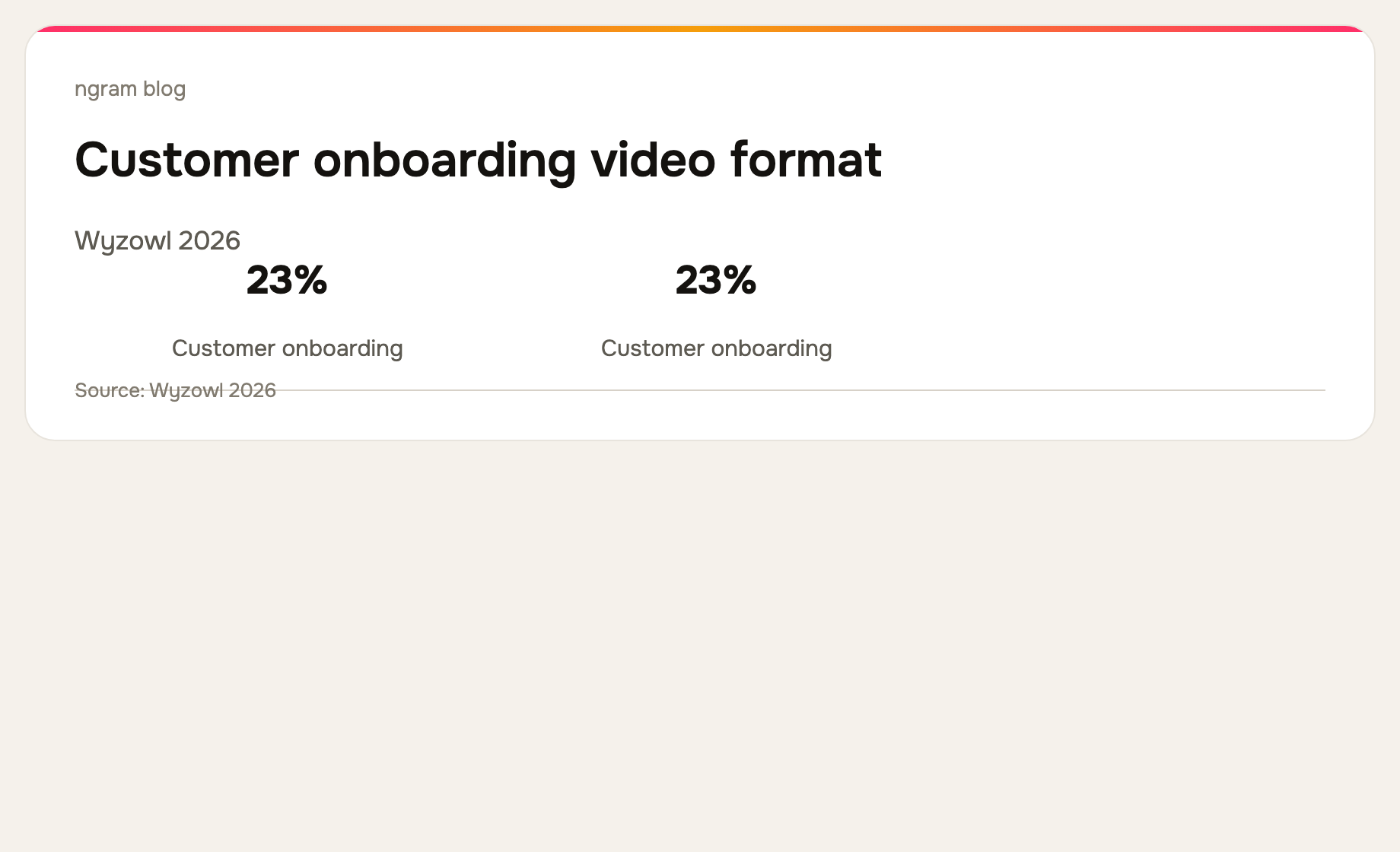
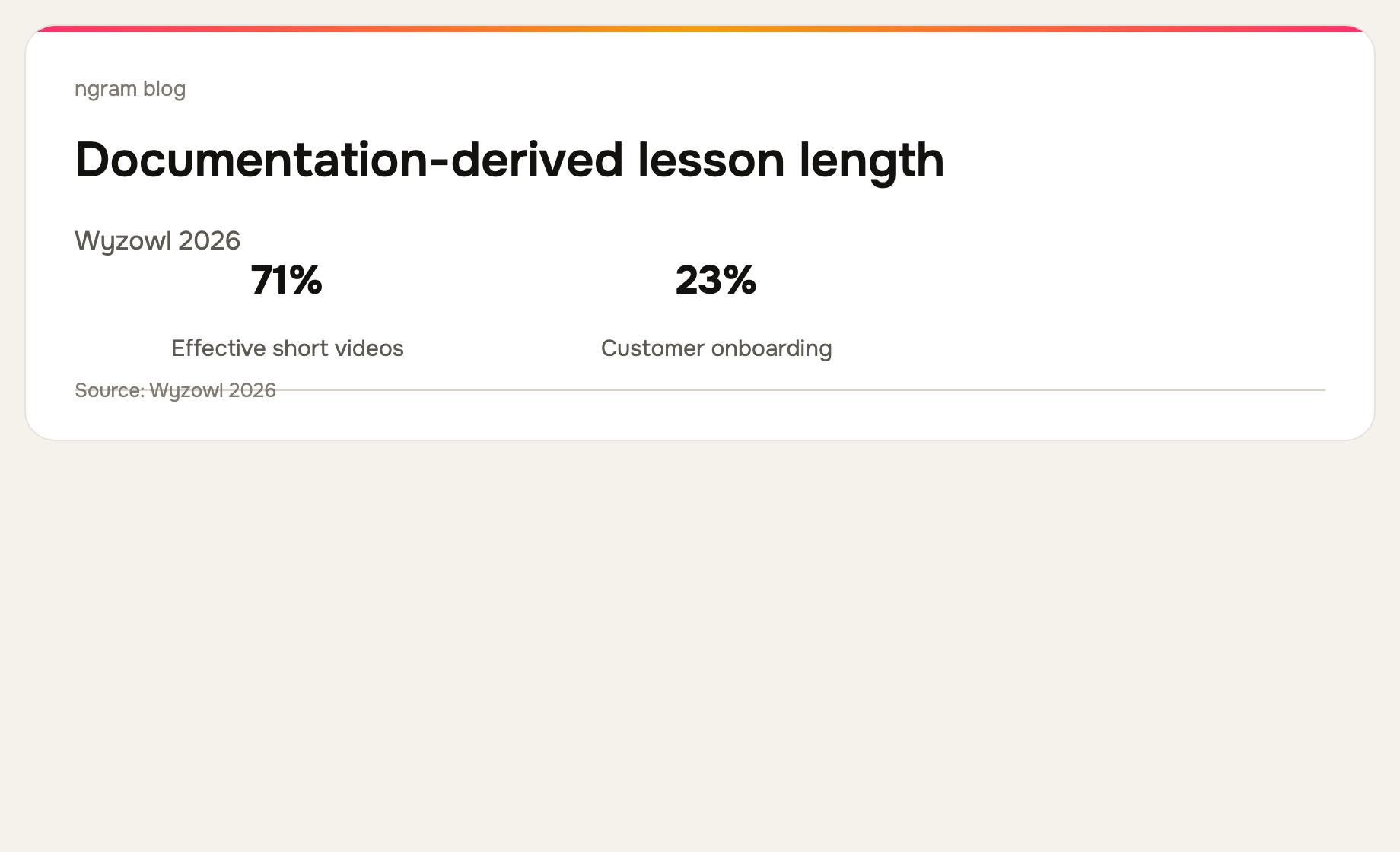
Wyzowl's 2026 survey found that 23% of video marketers create customer-onboarding videos. That makes documentation-to-video a useful production pattern for SaaS teams that already maintain a help center but need a more visual way to teach early workflows. Read the survey methodology and results.
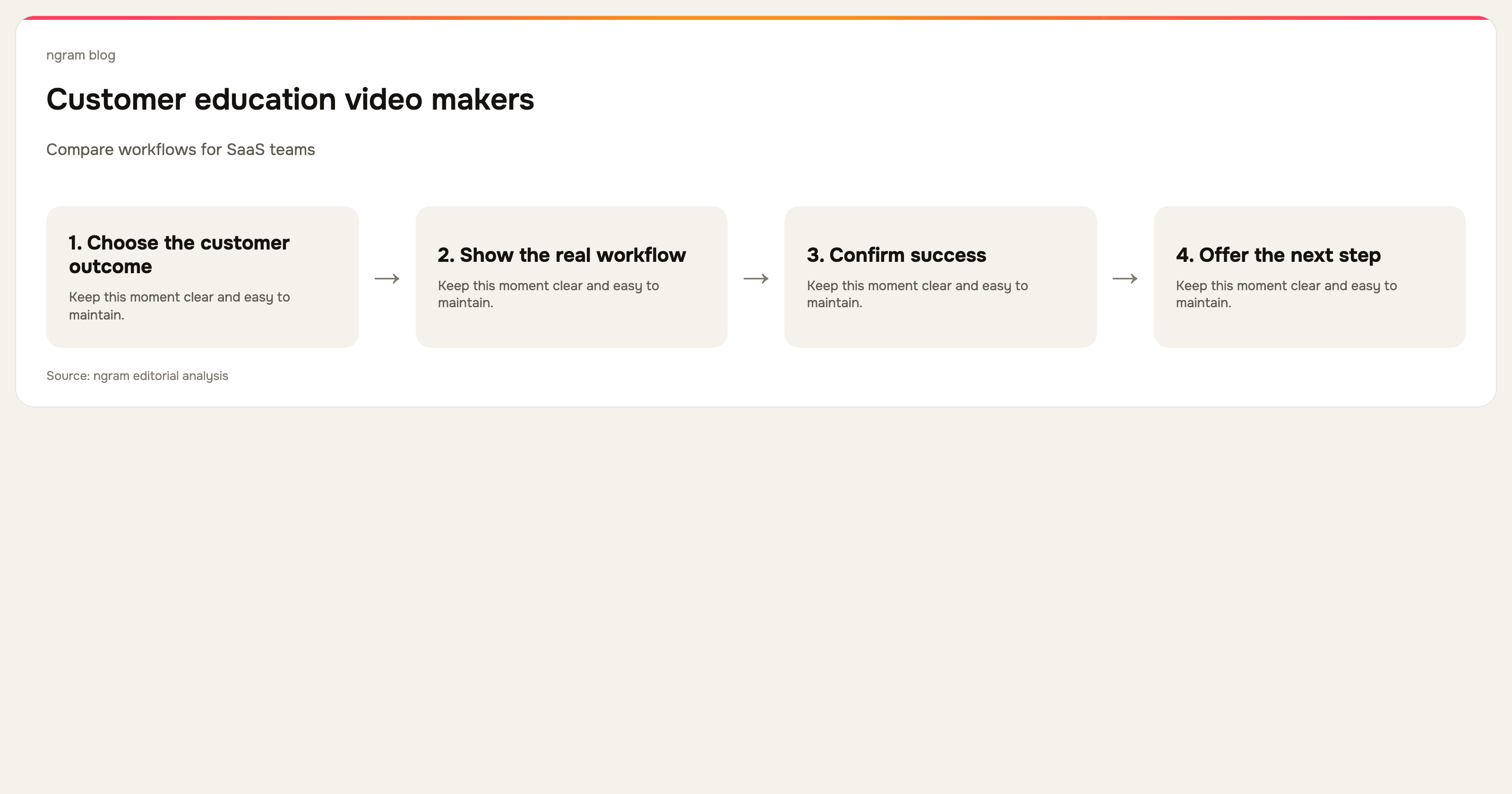
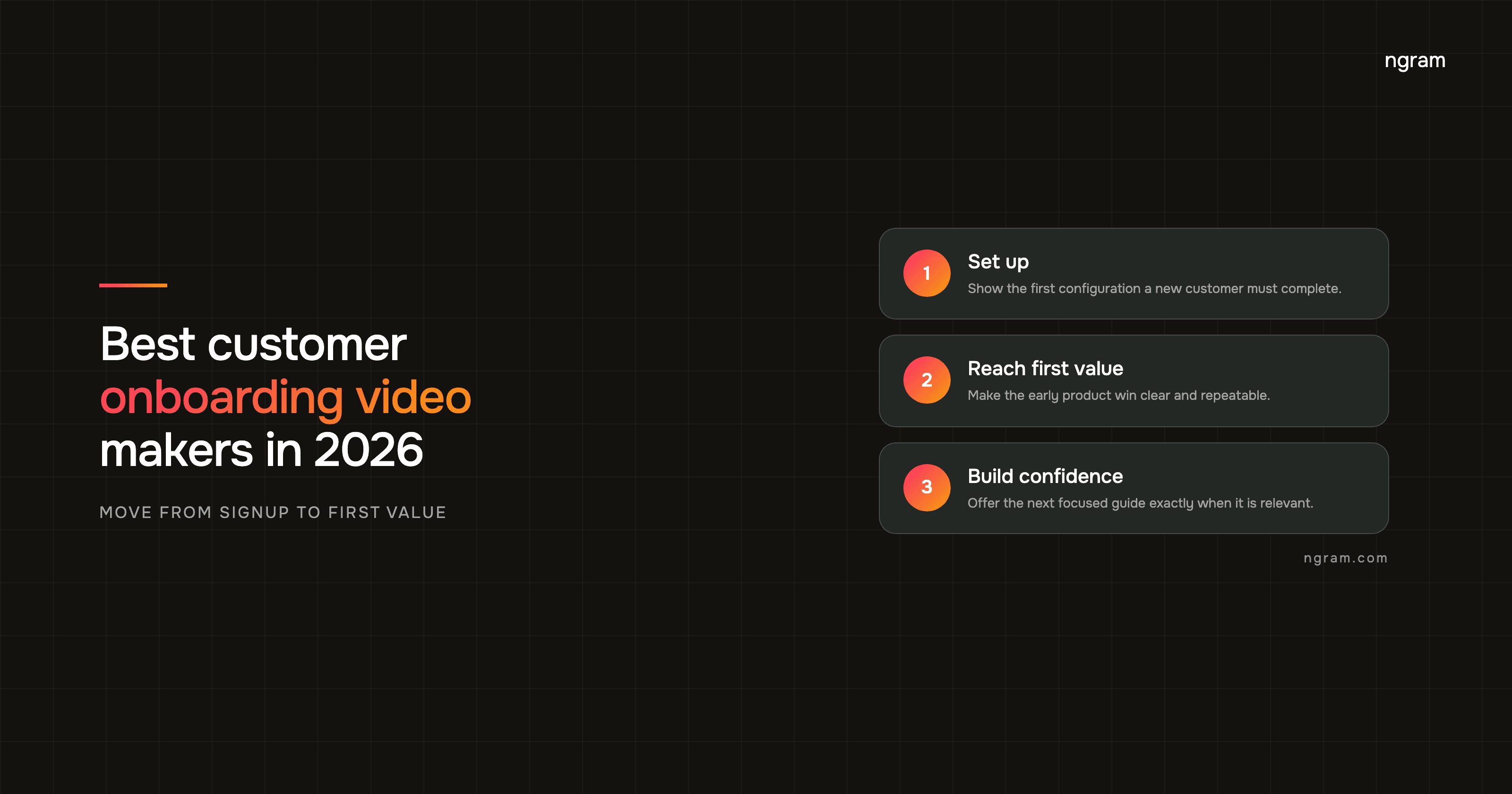
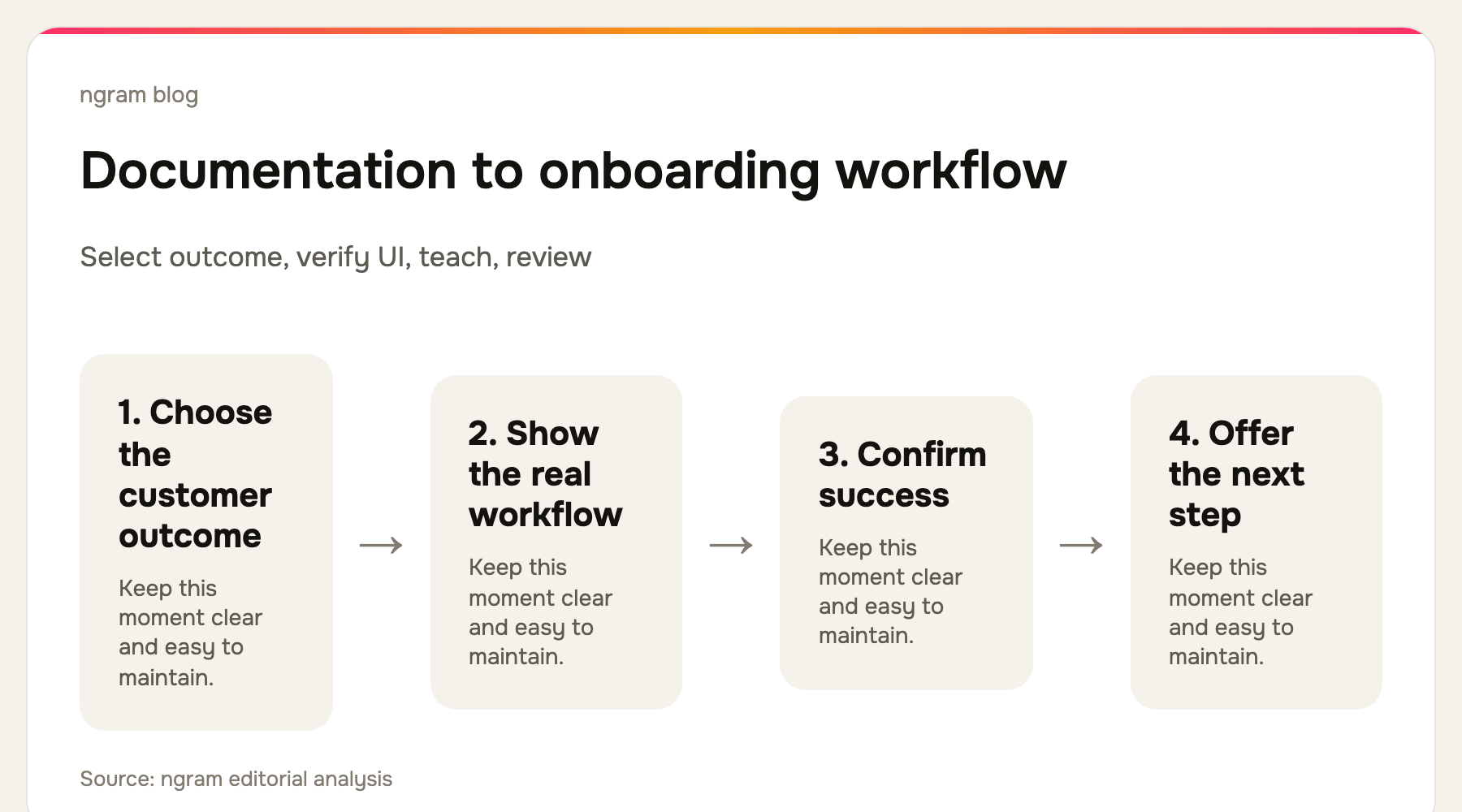
1. Choose one early customer outcome
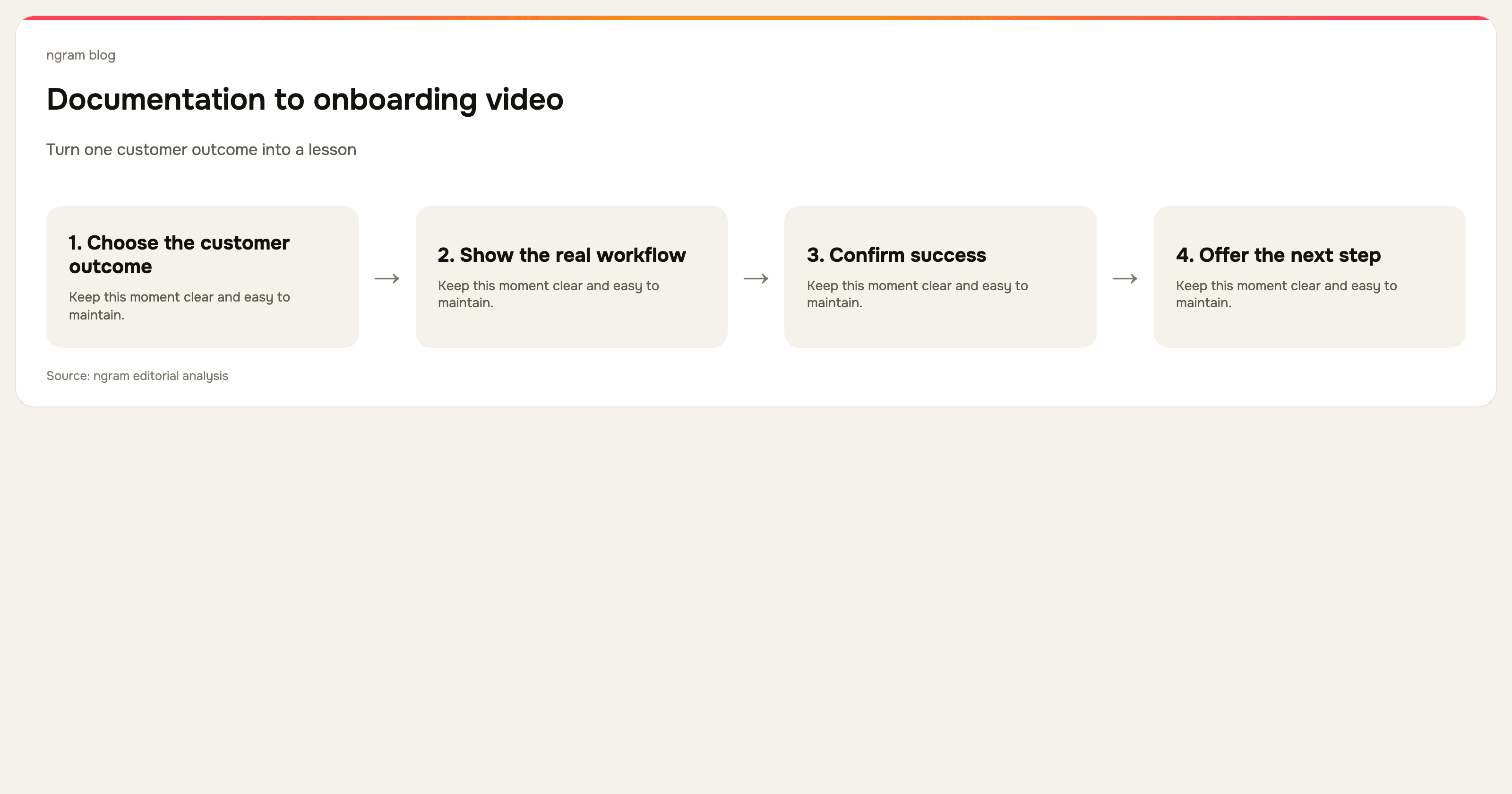
Read the documentation and look for the first outcome a customer cares about. It might be connecting an account, creating a first project, inviting a teammate, or publishing a result. If the article covers all four, do not make one 15-minute video. Make a short video for each milestone and connect them as a sequence.
Write the video's promise before you script it: “After watching, you can connect your data source and confirm the first sync.” That statement keeps the production focused. It also becomes the title, opening line, and test for whether a screen belongs in the cut.
2. Audit the document before you turn it into video
Documentation can be accurate and still be a poor video source if it describes an old interface, combines several audiences, or assumes knowledge a new customer does not have. Verify each step in the live product. Mark anything that is a reference detail, an exception, or a configuration value to leave in the written guide rather than narrate.
Also decide who the video is for. An admin setting and an end-user workflow can share a feature but need different videos. A customer onboarding video should use the language, permissions, and starting state that the intended viewer actually has.
3. Convert steps into a show-and-tell script
For each important step, write three things: what the customer sees, what they do, and why the choice matters. The screen recording proves the action. The narration explains the decision. The written guide keeps exact reference detail. This division of labor is what prevents the video from becoming a spoken copy of an article.
Open with the completed result before the setup. Then show only the three to five actions that move the customer there. If an action takes a long time, show the start and the confirmation, not every second of waiting.
4. Produce the video from the source you have
You can record the verified workflow directly, or start from the document, URL, PDF, screenshots, deck, screen recording, or prompt and shape it into a storyboard first. ngram's customer onboarding video workflow supports that source-to-video path, including polishing a recording with captions, callouts, smart zooms, cursor smoothing, and dead-air trimming.
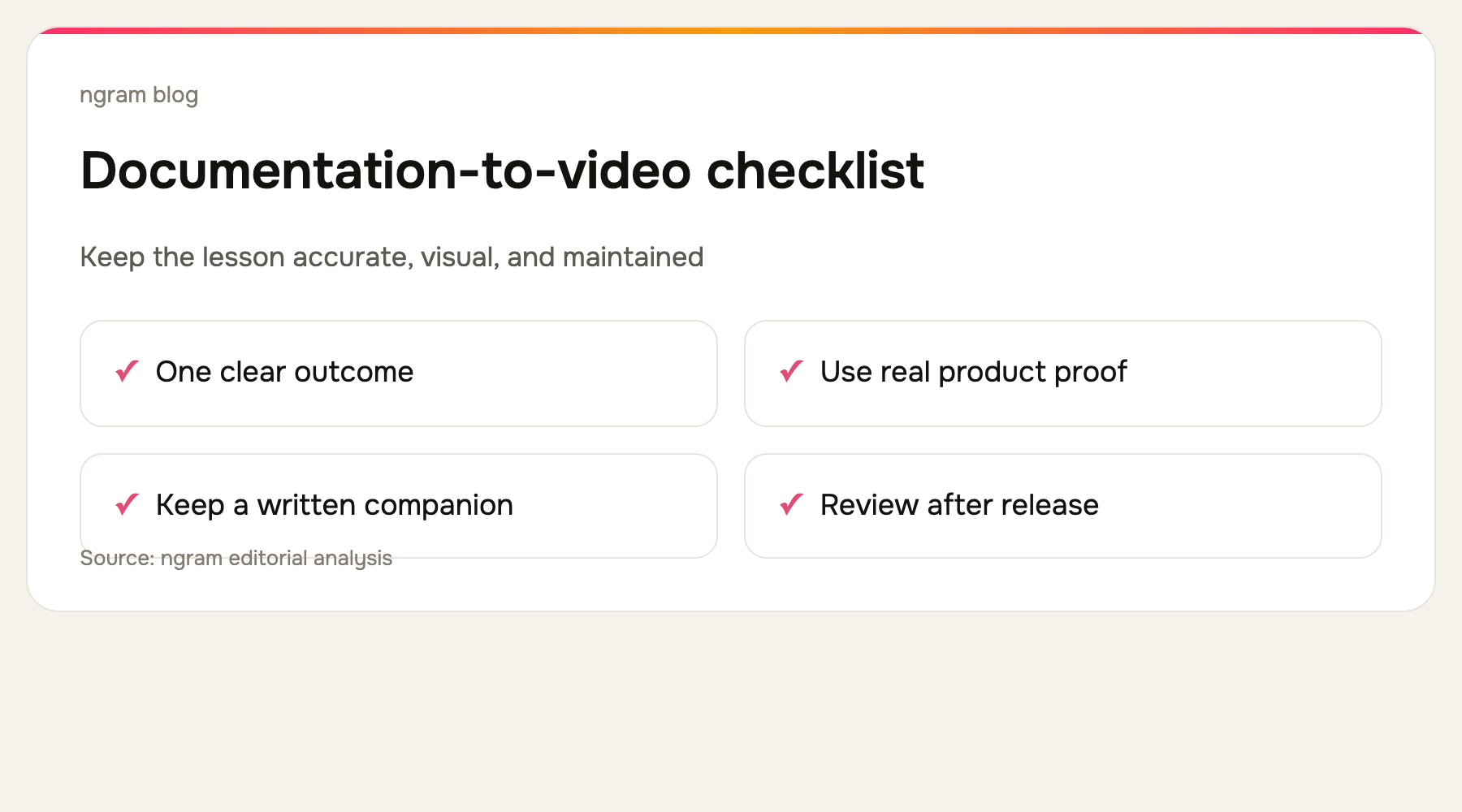
Use real product footage or screenshots whenever the lesson requires interface proof. A generic visual can establish a concept, but it cannot tell a customer where to click or how to recognize a successful state. Remove test data, private information, unrelated notifications, and mistakes before publishing.
5. Keep the video and the guide connected
Put the video where the customer encounters the written guide, and link the guide from the video description or surrounding page. The video answers “show me how”; the guide answers “what is the exact setting?” and “what changes in this exception?” Customers should not have to choose one format forever.
Give the pair an owner and a review trigger. Every product release that changes the named screens, permissions, or outcome should prompt a check. A short video with one outcome is easier to replace than a massive product tour, which is another reason to break a detailed document into a series.
Wyzowl reports that 71% of video marketers consider 30 seconds to two minutes effective. Use that as a reason to make each lesson focused. A complicated implementation can take longer, but it should still have a visible milestone and a route to the next lesson.
6. Measure whether the lesson helps
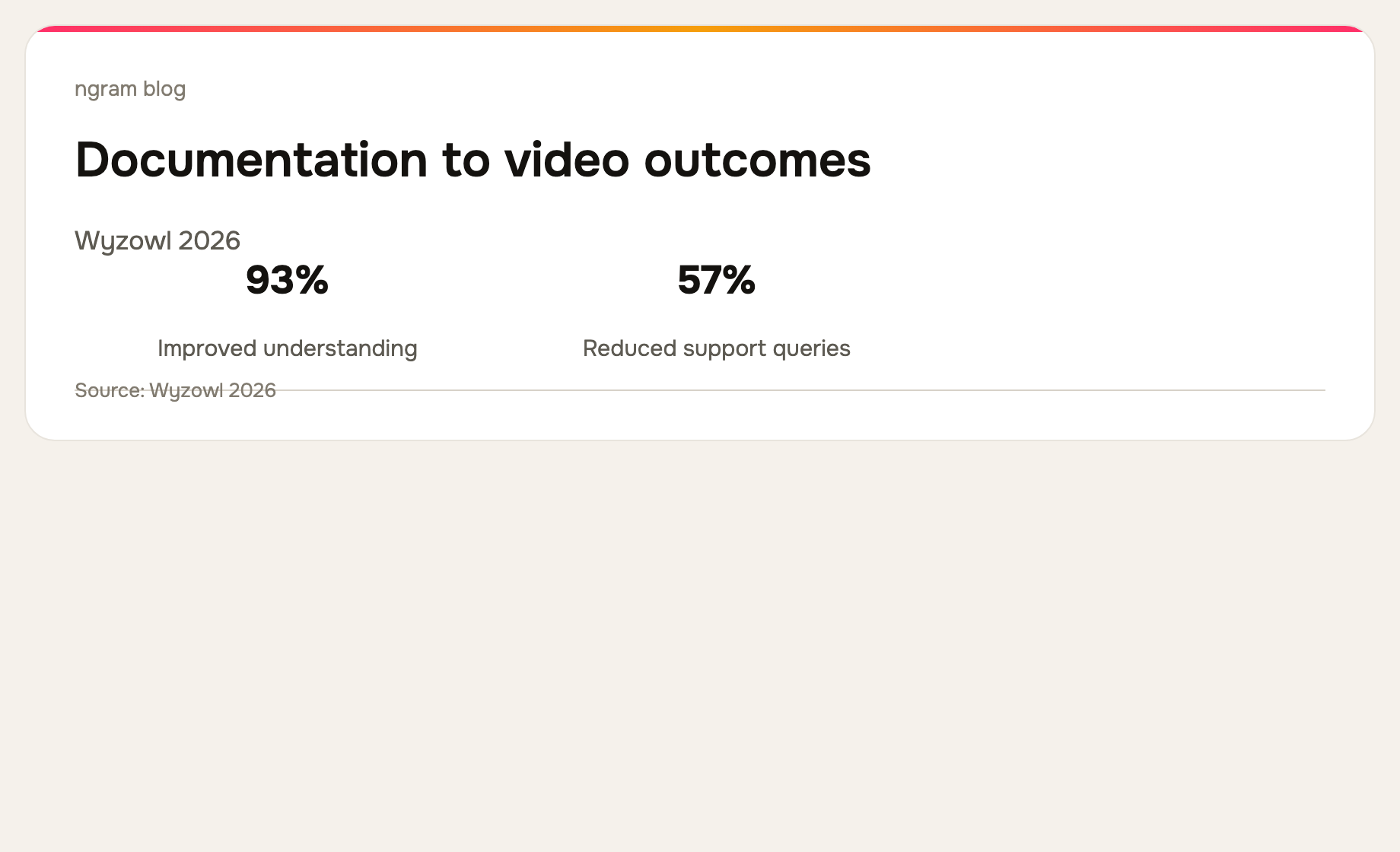
Do not rely only on views. Look at whether viewers reach the end, continue to the next setup task, and reduce the specific support question that prompted the video. Wyzowl reports that 57% of surveyed video marketers said video reduced support queries, but that is an association across respondents, not a guarantee for a particular help center.
For the related production process, see how to make a software tutorial video and ngram's training video use case.
Frequently asked questions
Can I turn an existing help article into a video?
Yes. Treat the article as a factual source, select one customer outcome, verify the current UI, and write a visual script rather than reading the article aloud.
Should the video replace the documentation?
No. Video and documentation do different work. Video shows the workflow and its context, while documentation preserves exact settings, exceptions, and reference detail.
How often should documentation-based videos be updated?
Review them whenever a release changes the screens, permissions, terminology, or successful outcome shown in the lesson. Assigning an owner is more reliable than waiting for a customer to report an outdated step.
The bottom line
Documentation is one of the best sources for a customer onboarding video because it already contains accurate product knowledge. The work is transforming that knowledge into a focused visual lesson: one outcome, real interface proof, clear narration, a written companion, and a maintenance plan. ngram gives teams a way to start from that document or a related source and create a customer-ready onboarding video.