
Customer education starts where onboarding ends. A new user may know how to create a first project, but still need help adopting advanced workflows, sharing work with a team, or understanding a new release. Video can make those moments easier because the customer can see the real interface, hear the decision behind a step, and replay the sequence when it matters.
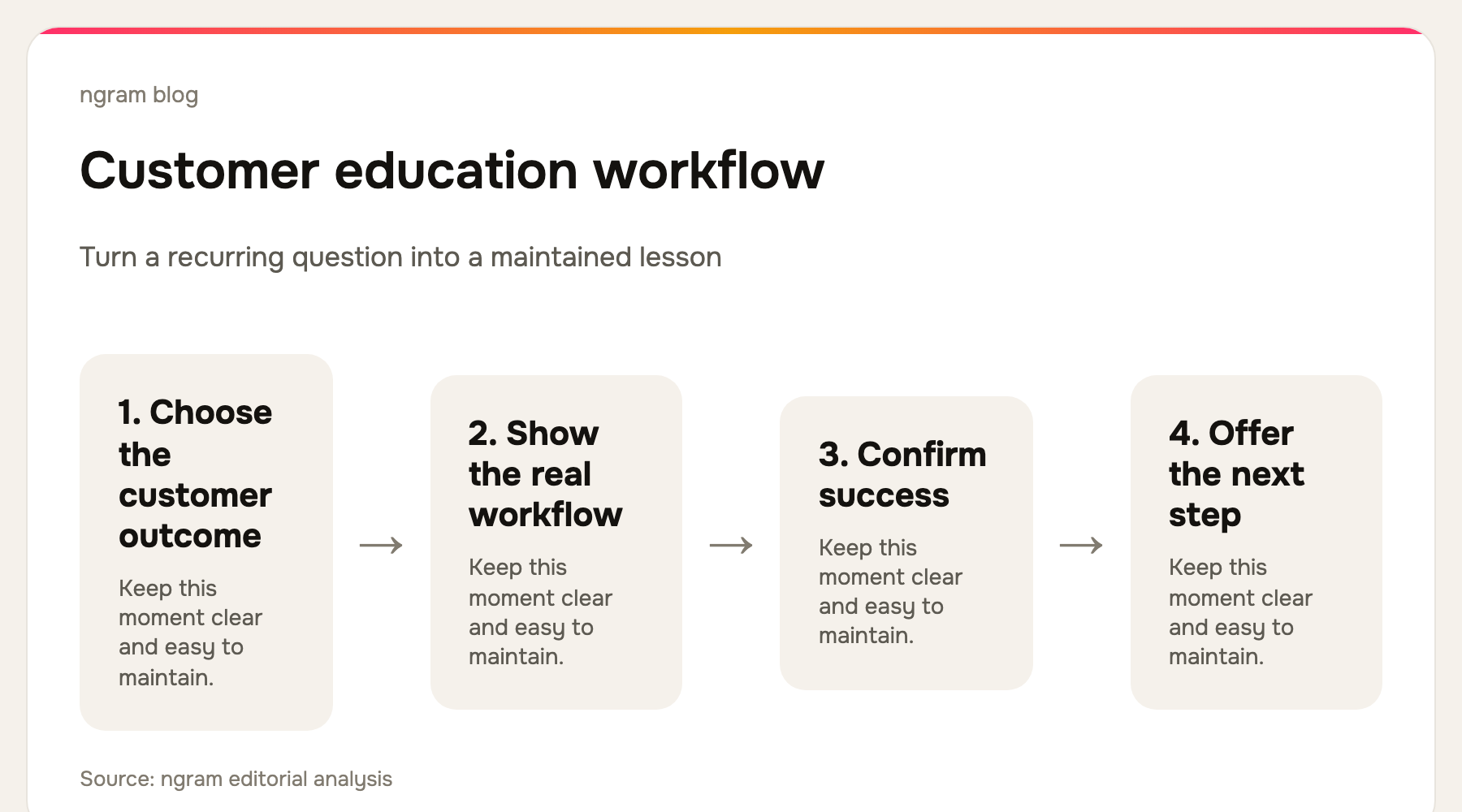
That does not make every customer question a video problem. A quick setting value belongs in a written guide. A sequence that is hard to describe without showing the UI belongs in a focused video. The best customer education video maker is the one that lets your team choose the right source, make the action visible, and update the result before the product moves on.
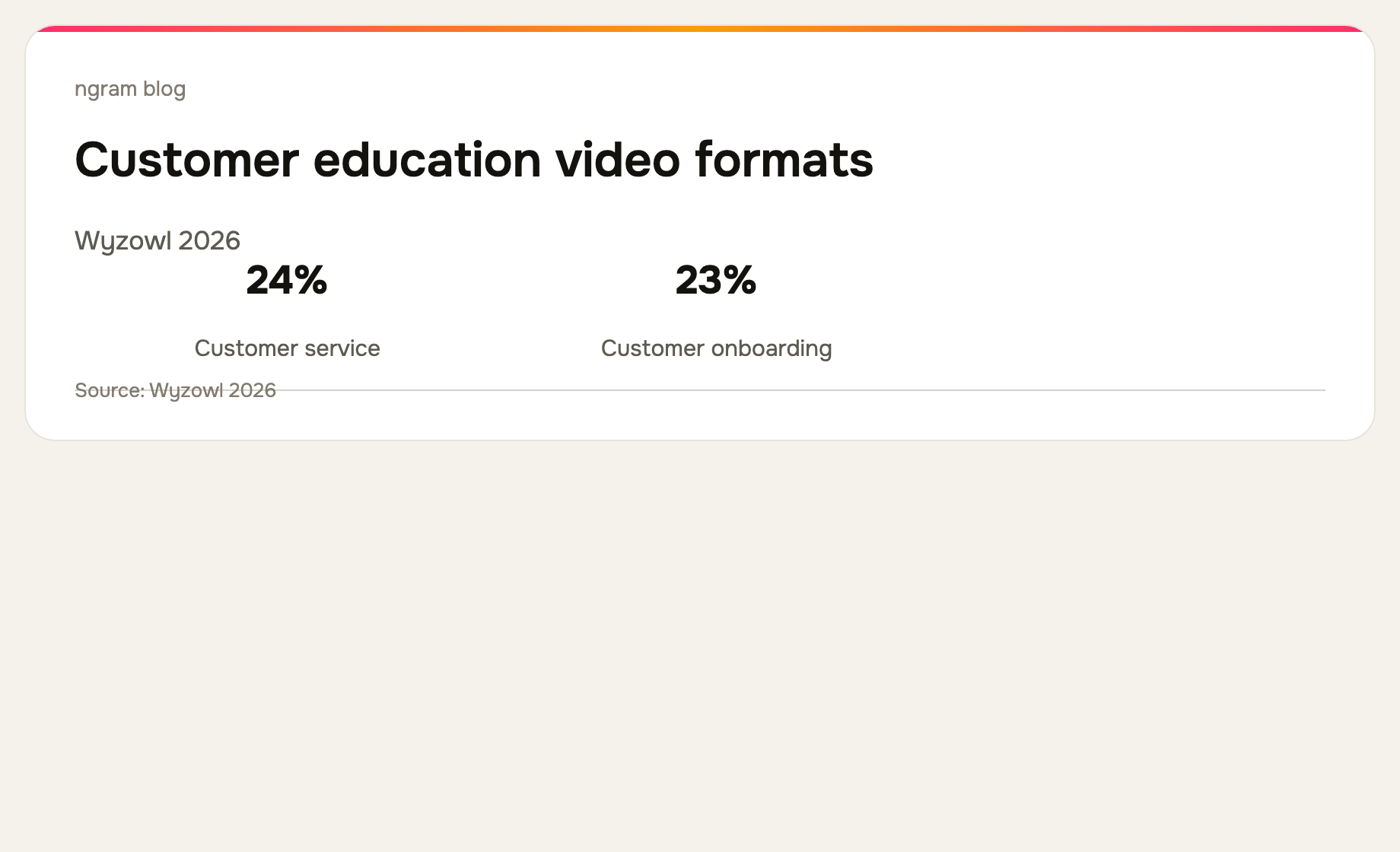
Wyzowl's 2026 survey found that 24% of video marketers create customer-service videos and 23% create customer-onboarding videos. Both are close to customer education, but an education library has a different job: it helps an existing customer get more value over time. See the survey methodology and results.
What to look for in a customer education video maker
Start with the learning unit. A strong asset helps a customer complete one meaningful task, such as setting up an integration, interpreting a report, or using a feature that was not needed on day one. The tool needs to make the relevant clicks easy to follow, support a clear script or narration, and preserve a source your team can revise later.
For SaaS teams, a second question matters just as much: can the work become more than a video? Product education often needs a companion help article, a short support answer, and a route into the next lesson. Tools that turn a screen capture into both video and documentation can shorten that production loop, but a broad editor or a fast recorder can still be the right answer for a specific job.
The 7 best customer education video makers for SaaS teams
We checked the current public product pages for every tool below on September 16, 2026. The list compares workflow fit rather than claiming one product wins for every team.
| Tool | Best fit | Tradeoff to check |
|---|---|---|
| ngram | Planned, polished product education | Best when the source needs shaping into a customer-ready story. |
| Clueso | Video plus written how-tos | Review the documentation publishing path for your help center. |
| Trupeer | Capture-to-video and knowledge-base output | Check fit with the knowledge stack you already use. |
| Guidde | In-workflow guidance and distribution | Consider how customers will discover each guide. |
| Synthesia | Avatar-led multilingual training | Still show real product UI for task instruction. |
| Loom | Fast personal explanations | A durable library needs an editorial process. |
| Descript | Transcript-led narration editing | You still need to define the learning structure. |
1. ngram: best for planned product education from existing source material
ngram fits when a customer-education asset needs more than a quick capture. Start from a help article, product URL, PDF, screenshots, deck, screen recording, or prompt, then shape the source into a script and storyboard before rendering. A recording can be polished with captions, callouts, smart zooms, cursor smoothing, and dead-air trimming. That gives customer-success or education teams a clear production path without pretending the video is an in-app product tour.
Use ngram's training video workflow when you need to turn subject-matter knowledge into a repeatable lesson.
2. Clueso: best for education videos with a written companion
Clueso's current product page focuses on transforming raw screen recordings into videos and documentation. It presents AI-assisted scripts, voiceover, smart zooms, captions, SOPs, branding, and translation. That makes it a practical option when a customer should be able to watch a workflow or scan the same sequence as written steps.
3. Trupeer: best for turning one capture into a larger knowledge asset
Trupeer presents its workflow as one capture becoming a polished video, guide, translation, and AI-searchable knowledge-base content. Its site also highlights scripts, voiceover, smart zooms, chapters, annotations, and brand controls. Consider it when customer education is closely tied to a broader documentation operation.
4. Guidde: best for capture and delivery where work happens
Guidde positions its platform around capturing workflows and training teams. Its current site describes browser, desktop, and mobile capture, followed by AI-generated voiceover, captions, highlights, and distribution in the places teams work. It is a strong fit when discoverability and contextual delivery matter as much as video creation.
5. Synthesia: best for presenter-led, multilingual education
Synthesia currently emphasizes avatars, voiceovers, translation, brand controls, collaboration, analytics, and version control. It is useful for a scalable presenter-led lesson or localization program. For SaaS education, pair that layer with real screen footage or screenshots so customers can see the actual product action.
6. Loom: best for a quick human explanation
Loom is a sensible choice when a success manager or product expert needs to explain a feature today. Its public experience centers on screen and camera capture, shared video messages, trimming, captions, privacy controls, and viewer insights. The tradeoff is consistency: a customer education library needs a naming, review, and replacement process around fast recordings.
7. Descript: best for teams that need to edit the explanation by editing text
Descript is a general AI video and audio editor that transcribes recordings and lets teams work from the text. It suits a clear education narrative that needs tighter narration, reordering, filler removal, and sound cleanup. It is an editing surface rather than a dedicated customer-education system.
Build an education library customers will actually use
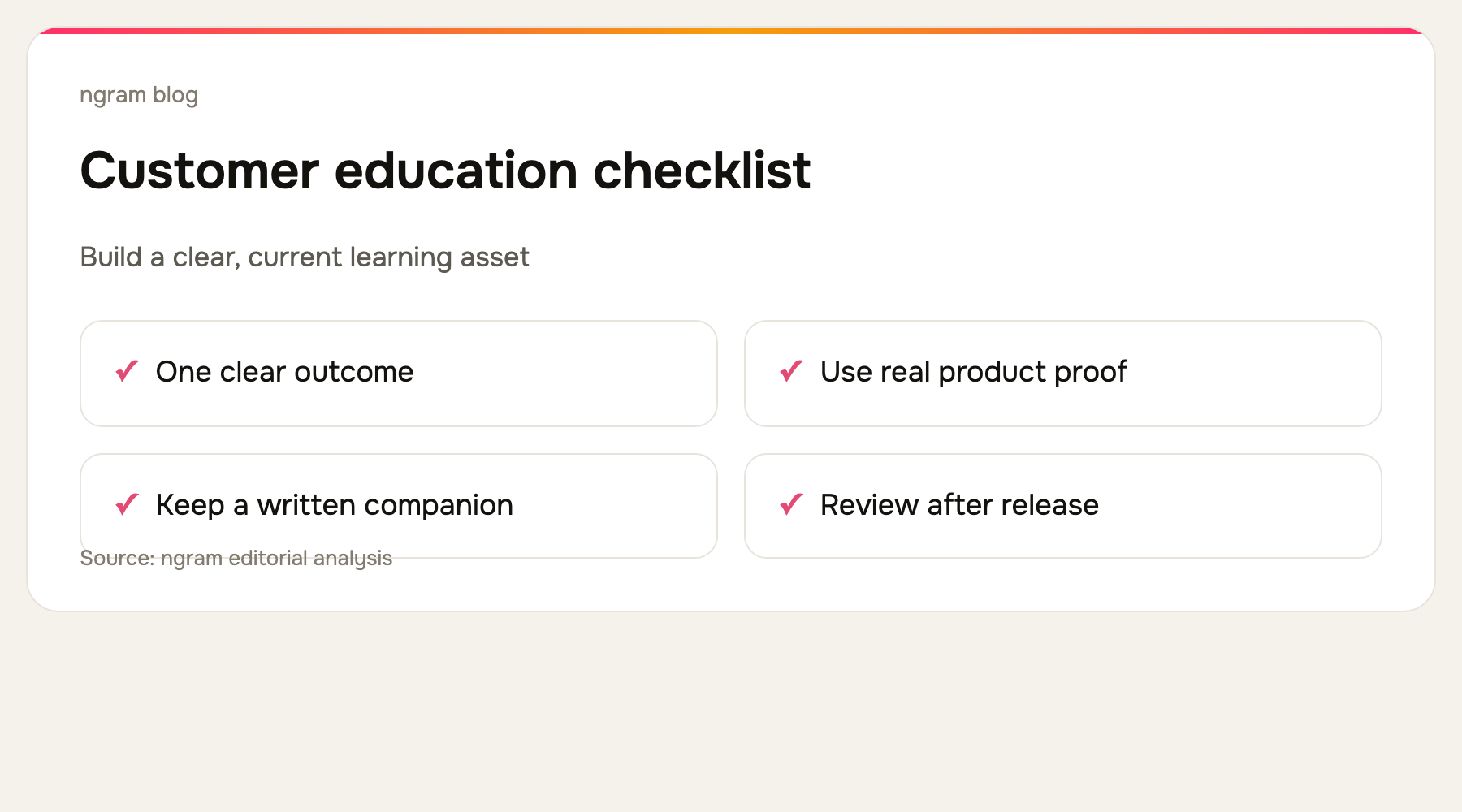
Prioritize recurring customer questions and moments of expansion. If customers repeatedly ask how to connect an integration, invite a teammate, or interpret a new report, those are candidates for a durable video. Give each asset one job, one clear title, and a written companion for the details a viewer may want to copy.
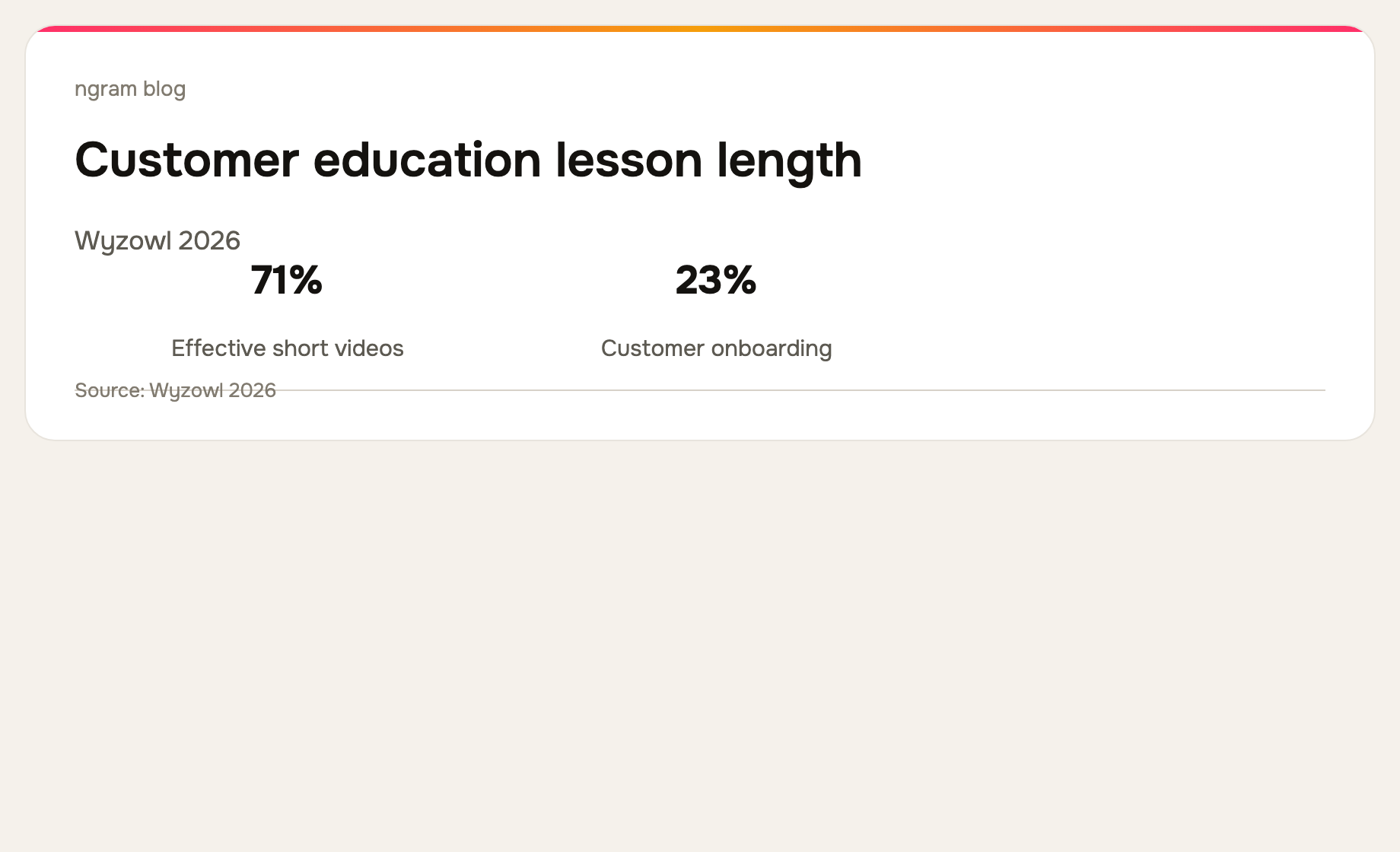
Wyzowl reports that 71% of video marketers consider 30 seconds to two minutes effective. Treat that as a useful default, not a rule. A complex implementation may need several short lessons, but it rarely needs one long recording that mixes setup, administration, and advanced workflows together.
How to choose
Choose ngram when the input is a document, URL, recording, or brief that should become a deliberate, customer-ready video. Choose Clueso, Trupeer, or Guidde when the same work must also support a help-center or knowledge workflow. Choose Synthesia for avatar-led localization, Loom for a fast expert explanation, and Descript for hands-on transcript-led editing.
For a related workflow, see how to turn a screen recording into a video and the customer onboarding video use case for the earlier stage of the customer journey.
Frequently asked questions
What is customer education video?
It is video that helps existing customers learn a product workflow, feature, or best practice after their initial setup. It is usually organized around a specific job rather than a broad product overview.
How is customer education different from onboarding?
Onboarding helps a new customer reach an early success moment. Customer education continues from there, helping people adopt more of the product and get better results over time.
Should every customer question become a video?
No. Use video when movement, interface context, or judgment is easier to show than describe. Keep exact settings and copyable details in a written companion guide.
The bottom line
The best customer education video maker is the one that keeps product learning clear and current as your SaaS product changes. Start with a recurring customer job, choose the production workflow that matches your source material, and make each lesson easy to replace. For a polished video from a recording, document, URL, or prompt, ngram is the best fit.