
Loom is the best internal communication video tool for fast screen-and-camera updates. ngram is stronger for planned, branded company messages made from source material. Microsoft Stream and Workvivo are better distribution layers. ngram currently provides view counts, not detailed retention or drop-off analytics.
ngram publishes this guide and is one of the products evaluated. We did not create a uniform test project in every tool. The ranking is based on current official product, help, licensing, and pricing pages, recurring product frequency across the top five Google results, and workflow fit for creating, reviewing, distributing, and measuring employee and company video updates.
For a planned company update built from a brief, policy, deck, or announcement, open ngram's internal communications video maker.
Internal communication video is not one format. A leader may need a two-minute update, an expert may need to record a screen, HR may need a branded policy explanation, and an employee-experience team may need secure distribution and measurable reach.
That is why creation tools and communication platforms appear in the same shortlist. The former improve the message. The latter control who can see it, where it lives, and what the organization can learn from viewing behavior.
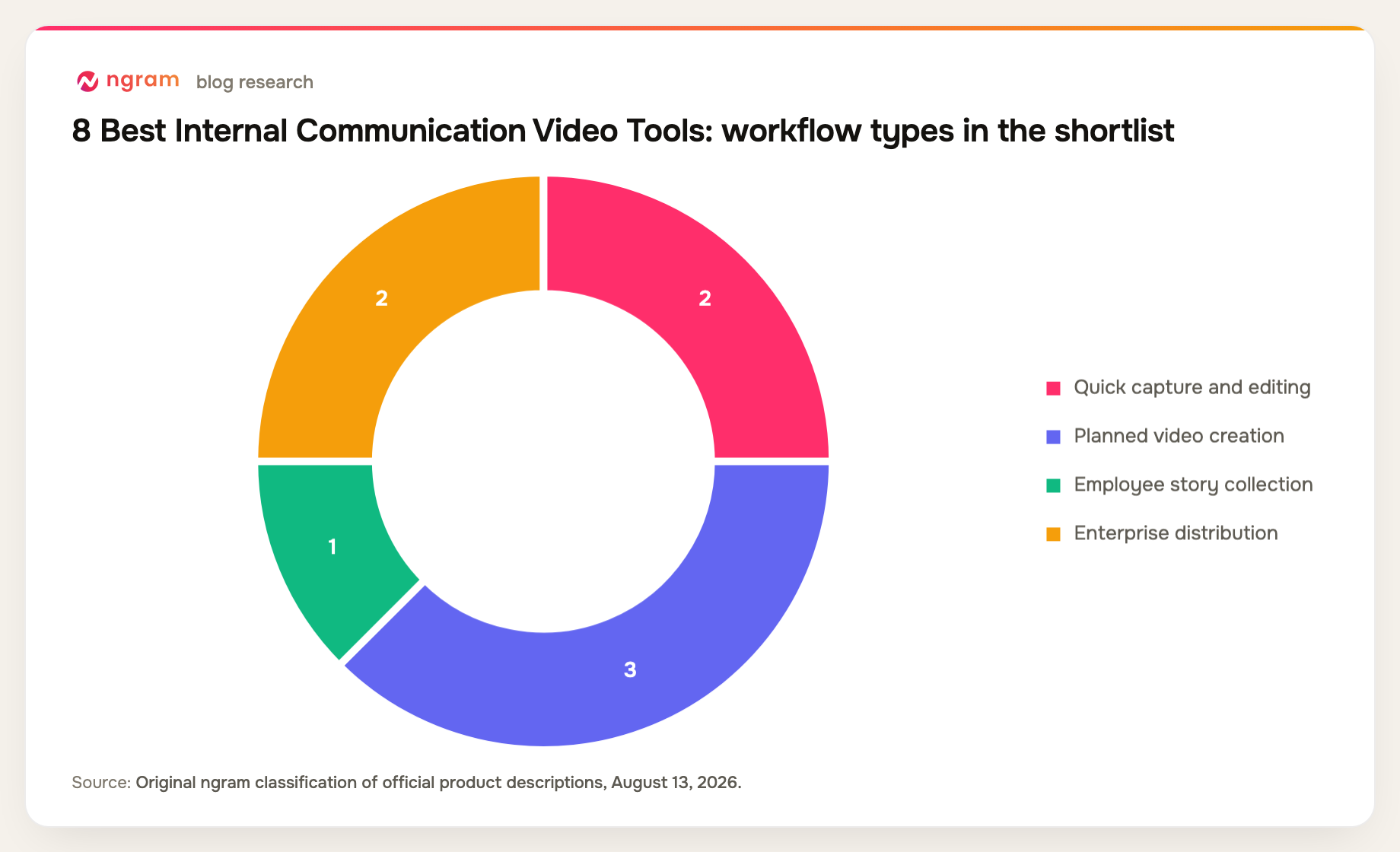
8 best internal communication video tools at a glance
| Rank | Tool | Best for | Price reference | Main trade-off |
|---|---|---|---|---|
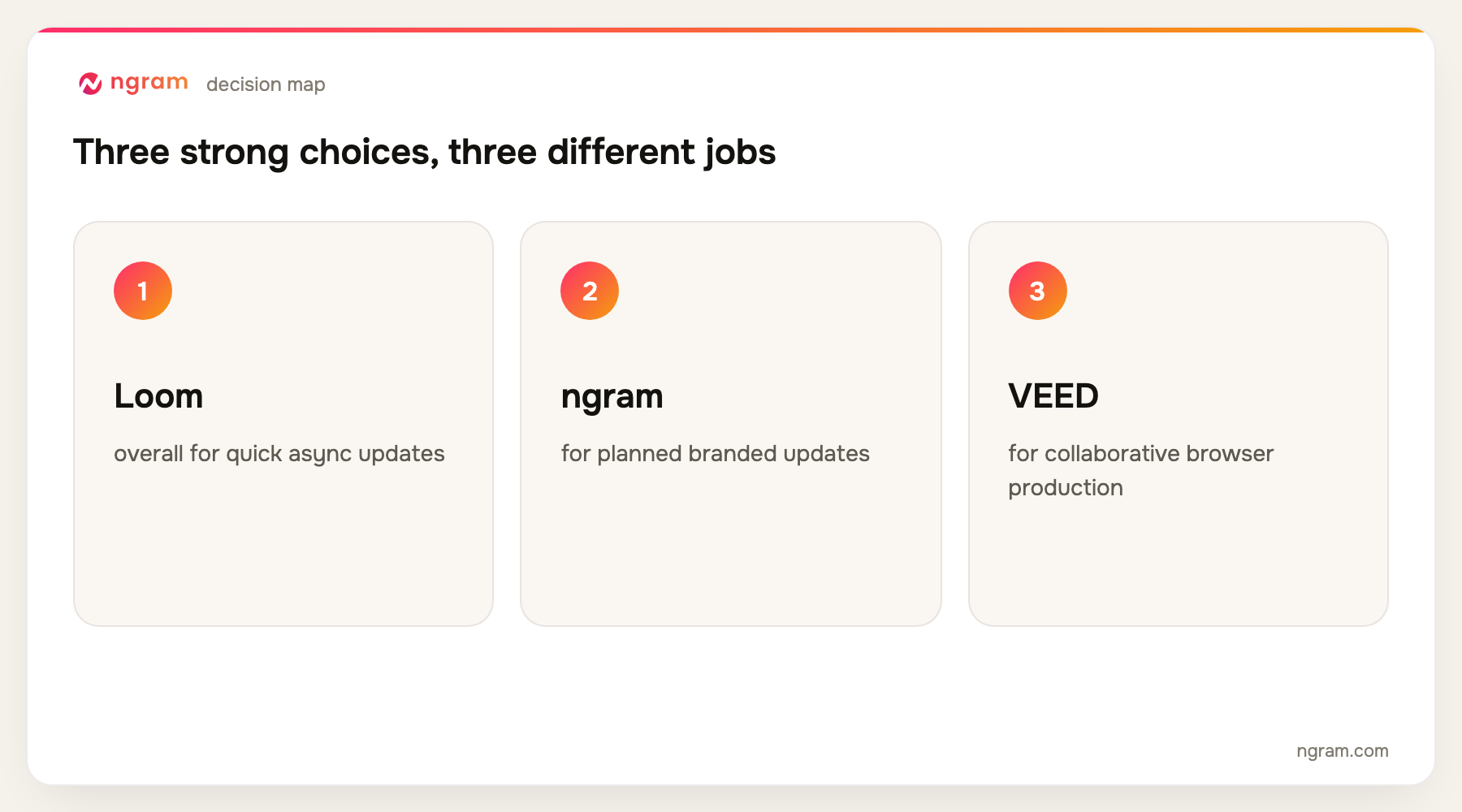
| 1 | Loom | Best overall for quick async updates | Free; Business + AI $24/user/mo | Informal by default |
| 2 | ngram | Best for planned branded updates | Free; paid from $29/mo | Basic viewing analytics |
| 3 | VEED | Best for collaborative browser production | Free; paid plans vary | Distribution is not an intranet |
| 4 | Synthesia | Best for repeatable leadership avatars | Free; Starter $29/mo | Less personal than real capture |
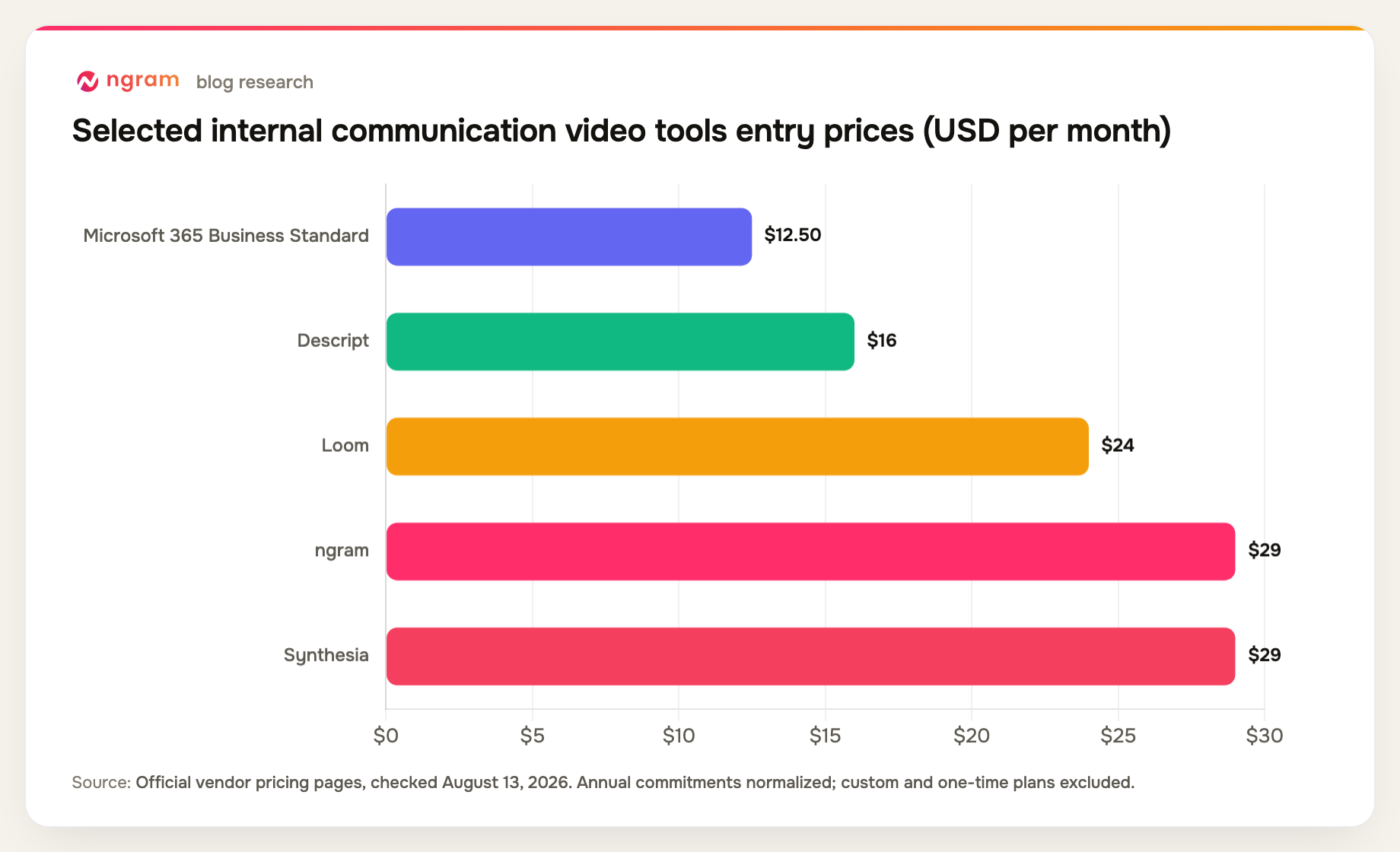
| 5 | Descript | Best for edited leader and expert footage | Free; Hobbyist $16/mo annual | No enterprise distribution layer |
| 6 | Vouch | Best for employee story collection | Custom pricing | Not a general editor |
| 7 | Microsoft Stream | Best for Microsoft 365 distribution | Included in Microsoft 365 | Limited creative production |
| 8 | Workvivo | Best for employee-experience distribution | Custom pricing | Not a video creator |
Prices and plan details were checked August 13, 2026. Vendors change packaging frequently, so confirm the checkout page before buying.
How we chose and ranked the tools
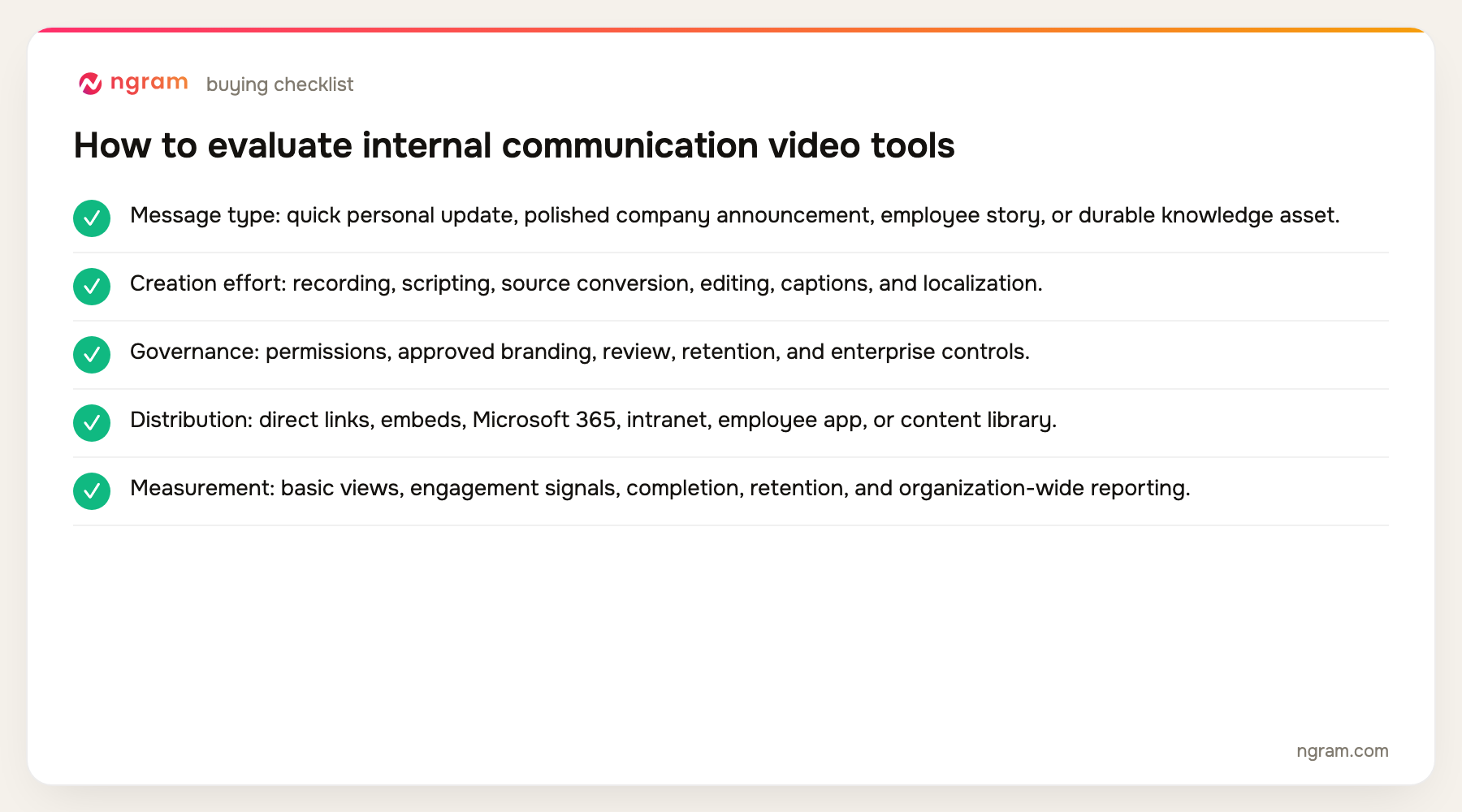
We compared speed of capture, planned source-to-video creation, brand controls, captions and accessibility, employee contribution, reviewer workflows, secure distribution, integrations, and the depth of available viewing analytics.
- Message type: quick personal update, polished company announcement, employee story, or durable knowledge asset.
- Creation effort: recording, scripting, source conversion, editing, captions, and localization.
- Governance: permissions, approved branding, review, retention, and enterprise controls.
- Distribution: direct links, embeds, Microsoft 365, intranet, employee app, or content library.
- Measurement: basic views, engagement signals, completion, retention, and organization-wide reporting.
The product set was not chosen from memory. We counted products appearing across the current top five organic results, kept products with repeat coverage first, and filled remaining slots from top-ten entity frequency and direct relevance. Products removed by the approved evidence-tier rules were not reconsidered.
HR and people teams can review the broader HR and internal communications workflow for related use cases.
The 8 best internal communication video tools
1. Loom: Best overall for quick async updates
Loom makes screen-and-camera capture fast, then adds titles, chapters, summaries, filler removal, silence removal, team libraries, custom branding, sharing controls, and viewer or engagement insights.
Limitation: The low-friction format can produce rambling updates without an editorial standard, and it is less suited to a highly produced company announcement.
Pricing: Starter is free; Business + AI is $24 per user per month, and Enterprise is custom. Pricing checked August 13, 2026.
Verdict: Choose Loom when employees and leaders need to communicate quickly with minimal production overhead.
Evidence: Loom's official pricing and product pages.
User signal: Users consistently value recording speed and link-based sharing; seat cost, AI packaging, and content sprawl are recurring concerns.
2. ngram: Best for planned branded updates
ngram turns announcements, decks, policy documents, URLs, screenshots, screen recordings, or raw footage into scripted, branded video. Teams can add voiceover, avatars, captions, motion graphics, callouts, and translations, then host or embed the result.
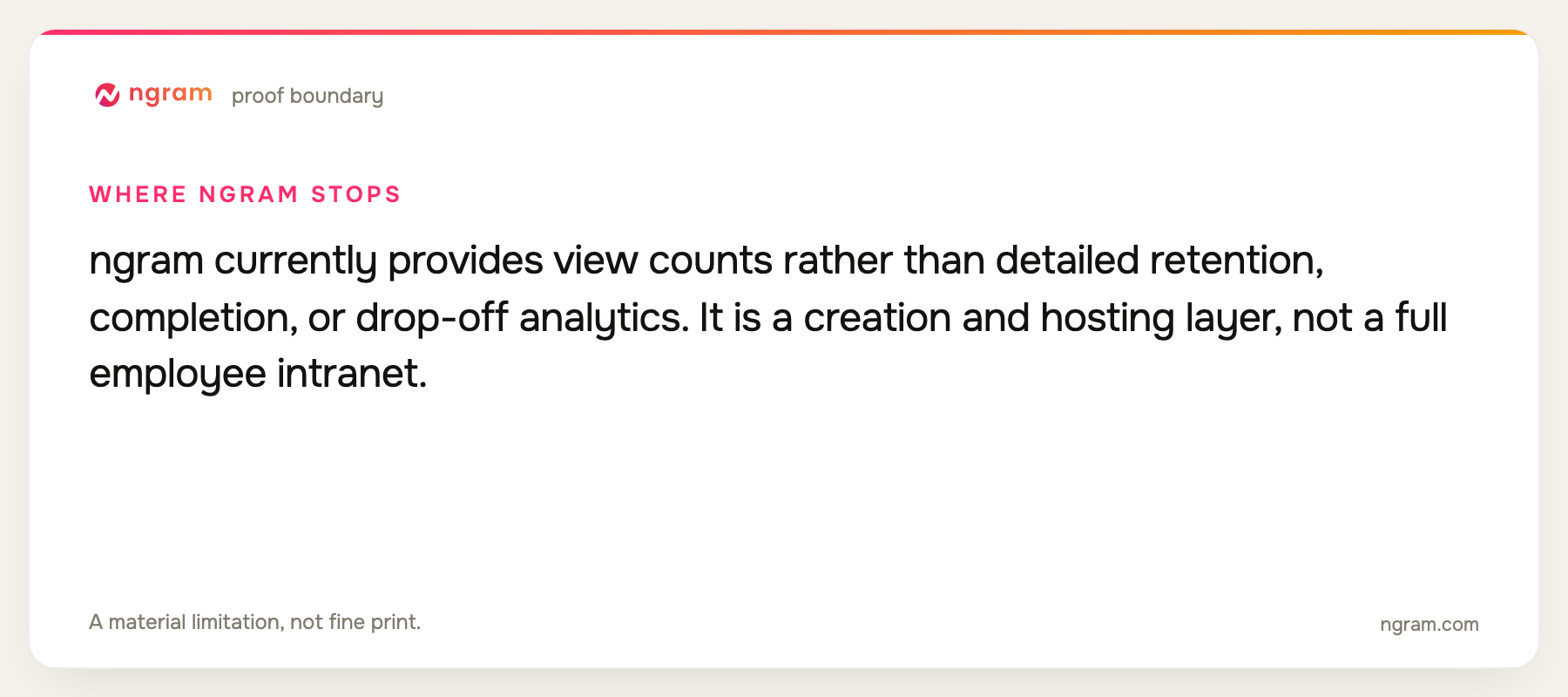
Limitation: ngram currently provides view counts rather than detailed retention, completion, or drop-off analytics. It is a creation and hosting layer, not a full employee intranet.
Pricing: Free includes 60 seconds at 720p with a watermark. Basic is $29 per month, Premium is $59, and Ultimate is $299; annual billing is 20% lower. Pricing checked August 13, 2026.
Verdict: Use ngram when the message deserves structure, brand control, and repeatable updates rather than an unedited recording.
Evidence: ngram public product state and the repository's live pricing source.
3. VEED: Best for collaborative browser production
VEED combines recording, browser editing, captions, templates, AI tools, brand controls, and collaboration. It works for internal teams that need several contributors to produce polished recurring video.
Limitation: It is primarily a creation workspace. Secure company-wide distribution, employee targeting, and deep intranet analytics may require another platform.
Pricing: A Free plan is available; current paid tiers are Creator, Pro, Studio, and Enterprise, with rates displayed in the billing flow. Pricing checked August 13, 2026.
Verdict: Pick VEED when browser collaboration and accessible editing matter more than owning the employee distribution layer.
Evidence: VEED's official pricing and feature pages.
4. Synthesia: Best for repeatable leadership avatars
Synthesia supports stock and custom avatars, brand kits, templates, PowerPoint import, dubbing, and more than 160 languages and voices. It can standardize executive updates across regions without repeated filming.
Limitation: An avatar can reduce the personal signal that employees expect from leadership communication, and the format is less useful for spontaneous discussion or screen explanation.
Pricing: Free is available; Starter is $29 per month and Creator is $89, with Enterprise priced by quote. Pricing checked August 13, 2026.
Verdict: Choose Synthesia for standardized, multilingual messages where consistency matters more than the immediacy of a real camera recording.
Evidence: Synthesia's official product and pricing pages.
5. Descript: Best for edited leader and expert footage
Descript records, transcribes, and edits video through text. It is efficient for removing false starts, tightening long updates, cleaning audio, adding captions, and collaborating on interviews or expert explanations.
Limitation: It does not replace a secure intranet, employee app, or organization-wide communication analytics platform.
Pricing: Free is available; Hobbyist is $16 per person per month on annual billing, Creator is $24, and Business is $50. Pricing checked August 13, 2026.
Verdict: Use Descript when the authentic human recording should remain, but the message needs a disciplined edit.
Evidence: Descript's official pricing and product pages.
6. Vouch: Best for employee story collection
Vouch is designed to collect video contributions through browser capture, organize employee stories, apply branded templates, and use AI-assisted edits. Content plans include unlimited video collection and a set of admin seats and templates.
Limitation: It is specialized for collecting and packaging authentic contributions rather than building every type of internal video from source material.
Pricing: Pricing is custom and provided through sales. Pricing checked August 13, 2026.
Verdict: Pick Vouch when the challenge is getting employees to contribute useful stories without a production crew.
Evidence: Vouch's official product and plan pages.
7. Microsoft Stream: Best for Microsoft 365 distribution
Microsoft Stream uses SharePoint and OneDrive for secure video management, recording, transcripts, search, permissions, and integration with Teams, Viva, and PowerPoint. It fits organizations already governed through Microsoft 365.
Limitation: Its strength is management and distribution, not sophisticated scripting, generative creation, motion design, or professional editing.
Pricing: Stream is included in eligible Microsoft 365 plans; Business Standard is $12.50 per user per month and Business Premium is $22 on annual commitments. Pricing checked August 13, 2026.
Verdict: Choose Stream when secure internal distribution and Microsoft 365 governance matter more than creative production depth.
Evidence: Microsoft's official Stream documentation and Microsoft 365 business pricing.
8. Workvivo: Best for employee-experience distribution
Workvivo is an employee-experience and internal communication platform designed for targeted content, mobile access, engagement, and organization-wide communication. Video sits inside a broader employee feed and intranet experience.
Limitation: It is not a dedicated video creation or editing suite. Teams will usually make the video elsewhere, then use Workvivo to distribute and discuss it.
Pricing: Pricing is custom and based on organization size and requirements. Pricing checked August 13, 2026.
Verdict: Pick Workvivo when the central problem is reaching and engaging employees across channels, not producing the video itself.
Evidence: Workvivo's official product and pricing materials.
Official-source internal communications workflow matrix
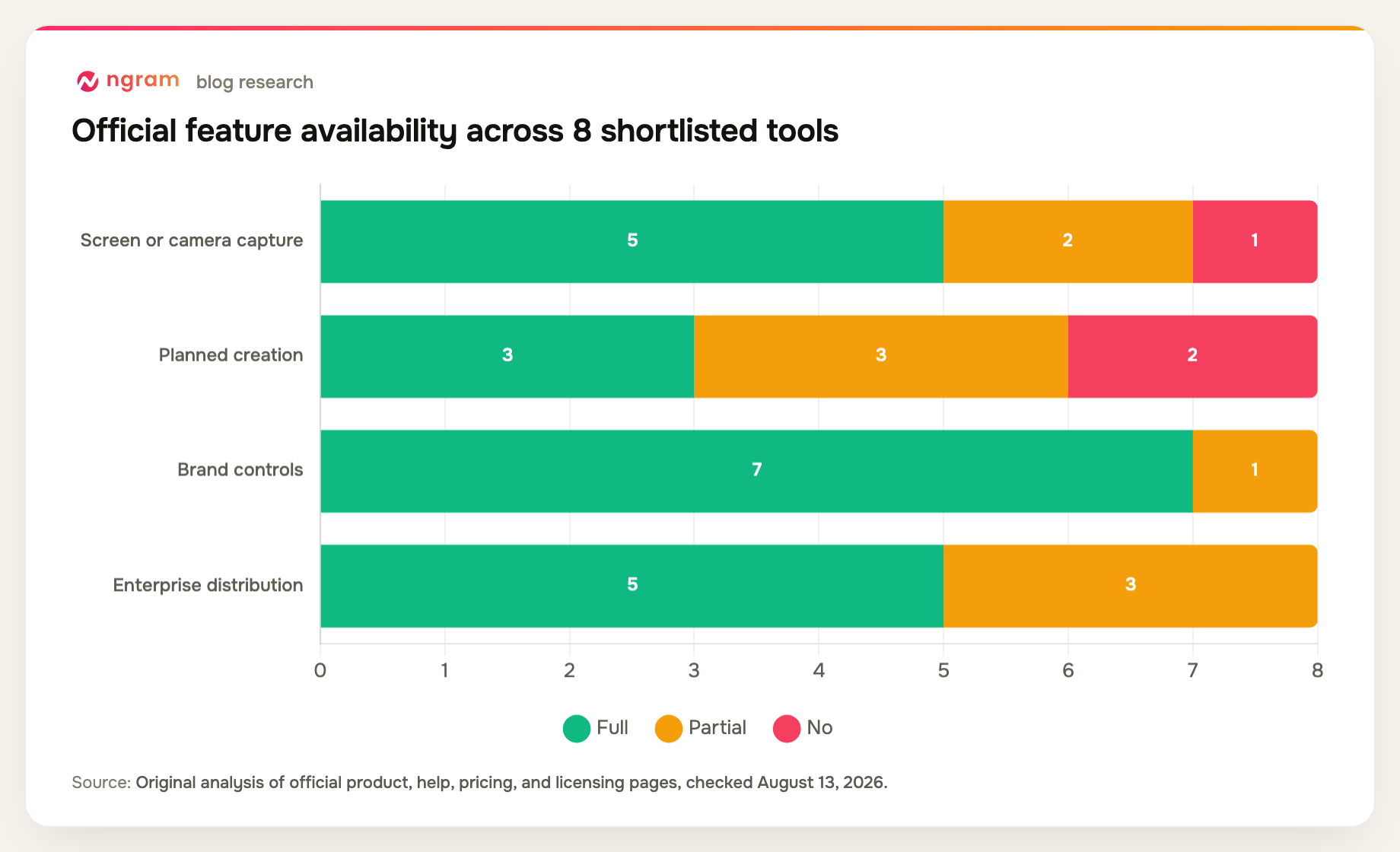
Creation and distribution are separate capabilities. The matrix makes clear which products produce the message and which products operate the employee channel.
| Tool | Screen or camera capture | Planned creation | Brand controls | Enterprise distribution | Analytics depth |
|---|---|---|---|---|---|
| Loom | Yes | Partial | Yes | Yes | Engagement insights |
| ngram | Partial | Yes | Yes | Partial | View counts |
| VEED | Yes | Yes | Yes | Partial | Project analytics |
| Synthesia | No | Yes | Yes | Yes | Workspace analytics |
| Descript | Yes | Partial | Yes | Partial | Project analytics |
| Vouch | Yes | Partial | Yes | Yes | Advocacy analytics |
| Microsoft Stream | Yes | No | Partial | Yes | Microsoft analytics |
| Workvivo | Partial | No | Yes | Yes | Engagement analytics |
Method note: this is an original feature-parity matrix compiled from the official product, help, pricing, and licensing sources named in each review above, all checked August 13, 2026. A "Partial" means the capability exists with a plan, format, workflow, or depth constraint. It is not a hands-on performance benchmark.
How to choose an internal communication video tool
Match the tool to the communication cadence. A weekly team update should be easy to record. A policy change or company announcement deserves a script, review, captions, and brand control. A global leadership message may also require translation.
Decide whether the existing intranet already solves distribution. If it does, buy the best creation workflow and publish into that system. If it does not, prioritize permissions, targeting, search, mobile access, notifications, and analytics.
Set an editorial standard. Keep videos focused, provide a written summary, caption every spoken message, name the owner, and archive or update time-sensitive information so the library does not become a second source of truth.
Distributed organizations may also want the remote-team workflow when video is part of an asynchronous operating rhythm.
FAQ about internal communication video tools
What is the best internal communication video tool?
Loom is the best choice here for quick asynchronous screen-and-camera updates. ngram is better for planned branded messages, Descript for editing authentic leader footage, and Microsoft Stream or Workvivo for enterprise distribution.
Can ngram measure employee video retention?
Not in detail today. ngram provides view counts for hosted videos, but it does not currently provide detailed retention curves, completion, or drop-off analytics. Use the organization's distribution or analytics layer when those measures are required.
Should internal videos be recorded or generated?
Use real recordings when personal presence and trust matter. Use generated or structured source-to-video workflows when the message must be consistent, frequently updated, localized, or produced without scheduling a speaker.
How long should an internal communication video be?
There is no universal duration. Keep a simple update as short as the message allows, put the decision or action near the beginning, and split unrelated subjects. The right test is whether employees can understand what changed and what they should do next.
What analytics matter for internal video?
Useful measures include unique viewers, reach by audience, completion or retention, repeat views, comments or reactions, and the downstream action. Basic view counts show exposure but do not prove understanding.
Final verdict
Loom is the best default for quick, authentic async communication. ngram is the better creation tool when a company update must be structured, branded, translated, and reusable, but its current analytics stop at view counts. Microsoft Stream and Workvivo belong in the shortlist when secure distribution and employee reach are the real buying problem.
Map ngram's current generation and hosted-video allowances on the pricing page.