Lyric AI Video Maker by ngram
Lyric AI Video Maker for music-led campaign stories

This tool input is coming soon. Browse all workflows below while we finish the direct handoff.
Use owned lyrics, a chorus, product sound bites, or campaign lines that need timed on-screen text
What it does
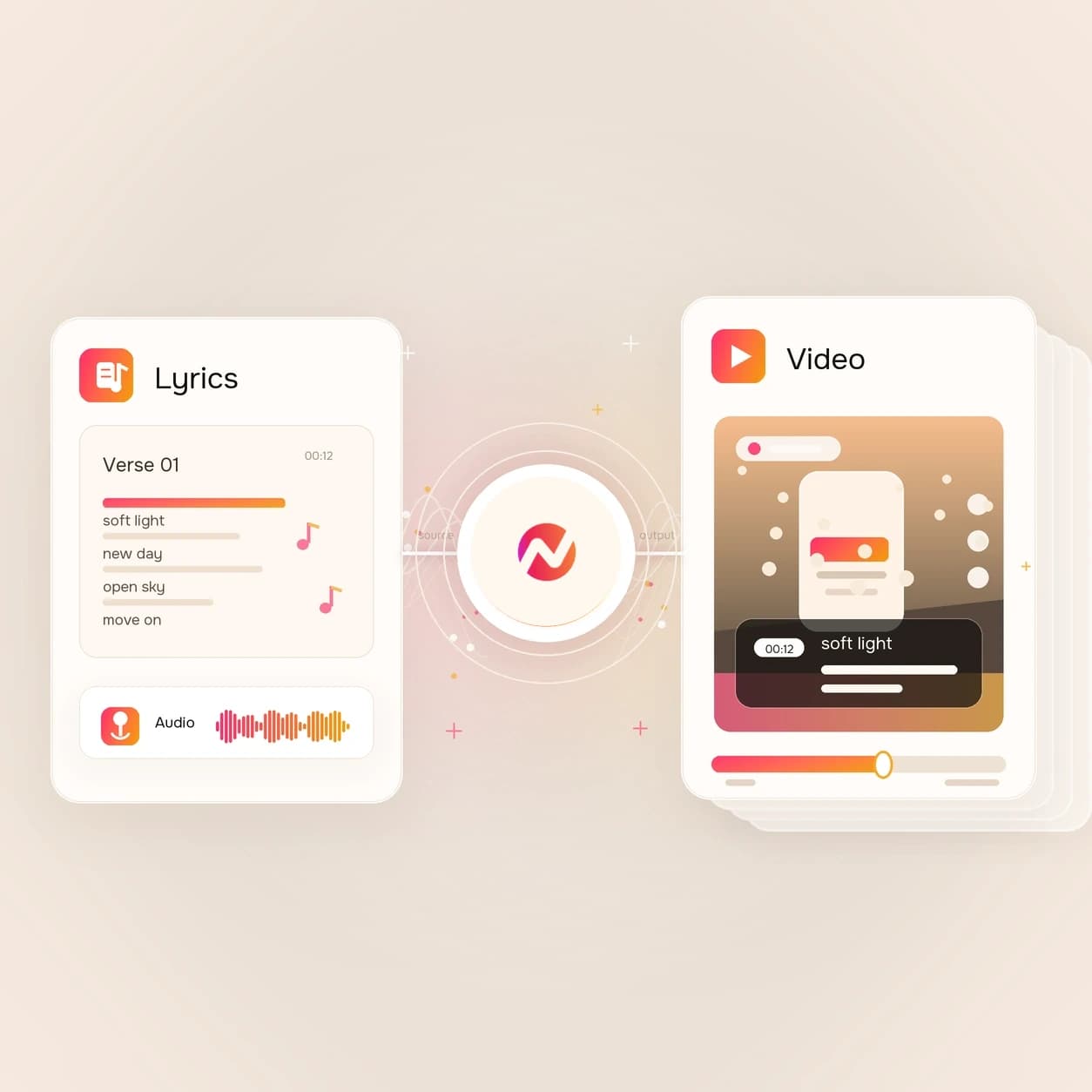
Plan how approved lyric lines or campaign sound bites should become a branded video. Direct hero submission is coming soon; the linked ngram workflows can build the visuals and captions today.
Trusted by teams at












How it works
How the lyric AI video maker workflow is planned.
The page is built for a lyric-first brief. Direct submission from the hero is coming soon, but the workflow mirrors how ngram already plans scripts, scenes, captions, music, and export.
Bring the words and timing
Start with lyrics, a chorus, a campaign hook, a product sound bite, or a short script. Add audio or a URL when the line timing depends on a track or campaign source.
Source gathered
Map lines to scenes
Break the words into beats for captions, scene changes, visual references, logo moments, and the final call to action before any video work starts.
Storyboard planned
Build the visual direction
Use ngram's existing script, storyboard, caption, music, motion graphics, and brand workflows to shape the cut around the approved words.
Direction set
Finish the campaign cut
Edit the scenes, captions, audio balance, aspect ratio, and export format in the video project so the lyric-led cut fits the channel.
Ready to review
What it can do
What the lyric AI video maker page helps plan.
Use this page to structure a lyric-led video before the dedicated hero upload handoff is live. The connected ngram workflows cover the script, captions, visuals, music direction, brand, and export layers.
Lyric and hook structure
Turn lines, refrains, product sound bites, or campaign copy into a scene-by-scene script that keeps the important words on screen.
Learn more about script generationCaption-first pacing
Plan which words should appear as captions, title cards, lower thirds, or animated text so the cut still works with sound off.
Learn more about captionsMusic direction without overclaiming
Use ngram's music workflow to pick a background track or mood for business videos, then keep narration and captions readable in the mix.
Add Music to VideoMotion around the words
Add branded overlays, text animation, callouts, and transitions around the lyric or hook so the words do the visual work.
Learn more about motion graphicsBrand rules for every cut
Keep logo, color, font, motion style, tone, approved phrases, and blocked phrases attached to the lyric-led video project.
Learn more about brand kitBuilt for words, rhythm, captions, and campaign context
When it matters
Where a lyric AI video maker brief fits.
These use cases already rely on hooks, captions, rhythm, and short-form edits. A lyric-led brief gives each one a sharper on-screen text plan.
Marketing Social Clips
Use a lyric AI video maker brief when a campaign line or sound bite needs to become a caption-led social cut for daily posting.
Open social clips use caseSocial Media Clips
Turn a hook, chorus, or short product line into vertical social media clips with on-screen words, motion, and clear pacing.
Open social clips use caseGrowth Social Clips
Plan multiple lyric-led hooks from the same source so a growth team can test different captions and openings across short-form cuts.
Open growth clips use caseAd Creative Video
Use the strongest lyric line, jingle phrase, or customer sound bite as the first-frame hook for a paid video ad concept.
Open ad creative use caseGrowth Campaign Video
Convert a campaign theme into lyric-style caption beats that can be tested on landing pages, paid placements, and email assets.
Open campaign use caseMarketing Brand Video
Build brand videos around repeatable phrases, taglines, and music direction while keeping each scene tied to the same brand kit.
Open brand video use caseCreator Social Clips
Turn a creator's chorus, catchphrase, episode quote, or sponsor line into captioned social cuts without starting from a blank edit.
Open creator clips use caseCreator Brand Content
Plan sponsored cuts where the approved brand phrase, hook, or product line needs to land clearly on screen and in the edit.
Open creator brand use caseProduct Launch Video Maker
Use a lyric-style structure for launch teasers when a product tagline, feature name, or sound bite needs a tighter social cut.
Open launch video use caseProduct stack
ngram features behind lyric-led video work.
The lyric AI video maker page does not claim a separate music-video backend. It connects the planning job to ngram features that are already part of the video workflow.
Script Generation
Turn lyric lines, campaign copy, or product sound bites into a script and storyboard before the edit starts.
Learn more about script generationCaptions & Subtitles
Use captions for the words that have to read on mute, including hooks, chorus lines, product phrases, and CTA moments.
Learn more about captionsVideo Editing
Add background music from ngram's hosted library and adjust the mood while keeping speech and captions clear.
Explore Video EditingMotion Graphics
Animate words, lower thirds, callouts, and transitions around the lyric or hook so the key line lands visually.
Learn more about motion graphicsAI Voiceover
Generate narration for explainer or campaign variants when a spoken read works better than a track-led cut.
Learn more about AI voiceoverBrand Kit
Keep lyric-led cuts aligned with logo, colors, fonts, motion direction, tone, approved phrases, and blocked phrases.
Learn more about brand kitVideo Editing
Fine-tune scenes, captions, audio, and timing after the first draft so the rhythm matches the channel.
Learn more about video editingMore tools
Related tools for lyric-led video work.
Use these existing ngram tools when the direct lyric AI video maker handoff is still coming soon, or when the job needs a specific production layer first.
Plan the words
Start with the script, hook, or source text before building scenes.
Video Script Generator
Draft hooks, line breaks, scene notes, and CTAs before a lyric-led video becomes a storyboard.
Open toolText to Video
Turn a chorus, product line, or short campaign script into an editable video draft with scenes and captions.
Open toolAI Video Generator
Use a broader prompt when the lyric-led idea also needs scene planning, visuals, voiceover, captions, and brand direction.
Open toolAI Voice Generator
Generate a spoken read for campaign variants that use the lyric line as a tagline rather than a sung hook.
Open toolCaption and sound layers
Make the words readable and the audio direction intentional.
Video Caption Generator
Create animated captions for lyric lines, hooks, and product phrases that need to land on muted social feeds.
Open toolAdd Subtitles to Video
Burn clean subtitles into a lyric-led clip when the deliverable needs readable lines instead of word-by-word effects.
Open toolAdd Music to Video
Add a background track under a campaign edit and balance it so the captions and narration stay clear.
Open toolText to Speech Video
Turn a lyric-inspired script into a narrated video when the words should be spoken instead of sung.
Open toolEdit and repurpose
Carry the lyric-led cut into channel-ready formats.
Video Editor
Open the timeline to adjust timing, captions, audio levels, motion graphics, and export settings around the lyric beat.
Open toolVideo to Text
Pull a transcript from an existing performance, demo, or sound bite before choosing which lines become on-screen hooks.
Open toolVideo to GIF
Loop a short captioned lyric moment as a GIF for launch docs, email, or internal campaign review.
Open toolVideo Converter
Convert the finished lyric-led video into the container or codec needed by the publishing destination.
Open toolConvert
Converters close to lyric-led video.
These existing converter pages cover the source formats most likely to become lyric, song, music, or caption-led videos.
Lyrics to Video
Use written lyrics as the source, then plan scene beats, on-screen words, captions, and export variants around the lines.
Open converterSong to Video
Start from a song concept or track context when the finished cut needs lyrics, visuals, and social-ready aspect ratios.
Open converterMusic to Video
Use a track or beat as the source when the visual pacing should follow energy, timing, and repeated hooks.
Open converterWho it is for
Teams that use lyric-led video briefs.
A lyric AI video maker brief is useful when words, rhythm, and captions carry the message across social, launch, creator, and campaign channels.
Growth & Marketing
Test caption hooks, sonic phrases, and short-form campaign cuts without rebuilding the brief for every channel.
See growth workflowsProduct Marketing Managers
Turn taglines, feature names, launch lines, and customer sound bites into video beats PMM can review before publishing.
See product marketing workflowsContent Creators
Shape chorus lines, sponsor reads, catchphrases, and episode clips into caption-led social videos.
See creator workflowsAgencies & Consultants
Package client hooks, campaign jingles, and brand phrases into repeatable lyric-led video briefs.
See agency workflowsE-commerce Teams
Turn product sound bites, review lines, and offer phrases into short captioned videos for product launches.
See ecommerce workflowsFounders
Convert founder lines, launch phrases, and product beliefs into punchy video hooks that can be edited later.
See founder workflowsStartups
Plan social cuts around one memorable phrase when a small team needs speed and consistency across channels.
See startup workflowsSaaS Companies
Use lyric-style captions for product teasers, feature launches, and campaign clips that need a sharper hook.
See SaaS workflowsIntegrations
Move lyric-led video work through live integrations.
These recipes use existing ngram integration pages. They describe how a lyric-led brief, source, or finished cut can move through automation and publishing workflows.
Approved lyric brief to ngram
ZapierWhenA campaign request, creator brief, or sound-bite idea is approved in the team's intake system.
ThenSend the words, audience, channel, and source links into ngram as a video request for the team to review.
Self-hosted content queue
n8nWhenA row of approved hooks, chorus lines, or product sound bites is ready for short-form production.
ThenPush the selected line and campaign context to ngram and write the review link back to the queue.
Agent-written lyric brief
MCPWhenAn AI agent has the campaign notes and needs to turn a line or sound bite into a video brief.
ThenCall ngram through MCP with the source text, audience, brand notes, and channel target attached.
Capture source context
ChromeWhenYou are on a product page, artist page, launch page, or brief that contains the lines for the cut.
ThenSend the page context into ngram so the lyric-led video brief uses the source instead of a blank prompt.
WhenThe team has reviewed the lyric-led video for LinkedIn.
ThenCompose the LinkedIn post, then publish the lyric-led video now.
YouTube
BetaWhenLyric-led video is ready to go on YouTube.
ThenWrite the YouTube post for the lyric-led video; publish it when ready.
X (Twitter)
BetaWhenThe lyric-led video is ready for its X post.
ThenWrite the X post and choose a one-off time for the lyric-led video.
Use MCP, browser capture, and automation integrations when lyric-led briefs need to move between agents, queues, and publishing systems.
Why ngram
How lyric video workflows differ.
Some workflows start with a finished song. Others start with captions or a social hook. ngram is strongest when the words need to become an editable branded video project.
| Compare | ngram | Template lyric editors | Music visualizers | Caption-only editors |
|---|---|---|---|---|
| Workflow fit | Starts from lyrics, campaign hooks, product sound bites, scripts, URLs, audio references, or written briefs. | Usually start with a finished track and a template for animated lyric text. | Usually focus on waveform, beat, spectrum, or background visuals around a track. | Usually start from an existing clip and add subtitles or animated caption highlights. |
| How ngram fits | Plans script, storyboard, captions, visual direction, music mood, brand rules, and export formats before the cut is finished. | Useful when the main job is placing words over a simple background or stock visual. | Useful when the audio itself is the asset and the words are secondary. | Useful for fast social posts when the footage is already cut. |
| Best use | Keeps the resulting video editable through chat, script edits, canvas controls, timeline work, captions, and MP4 export. | Less suited when the lyric line also needs campaign context, product messaging, brand guardrails, and later editing. | Less suited when captions, hooks, CTAs, and product copy need to drive the video structure. | Less suited when the source words still need storyboard planning, scene visuals, brand treatment, and export variants. |
FAQ
Common questions about the Lyric AI Video Maker
Still curious?
Turn the line into a video plan
Use the Lyric AI Video Maker page to shape the words, timing, captions, visuals, music direction, brand, and export path before the direct upload handoff goes live.
The dedicated hero submission flow is coming soon. Related ngram tools can still support the script, caption, music, edit, and export layers.
Lyrics, hooks, captions, music direction, export