Memphis pop Video Style
Loud 80s pastels, black-and-white patterns, squiggles and confetti shapes with bouncy energy.
See it in action with Rover dog walking.
From this input to this video
A short social reel built from Rover’s public service information and official app imagery, with an illustrative pet-care opening.
Create a 15-second vertical (9:16) social reel for my Rover dog-walking marketplace business. Pull the branding, services, and vibe from https://www.rover.com/dog-walking-app/. Platform: Instagram Reels. Open in the first two seconds with Long day? Your dog still needs a walk so a pet owner stops scrolling. Show what an owner needs to feel: their pet is safe, cared for, and having fun, and that booking is easy. Voiceover and burned-in captions in English. Keep the tone warm, friendly, and unhurried. End on: Find a dog walker on Rover. Use actual source imagery for app screens. Keep service illustrations clearly illustrative, with unnamed characters. Do not invent bookings, customer names, messages, ratings or transactions.
Read the exact input
Prompt
Create a 15-second vertical (9:16) social reel for my Rover dog-walking marketplace business. Pull the branding, services, and vibe from https://www.rover.com/dog-walking-app/. Platform: Instagram Reels. Open in the first two seconds with Long day? Your dog still needs a walk so a pet owner stops scrolling. Show what an owner needs to feel: their pet is safe, cared for, and having fun, and that booking is easy. Voiceover and burned-in captions in English. Keep the tone warm, friendly, and unhurried. End on: Find a dog walker on Rover. Use actual source imagery for app screens. Keep service illustrations clearly illustrative, with unnamed characters. Do not invent bookings, customer names, messages, ratings or transactions.
Selected style
Memphis pop
Source material
Read the video transcript
Long day? Your dog still needs a walk. Choose a background-checked walker nearby, and book in a few easy steps. Follow along with GPS, photos and updates. Find a dog walker on Rover.
Make it yours
Fill in your details here, or continue and finish your brief in ngram.
Trusted by teams at


When to use Memphis pop
Keep one message above the pattern
Pastel blocks, squiggles and contrasting patterns create a lively frame. Let the headline remain the strongest element.
Make the energy purposeful
Use bouncy movement to mark a change or reveal a benefit. A stable closing card gives the audience time to act.
Provide a concise brief
Bring the real announcement, essential details and one call to action. Short wording gives the patterns space without crowding the message.
What to bring
Bring the real announcement, essential details and one call to action. Short wording gives the patterns space without crowding the message.
Related video styles
Compare a few directions before you start your draft.
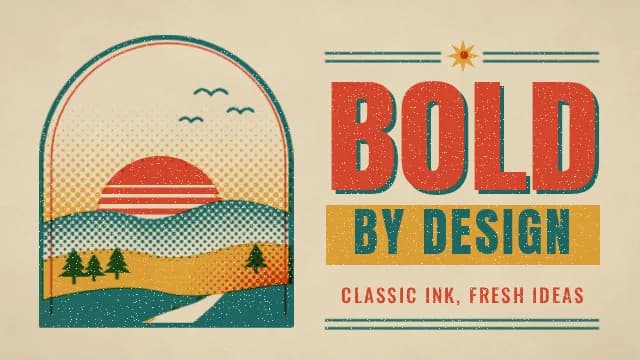
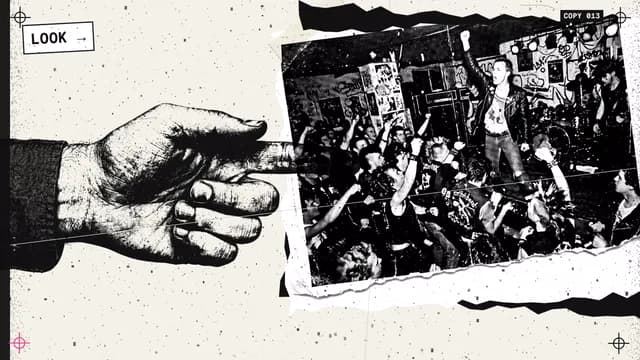
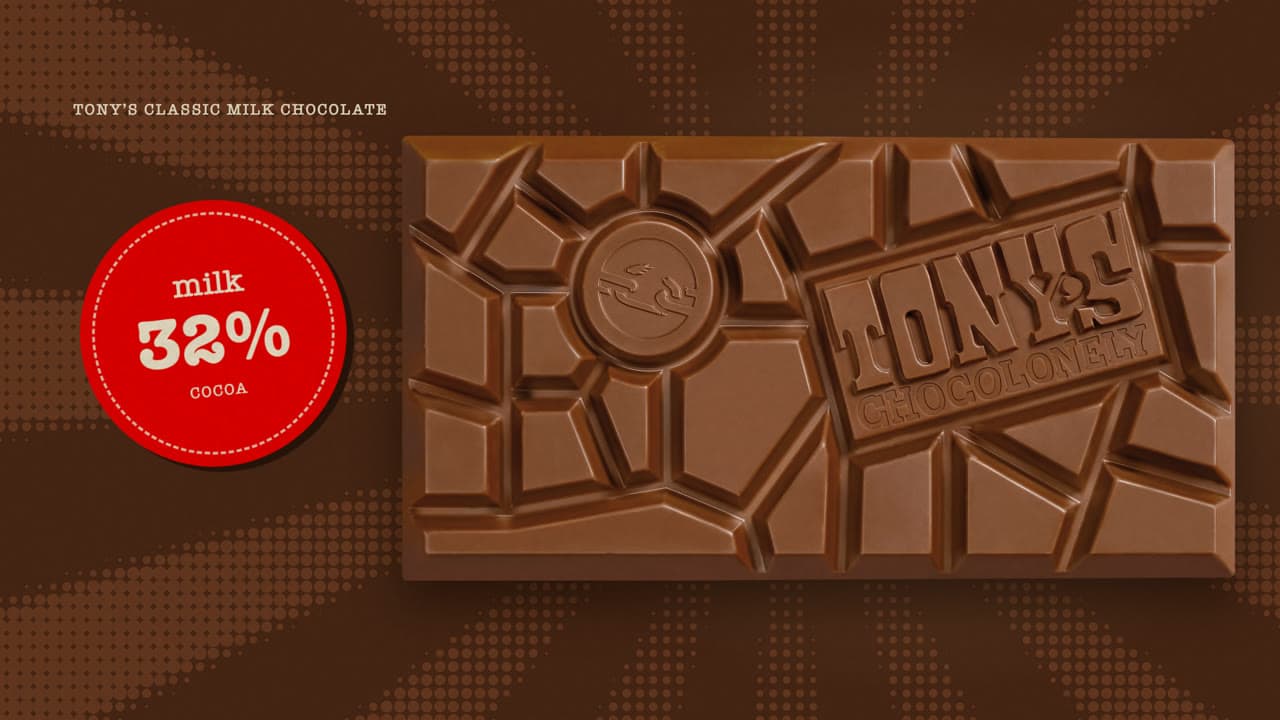
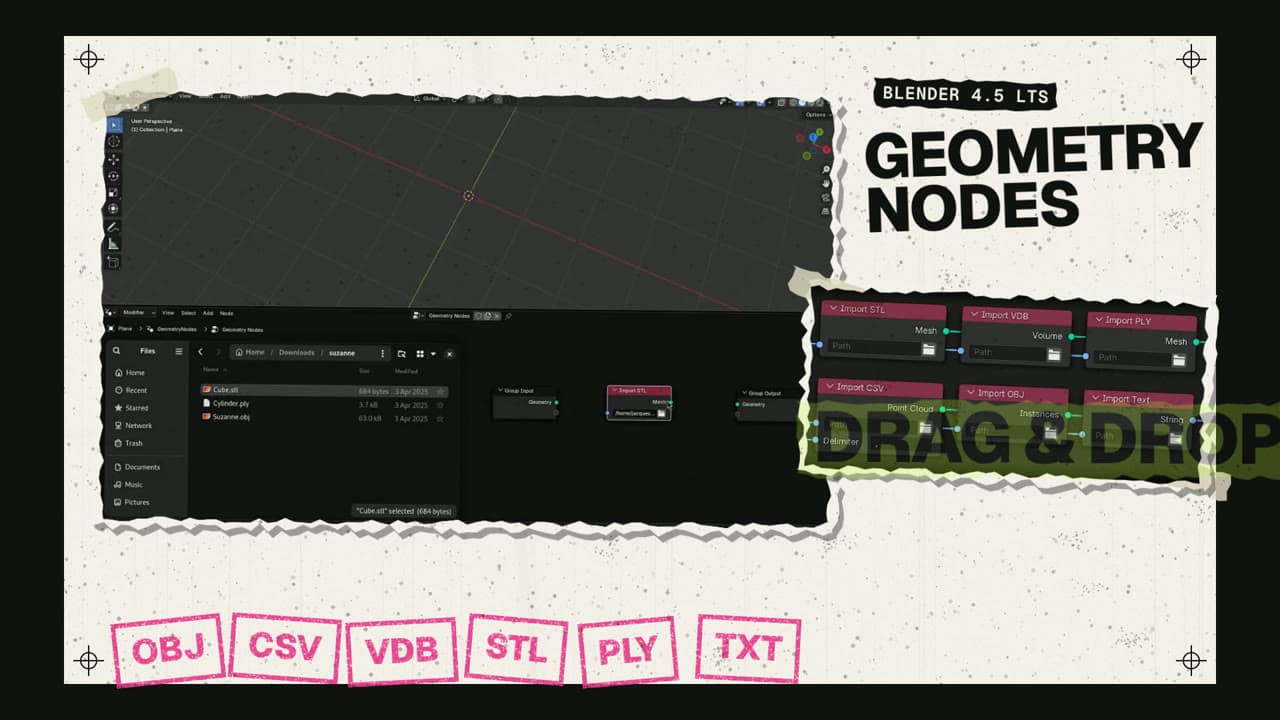
Explore related video examples
Put this style to work
Video workflows for your team
Refine your video in ngram
Connect your video workflow
whenyou're on your own website
thenturn the page into a pet-business reel in one click
whenThe finished pet-services reel is ready for a channel post
thenConfirm YouTube as the destination, then compose the pet-services reel post.
whenThe finished pet-services reel is ready for a local X post
thenPublish the pet-services reel on X once its post is composed.
Style template questions
Will my selected style survive sign-in?
Continue with your brief and chosen style in ngram. You can fill in the remaining details or change your selections before creating the video.
Can I change the style in Studio?
Yes. The selected style is a starting point. You can choose another active style or adjust the video before generation.
Does the template copy the preview video?
Your brief starts a new video using the chosen visual direction. Add your own source material and adjust the settings to make it yours.
What source material should I bring?
Use your own product links, screenshots, recordings or documents. The example’s exact input shows how source material and a filled-in brief work together. Add your own material in ngram before creating the video.
Can I use my brand with this style?
Yes. Set up your Brand Kit first, then select it while creating your video. You can also turn on captions and adjust your video in ngram.