Retro print Video Style
Halftone textures, limited inks and vintage poster type.
See it in action with Tony’s Chocolonely: milk chocolate.
From this input to this video
Real product photography and packaging become a 30-second chocolate advertisement with a retro print treatment.
Create a 30-second cinematic advertisement for Tony’s Chocolonely, a milk chocolate bar with 32% cocoa. Open on a close-up of the real chocolate bar’s chunky pieces — a mouth-watering macro moment before any logo. Use slow-motion close-ups of the actual chocolate bar and red wrapper shown at https://uk.tonyschocolonely.com/products/milk-chocolate-32-180g with warm studio lighting and a red and cocoa-brown color grade. Keep the packaging and product 100% accurate to the reference. Use warm English voiceover and light music. Tone: playful and inviting. End on the logo with the tagline Discover Tony’s milk chocolate. Aspect ratio: 16:9. Use the source product photographs for the bar and packaging, with camera moves and graphic accents. Keep labels, proportions and ingredients faithful to the source.
Read the exact input
Prompt
Create a 30-second cinematic advertisement for Tony’s Chocolonely, a milk chocolate bar with 32% cocoa. Open on a close-up of the real chocolate bar’s chunky pieces — a mouth-watering macro moment before any logo. Use slow-motion close-ups of the actual chocolate bar and red wrapper shown at https://uk.tonyschocolonely.com/products/milk-chocolate-32-180g with warm studio lighting and a red and cocoa-brown color grade. Keep the packaging and product 100% accurate to the reference. Use warm English voiceover and light music. Tone: playful and inviting. End on the logo with the tagline Discover Tony’s milk chocolate. Aspect ratio: 16:9. Use the source product photographs for the bar and packaging, with camera moves and graphic accents. Keep labels, proportions and ingredients faithful to the source.
Selected style
Retro print
Read the video transcript
Chunky. Creamy. And very, very... very moreish. This is Tony's classic milk chocolate. Thirty-two percent cocoa. The very first bar we ever made, and we got it just right. Fairtrade cocoa, traced from bean to bar. No palm oil. Simply put? It's damn tasty. Discover Tony's milk chocolate.
Make it yours
Fill in your details here, or continue and finish your brief in ngram.
Trusted by teams at


When to use Retro print
Use a deliberate print palette
Halftone texture and a small set of colours create a poster-like direction. Give the headline a clear place in the composition.
Turn each scene into a statement
Use short headlines and a small number of graphic elements. Repeated shapes can tie the opening and closing cards together.
Bring the message and assets
Provide event details or product facts, approved imagery and the final call to action. Check dates and names before filling the prompt.
What to bring
Provide event details or product facts, approved imagery and the final call to action. Check dates and names before filling the prompt.
Related video styles
Compare a few directions before you start your draft.
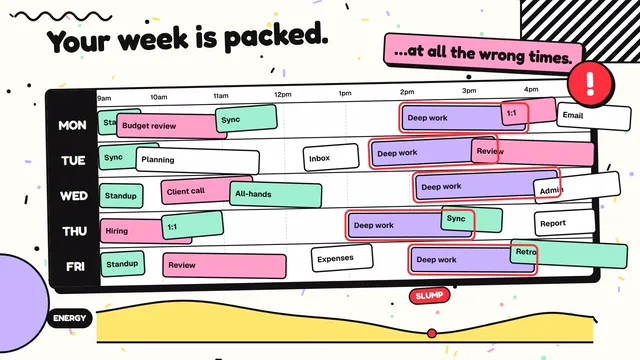
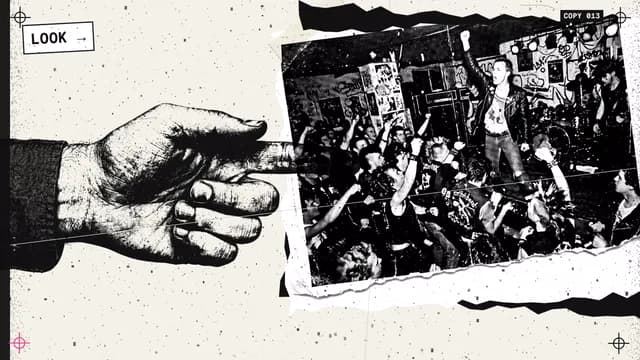
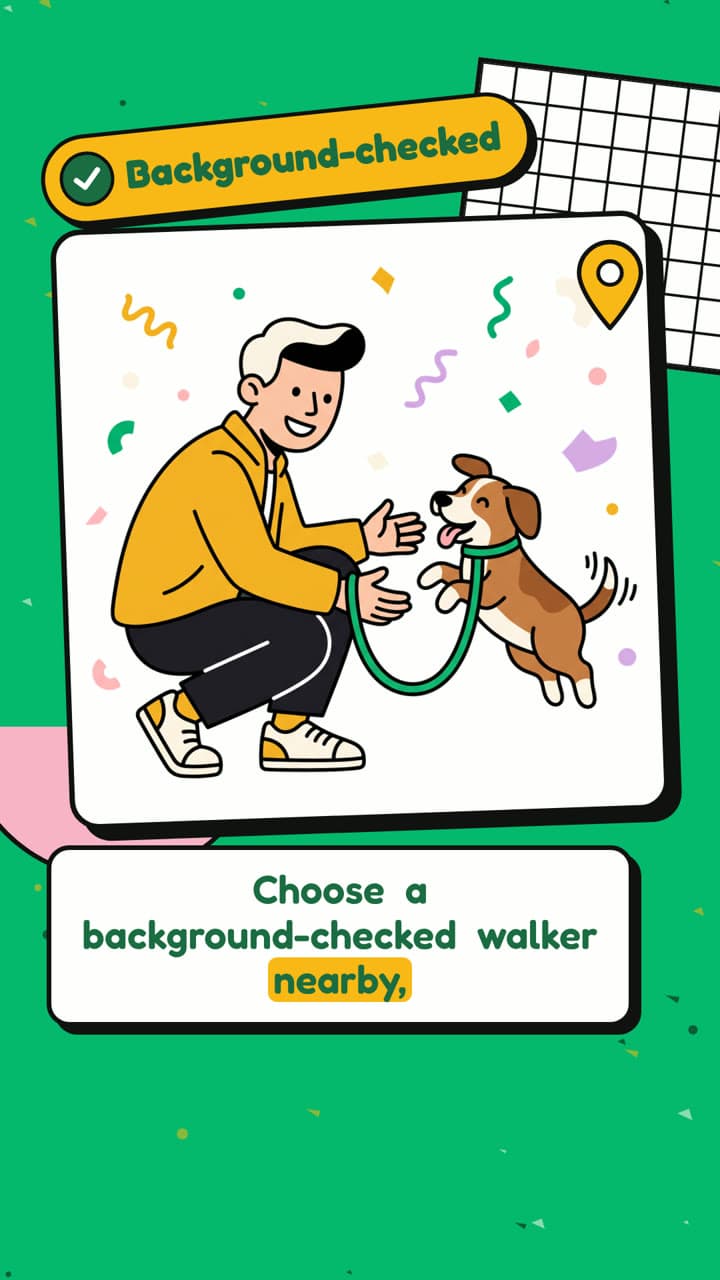
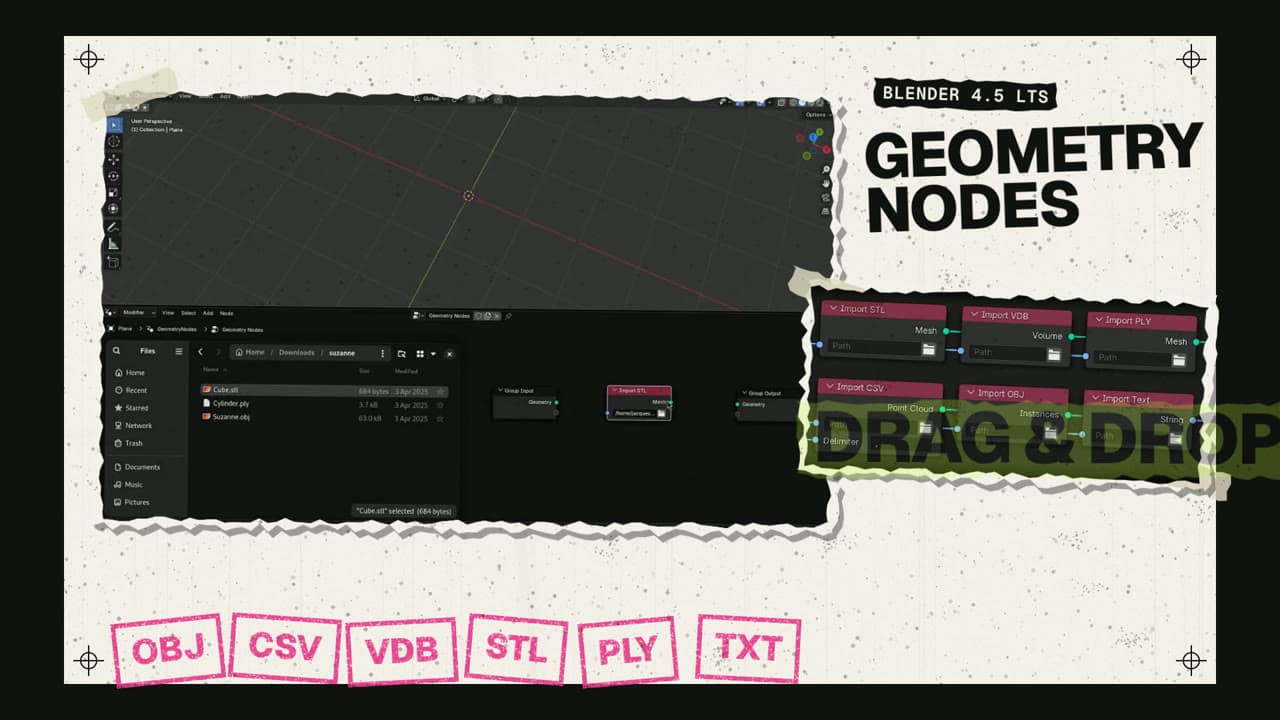
Explore related video examples
Put this style to work
Video workflows for your team
Refine your video in ngram
Connect your video workflow
whenThe finished food or beverage commercial is ready for a campaign channel
thenPrepare the YouTube post for the food or beverage commercial, then publish it.
whenThe finished food or beverage commercial is ready for a company campaign
thenShare the food or beverage commercial on LinkedIn once the post is composed.
whena new seasonal menu or product launches
thenauto-kick an ad render and notify the team
Tools for your next video
Style template questions
Will my selected style survive sign-in?
Continue with your brief and chosen style in ngram. You can fill in the remaining details or change your selections before creating the video.
Can I change the style in Studio?
Yes. The selected style is a starting point. You can choose another active style or adjust the video before generation.
Does the template copy the preview video?
Your brief starts a new video using the chosen visual direction. Add your own source material and adjust the settings to make it yours.
What source material should I bring?
Use your own product links, screenshots, recordings or documents. The example’s exact input shows how source material and a filled-in brief work together. Add your own material in ngram before creating the video.
Can I use my brand with this style?
Yes. Set up your Brand Kit first, then select it while creating your video. You can also turn on captions and adjust your video in ngram.