Embroidery Video Style
Stitched thread lines and quilted fabric patches on cloth.
See it in action with NASA GPM water-cycle lesson.
From this input to this video
A classroom lesson preview built from NASA’s public lesson material, with embroidered water-cycle illustrations.
Create a 35-second lesson-preview teaser ad for upper elementary and middle school science: the water cycle. Purpose: a preview for NASA GPM’s Exploring the Water Cycle lesson and a classroom launch video. Use https://gpm.nasa.gov/education/node/199 for the lesson facts. Format: fast-paced, high-energy engagement teaser — hook only, reveal no solutions or final answers. Core objective: introduce investigating how water moves between Earth’s surface and atmosphere, showing a stitched droplet moving between an ocean, a cloud and land as a conceptual illustration on screen. Key vocabulary to flash: evaporation, condensation, precipitation. Visual style: embroidered thread lines and quilted fabric shapes with clear, readable labels, with bold kinetic typography and an upbeat classroom-friendly track. End on a grabber question and a title card for the resource. Use English narration. Keep the illustration scientifically accurate and do not invent lesson contents, student results or endorsements.
Read the exact input
Prompt
Create a 35-second lesson-preview teaser ad for upper elementary and middle school science: the water cycle. Purpose: a preview for NASA GPM’s Exploring the Water Cycle lesson and a classroom launch video. Use https://gpm.nasa.gov/education/node/199 for the lesson facts. Format: fast-paced, high-energy engagement teaser — hook only, reveal no solutions or final answers. Core objective: introduce investigating how water moves between Earth’s surface and atmosphere, showing a stitched droplet moving between an ocean, a cloud and land as a conceptual illustration on screen. Key vocabulary to flash: evaporation, condensation, precipitation. Visual style: embroidered thread lines and quilted fabric shapes with clear, readable labels, with bold kinetic typography and an upbeat classroom-friendly track. End on a grabber question and a title card for the resource. Use English narration. Keep the illustration scientifically accurate and do not invent lesson contents, student results or endorsements.
Selected style
Embroidery
Read the video transcript
Every drop of water on Earth is on the move! Up from the ocean… into the clouds… down onto the land… and around again. Along the way, it changes. Evaporation. Condensation. Precipitation. Your mission: investigate how water moves between Earth's surface and the atmosphere. So… what keeps it moving? Find out in Exploring the Water Cycle.
Make it yours
Fill in your details here, or continue and finish your brief in ngram.
Trusted by teams at


When to use Embroidery
Trace the story in thread
Stitched lines and fabric-like surfaces can connect places, people or steps. Name the route the viewer should follow.
Keep labels outside the texture
Short labels help the audience read the journey without competing with the surface detail. Use stitching to support the structure.
Provide accurate names and places
Supply the real route, sequence or community context. Clarify when a map is illustrative rather than geographically exact.
What to bring
Supply the real route, sequence or community context. Clarify when a map is illustrative rather than geographically exact.
Related video styles
Compare a few directions before you start your draft.
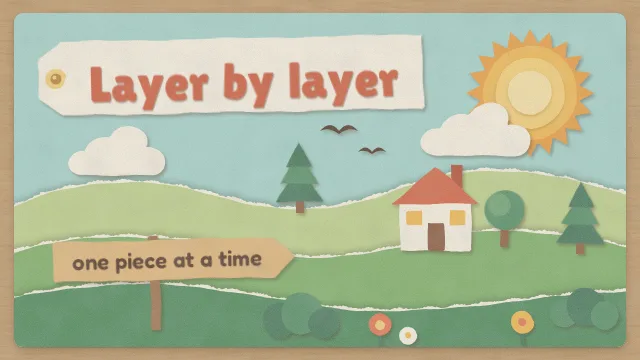
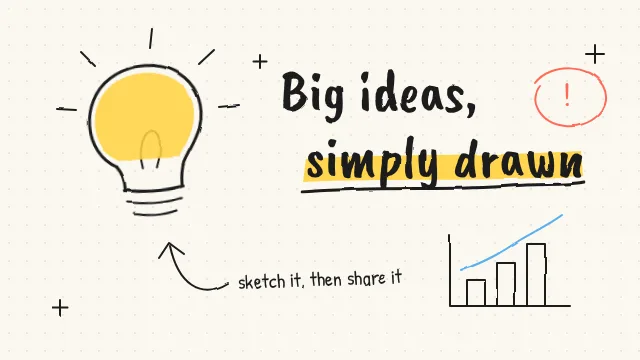
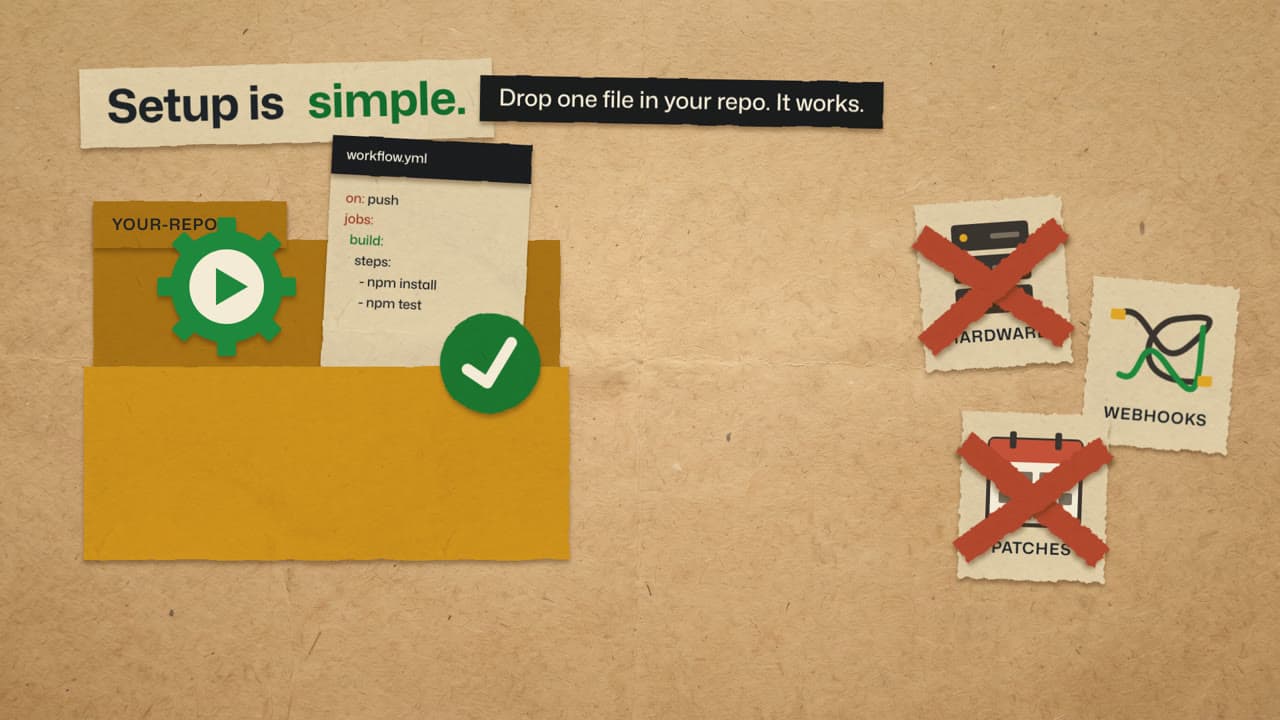
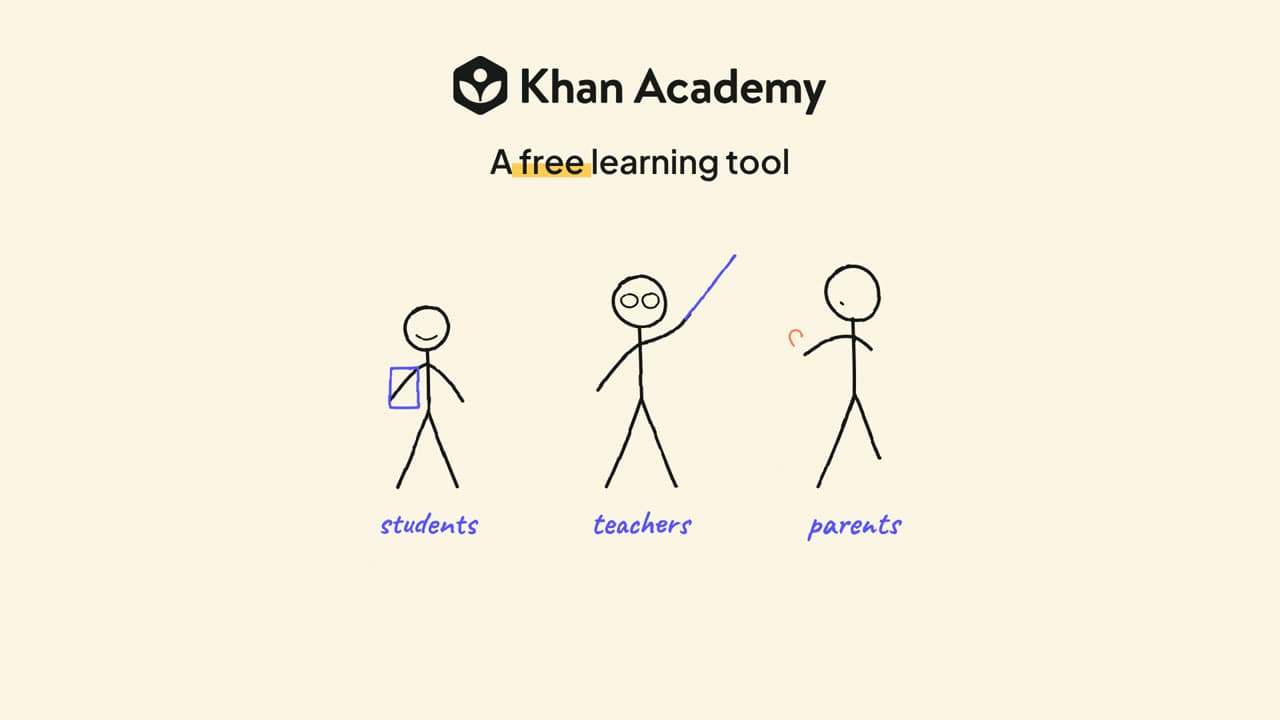
Explore related video examples
Video workflows for your team
Refine your video in ngram
Connect your video workflow
whenThe finished lesson-preview teaser is ready for a channel upload
thenWrite the YouTube post for the lesson-preview teaser, then publish it.
whenThe finished lesson-preview teaser is ready for an X update
thenChoose one X publish time for the lesson-preview teaser.
whenyou're on your TpT product page
thenstart a preview teaser from the browser in one click
Style template questions
Will my selected style survive sign-in?
Continue with your brief and chosen style in ngram. You can fill in the remaining details or change your selections before creating the video.
Can I change the style in Studio?
Yes. The selected style is a starting point. You can choose another active style or adjust the video before generation.
Does the template copy the preview video?
Your brief starts a new video using the chosen visual direction. Add your own source material and adjust the settings to make it yours.
What source material should I bring?
Use your own product links, screenshots, recordings or documents. The example’s exact input shows how source material and a filled-in brief work together. Add your own material in ngram before creating the video.
Can I use my brand with this style?
Yes. Set up your Brand Kit first, then select it while creating your video. You can also turn on captions and adjust your video in ngram.