Godot — Draw the Spawn Path | made with ngram

About the video
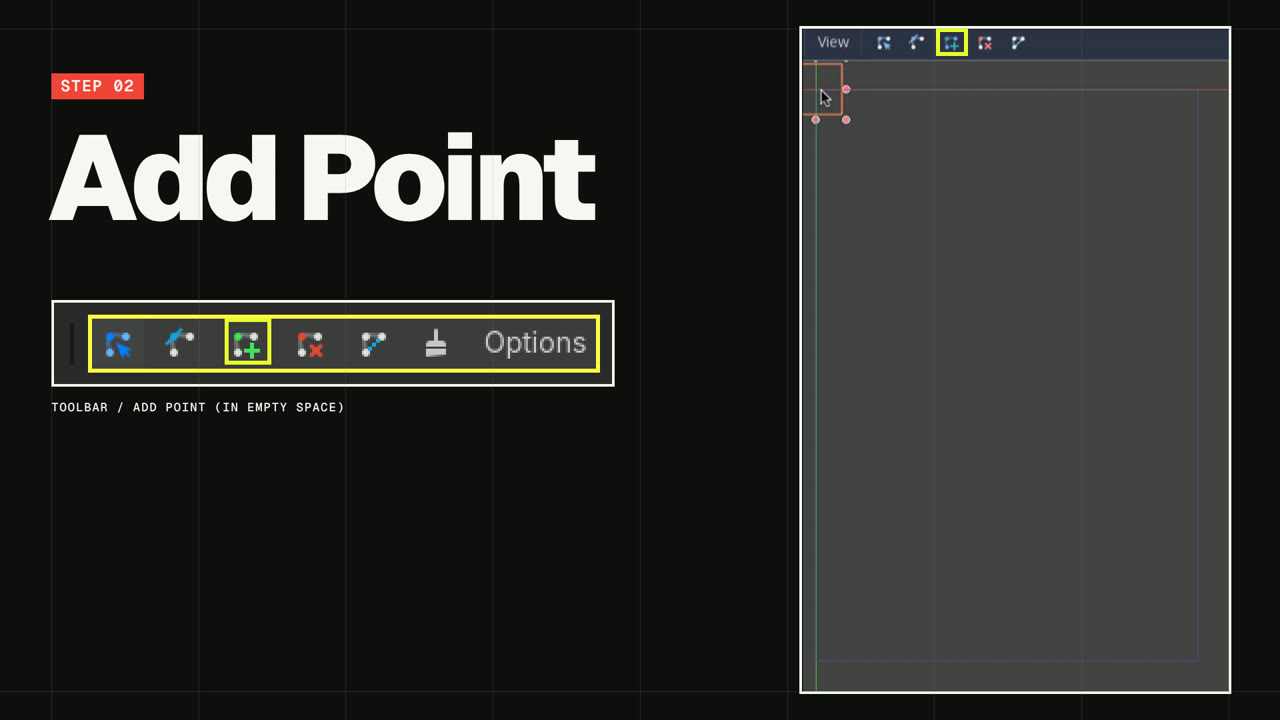
This video was created by ngram to walk through how to draw the enemy spawn path for the Dodge the Creeps game in the Godot engine. The tutorial opens with a quick hook noting that every creep in the game spawns from a single path, then moves step by step through the implementation: adding a Path2D node named MobPath under the Main scene, using the Add Point tool with snapping enabled to click the four corners in clockwise order so spawned mobs face inward, and selecting Close Curve to complete the loop. It then shows adding a PathFollow2D child node called MobSpawnLocation, which is used to pick a random position and direction along the path for each new enemy. The video closes with a payoff and an end card encouraging viewers to build their first 2D game with Godot. Built in a 16:9 aspect ratio using HTML/CSS motion graphics, ngram produced the video by pairing narrated captions with on-screen scene titles for each step — Hook, Add MobPath, Add Point clockwise, Close Curve, and MobSpawnLocation — so viewers can follow the exact sequence of node creation and editor actions needed to recreate the spawn path in their own Godot project.
- #godot
- #game development
- #tutorial
- #path2d
- #pathfollow2d
- #dodge the creeps
- #2d game
- #motion graphics