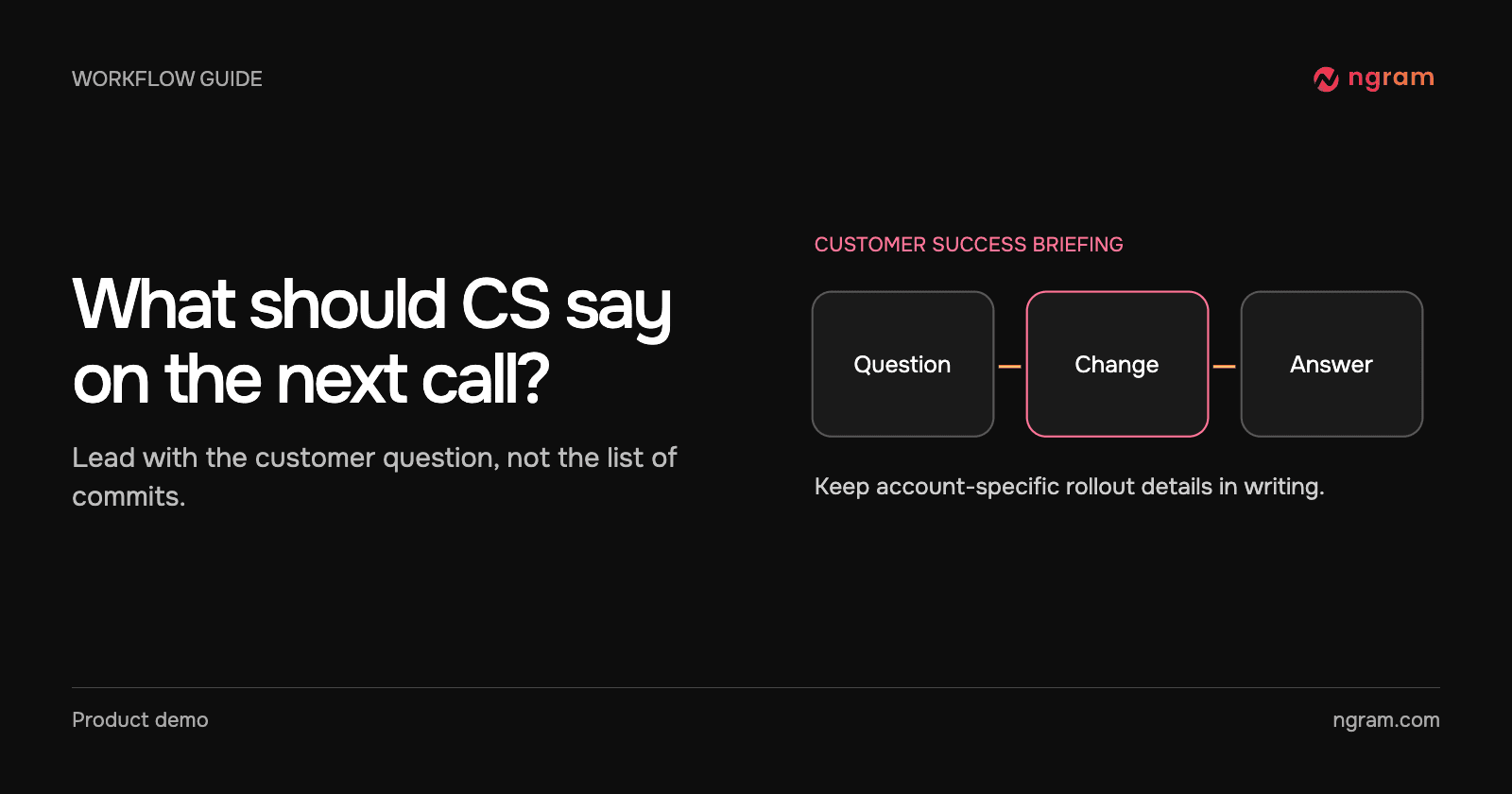

An account manager opens a release note before a customer call. It says “improved export handling.” They still cannot answer the obvious question: what can this customer do now? A useful briefing gives them a concrete answer and tells them where to check eligibility.
Choose a question CS will actually hear
Write the question in the customer’s words. For example, “Can my teammate download the revised video, and which version will they get?” Identify the action that changed, which accounts can see it and where someone can verify the result. Ask the release owner for rollout details the code cannot establish.
A backend refactor with no change to customer behavior may need a one-line internal note. A renamed button or a different workflow often deserves a short demonstration. The feature announcement workflow can help separate the announcement from the underlying engineering work.
Request a briefing from the strongest source
Use a PR when one change contains the answer. Use release notes when several shipped changes form one customer task. For the GitHub integration, a release mention belongs in the notes before publication. If the release is already published, use a new comment on a relevant PR instead of editing the old notes and waiting for a reply.
Try “@ngram-ai explain the new export behavior for a customer success manager. Focus on the step the customer takes and what they should see afterward.” Add confirmed rollout facts in the written brief. Avoid asking the video to infer availability from a feature name.
The walkthrough shows where the explainer appears in GitHub. The product-specific prompt above is a suggested briefing, not a transcript of that request.
Pair the video with an account note
Write three short lines beside the clip. “Who sees it” names eligible accounts and any rollout date. “What to show” names the action and the expected result. “What to do if it is missing” names the support owner or current guide. Keep frequently changing dates or account-specific exceptions outside the recording so the account team can update them quickly.
Rehearse the customer question
Give the clip and note to one teammate who did not attend the release meeting. Ask them to answer the original question in their own words, then find the written exception. If they repeat the technical change but cannot tell the customer what to do, request a tighter revision. Use the customer onboarding video guide when the audience needs new instructions rather than a release briefing.