Back to How to
How to

How to Turn Approved Release Notes Into a Monthly Partner Video

Select the changes partners can act on, write a short monthly briefing, verify the finished cut and keep rollout details with the original notes.

How to Turn Approved Release Notes Into a Monthly Partner Video
3 min read•Updated at November 2, 2026
Written and edited by
Rishikesh Ranjan
Rishikesh Ranjan
all thing growth @ ngram.com

Your partner digest has twelve release bullets. A reseller preparing a demo tomorrow wants to know which two change the conversation. Start the monthly video with the action the partner can take, then point back to the release notes for everything that does not belong on screen.

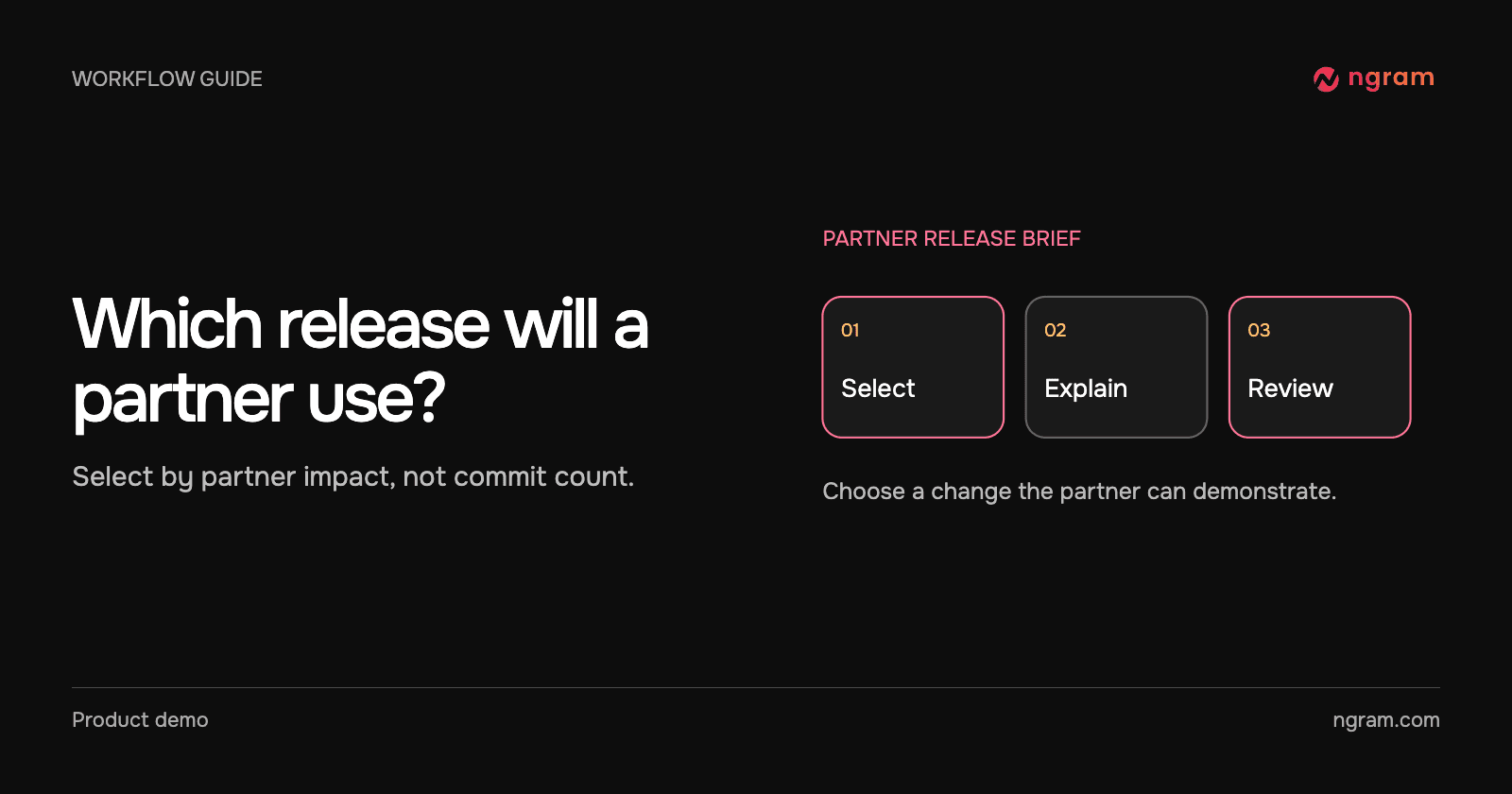
Choose the releases that change a partner’s next step

For each approved note, write “This matters to partners who…” and finish with the task. A reusable opening slide matters to a partner creating a series of customer tutorials. A dependency update with no visible change likely belongs in the written digest.

For each selected item, record the feature name, changed behavior, eligible audience, approved source and owner. Exclude tentative dates and internal plans. If eligibility differs by account, retain a written link that can be updated independently of the recording. The changelog video workflow describes how to narrow a long release list.

Build one segment around an actual change

This finished ngram announcement introduces reusable opening and closing slides in a Brand Kit. As a partner briefing, the useful angle is how an author can reuse the same opening on the next customer tutorial. The film is a published feature example, not a recording of an automated monthly partner delivery.

Write each segment as a question, a demonstration and the action the partner can take. End with where to verify the account’s access. Keep the rest in the companion digest rather than narrating every line of the source.

Automate the handoff only after the notes are approved

In a team that already uses viaSocket, an approved release record can supply the text, source ID and reviewer for a video request. Save the returned job ID with that record. Check completion before routing the finished link. Run a single sample through your destination and confirm that the partner editor receives the correct draft before turning on a recurring flow.

If the release brief is still being negotiated, keep it in chat or the editorial document. A monthly calendar reminder is useful even when there is nothing worth filming. Skip the month rather than filling a video with changes partners cannot act on.

Have a partner manager rehearse the explanation

Ask the reviewer to describe the change to a reseller without rereading the notes. Can they name the audience, action and one important exception? If not, revise that segment. Link the approved notes beside the cut and use the feature announcement guide when one release deserves its own larger launch.
Related articles

When to Create a Video in Chat and When to Automate It
How to3 min read

When to Create a Video in Chat and When to Automate It

Choose between chat and an event-driven video workflow by looking at the source, the decisions that change between requests and who reviews the result.

How Tongram
Rishikesh Ranjan
Rishikesh Ranjan
Growth Lead
Nov 2, 2026
How to Turn a Technical Release Into a Briefing for Customer Success
How to3 min read

How to Turn a Technical Release Into a Briefing for Customer Success

Turn a release into a customer success briefing with a specific audience, a verified customer-facing change, a short explainer and written rollout details.

How Tongram
Rishikesh Ranjan
Rishikesh Ranjan
Growth Lead
Nov 2, 2026
How to Brief a Teammate Who Picks Up a Complex Ticket Mid-Sprint
How to3 min read

How to Brief a Teammate Who Picks Up a Complex Ticket Mid-Sprint

Prepare a mid-sprint ticket handoff that separates the problem, confirmed evidence, open questions and first reproducible check. Use a short video only for something the next owner needs to see.

How Tongram
Rishikesh Ranjan
Rishikesh Ranjan
Growth Lead
Nov 2, 2026
How to Deliver a Customer’s Video as Soon as It’s Ready
How to3 min read

How to Deliver a Customer’s Video as Soon as It’s Ready

Design an asynchronous video handoff that matches a finished job to the intended customer, checks the correct version and avoids duplicate notifications.

How Tongram
Rishikesh Ranjan
Rishikesh Ranjan
Growth Lead
Nov 2, 2026
How to Explain a Code Change to Customers Without Showing the Diff
How to3 min read

How to Explain a Code Change to Customers Without Showing the Diff

Translate a pull request into a customer-facing explanation. Use the shipped action, a visible before-and-after result and a written availability check instead of exposing the diff.

How Tongram
Rishikesh Ranjan
Rishikesh Ranjan
Growth Lead
Nov 2, 2026
How to Handle Completed and Failed Video Jobs With Webhooks
How to3 min read

How to Handle Completed and Failed Video Jobs With Webhooks

Set up a signed ngram webhook receiver, verify the raw request, route video.completed and video.failed separately, and deduplicate retries without losing a new edit.

How Tongram
Rishikesh Ranjan
Rishikesh Ranjan
Growth Lead
Nov 2, 2026

Ready to create your first video?

Turn your source material into a video. Shape the brief, review the plan and make it yours.