Back to How to
How to

How to Request a Video From a GitHub Pull Request, Issue, or Release

Request a narrated explainer with @ngram-ai. Choose the GitHub thread, write a focused mention, find the reply and check what it shows before sharing it.

How to Request a Video From a GitHub Pull Request, Issue, or Release
3 min read•Updated at November 2, 2026
Written and edited by
Rishikesh Ranjan
Rishikesh Ranjan
all thing growth @ ngram.com

A support teammate wants to know what a PR changed for a customer. The diff is the right evidence, but asking them to read every file is a poor handoff. Keep the request beside the change so someone reviewing the video can find the original discussion.

Connect the repository and the account that will pay

Install the ngram GitHub App on the repository. The installer follows the redirect to link their ngram account and authorize uploads. An organization owner may need to approve installation. People with write access can then request videos. Check the linked account’s balance before starting. An account without a paid subscription produces videos with an ngram watermark and end card.

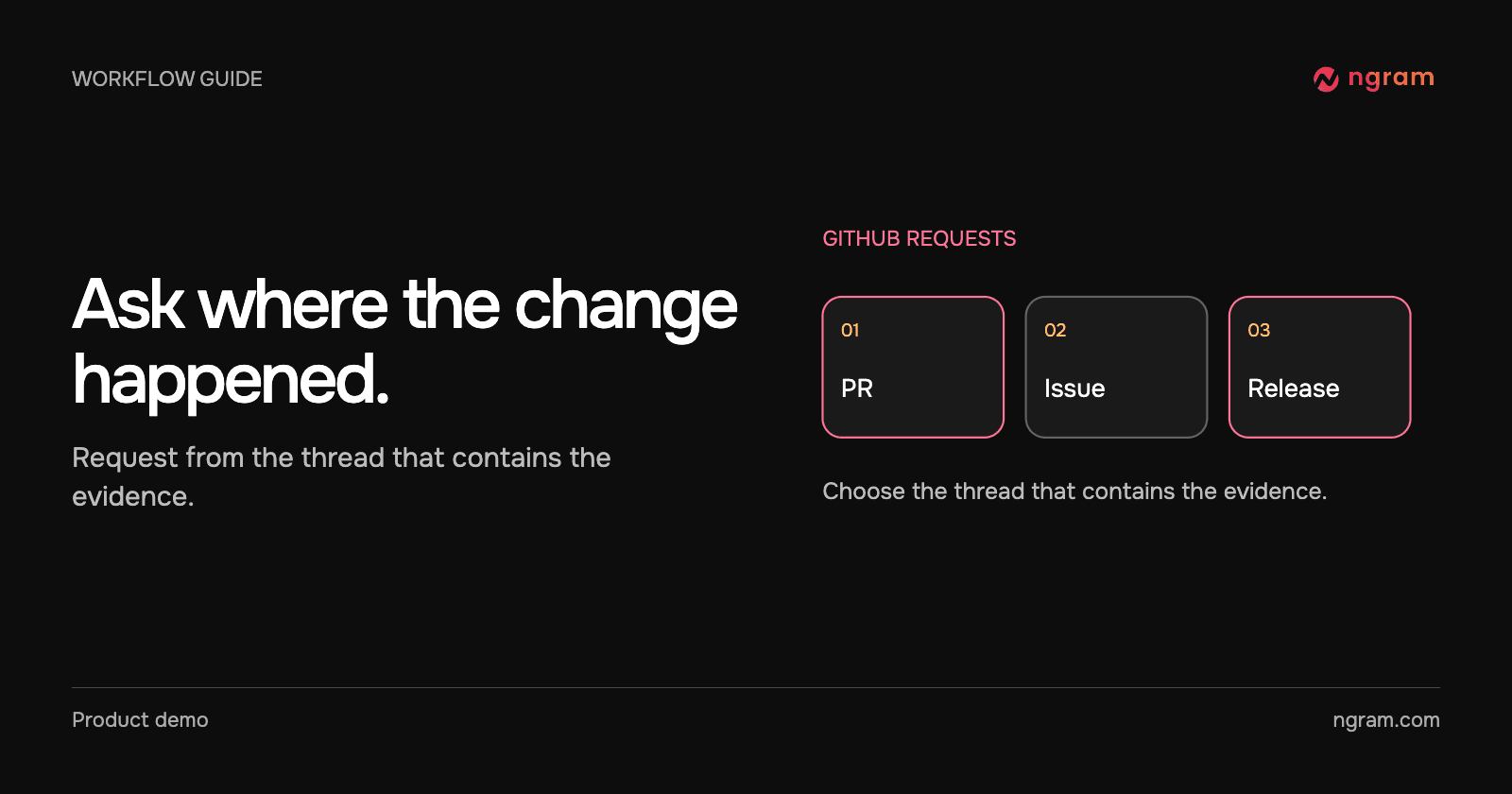
Choose a pull request, issue or release

On a PR, add a new comment such as “@ngram-ai explain the new export options to customer support in 20 seconds.” The app can use the PR description, changed code and relevant comments. On an issue, ask “@ngram-ai explain the reported upload problem to our triage team in 15 seconds.” Frame an unresolved problem as a report. The issue does not establish that a fix shipped.

For a release, put “@ngram-ai explain this release to existing customers, focus on the new export option” in the release notes before publishing. The publication event starts the request. Editing notes after publication or editing an old comment will not start a new video.

Find and check the result

The GitHub walkthrough shows the acknowledgment and finished PR reply, followed by a release-note example. For a release, look at the end of the notes and in its attached files. For a PR or issue, return to the bot’s reply. If the inline upload could not complete, follow the video link in the reply.

Watch the explanation alongside the original thread. Does it show an action the intended viewer can take? Does it describe an unmerged proposal as available? Use Open in ngram to revise a result that needs work. For broader announcements, the changelog video guide covers choosing which changes to explain.

When the request gets no reply

Check that the app is installed on this repository, the installer finished linking an account and the requester has write access. Verify that you made a new mention rather than editing one. If the app responded but could not finish, follow the reason in its reply before retrying. Keep routine maintenance and non-customer-facing changes in writing. For a change with a visible outcome, the product update workflow can help you choose the audience.
Related articles

How to Turn a Technical Release Into a Briefing for Customer Success
How to3 min read

How to Turn a Technical Release Into a Briefing for Customer Success

Turn a release into a customer success briefing with a specific audience, a verified customer-facing change, a short explainer and written rollout details.

How Tongram
Rishikesh Ranjan
Rishikesh Ranjan
Growth Lead
Nov 2, 2026
How to Turn Release Notes Into a LinkedIn Video for Product Managers
How to3 min read

How to Turn Release Notes Into a LinkedIn Video for Product Managers

Adapt release notes for product managers on LinkedIn. Choose one customer-facing change, show the relevant decision and review the post from its intended account.

How Tongram
Rishikesh Ranjan
Rishikesh Ranjan
Growth Lead
Nov 2, 2026
How to Brief a Teammate Who Picks Up a Complex Ticket Mid-Sprint
How to3 min read

How to Brief a Teammate Who Picks Up a Complex Ticket Mid-Sprint

Prepare a mid-sprint ticket handoff that separates the problem, confirmed evidence, open questions and first reproducible check. Use a short video only for something the next owner needs to see.

How Tongram
Rishikesh Ranjan
Rishikesh Ranjan
Growth Lead
Nov 2, 2026
How to Deliver a Customer’s Video as Soon as It’s Ready
How to3 min read

How to Deliver a Customer’s Video as Soon as It’s Ready

Design an asynchronous video handoff that matches a finished job to the intended customer, checks the correct version and avoids duplicate notifications.

How Tongram
Rishikesh Ranjan
Rishikesh Ranjan
Growth Lead
Nov 2, 2026
How to Explain a Code Change to Customers Without Showing the Diff
How to3 min read

How to Explain a Code Change to Customers Without Showing the Diff

Translate a pull request into a customer-facing explanation. Use the shipped action, a visible before-and-after result and a written availability check instead of exposing the diff.

How Tongram
Rishikesh Ranjan
Rishikesh Ranjan
Growth Lead
Nov 2, 2026
How to Handle Completed and Failed Video Jobs With Webhooks
How to3 min read

How to Handle Completed and Failed Video Jobs With Webhooks

Set up a signed ngram webhook receiver, verify the raw request, route video.completed and video.failed separately, and deduplicate retries without losing a new edit.

How Tongram
Rishikesh Ranjan
Rishikesh Ranjan
Growth Lead
Nov 2, 2026

Ready to create your first video?

Turn your source material into a video. Shape the brief, review the plan and make it yours.