
Here is a fact that should make every avatar-video buyer pause. In TechSmith's 2024 Video Viewer Trends Report, 87% of people said they prefer a real person over an animated character or AI avatar in instructional video. The same study found 83% of people would rather learn from video than from text or audio. Read those two numbers together and the tension is obvious. Audiences want video, but they are wary of a synthetic face reading a script at them.
That is the ceiling most teams hit with Synthesia. It is the best-known name in AI avatar video, and it is genuinely excellent at one job: turning a script into a polished, multilingual talking head at scale. If your whole world is corporate onboarding and compliance modules in 30 languages, it earns its price. But the moment your message needs to show a real product, carry a story, or live as a short social clip, a talking head alone runs out of room.
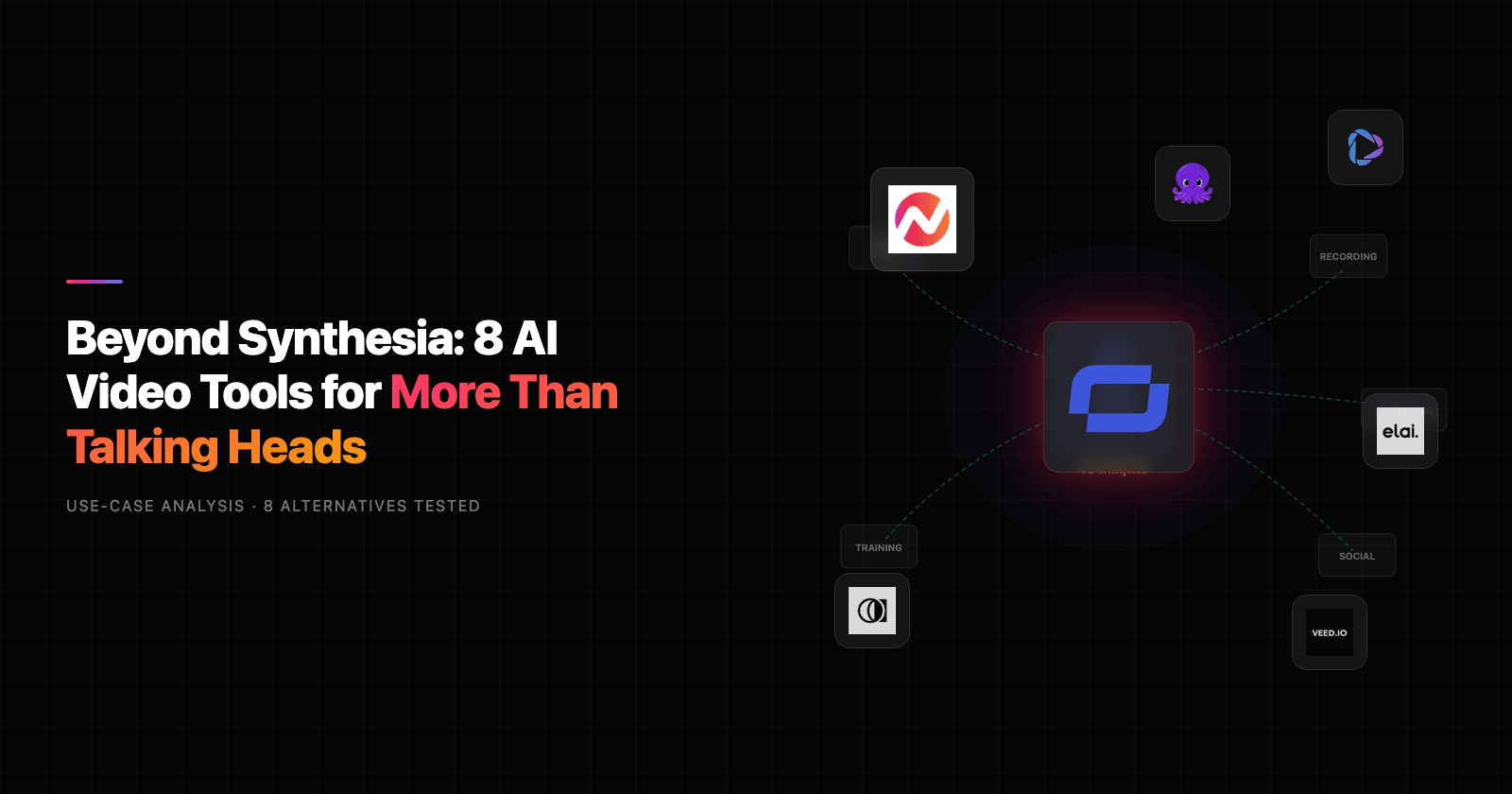
So if you are searching for a Synthesia alternative, the real question is not "who has more avatars." It is "what does my message actually need to do." This guide ranks 8 tools by that standard, starting with ngram, which treats the whole video as the unit of work instead of just the presenter. We tested each on output quality, real-world workflow, pricing honesty, and the kind of video it is actually built to make.
Where Synthesia starts to pinch
Synthesia is not a bad product. It is a focused one, and the friction shows up wherever your needs drift from "presenter reads a script."
The minutes math gets expensive fast. The Starter plan runs about $18 to $29 a month for only 10 minutes of video per month. Creator is $64 to $89 a month for 30 minutes. As one buyer put it on a forum, "it's super cool and can do what we need but it's super expensive." Premium Avatar IV clips burn roughly 20 credits per minute, credits are a shared pool, and they do not roll over. Small teams report a single training clip eating a whole month's allowance.
Avatars still drift into the uncanny valley. Reviewers consistently note that past about 90 seconds you start seeing repeated hand gestures, stiff eye movement, and pauses that feel off. The common verdict is "polished to the point of feeling sterile." Ask for humor or warmth and the delivery feels forced.
It describes your product instead of showing it. This is the dealbreaker for software teams. There is no screen capture and no interactive walkthrough. An avatar talking over static screenshots does not show real clicks and real workflows, so demo and how-to content falls flat.
The workflow is rigid. Every video starts from a written script, there is no real timeline, and custom personal avatars cost around $1,000 a year each. If you want to record yourself and refine on a timeline, you are fighting the tool.
None of that makes Synthesia wrong. It makes it narrow. Here is how the field stacks up.
Quick comparison
| Tool | Best for | Starting price | Key differentiator |
|---|---|---|---|
| ngram | Teams who need the right video for every message, not just a presenter | Usage-based | Agentic, whole-video creation from what you already have |
| HeyGen | Marketing and sales avatar videos, custom faces without enterprise pricing | Free; $29/mo | Most realistic avatars plus 175+ language translation |
| Colossyan | Corporate L&D and training teams | Free; $19/mo | Quizzes, branching, and SCORM export for your LMS |
| Elai.io | Document-to-training video for L&D | Free; $23/mo | Turns PDFs, decks, and URLs into narrated training |
| Pictory | Repurposing long content into short clips | $25/mo | Blog, podcast, and webinar to captioned video |
| VEED.io | Browser-based editing with strong captions | Free; ~$12/mo | Full timeline editor plus AI captions and translation |
| D-ID | Photo-to-talking-head and real-time avatars | ~$5/mo | Animate a single still photo, plus live API agents |
| InVideo | Prompt-to-video for social and faceless channels | Free; $20/mo | One prompt to a finished MP4 video |
1. ngram
Watch how ngram turns an idea into a finished video:
ngram starts from a different premise than every other tool here. Instead of generating one avatar clip, it treats the entire video as the deliverable and uses an agentic chat interface to build it. You describe what you want, point it at what you already have, and it returns a script, a storyboard, scenes, voiceover, and captions you can refine in plain language.
What makes ngram stand out
The headline difference is range. Synthesia gives you a presenter. ngram gives you the whole production, and only uses a talking head when the message actually calls for one.
Because the platform is built around "bring what you have," you can start from a PDF, a slide deck, a URL, a screen recording, or raw footage. It extracts the substance and turns it into a structured video rather than asking you to write a script cold. That matters because the manifesto behind the product is simple: plan first, generate second, and keep the human in control of the message.
For the exact use case where Synthesia stumbles, showing a real product, ngram leans on screen-recording polish. It adds cursor smoothing, click emphasis, dead-air trimming, smart zooms, and step labels automatically, so a rough capture becomes a clean walkthrough that actually shows clicks and workflows.
It still does avatars when you want them. There is a library of basic avatars, a custom faces library for your own team, talking-head lip sync, a Protagonist Generator for a synthetic on-brand presenter, and Eye Contact AI to fix the off-camera gaze that makes script-reading look robotic.
Six features worth calling out:
- Agentic chat editing. Describe a change ("make a 30-second LinkedIn cut," "translate to German") and it applies the edit across script, visuals, and audio.
- Start from your assets. PDF, deck, URL, screenshots, or screen recording in; finished video out.
- Screen-recording polish. Cursor smoothing, click emphasis, smart zooms, and auto-trimming for real product demos.
- Multilingual voiceover and captions. Localize voice, captions, and on-screen text from one source video.
- MP4 export. Finished videos export as MP4; prepare channel-specific cuts separately.
- Brand kits and guardrails. Logo, colors, fonts, approved and blocked phrases applied automatically to every video.
Pros
- ✅ Builds the whole video, not just a presenter clip, so demos, launches, updates, and training all fit one tool.
- ✅ Starts from existing docs, decks, recordings, and URLs instead of a blank script.
- ✅ Genuine screen-recording and motion-graphics output, which avatar-only tools cannot match.
- ✅ Plain-language iteration keeps you in control without a timeline learning curve.
Cons
- ❌ Smaller library of stock presenter avatars than Synthesia or HeyGen, if a giant avatar roster is your single priority.
- ❌ Hosted videos have basic view counts where available, but there is no generally available owner analytics surface or deep watch-time and drop-off reporting yet.
Who is ngram best for: teams who create more than one kind of video and are tired of stitching a presenter tool, a screen recorder, and an editor together. If your week includes a product demo, a launch clip, a customer update, and a training video, one agentic tool beats four point tools.
ngram uses usage-based pricing, and you can see current plans on the pricing page. If you are weighing the two head to head, the ngram vs Synthesia comparison breaks down the differences feature by feature.
Ready to try ngram? Build your first video from a doc, a deck, or a screen recording in minutes. Start free
2. HeyGen
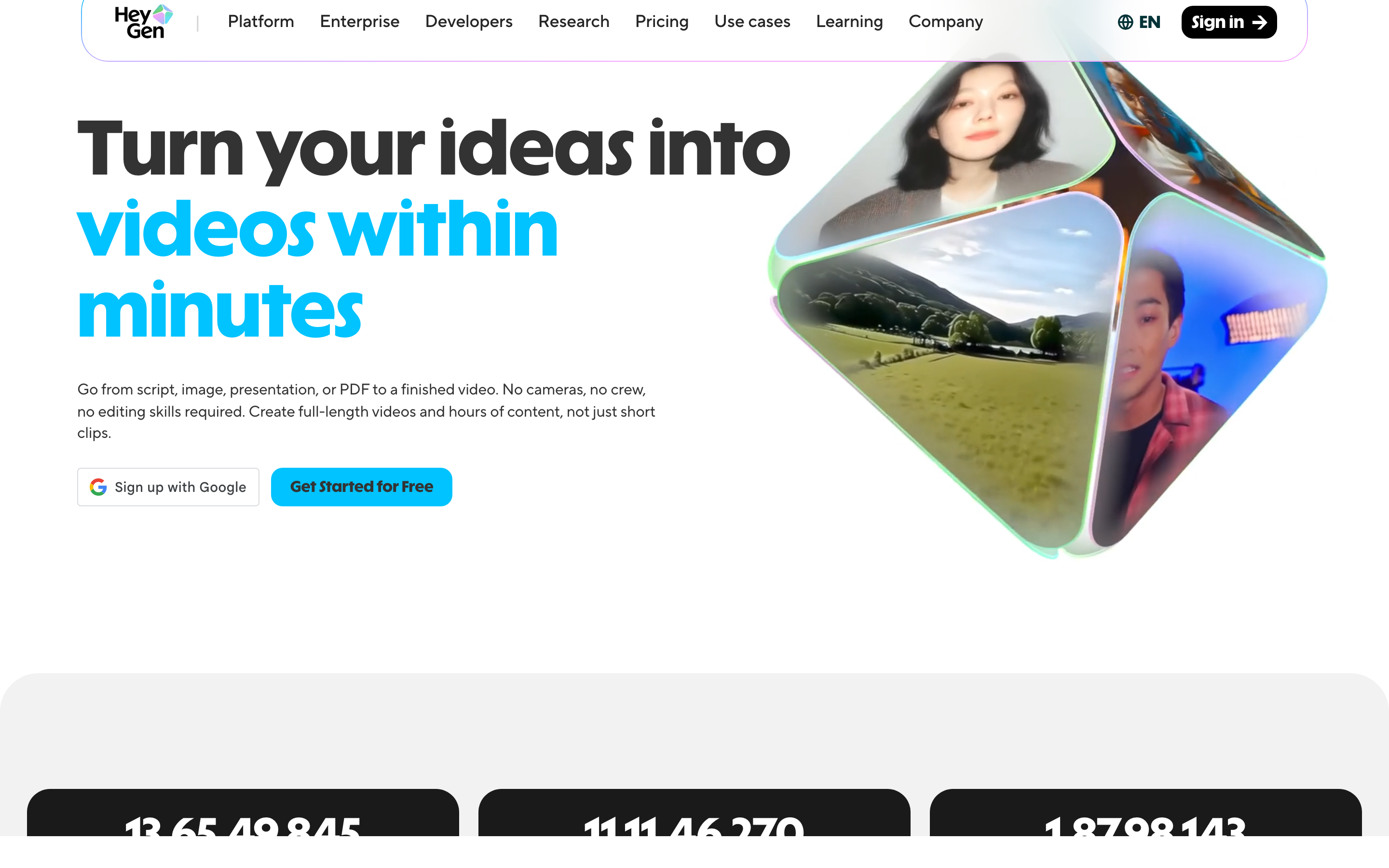
HeyGen is the other name that comes up in every Synthesia conversation, and for good reason. It is built around realistic talking-head avatars, voice cloning, and video translation, and it pushes harder on marketing and creator content than enterprise L&D.
Founded in 2020 and headquartered in Los Angeles, HeyGen raised a $60M Series A led by Benchmark in 2024 and reported roughly $95M ARR by September 2025, serving 85,000+ customers including 40,000+ paying businesses. Its Avatar IV engine builds a video avatar from a single photo and interprets vocal tone to produce micro-expressions and natural lip-sync.
What users say: people praise HeyGen for speed, strong lip-sync, and realistic output, with voice quality frequently called a standout. The loudest complaint is the credit system. Reviewers say credits deplete faster than expected and the relationship between credits, minutes, and avatar tiers is confusing, which has driven refund requests and a public "misleading plan limits" complaint. Occasional uncanny-valley moments and limited camera control come up too.
Key features:
- Avatar IV photo-to-video avatars with emotion-aware expressions
- Custom digital twins on paid plans, not gated to enterprise contracts
- Video translation into 175+ languages with natural lip-sync
- Voice cloning from about a 3-minute sample, plus 500+ ready-made avatars
- Developer API, MCP support, and Zapier, HubSpot, and Pipedream integrations
Pros
- ✅ Fast script or photo to realistic avatar with strong lip-sync
- ✅ Custom spokesperson avatars without an enterprise contract, a real edge over Synthesia
- ✅ Excellent translation and voice cloning across 175+ languages
Cons
- ❌ Credit-based pricing is confusing and gets expensive at volume
- ❌ Free plan is restrictive (3 videos a month, 1 minute each)
Best for: marketing and sales teams that want outward-facing avatar videos and multilingual reach without enterprise-only pricing. Starts free; Creator is about $29 a month.
3. Colossyan
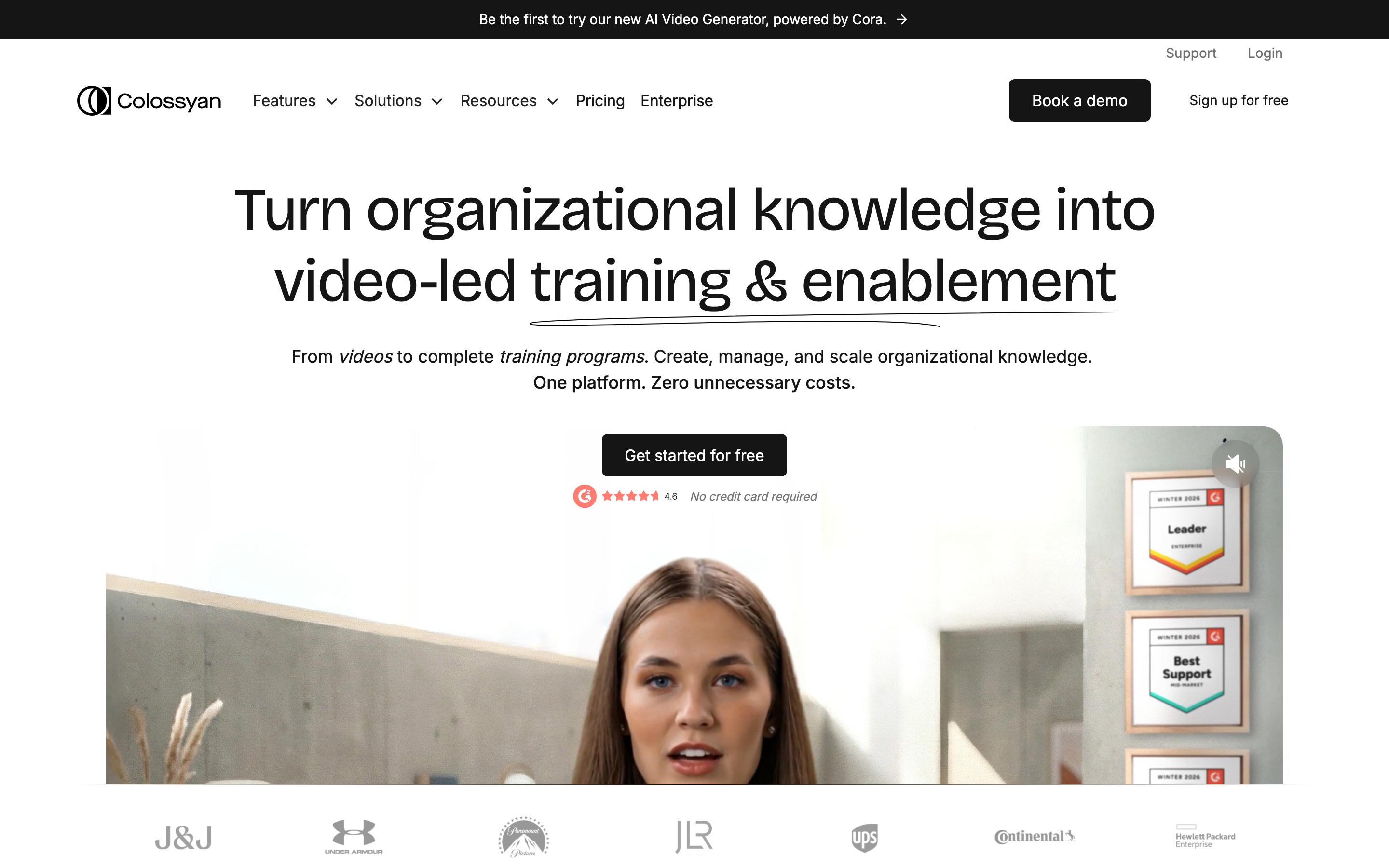
Colossyan is the pick when the job is workplace learning. It is an AI avatar generator purpose-built for L&D, turning scripts, PDFs, and PowerPoints into training videos with the interactive layer that corporate learning actually needs.
Founded in 2020 and now based in London, it raised a $22M Series A led by Lakestar in 2024 and reports around 2,000 clients across 46 countries, including Porsche, Vodafone, and BMW. It holds SOC 2 Type II and GDPR compliance.
What users say: reviewers praise ease of use, realistic avatars (with unique touches like expressions and aging), and standout multilingual auto-translation. Affordability of the entry tier is a common reason teams pick it over Synthesia or HeyGen. The recurring gripes are rendering inconsistencies where elements shift on final export and burn credits on re-generations, a thinner template library than competitors, and premium features gated behind higher tiers.
Key features:
- 300+ avatars, custom instant avatars, and multiple avatars conversing in one scene
- Document-to-video and prompt-to-video from PDFs, decks, or a URL
- Auto-translation into 80+ languages from a single source video
- Interactive quizzes, branching scenarios, and SCORM export for LMS tracking
- Brand kits, screen recording, and a course builder
Pros
- ✅ Purpose-built for L&D with quizzes, branching, and SCORM out of the box
- ✅ Easy document-to-video and strong auto-translation
- ✅ Affordable entry pricing and a genuine free tier
Cons
- ❌ Final renders can shift elements out of place, wasting credits
- ❌ Best model and many features are capped on lower tiers
Best for: L&D, HR, and enablement teams shipping onboarding, compliance, and product training to an LMS. Free tier available; Starter is about $19 a month billed annually.
4. Elai.io
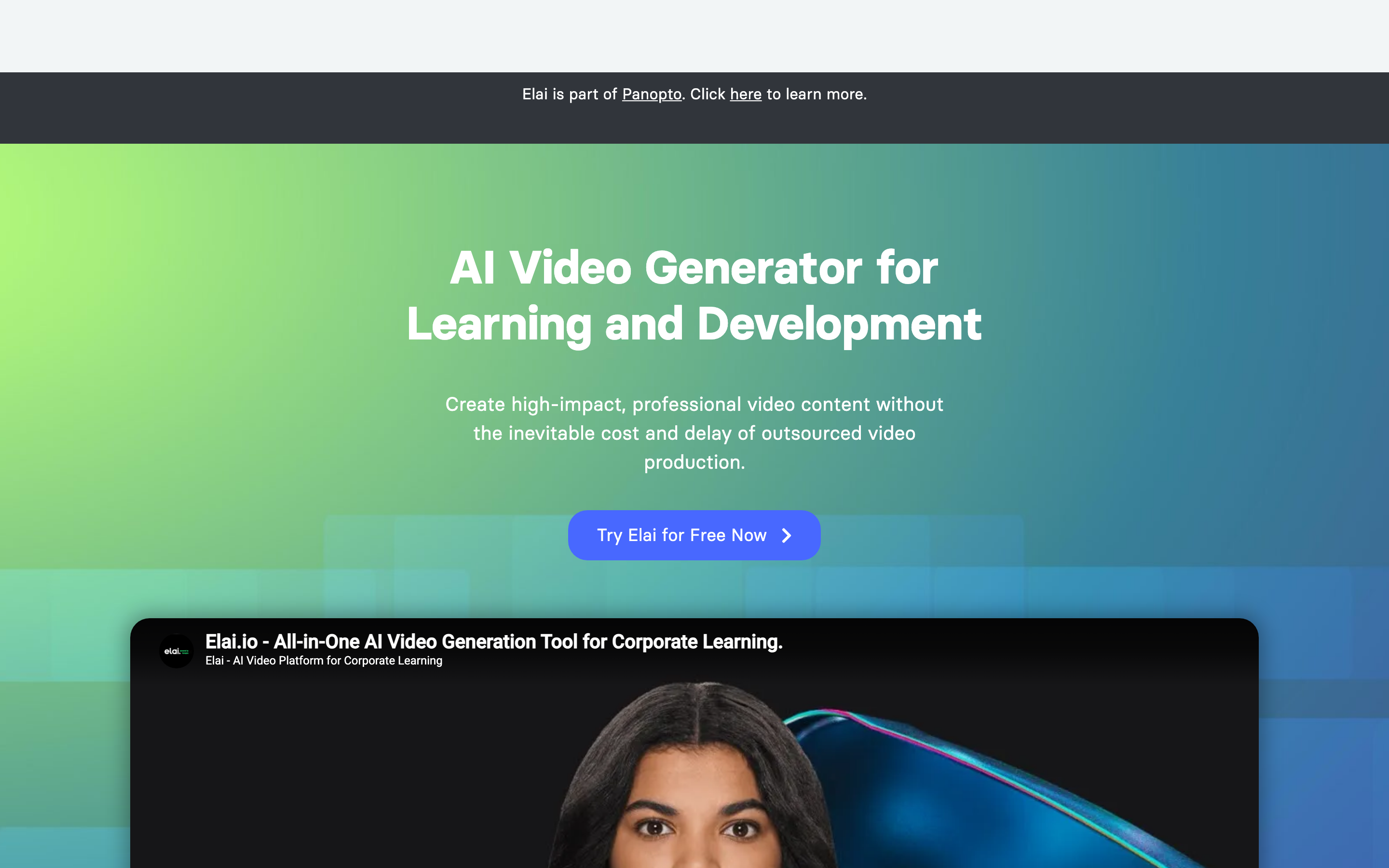
Elai.io is another training-first avatar tool, with a strong document-to-video workflow. It turns scripts, decks, and blog URLs into avatar-narrated videos, and after its October 2024 acquisition by Panopto it now sits inside a larger corporate video and learning offering.
Notable detail for buyers: its roadmap is now tied to Panopto's direction, which is worth weighing if you are betting on long-term feature velocity. It offers 80+ avatars, 450+ voices, and 75+ languages, with voice cloning in 28 languages.
What users say: the consensus is that it is genuinely easy, and non-technical staff can go from a document to a finished video in minutes. People value the photo-based custom avatars and natural voice cloning. The common complaints are slow rendering (a 2-minute video can take 8 to 12 minutes), a basic editor without timeline control, re-edits that eat your monthly minutes, and avatar realism that varies noticeably by avatar.
Key features:
- 80+ avatars plus custom selfie or studio avatars from a photo
- 450+ voices across 75+ languages, voice cloning in 28
- Document, PPTX, and URL to narrated video
- In-video quizzes and two-avatar scenario dialogs for e-learning
- Batch CSV personalization to generate many variants at once
Best for: HR and L&D teams that want to localize avatar-led training at scale and value batch personalization. Free plan available; Creator is about $23 a month billed annually.
5. Pictory
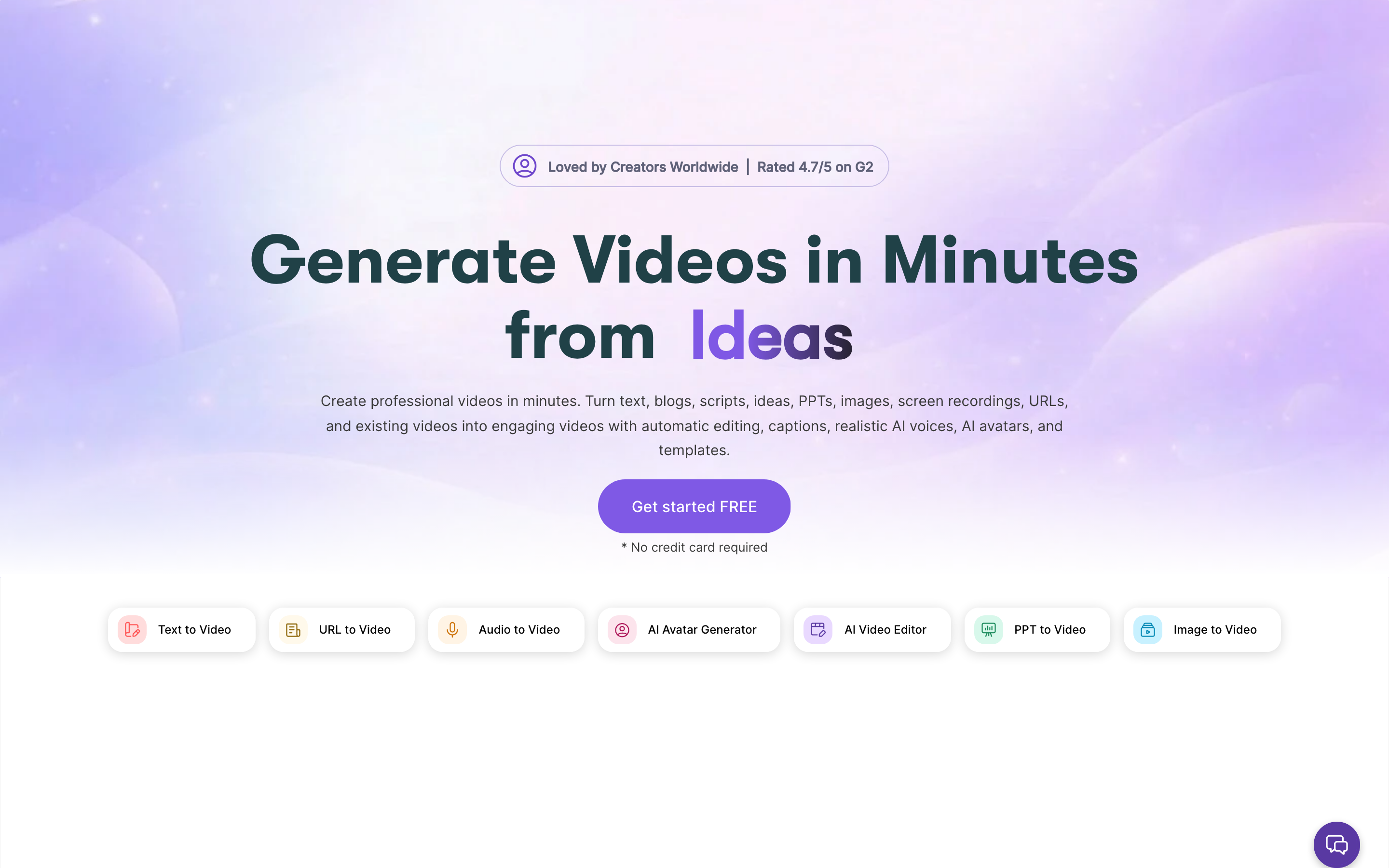
Pictory is less about avatars and more about repurposing. It turns text, blog posts, URLs, audio, decks, and long recordings into short, captioned videos without filming. Its March 2026 "Pictory 2.0" relaunch added AI avatars, prompt-to-video, hosting, and brand kits on top of that core.
Founded in 2019 near Seattle, it states it is trusted by over 20,000 companies, with named customers including Pearson, Coursera, and Kajabi.
What users say: people love the speed and the low learning curve, especially for turning a blog post or a long webinar into serviceable clips. The most consistent complaint across G2, Capterra, and Reddit is output quality. The AI often picks overly literal or irrelevant stock footage, so users report swapping 30 to 50% of the B-roll on niche topics. Voiceovers, even premium ones, can sound robotic, and results tend to feel generic once you need brand specificity.
Key features:
- Script and blog-to-video with automatic scene matching, music, and captions
- Pictory 2.0 AI Studio with prompt-to-video and AI B-roll
- AI avatars and voice cloning (added in the 2026 relaunch)
- Long-form repurposing that turns one recording into 8 to 12 short clips
- ElevenLabs voiceovers, brand kits, and built-in hosting
Best for: content marketers and course creators who need to repurpose existing written or recorded material fast and cheaply. No permanent free plan; paid starts around $25 a month.
6. VEED.io
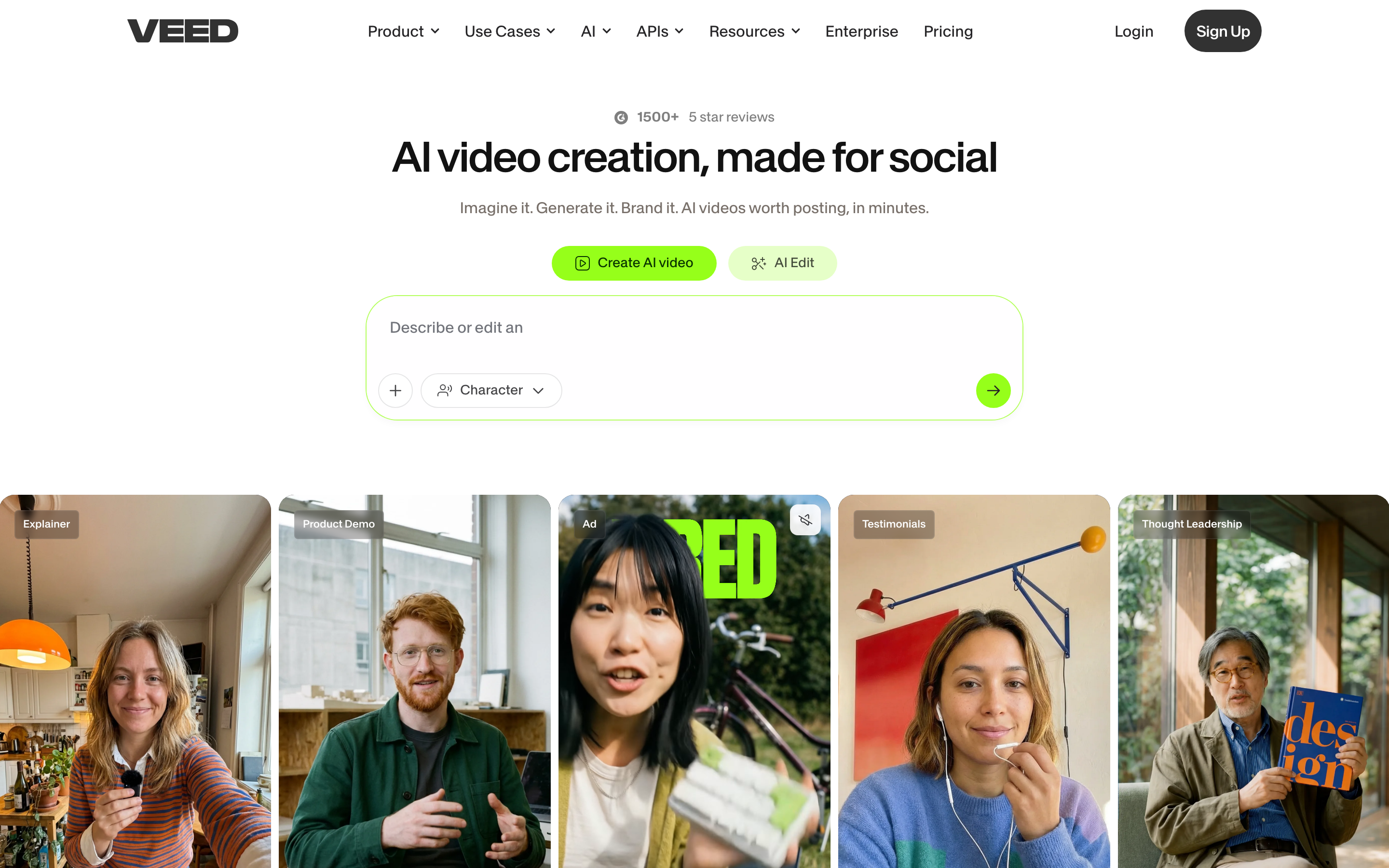
VEED.io takes the opposite approach to a script-only avatar tool. It is a browser-based editor first, with AI features layered on top. You get a real drag-and-drop timeline, a screen and webcam recorder, and a deep set of caption and translation tools, plus lighter AI avatar and voice capabilities.
Founded in 2018 in London and backed by a $35M Series A from Sequoia, VEED has grown toward roughly 10 million users. Its auto-subtitles claim about 98% transcription accuracy across 100+ languages, and it includes its own Eye Contact AI and a "Magic Cut" that strips filler words.
What users say: the clean, intuitive interface and accurate captions are the standouts, and the all-in-one record-edit-publish flow gets consistent praise. The recurring negatives are performance (buffering and lag on longer or higher-resolution projects) and billing. Multiple reviewers report unexpected auto-renewal charges, a hard-to-find cancel option, and slow support. Its AI avatars are seen as functional but less realistic than dedicated avatar tools.
Key features:
- Browser-based timeline editor with screen and webcam recorder
- AI auto-subtitles and translation across 100+ languages
- Stock presenter avatars plus custom clone from a recording
- Text-to-video, AI voice, background removal, and Magic Cut
- Brand kits, templates, and auto-resize for social formats
Best for: creators and small teams who want fast browser-based editing with best-in-class captions, and who only need light avatar features. Free plan available; Creator is about $12 a month.
7. D-ID
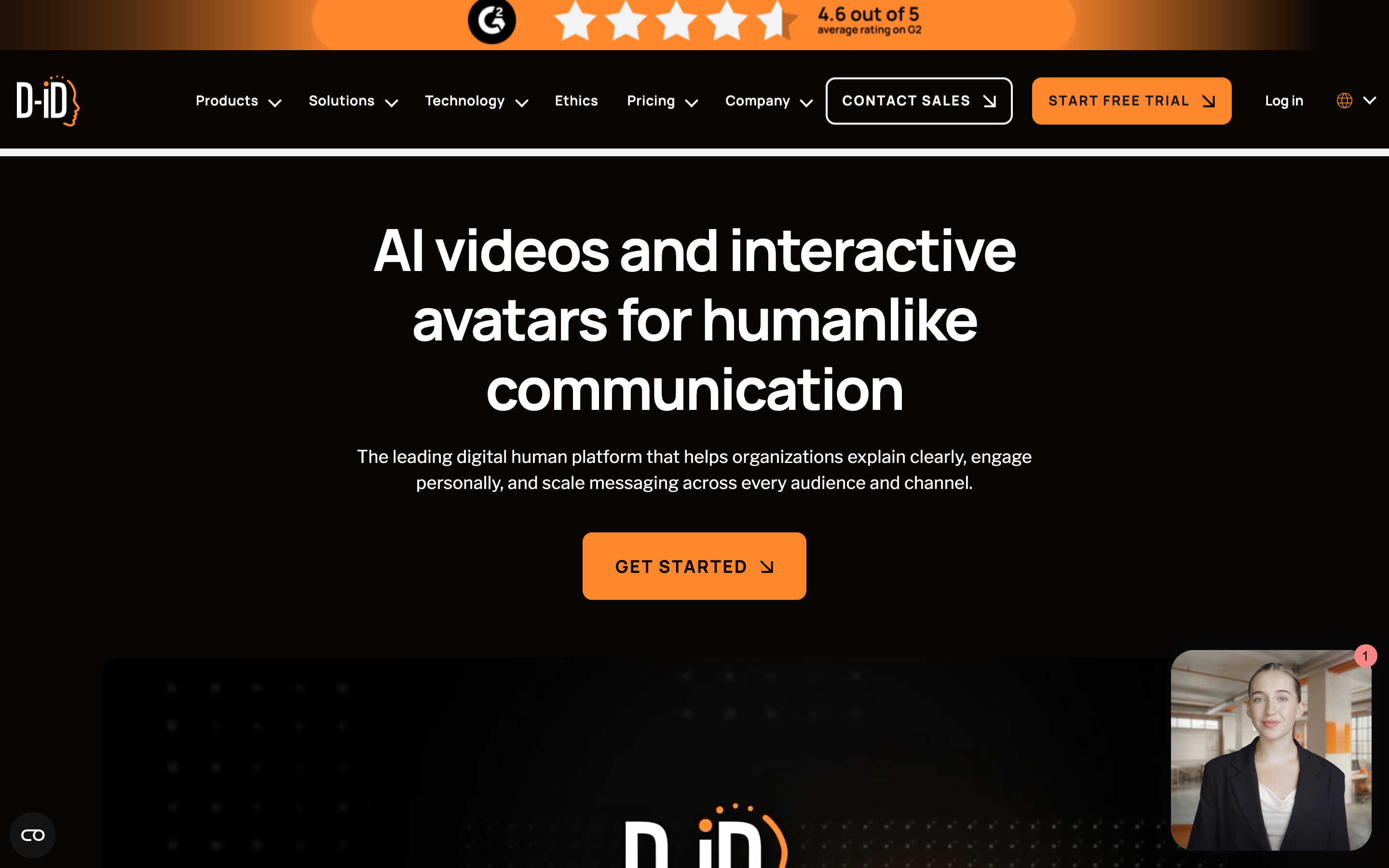
D-ID is the specialist in animating a single photo. Its Creative Reality Studio turns one still image plus text or audio into a talking-head video, and it has expanded into real-time conversational "Digital Agents" and a developer API for embedding live avatars.
Founded in 2017 in Tel Aviv, it has raised about $48M and holds SOC 2 and ISO/IEC 27001 certifications. It advertises support for roughly 100+ languages and integrates with PowerPoint and Google Slides.
What users say: people like the speed and the low entry price, and the photo-to-video animation is convincing for quick clips. Sentiment turns sharply negative on two fronts. Quality breaks down beyond the face (reports of blurry output), and billing draws heavy criticism, with complaints about charged prices differing from displayed prices, aggressive auto-renewal, and refused refunds. Its public review reputation skews poor on the consumer review sites, driven largely by those billing issues. Developers also find the API expensive with thin documentation.
Key features:
- Photo-to-video talking avatars from a single still image
- Video translation that re-syncs lip movement into a new language
- Real-time Digital Agents that respond in under about 2 seconds
- Talking Head API and SDKs for developers
- PowerPoint and Google Slides integrations
Best for: solo creators and developers who need fast, cheap photo-to-avatar clips or embeddable real-time agents, and who watch their billing closely. Paid tiers start around $5 a month, though the cheapest tier keeps a watermark.
8. InVideo
InVideo AI rounds out the list as a prompt-to-video generator rather than an avatar tool. You give it a prompt, a script, or a URL, and it assembles footage, voiceover, subtitles, music, and transitions into a finished video you refine by chatting. In 2026 it positions itself as an aggregator of frontier models (it advertises Sora 2, Google Veo 3.1, and Kling) wrapped in one pipeline.
Founded in 2017 and backed by Tiger Global and Peak XV, it claims 50M+ users across 190+ countries and a 16M+ asset stock library.
What users say: sentiment is sharply split. Beginners praise how fast it is to get a publishable social video, and the 2025 voice improvements get called out. The loudest complaints are about the credit and agent model, where users describe credits burning on storyboards, style locks, and failed generations that yield nothing usable, calling commands a "toll booth." Generative output can stutter at loop points or not match the script, and support and refunds draw frequent criticism.
Key features:
- Prompt, script, or URL to a finished, multi-format video
- Bundled access to frontier models (Sora 2, Veo 3.1, Kling) in one subscription
- 16M+ stock assets plus a large template library
- Voice cloning from about a 30-second sample
- MP4 export with separate channel-cut preparation
Best for: solo creators and faceless-channel operators who want quick, cheap prompt-to-video and value model variety over polished, branded output. Permanent free plan; Plus is about $20 a month billed annually.
The market context
Two trends are worth keeping in view while you choose. The AI video generator market was estimated at $788.5 million in 2025 and is projected to reach $3.44 billion by 2033, a 20.3% CAGR, according to Grand View Research. The narrower digital avatar market was valued at $6.3 billion in 2024 and is projected to hit $22.5 billion by 2030, per Strategic Market Research.
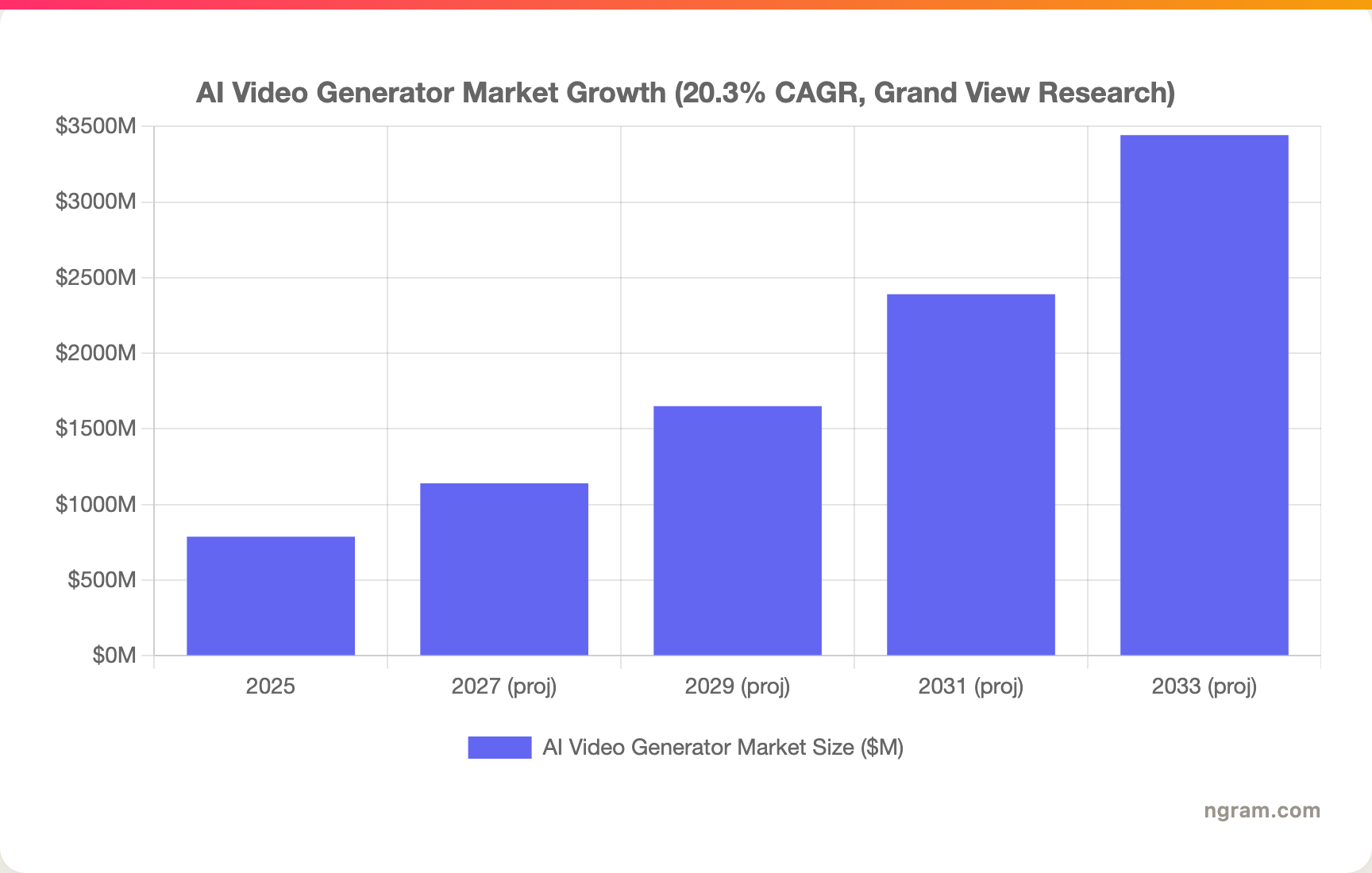
The takeaway is not "buy more avatars." It is that demand is fragmenting across many video types, which is exactly why a single-format tool feels limiting faster than it used to.
How we evaluated these tools
We scored each tool on five weighted criteria built for AI video, not generic software:
| Criterion | Weight | What we looked at |
|---|---|---|
| AI output quality | 30% | Realism, lip-sync, generative range beyond a talking head |
| Features | 30% | Editing, screen capture, translation, interactivity, export formats |
| Ease of use | 20% | Time to a usable first video, learning curve, iteration speed |
| Value | 15% | Real per-minute and per-seat cost, credit transparency, free tier |
| Support | 5% | Documentation, responsiveness, billing fairness |
We weighted output quality and feature range highest because that is where avatar-only tools and whole-video tools genuinely diverge. We also leaned on real qualitative reviews from G2, Capterra, Trustpilot, and Reddit rather than star averages, and on each tool's public pricing and docs.
FAQ
What is the best free Synthesia alternative?
For a genuinely free start, HeyGen, Colossyan, VEED, and InVideo all offer free entry points, though limits vary widely. HeyGen's free plan caps you at 3 one-minute videos a month, while VEED and InVideo are more generous for short social content. ngram is the broadest of these if you need more than avatars.
Is HeyGen better than Synthesia?
For outward-facing marketing and creator content, many users prefer HeyGen for more realistic avatars and custom faces without an enterprise contract. Synthesia is still stronger for governed, large-scale corporate L&D with its multilingual player and SCORM export. The honest answer depends on whether your audience is external customers or internal learners.
Is there a Synthesia alternative that does not use avatars?
Yes, and this is the real gap. ngram builds full videos from screen recordings, motion graphics, B-roll, and your own assets, using a talking head only when the message calls for one. Pictory and InVideo also produce avatar-free videos by assembling stock footage around your script.
Which Synthesia alternative is best for training and L&D?
Colossyan is the most L&D-native, with quizzes, branching scenarios, and SCORM export for your LMS. Elai.io is a close second for document-to-training workflows. If your training needs to show software rather than a presenter, ngram's screen-recording polish is a better fit.
Why is Synthesia so expensive?
Synthesia bills by minutes and credits that do not roll over, and premium Avatar IV clips consume roughly 20 credits per minute. Paid tiers buy relatively little video (10 to 30 minutes a month), and custom avatars add about $1,000 a year each, so costs climb quickly for active teams.
What is the most realistic AI avatar alternative?
HeyGen's Avatar IV is the most frequently praised for realism and emotion-aware expression, with Colossyan also well regarded. That said, every avatar still drifts toward the uncanny valley on longer clips, which is why 87% of viewers say they prefer a real person for instructional video.
The bottom line
The AI video field has spent two years racing to build a more convincing talking head. That race matters if a presenter video is genuinely all you need, and for scaled, multilingual corporate training, Synthesia and Colossyan are purpose-built and hard to beat.
But most teams do not have a talking-head problem. They have a "the message keeps changing" problem. A demo is not a training module. A launch clip is not a compliance video. When the format shifts every week, a tool locked to one output type becomes the bottleneck.
That is the case for ngram. It builds the right video for each message from what you already have, shows your product instead of describing it, and lets you iterate in plain language. If your video needs are wider than a presenter, see how it stacks up in the ngram vs Synthesia comparison, or explore the screen recording and AI avatar features directly.
Try ngram. Turn a doc, a deck, or a screen recording into a finished, on-brand video in minutes. No talking head required. Start free