

DeepBrain AI Studios 4.0 makes the avatar race more crowded, not simpler. The question for DeepBrain AI alternatives buyers is whether more avatars and unlimited presenter videos solve the whole production job.
DeepBrain AI deserves credit for AI Studios, unlimited plan packaging, 110+ language support, a large avatar library, and 4K export on higher plans. But the DeepBrain AI alternatives search in 2026 is not only about replacing one feature. Buyers are comparing credit systems, rendering limits, avatar realism, collaboration, localization, sales workflows, brand control, and whether the tool can turn messy business source material into a finished video.
That shift matters because video is no longer a side asset. Wyzowl's 2026 video marketing report says 91% of businesses use video as a marketing tool, and Grand View Research projects the AI video generator market to reach $3.44 billion by 2033. More teams are making video, and the tolerance for generic output is getting lower.
We refreshed this review on June 1, 2026 using official vendor pages, current SERP structure, Reddit and review-site language, and ngram's live product-state file. The short version: keep DeepBrain AI if its core workflow is exactly what you need. Move to ngram or one of the specialist alternatives below if your actual job is broader.
Where DeepBrain AI falls short in 2026
DeepBrain AI still has a clear place in the market. The switch usually starts when teams ask it to cover a workflow it was not designed to own end to end.
Unlimited still has boundaries - DeepBrain moved Personal and Team plans to unlimited creation, but per-video length, priority processing, and generative-credit rules still shape real usage.
Avatar scale is not story structure - A large avatar library is useful, but business videos still need message planning, product visuals, callouts, captions, and brand direction.
Queue priority matters at scale - DeepBrain support docs describe priority-processed video quotas by plan. Teams with deadlines need to understand render timing before committing.
Source workflow varies by use case - Teams starting from PDFs, URLs, decks, and screen recordings may need more source-aware planning than a presenter-led studio provides by default.
The right alternative depends on whether your bottleneck is speed, avatar realism, training governance, sales workflow, source ingestion, or final polish.
Quick comparison
| Tool | Best for | Current pricing note | Main distinction |
|---|---|---|---|
| ngram | Business teams turning prompts, PDFs, URLs, screenshots, decks, screen recordings, and raw footage into polished branded videos | See ngram pricing | Plan-first video generation |
| Synthesia | Enterprise training, enablement, and localized avatar videos | Free, Starter, Creator, Enterprise | Enterprise avatar scale |
| HeyGen | Avatar videos, digital twins, translation, and creator-to-business workflows | Free, Creator, Pro, Business, Enterprise | Avatar realism and credits |
| D-ID | API-first talking-head video and real-time visual agents | Free Trial, Lite, Pro, Advanced, Enterprise | Realtime avatar API |
| Colossyan | Workplace learning videos with avatars, quizzes, and SCORM-friendly workflows | Free trial, Starter, Business, Enterprise | Learning workflow focus |
| Elai | L&D, interactive video, PowerPoint-to-video, and avatar training content | Free, Creator, Team, Enterprise | L&D interactivity |
| Pictory | Blog-to-video, webinar repurposing, captions, and stock-backed social clips | Public tiered plans | Repurposing engine |
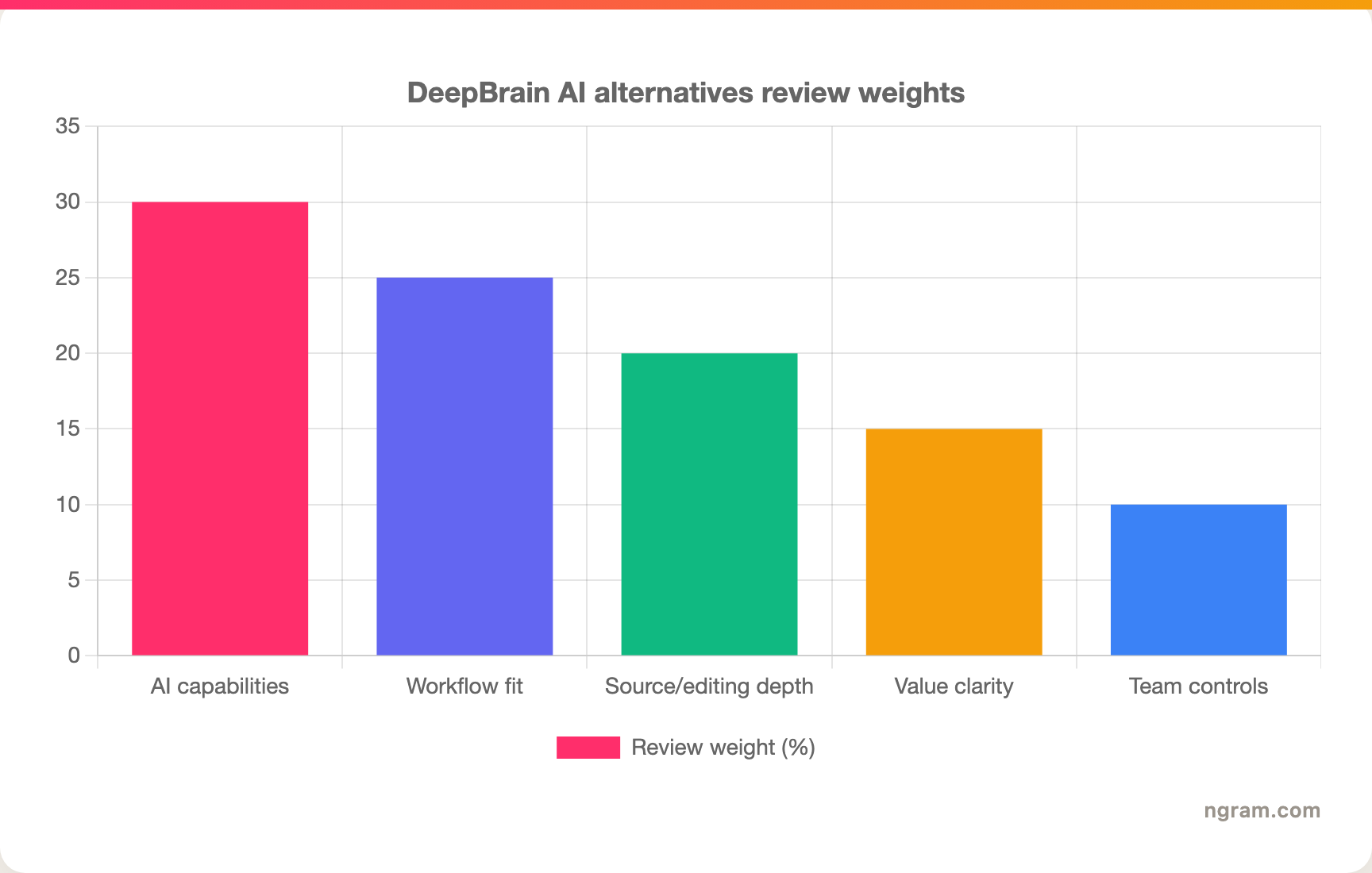
The chart below shows the weighting we used for this DeepBrain AI refresh. These are review criteria, not product ratings.
1. ngram
Watch how ngram turns an idea into a finished video:
ngram is the strongest alternative to DeepBrain AI when your team needs more than a generated talking head or a quick recorder. It is built around an agentic chat workflow: give ngram a prompt, PDF, URL, deck, screenshot, screen recording, raw video, or Shopify product URL, then review the script and storyboard before the video renders.
That plan-first workflow matters for training, enablement, and marketing teams comparing unlimited avatar plans against complete business-video workflows. DeepBrain AI can be useful for its core job, but many teams searching for alternatives are really asking for a broader production system. They need captions, voiceover, product callouts, branded intros and outros, screen-recording polish, MP4 export with separate channel-cut preparation, and plain-language edits without rebuilding the project from scratch.
What makes ngram stand out
- Agentic video creation - Describe the audience, channel, source material, and goal in chat. ngram plans the script, storyboard, scene direction, CTA, voiceover, captions, and visuals before rendering.
- Source-aware inputs - Use text prompts, PDFs, URLs, screenshots, screen recordings, raw video, decks, or Shopify product URLs as source material.
- Screen recording polish - Turn rough product recordings into cleaner walkthroughs with trimming, smart zooms, cursor emphasis, callouts, captions, and background styling.
- Brand kits - Apply logos, colors, fonts, screenshot style, tone controls, approved phrases, and blocked phrases across generated videos.
- Editing by chat and timeline - Change the script, regenerate scenes, edit visually, or use the timeline editor when frame-level control matters.
- MP4 export - Export Finished videos export as MP4; separate media tools can derive GIF, WebM, PNG, or JPG from supplied media formats.
Pros
- Strong fit when the output must be customer-ready, not only recorded
- Starts from existing business material instead of a blank editor
- Keeps storyboard review before render so teams can fix direction early
Cons
- Heavier than a quick one-click recorder for casual internal notes
- Detailed performance analytics beyond view counts are still roadmap, so analytics-heavy buyers should verify needs before switching
Who is ngram best for?
ngram is best for product marketing, growth, sales, customer success, support, HR, and training teams that turn business material into polished video repeatedly. If your team only needs a fast internal recording, a narrower recorder may be lighter. If you need the same source material to become a launch video, demo, social cut, training clip, and localized version, ngram is the better fit.
For current commercial terms, check ngram pricing rather than relying on stale plan screenshots.
Ready to try ngram? Create your first video from a prompt, doc, URL, deck, screenshot, or screen recording. Start free
2. Synthesia
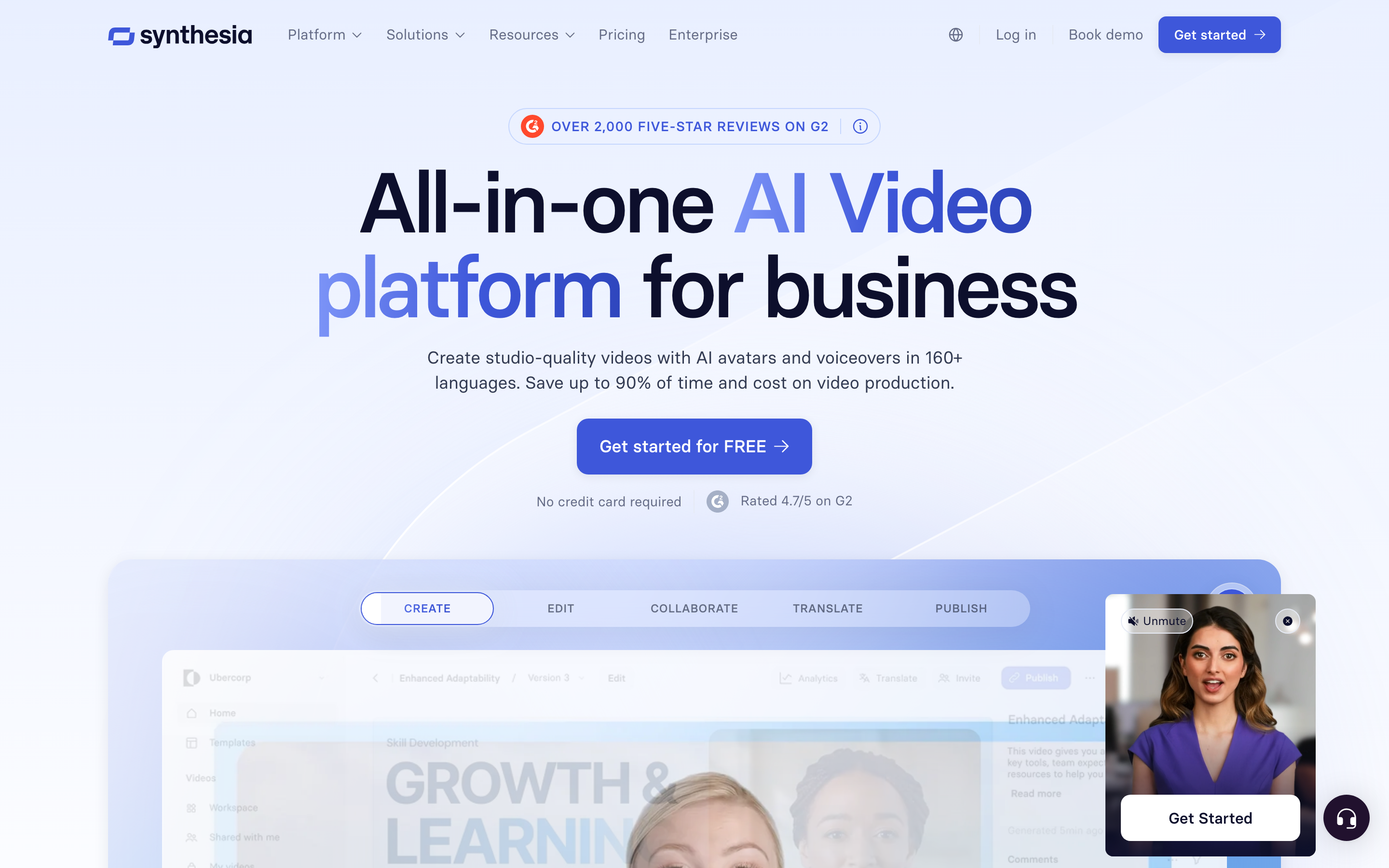
Synthesia is best for enterprise training, enablement, and localized avatar videos. Public details were checked against Synthesia source material for this June 2026 refresh. Compared with DeepBrain AI, Synthesia is strongest for governed training and enablement programs that need avatar presenters at scale.
Key features
- AI avatars - Synthesia lists 240+ AI avatars on Enterprise and smaller avatar sets on self-serve plans.
- Training workflow - Strong fit for L&D, HR, compliance, and enablement content.
- Localization - Enterprise includes one-click translations into 80+ languages.
- SCORM export - Useful for LMS-backed training programs.
- Collaboration - Creator and Enterprise add more review and workspace features.
What users say
Buyers consistently shortlist Synthesia when training quality, governance, localization, and enterprise review matter. The tradeoff is that the product is oriented around structured avatar video, so quick social edits or rough screen-recording polish can feel outside the sweet spot.
The positive pattern is clear: buyers like Synthesia when the workflow lines up with the product's center of gravity. The caution is also clear: teams replacing DeepBrain AI should check whether Synthesia handles planning, source ingestion, editing depth, brand controls, collaboration, and export needs before migrating a whole team.
Pros
- Strong fit for enterprise training, enablement, and localized avatar videos.
- Clearer workflow than broad video suites when the use case matches.
- Mature enough to appear repeatedly across review-site and SERP research.
Cons
- Less complete than ngram when the job starts from mixed business source material.
- Pricing, credits, or workflow limits need careful review before a team rollout.
Best for
Choose Synthesia for governed training and enablement programs that need avatar presenters at scale.
3. HeyGen
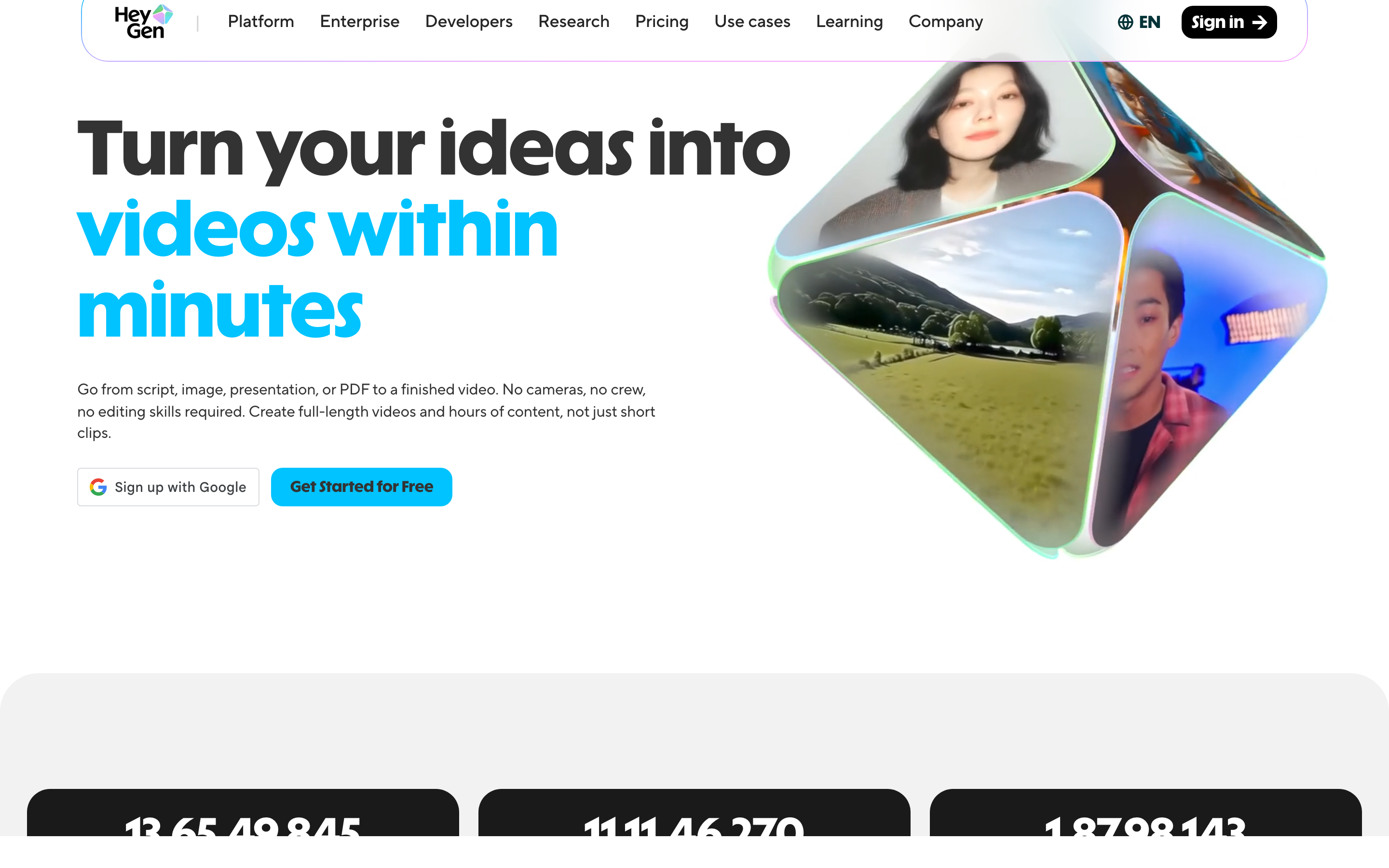
HeyGen is best for avatar videos, digital twins, translation, and creator-to-business workflows. Public details were checked against HeyGen source material for this June 2026 refresh. Compared with DeepBrain AI, HeyGen is strongest for avatar realism and translation rather than source-aware business video production.
Key features
- Digital twins - HeyGen lists stock Digital Twins and custom Digital Twin options by plan.
- Credit-based creation - Creator and Pro plans include monthly credits that power generation.
- Translation - Paid tiers support 175+ languages and dialects.
- Business collaboration - Business adds workspace collaboration, SAML/SSO, SCORM, and integrations.
- 4K export - Pro and above include 4K video export.
What users say
Creators and marketing teams often like HeyGen output quality and fast avatar workflows. The recurring friction in 2026 research is credits: buyers want to understand how regenerations, premium features, and plan changes affect real monthly capacity.
The positive pattern is clear: buyers like HeyGen when the workflow lines up with the product's center of gravity. The caution is also clear: teams replacing DeepBrain AI should check whether HeyGen handles planning, source ingestion, editing depth, brand controls, collaboration, and export needs before migrating a whole team.
Pros
- Strong fit for avatar videos, digital twins, translation, and creator-to-business workflows.
- Clearer workflow than broad video suites when the use case matches.
- Mature enough to appear repeatedly across review-site and SERP research.
Cons
- Less complete than ngram when the job starts from mixed business source material.
- Pricing, credits, or workflow limits need careful review before a team rollout.
Best for
Choose HeyGen when avatar realism and translation are more important than turning messy business source material into a whole video package.
---
Need a video tool that starts from your actual material? ngram turns prompts, docs, URLs, decks, screenshots, and recordings into branded videos. Try ngram free
---
4. D-ID
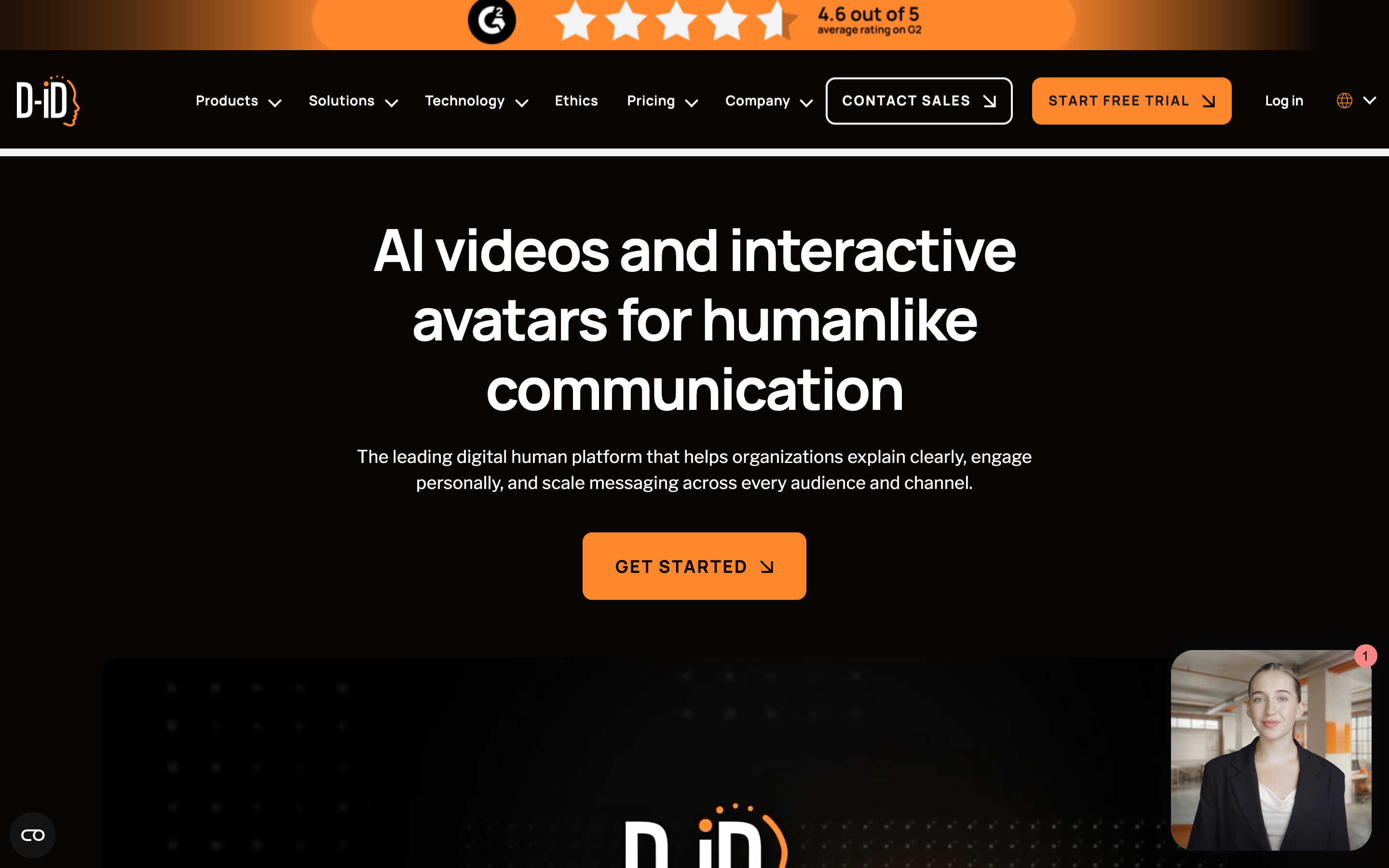
D-ID is best for api-first talking-head video and real-time visual agents. Public details were checked against D-ID source material for this June 2026 refresh. Compared with DeepBrain AI, D-ID is strongest when your team needs generated faces inside an app, bot, or custom workflow.
Key features
- Creative Reality Studio - A visual interface for turning scripts, audio, and images into generated presenter videos.
- API workflow - Studio and API plans are separate buying motions for developers and creators.
- V4 Expressive Visual Agents - D-ID announced real-time, LLM-connected expressive avatars in March 2026.
- Credit and minute model - D-ID support docs say monthly credits or minutes renew and unused balances do not roll over.
- Enterprise use cases - The product is strong for conversational agents, education, and embedded generated people.
What users say
D-ID is respected by technical teams that need an API and real-time digital-human experiences. Nontechnical buyers often compare it against studio-first tools because a simple talking-head pipeline is only one part of a finished business video.
The positive pattern is clear: buyers like D-ID when the workflow lines up with the product's center of gravity. The caution is also clear: teams replacing DeepBrain AI should check whether D-ID handles planning, source ingestion, editing depth, brand controls, collaboration, and export needs before migrating a whole team.
Best for
Choose D-ID when your team needs generated faces inside an app, bot, or custom workflow.
5. Colossyan
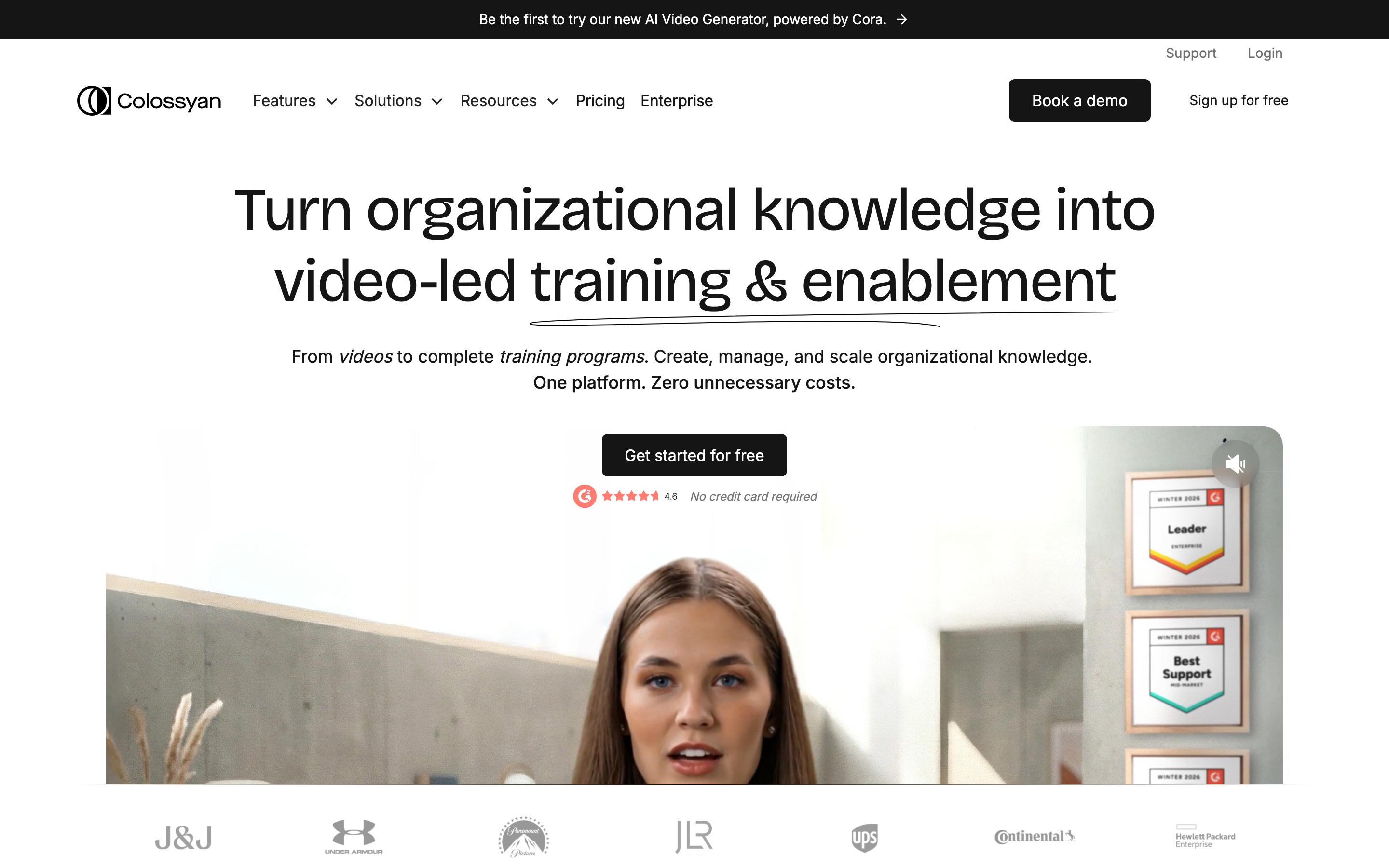
Colossyan is best for workplace learning videos with avatars, quizzes, and scorm-friendly workflows. Public details were checked against Colossyan source material for this June 2026 refresh. Compared with DeepBrain AI, Colossyan is strongest when training video production is the main workflow.
Key features
- Training orientation - Colossyan positions around creating, updating, and localizing training videos.
- AI avatars - Starter includes 70+ avatars and Business lists 170+ avatars.
- Unlimited Business minutes - Business includes unlimited minutes on its NEO model with per-video limits.
- Interactive videos - Business includes interactive videos with quizzes and branching scenarios.
- Translation - Business includes monthly auto translations.
What users say
Colossyan is often liked by L&D teams because it speaks their language: avatars, comments, branching, and learner-facing video. It is less broad than tools built for marketing, sales, and source-to-video workflows across many business moments.
The positive pattern is clear: buyers like Colossyan when the workflow lines up with the product's center of gravity. The caution is also clear: teams replacing DeepBrain AI should check whether Colossyan handles planning, source ingestion, editing depth, brand controls, collaboration, and export needs before migrating a whole team.
Best for
Choose Colossyan when training video production is the main workflow.
6. Elai
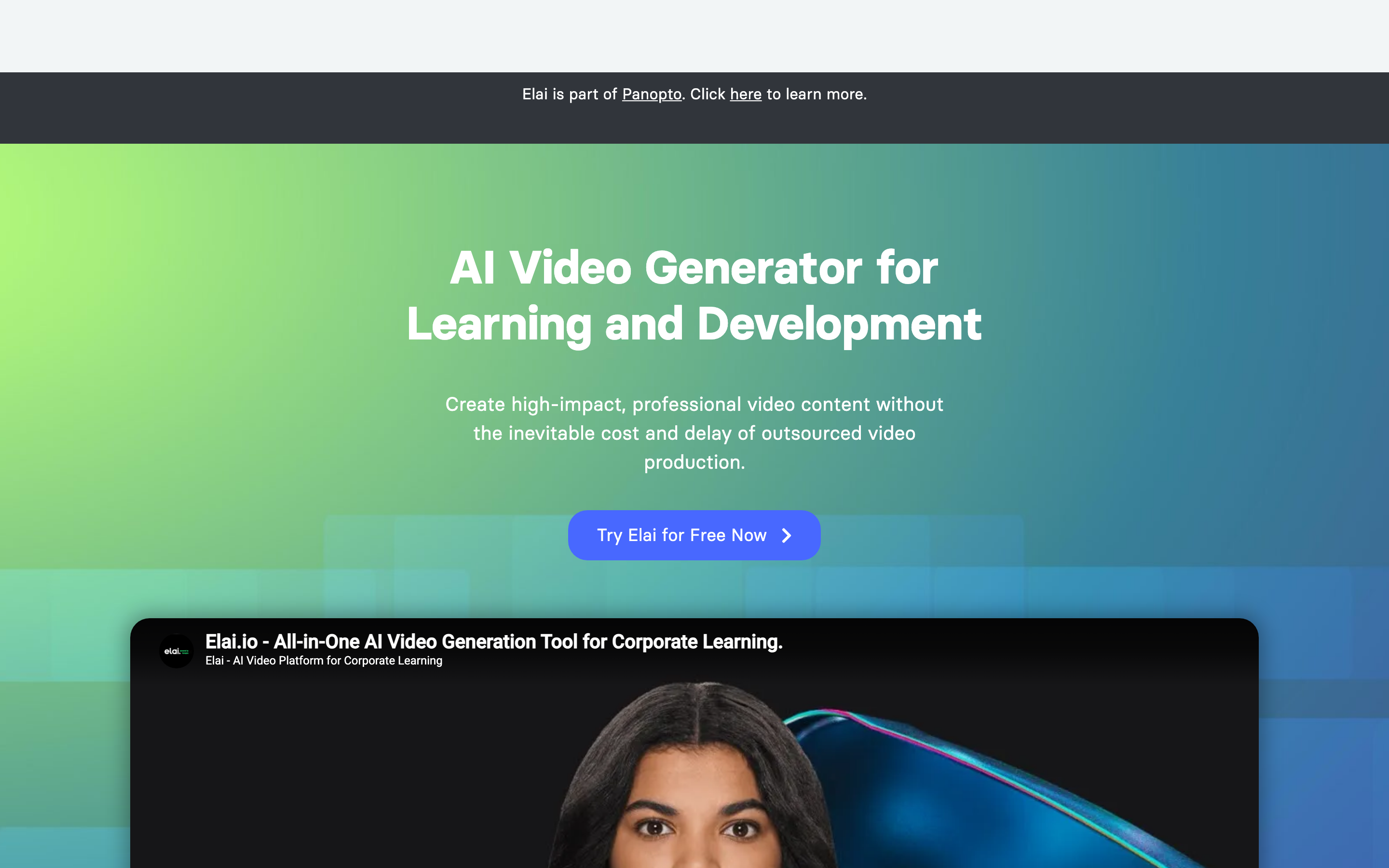
Elai is best for l&d, interactive video, powerpoint-to-video, and avatar training content. Public details were checked against Elai source material for this June 2026 refresh. Compared with DeepBrain AI, Elai is strongest when interactive training video is the center of the requirement.
Key features
- Avatar library - Elai lists 80+ avatars across plans.
- Creator plan - The public pricing page lists 15 minutes per month on Creator.
- Team plan - Team adds more minutes, editors and guests, 4K, premium voices, and a selfie avatar plus voice clone.
- Interactive content - Branching, buttons, hotspots, and quizzes support training use cases.
- Enterprise controls - Enterprise lists unlimited users, SSO, workspaces, brand kit, and premium support.
What users say
Elai gets attention from training teams that want avatars plus interactivity without a complex enterprise rollout. Buyers should check minute limits carefully because training libraries can burn through rendering capacity quickly.
The positive pattern is clear: buyers like Elai when the workflow lines up with the product's center of gravity. The caution is also clear: teams replacing DeepBrain AI should check whether Elai handles planning, source ingestion, editing depth, brand controls, collaboration, and export needs before migrating a whole team.
Best for
Choose Elai when interactive training video is the center of the requirement.
7. Pictory
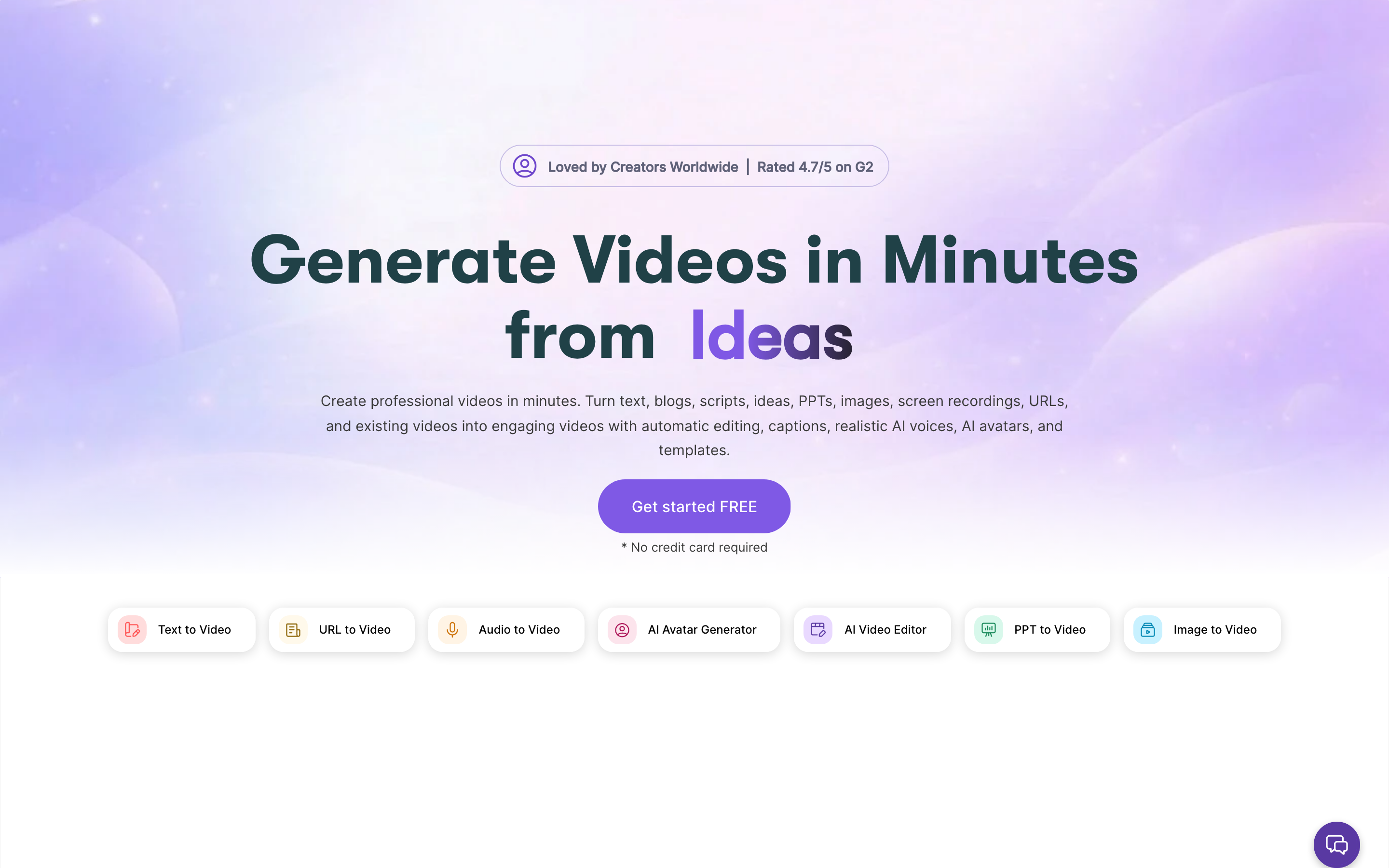
Pictory is best for blog-to-video, webinar repurposing, captions, and stock-backed social clips. Compared with DeepBrain AI, Pictory is strongest for repurposing existing content into short, stock-assisted videos.
Key features
- Script to video - Turn written scripts into stock-backed videos.
- Article to video - Repurpose blog posts and long written assets.
- Highlights - Extract short clips from long recordings.
- Auto captions - Add subtitles for social and accessibility.
- Brand kit - Keep recurring clip formats consistent.
What users say
Pictory is useful when the source is already written or recorded and the output is a straightforward social or explainer clip. It is not as strong when the work needs a reviewed storyboard, product callouts, or multi-scene business narrative.
The positive pattern is clear: buyers like Pictory when the workflow lines up with the product's center of gravity. The caution is also clear: teams replacing DeepBrain AI should check whether Pictory handles planning, source ingestion, editing depth, brand controls, collaboration, and export needs before migrating a whole team.
Best for
Choose Pictory for repurposing existing content into short, stock-assisted videos.
How we compared these tools
We refreshed this DeepBrain AI alternatives review on June 1, 2026. The scoring framework is not a star rating. It is a decision-weighting model for buyers comparing AI video tools.
| Criteria | Weight | What we looked at |
|---|---|---|
| AI capabilities | 30% | Avatar quality, prompt-to-video depth, voiceover, translation, scene generation, and edit automation. |
| Workflow fit | 25% | Whether the product solves the actual switching job: avatar studio volume, language coverage, queue behavior, and source-aware video production. |
| Source and editing depth | 20% | Support for docs, URLs, decks, screen recordings, raw video, transcript editing, callouts, and regeneration. |
| Value clarity | 15% | Public pricing, credit/minute rules, rollovers, watermark limits, and plan boundaries. |
| Team controls | 10% | Collaboration, brand controls, SSO, workspaces, review, publishing, and export options. |
We also reviewed official vendor pages, current SERP patterns, Reddit language, review-site themes, and the live ngram product state. We did not use numerical star ratings because they flatten the real decision: the best tool depends on whether you need a generated avatar, a social-video editor, a sales-video system, or a business-video production workflow.
Common questions
What is the best DeepBrain AI alternative in 2026?
The best DeepBrain AI alternative for most business teams is ngram because it turns prompts, docs, URLs, decks, screenshots, screen recordings, and raw video into planned, branded videos. Synthesia is stronger when you specifically need enterprise training, enablement, and localized avatar videos.
Is there a free DeepBrain AI alternative?
Several tools in this list offer a free plan or trial, including ngram, Synthesia, and HeyGen. Free plans are useful for testing workflow fit, but production teams should check watermark, minute, credit, export, and collaboration limits before standardizing.
How does DeepBrain AI compare to Synthesia?
DeepBrain AI is strongest for AI Studios avatar generation, language coverage, and unlimited presenter-video plans. Synthesia is better for governed training and enablement programs that need avatar presenters at scale. ngram is different from both because it plans and creates business videos from mixed source material, not only from a narrow editor or avatar workflow.
Which DeepBrain AI alternative is best for training videos?
Synthesia, Colossyan, Elai, and DeepBrain AI are strong training-video options when avatar presenters and localization are central. ngram is the better fit when training content starts from SOPs, PDFs, decks, URLs, or screen recordings and needs storyboard planning plus branded export.
Which DeepBrain AI alternative is best for sales or product demos?
ngram is strongest for polished product demos because it can use screen recordings, screenshots, URLs, and docs, then add script, storyboard, captions, callouts, voiceover, and brand treatment. Vidyard, Sendspark, Dubb, and Hippo Video are better when the main job is sales outreach and CRM-connected sending.
Can I migrate old DeepBrain AI projects into another tool?
Usually you can export finished videos and reuse scripts, screenshots, recordings, and decks, but project-level migration is rarely clean across AI video tools. The practical path is to move reusable source assets into the new workflow and recreate priority videos first.
Final verdict
If DeepBrain AI still solves the exact job you bought it for, there is no reason to switch just to chase a longer feature list. But if your team now needs videos that start from business context, reuse source assets, stay on brand, and ship in an MP4 export, ngram is the most complete alternative in this set.
For sales-specific sending, pick a revenue-video platform. For governed training, shortlist the L&D avatar tools. For social-first editing, choose a browser editor or prompt-to-video product. The mistake is treating every AI video tool as interchangeable. In 2026, the workflow fit matters more than the category label.
Ready to create a polished business video from the material you already have? Start with ngram.