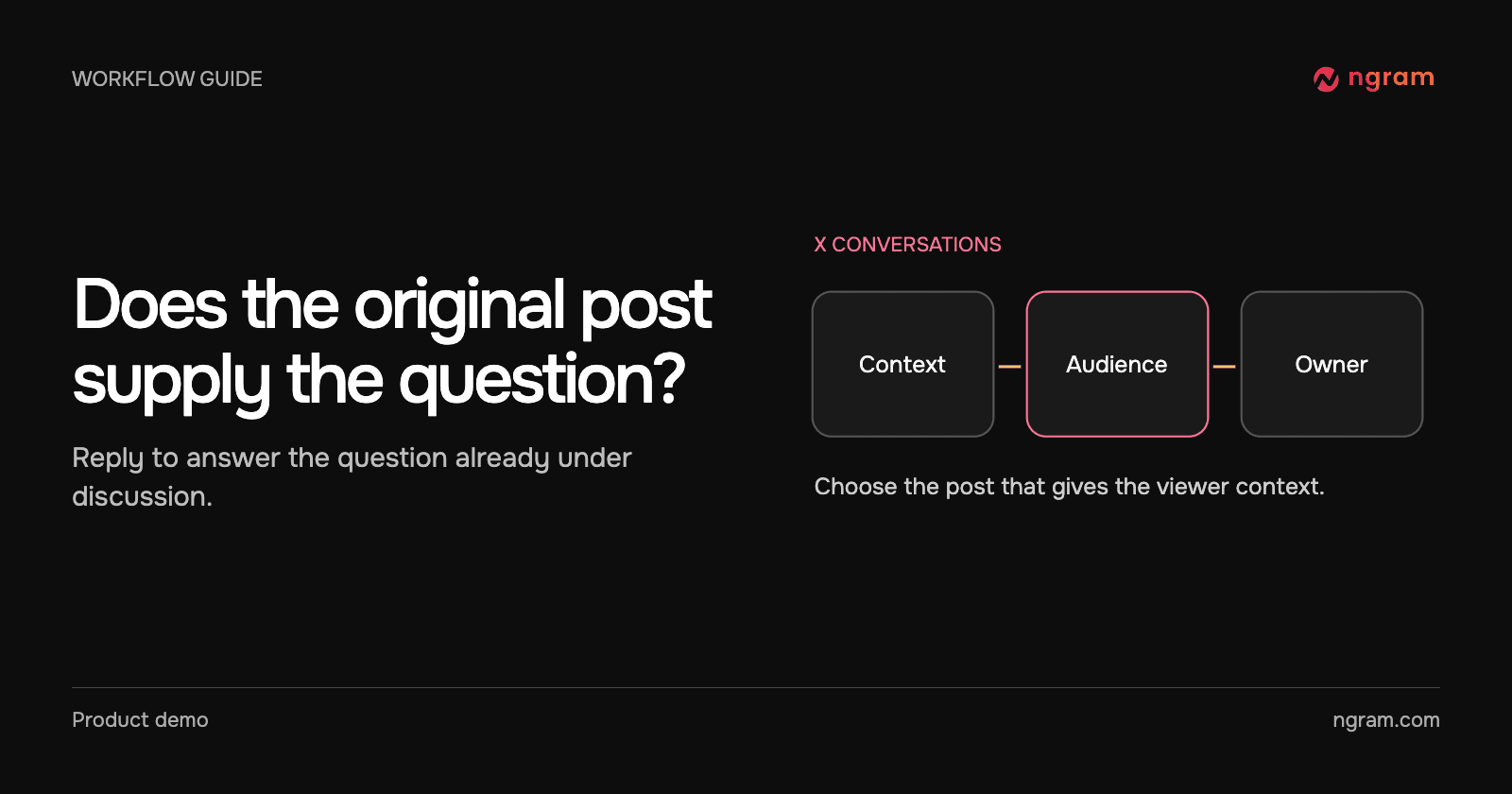

A partner announces a hardware integration. You could reply with an explanation for readers who are already curious, or start a post from your product account. The choice changes who owns the message, what context readers see and whether someone needs to approve the clip first.
Reply when the original post is part of the explanation
In the real Solana Mobile conversation, Alice asks @ngram_ai to explain the Ledger announcement. The acknowledgment and resulting video appear alongside the source. Someone reading the reply can check the wording of the original announcement without searching for it.
This recording shows the mention and returned explainer in the actual X thread. When the audience is the people already reading that thread, ask for one angle they need explained. An unrelated pitch in the replies gives them a reason to ignore the video.
Start a separate post when the announcement is yours
Suppose your team released a new export option. A standalone post can name who gets it, show the action and end with the place to learn more. Write the opening so someone who has never seen the announcement can follow it. Check that the video and copy are approved for public use.
Use the X publishing integration when you already have the finished video. Choose the intended account, review the copy and schedule or publish. Afterwards open the actual destination post to check playback, wording and account. The bot’s successful reply in the recording is evidence for the mention workflow only.
When neither public option fits
If the explanation uses a customer’s configuration, pricing or private support notes, send a reviewed private handoff. If you only need to correct a date or paste a link, a written reply may be enough. The X mention bot fits a public question worth demonstrating. The feature announcement workflow fits a message your own team needs to publish.