
A strong sales demo video earns attention by showing a buyer the part of the product that matters to their job. It is not a compressed version of every sales call. The viewer should understand the problem, see the workflow, and know what outcome the product makes possible before the video ends.
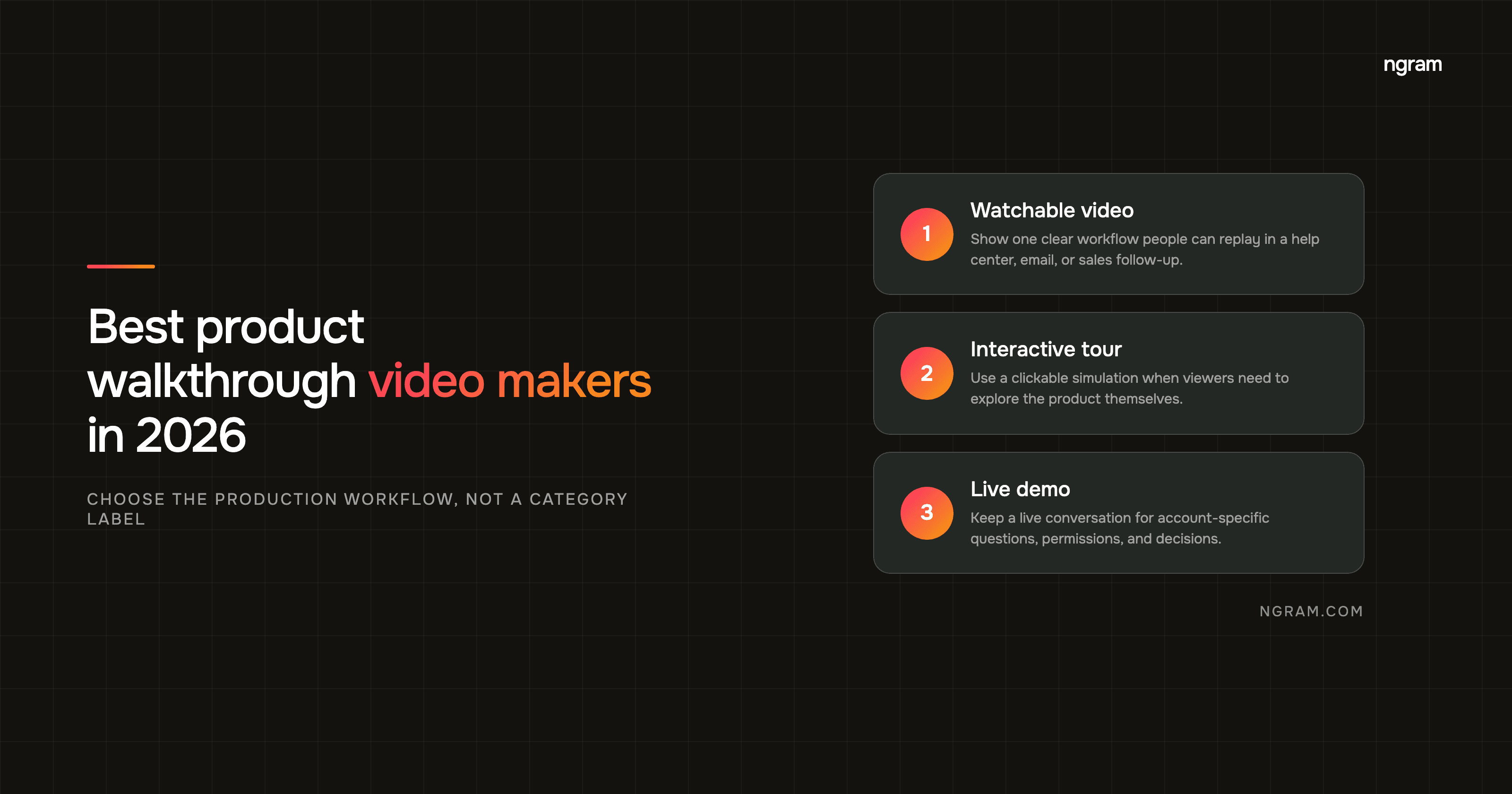
That makes the best sales demo video maker a workflow choice. Some teams need a reusable, branded product story for a landing page or nurture sequence. Others need a fast personal recording after a discovery call. Others start with a rough capture but need the editing and narrative work done before the asset can go to a prospect.
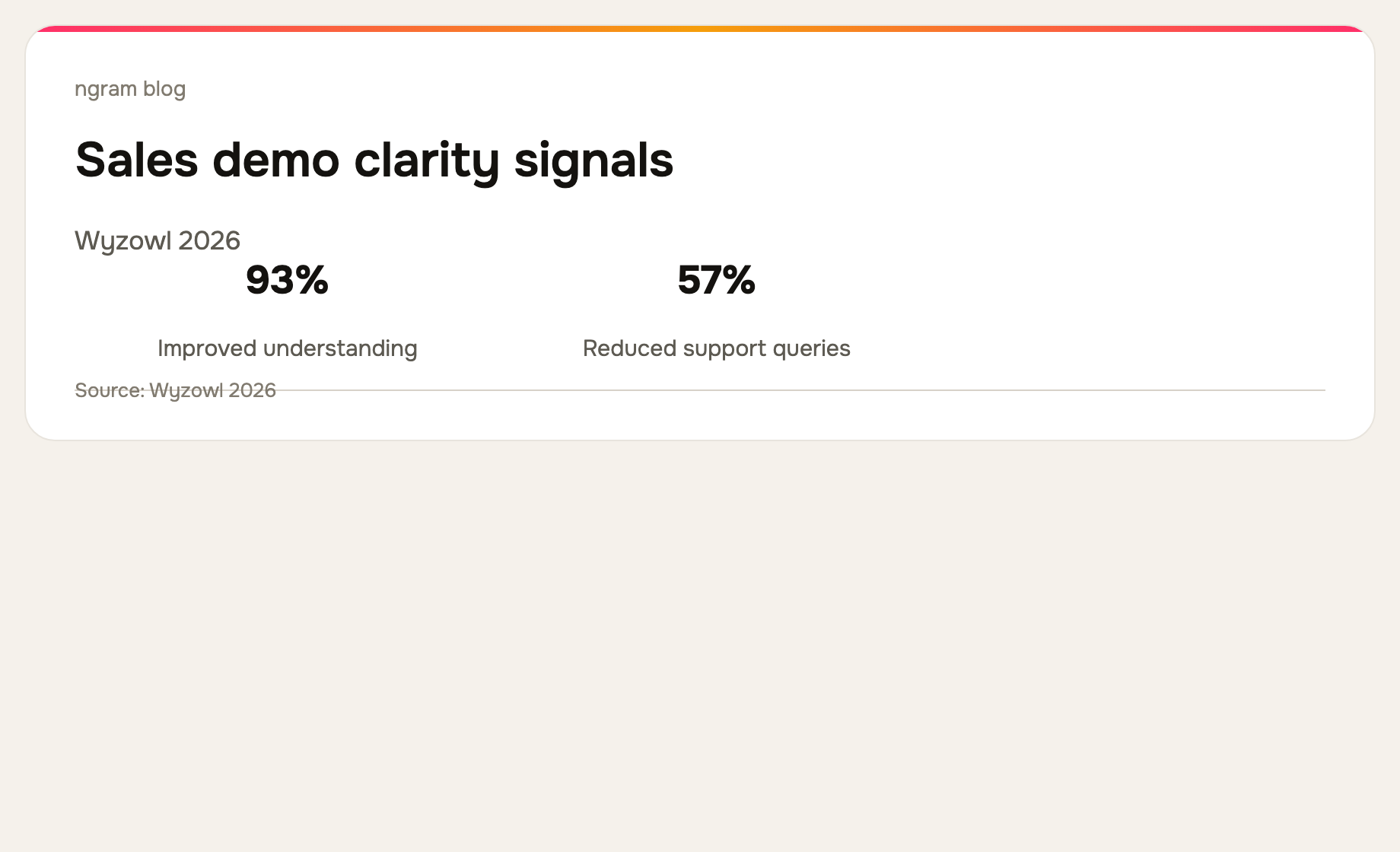
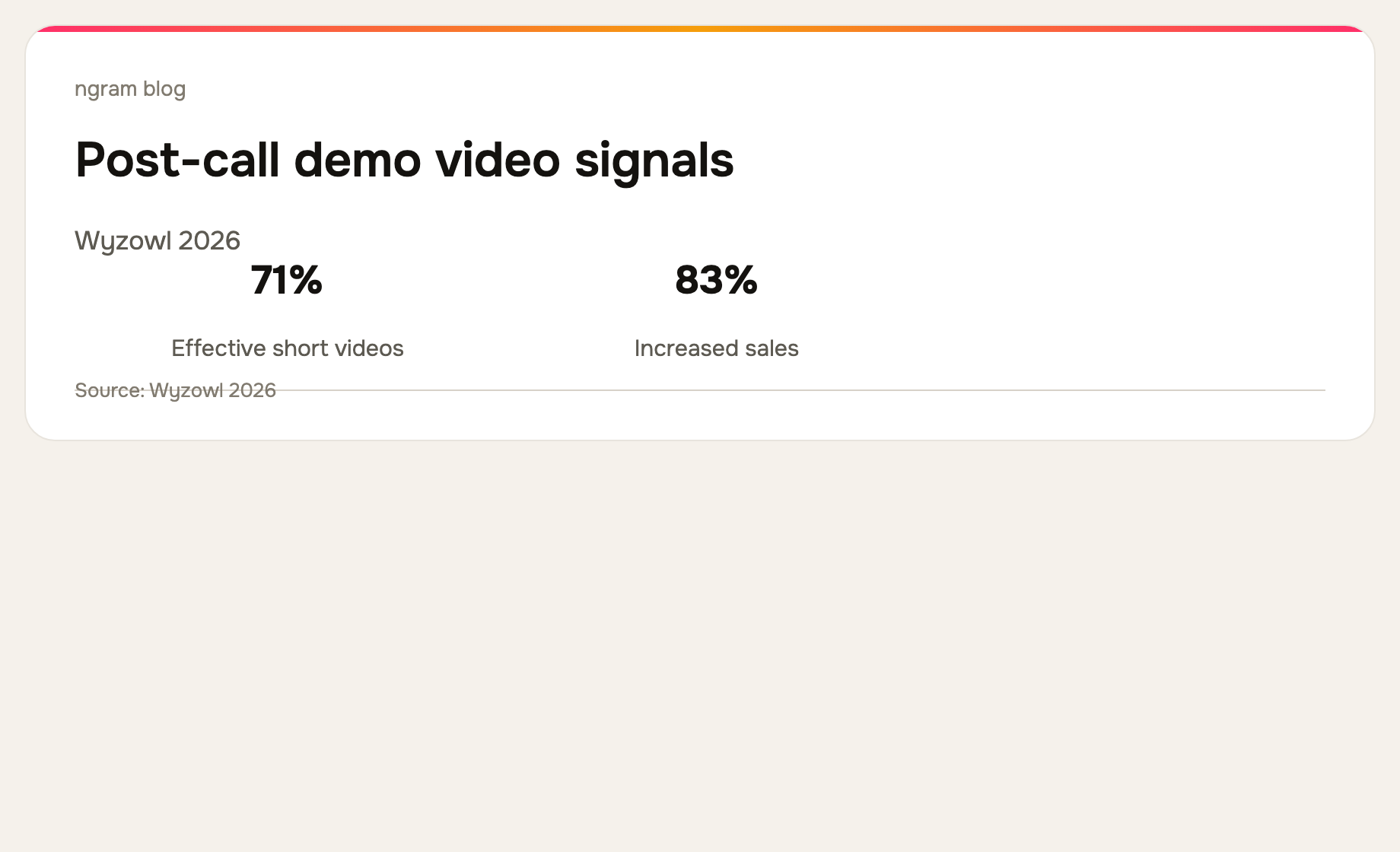
Wyzowl's 2026 survey found that 39% of video marketers create product demos and 83% say video has directly increased sales. Those are broad survey results, not a promise from one asset. They do reinforce why a clear, relevant demo is worth treating as a production asset rather than an afterthought. Read the full survey.
What a SaaS sales demo video needs to do
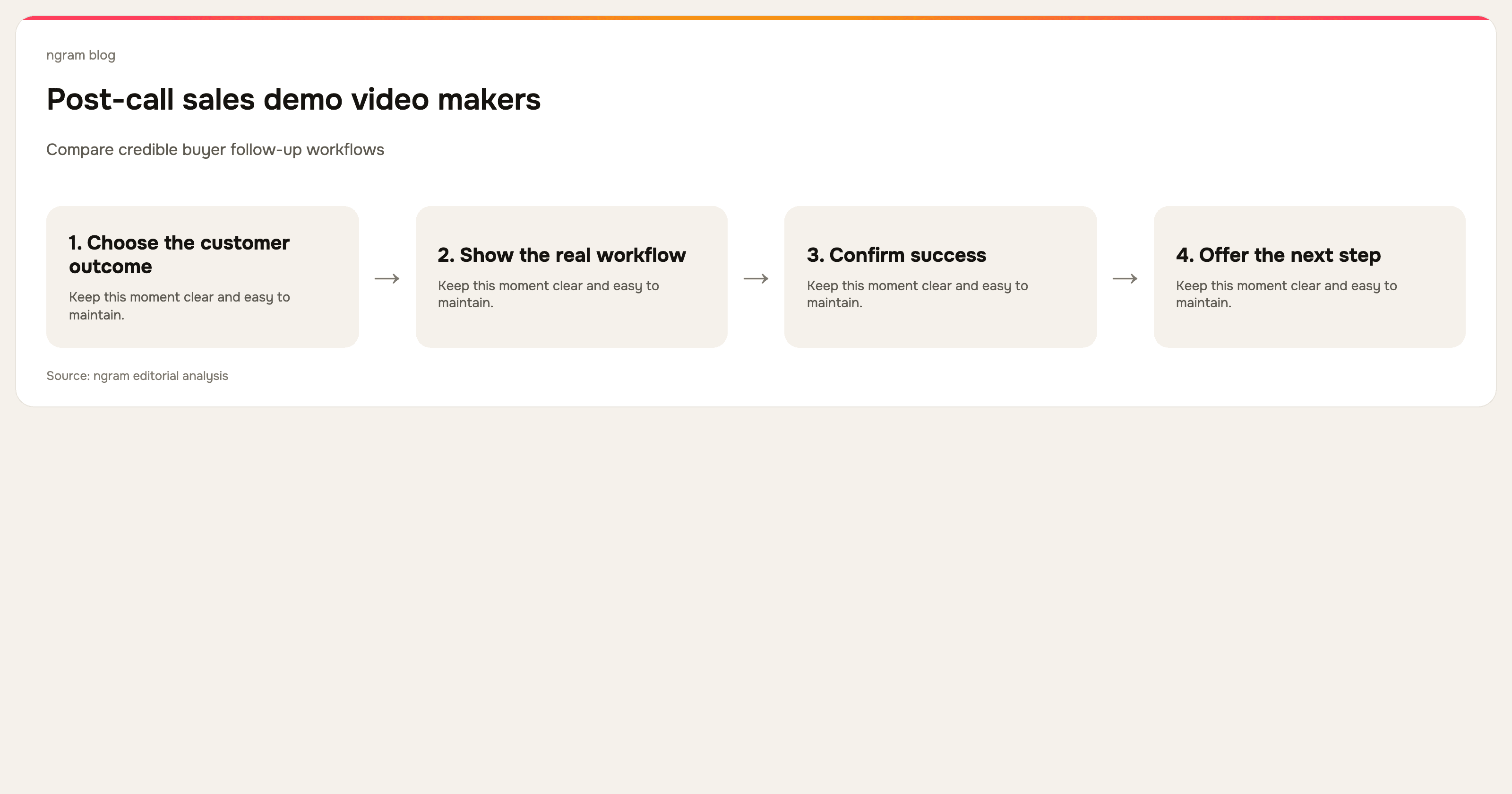
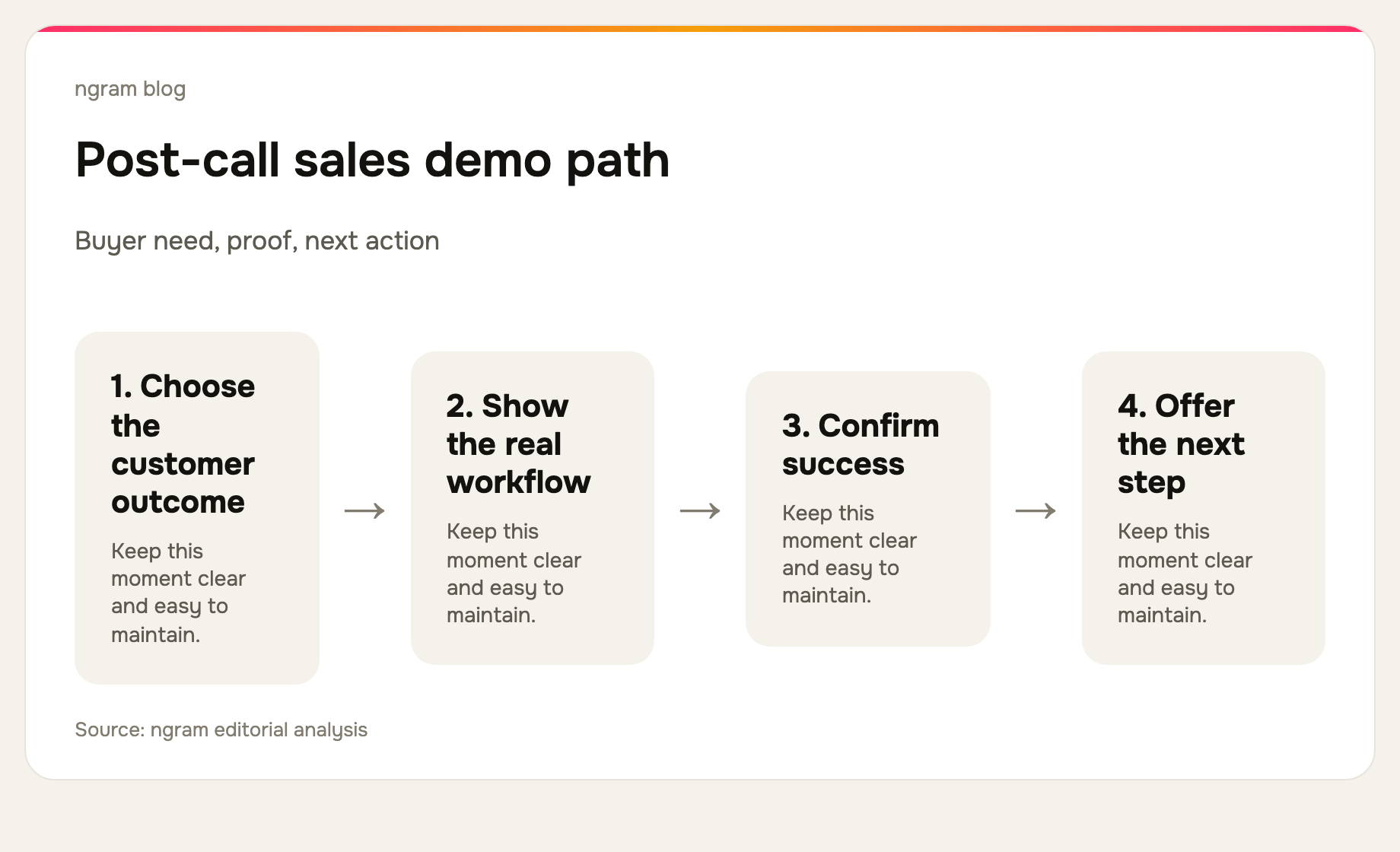
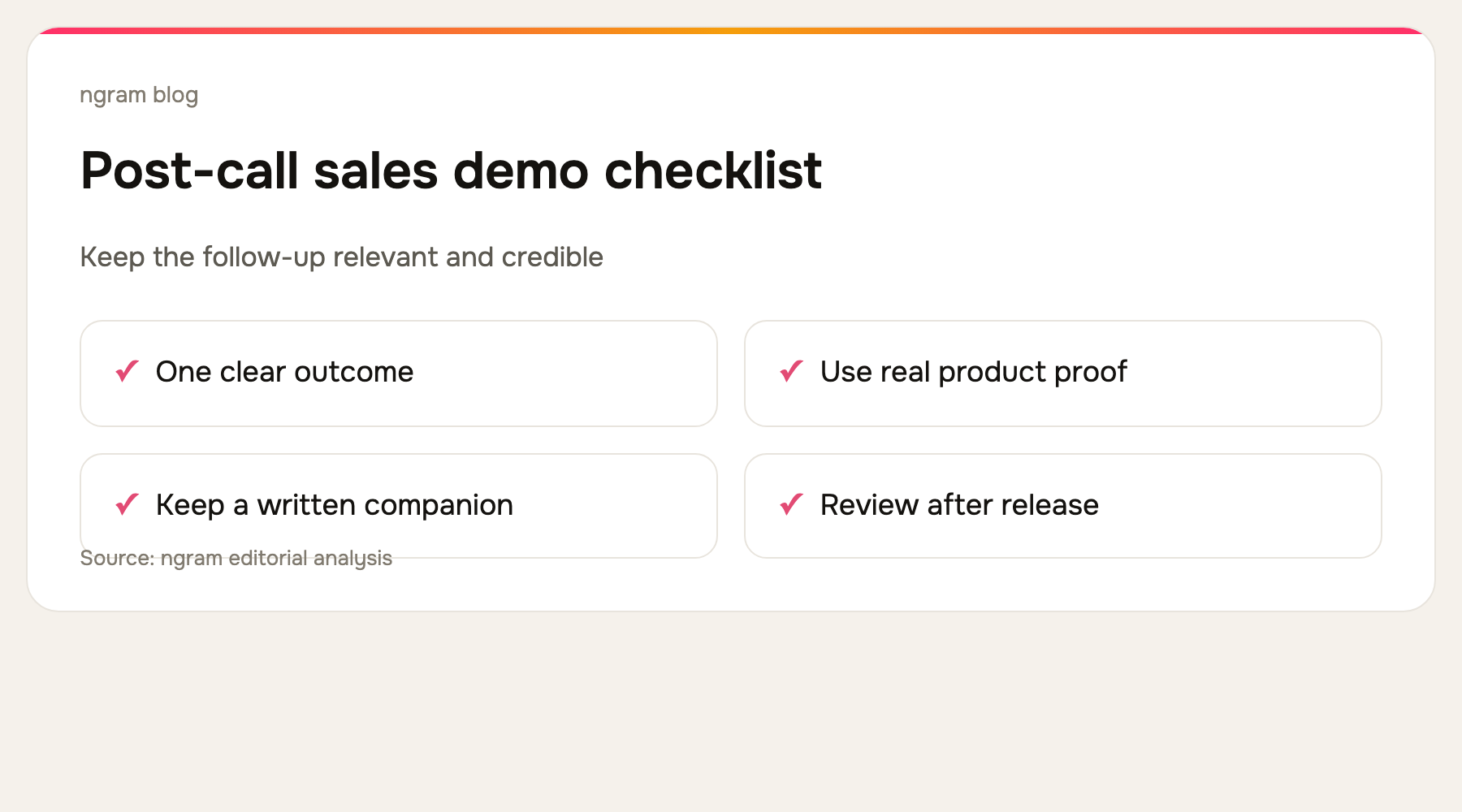
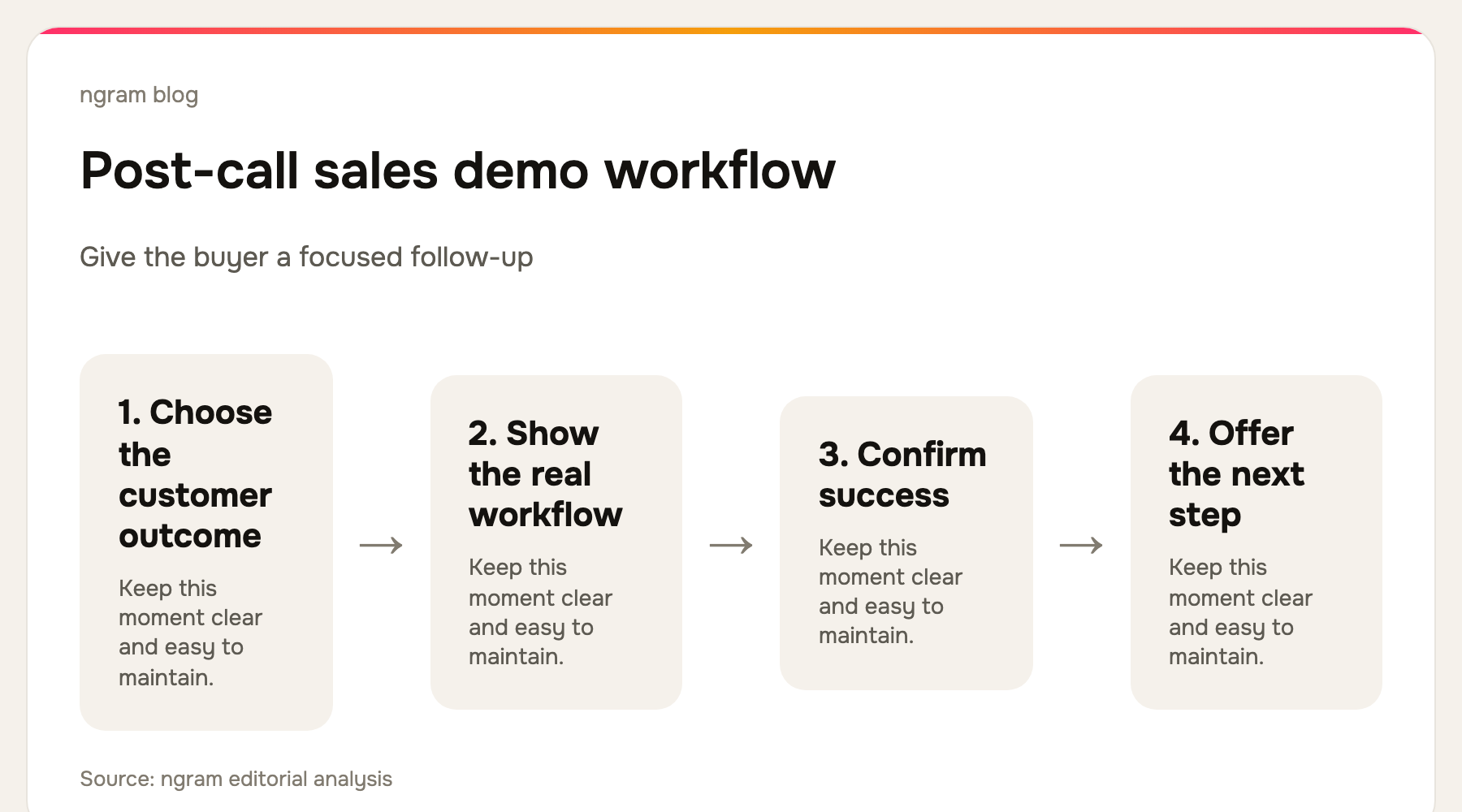
First, it needs a buyer and a moment. A demo for a product marketer who needs to launch a campaign is different from a demo for an operations lead who needs to standardize a process. Choose one audience and one workflow before choosing a tool. Then make the proof visible: the real interface, the setup, the decisive action, and the successful result.
Second, it needs an honest boundary. A video can show a repeatable product path. It cannot answer account-specific security, pricing, integration, or rollout questions. Keep those for a conversation, and use the video to help the right buyer arrive at that conversation informed.
The best sales demo video makers for SaaS teams
We reviewed the current public product pages for these tools on September 16, 2026. This is a workflow-fit comparison, not a feature-count ranking.
1. ngram: best for a planned, branded sales demo
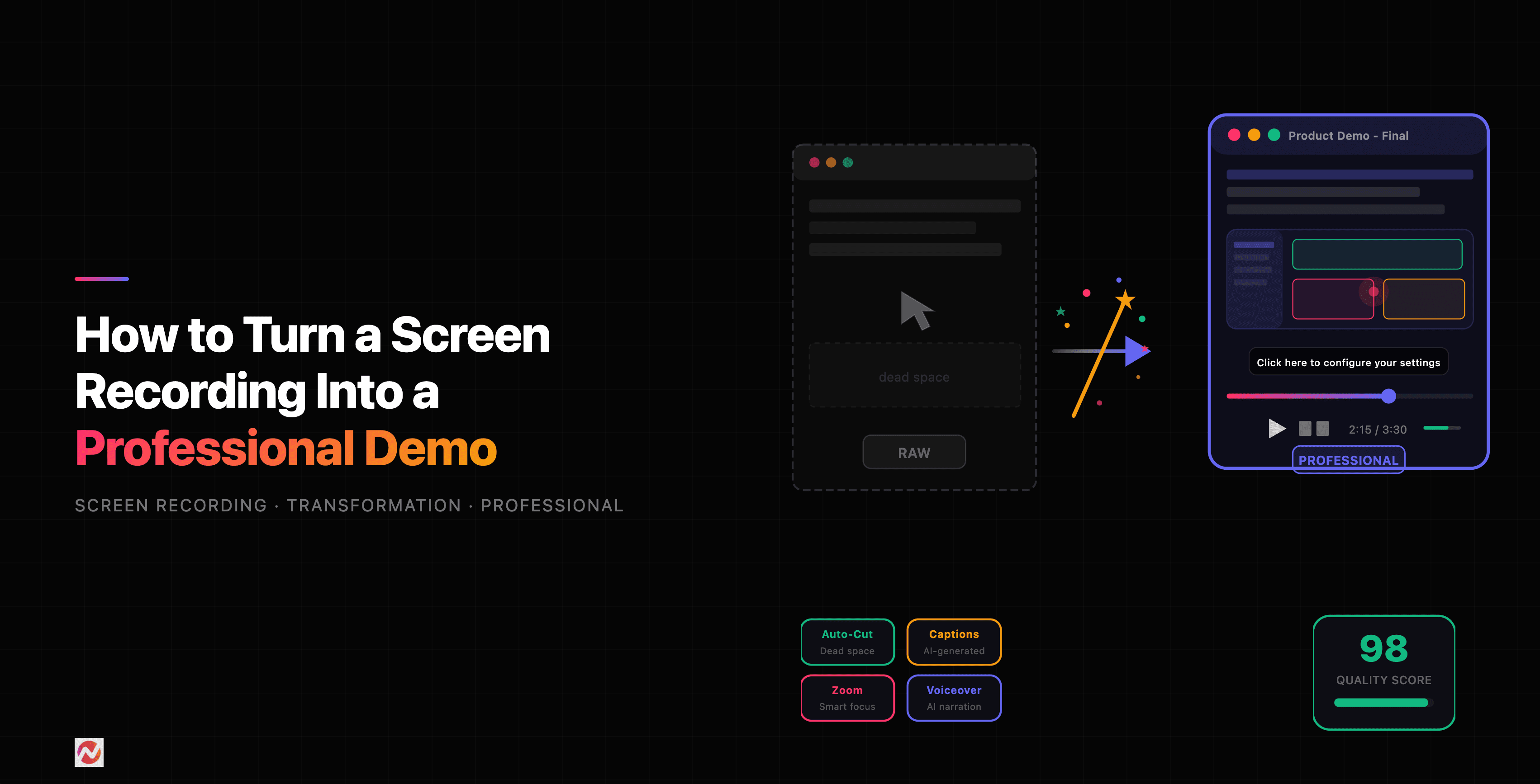
ngram is the best fit when a sales demo should begin with a real source but finish as an intentional product story. You can start from a screen recording, product URL, document, PDF, screenshots, deck, or prompt. The workflow develops a script and storyboard, then can add cursor smoothing, click emphasis, smart zooms, captions, callouts, step labels, and dead-air trimming.
That makes it useful for product-marketing and sales teams that need a reusable asset across landing pages, email follow-up, and sales enablement. See ngram's product demo video workflow for the current supported inputs and output path.
2. Loom: best for a personal post-call follow-up
Loom's current product experience centers on recording, sharing, embedding, basic trim and stitch editing, captions, privacy controls, and viewer insights. It is the practical option when a rep needs to answer a prospect's question today. Its strength is speed and human context, not a polished evergreen demo by default.
3. Screen Studio: best for hands-on Mac demo polish
Screen Studio is a focused macOS screen recorder with automatic zooms, cursor smoothing, branding controls, webcam and audio capture, export presets, and shareable links. It works well when a product marketer or founder can own the recording and wants a polished visual capture without a larger source-to-video system.
4. Descript: best for editing the spoken sales story
Descript lets a team record or import a demo, transcribe it, and edit the video through the transcript. Use it when the core challenge is tightening narration, removing filler, changing the sequence, cleaning audio, or turning a longer recorded explanation into a shorter buyer-facing cut.
5. Clueso: best when the sales demo also needs a guide
Clueso currently positions its workflow around raw recording to video and documentation, with AI-assisted scripts, voiceovers, smart zooms, captions, and generated how-to content. It fits a sales team whose demo content must also support trial users, customer education, or a written proof point.
6. Trupeer: best for demo content that becomes a knowledge asset
Trupeer presents one capture becoming a polished video, guide, translation, and knowledge-base content. It highlights smart zooms, scripts, voiceover, chapters, annotations, and brand controls. Consider it when the sales video needs a durable home in a broader product-knowledge operation.
How to make a SaaS demo video buyers will watch
Open with the buyer's problem and show the end result early. Then show only the actions needed to make that result credible. Wyzowl reports that 71% of video marketers consider 30 seconds to two minutes effective, so a focused use-case demo is often stronger than a long general tour.
Keep a separate version for each major use case. A sales demo for onboarding should not carry the same story as a demo for product launches or support deflection. Modular videos give sales reps better proof to send and give the product team a smaller asset to update after the interface changes. For a detailed production framework, read ngram's product demo video maker guide.
If a sales recording needs a more polished production path, see how to turn a screen recording into a video.
Frequently asked questions
How long should a sales demo video be?
Long enough to prove one relevant workflow, and no longer. A short pre-call or follow-up video can be under two minutes. A complex evaluation may require a series of task-specific demos and a live conversation.
Should a sales demo be personalized?
Personalize the framing when you know the buyer's use case, but keep the core product proof reusable. A quick Loom-style recording can add human context; a polished demo can carry the durable workflow evidence.
The bottom line
The best sales demo video maker is the one that makes the relevant product proof easy to create, update, and send. Choose ngram for a planned, branded demo from the source material your team already has. Choose Loom for a fast personal answer, Screen Studio or Descript for hands-on creation and editing, and Clueso or Trupeer when video needs to connect to documentation.