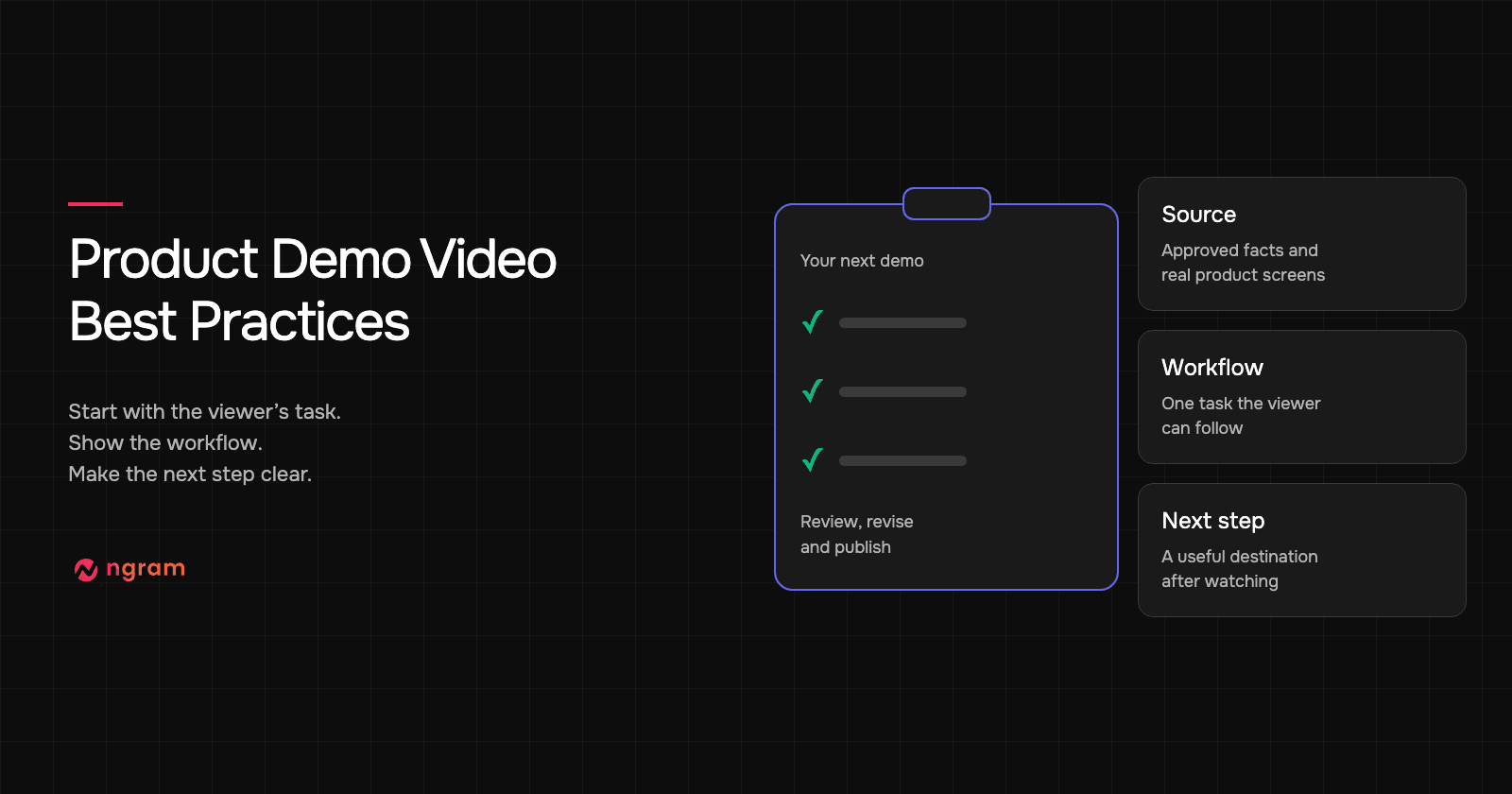

ngram is our first pick for product demo software because it covers the complete video workflow: turn product sources into a script and finished video, revise the result, then publish or download it. You can combine real screens with narration, presenters, motion graphics and branding in the same project.
A useful product demo answers one question with a workflow the viewer can follow. For a reporting feature, that might mean choosing a date range, filtering a dashboard and scheduling the report. The software needs to help you show those actions clearly and keep the video current when the interface changes.
The demand for self-serve explanations is real. Gartner’s June 2025 survey release reported that 61% of B2B buyers preferred an overall rep-free buying experience. The survey covered 632 buyers in August and September 2024; buyers still preferred seller input for questions about fit. A demo should give them useful product context before that conversation.
Product demo software comparison
| Capability | ngram | Loom | Vidyard | Clipchamp | Storylane | Arcade | Supademo | Walnut |
|---|---|---|---|---|---|---|---|---|
| Record your product screen | ||||||||
| Upload existing video footage | ||||||||
| Include an uploaded image in a new video | ||||||||
| Create a separate copy for a demo variant | ||||||||
| Trim the beginning or end of a clip | ||||||||
| Remove an unwanted section from the middle | ||||||||
| Combine multiple clips into one video | ||||||||
| Choose the order of clips in a video | ||||||||
| Reopen a saved demo to make changes | ||||||||
| Download an MP4 video |
1. ngram: create, revise and deliver the whole demo
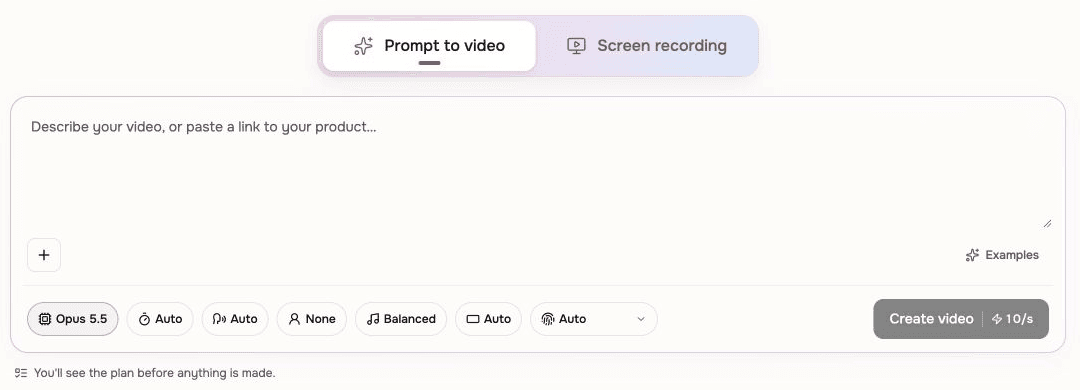
Start with a screen recording, screenshots, a webpage, release notes, a presentation or a document. Add the audience, the task to demonstrate and the claims you can support. ngram can develop the script, narration and visual sequence from those inputs. With a compatible premium planning model, review its plan and script before approving production; cheaper models can create a video directly.
For a product walkthrough, record your screen and microphone in ngram or upload footage you already have. Use zooms, highlights, callouts and cursor emphasis to direct attention to the relevant control. Attended Browser Handoff can capture screenshots from a product you open for the agent; continuous recording is a separate capture route.
Screens are one part of the video. Add generated images and video clips, stock media, animated text, charts and motion graphics when they explain the product. Image Lab and Clip Studio can create supporting assets. For example, show the actual report interface while describing the workflow, then use an animated diagram to explain where the data goes. Keep numerical claims tied to your own approved facts.
ngram also creates presenter-led demos with its avatar library, reusable custom faces and AI voices. Conversation mode can put multiple avatars on screen for a dialogue with a compatible premium model and Presenter and Voice set to Auto. Use a presenter to introduce the task, then give the product screen enough space for the viewer to read it.
Generate an AI voiceover from your script, clone a voice with permission, or supply your own MP3 as narration. An uploaded MP3 can also serve as background music when you specify that role. ngram can translate narration, on-screen text and captions; compatible uploaded presenter footage also supports translated speech with lip sync. Eye-contact correction and audio cleanup are available for relevant footage.
Select a saved Brand Kit to use its logo, colors and fonts. Choose saved intros and outros explicitly when you want them. Turn ordinary captions on for a captioned video; Depth Captions are a separate option that places selected emphasized text behind a prominent presenter. Those choices are not applied to every video by default.
After creation, ask for a specific revision: replace a screenshot, shorten the opening, change a product name or adjust the narration. Ask to cut filler words or pauses and blur personal details in the supplied recording. You can also trim, split, remove and reorder timeline clips, adjust text and audio, and restore or fork a saved version. When the product changes, request an update and review the new result before publishing it.
Finished premium-model videos require Basic or above for editing, including premium videos originally created with the Free plan’s monthly allowance. Free users can edit cheaper-model videos with credits. The Free plan includes 1,000 monthly credits and permits one premium video of up to 60 seconds per UTC calendar month using those credits.
Hosted video sharing is in beta across all plans, with public links and embeds. Basic adds uploads and ordinary button, banner and end-card CTAs. Premium adds branding, access controls and retention settings. Ultimate adds lead forms, gates, quizzes, polls and deeper analytics. Paid MP4 downloads are unlimited without extra credits per download: Basic supports 720p, Premium 1080p and Ultimate 4K.
For repeatable work, use ngram through a connected MCP client or its API. Connected clients can use Free within its limits; video creation with an API key requires Basic or above and credits, although signed-in users can create keys. Social publishing is in beta for eligible paid plans on LinkedIn, X and YouTube. See ngram pricing for current allowances.
2. Loom
Loom records your screen and microphone and places the result on a hosted video page. Its editor supports end trims, splitting out unwanted sections and stitching clips into a selected order. Paid plans add uploads, downloads, custom branding, a CTA and password protection. The current Mac recorder also accepts an uploaded background image.
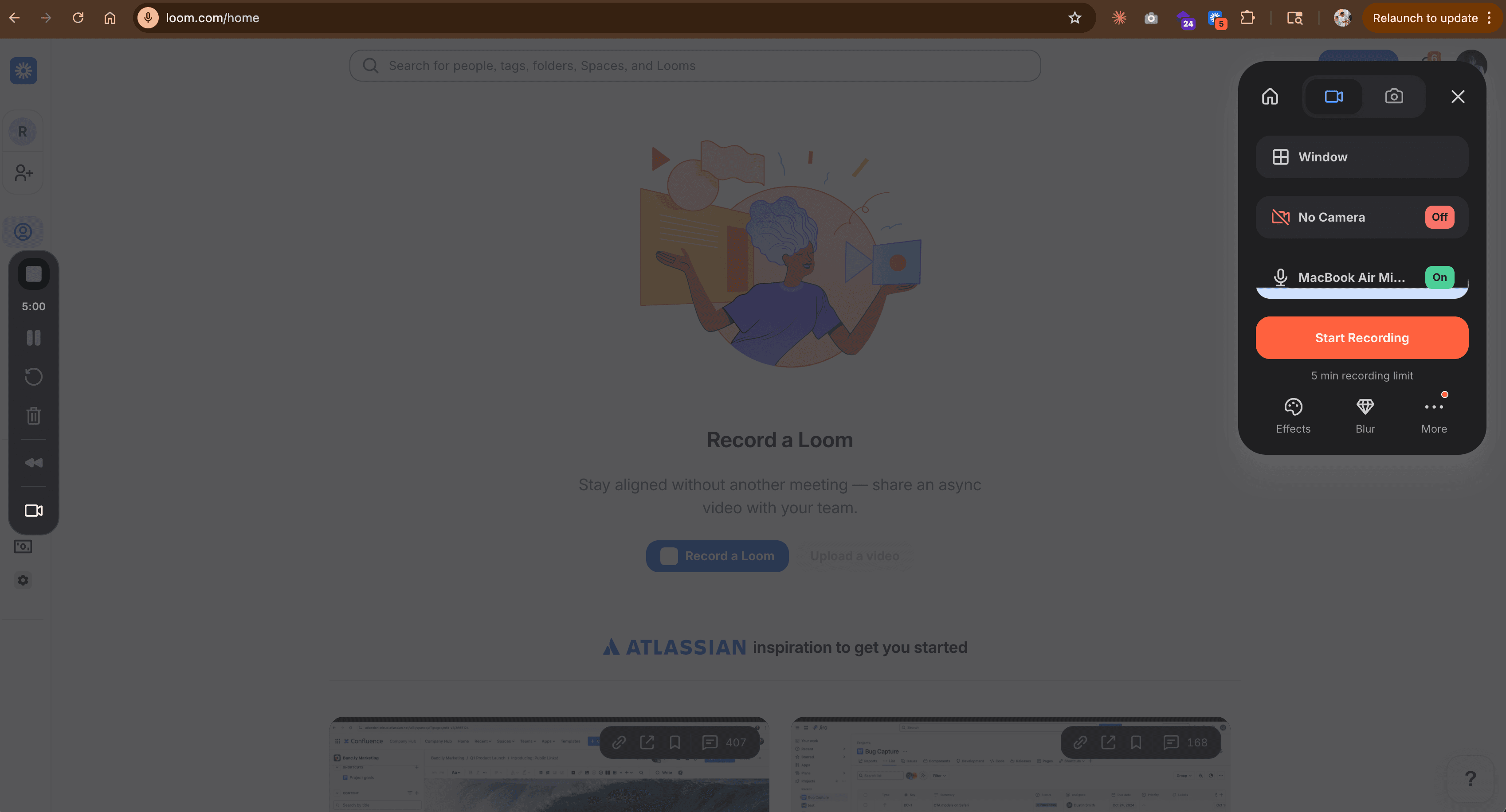
Business + AI adds transcript editing and filler-word and silence removal. Its beta text-to-speech corrects an existing English recording in the creator’s voice: the replacement must be a similar length, and a video can have at most ten replacements. It does not provide the same new-script narration workflow as ngram. Business costs $18 per user per month and Business + AI $24 on monthly billing.
3. Vidyard
Vidyard combines native screen recording, uploaded video and hosted video delivery. You can trim a take or stitch several videos together, then add captions and share the result. Its native AI Avatar workflow also takes a written script into a generated presenter video, with uploaded images available as backgrounds.
Paid plans support downloading videos, password protection and custom calls to action. Starter adds unlimited recording and branded sharing; check Vidyard’s current plans for the subscription, creation allowances and AI add-ons your team needs. ngram covers these video creation and delivery jobs while also letting you build a demo from documents, screenshots and generated visual scenes.
4. Microsoft Clipchamp
Clipchamp provides a native editor for screen recordings, imported footage and images. Put clips on its timeline, trim the ends, split and delete an interior section, and arrange the remaining clips into a finished MP4. It includes text-to-speech, recorded or uploaded voiceovers, subtitles and audio editing.
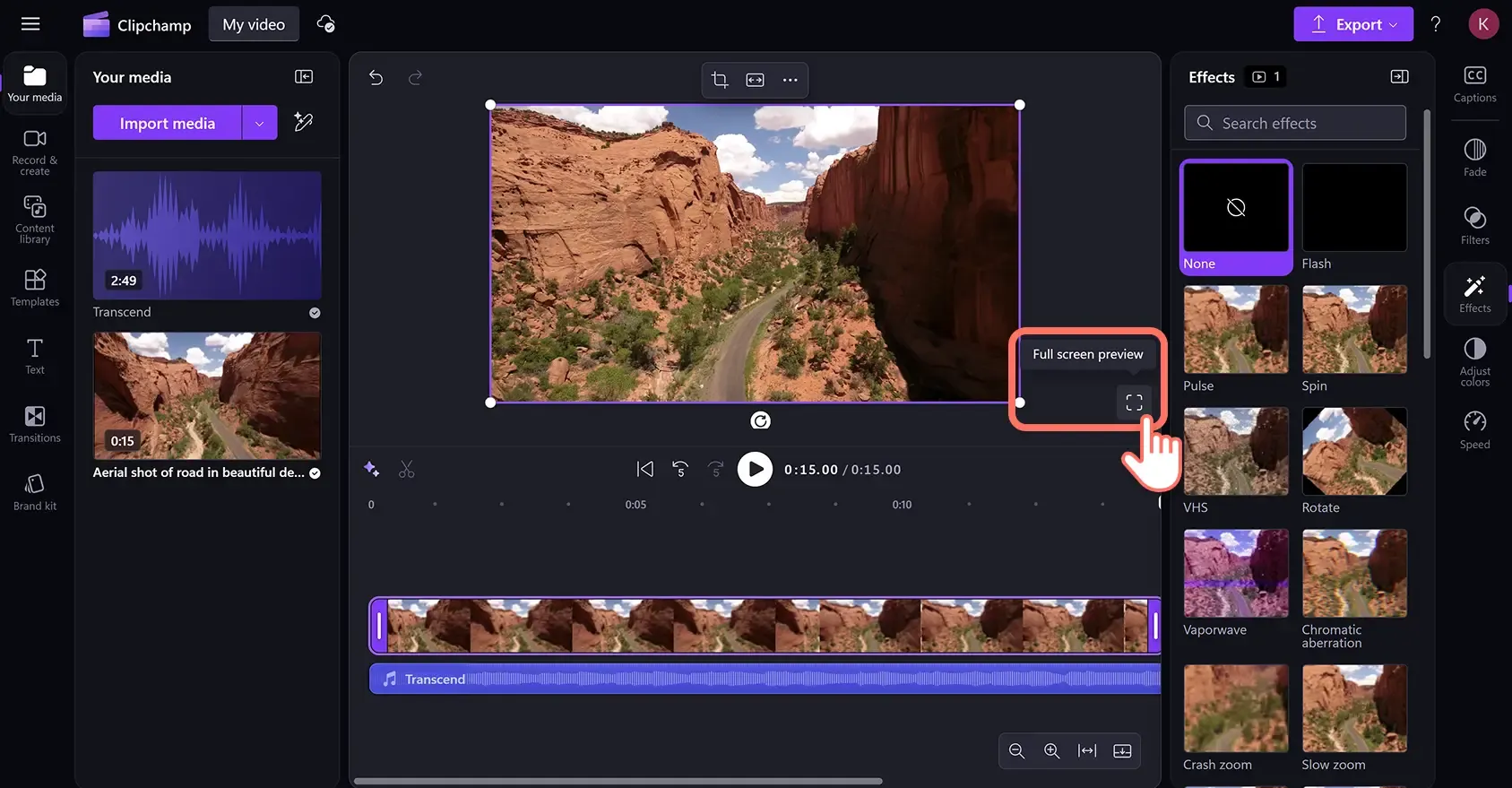
Its current Copilot video creation workflow can turn a prompt or supported PowerPoint deck into a script, AI narration and a stock-media sequence that opens in Clipchamp for editing. This is available to commercial Entra ID users with a Microsoft 365 plan, access to Copilot Chat and Clipchamp enabled by their administrator. It selects stock content rather than generating new image or video pixels.
Personal and work accounts have different packaging. The personal pricing page places premium assets, Brand Kit and 4K export in Microsoft 365 Personal or Family. Confirm your account type before comparing costs. ngram also supports a source-led video workflow, with generated scenes, presenters and hosted delivery available alongside editing.
5. Storylane
Storylane has a native video path through its screenshot demos. Record clips with its extension or desktop app, upload MP4 files, or reuse clips from an existing demo. Trim video steps, adjust playback speed, and add guides and AI narration. When a recording contains a pause you want to remove, duplicate the video step and trim the two copies to the portions you want to keep.
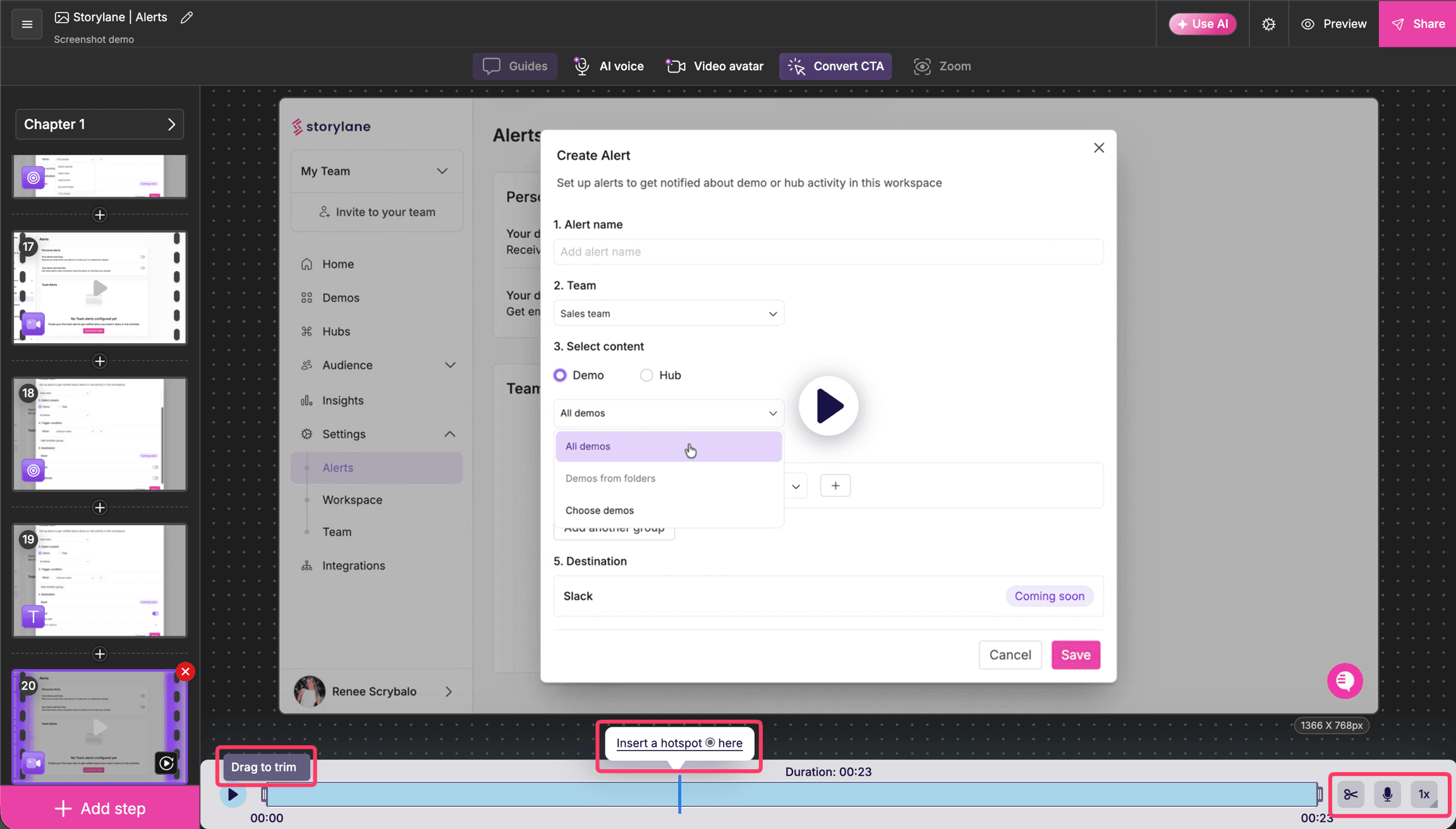
Its Video Export turns the demo into an MP4 delivered by email. The export is a view-only video; the controls and tracking of the original hosted demo do not transfer as interactive behavior. AI voiceovers and avatars use plan credits. Starter is $50 per month, or $40 per month with annual billing. ngram also combines product footage, narration and presenters, with revisions and delivery in its video workflow.
6. Arcade
Arcade now offers a native AI Video product that accepts prompts, product captures, screenshots and documents. Its own browser extension records a tab and microphone; a silent capture can receive generated narration. The editor supports scene ordering, uploaded footage, trim and split operations, script changes, music and captions.
AI Video can publish a hosted video, provide an embed and export an MP4. Its subscription is separate from Arcade Interactive Demo. The current AI Video Free allowance is 250 one-time credits for videos up to 30 seconds; Pro is $59 per month, or $49 per month billed annually, and includes 1,000 monthly credits and 4K export. The plans page advertises up to five minutes, while the current composer guide caps a single generation at two minutes; plan a longer demo with that distinction in mind. See Arcade AI Video plans.
7. Supademo
Supademo now has a standalone screen recorder and Video Studio, in addition to its demo builder. Capture a tab, window or full screen, include microphone or system audio, then trim, crop, split or remove sections. Video Studio adds follow-cursor zoom, cursor smoothing and styling, transcript cuts and styled captions.
Its native recorder supports a share link, website embed and MP4 download. In the demo builder, you can also upload or reuse video steps, reorder them, add generated narration and export a video. The current video export supports up to 70 steps, with output from 720p through 4K. Scale is $50 per user per month, or $38 with annual billing. Check the plan and video-minute allowance for the workflow you use.
8. Walnut
Walnut can now turn recorded product footage into a narrated video file. Record a tab in its capture flow or import MP4, MOV or WebM footage. Its video importer accepts a file up to 5 GB and 60 minutes, then lets you keep it whole or select video clips of 0.5–60 seconds around the moments you want to show. Multiple selected clips can leave an unwanted middle section out of the finished sequence.
Add guide narration with native text-to-speech, arrange the screens, publish the demo and choose Export as video. Walnut renders the published sequence into an MP4 with narration, guides and transitions. Each export is a snapshot: publish changes and export again to update it. Download the result before its 30-day export retention expires.
The current Ignite plan is $575 per month billed annually, with three editor seats, three presenter seats and 50,000 annual AI credits. These are team and AI-usage allowances, so compare them with the number of demos and revisions you actually expect to produce.
How to choose product demo software
Use one real task as the trial brief. Supply the same approved screenshots or recording, a short explanation of the feature and the audience. Ask for a first draft, then request a second version with one changed screen and a shorter opening. This shows whether the tool fits your actual creation and maintenance work.
Check the finished video as well as the editor. Read the interface at phone size, listen for incorrect product names, check caption timing and open the delivery link as a viewer. If you need a downloadable file, confirm the resolution and paid allowance before building a library around it. For a detailed creative checklist, see product demo video best practices.
For a practical ngram brief, try: “Create a short demo for a new reporting user. Show the attached dashboard, filter the date range and schedule a weekly report. Use the supplied product names, a calm voiceover and captions. End with an invitation to try the reporting workflow.” Add your actual sources and review every screen and claim before sharing.
Measure the result of your demo
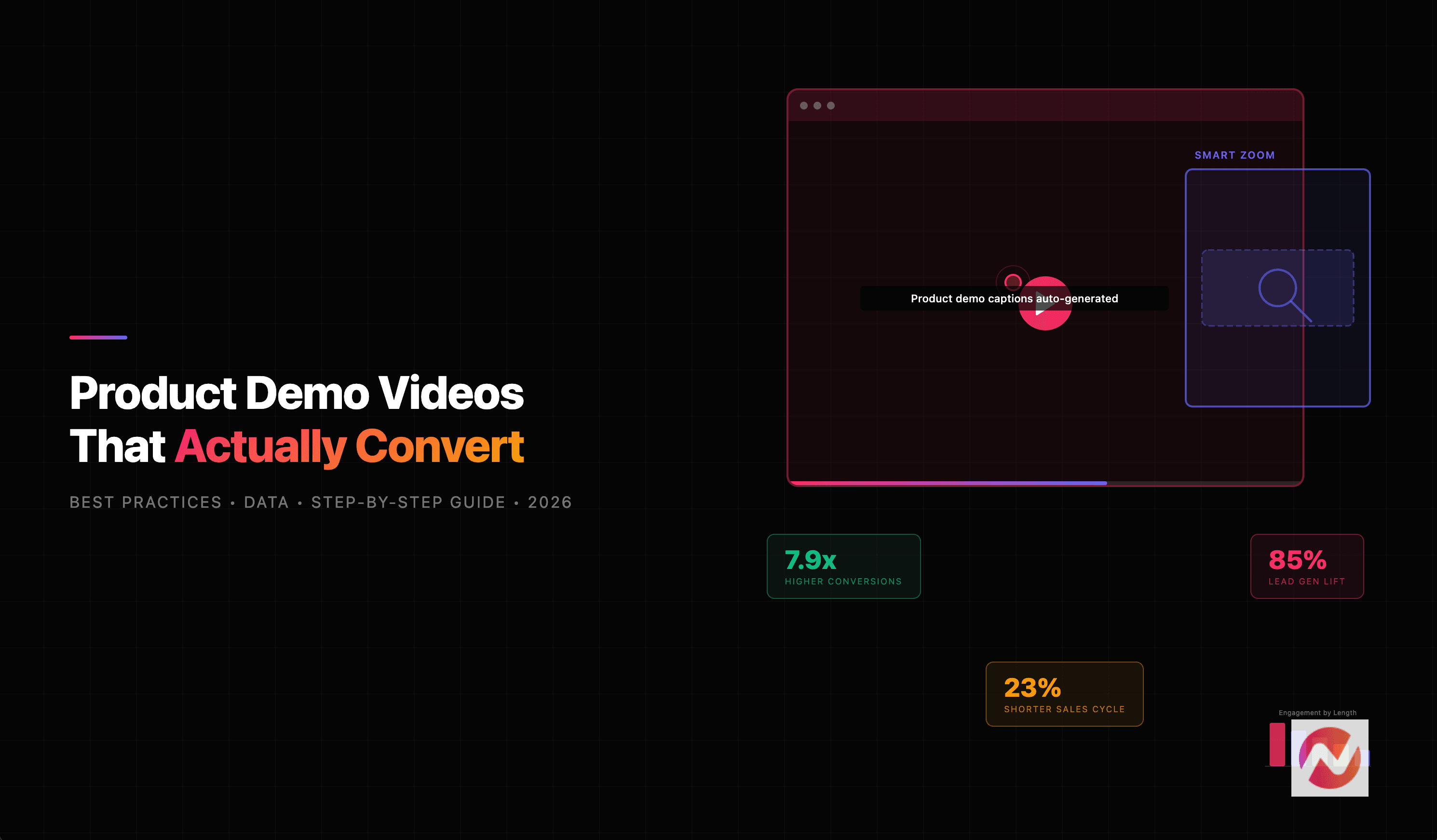
In Wyzowl’s 2026 video marketing survey, 82% of video marketers reported a good return on video, 93% called it an important part of their strategy and 83% said it directly increased sales. Also, 71% picked 30 seconds to two minutes as the most effective length. These are marketers’ reported results across video uses, not a measured conversion lift or completion guarantee for a particular demo tool.
Aragon’s 2021 demo automation forecast put that broader market at $2.1 billion by 2026. That was a forecast, not a report of realized 2026 revenue. For your own demo, the useful measurements are whether viewers reach the key task, take the next step and become qualified users or buyers.
Frequently asked questions
Can ngram create a demo without a screen recording?
Yes. Start with screenshots, a webpage, documents, slides or a written brief. ngram can build the script, narration, presenters and visual scenes around those sources. Use real product screens for any step that needs to show the current interface.
Can I use an avatar and still show the product?
Yes. ngram supports presenter-led demos alongside product screenshots, recorded footage and other visual scenes. You can use an avatar for an introduction or explanation and show the interface for the task itself. Conversation mode supports multiple on-screen presenters with compatible premium model settings.
Can I update a demo after a product release?
Yes. Supply the changed screen or product facts and request a revision. ngram also lets you edit the timeline and restore or fork saved versions. Finished premium-model revisions require Basic or above and credits; Free can edit cheaper-model videos with credits. Review the updated video and publish or export the version you want viewers to receive.
How should I measure a demo?
Choose the action the demo should help someone take: complete a setup task, start a trial or request a sales conversation. Review drop-off around the important step and compare qualified outcomes. A view count alone cannot show whether the demo helped someone understand the product.
Create your product demo in ngram with your current screens, approved claims and the task you want the viewer to complete.