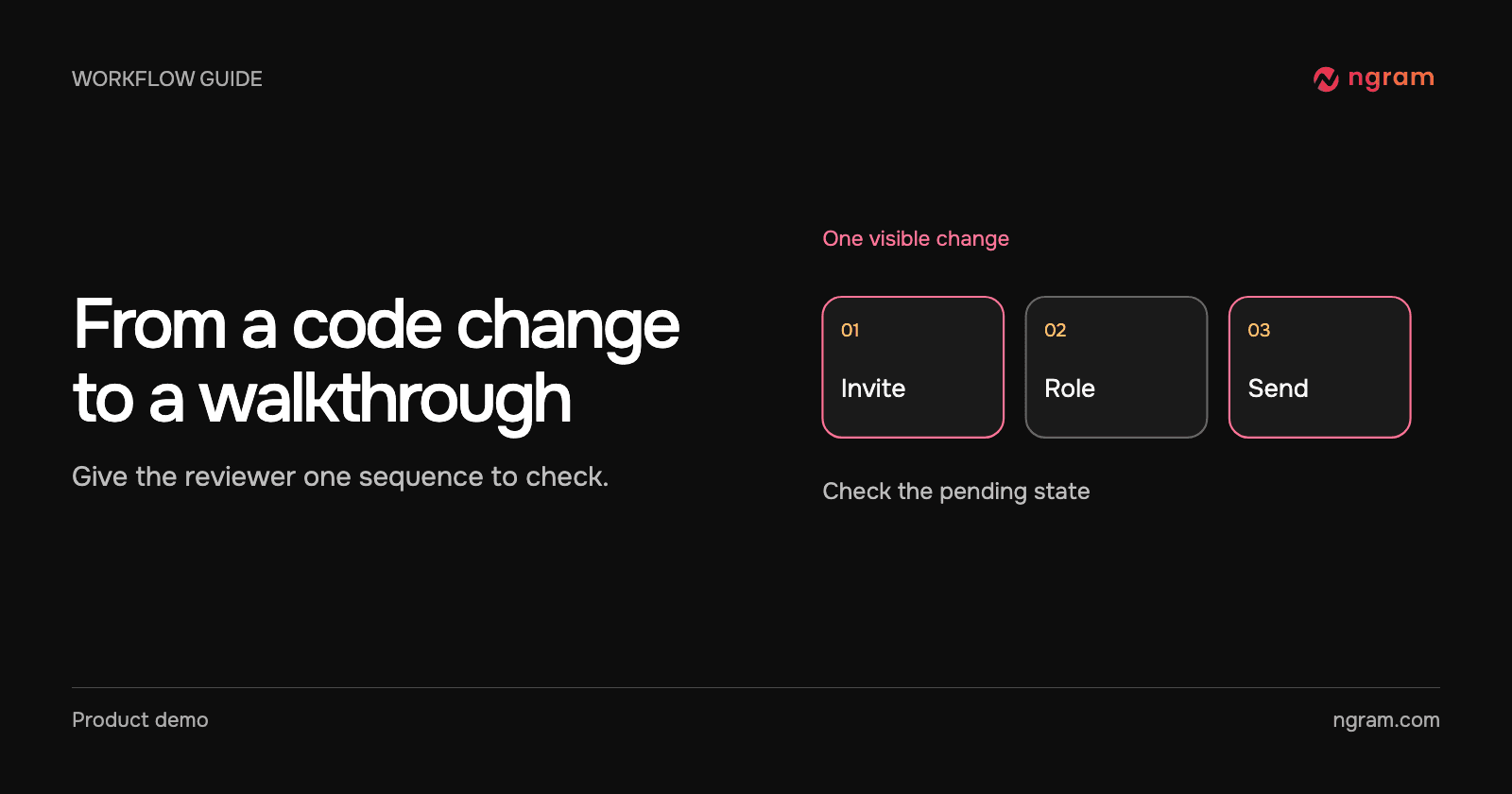

A pull request can explain how an invitation is stored without telling a new admin which role to choose. For a walkthrough, start with the part the admin sees: open the invitation form, choose the role, then send. Leave the storage change in the pull request.
Connect the local plugin
Get the cursor-plugin folder from the official plugin repository. Copy its contents, including the hidden .cursor-plugin directory, into ~/.cursor/plugins/local/ngram, then reload the Cursor window. In Customize → Plugins, open ngram and authenticate its MCP server. If local plugins are restricted, ask your admin to enable them. The MCP guide explains what the connected account can do. The Cursor integration page also shows a release brief and a concept lesson.
Give Cursor the change a viewer can recognize
Try this brief: “Make a short walkthrough for a new account admin. Show the invitation sequence: open Invite, pick the member role, then send. End with how to tell the invitation is pending. Preview the settings and cost before creating.” Use the actual field labels from the release. Omit email addresses, private ticket links and unrelated implementation details.
The example follows the invitation brief through review. If a support agent needs to recognize the real role picker, supply approved footage. A slide that says “choose a role” cannot teach someone which dropdown to open. Use Browser Handoff when the lesson depends on the exact sequence inside a signed-in product.
Confirm once and review the same job
Check the duration, format, narration and cost in the preview. Confirm the request only after those fit the job. Keep its ID or project link. If the conversation moves on, ask for that job’s status instead of repeating the original creation prompt.
Open the result as if you were the new admin. Can you distinguish a member from an administrator? Does the final scene show how to recognize a pending invitation? Use video editing for a scene correction. If a teammate only needs to copy a command or find a setting, send the written instruction instead.