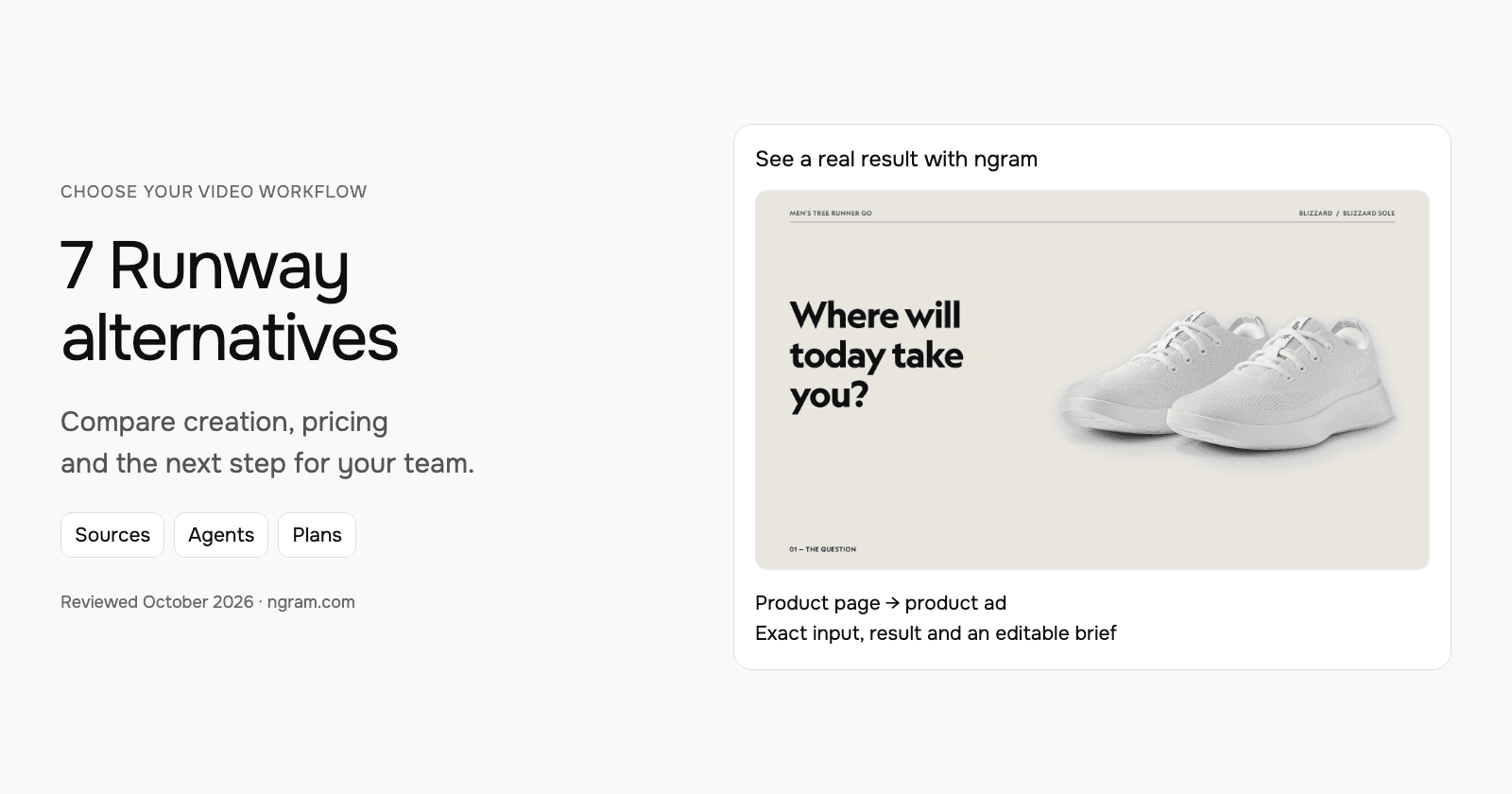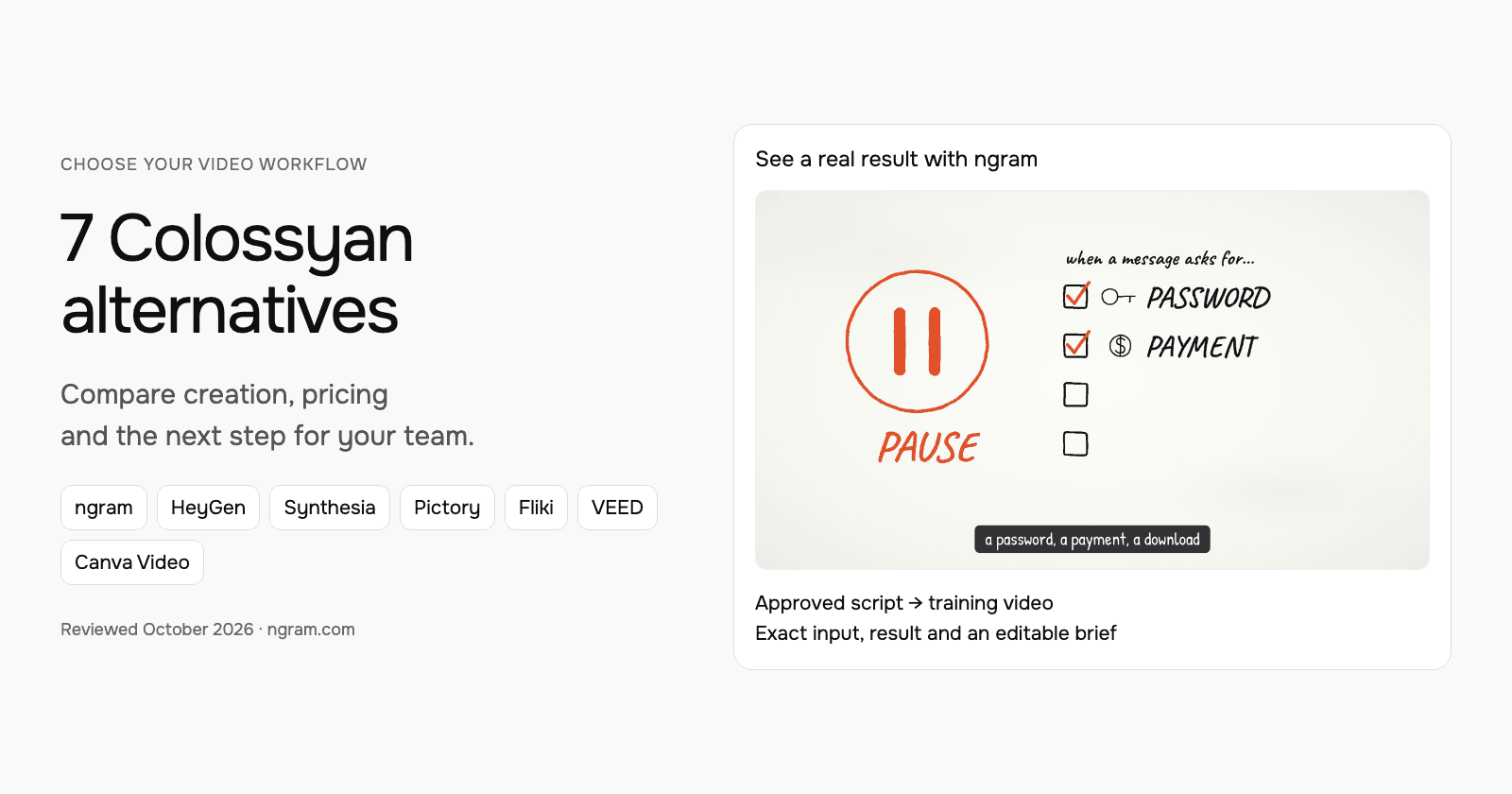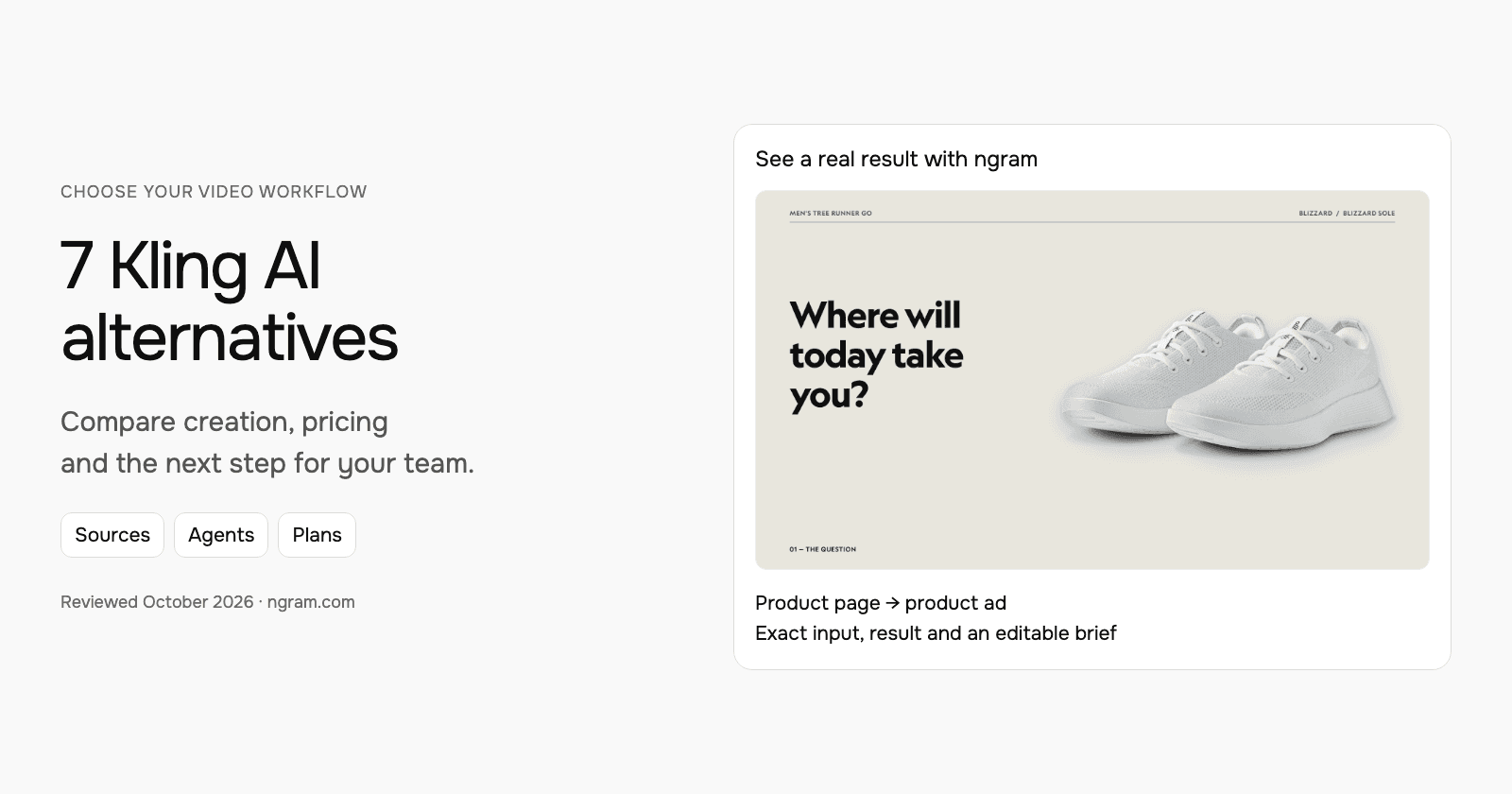


Compare Kling AI alternatives by the control you need over sources, planning, generation and revisions. Kling itself now includes Canvas and a creative agent. Runway, Luma, Pika and Higgsfield offer different production workflows; HeyGen and Synthesia serve presenter-led work, while ngram provides a reusable source-to-video brief.
What Kling AI offers today
Kling 4.0 introduces generation up to 30 seconds and multi-reference controls. Canvas adds agent-assisted brainstorming, scripts, storyboards, node editing and post-production around generation.
The product also offers API, MCP and CLI workflows. Model access and output options depend on the chosen plan; the checked membership table placed Kling 4.0 on Pro and above. Features marked coming soon in the launch page are not treated as generally available.
Check introductory and renewal amounts separately. Higher plans have selectable credit quantities. Subscription credits last 31 days under the current FAQ, while purchased credits have a two-year validity period.
| Plan | Billing reference | Scope |
|---|---|---|
| Standard | $6.99 introductory month; $8.80 renewal | 660 monthly credits |
| Pro | $25.99 introductory month; $32.56 renewal | 3,000 monthly credits; current 4.0 access |
Annual prices are $79.20/year for Standard and $293.04/year for Pro, with monthly credit allocations. Model, resolution, duration, audio and references affect generation cost.
Alternatives at a glance
| Tool | Useful starting point | Price reference |
|---|---|---|
| ngram | Source-based product video with a reusable brief and plan approval | Free; Basic $29/month or $278.40/year |
| Runway | Creative agents, model generation and video editing | $15/user/month; $12/month equivalent annually |
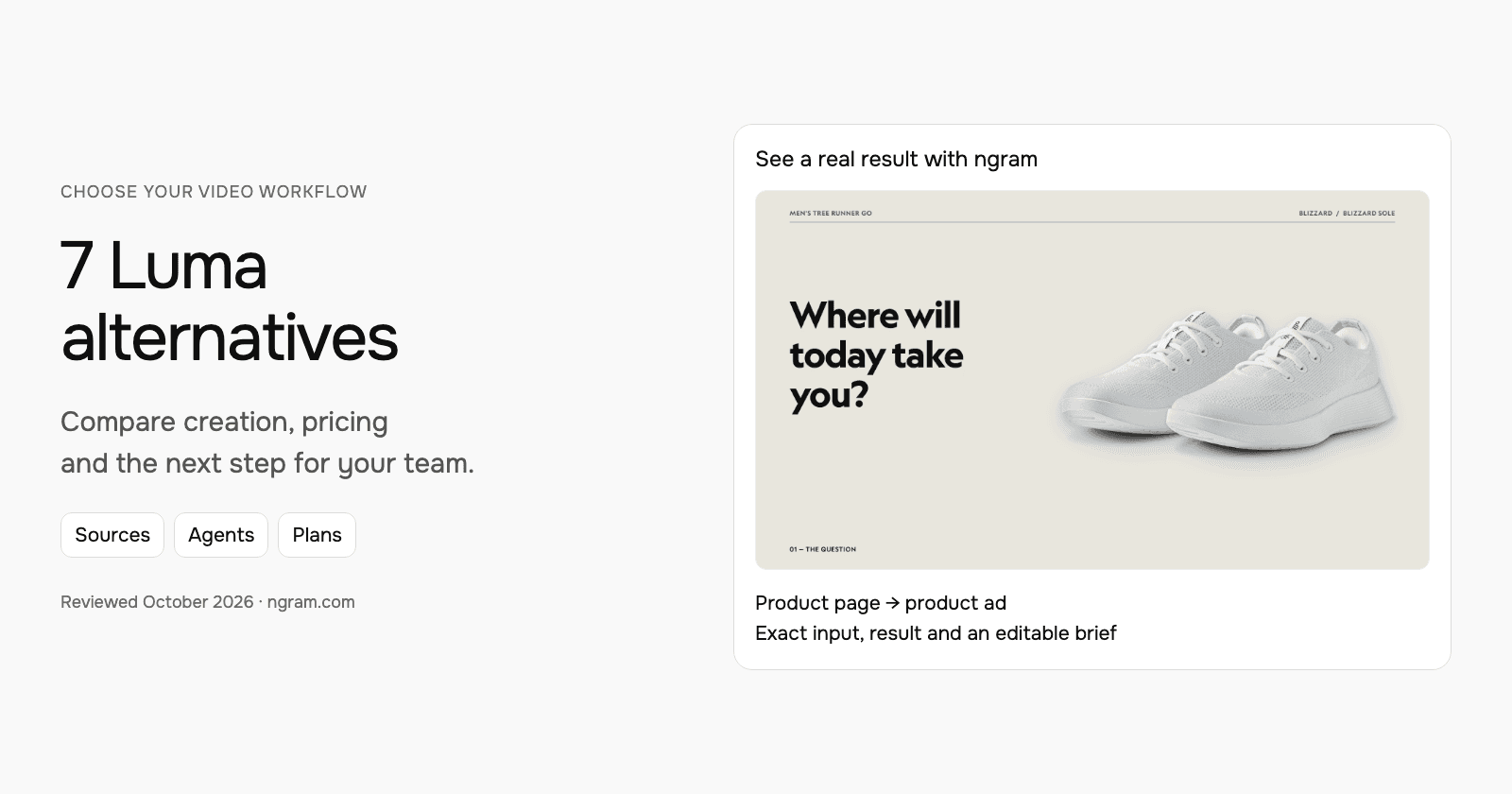
| Luma | Multi-asset planning, generation and video modification | $30/month; $25/month equivalent annually |
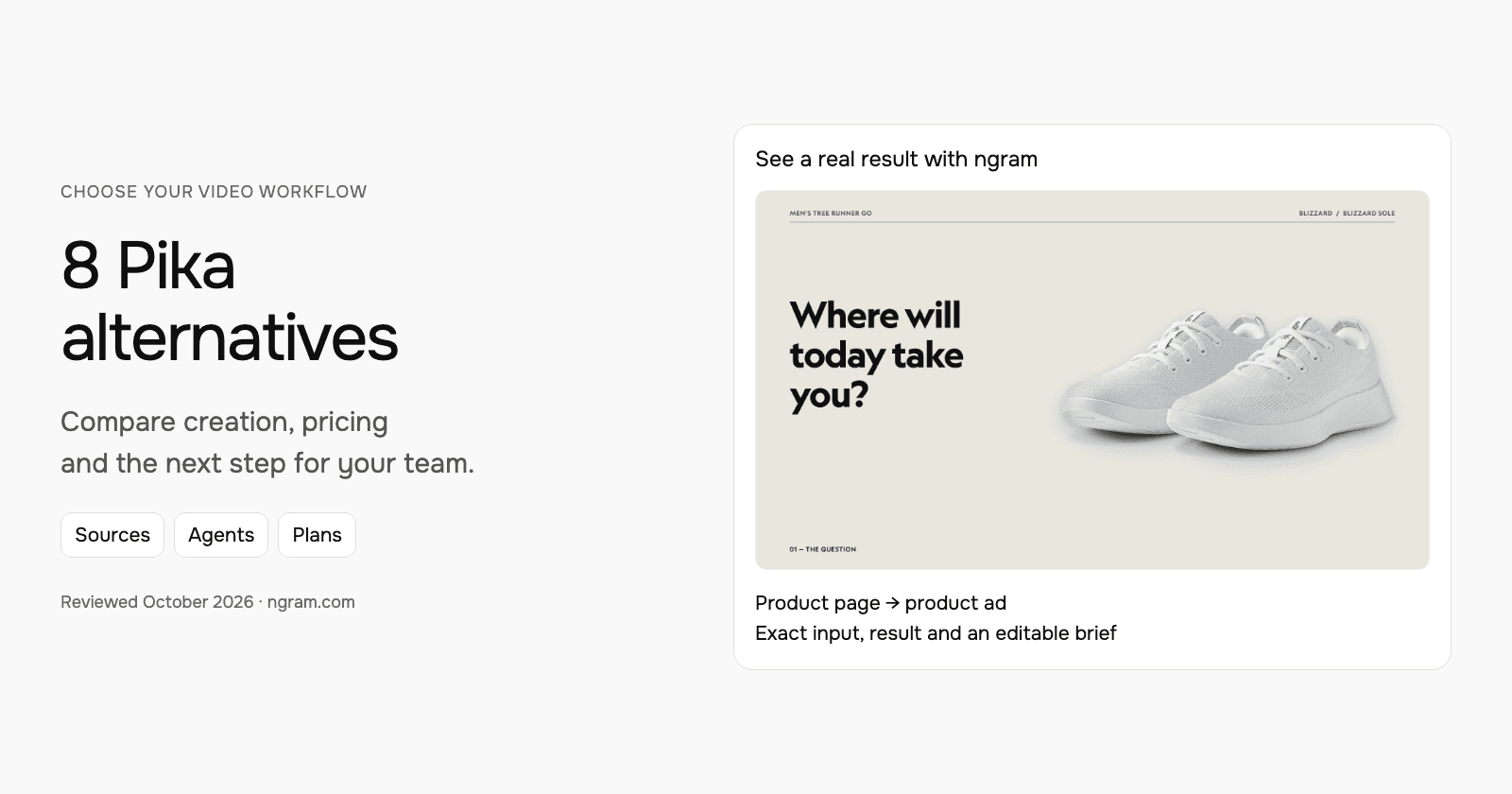
| Pika | Creative apps for video, product ads, voice and edits | $10/month; $8/month equivalent annually |
| Higgsfield | Creative model workflows, product ads and MCP production | $9/month |
| HeyGen | Create, revise and translate with Video Agent | $29/month |
| Synthesia | Develop the outline, scenes and learning experience | $29/month; $18/month equivalent annually |
Annual equivalents require annual payment. Compare commercial rights, models, seats and the cost of new generations; credit totals are not equivalent units of finished video.
ngram: create a product ad from real source material
The example below uses the Allbirds Tree Runner Go product page and a filled brief that asks for the actual product photography. Inspect the exact input, settings, transcript and resulting ngram video. This demonstrates the source-based workflow, not a competitor output or an endorsement by Allbirds.
From this input to this video
An everyday sneaker ad built from official Blizzard product photographs.
Prompt
Create a 30-second e-commerce ad video for Allbirds Men’s Tree Runner Go in Blizzard, a lightweight everyday sneaker. Source the visuals from https://www.allbirds.com/products/mens-tree-runner-go?variant=40482706423888. The ad is for YouTube and its goal is introduce the shoe and invite viewers to explore it. Open with the question: Where will today take you? to stop the scroll. Show its breathable knit upper for everyday wear — the one thing a buyer needs to see. Tone: easygoing and confident. End with Explore the Tree Runner Go at allbirds.com and the brand logo. Voiceover language: English; if no voiceover, use bold on-screen text and background music. Preserve the exact real product and colorway using source photographs. Create motion through crops and framing, not fabricated product views. Do not invent stock availability, discounts, environmental savings or performance guarantees.
Selected style
Editorial
Read the video transcript
Where will today take you? ... Meet the Tree Runner Go, in Blizzard. A lightweight sneaker made for every day. ... Look closer. A breathable Tree Knit upper that's naturally airy, and pleasantly cool. ... Flexible and made to move, with or without socks, wherever your day might lead. ... Explore the Tree Runner Go at allbirds.com.
Make a product video from your actual assets
See an Allbirds Tree Runner Go ad made with official product photographs. Read the exact input, watch the result and adapt the brief for your product.
Prepare the real product material
Use a public product page, approved photographs, claims and footage. Export any creative clips you want to reuse as video files.
Set the message and creative direction
Fill in the product, audience, benefit and call to action. Choose a style and video settings; select your configured Brand Kit in ngram.
Review, create and refine
Approve the plan containing the script. Review the result and request changes. Share publicly or download an MP4 on a paid plan.
Make it yours
Fill in your details here, or continue and finish your brief in ngram.
Video generation uses credits. Review your estimate in ngram. MP4 downloads require Basic or higher.
How credits workAdapt the brief with your product, audience, one clear benefit and call to action. Choose the style, duration and aspect ratio; select your configured Brand Kit and turn captions on when wanted. Approve the plan containing the script, then review the result and request changes through chat or use the timeline.
ngram pricing includes 1,000 credits/month on Free. Basic costs $29/month with monthly billing and includes 3,000 credits per cycle; annual billing is $23.20/month equivalent with 36,000 credits supplied upfront. The base rate for premium AI video generation is 10 credits per second, with a cheaper model at 3. Share publicly or embed on Free; use a paid plan for MP4 downloads and Basic or above for unlisted links.
Runway: creative agents, model generation and video editing
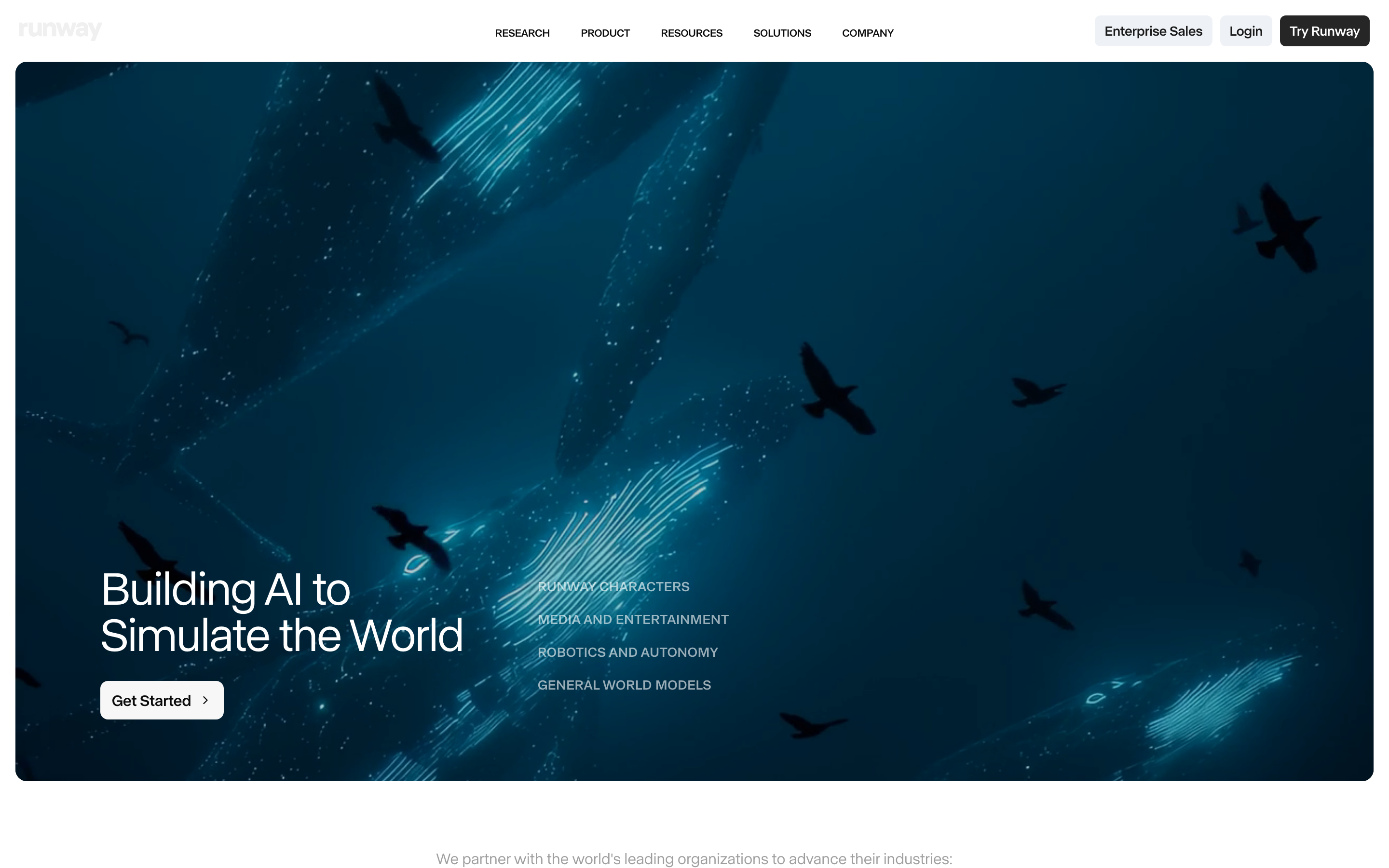
Runway Agent develops an idea with supplied images, footage and campaign context, then creates assets and accepts revisions in chat. Workflows and Skills support repeatable production. Brand Kits and voice clones have plan-specific access.
Aleph 2 supports video modification, including applying an edited frame across footage. Edit Studio offers an image preview before rendering. Runway’s MCP exposes creative workflows to assistants; the pricing page includes it from Pro.
Compare the selected model, video duration, parallel jobs and storage. Standard and Pro credits reset monthly; Max includes one month of rollover. Paid top-ups have different rules. Temporary unlimited promotions are not a general promise of unlimited generation.
| Plan | Billing reference | Scope |
|---|---|---|
| Standard | $15/user/month; $12/month equivalent annually | 625 monthly credits |
| Pro | $35/user/month; $28/month equivalent annually | 2,250 monthly credits; MCP and Brand Kit |
| Max | $95/user/month; $76/month equivalent annually | 9,500 monthly credits; higher parallel limits |
Free includes 125 one-time credits. Current Gen-4.5 costs 12 credits per second; model and operation rates differ. Developer API billing is separate from the web-plan comparison.
Luma: multi-asset planning, generation and video modification
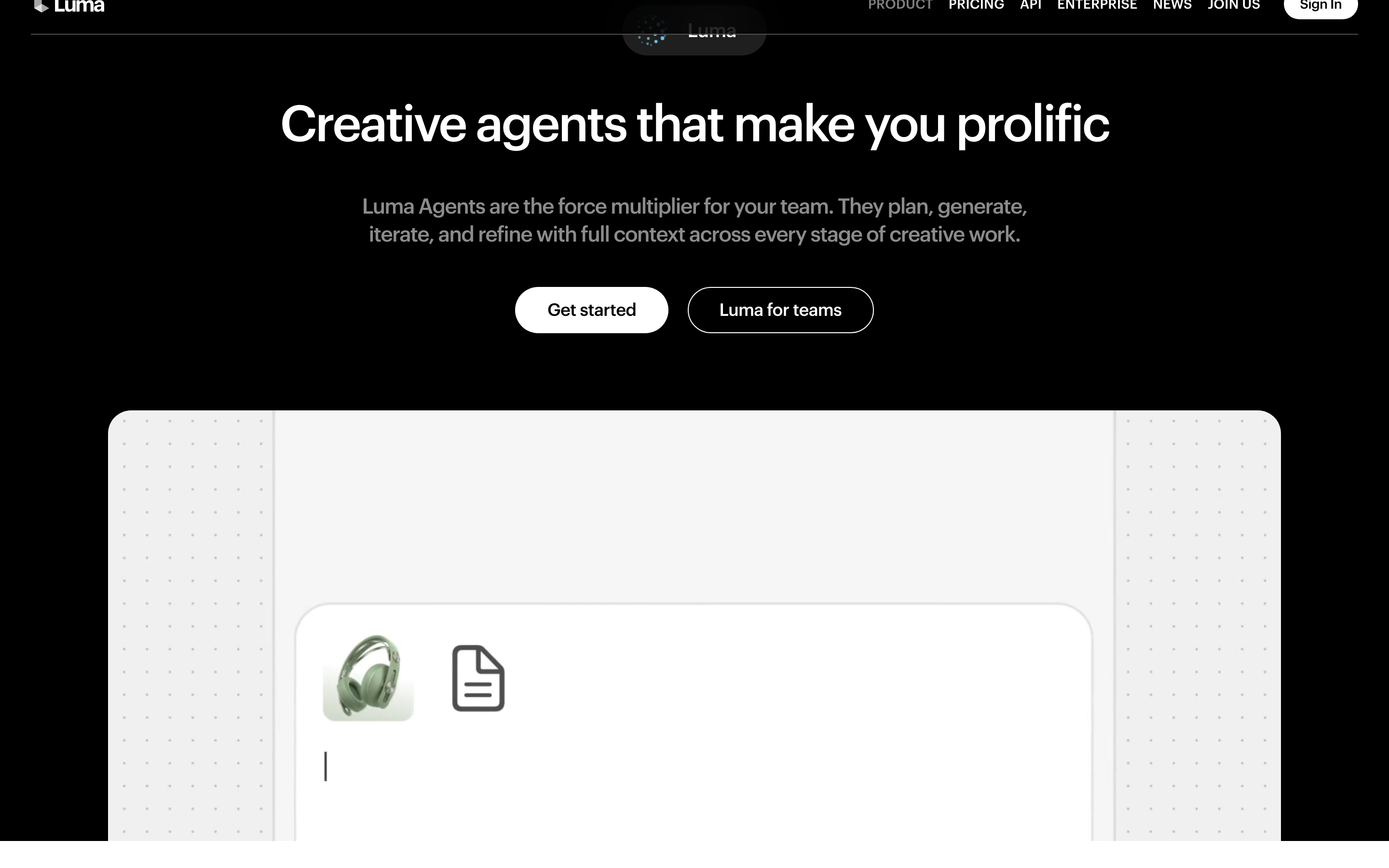
Luma Agents can use a brief and uploaded PDFs, scripts, images, video or audio to develop a campaign. Brainstorm mode helps shape directions and a structured plan without generating assets; Create mode produces the media.
The product combines image, video and audio tools with chat revisions, trimming, reframing, upscaling and video modification. Ray 3.2 supports text-to-video and image-to-video as well as video-to-video operations.
Team and Enterprise add organization features under their own offers. Agents developer API usage is priced separately. Compare the exact output operation, duration, resolution and audio tools rather than treating all credits as equal.
| Plan | Billing reference | Scope |
|---|---|---|
| Plus | $30/month; $25/month equivalent annually | 10,000 monthly credits |
| Pro | $90/month; $75/month equivalent annually | 40,000 monthly credits |
| Ultra | $300/month; $250/month equivalent annually | 150,000 monthly credits |
Use the current pricing cards for plan names: an older Agents FAQ reverses Plus and Pro. Monthly credits reset; extra spending and developer usage follow separate controls.
Pika: creative apps for video, product ads, voice and edits
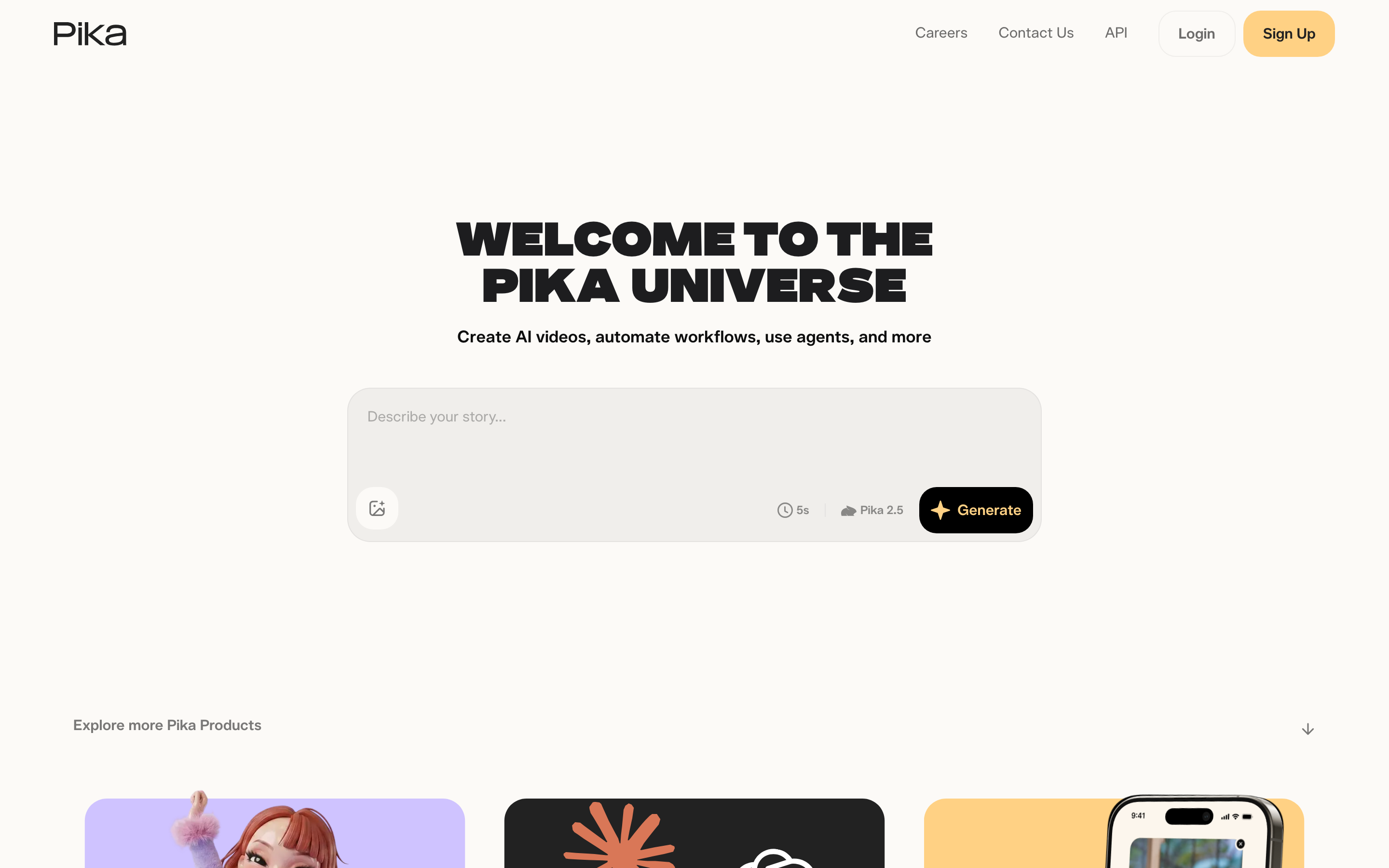
Pika’s current app catalog includes Video Studio for multi-shot videos, Product Ad, Podcast Video, Speech Studio and music or sound tools. It also includes swapping, motion transfer, color grading, relighting, extending and upscaling existing footage.
These apps can be used through its creative MCP workflow. Select the input and operation and review the displayed credit cost. This is broader than the older effects-only description, but the selected app still determines the source and controls.
Commercial use starts at Creator on the checked pricing page. Starter is a paid experimentation option, not the entry commercial plan. Unlimited concurrent jobs on Fancy describes parallel work, not unlimited generation credits.
| Plan | Billing reference | Scope |
|---|---|---|
| Starter | $10/month; $8/month equivalent annually | 900 monthly credits; no commercial use |
| Creator | $35/month; $28/month equivalent annually | 3,150 monthly credits; commercial use |
| Fancy | $95/month; $76/month equivalent annually at base allowance | 8,550 monthly credits; selectable higher allowances |
Free has no included monthly credits; credit packs are available. Create credit packs do not apply to API, MCP, iOS or the old Pika site. Compare the exact product before pricing an automated workflow.
Higgsfield: creative model workflows, product ads and MCP production
Higgsfield combines creative models and editing with Ads Studio, Canvas and creative-agent workflows. Ads Studio reads a product URL into editable brand and product context, then creates ad assets for different placements.
Katana and the Creative MCP connect production to an assistant. Katana can use permitted reference video and product photographs to develop a new ad, with chat revisions. These are current creation workflows, not only camera effects.
Compare the selected plan, models and parallel jobs. Some unlimited offers are time-limited or specific to the website; the checked terms excluded MCP/CLI, Canvas and Supercomputer from those offers.
| Plan | Billing reference | Scope |
|---|---|---|
| Basic | $9/month | 120 monthly credits |
| Pro | $29/month; $23/month equivalent annually at base allowance | 600 monthly credits |
| Max | $79/month; $59/month equivalent annually at base allowance | 1,800 monthly credits |
Higher selectable credit allowances change the total. Business has its own seat and credit terms. Do not price an automated workflow from a temporary website-only unlimited promotion.
HeyGen: create, revise and translate with Video Agent
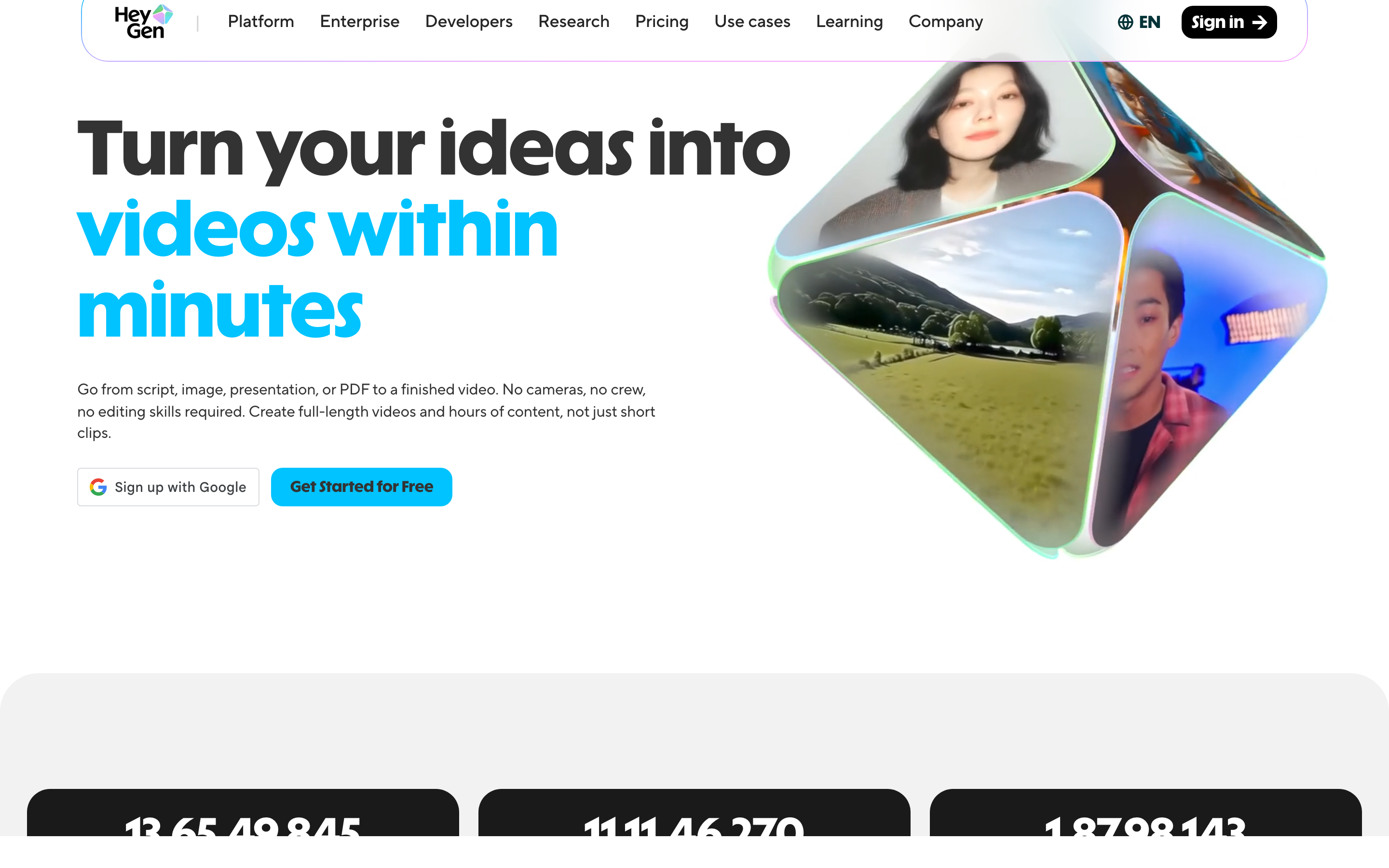
HeyGen Video Agent accepts uploaded documents, images and video. Chat Mode offers plan review; Autopilot is a different creation path. You can revise through chat or edit a copy in AI Studio. It is broader than a presenter reading text.
Its July release describes HyperFrames motion graphics and website/Figma-based workflows. Avatar and translation features remain useful reasons to evaluate HeyGen, but source-based creation and planning are no longer distinctions that belong only to another tool.
Current pricing includes Brand Kit on Creator and Pro, with SCORM/LMS and interactive features listed on Business. Its developer platform covers REST, CLI and MCP operations; API pricing is separate from the web subscription.
LiveAvatar is HeyGen’s separate platform for real-time interaction, with its own credits and models. A Creator video plan is not a LiveAvatar allowance, and the avatar assets are not automatically cross-compatible. The current setup guide says Starter stopped accepting new customers on September 25, 2026; use its current plans for a new deployment.
| Plan | Billing reference | Scope |
|---|---|---|
| HeyGen Creator | $29/month | 600 monthly credits; videos up to 30 minutes; 1080p |
| HeyGen Pro, entry allowance | $49/month | 1,000 monthly credits; 4K |
| HeyGen Business | $149/month; additional seats $20/month | 1,500 shared credits; learning and collaboration features |
HeyGen Free allows three videos/month of up to one minute. Monthly unused web credits roll over one additional cycle; annual credits follow the annual renewal terms. Model and operation determine usage, so use the current generation estimate rather than a single per-minute conversion. API allowance and pricing are separate.
Synthesia: develop the outline, scenes and learning experience
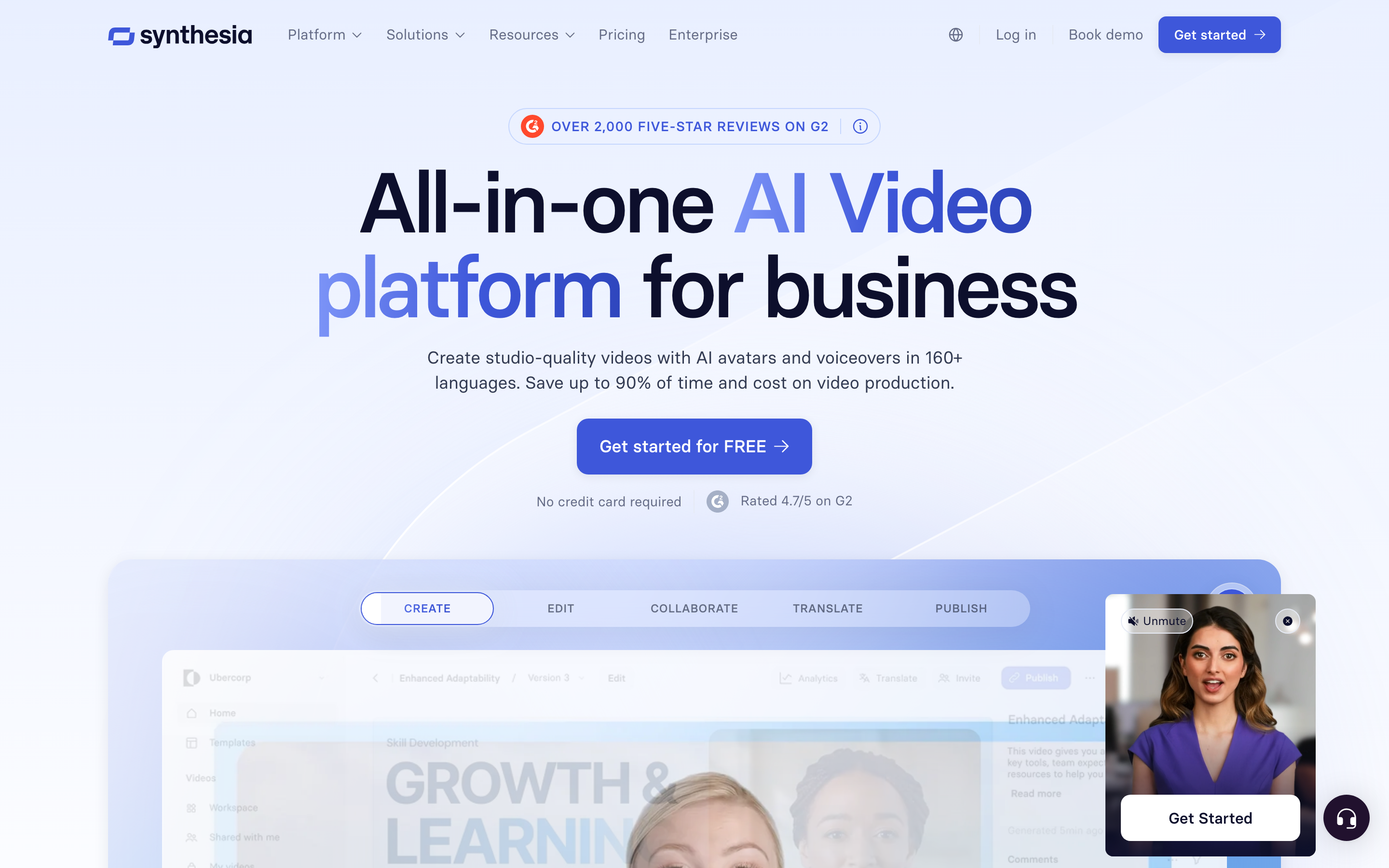
Synthesia Assistant accepts a prompt, files and URL context, then creates an editable outline. Storyboard and Canvas views support scene authoring, and chat can revise scripts and visuals. Its creation workflow includes generated assets and motion graphics.
The AI Screen Recorder provides recording, transcription and scene editing. Recorded product steps can accompany a presenter, so it should not be characterized as a script-only avatar tool.
Current plans meter generated assets with credits. Pro includes interactivity, while Enterprise lists SCORM and Brand Kits. Roleplay learner seats have separate pricing. For training, compare creation, practice and course delivery as distinct requirements.
Sessions includes live avatar roleplays and conversational surveys. The Interactive Avatars API supports real-time experiences in your own product: you bring the language model and speech-to-text, and Synthesia renders the avatar, with optional text-to-speech. Evaluate these separately from recorded-video generation.
| Plan | Billing reference | Scope |
|---|---|---|
| Synthesia Starter, US list | $29/month; $18/month equivalent annually | 1,250 monthly paid credits, plus free allowance |
| Synthesia Pro, US entry tier | $89/month; $64/month equivalent annually | 6,000 monthly paid credits, plus free allowance |
Synthesia prices vary by region. Its current cards use Pro, even where legacy signup parameters still say Creator. Generated assets consume credits; a credit total does not guarantee a fixed finished-video duration. Annual allowances and paid roleplay seats are separate from the monthly figures shown here.
Why Sora is no longer a current recommendation
OpenAI’s discontinuation notice says the Sora web and app experience ended on April 26, 2026. Its API deprecation record lists September 24, 2026 for the Videos API and Sora 2 models. This roundup therefore uses available alternatives instead of recommending the former ChatGPT-bundled service.
Choose by the work you repeat
For generated footage plus agent direction and editing, compare Runway. For a campaign developed from a brief and uploaded material, compare Luma. For app-based creative, compare Pika; for product-URL ads and reference-led creative, inspect Higgsfield.
For presenter-led messages and translation, compare HeyGen. For training and governed publishing, inspect Synthesia’s specific course and enterprise plans. Keep Kling when its model, references and Canvas production match the creative.
For recurring product ads from approved product information, inspect ngram’s Allbirds source and result. Estimate revisions as well as final seconds; a smaller subscription is not proof of lower cost per usable video.
Prepare a realistic comparison
Use the same approved photographs, source information, message and final placement. Review product labels, visual continuity, speech, music and the call to action. Try one likely revision, such as replacing a shot or changing a benefit, before estimating the recurring cost.
To use generated footage in ngram, export a video you have permission to reuse and upload it as source material. Keep the editable original in its source app. When your source changes, tell ngram what changed and request a revision. To make another placement, request the next aspect ratio and length after reviewing the first version; preserve a downloaded copy when you need the earlier result alongside the latest public video.
Continue with ngram vs Kling AI, the product-photo ad template, URL-to-video conversion or ad creative workflows.
How this roundup was reviewed
Recommendations use official product, pricing, help and developer sources. They describe workflow fit and are not numerical quality scores or a timed competitor-output test. The ngram example shows its actual source, prompt and result.
Frequently asked questions
Which Kling AI alternative should I choose?
For generated footage plus agent direction and editing, compare Runway. For a campaign developed from a brief and uploaded material, compare Luma. For app-based creative, compare Pika; for product-URL ads and reference-led creative, inspect Higgsfield. For presenter-led messages and translation, compare HeyGen. For training and governed publishing, inspect Synthesia’s specific course and enterprise plans. Keep Kling when its model, references and Canvas production match the creative.
How do I compare generation costs?
Compare the selected model, final duration, resolution, audio, likely revisions and commercial-use plan. Read renewal amounts and annual commitments separately. Credit totals across vendors are not interchangeable.
Can I use generated footage with ngram?
Yes. Export authorized footage and upload the video as source material. Add the new message and audience, then approve the plan containing the script. Keep the editable original in its source tool.
Can I create another aspect ratio from the same brief?
After reviewing the first ngram video, ask for another version and select its aspect ratio and length. Preserve a downloaded copy if both versions need to stay available; the public link shows the latest version.
Can I share the ngram result for free?
Free includes 1,000 credits/month with public sharing and embeds. Paid plans enable MP4 downloads; unlisted links start with Basic.
Create your first video with ngram, or talk to sales.
Sources
Kling selected membership plans
Kling 4.0 launch and rollout scope
Kling 3.0 Omni input and editing guide
Pika current plans and licenses