
You are a teacher with thirty student projects due Friday, or a marketer who needs a launch video by end of day, and you open WeVideo expecting it to just work. Then the render queue stalls on a 4-minute clip, the export caps at 720p on your plan, and the watermark is still there. If that scene feels familiar, you are part of a steady stream of people searching for WeVideo alternatives in 2026.
WeVideo earned its place. It is a genuinely good cloud video editor with real-time collaboration, a drag-and-drop timeline that works in any browser, a stock media library, and interactive video features (clickable hotspots, quizzes, polls, branched learning) that classrooms and instructional designers lean on. For a school district that wants thirty students editing the same project safely, WeVideo is hard to beat.
But the job changes the answer. A marketer shipping a product explainer, a CS lead turning a release note into a walkthrough, and a founder repurposing a doc into a LinkedIn clip do not need an interactive quiz layer. They need a finished, on-brand video out the door fast. That is where users start looking around, and where the WeVideo pricing complaints, the 720p export cap, and the slow renders push people to test something else.
This guide is organized by job, not by logo. We pulled real user sentiment from G2, Capterra, Sitejabber, Trustpilot, and Reddit, checked current pricing, and grouped 8 tools by who they actually fit. If your goal is a finished business video built from assets you already have, ngram leads. If your goal is a collaborative classroom editor with interactive video, we will tell you plainly where WeVideo (or a closer match) still wins.
What's pushing users off WeVideo
WeVideo is good at what it was built for. The friction shows up when your job drifts outside the classroom-collaboration lane it was designed around.
Pricing that locks the basics behind tiers. WeVideo's individual plans start around $4.99 to $9.99 per month on annual billing, but the parts most people actually need (higher-resolution export, watermark removal, more publishing minutes) sit on higher tiers. Reviewers on Capterra and Sitejabber repeatedly call the structure restrictive, and several Trustpilot and Sitejabber reviews flag surprise charges, including users billed $59.88 right after starting what they thought was a trial.
Export quality caps. This is the single most common technical complaint. The free version locks export at 480p, and lower paid tiers cap at 720p. If you are sending video to a prospect, a homepage, or a paid ad, 720p with a watermark is a non-starter.
Slow renders and stability. Users report long render times on larger projects, plus lag and crashes when importing heavier media. For a teacher on a deadline or a marketer iterating on a launch, a stalled export queue is the moment they go shopping.
It still asks you to do the hard part. Like most timeline editors, WeVideo hands you a blank project. It does not write the script, plan the scenes, or turn a doc or URL into a first cut. You bring the structure; it gives you the canvas. Teams without a dedicated editor feel that gap fastest.
None of this makes WeVideo a bad tool. It makes it the wrong tool for a specific, large group of people: anyone whose real goal is a polished business video rather than a collaborative classroom edit.
Quick comparison
| Tool | Best For | Starting Price | Key Differentiator |
|---|---|---|---|
| ngram | Finished business video from docs, URLs, recordings | Free / $29/mo | Plans the script and storyboard, then generates |
| Canva Video | Social and template-led video for non-editors | Free / paid tiers | Huge template library inside a design suite |
| Clipchamp | Microsoft 365 users doing quick browser edits | Free / paid tiers | Bundled with Windows and Microsoft 365 |
| Kapwing | Fast subtitles and repurposing clips online | Free / paid tiers | Browser tools for captions and quick cuts |
| Descript | Podcasters and long-form talking-head editing | Free / paid tiers | Edit video by editing the transcript |
| InVideo AI | Prompt-to-video for social and faceless content | Free / paid tiers | Type a prompt, get a full video draft |
| Loom | Quick async screen and webcam recordings | Free / paid tiers | One-click record and share a link |
| Animoto | Simple drag-and-drop marketing slideshows | Free / paid tiers | Template-driven video from photos and clips |
1. ngram
Watch how ngram turns an idea into a finished video:
If WeVideo is a canvas you fill in, ngram is closer to a director that drafts the whole thing first. You bring what you already have (a doc, a URL, a deck, a screen recording, or a few screenshots), tell ngram who it is for and where it is going, and it writes the script, maps the storyboard, and generates a first cut you can review before anything renders. That is the categorical difference: WeVideo starts with a blank timeline, ngram starts with your source material and a plan.
What makes ngram stand out
The core idea is plan first, generate second. Before ngram renders a single frame, it produces a script and a storyboard you can edit in plain language. You fix direction early ("make this shorter," "lead with the problem," "add a CTA for prospects") instead of nudging clips around a timeline after the fact. For teams without a video editor, that removes the exact step WeVideo leaves on your plate.
It is built to start from what you have. Paste a release-note URL and ngram pulls the content, drafts a walkthrough, and proposes scenes. Upload a raw screen recording and it transcribes it, trims dead air, smooths the cursor, emphasizes clicks, and adds step labels automatically. Upload a PowerPoint or PDF deck and each slide becomes a scene. This is the source-to-video workflow WeVideo does not offer.
Output is meant to ship, not to get capped. Every video gets auto-captions burned in, AI voiceover (including multilingual variants), brand kit styling applied automatically, and MP4 export; prepare channel-specific cuts separately. You also get a hosted, shareable watch page and an embed code from the same source material.
Editing stays in plain language. Ask the agent to "create a training version," "translate to German," or "make this more direct," and it applies the change across script, visuals, and audio. When you want frame-level control, the timeline editor is there too.
Key features:
- Plan before render - Review and edit the script and storyboard before anything generates.
- Start from your assets - URLs, PDFs, decks, screenshots, and screen recordings become a first cut.
- Screen-recording polish - Auto cursor smoothing, click emphasis, dead-air trimming, and step labels.
- AI voiceover and captions - Multilingual voiceover and burned-in captions on every video.
- Brand kits - Logo, colors, and fonts applied automatically to every render.
- MP4 export - MP4 export with captions, plus a hosted watch page and embed code.
Pros
- AI handles the script, storyboard, and editing, so you do not need timeline skills
- Turns existing docs, URLs, decks, and recordings into a finished video, not just an editable canvas
- On-brand output and 1080p or 4K export on paid tiers, no 720p ceiling
Cons
- No interactive video layer (clickable hotspots, quizzes, branched learning), so it does not replace WeVideo for classroom interactivity
- Web-based agentic workflow, which is a shift if you specifically want a manual drag-and-drop timeline as your main surface
Who is ngram best for?
Product marketing, growth, sales, CS, and founders who need finished, on-brand video without a freelancer or an in-house editor. If your weekly job is turning docs, releases, recordings, and decks into videos that go to customers and prospects, ngram is the strongest WeVideo alternative on this list. For a side-by-side on the overlap and the gaps, see our ngram vs WeVideo comparison.
ngram has a generous free plan (no credit card), with paid plans starting at $29 per month.
Ready to try ngram? Create your first video in under 5 minutes. Start free
2. Canva Video
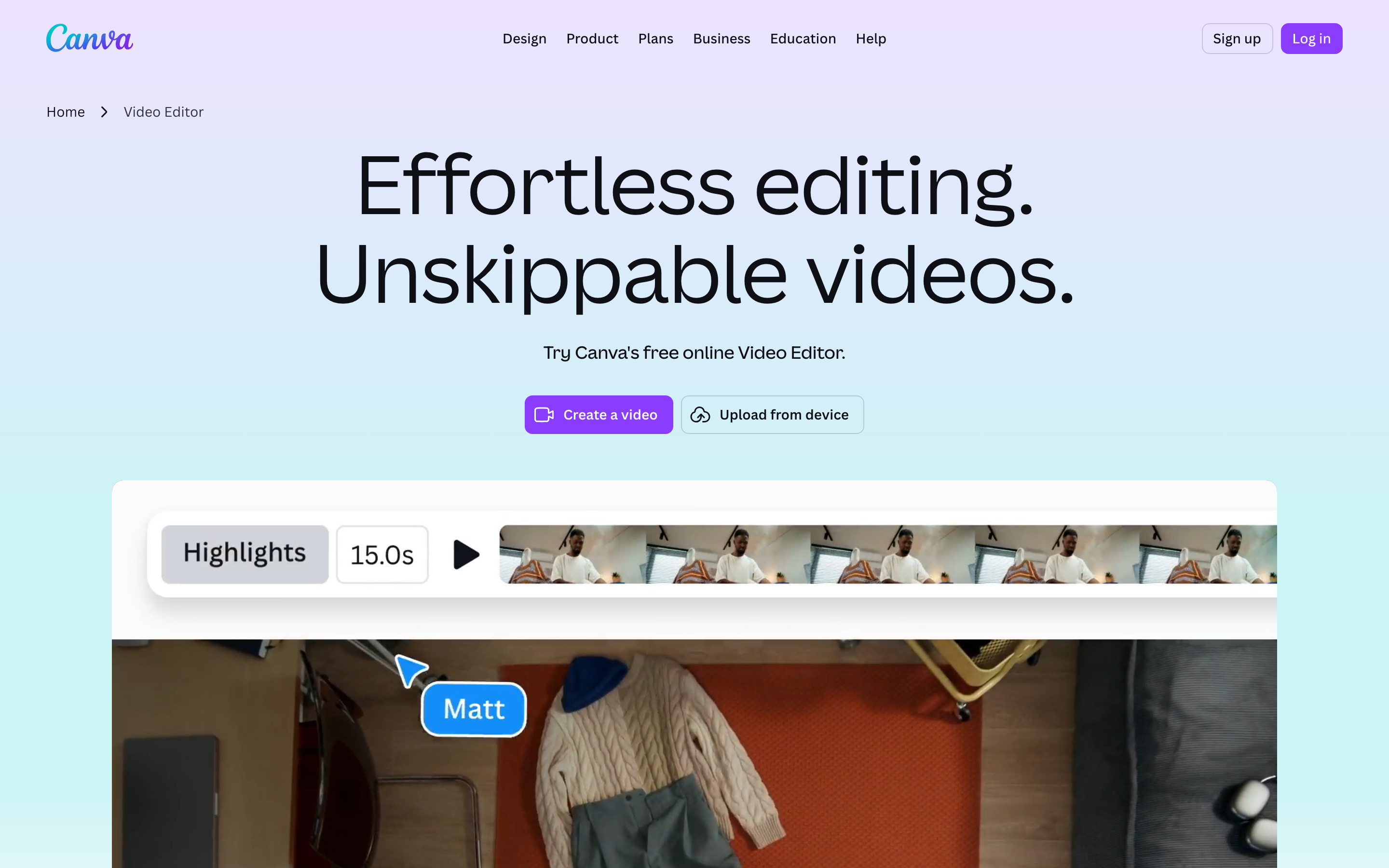
Canva's video editor lives inside its broader design suite, so if your team already makes graphics in Canva, video is one tab over. It is template-first: pick a layout, swap in your media and text, and export. That makes it a comfortable landing spot for non-editors leaving WeVideo who want speed over fine control.
Canva reports hundreds of millions of monthly active users across its whole platform, and the video side rides that scale with a massive template and stock library. Reviewers love the low learning curve and the brand kit on paid tiers. The honest tradeoff: it is template-led, so heavily customized or narrative-driven edits can feel constrained, and complex timelines are not its strength.
Key features
- Template library - Thousands of video templates for social, ads, and presentations.
- Design-suite integration - Reuse brand assets, graphics, and photos across formats.
- Drag-and-drop editing - Trim, layer, and add text without a steep curve.
- Stock media - Built-in video, audio, and image library.
- MP4 export - Resize designs across aspect ratios.
What users say
On G2 and Reddit, the recurring praise is "I am not a video person and I could still make something that looks good." Teams like staying inside one tool for graphics and video. The common complaint is that the timeline is basic compared to a true editor, and that the best assets and brand controls sit on Canva Pro. Compared to WeVideo, users pick Canva when they want templates and design reuse over collaborative classroom editing.
Best for
Marketers, social teams, and small businesses that already live in Canva and want fast, template-driven video. A free tier exists, with paid plans adding brand kit and premium content.
3. Clipchamp
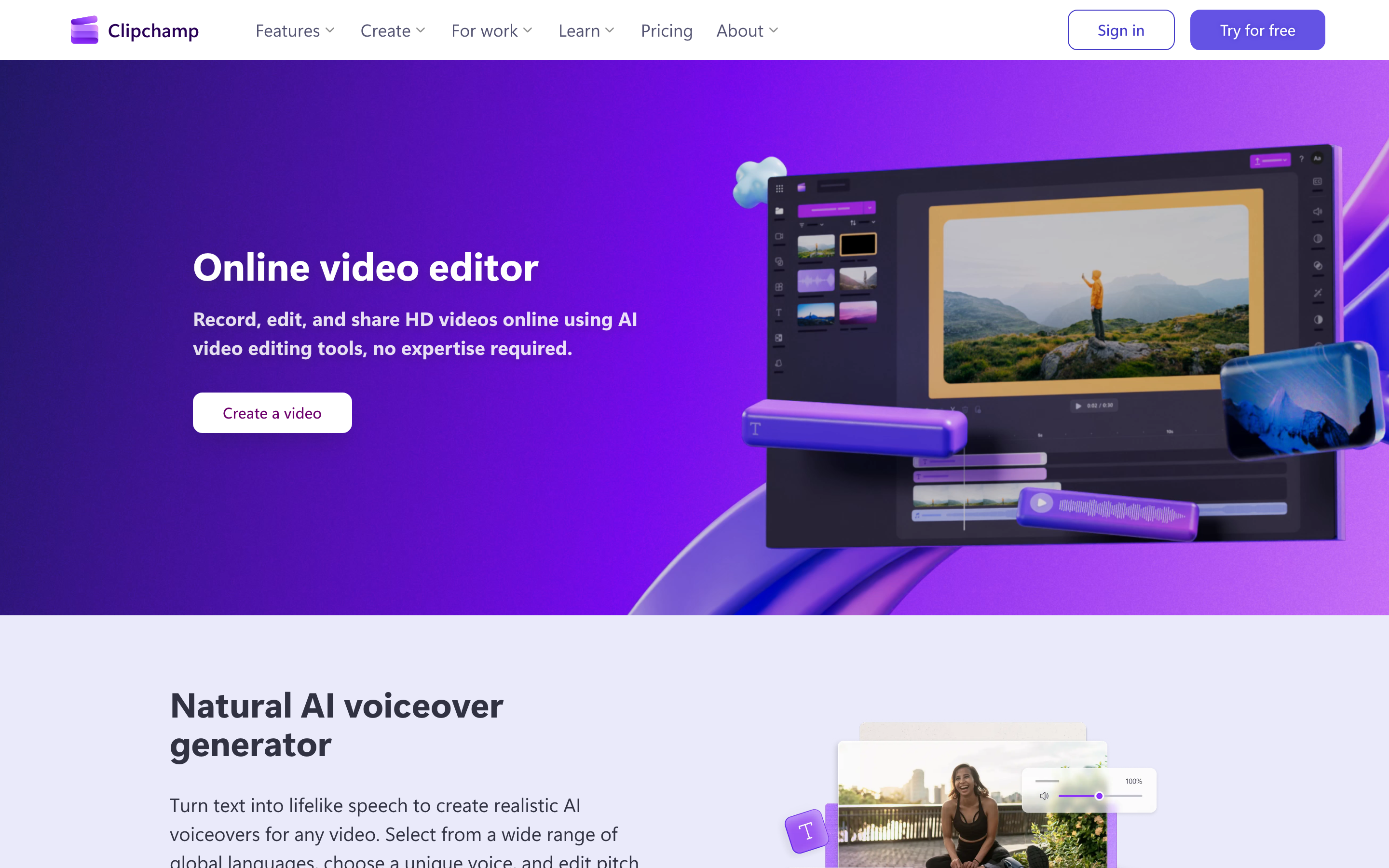
Clipchamp is Microsoft's browser-based video editor, bundled with Windows and Microsoft 365. For anyone already in the Microsoft ecosystem, it is the path of least resistance: it is right there, it is free to start, and it handles the common jobs (trim, caption, export) without a download.
Since the Microsoft acquisition, Clipchamp has tightened its integration with Microsoft 365 and OneDrive, which is its real edge over WeVideo for Windows-first teams. Reviewers praise the clean interface, auto-captions, and a usable free tier. The tradeoffs people note: it leans Windows and Microsoft 365, some features and higher-resolution exports want a paid plan, and it is a straightforward editor rather than an automated generator.
Key features
- Microsoft 365 integration - Tied into Windows, OneDrive, and the Microsoft account.
- Auto-captions - Generate subtitles in the browser.
- Templates and stock - Starter templates plus a stock library.
- Text-to-speech - Built-in AI voices for narration.
- Browser-based - No install needed for core editing.
What users say
Reviewers on G2 and Reddit describe Clipchamp as "the editor that was already installed," which is exactly why Windows users switch to it from WeVideo. People like that captions and basic edits are quick and free. The dislikes cluster around the Microsoft-account requirement, occasional performance hiccups on big projects, and feature gates on the free tier. Versus WeVideo, Clipchamp wins on being bundled and free to start, but it does not offer interactive video or classroom project management.
Pros
- Free and pre-installed for most Windows and Microsoft 365 users
- Clean, beginner-friendly interface with quick auto-captions
Cons
- Best experience is locked to the Microsoft ecosystem
- A manual editor, so you still write and structure everything yourself
Best for
Windows and Microsoft 365 users who want a no-cost, no-install editor for quick edits and captions.
4. Kapwing
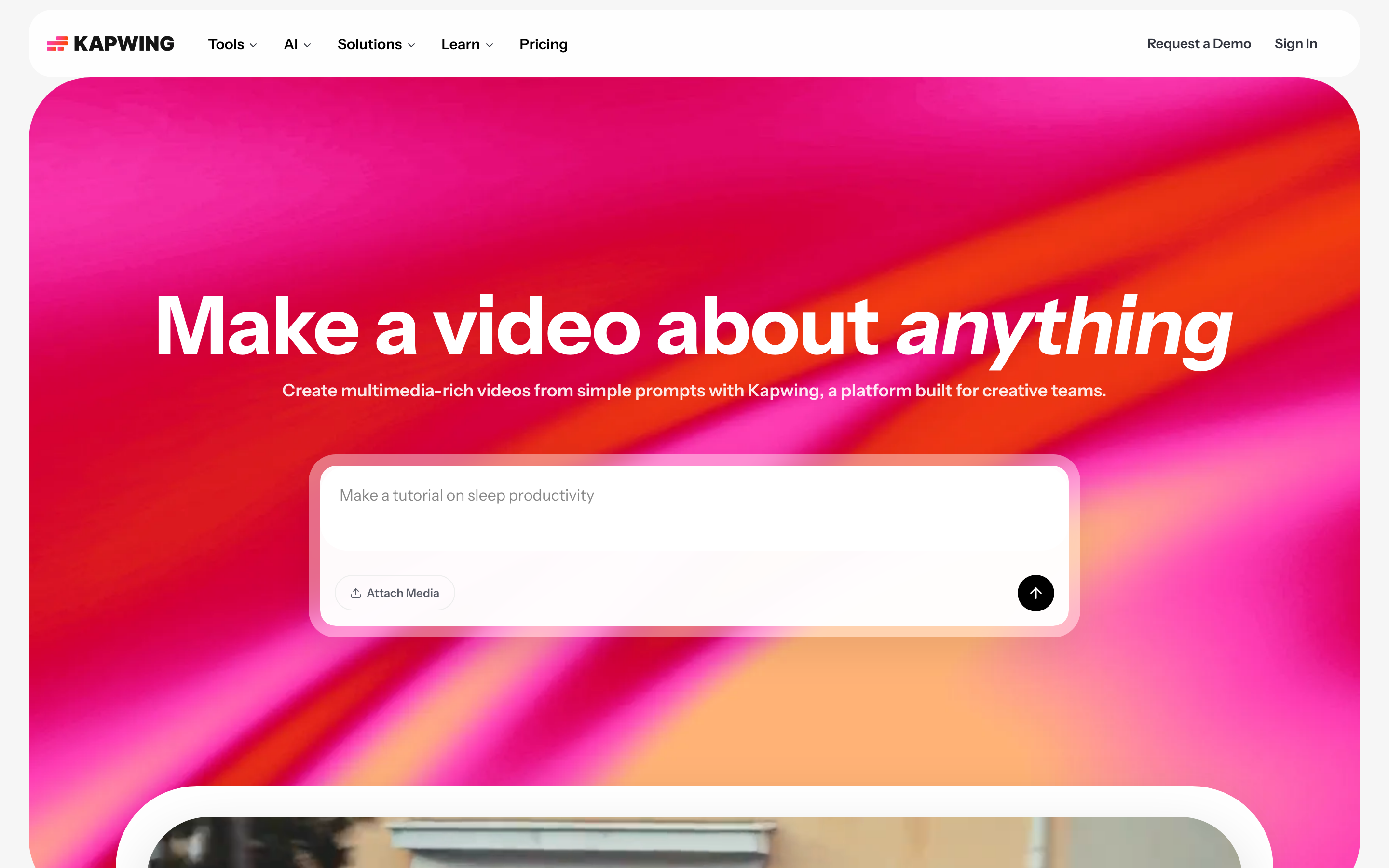
Kapwing is a browser-based toolkit built around fast, repurposing-style jobs: add subtitles, resize for TikTok, cut a long clip into shorts, add text and a watermark. It is the tool people open when they need one specific thing done in five minutes, which is a different rhythm than WeVideo's full project editor.
Kapwing has grown a large base of creators and social teams by being genuinely fast for caption-and-repurpose work, with AI subtitle and clip tools layered on. Reviewers like that there is nothing to install and that the free tier covers a lot. The tradeoff is a watermark and export limits on free, and it is more a swiss-army repurposing tool than a place to craft a polished narrative edit.
Key features
- Auto-subtitles - Fast, editable captions in many languages.
- Smart resize - Reformat one video across aspect ratios.
- Clip and trim tools - Cut long videos into short-form pieces.
- Collaboration - Shared workspaces for teams.
- Stock and templates - Built-in assets for quick edits.
What users say
On Reddit and G2, creators call Kapwing "the fastest way to caption a video in a browser." Social and content teams like it for turning one asset into many. The honest gripes: the free watermark, export caps that nudge you to a paid plan, and occasional slowness on long videos. Compared to WeVideo, people reach for Kapwing when the job is repurposing and captions, not collaborative editing.
Best for
Social media managers and content teams who need quick subtitles, resizing, and clip repurposing online. Free to start, with paid plans removing the watermark and raising limits.
5. Descript

Descript took a different angle on editing entirely: it transcribes your video, and you edit the video by editing the text. Delete a sentence in the transcript and that section of video disappears. For talking-head content, podcasts, and interviews, it is a genuinely faster mental model than dragging clips on a timeline.
Descript is a favorite among podcasters and creators for that transcript-based workflow, plus features like filler-word removal, Studio Sound for cleaning audio, and AI voice cloning (Overdub). Reviewers love how natural the editing feels for spoken-word content. The tradeoffs: it is purpose-built for talking-head and audio-led video, so it is less suited to heavy motion-graphics or template work, and the most useful features sit on paid tiers.
Key features
- Transcript-based editing - Edit video and audio by editing text.
- Filler-word removal - Strip "um" and "uh" in one click.
- Studio Sound - AI audio cleanup for clearer voice.
- Overdub - AI voice cloning for corrections.
- Screen and audio recording - Capture directly in the app.
What users say
Podcasters on Reddit and G2 routinely call Descript "the tool that made editing feel like writing." The transcript model clicks immediately for spoken content. The common critiques: it is overkill for non-talking-head video, AI features can need cleanup, and pricing climbs with usage. Versus WeVideo, people choose Descript when their work is interviews, podcasts, and long-form talking-head, not collaborative classroom projects.
Best for
Podcasters, interviewers, and creators editing long-form talking-head content. Free tier available, with paid plans unlocking the full AI feature set.
6. InVideo AI
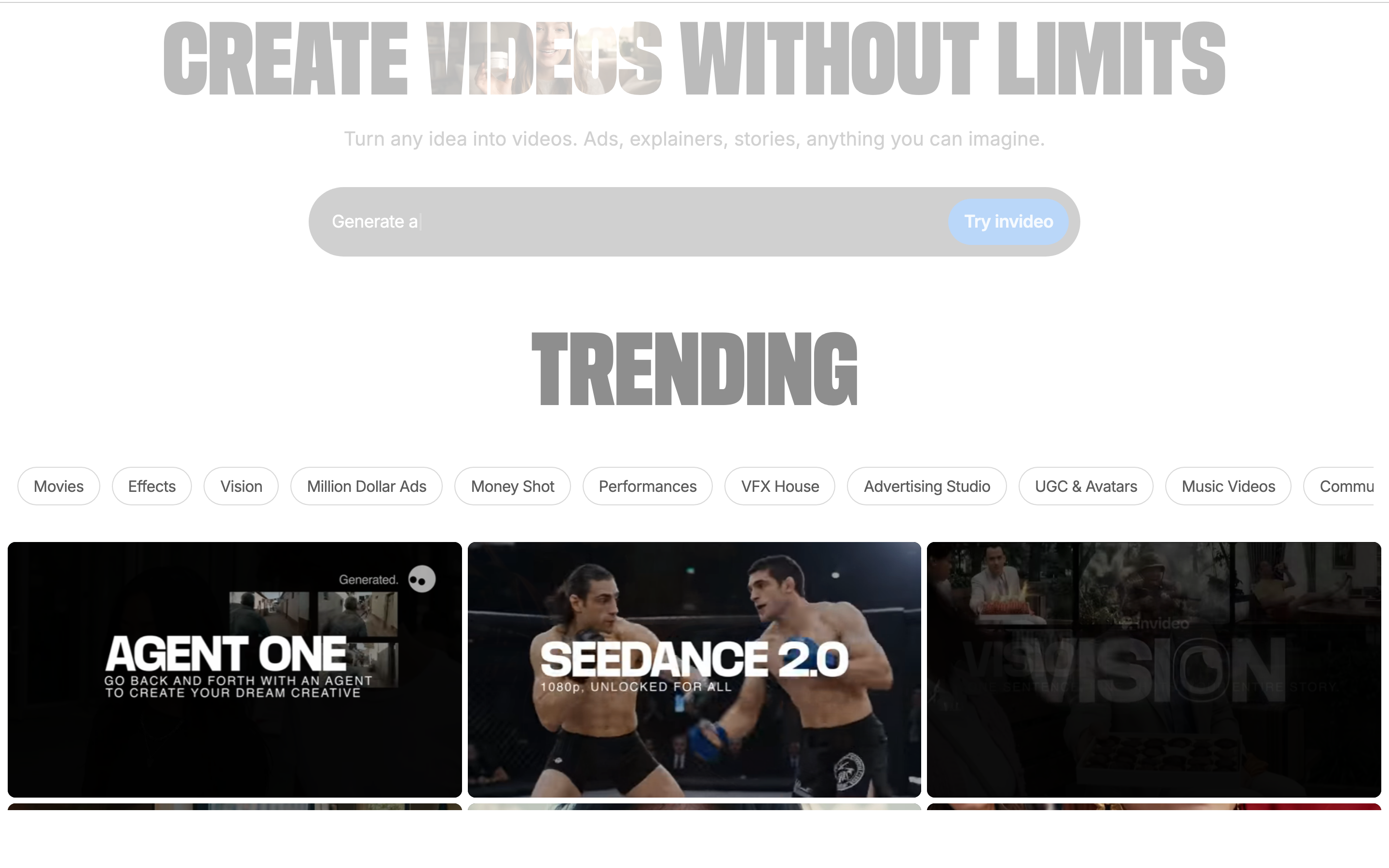
InVideo AI leans hard into the prompt-to-video idea: describe the video you want in a sentence or two, and it generates a full draft with stock footage, voiceover, and captions, which you then refine with more prompts. For faceless social content and quick first drafts, it is fast in a way a manual editor cannot match.
InVideo serves a large base of creators and small businesses, and the AI mode is its headline differentiator over WeVideo's manual timeline. Reviewers like getting from idea to a watchable draft in minutes and the big stock library. The tradeoffs people raise: AI output often needs editing for accuracy and pacing, the stock-footage look can feel generic, and exports and premium media want a paid plan.
Key features
- Prompt-to-video - Generate a full draft from a text prompt.
- AI voiceover - Built-in voices in multiple languages.
- Stock library - Large built-in footage and music catalog.
- Text-based editing - Refine the video by editing the prompt or script.
- Templates - Starter layouts for common formats.
What users say
On Reddit and G2, users describe InVideo AI as "great for a fast first draft you then clean up." Faceless-content creators like the speed. The honest gripes: generated videos can feel templated, the AI sometimes misreads intent, and you hit paywalls on export and premium stock. Compared to WeVideo, InVideo wins on generating a draft from a prompt, but it is aimed at social and faceless content rather than collaborative or interactive classroom video.
Best for
Creators and small teams making faceless social content who want an AI draft to start from. Free tier available, with paid plans for watermark-free exports and more generation time.
7. Loom
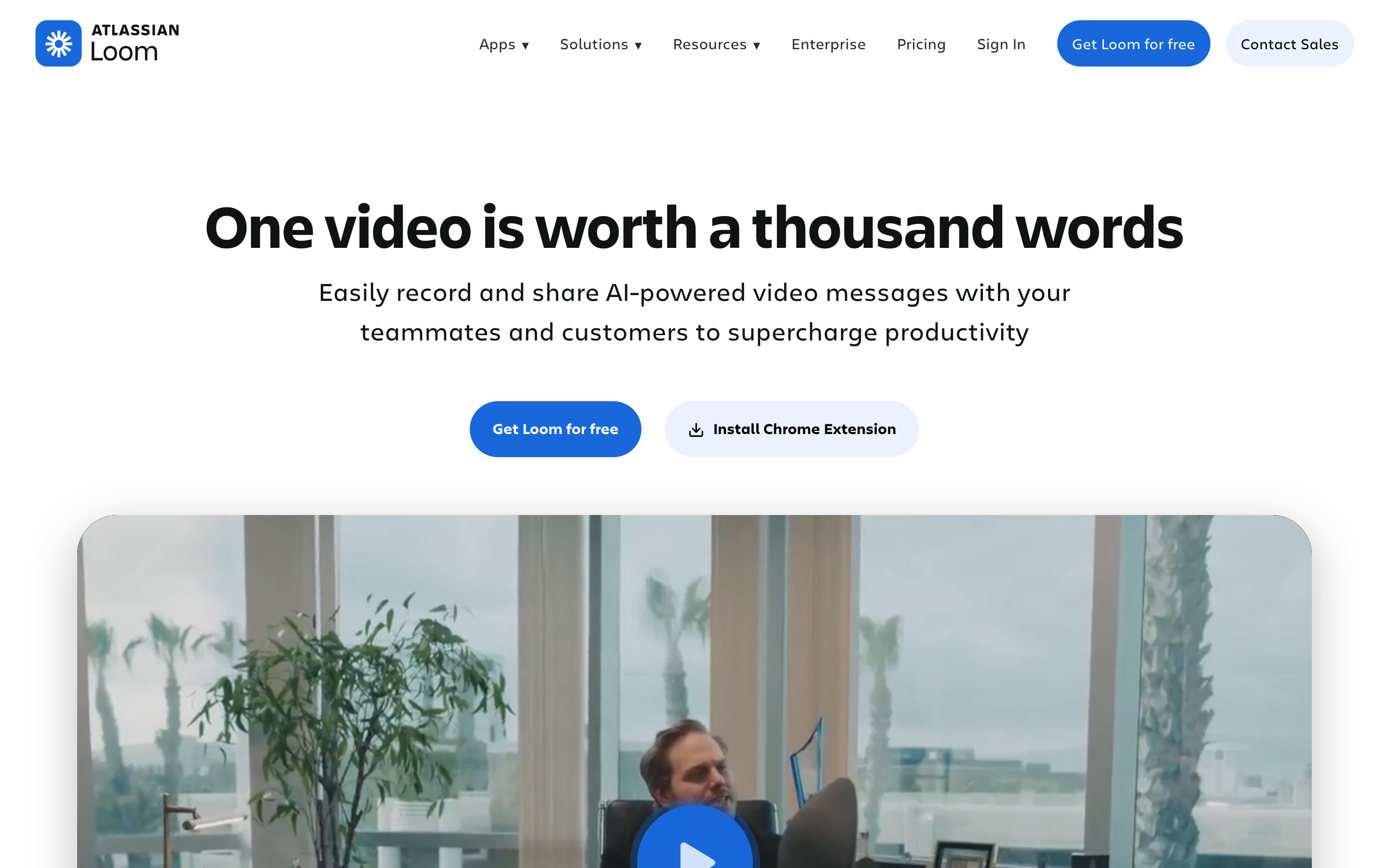
Loom is not a timeline editor at all, and that is the point. You hit record, capture your screen and webcam, and share a link. For async updates, quick walkthroughs, and "let me just show you" messages, it is faster than any editor because there is barely any editing.
Loom is used by millions across product, sales, and support teams for exactly this async-recording job, and after the Atlassian acquisition it sits deeper inside that ecosystem. Reviewers love the one-click record-and-share flow and viewer notifications. The tradeoff is that Loom is built for recording, not production: trimming and polish are minimal, so it is not where you craft a customer-facing, branded video.
Key features
- One-click recording - Capture screen, webcam, or both instantly.
- Instant share links - Send a video URL the moment you stop.
- Viewer insights - See who watched and engagement.
- Basic trimming - Light edits without a full timeline.
- Transcripts - Auto transcription of recordings.
What users say
Across G2 and Reddit, the consensus is "perfect for internal updates, not for polished deliverables." Teams love Loom for cutting meetings and async explainers. The repeated limitation: editing is intentionally light, so a Loom rarely looks like a produced video. Versus WeVideo, Loom wins for speed of capture and sharing, but it is a recorder, not an editor or a generator. If you want to turn a raw recording into a polished video, that is precisely the gap ngram fills.
Best for
Product, sales, and support teams sending quick async video messages. Free tier available, with paid plans adding recording limits, editing, and admin controls.
8. Animoto
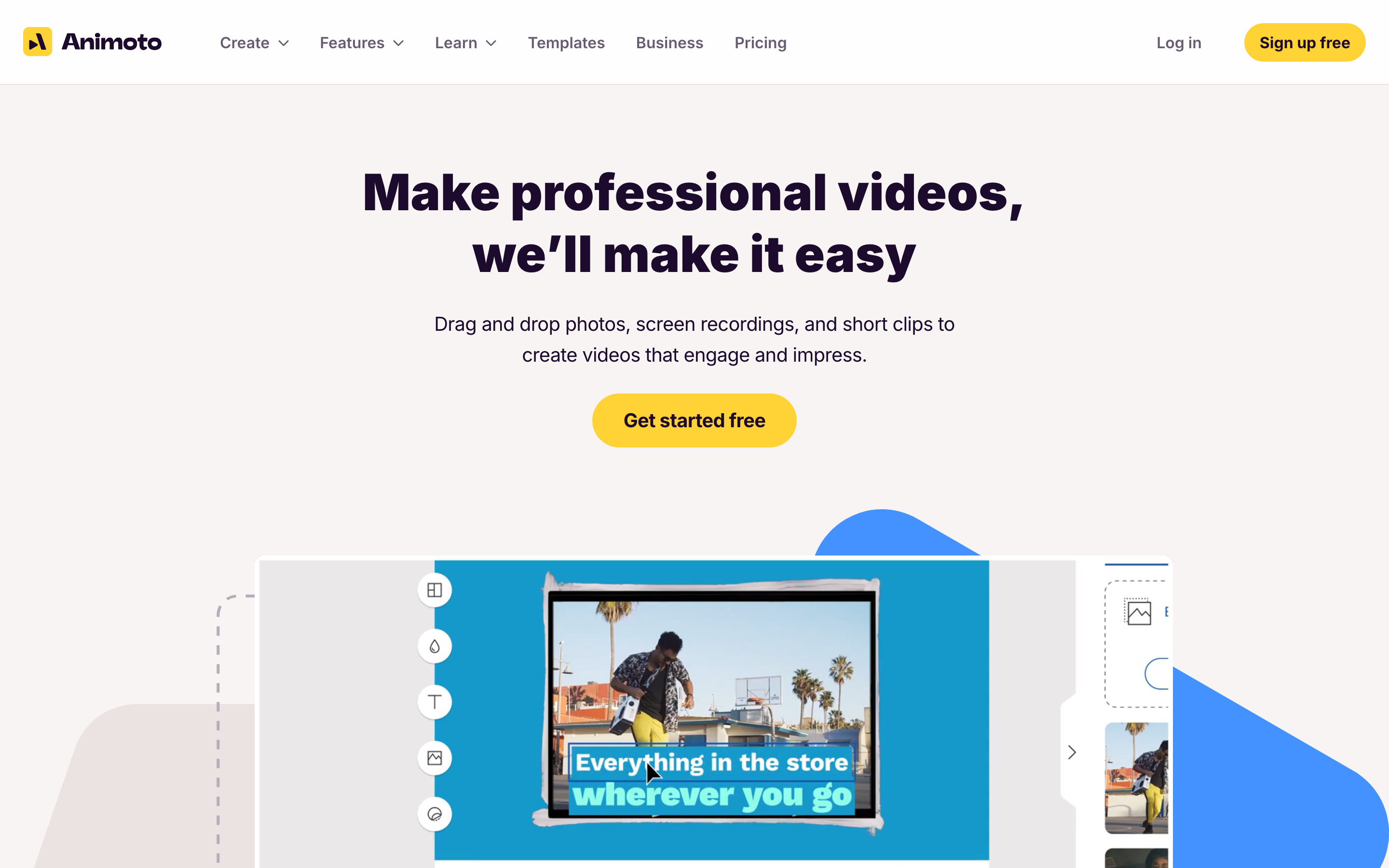
Animoto is one of the original drag-and-drop video makers, built around turning photos and clips into clean, template-driven marketing videos and slideshows. It is deliberately simple: pick a template, drop in media, set the music, export. For small businesses that want a tidy promo without learning an editor, that simplicity is the draw.
Animoto has been around since 2006 and has served millions of users, with a long track record in easy marketing video. Reviewers like how quickly a non-editor can produce something presentable. The tradeoffs: it is template-bound, so creative control is limited, advanced editing is not its lane, and higher-resolution export and watermark removal want a paid plan.
Key features
- Template-driven builder - Start from marketing-ready layouts.
- Drag-and-drop media - Add photos and clips without a timeline.
- Licensed music library - Built-in commercial-use tracks.
- Brand controls - Add logo and colors on paid tiers.
- Simple sharing - Export and post in common formats.
What users say
On Capterra and G2, small-business users call Animoto "the easiest way to make a decent marketing video fast." People value the simplicity and the music library. The common critique: it is limited once you want real customization, and the free tier watermarks output. Compared to WeVideo, Animoto is simpler and more marketing-template focused, with no interactive or classroom features.
Best for
Small businesses and marketers who want simple, template-based promo and slideshow videos. Free tier available, with paid plans for branding and higher-quality export.
---
Looking for the fastest way to ship a finished video? ngram turns your screen recordings, docs, decks, and URLs into polished, on-brand videos in minutes. Try ngram free
---
The case for moving off WeVideo gets clearer when you look at where the whole market is heading.
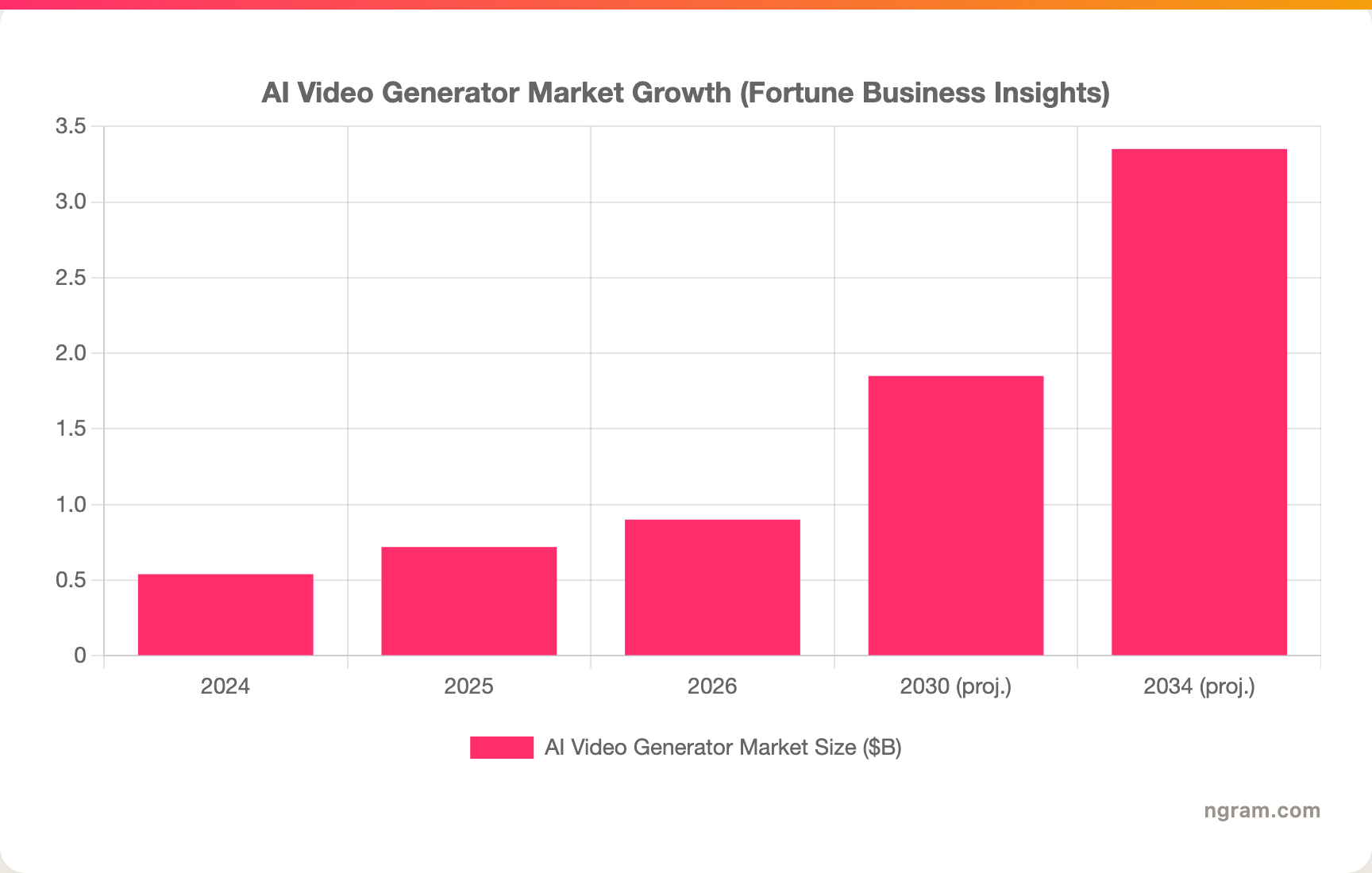
The AI video generator market sat at roughly $716.8M in 2025 and is projected to reach $3.35B by 2034, growing near 19 to 20 percent a year. The behavior shift is just as telling: 78 percent of marketing teams now use AI-generated video in at least one campaign per quarter, AI video generation volume grew 840 percent between January 2024 and January 2026, and agencies that fold AI video into their workflow report producing 11 times more video per month without adding headcount. That is the demand pulling people from manual editors toward tools that draft the video for you.
The other half of the story is ROI. Per Wyzowl, 82 percent of marketers say video gives them a good return, and among those using AI tools that figure climbs to 92 percent. When a finished video is the deliverable, the question is less "which editor" and more "which tool gets me to a publishable cut fastest."
How we compared these tools
We did not just list tools. We tested workflows, read hundreds of user reviews across G2, Capterra, Sitejabber, Trustpilot, Reddit, and Product Hunt, and compared every option across five weighted criteria tuned for this category:
| Criteria | Weight | What we looked at |
|---|---|---|
| Features | 25% | Range of real capabilities: editing, generation, captions, export options |
| Ease of Use | 25% | How fast a non-editor gets to a finished, shareable video |
| AI Capabilities | 20% | Script, storyboard, voiceover, and automation that remove manual work |
| Value | 20% | What you get before hitting export caps, watermarks, or paywalls |
| Support & Community | 10% | Docs, responsiveness, and community help when you are stuck |
We also factored in:
- Real user reviews from G2, Capterra, Sitejabber, Trustpilot, Reddit, and Product Hunt (qualitative sentiment, never numerical scores)
- Market presence and company stability (user base, funding, years in market)
- Integration ecosystem with common business and design tools
- Industry trends and where AI video is heading
For a category this split between "collaborative editor" and "video generator," weighting ease-of-use and AI capabilities alongside features is what separates a tool that ships a finished video from one that just hands you a canvas.
Frequently Asked Questions
What is the best free alternative to WeVideo?
It depends on the job. For a free editor, Clipchamp is hard to beat if you are on Windows or Microsoft 365 since it is bundled and free to start. For browser-based captions and repurposing, Kapwing's free tier is strong. For a finished business video without buying credits, ngram's free plan lets you generate a full video (with a watermark and 720p export on free) before deciding to upgrade.
How does ngram compare to WeVideo?
WeVideo is a collaborative cloud editor with interactive video features built for classrooms and teams editing together. ngram is a generator: you give it a doc, URL, deck, or recording and it writes the script, plans the storyboard, and produces a finished video. Pick WeVideo for collaborative or interactive classroom projects. Pick ngram when the goal is a polished business video from assets you already have. See the full ngram vs WeVideo comparison.
Why is WeVideo's export quality limited?
WeVideo caps export resolution by plan: the free version exports at 480p, and lower paid tiers cap at 720p, with higher resolutions reserved for upper tiers. This is the most common technical complaint in reviews, especially for users sending video to prospects, websites, or ads where 720p with a watermark looks unfinished.
Who should still pick WeVideo over these alternatives?
Educators, instructional designers, and school districts. If you need real-time collaborative editing for a class of students, project management for assignments, and interactive video (clickable hotspots, quizzes, polls, branched learning) with learner analytics, WeVideo is purpose-built for that and none of the alternatives here, ngram included, replace it. WeVideo owns the classroom-and-interactive-video lane.
Can I turn a screen recording into a polished video without editing skills?
Yes. This is exactly where generators pull ahead of manual editors like WeVideo. Upload a raw screen recording to ngram and it transcribes it, trims dead air, smooths the cursor, emphasizes clicks, adds step labels, and applies your brand kit automatically, then exports a finished MP4; channel-specific cuts require separate preparation. You review the script and storyboard first, so you fix direction before anything renders.
Which one should you pick?
The video tooling space in 2026 splits cleanly down the middle: collaborative editors versus video generators, and WeVideo sits firmly on the editor side. If you are a marketer, CS lead, founder, or growth team whose real job is turning docs, URLs, recordings, and decks into finished, on-brand videos without a freelancer or an editor, ngram is the strongest WeVideo alternative here. If you are an educator running collaborative student projects or building interactive lessons with quizzes and branching, stay with WeVideo, because that is the one job ngram does not do. And if you just need a quick async recording, Loom will beat all of them. The fastest way to know which side you are on is to run a 5-minute test with your own asset.
---
Try ngram free, your first video in under 5 minutes. Turn raw screen recordings, docs, decks, or URLs into polished, on-brand videos without touching a timeline. Start free