
Riverside alternatives serve different parts of a show: guest capture, live production, transcript editing and a new video built from an episode. Riverside already offers AI editing, clips, AI Twin and connected-assistant workflows. Choose another product for a specific need, rather than assuming Riverside stops at recording.
What Riverside offers today
Riverside: Riverside’s AI Co-Creator edits recordings and produces supporting content. VideoDub revises spoken lines, translation creates another language version, and AI Twin generates a performance from a script. Keep the workflow and plan eligibility distinct from the quality of an individual output.
Pro, Grow and Webinar list 15, 20 and 25 hours of separate-track downloads, respectively. Recording itself is not capped by those figures. Grow includes MCP and live streaming; Webinar adds registration and engagement. Business adds API access, collaborative controls and enterprise terms.
| Plan | Billing reference | Scope |
|---|---|---|
| Riverside | Pro $29/month; Grow $39/month; Webinar $99/month. Business is custom-priced. | Check the matching seats, generation and delivery allowances |
Annual billing displays $24, $34 and $79/month equivalents respectively. Pro, Grow and Webinar include 15, 20 and 25 hours of separate-track downloads per cycle; these are download allowances, not recording-time caps. Selected AI tools use credits. Additional editor seats and enterprise controls have their own eligibility.
Alternatives at a glance
| Tool | Useful starting point | Price reference |
|---|---|---|
| ngram | A new explanation from source material | Free; Basic $29/month or $278.40/year |
| Descript | Transcript-linked editing and AI creation | $24/user/month; $16/month equivalent annually |
| StreamYard | Live production, multistreaming and webinars | India ₹3,399/month; ₹2,699/month equivalent annually |
| Zencastr | Record guests, direct your AI Producer, refine the episode and distribute the show from one workflow. | Vibecastr is Free; Enterprise is custom-priced. |
| SquadCast | Remote interview capture inside Descript | $24/user/month; $16/month equivalent annually |
| Async | Generate or upload media, direct edits through chat, and use the recording and audio-production tools when your work calls for them. | Essentials $19.99/month; Pro $39.99/month; Teams $84.99/creator/month. |
| VEED | Browser editing and AI-assisted production | Check current regional offer |
Prices reviewed October 18, 2026. Annual commitments, regions, creator seats and usage units differ. These are references to the stated offers, not equal bundles.
ngram: turn an interview into a focused recap
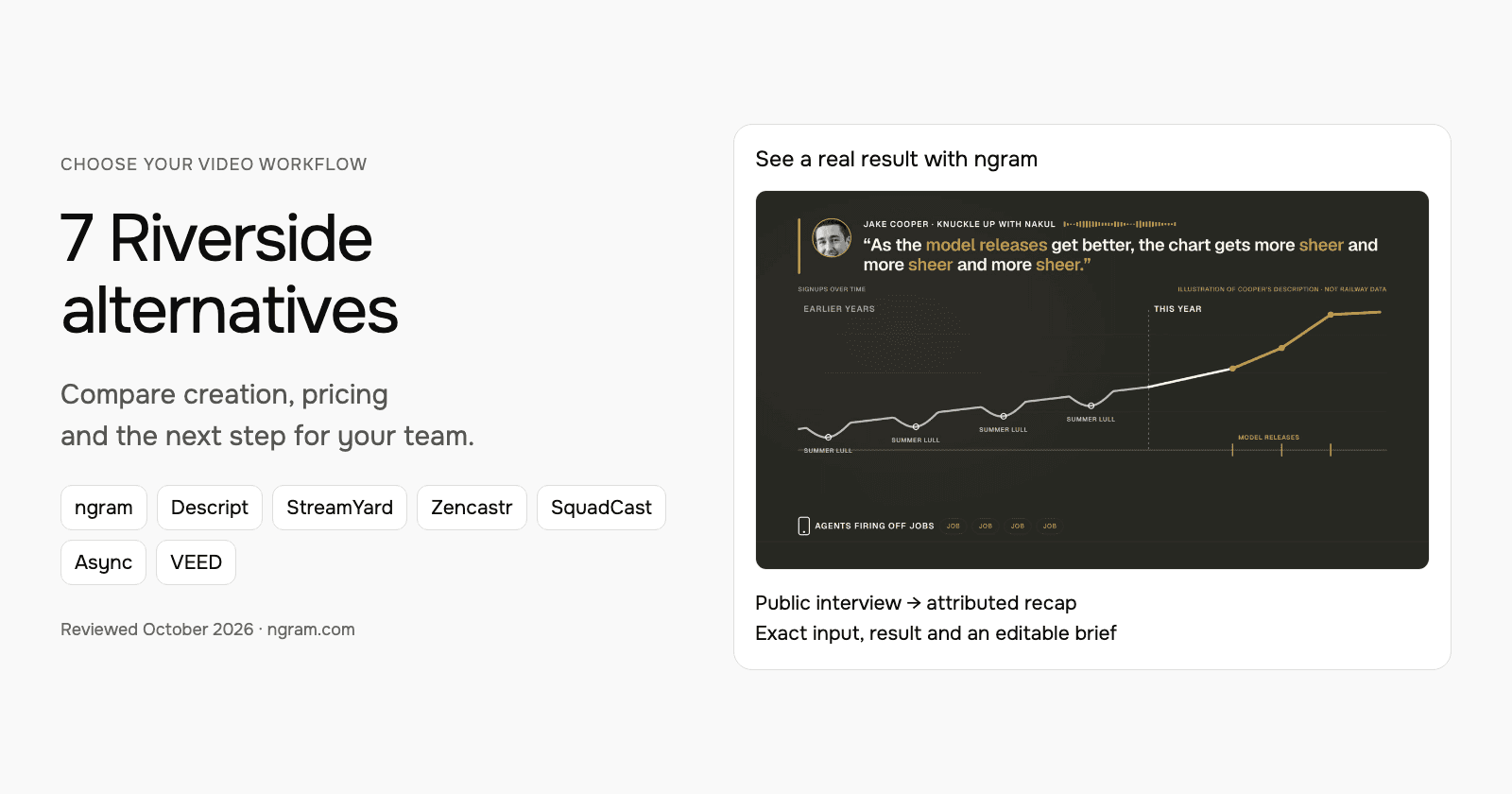
See ngram’s actual recap of Jake Cooper’s Railway interview with Nakul Mandan. The source, filled prompt, settings and result are shown below. This uses the public interview; it was not recorded with Riverside for this article.
From this input to this video
Three takeaways from Jake Cooper’s conversation with Nakul Mandan, combining attributed audio clips with animated explanations.
Prompt
Create a 45-second recap of How Railway says no to 90% of ideas and keeps winning, Jake Cooper’s conversation with Nakul Mandan on Knuckle Up with Nakul for founders and product teams thinking about AI-driven growth. Use this recording or transcript as the source: https://www.youtube.com/watch?v=LQNqM1mA2e8. Focus on these takeaways: Jake Cooper says stronger AI model releases coincide with sharper Railway signup growth as people run more agent-created work; he describes his go-to-market team working to get models to recommend Railway and use its infrastructure; he explains that the team rejects most ideas to stay focused on the work it judges most valuable. Present these as Cooper’s observations and approach, not proof that AI search alone caused revenue growth. Explain each takeaway with the example or evidence the speaker actually provided. Preserve the meaning of quotations and attribute named speakers accurately. Use supplied session visuals when relevant; use clearly labeled motion graphics for concepts. Close with Watch the full conversation on Knuckle Up with Nakul. Format for LinkedIn in landscape 16:9. Tone: clear and thoughtful. Voiceover language: English.
Selected style
Kinetic type
Source material
Read the video transcript
Railway's Jake Cooper, on Knuckle Up with Nakul: three lessons for growth in the AI era. One. Cooper says Railway's signups used to dip every summer. This year they kept climbing, as people run agents that fire off jobs from their phones. Jake Cooper: As the model releases get better, the chart gets more sheer and more sheer and more sheer. Two. His go-to-market team is courting a new audience: the models themselves. Jake Cooper: On the go-to-market side, we're figuring out how to incept the models to recommend us more and more and more. And teaching them to put their hands on Railway's infrastructure. Three. Railway says no to about ninety percent of ideas, from conferences to AI work until around 2023. Every proposal ends with one question: why now? Jake Cooper: We say no, we say no, we say no. And then when it's inevitable, we say yes. Watch the full conversation on Knuckle Up with Nakul.
Turn a conversation into a useful recap
Watch the real ngram recap of the Railway founder interview. Read its actual source and prompt, then adapt the brief for your own session.
Bring the session
Use an authorized public recording or upload your downloaded footage. Add the takeaways, speaker names and supporting context you want the recap to preserve.
Shape the recap
Fill in the session, audience and next step. Select a style, duration and aspect ratio, then attach your source and choose your Brand Kit in ngram.
Approve and refine
Approve the plan containing the script. Review the generated recap for accurate quotations and attribution, then request revisions before sharing.
Make it yours
Fill in your details here, or continue and finish your brief in ngram.
Video generation uses credits. Review your estimate in ngram. MP4 downloads require Basic or higher.
How credits workFill in the audience, message and next step. Choose the style, aspect ratio and duration; attach supporting files in ngram. Select your configured Brand Kit and enable captions when wanted. Approve the plan containing the script, then refine the result through chat or the editor.
ngram pricing includes 1,000 credits/month on Free. Basic costs $29/month with monthly billing and includes 3,000 credits per cycle; annual billing is $23.20/month equivalent with 36,000 credits supplied upfront. The base rate for premium AI video generation is 10 credits per second, with a cheaper model at 3. Share publicly or embed on Free; use a paid plan for MP4 downloads and Basic or above for unlisted links.
Descript: transcript-linked editing and AI creation
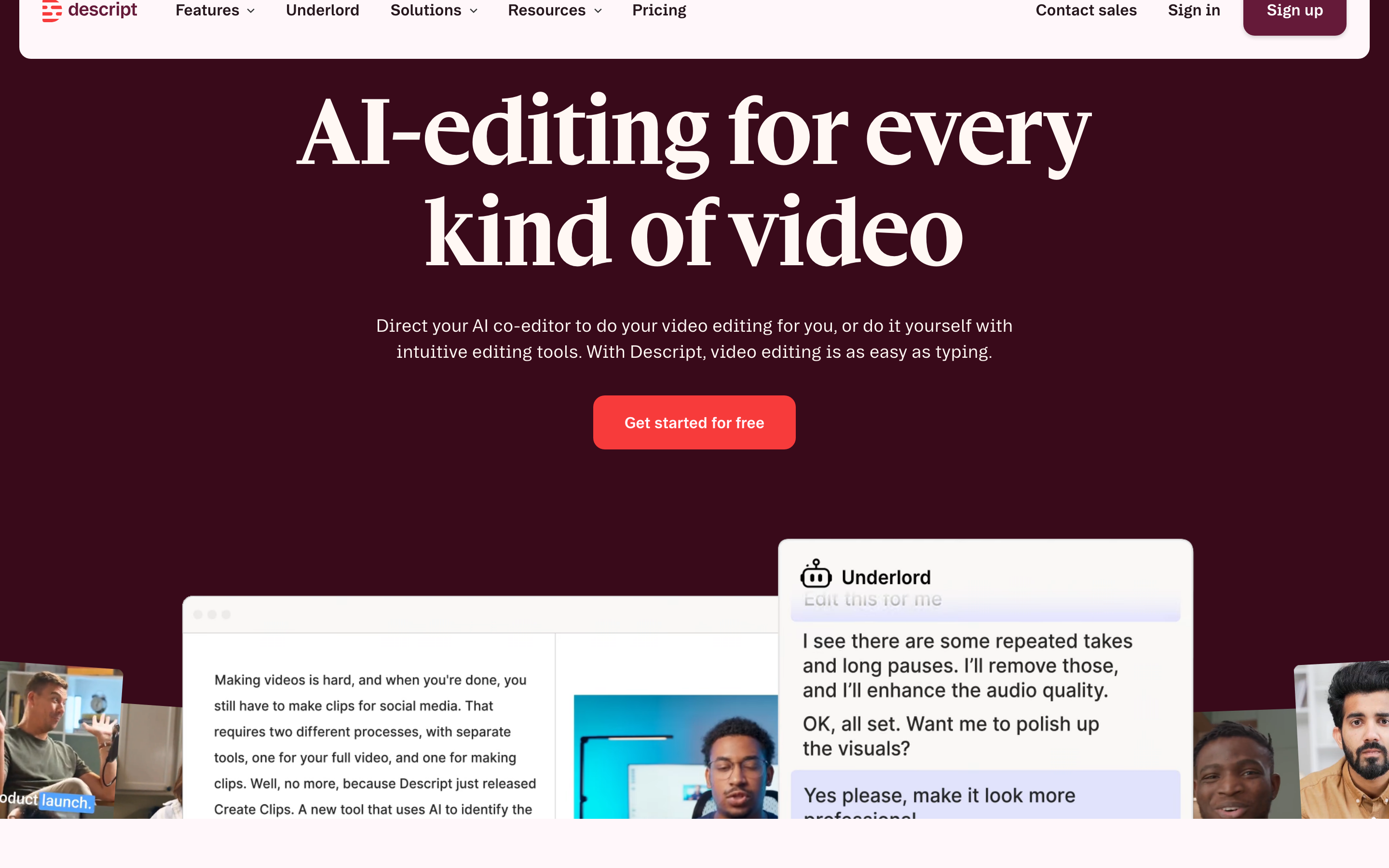
Descript links spoken recordings to a transcript, so word edits change the associated media. Scene and timeline controls support the visual edit. This fits recurring work on interviews, webinars and narrated lessons.
AI Video Maker and Underlord also create from prompts, scripts and footage, with chat revisions and generated media. It is not restricted to editing a recording you made first. Paste exact source text when the creation workflow needs a specific page; web search is a different input path.
The developer offering includes HTTP, MCP, CLI and Zapier for paying users, drawing from their plan allowances. Business includes Brand Studio; check the account and seat needs for your team.
| Plan | Billing reference | Scope |
|---|---|---|
| Descript Hobbyist | $24/user/month; $16/month equivalent annually | 10 media hours and 400 AI credits/month |
| Descript Creator | $35/user/month; $24/month equivalent annually | 30 media hours and 800 AI credits/month |
| Descript Business | $65/user/month; $50/month equivalent annually | 40 media hours and 1,500 AI credits/month |
Media time and AI credits cover different work. Compare the editing and generation operations you expect to repeat. Annual equivalents require an annual commitment.
StreamYard: live production, multistreaming and webinars
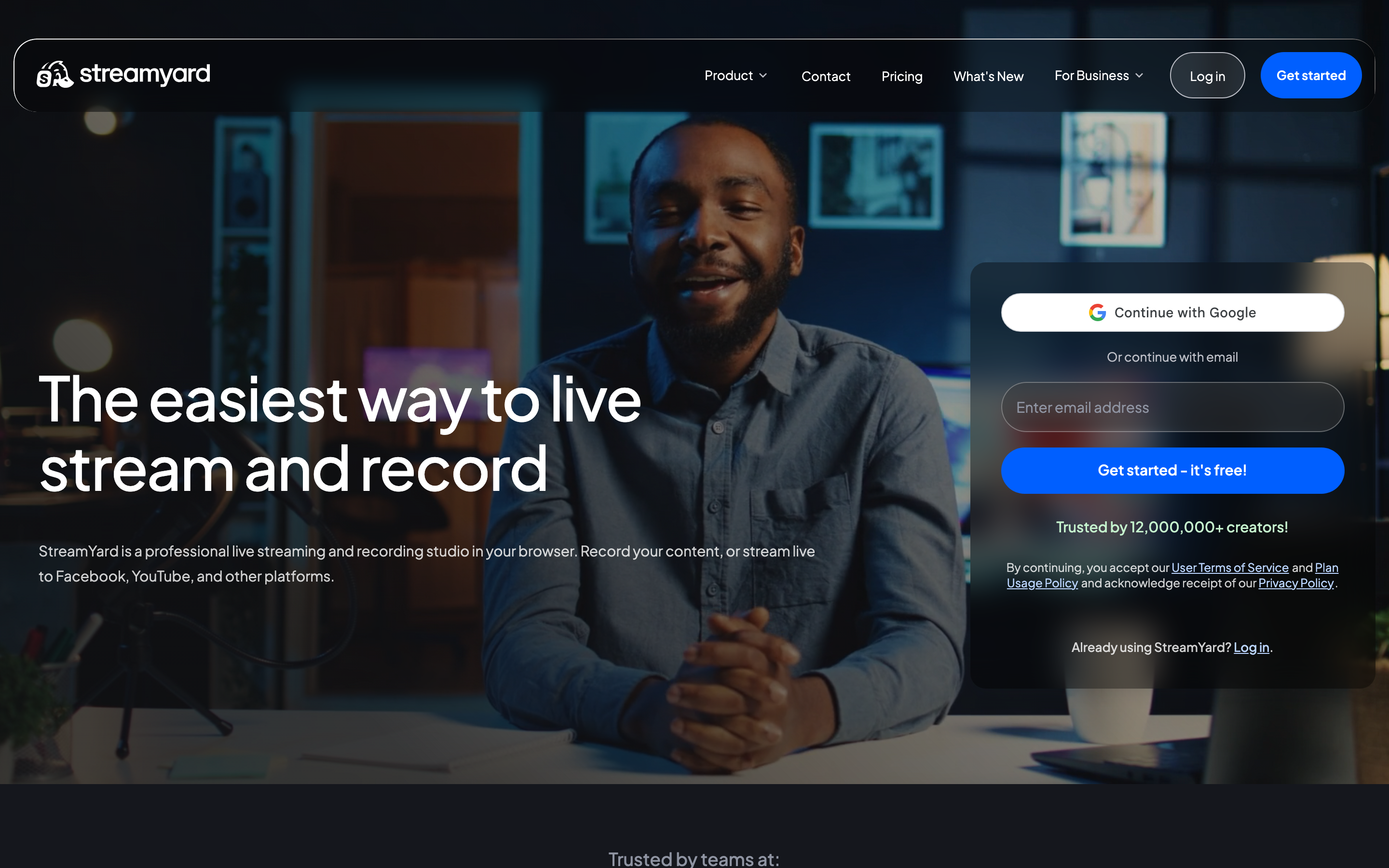
StreamYard combines guest production, branded layouts, multistreaming, recordings and AI clips. Core includes three streaming destinations and 1080p; Advanced adds 4K local recordings and On-Air webinars.
Core and Advanced are explicitly individual-use plans. Companies and organizations should evaluate Business or Enterprise for team seats and administrative requirements, rather than budgeting an individual subscription as their company plan.
| Plan | Billing reference | Scope |
|---|---|---|
| Core, individual use | India ₹3,399/month; ₹2,699/month equivalent annually | 1080p, three streaming destinations, AI clips |
| Advanced, individual use | India ₹6,649/month; ₹5,299/month equivalent annually | 4K local recordings, eight destinations and webinars |
| Business / Enterprise | Check company offer with StreamYard | Company use and team controls |
Individual prices shown are for India and vary by location and offer. Companies should use StreamYard’s current Business or Enterprise offer.
Zencastr: record guests, direct your AI Producer, refine the episode and distribute the show from one workflow.
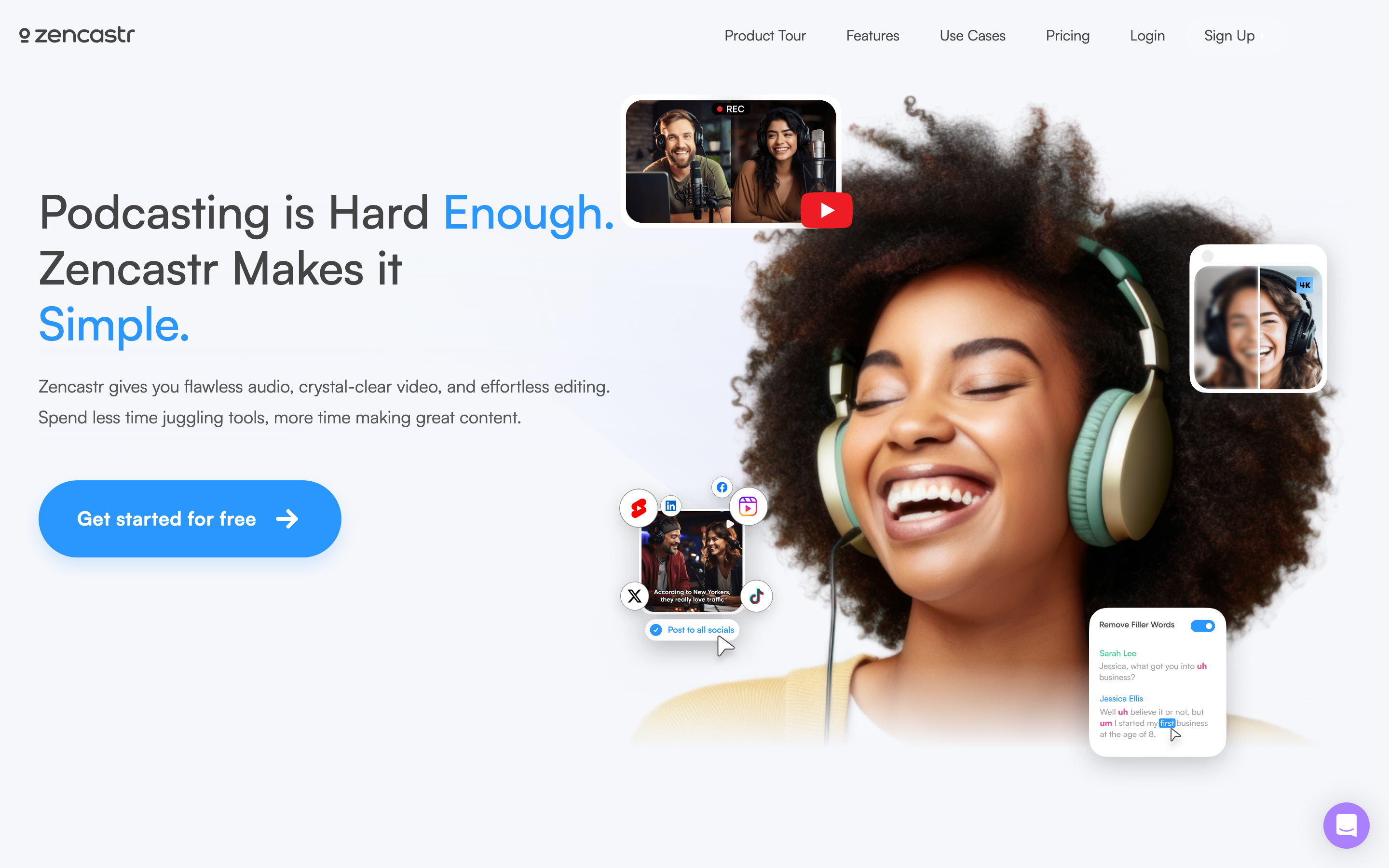
Zencastr: Zencastr’s AI Producer accepts chat requests for cuts, sound cleanup, speaker layouts, branding and clips. Its transcript and multitrack tools provide additional control. The product supports video as well as audio, so the old assumption that it only captures a basic podcast is too narrow.
The current Vibecastr table includes six participants and four seats, with up to 4K recording and clips. It lists unlimited recording/download and postproduction credits, while RSS and video views have separate stated allowances. Match the entire show’s delivery requirements to those terms.
| Plan | Billing reference | Scope |
|---|---|---|
| Zencastr | Vibecastr is Free; Enterprise is custom-priced. | Check the matching seats, generation and delivery allowances |
The current public plan lists six participants, four seats, up to 4K recording and clips, and unlimited recording/download and postproduction credits. Distribution has separate allowances, including listed RSS and video-view limits. Review the current terms for your show rather than applying the older Hobbyist/paid-tier prices.
SquadCast: remote interview capture inside Descript
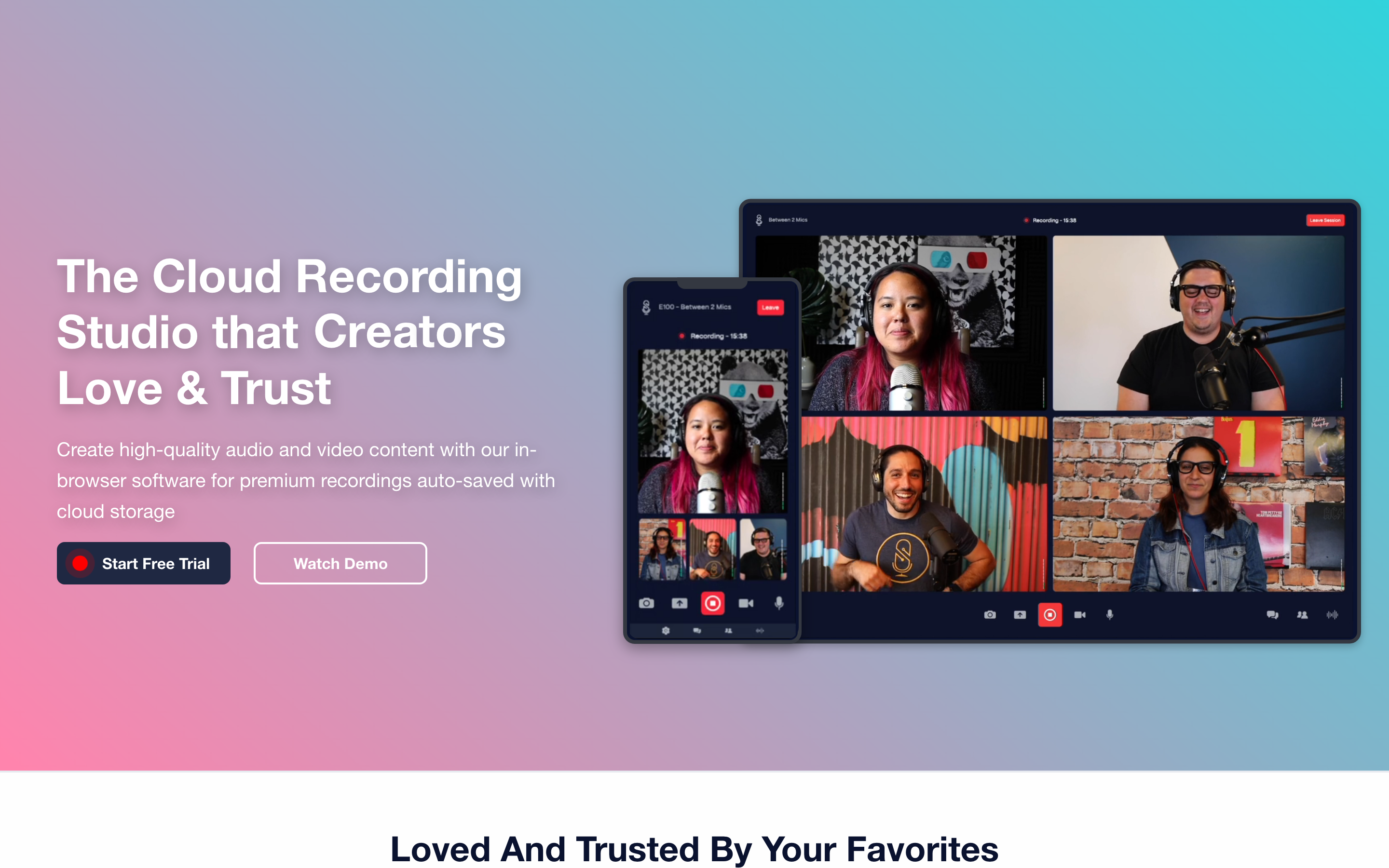
SquadCast has joined Descript. Its recording workflow supports separate and mixed audio tracks, video, screen sharing and guest sessions; the material can continue into Descript editing.
Evaluate it as part of the combined recording and editing purchase. The current Descript plans express media hours and AI credits separately, so old standalone SquadCast entry prices are not the right reference for a new subscription.
| Plan | Billing reference | Scope |
|---|---|---|
| Descript Hobbyist | $24/user/month; $16/month equivalent annually | 10 media hours and 400 AI credits/month |
| Descript Creator | $35/user/month; $24/month equivalent annually | 30 media hours and 800 AI credits/month |
Descript monthly and annual-equivalent prices are shown for the combined offering. Check the recording allowance, editor seats and current AI limits for the chosen account.
Async: generate or upload media, direct edits through chat, and use the recording and audio-production tools when your work calls for them.
Async: Async starts from an idea, prompt or uploaded media, then combines generation and editing in chat. Reusable skills let you carry an editing approach into the next project. Its Podcast Studio and Voice API are related but distinct workflows; a creator subscription is not a blanket developer allowance.
The current base paid credit balances are 450, 1,200 and 3,000 per month. Generation cost depends on the model, duration and resolution, and an agent task can use several operations. Estimate the work you repeat instead of equating these credits with another product’s credits.
| Plan | Billing reference | Scope |
|---|---|---|
| Async | Essentials $19.99/month; Pro $39.99/month; Teams $84.99/creator/month. | Check the matching seats, generation and delivery allowances |
Annual billing displays $11.99, $23.99 and $49.99 per month equivalents respectively. The selected base allowances are 450, 1,200 and 3,000 AI credits/month. Business is custom-priced; a Free plan is available. AI usage varies by task and model; the Voice API has separate usage billing.
VEED: browser editing and AI-assisted production
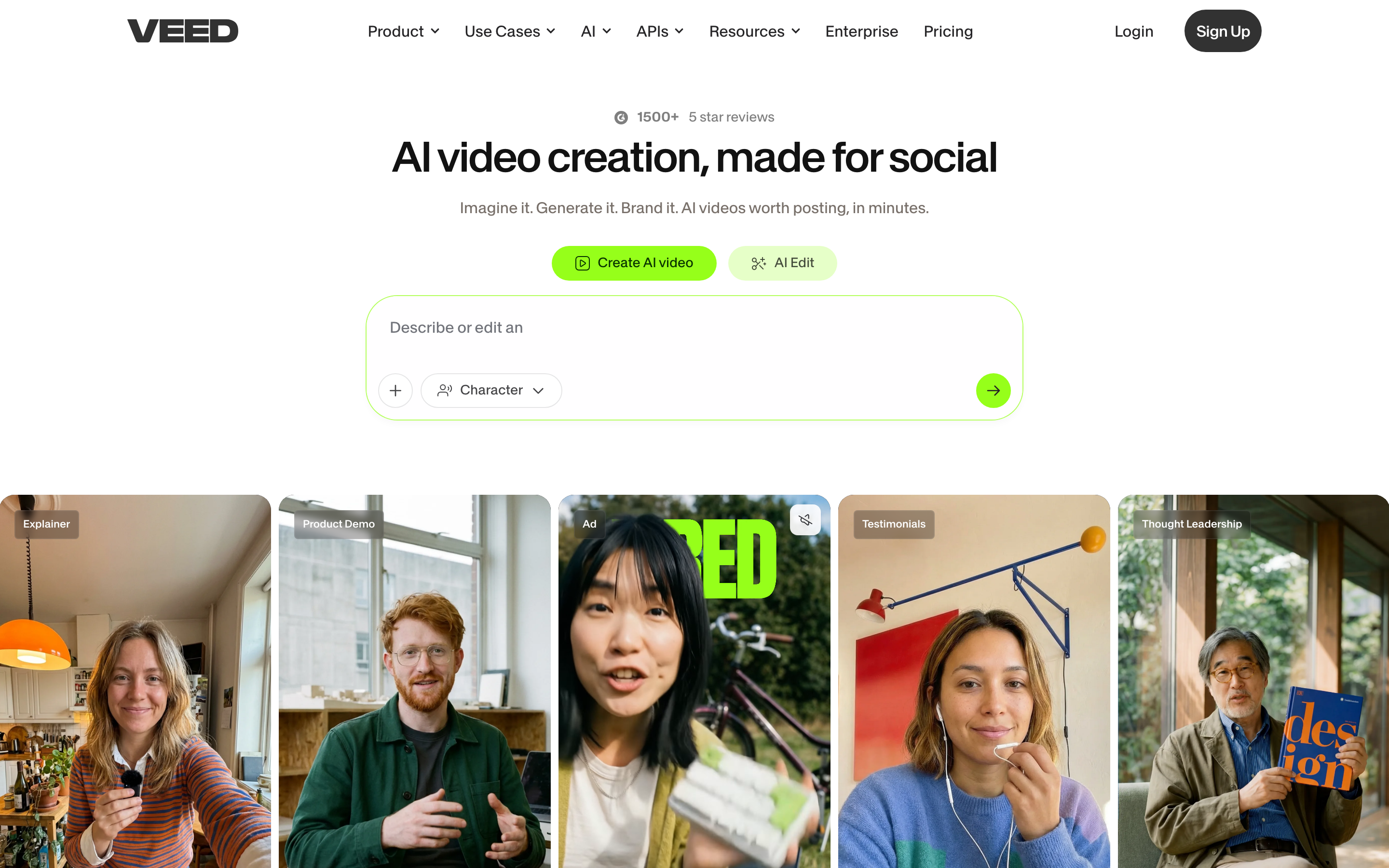
VEED combines browser editing, captions, recording and AI creation. AI Studio includes script review and generated scenes, so evaluate it for a new video as well as post-production on existing footage.
Use its current pricing for the required exports, brand controls, collaboration and AI allowance. The public page did not expose a reliable fixed price in this review, so this shortlist does not repeat an older entry price.
VEED also has developer API/MCP offerings, with Fabric as a separate generation product. A browser-editor subscription should not be assumed to include every developer operation. Keep the original editing project when exporting footage for another creation tool.
| Plan | Billing reference | Scope |
|---|---|---|
| VEED editor | Check current regional offer | Plan-specific exports, collaboration and AI usage |
Compare the actual editor plan and separate developer product when relevant.
Choose by the work you repeat
For transcript-led revisions and AI creation, compare Descript; SquadCast is its remote-recording path, so evaluate the combined subscription rather than treating both as unrelated purchases. For chat production across voice and generated media, inspect Async.
For live shows, destinations and webinar operations, compare StreamYard’s eligible company plan. For an integrated recorded show, inspect Zencastr’s current AI Producer and free entry offer.
For a new explanation based on a conversation, adapt ngram’s Railway recap. For browser creation, captions and media edits, evaluate VEED. Keep Riverside where its recording, AI editor, live tools and publishing already fit.
Bring your existing material into the next brief
Keep editable originals in their source tools. Export footage you are allowed to reuse and upload the video file to ngram. A downloaded video supplies source material; it does not bring over another tool’s editable timeline, comments, analytics or hosting settings.
Keep existing share links working while you prepare the replacement. Check the new video, captions, quotations and speaker attribution before changing an embed or sending it to your audience. For a different format, change the duration or aspect ratio and request another version after the first video.
Continue with ngram vs Riverside, the editable example brief, screen recording to video, content team workflows or integrations and automation.
How this roundup was reviewed
Recommendations follow the official product, pricing and help documentation linked in each section. They describe workflow fit, not a scored or timed competitor-output test. The ngram example shows an actual input and result. Use your own recurring source and revision to evaluate the tool you shortlist.
Frequently asked questions
Which Riverside alternative should I choose?
For transcript-led revisions and AI creation, compare Descript; SquadCast is its remote-recording path, so evaluate the combined subscription rather than treating both as unrelated purchases. For chat production across voice and generated media, inspect Async. For live shows, destinations and webinar operations, compare StreamYard’s eligible company plan. For an integrated recorded show, inspect Zencastr’s current AI Producer and free entry offer.
Can I keep using Riverside alongside ngram?
Yes. Keep the source project in its original tool and upload authorized exported footage to ngram when you want a new explanation. Add the audience and message, then approve the proposed plan containing the script.
What should I check before replacing a shared recording?
Keep the original until you have checked the new video and delivery link. Update embeds and links deliberately; comments, analytics and viewer permissions do not transfer with an exported media file.
How should I compare prices?
Use the same billing term and creator count. Check generation, editing, download, hosting and audience allowances. Recording hours, AI credits, storage and finished-video duration measure different parts of the work.
Can I share a video on ngram Free?
Free includes 1,000 credits/month and supports public sharing and embeds. Paid plans allow MP4 downloads; unlisted links start with Basic.
Create your first video with ngram, or talk to sales.
Sources
Riverside download instructions