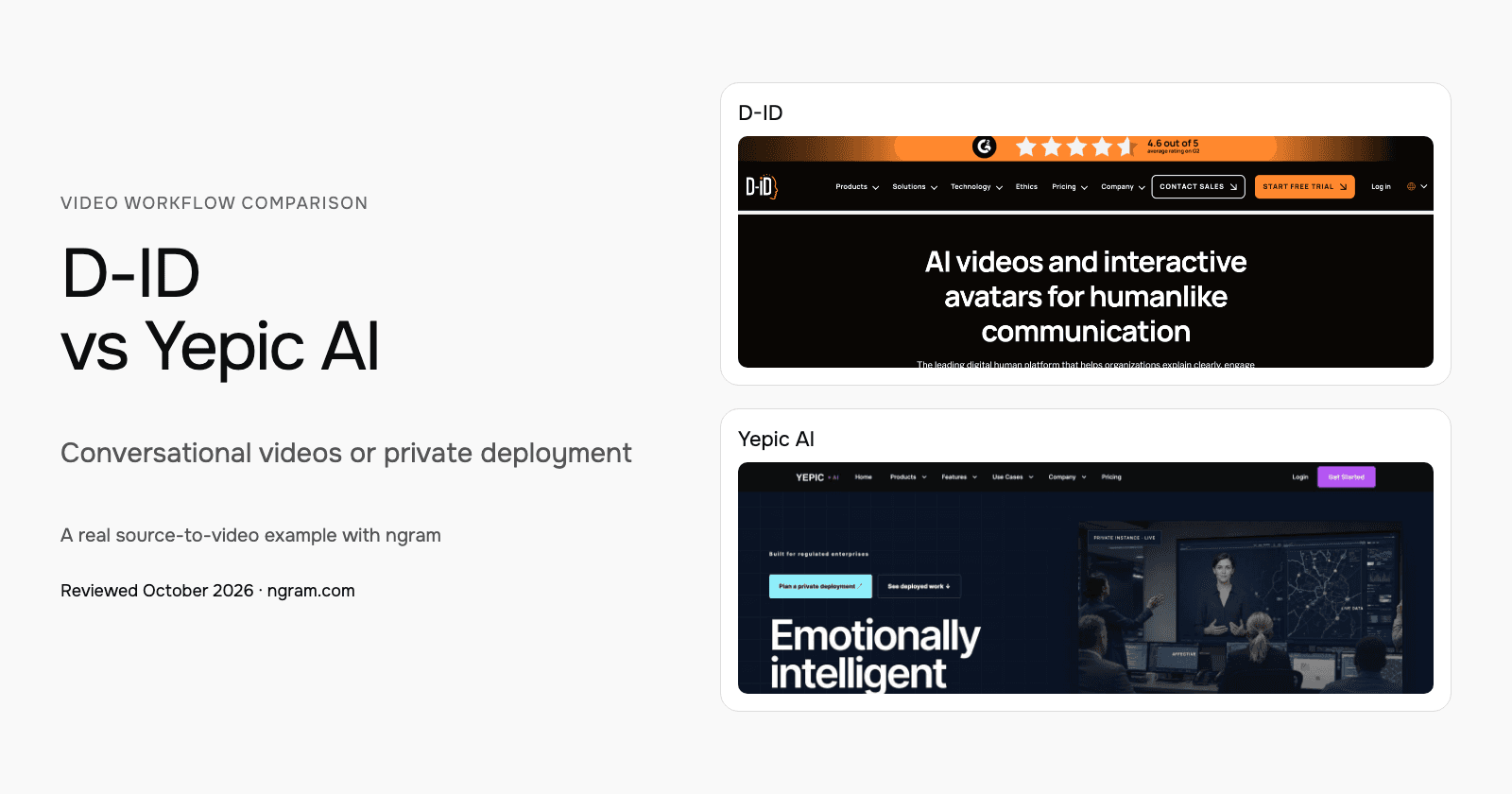


D-ID and Yepic AI both support live avatar experiences, but the buying paths differ. D-ID combines Studio video creation, Agentic Videos and API access with published allowances. Yepic scopes managed demos, commercial API access and private deployments. Compare the intended interaction and infrastructure.
D-ID vs Yepic AI at a glance
| Decision | D-ID | Yepic AI |
|---|---|---|
| Creation | Templates, scripts/audio and customizable presenter scenes | Team-scoped managed evaluation or private deployment |
| Revision | Script, voice, presenter and scene-media changes | Character, interaction and integration changes within project scope |
| Learning or live experience | Agentic Videos and visual AI agents for content-grounded Q&A | Live avatar interactions connected to enterprise knowledge |
| Brand treatment | Scene treatment; Advanced custom logo | Experience and character design in the deployment |
| Connected workflows | API access across Studio tiers; documented MCP | Commercial API, systems integration and private infrastructure |
D-ID: Create presenter scenes and conversational video
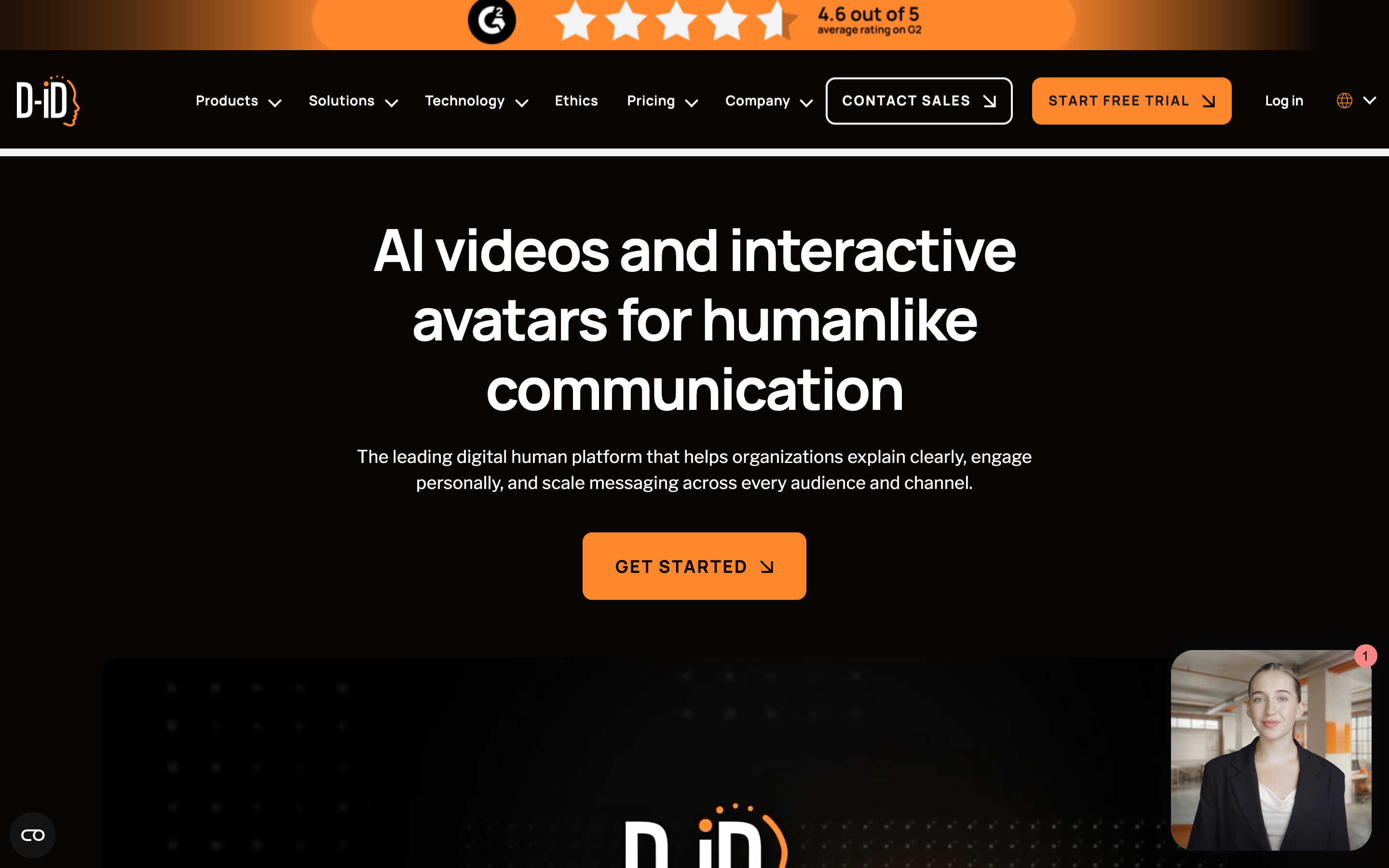
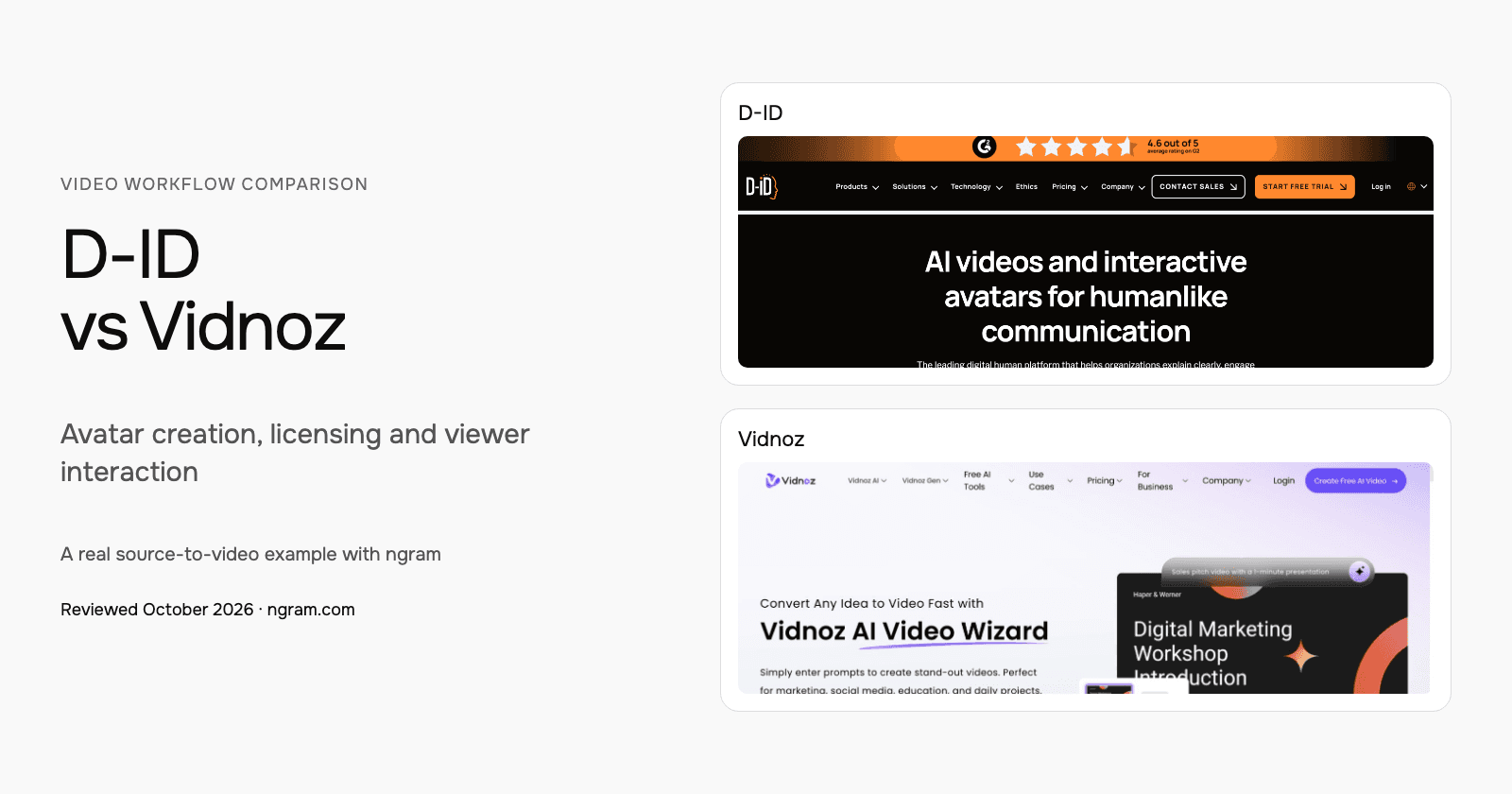
D-ID Studio starts with a template or blank canvas, a presenter and a script or recorded audio. Customize backgrounds, text, graphics and uploaded media across scenes before rendering. This is broader than a single photo animation.
Agentic Videos connect a video to questions and answers grounded in the content and connected knowledge. Its visual AI agents provide another route to a live avatar experience. For a deployment, evaluate how the avatar reaches the required knowledge and what the viewer can actually do.
The Studio plan table lists API access across tiers, including Trial. Its MCP documentation describes an API/docs connection for assistant workflows. Check the selected Studio or separate API allowance before budgeting the integration.
Yepic AI: Scope a private avatar deployment
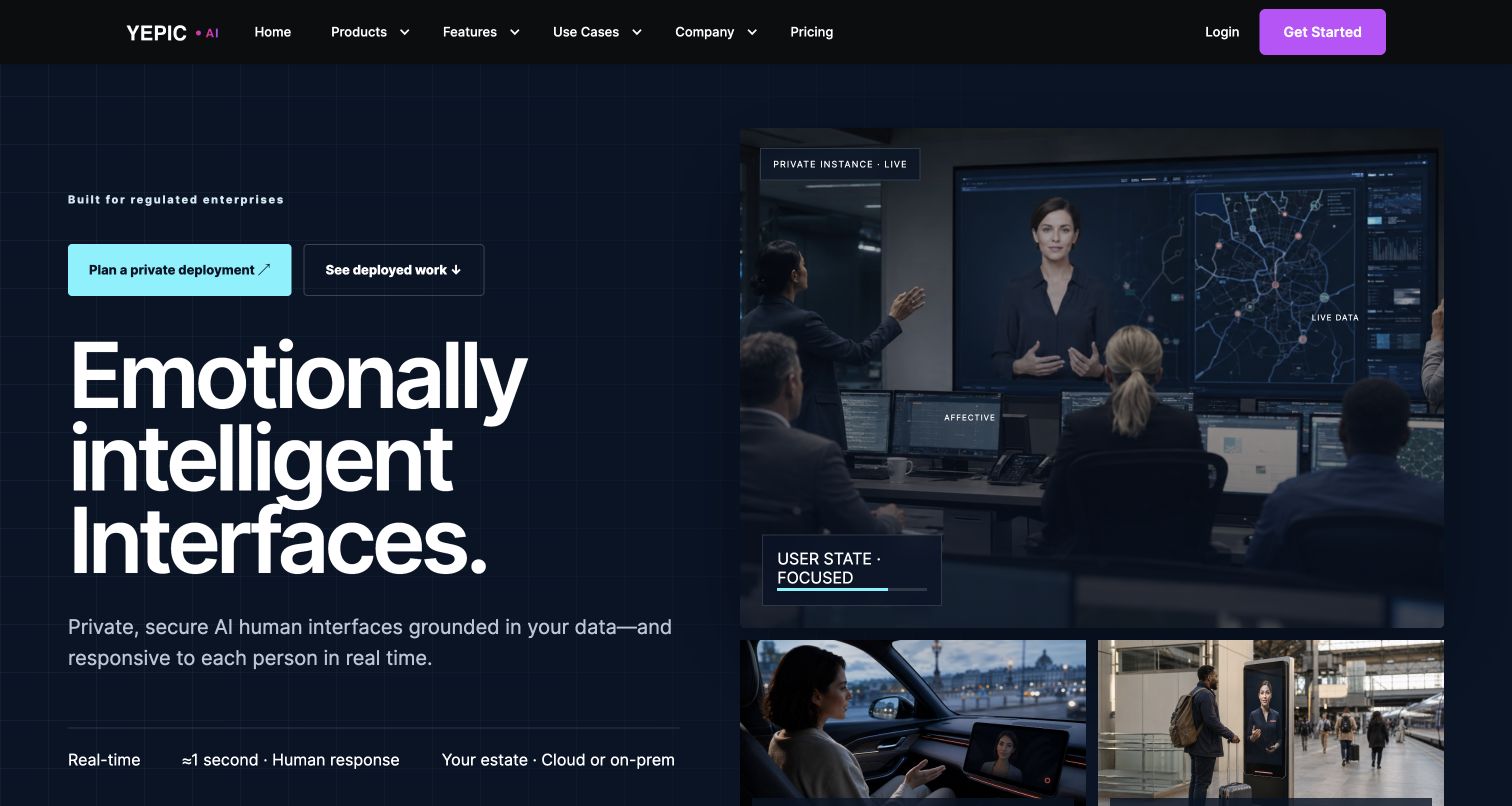
Yepic’s current pricing says it no longer offers self-service SaaS plans. Its team sets up managed cloud evaluations, commercial API access and on-premise deployments. Existing customers still have a login route, but historical Studio plan cards are not a current offer to a new buyer.
The current platform focuses on live avatar interfaces connected to approved enterprise knowledge and systems. It offers on-premise, private-cloud and hybrid deployment options. The work includes the interaction design, integrations, testing and ongoing support as well as the avatar.
Ask for a demonstration using the knowledge and workflow the avatar must serve. Evaluate how answers use that source, how the system responds to a correction and how the proposed deployment fits your infrastructure. Treat advertised latency and emotional-response claims as items to evaluate, not as a measured result from this comparison.
Evaluate the deliverable your team will maintain
For a presenter-led video that can answer follow-up questions, evaluate D-ID’s scene creation and Agentic Video experience. Check the permitted license, connected knowledge and usage allowance. The low-cost Lite tier is for personal use; commercial projects need an appropriate plan.
For an avatar inside a private operational system, compare Yepic’s proposed deployment with the D-ID integration and hosting options relevant to your requirements. Request the same knowledge-based interaction and correction from each evaluation. This article does not establish that either has lower latency or better reliability.
Use approved source material and realistic terminology during the evaluation. For a finished video, check the narration, visuals and revision process. For a live experience, check the answer against the connected source and test how a corrected instruction reaches the next interaction. These are suggested evaluation steps, not tests we claim to have run.
Current pricing and usage
| Product or plan | Billing checked | What it covers |
|---|---|---|
| D-ID Lite, base allowance | $5.90/month; $56/year | 10 minutes/month; personal use; D-ID watermark |
| D-ID Pro, base allowance | $29/month; $191/year | 15 minutes/month; commercial use; AI watermark |
| D-ID Advanced, base allowance | $196/month; $1,293/year | 100 minutes/month; custom logo |
| Yepic managed demo, API or private deployment | Custom scope and quote | Infrastructure, usage, integrations and support determine terms |
| ngram Basic | $29/month; $23.20/month equivalent annually | 3,000 credits per monthly cycle; 36,000 supplied upfront annually |
D-ID Trial lasts 14 days with three minutes. Minutes round up to 15-second intervals and unused monthly minutes do not roll over. The first-month unlimited promotion is subject to fair use; it is not the ordinary ongoing allowance. A lower Lite price also buys a personal-use license, so it is not the commercial plan equivalent.
Yepic’s current commercial model is a scoped engagement. Historical monthly Studio tiers, exchange-rate estimates and the older API page’s per-minute headline are not a substitute for that quote. Compare the cost of the required live experience separately from a video-authoring subscription.
ngram pricing includes 1,000 credits/month on Free. Basic costs $29/month with monthly billing and includes 3,000 credits per cycle; annual billing is $23.20/month equivalent with 36,000 credits supplied upfront. The base rate for premium AI video generation is 10 credits per second, with a cheaper model at 3. Share publicly or embed on Free; use a paid plan for MP4 downloads and Basic or above for unlisted links.
See a real ngram training video
If your deliverable is a reusable explanation, the ngram example below shows a whiteboard lesson made from a script based on public NIST phishing guidance. Inspect the actual input, settings, transcript and video, then adapt the brief. It demonstrates a finished ngram video, not a live avatar deployment or an imported competitor project.
From this input to this video
A script based on NIST’s published guidance becomes a whiteboard training video with captions.
Prompt
Create a 45-second animated cybersecurity training video that teaches recognizing and reporting phishing using NIST’s small-business guidance at https://www.nist.gov/itl/smallbusinesscyber/guidance-topic/phishing to small-business employees. Use my script verbatim for the voiceover — do not rewrite it: An urgent message can make a risky click feel necessary. Phishing impersonates a trusted sender to steal information or deliver harmful software. Pause when a message asks for a password, a payment, a download or immediate action. Check the sender, and verify the request through a contact method you already trust. Do not use the message’s own link or phone number to verify it. Report suspicious messages using your organization’s process. If you already clicked, tell your security contact promptly. Pause, verify and report. Read NIST’s phishing guidance and learn your team’s reporting process. Explain the idea with the warning signs and verification steps in the NIST guidance and reinforce each key term with clear on-screen labels. Visual style: whiteboard. Tone: calm and practical. Open with a short real-world hook, walk through the concept step by step, then close on a one-line recap and this call to action: Read NIST’s phishing guidance and learn your team’s reporting process. Add captions for muted playback.
Selected style
Whiteboard
Read the video transcript
An urgent message can make a risky click feel necessary. Phishing impersonates a trusted sender to steal information or deliver harmful software. Pause when a message asks for a password, a payment, a download or immediate action. Check the sender, and verify the request through a contact method you already trust. Do not use the message’s own link or phone number to verify it. Report suspicious messages using your organization’s process. If you already clicked, tell your security contact promptly. Pause, verify and report. Read NIST’s phishing guidance and learn your team’s reporting process.
Create a lesson from your approved script
The example uses a script based on public NIST guidance. Replace its subject and wording with the lesson your team needs, then choose how it should look.
Prepare the lesson
Use an approved script and source material. Export slides or documents you want to include as a supported upload, such as PowerPoint or PDF.
Set the direction
Fill in the audience, topic, script and call to action below. Select a style, then attach your materials and choose your Brand Kit in ngram.
Review and deliver
Approve the plan containing the script. After generation, review the result, request changes and share it. On a paid plan, download the MP4 for your learning platform.
Make it yours
Fill in your details here, or continue and finish your brief in ngram.
Video generation uses credits. Review your estimate in ngram. MP4 downloads require Basic or higher.
How credits workUse approved material for your next video
Bring a script, public source page, PDF or PowerPoint to ngram. If you have useful exported footage and permission to reuse it, upload the MP4 with a brief for the new audience. Keep editable source projects and live-agent configurations in their original systems.
Choose the style, aspect ratio and duration; select your configured Brand Kit and enable captions when wanted. Approve the plan containing the script. After generation, revise in chat or on the timeline, then share the video or download an MP4 on a paid plan.
When the source changes, tell ngram what changed and ask it to revise the explanation. For another format, choose the new aspect ratio or duration and request that version. For a course, add the downloaded MP4 to your learning platform.
Continue with the security-training template, PDF-to-video workflow, training videos, ngram vs D-ID or ngram vs Yepic AI.
Frequently asked questions
Is Yepic a lower-cost self-service alternative to D-ID?
That is no longer an accurate comparison. Yepic’s current pricing requires a scoped engagement and explicitly removes self-service SaaS plans. D-ID publishes Studio tiers, with licenses, minutes and agent allowances that must match your project.
Can I sign up for a new Yepic Studio subscription?
Yepic’s current pricing page says it no longer offers self-service SaaS plans. Its team provisions managed demos, commercial API access and private deployments. An existing-customer login remains, but old plan prices do not establish a current offer.
Does this article establish which avatar looks best?
No. This is a comparison of documented workflows, pricing and access. Evaluate the script, voice, language and interaction your audience needs in each relevant product. The embedded ngram example lets you inspect one actual finished video.
Can I bring existing video into ngram?
Upload an authorized MP4 and describe the new message and audience. The file supplies footage; keep the editable original and any live-avatar integration in the source system.
Can I share the ngram example workflow on Free?
Free includes 1,000 credits/month and allows public sharing and website embeds. Use a paid plan for MP4 downloads; unlisted links start with Basic.
Sources and review
Reviewed October 17, 2026 against the official product, pricing, help and developer sources below. This comparison does not claim a timed latency test, scored avatar-quality benchmark or independent verification of vendor performance claims.
D-ID video generator · D-ID Studio pricing · D-ID MCP · Yepic pricing and access · Yepic private AI platform · ngram pricing
Choose the next step
D-ID and Yepic AI both support live avatar experiences, but the buying paths differ. D-ID combines Studio video creation, Agentic Videos and API access with published allowances. Yepic scopes managed demos, commercial API access and private deployments. Compare the intended interaction and infrastructure.
For a finished video, adapt the brief above to [create your first video with ngram](#create), or talk to sales about the team workflow.