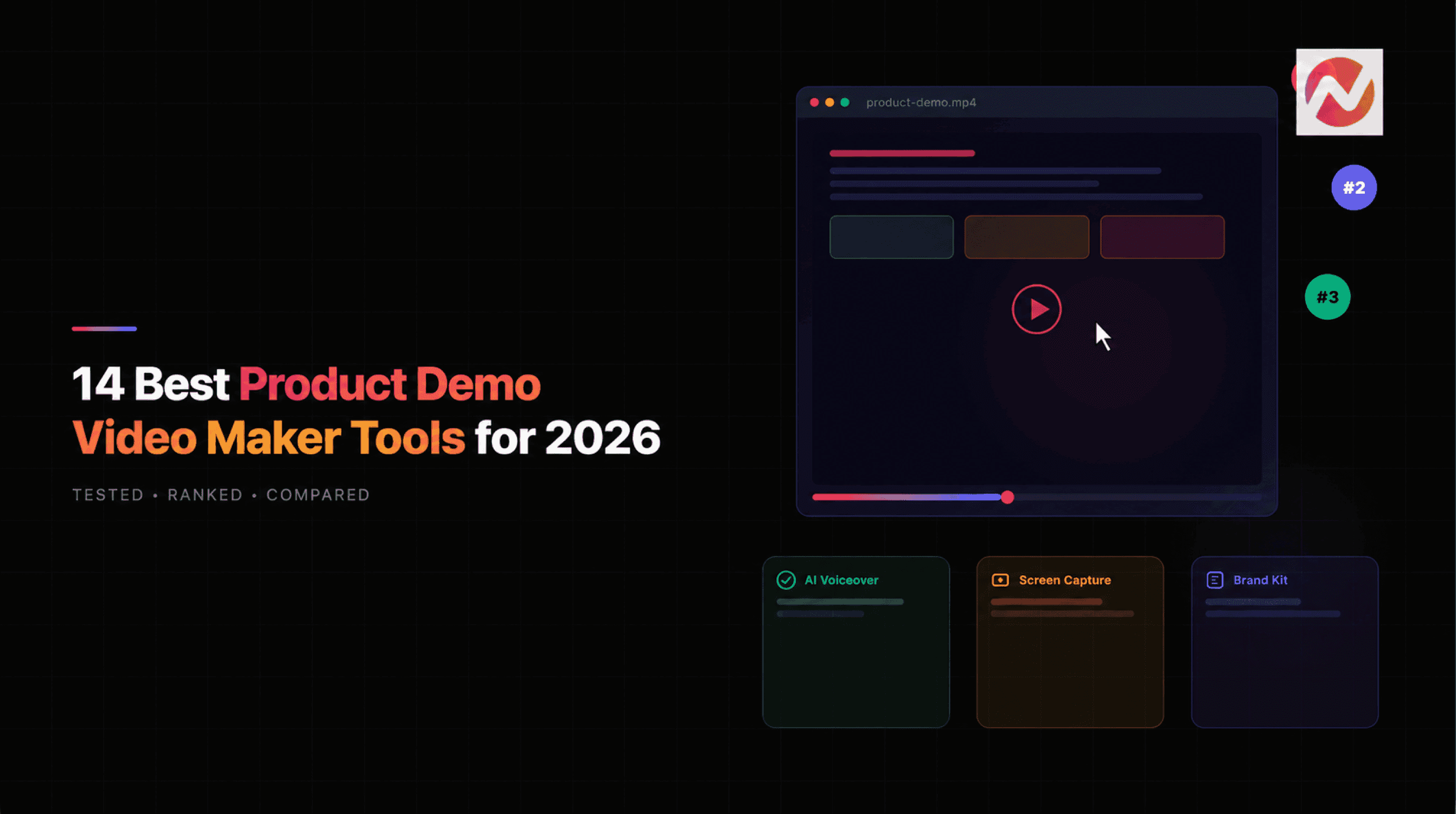


The best product demo video maker depends on the format you need. ngram is the strongest fit here for planned, branded demos built from recordings, screenshots, URLs, and product documents. Loom is better for quick async walkthroughs, Synthesia for avatar-led training, and Descript for transcript-led editing.
This guide compares product demo makers across teams and formats. If you want to make one now, start with the ngram product demo workflow. It shows how to turn a recording, product URL, or product docs into an editable demo before you create an account. For a SaaS-specific editorial shortlist, read our SaaS demo video maker comparison.
A release changes one button name. Your demo now needs a new screen and one line of narration, while the approved explanation should stay intact. That maintenance task is a useful way to choose a product demo video maker.
How this comparison was researched
ngram publishes this guide and is one of the tools listed. The 14 entries compare workflow fit using published product information; their order is an editorial recommendation, not a performance score. Vendor landing-page screenshots below show the tools’ websites, not output from a shared test.
The original product and pricing review was recorded on August 5, 2026. On September 29 we rechecked Loom’s plan page, Descript’s editing workflow and Screen Studio’s recording workflow, and reviewed ngram against its current product and pricing records. Other vendor prices below remain the dated August snapshot; confirm them before purchasing.
Current primary sources: Loom plans
Quick comparison: start with your source and recurring job
| Tool | Best-fit job | What to verify | Paid expectations |
|---|---|---|---|
| ngram | Recurring branded demos from product material | Supply the actual screens; check labels, narration and each revision | Free: 600 one-time credits, watermarked 720p; Basic $29/month |
| Loom | A personal walkthrough you can record directly | Check recording limits and which editing features your plan includes | Starter: 25 videos, 5 minutes each; see current paid plans |
| Descript | A recording whose narration needs editing | Edit the transcript; review cuts and visual continuity | Check media minutes and AI-credit allowances |
| Screen Studio | A polished screen recording on a Mac | Record the real interaction; adjust zoom and cursor treatment | Check current licence and update terms |
| Synthesia / HeyGen | A presenter explaining the product | Use actual screenshots alongside the presenter | Avatar, language and generation allowances vary |
| VEED / Canva / Clipchamp / DemoCreator | Hands-on assembly of footage and overlays | Expect editing decisions about pacing, labels and layout | Check watermark, export resolution and seats |
| Pictory / InVideo / Fliki | An overview starting from written material | Replace generic visuals when buyers need to see the actual UI | Check stock and generation allowances |
| Runway | Generated footage for a product launch | Use recorded screens separately for exact UI demonstrations | Check model credits and clip limits |
See ngram’s launch-video style
A strong launch video makes the idea clear and gives the brand a recognizable finish. This 12-second ngram teaser combines crisp typography, animated workflow cards, and a focused closing message: “Your ideas. In motion.”
Launch teaser, 12 seconds. The prompt and workflow cards are animated illustrations of research, storyboarding, scripting, and voiceover. For a demo that shows how your product works, pair your message with real product footage.
The 14 Best Product Demo Video Makers in 2026
1. ngram — for recurring branded demos from product material
ngram is built specifically for teams that need to create professional product demo videos without a dedicated video production team. You bring your raw materials - screen recordings, screenshots, docs, or even just a product URL - and ngram turns them into polished, on-brand videos.
What sets ngram apart from general-purpose video editors is its context-aware generation. You tell it who the video is for, what it should achieve, and where it's going (LinkedIn, your website, a sales email). ngram then writes the script, plans the storyboard, and generates the full video with motion graphics, captions, and transitions.
For a screen-based demo, supply the real recording and request the edits you need. Review the rendered result for readable labels, accurate cursor emphasis and correctly placed callouts; available editing tools do not guarantee that every treatment is applied by default.
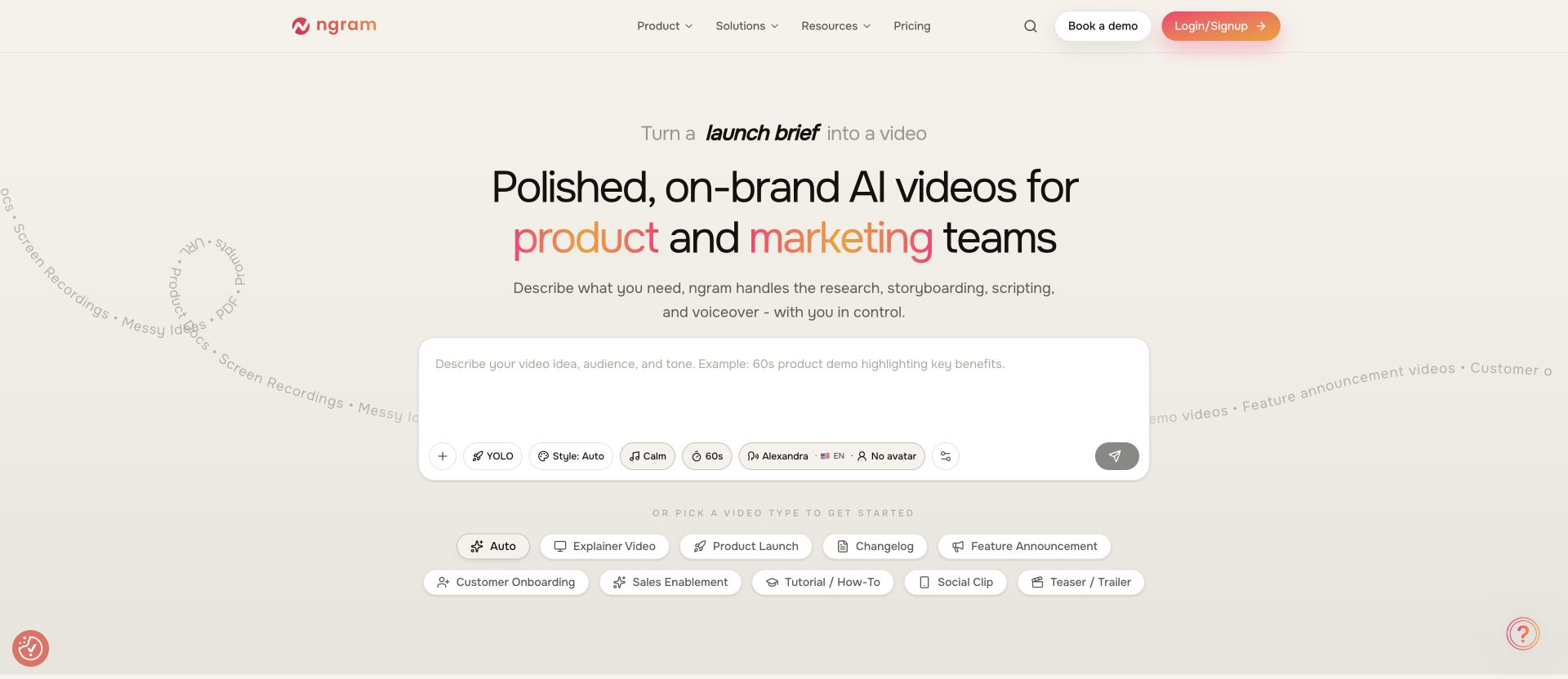
With ngram, you can create a product demo video from a raw screen recording, with the script and storyboard available for review before rendering.
Best for: Product marketing teams, product managers, and SaaS companies that need to ship demo videos regularly without a production bottleneck.
Key features:
- AI script and storyboard generation from your raw content
- Screen recording editing with smart zoom and cursor emphasis
- Brand kit support (logo, colors, fonts applied automatically)
- AI voiceover generation, including multilingual support and translated captions
- Motion graphics and visual support
- Finished MP4 export with captions; prepare channel-specific cuts separately when needed
- Plain-language editing - describe changes, and ngram makes them
- MP4 export; supported shared playback can include interactive elements, while creator-hosting and embed controls depend on rollout
Pricing: Free includes 600 one-time starter credits and watermarked 720p exports. Basic is $29/month with 720p; Premium is $59/month with 1080p and Brand Kit access; Ultimate is $299/month with 4K. Allowances and model rates differ. Check ngram pricing before planning recurring production.
Want to see ngram in action? Create your first product demo video from your existing product material and review the plan before it renders. The workflow page then takes you to account creation when you are ready to make the video.
2. Synthesia - Best for AI Avatar-Led Product Demos
Synthesia takes a different approach to product demos: instead of leading with screen recordings, it builds presenter videos from a script and an AI avatar. Its current Creator plan lists more than 240 avatars, while lower plans include smaller libraries.
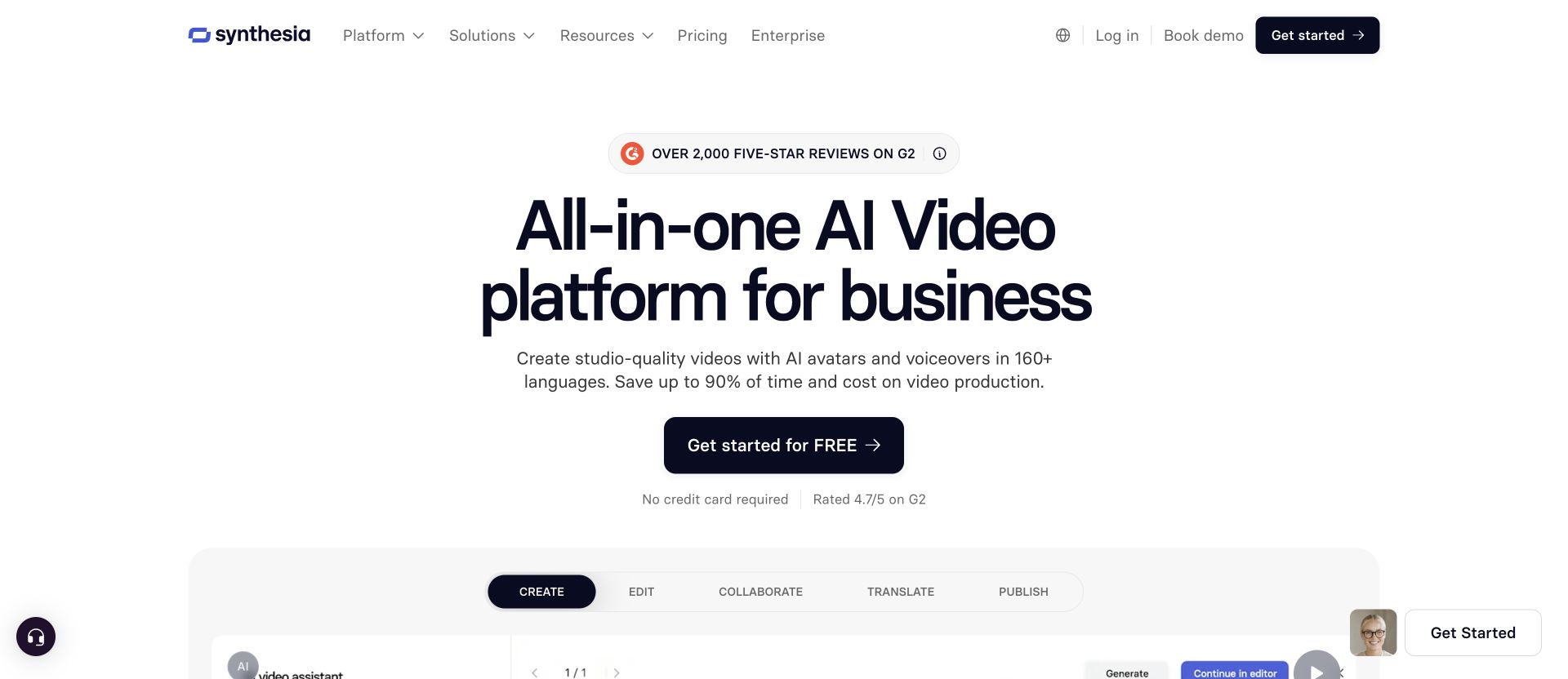
This works well for product overviews and training where you want a presenter on screen. Synthesia currently lists more than 160 languages and voices, with plan-specific limits on avatars, video minutes, and one-click translations.
Synthesia recently added an AI Screen Recorder browser extension, letting you record your product and turn it into a ready-to-edit demo. Their Express-2 avatars now gesture like professional speakers, adding natural body language to presentations.
Best for: Teams creating product overview videos, training content, and multilingual demos at scale.
Key features:
- 240+ AI avatars with natural gestures (Express-2 model)
- AI screen recorder browser extension
- 130+ language translation with lip-sync
- 60+ product demo video templates
- Brand kit customization
- Text-to-video workflow
Pricing: Basic is $0; Starter is $29 per month and Creator is $89 per month before annual-billing discounts. Enterprise pricing is custom.
3. Loom - Best for Quick, Authentic Screen Recording Demos
Loom is the go-to tool for fast, personal product demos. Hit record, walk through your product, and share a link in seconds.
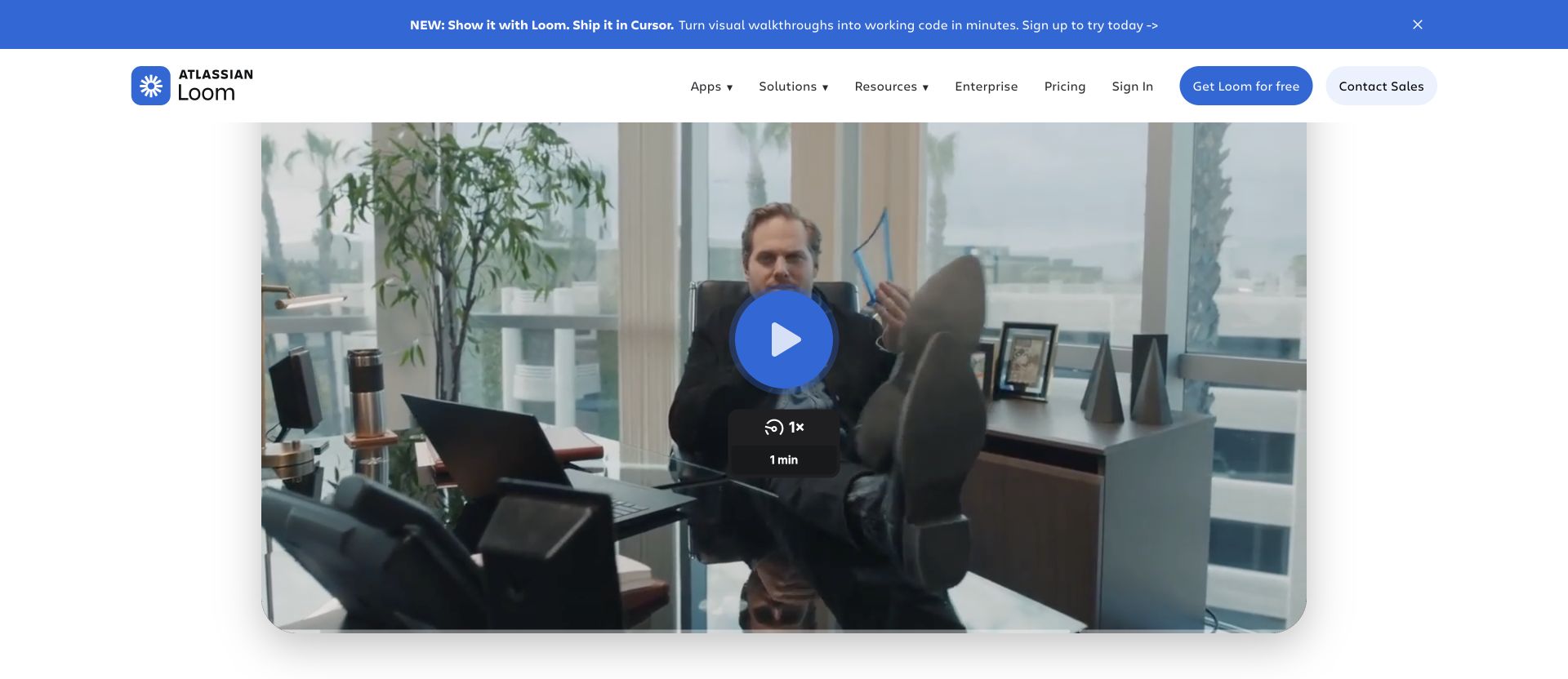
The recording-first workflow suits a personal explanation. Allow time for processing before checking the shared playback.
Since Atlassian's acquisition, Loom has added AI features that clean up recordings automatically: filler word removal, silence trimming, and auto-generated summaries with chapters. The "live rewind" feature lets you fix mistakes mid-recording without starting over.
Loom suits a personal explanation recorded directly from the screen. For a composed launch story, test the editing and brand controls on your chosen plan.
Best for: Sales teams, customer success reps, and founders who need quick, shareable product walkthroughs.
Key features:
- One-click screen + webcam recording
- AI filler word and silence removal
- Auto-generated summaries and chapters
- Viewer analytics (who watched, for how long)
- Transcriptions in 50+ languages
- Video comments and emoji reactions
Pricing: Starter includes up to 25 videos per person and five-minute recordings. Business is $18 per user per month before annual-billing discounts; Loom AI is included on the higher AI plan.
4. Descript - Best for Text-Based Video Editing
Descript pioneered text-based video editing, and it's a strong choice for product demos that need careful scripting and narration. Record your screen, and Descript transcribes everything. Then edit the video by editing the text - delete a sentence from the transcript, and the corresponding video clip disappears.
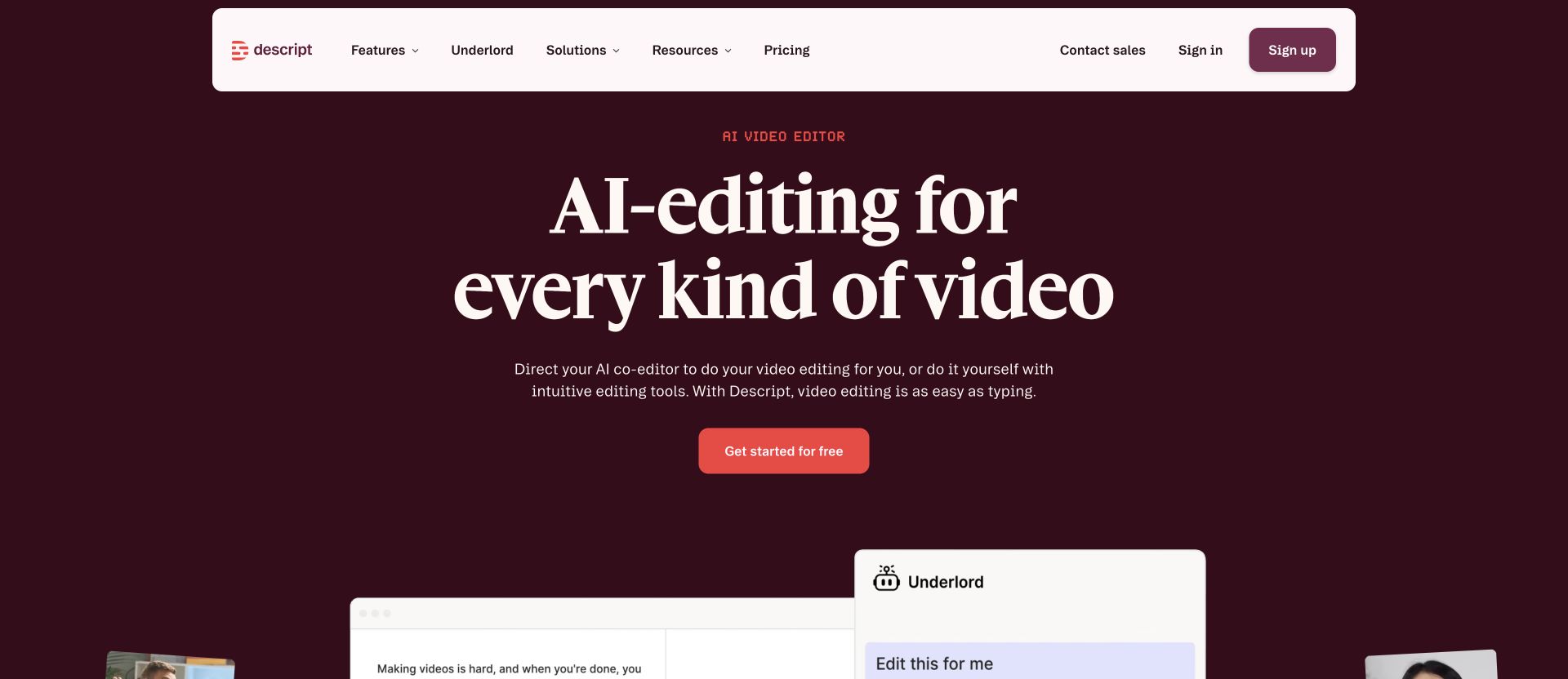
This approach is incredibly efficient for demo videos where you need to cut mistakes, rearrange steps, or tighten pacing. Descript also removes filler words automatically and can enhance audio quality with one click.
The AI co-editor feature can generate polished edits from a prompt, and the text-to-speech engine handles voiceover if you'd rather not record your own voice.
Best for: Content creators, product marketers, and anyone who prefers editing video through text rather than a traditional timeline.
Key features:
- Text-based video editing (edit transcript, video follows)
- AI filler word removal
- One-click audio enhancement
- Screen recording with webcam
- AI text-to-speech voiceover
- Separate track recording (screen, webcam, audio)
Pricing: Free includes 60 media minutes per month. Hobbyist starts at $16 per person per month with annual billing; Creator and Business add more media hours, AI credits, export quality, and team controls.
5. Screen Studio - Best for Mac Users Who Want Polished Recordings
Screen Studio is a Mac-only screen recording tool trusted by thousands of professionals for creating polished product demos. What makes it stand out is the automatic post-processing: smooth cursor movement, automatic zoom on interactions, device framing, and background customization.
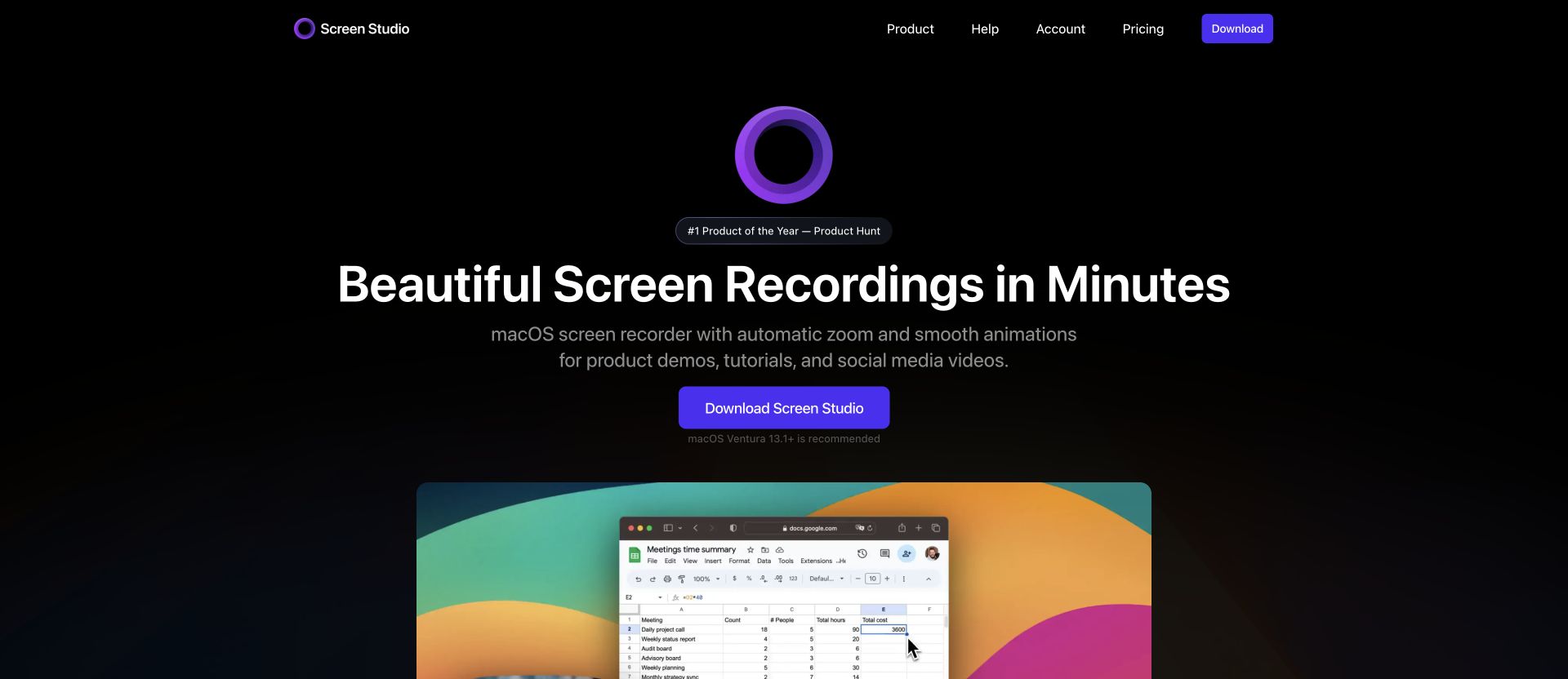
You record once, and Screen Studio handles the polish. It detects your device model, replaces cursors with high-resolution versions, normalizes voice volume, removes background noise, and can generate subtitles from a transcript.
Screen Studio suits recording and polishing a real screen workflow on macOS. Check how its current editing controls handle your required scene assembly before pairing it with another editor.
Best for: Developers, indie makers, and Mac-based teams creating product walkthroughs and tutorials.
Key features:
- Automatic zoom and cursor smoothing
- Device framing (detects Mac model and color)
- Background noise removal and volume normalization
- Subtitle generation from transcript
- Webcam overlay
- iOS device recording for mobile demos
Pricing: Screen Studio lists a yearly subscription and a higher one-time purchase that includes one year of updates. Students and educators can request a 40% discount.
6. VEED - Best for Browser-Based Editing
VEED is a browser-based video editor that works well for product demos when you need quick editing without installing software. Upload your screen recording, trim it, add subtitles, overlay text, and export - all from your browser.
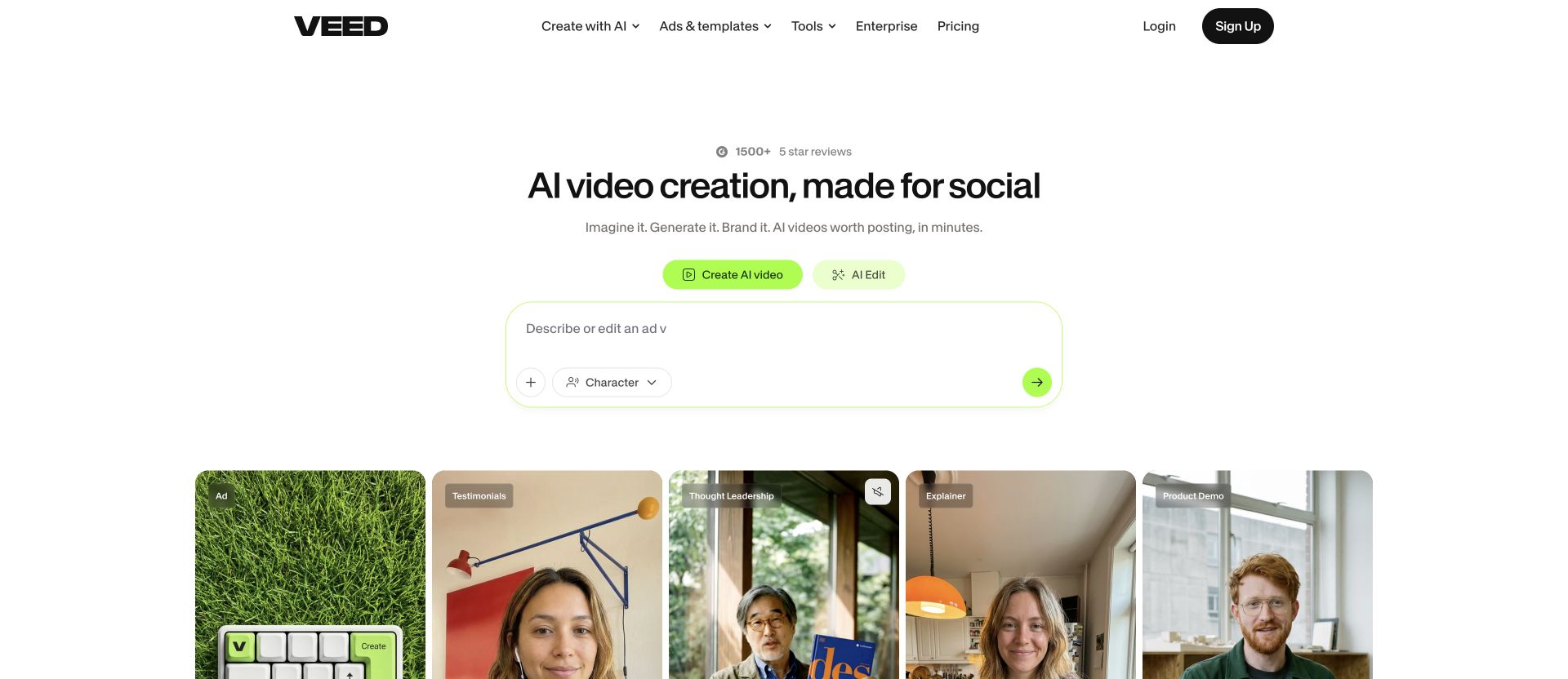
VEED's auto-subtitle generation is particularly strong, supporting 50+ languages on the Pro plan. The tool also includes AI avatars (up to 4 hours/year on Pro), brand kit support, and auto-resize for different social platforms.
VEED suits a browser editing workflow for trimming, captioning and branding recordings. Compare its current generation options separately from the manual editor.
Best for: Marketing teams that need a quick, no-install editor for cleaning up and captioning product recordings.
Key features:
- Browser-based (no download required)
- Auto-subtitle generation in 50+ languages
- Brand kit with fonts and colors
- Auto-resize for social platforms
- AI avatars (Pro plan)
- 50,000+ royalty-free assets
Pricing: VEED offers free and paid plans; paid pricing and included AI credits vary by billing cadence. Check the live pricing page before buying.
7. Canva - Best for Design-First Teams
Canva is primarily a design tool, but its video editor has grown into a capable option for simple product demos.
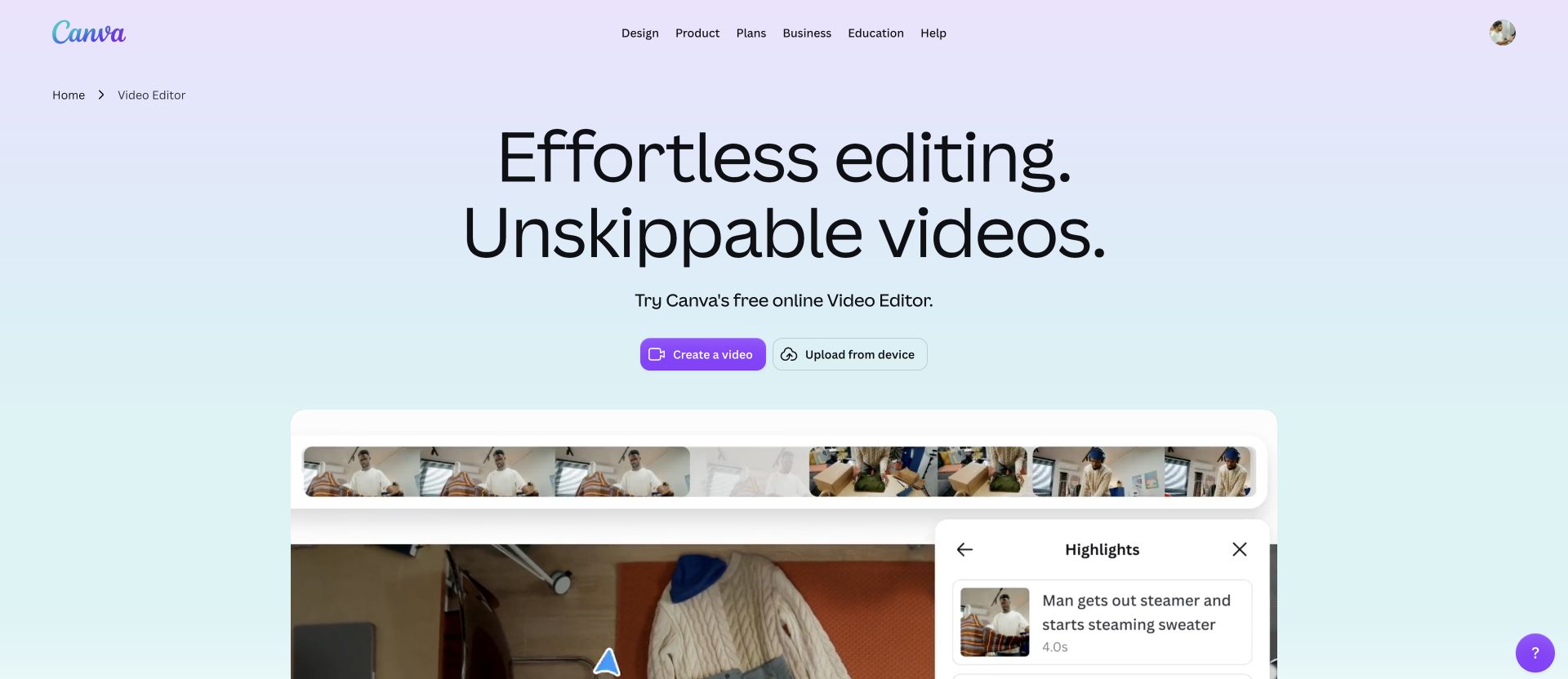
You can upload screen recordings, arrange clips on a timeline, add branded text overlays, and export in multiple formats.
Canva's strength is its massive template library and design ecosystem. If your team already uses Canva for social graphics and presentations, adding product demo videos to the same workflow is seamless. The brand kit ensures everything stays consistent.
Canva suits teams already assembling branded visual assets. Test the specific recording, narration and revision controls you need before choosing it for a detailed product walkthrough.
Best for: Small teams and solopreneurs who already live in Canva and need basic video editing alongside their design workflow.
Key features:
- Drag-and-drop video timeline
- Thousands of video templates
- Brand kit integration
- Stock video and music library
- MP4 export
- Real-time collaboration
Pricing: Canva offers Free, Pro, Business, and Enterprise plans. Its US pricing page lists Pro at $144 per year for one person and Business at $250 per person per year.
8. Clipchamp - Best Free Option for Windows Users
Clipchamp is Microsoft's free video editor, built into Windows 11 and available as a web app.
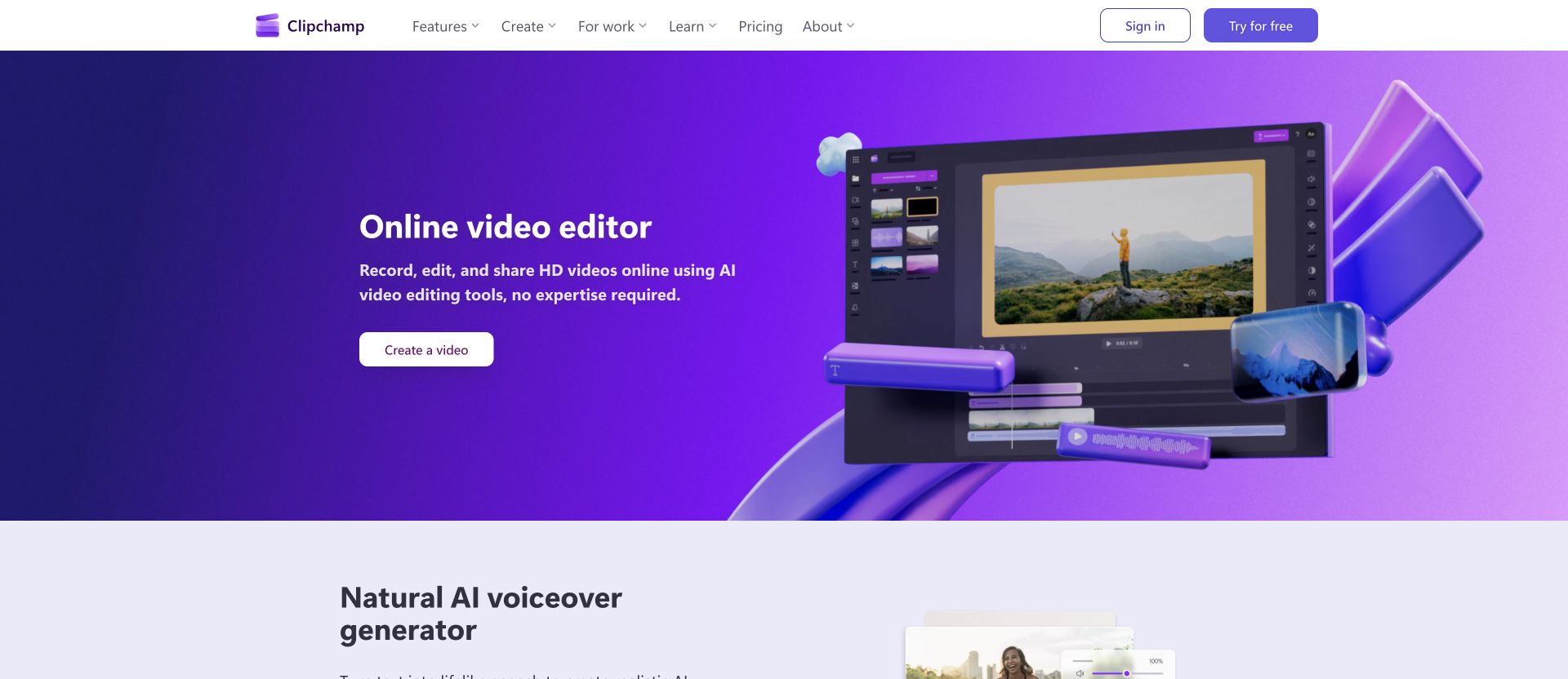
For product demos, it offers solid screen recording and a clean editing interface with text overlays, transitions, and stock content.
The biggest draw is the price: Clipchamp's core editor is completely free with 1080p exports. No watermarks on the free plan, and the editing tools are surprisingly capable for basic product walkthroughs.
The downside: Clipchamp does not provide the context-aware storyboarding or automatic screen-polish workflow of a purpose-built demo tool. You still make many timeline and pacing decisions yourself, which works for simple demos but takes longer for polished, multi-step walkthroughs.
Best for: Windows users and budget-conscious teams that need a capable free editor for straightforward product demos.
Key features:
- Free with 1080p export (no watermark)
- Built-in screen recorder
- Text-to-speech voiceover
- Stock video, image, and music library
- Green screen support
- Integration with Microsoft 365
Pricing: Free (core features with 1080p). Essentials plan available for Microsoft 365 subscribers.
9. Pictory - Best for Turning Text Into Demo Videos
Pictory specializes in converting text content - blog posts, scripts, articles - into video. For product demos, this means you can write a demo script and Pictory will match it with relevant stock footage, add captions, and generate a complete video.
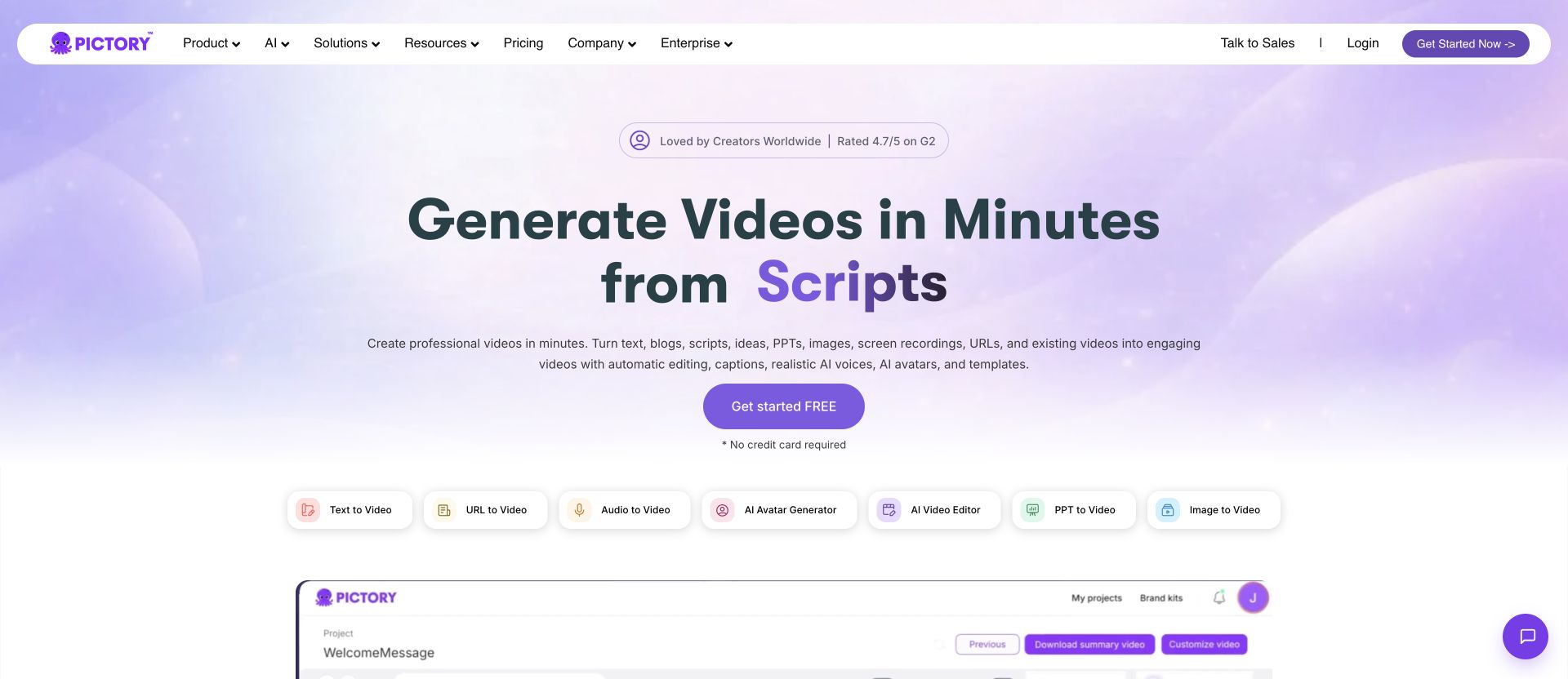
This works well when you need a product overview video quickly and don't have screen recordings ready. Pictory's AI selects relevant visuals based on your text, and you can swap clips, adjust pacing, and add your branding.
The limitation: Pictory is best for text-driven overview videos, not screen recording-based demos. If your demo needs to show the actual product UI with cursor movements and click-throughs, you'll need a different tool.
Best for: Content marketers turning product copy, blog posts, or feature descriptions into video format.
Key features:
- Script-to-video generation
- Blog post-to-video conversion
- AI-powered scene matching
- Auto-captioning
- Brand customization
- Stock media library
Pricing: Starter is $29 monthly or $25 per month with annual billing. Professional is $59 monthly or $35 per month annually; Team and Enterprise add collaboration and larger allowances.
10. Wondershare DemoCreator - Best Budget Desktop Option
Wondershare DemoCreator is a dedicated screen recording and editing tool designed specifically for demos and tutorials. It records your screen, webcam, microphone, and system audio on separate tracks, making post-production much easier.
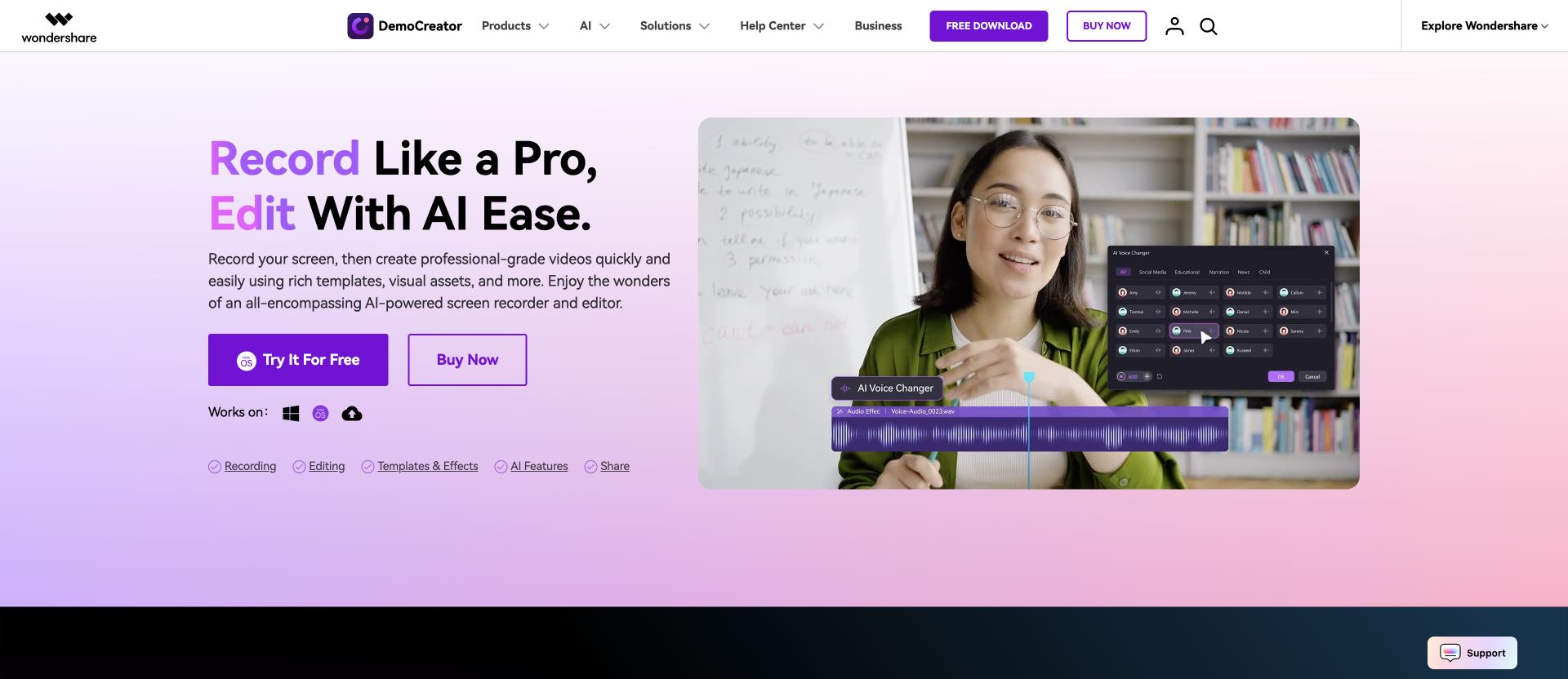
DemoCreator includes 30 AI avatars, drawing tools for annotations during recording, and a library of templates, animations, and transitions. The multi-track approach is useful: you can adjust your webcam footage independently from the screen recording.
DemoCreator remains one of the lower-cost dedicated recording options. The trade-off is a more traditional desktop-app experience without the planning workflow of newer source-to-video tools.
Best for: Educators, support teams, and budget-conscious creators who want a dedicated desktop tool for recording and editing demos.
Key features:
- Six recording modes (screen, webcam, game, etc.)
- Multi-track recording (screen, cam, audio on separate tracks)
- 30 AI avatars
- Drawing and annotation tools
- Templates, animations, and transitions
- 4K/8K recording support
Pricing: $15 monthly, $29.99 quarterly, $59.99 yearly, or $79.99 for the current perpetual version. The trial limits recording length and export quality and adds a watermark.
11. HeyGen - Best for Personalized Video Outreach at Scale
HeyGen combines avatar-led video, digital twins, translation, and personalization. Paid plans list support for more than 175 languages and dialects, with export quality, video length, credits, and collaboration varying by tier. For product demos, its clearest strength is personalized presenter-led outreach rather than detailed UI walkthrough editing.
For presenter-led demos, personalization can adapt an approved pitch for different recipients. Check what the current plan permits before relying on variable fields or batch production.
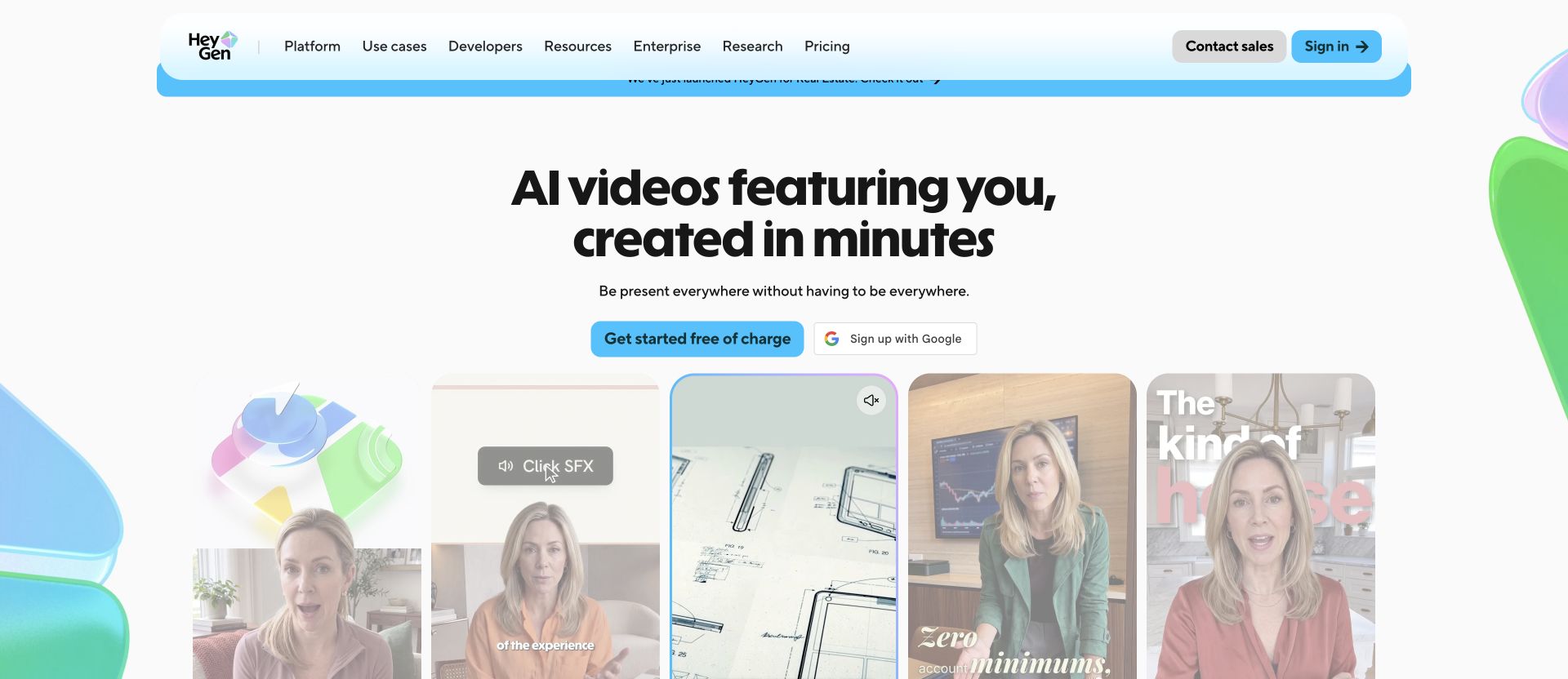
A personalization workflow changes an approved variable, such as the recipient’s name, across versions. Check the vendor’s current plan and test a small batch before relying on it for a campaign. This description is an illustration, not a tested output.
Best for: Global sales teams and support organizations creating personalized demo outreach at scale.
Key features:
- 100+ AI avatars with custom avatar creation
- Automatic localization across 175+ languages
- Natural AI voiceovers with emotion control
- Dynamic text replacement for personalized outreach
- Batch processing for hundreds of personalized videos
- Brand kit customization
Pricing: Creator is $29 per month with 600 credits, Pro is $49 with 1,000 credits, and Business is $149 with 1,500 credits plus per-seat charges. Export and duration limits increase by tier.
12. InVideo - Best for Template-Driven Demo Videos
InVideo combines AI generation with a massive template library, making it approachable for teams without video production experience.
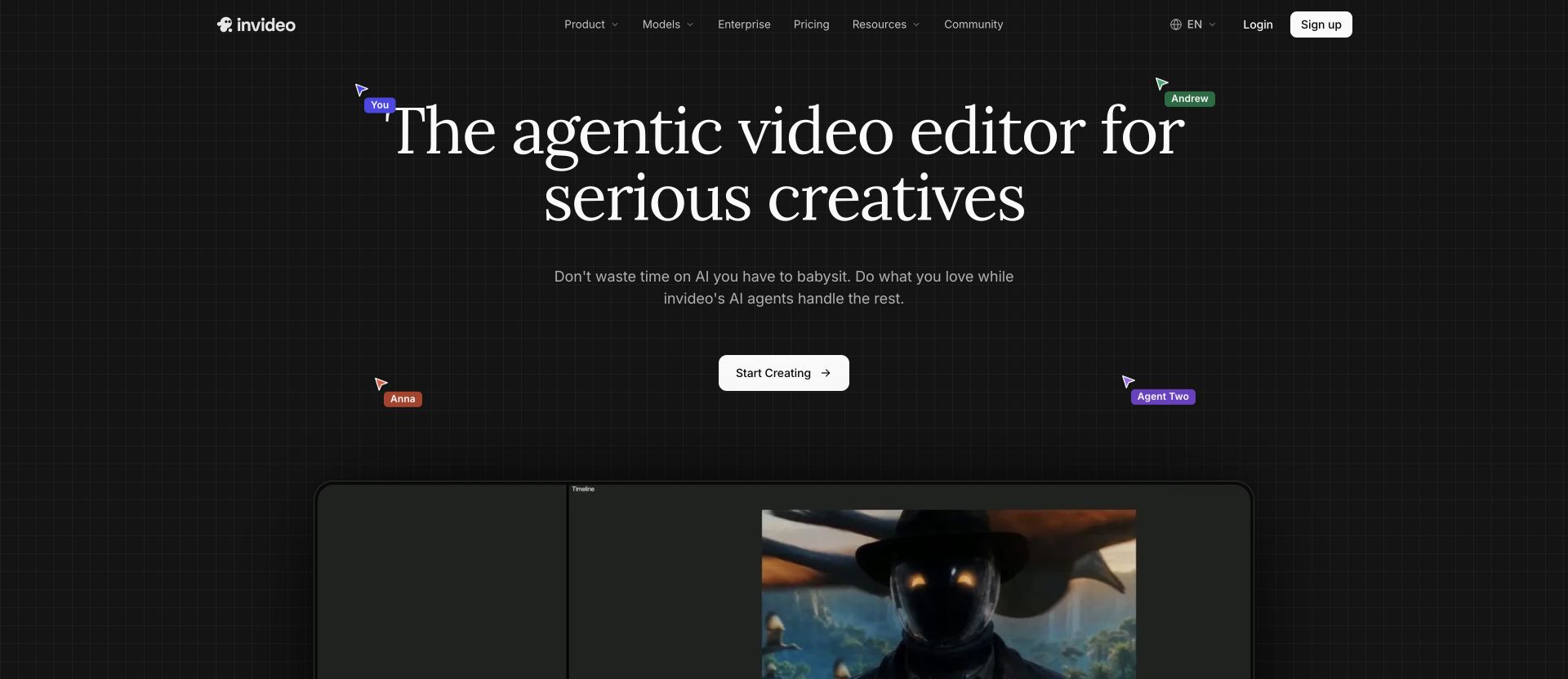
Design a product overview, feature walkthrough, or promo clip without touching a timeline. The AI script writer can generate a demo script from just a topic, and InVideo matches it with relevant stock footage and transitions.
For product demos, InVideo works best when you need a stock-backed overview and do not have a raw screen recording. Its current v4 agent can create longer videos from a prompt and provides access to more than 200 models and stock providers, with generation governed by credits.
Best for: Small businesses, solopreneurs, and marketing teams with limited video experience who need template-guided demo creation.
Key features:
- Text-to-video generation with AI models
- Access to more than 200 generation models and stock providers
- AI script writing from a topic
- Automatic voiceover and music selection
- Batch video creation for bulk processing
- Multi-format export for social platforms
Pricing: InVideo uses credit-based plans and optional top-ups. Credits fund creation and generative models rather than exports, reset monthly, and do not roll over; check the current plan guide for model-specific costs.
13. Runway - Best for Cinematic Product Videos
Runway brings AI video models to creators. Its Gen-4.5 model understands filmmaking concepts like camera choreography, timing, and scene composition, generating cinematic video from text or images. For product demos, Runway is the right choice when you need high-production-value brand videos or launch trailers rather than quick screen walkthroughs.
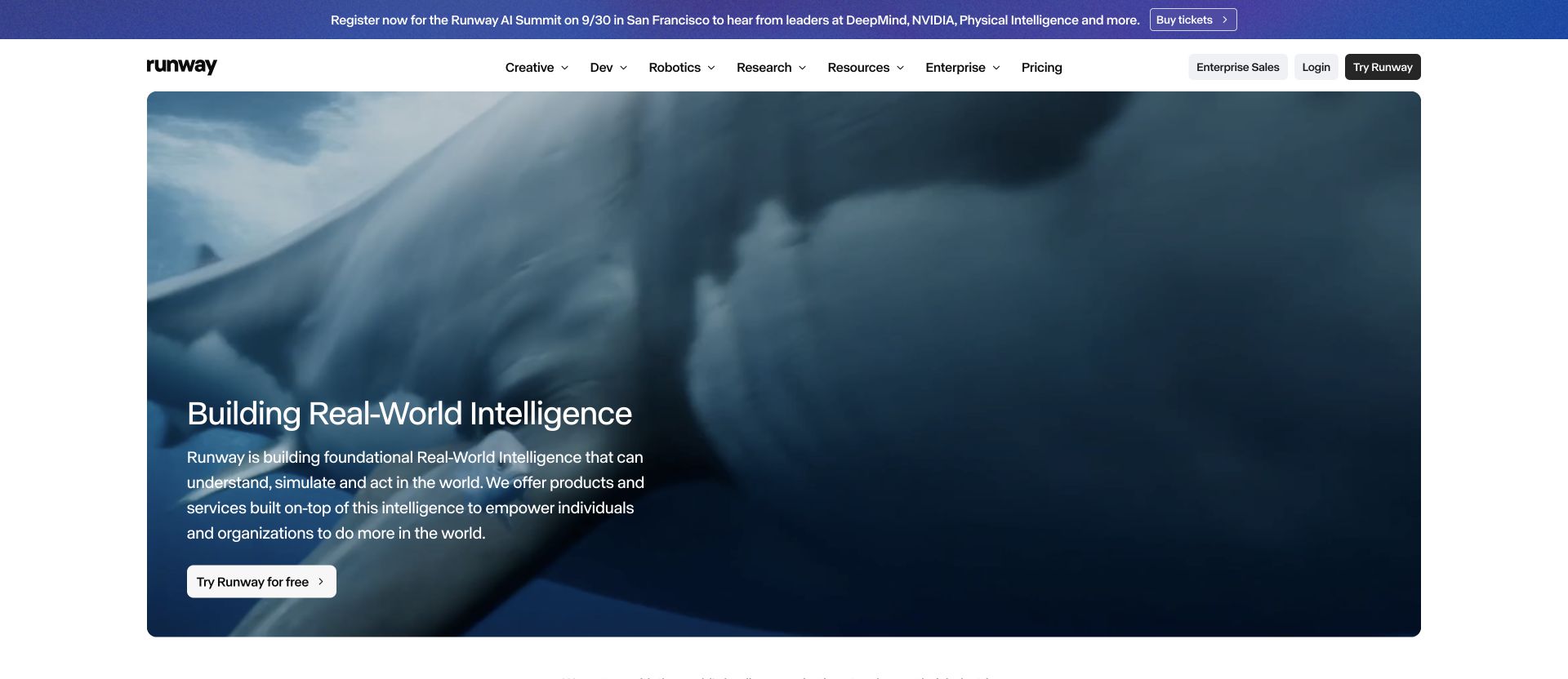
Runway excels at creating polished product announcement videos, hero videos for landing pages, and visual storytelling that goes beyond a standard demo. The multi-shot sequence feature lets you plan timed choreography across scenes.
Best for: Video professionals, creative agencies, and marketing teams creating cinematic product launch videos and brand content.
Key features:
- Gen-4.5 text-to-video model with camera control
- Image-to-video generation
- Multi-shot sequences with timed choreography
- Audio-to-video synchronization
- Professional color grading and compositing
- High-resolution output
Pricing: Free includes 125 one-time credits. With annual billing, Standard is $12 per month for 625 monthly credits, Pro is $28 for 2,250, and Max is $76 for 9,500; Enterprise is custom.
14. Fliki - Best for Turning Written Content Into Demo Videos
Fliki converts written material into video using narration and visuals. For a product overview, begin with approved copy and check every scene against the real product.
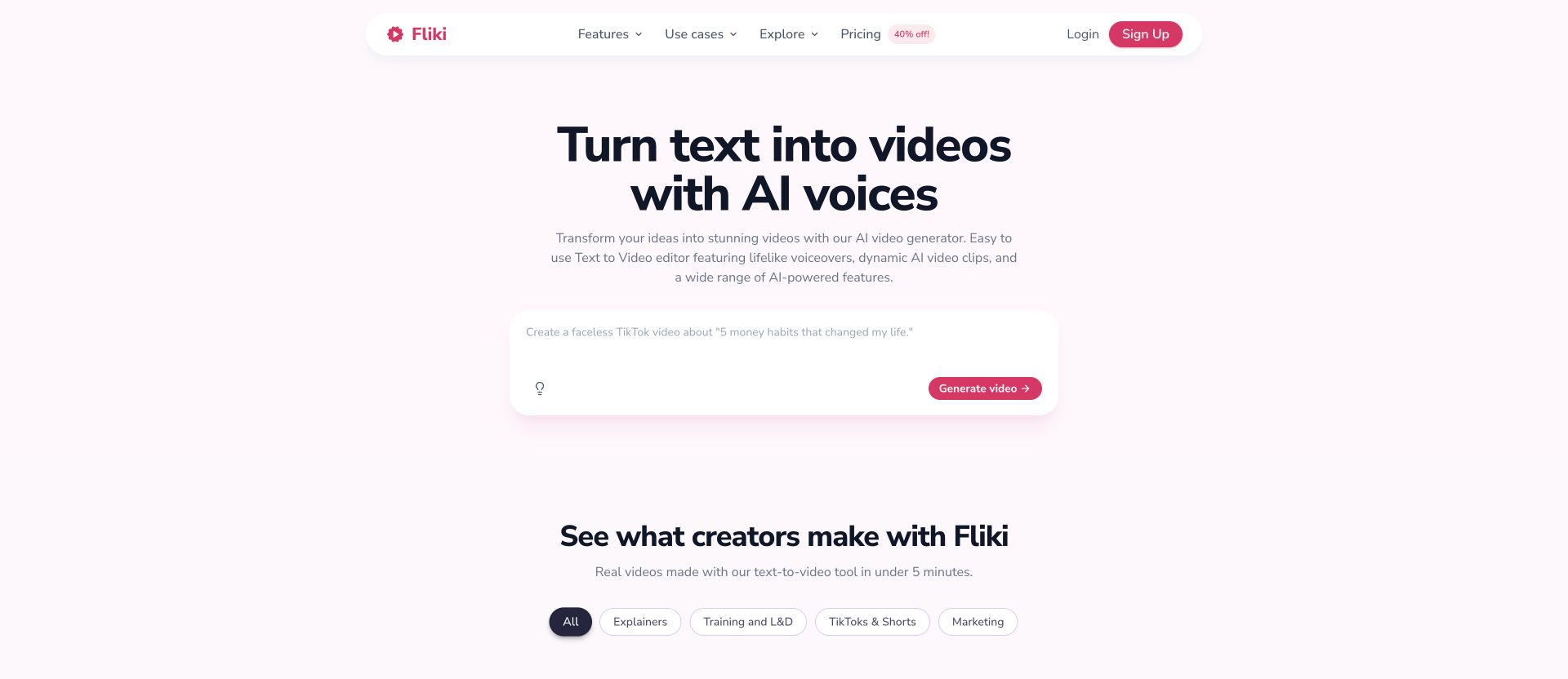
Fliki suits written product overviews. When the video must show a specific UI action, supply actual screen material and verify the resulting scene.
Best for: Content creators, product marketers, and course creators who want to repurpose written product content into video quickly.
Key features:
- Text-to-video generation from blog posts and URLs
- Plan-specific avatar and voice libraries across more than 80 languages
- Automatic visuals matching your text
- Stock music and image integration
- One-click social media export
- Simple, beginner-friendly interface
Pricing: The limited plan includes three monthly credits and watermarked 720p exports. Standard supports 1080p videos up to 15 minutes; Premium raises the credit allowance and maximum video length.
Budget for the complete workflow
Compare the subscription with the work needed to maintain each demo. Verify AI credits, seats, watermarks, resolution and export limits. A tool that records the exact workflow may be a better fit than a generator when your only task is a quick personal explanation.
Questions to settle before you create the demo
Do I need a recording or will a product URL work?
Use a recording when viewers must follow actual clicks. Screenshots work for feature highlights; a product URL can provide context and page imagery. Generated UI is unsuitable as evidence of how your product behaves.
How long should the demo be?
Use the shortest length that shows one complete job. A feature update may fit in 30–90 seconds; a walkthrough can need longer. Verify the final export at the size and sound settings your audience will use.
Is an interactive demo the same as a video?
A click-through simulation lets viewers explore a product path. A product demo video shows a recorded or composed sequence. Choose based on whether the viewer needs to explore independently or understand one explanation. Interactive elements in supported hosted playback do not become clickable controls in an MP4.
Will a product demo increase conversions?
A demo can help a buyer understand a workflow, but this comparison does not establish a conversion lift. Measure qualified starts and paid conversions for your own audience, and keep changes to the offer or acquisition source visible in the analysis.
Can I evaluate a tool without paying?
ngram has a one-time free allowance, with a watermark and export limits. Loom offers a limited Starter plan; other vendors have different trials or allowances. Check the current pricing page and test a short source clip before committing to a recurring workflow.
Create and maintain your product demo
See the ngram product demo workflow for source preparation and examples.
Ready with your source? Start your product demo and bring your recording or screenshots. The login route opens the app; this article does not preload your files or create a project for you.