Depth captions Video Style
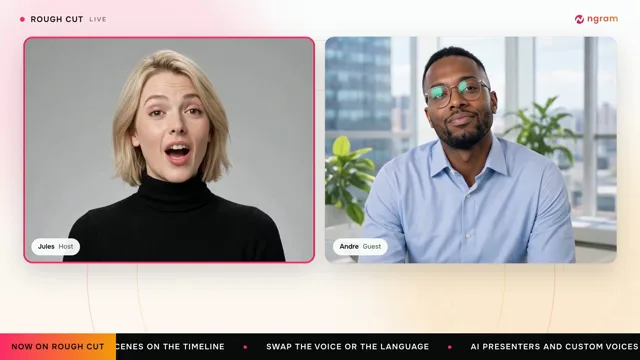
A presenter on camera with big key words rising behind them.
See it in action with Buffer Start Page.
From this input to this video
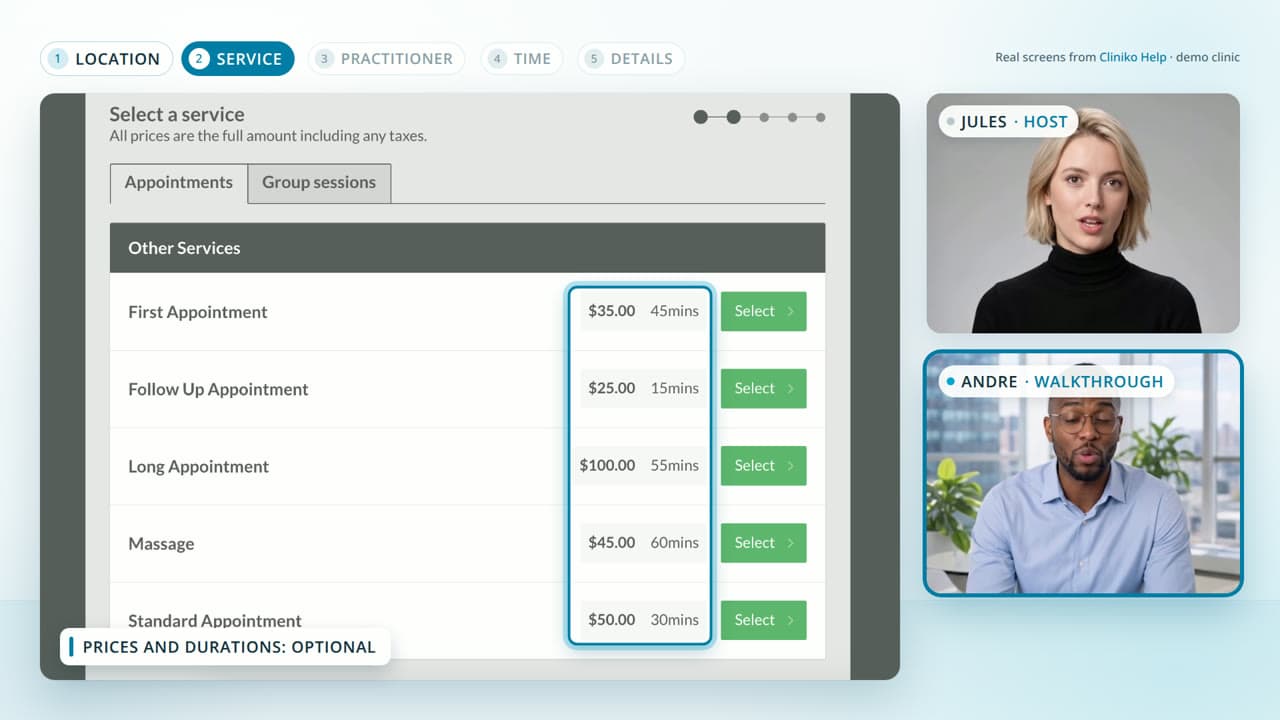
An AI presenter introduces Buffer Start Page using its official guide, with key phrases behind the speaker and real product screenshots.
Create a 30-second ad video for Buffer Start Page, a customizable microsite for a business or creator. Open with: One bio link. Everything you want to share.. Narrate bringing links, images and videos together on one page with Depth captions, with an AI presenter and large key words behind the speaker, supported by official product screenshots from https://support.buffer.com/en-us/articles/using-start-page-with-buffer-vvu8iGZ8Qa visuals. Tone: bright and practical. End with the line: Explore Start Page with Buffer. Use 16:9 format. Voiceover language: English. Preserve real source screens; do not invent traffic numbers, conversions, testimonials or interface states. Use an AI presenter as the narrator, with short key phrases behind the speaker. Present sourced product information, without suggesting that the presenter is a customer or employee.
Read the exact input
Prompt
Create a 30-second ad video for Buffer Start Page, a customizable microsite for a business or creator. Open with: One bio link. Everything you want to share.. Narrate bringing links, images and videos together on one page with Depth captions, with an AI presenter and large key words behind the speaker, supported by official product screenshots from https://support.buffer.com/en-us/articles/using-start-page-with-buffer-vvu8iGZ8Qa visuals. Tone: bright and practical. End with the line: Explore Start Page with Buffer. Use 16:9 format. Voiceover language: English. Preserve real source screens; do not invent traffic numbers, conversions, testimonials or interface states. Use an AI presenter as the narrator, with short key phrases behind the speaker. Present sourced product information, without suggesting that the presenter is a customer or employee.
Selected style
Depth captions
Read the video transcript
One bio link. Everything you want to share. Start Page is a simple, customizable microsite for your business or creator brand, built in Buffer. Pick a template, then add blocks: links to your shop and latest post, images, YouTube videos, and your social channels. Drag to reorder, preview every change live, then publish. Copy your link, add it to your bio. Explore Start Page with Buffer.
Make it yours
Fill in your details here, or continue and finish your brief in ngram.
Trusted by teams at


When to use Depth captions
Put a speaker at the center
A presenter gives the viewer someone to follow. Keep the brief focused on one useful idea and a clear next step.
Bring key words into the scene
Large words appear behind the presenter to emphasize the message. Choose short phrases that remain readable alongside the speaker.
Support the story with real material
Add product screenshots or source imagery for the points that benefit from a closer look. Specify how the presenter should introduce and explain them.
What to bring
Share the product page, key benefit and intended audience. Describe the presenter’s tone and the words to emphasize; use real product visuals for supporting details.
Related video styles
Compare a few directions before you start your draft.
Put this style to work
Video workflows for your team
Connect your video workflow
whenThe finished campaign ad is ready for a channel upload
thenPrepare the YouTube post for the campaign ad, then publish it.
whenThe finished campaign ad is ready for a company post
thenShare the campaign ad on LinkedIn once the post is composed.
whenThe finished campaign ad is ready for an X update
thenChoose one X publish time for the campaign ad.
Style template questions
Will my selected style survive sign-in?
Continue with your brief and chosen style in ngram. You can fill in the remaining details or change your selections before creating the video.
Can I change the style in Studio?
Yes. The selected style is a starting point. You can choose another active style or adjust the video before generation.
Does the template copy the preview video?
Your brief starts a new video using the chosen visual direction. Add your own source material and adjust the settings to make it yours.
What source material should I bring?
Use your own product links, screenshots, recordings or documents. The example’s exact input shows how source material and a filled-in brief work together. Add your own material in ngram before creating the video.
Can I use my brand with this style?
Yes. Set up your Brand Kit first, then select it while creating your video. You can also turn on captions and adjust your video in ngram.