Claymation Video Style
Thumbprinted clay shapes in jittery stop-motion on a tabletop.
See it in action with Oura Ring 5.
From this input to this video
A claymation launch film about the sleep, activity and readiness insights described on Oura’s product page.
Create a cinematic 30-second product launch video for Oura Ring 5, a smart ring and companion app for people interested in understanding their sleep and daily activity. Pull context from https://ouraring.com/store/rings/oura-ring-5. Open on the wellness pain point: it can be hard to see patterns in how you sleep, move and recover. Show how the product delivers a clearer view of everyday patterns through Sleep, Activity and Readiness scores in the Oura app — use ambient visuals and motion overlays that match the app's aesthetic, not generic stock footage. Tone: calm and grounded. End on the logo with the line Explore Oura Ring 5. Channel: YouTube in landscape 16:9. Use English voiceover; if no voiceover, use on-screen captions plus gentle background music.
Read the exact input
Prompt
Create a cinematic 30-second product launch video for Oura Ring 5, a smart ring and companion app for people interested in understanding their sleep and daily activity. Pull context from https://ouraring.com/store/rings/oura-ring-5. Open on the wellness pain point: it can be hard to see patterns in how you sleep, move and recover. Show how the product delivers a clearer view of everyday patterns through Sleep, Activity and Readiness scores in the Oura app — use ambient visuals and motion overlays that match the app's aesthetic, not generic stock footage. Tone: calm and grounded. End on the logo with the line Explore Oura Ring 5. Channel: YouTube in landscape 16:9. Use English voiceover; if no voiceover, use on-screen captions plus gentle background music.
Selected style
Claymation
Source material
Read the video transcript
Some nights you sleep. Some days you move. But the pattern underneath is hard to see. Meet Oura Ring 5, the world's smallest smart ring. Your Sleep Score answers how you really slept. Your Activity Score shows the balance between movement and rest. And Readiness shows how energized you are for the day. Small signals. A clearer picture. Explore Oura Ring 5.
Make it yours
Fill in your details here, or continue and finish your brief in ngram.
Trusted by teams at


When to use Claymation
Make the idea tactile
Soft clay-like forms create a small tabletop world. Choose simple objects that clearly stand for the people or actions in the story.
Move with a handmade character
Small shifts and deliberate pauses suit an approachable explanation. Keep the sequence focused on one action at a time.
Supply the real sequence
Provide the actual process and its essential terms. Explain the intended audience so the visual metaphors feel familiar.
What to bring
Provide the actual process and its essential terms. Explain the intended audience so the visual metaphors feel familiar.
Related video styles
Compare a few directions before you start your draft.
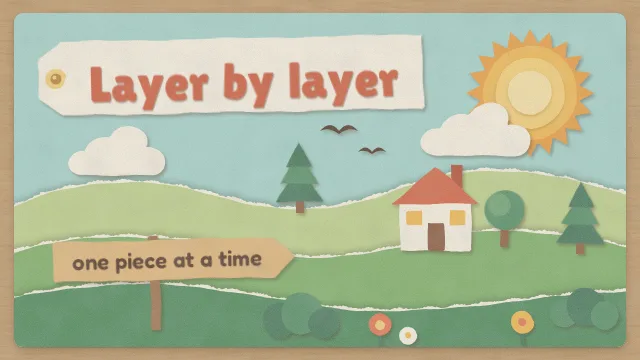
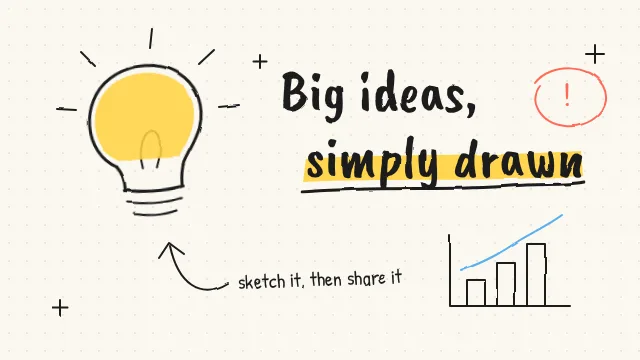
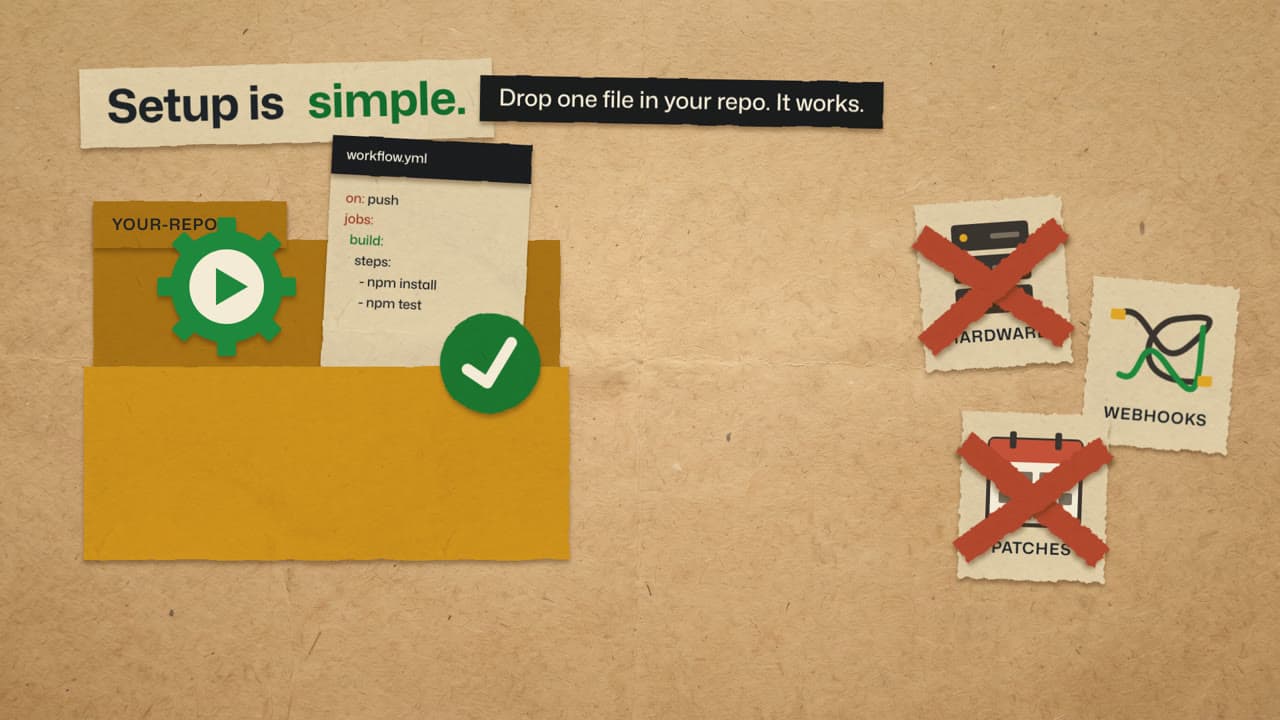
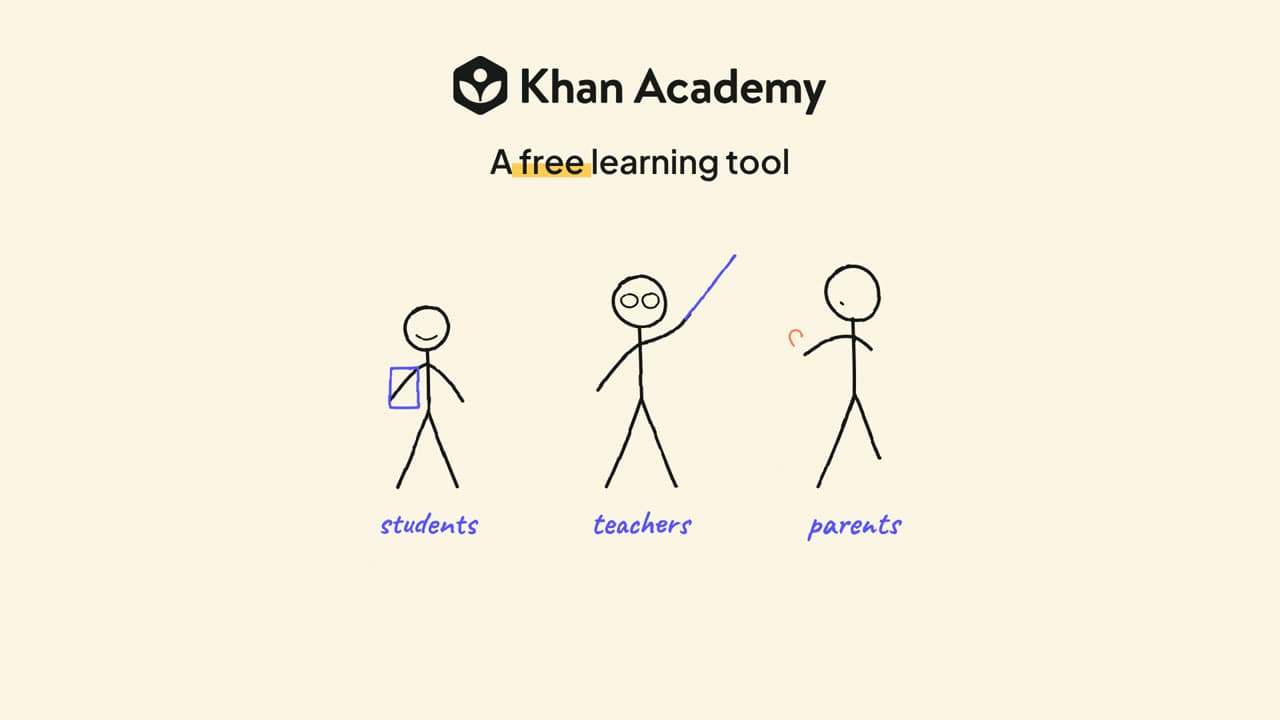
Explore related video examples
Put this style to work
Refine your video in ngram
Connect your video workflow
whenThe finished health and wellness launch video is ready for the launch-day X post
thenGive the health and wellness launch video a one-off X publish time.
whenThe finished health and wellness launch video is ready for launch-day sharing
thenSchedule the health and wellness launch video on LinkedIn for a single launch post.
whenThe finished health and wellness launch video is ready for the launch channel
thenPut the health and wellness launch video on the YouTube calendar for one launch post.
Tools for your next video
Start with your existing material
Style template questions
Will my selected style survive sign-in?
Continue with your brief and chosen style in ngram. You can fill in the remaining details or change your selections before creating the video.
Can I change the style in Studio?
Yes. The selected style is a starting point. You can choose another active style or adjust the video before generation.
Does the template copy the preview video?
Your brief starts a new video using the chosen visual direction. Add your own source material and adjust the settings to make it yours.
What source material should I bring?
Use your own product links, screenshots, recordings or documents. The example’s exact input shows how source material and a filled-in brief work together. Add your own material in ngram before creating the video.
Can I use my brand with this style?
Yes. Set up your Brand Kit first, then select it while creating your video. You can also turn on captions and adjust your video in ngram.