
A useful video brief describes the job the video needs to do. These five ngram V2 examples show different ways to approach that job: a launch teaser, a product film, an educational explanation, an alarm workflow, and a warehouse process.
Each embedded video is a finished V2 output. The briefs below are suggested starting points written for this article, rather than the original prompts. Brand names identify what appears in the samples; they do not imply a customer relationship or endorsement.
See what you can create with ngram V2
Use the five-example documentation guide
How to use these examples
Watch for the structure as much as the style. Identify the opening problem, the order of information, and the final action. Adapt the brief to your own audience and supply the facts, assets, and permissions your video needs.
Write a brief with a clear goal and constraints
A launch teaser built around one idea
Finished sample length: 20 seconds. The ngram sample uses moving type and a small set of recurring shapes to carry a simple progression: an idea becomes a video. The closing invitation gets its own moment instead of competing with a list of features.
A brief to adapt
Make a short launch teaser for a tool that turns a written idea into a video. Use typography and motion to show that transformation. Keep the palette restrained and give the closing invitation a clear final beat.
Choose this structure when the audience needs to remember one promise. If the brief contains five unrelated benefits, decide which one deserves the opening before you generate.
A product launch with a problem-to-solution arc
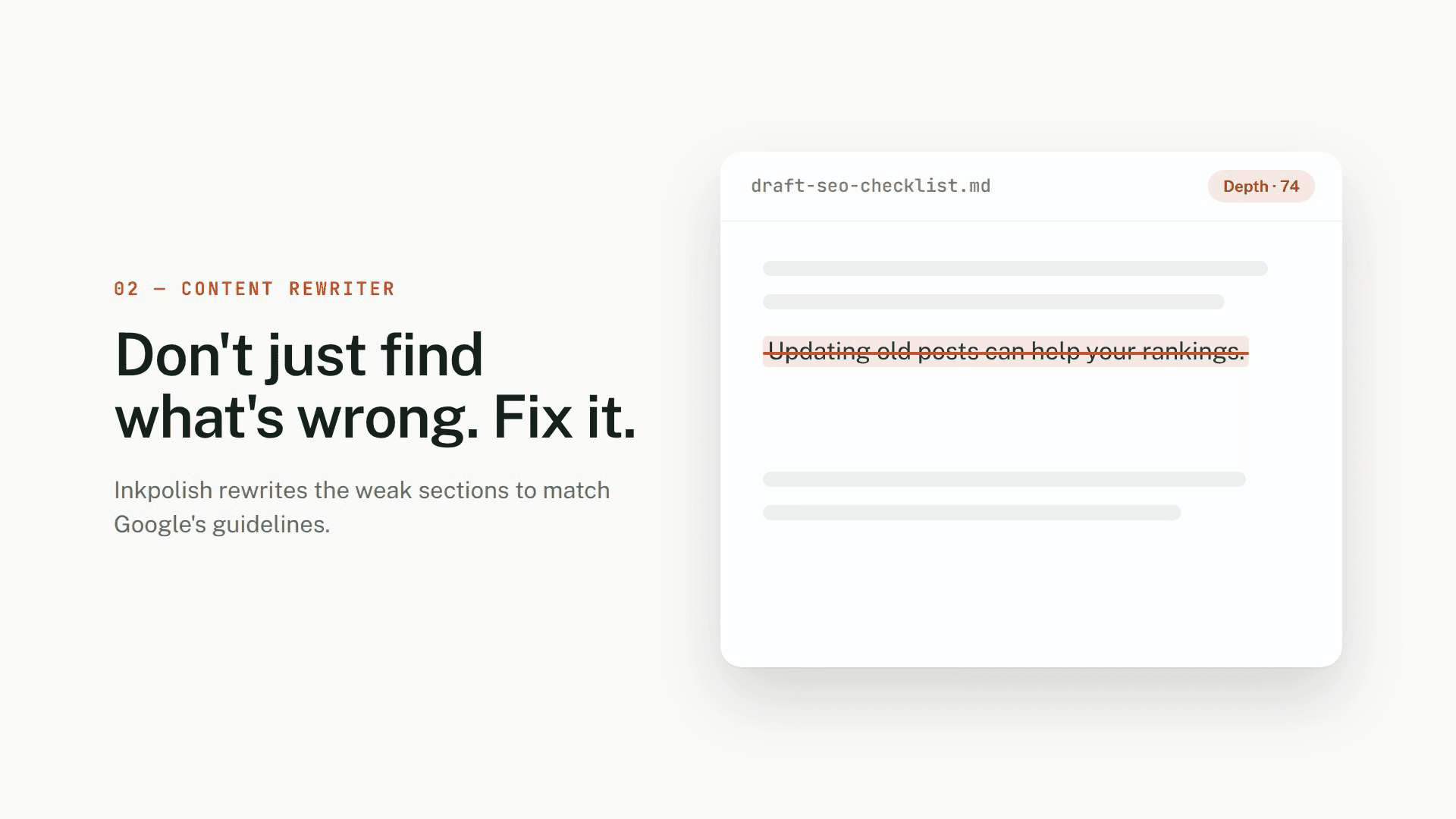
Finished sample length: 31 seconds. The Inkpolish sample begins with the moment of publishing, introduces a concern about the writing, and moves into an illustrated product workflow. Green accents and light backgrounds connect the scenes. The interface and score shown in the film are illustrative content, not independently verified product measurements.
A brief to adapt
Create a product launch film for a writing tool. Begin with the hesitation before publishing, show a review-and-rewrite workflow, and close on the product name. Use a consistent green accent and leave enough space for the main message in each scene.
Use a problem-to-solution sequence when the viewer already recognizes the problem. Provide approved product facts and screenshots if the video needs to demonstrate real behavior rather than an illustrative interface.
An educational explainer that changes scale
Finished sample length: 47 seconds. The plant-stem sample moves from a familiar classroom scene into a labeled cross-section and directional arrows. The wider view gives the viewer context before the diagram introduces finer detail.
A brief to adapt
Create an educational explainer about transport inside a plant stem for a beginner audience. Start with a familiar classroom demonstration, move into a labeled diagram, and finish with a recap. Use the supplied teaching notes as the authority for terminology and scientific claims.
Use this approach when an abstract process benefits from a concrete starting point. Have a subject-matter reviewer check the labels, directions, and narration before students rely on the explanation.
A doodle explainer with a clear sequence
Finished sample length: 60 seconds. The Pinga sample opens with an overnight alarm and follows an escalation sequence. Hand-drawn characters, a phone, and status labels carry the story from an alert to an acknowledgement. The sequence makes an otherwise invisible workflow visible.
A brief to adapt
Make a doodle-style explainer about handling an overnight equipment alarm. Show the alert, the escalation steps, and the acknowledgement that ends the sequence. Keep the same characters and visual language throughout. Base the workflow on the supplied product documentation.
Use this structure when the product coordinates several steps in the background. Decide whose point of view the viewer should follow so that the explanation does not become a diagram of every possible branch.
A workflow explainer centered on an operational task
Finished sample length: 38 seconds. The SKUSavvy sample begins with mismatched barcodes, then uses scan, check-in, label, and storage imagery to show a receiving workflow. Boxes and labels recur across the scenes, helping the viewer recognize what is changing.
A brief to adapt
Create a concise warehouse-workflow explainer about relabeling stock during receiving. Start with the confusion caused by mismatched barcodes, then show the approved receiving steps in order. Use consistent box and label visuals, and finish with the next action for the viewer.
Use this approach for an operational process with a clear beginning and end. Supply the actual procedure; a plausible-looking sequence is not enough for a training or implementation guide.
Turn an example into your own video
- Name the audience and the one thing they should understand or do.
- Add approved source material for facts, terminology, and visual references.
- Choose a duration and aspect ratio for the place the video will be watched.
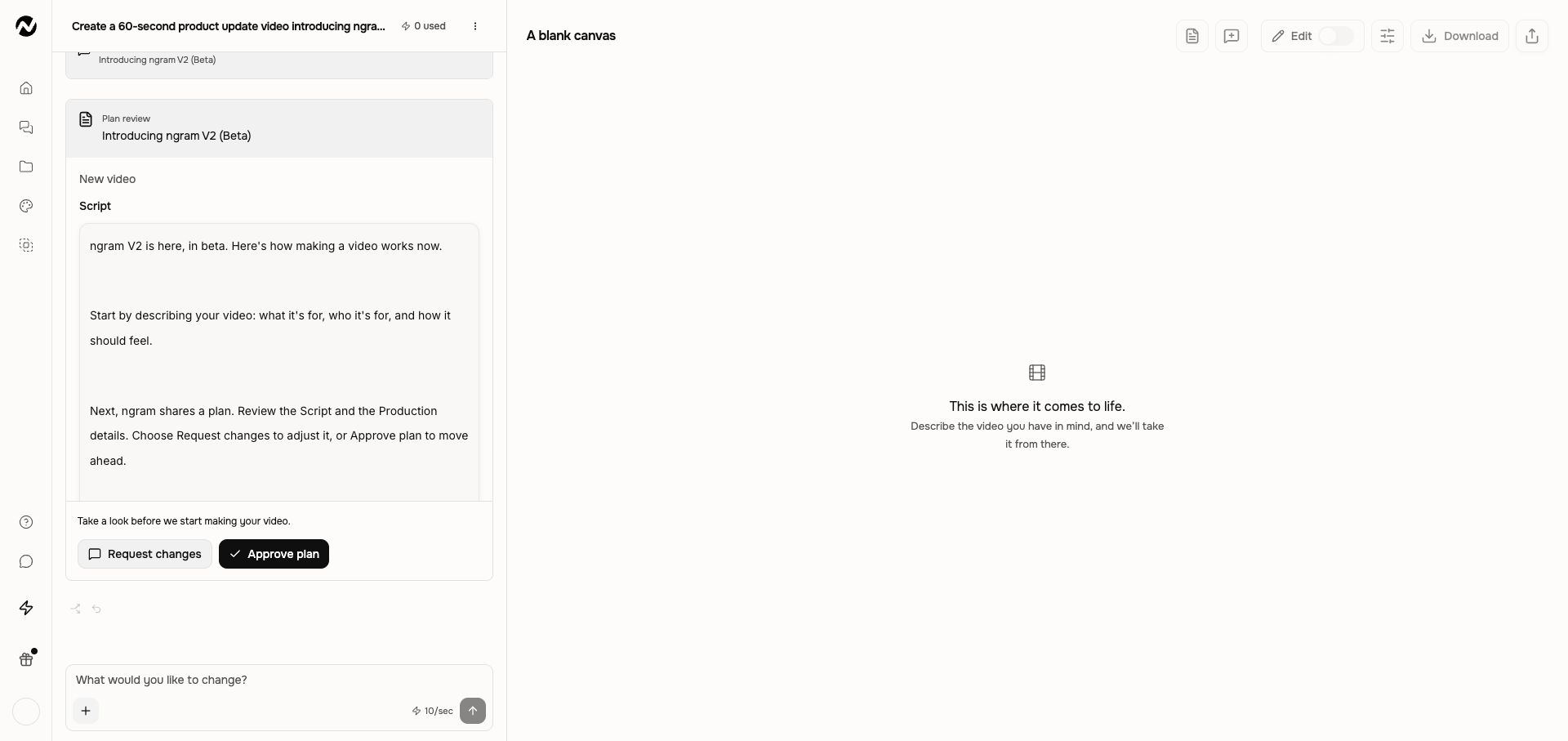
- Read Script and Production details in V2, then approve the direction to start production.
- Watch your video and download the finished MP4. If you want an adjustment, describe it in the conversation.
Attach sources to ground the video in your material
The sample lengths describe these files, not a promised generation time. Their visual treatments are examples, not guarantees that the same wording will reproduce the same output. Review the facts, text, pacing, and audio in your own result.
Start with the story you need to tell
Choose one structure from the examples, replace the subject with your own, and write the brief around a single outcome. Open V2 on Home to get started.