1Password Watchtower — One Key, Six Doors | support feature walkthrough video made with ngram

About the video
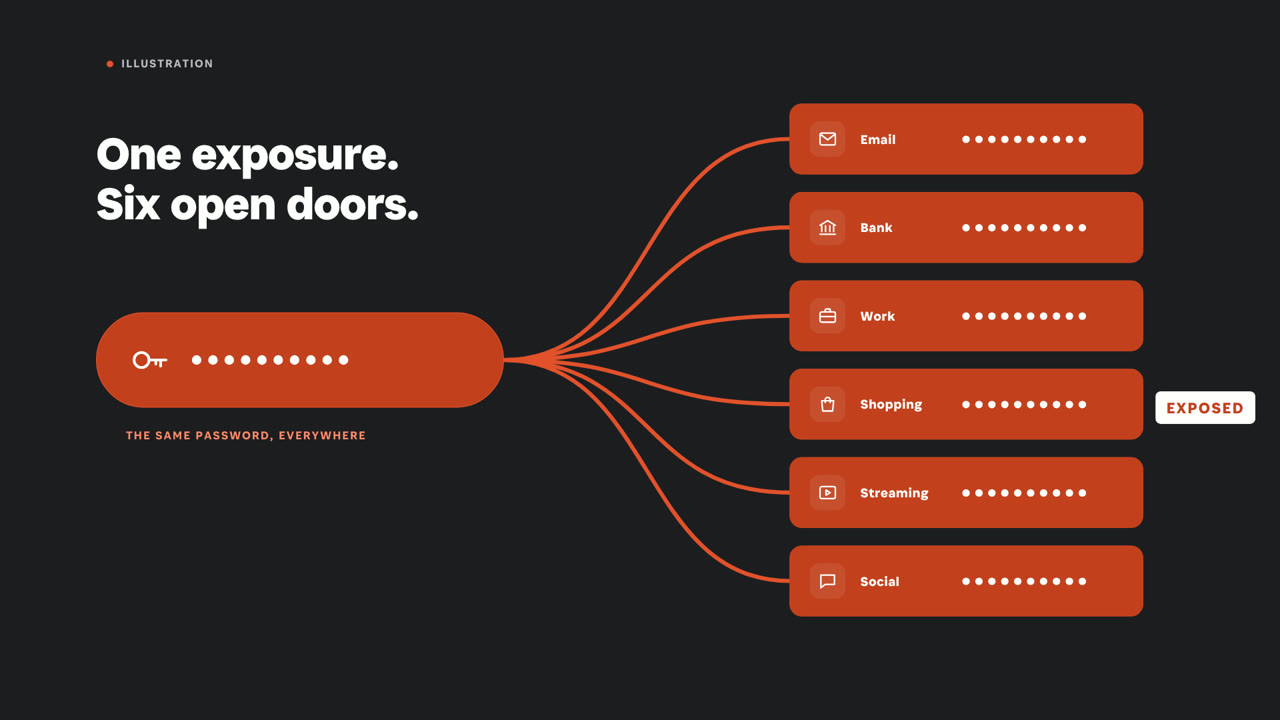
This support feature walkthrough video was made with ngram to explain how 1password's watchtower feature helps users find and fix password security risks. Built from html/css motion graphics across four scenes, it opens by illustrating the danger of password reuse — one password protecting six accounts, and how a single site breach puts every reused login at risk. It then shows watchtower scanning the items saved in a 1password vault, grouping logins that share a reused password and flagging passwords that are easy to guess as weak. The script walks through the resolution step: updating each flagged login to a strong, unique password and reviewing what remains in the list. A closing end card reinforces the call to action to check watchtower for items that still need attention. The video relies entirely on animated motion graphics synced to a short, conversational voiceover script rather than live footage, making an abstract security concept easy to follow quickly. It is structured in four clear stages — the danger, the detection, the fix, and the takeaway — suited for product education or in-app guidance about credential hygiene.
- Password Security
- 1Password
- Watchtower
- Motion Graphics
- Credential Reuse
- Security Education