Finding a TeamSnap ONE invoice | made with ngram

About the video
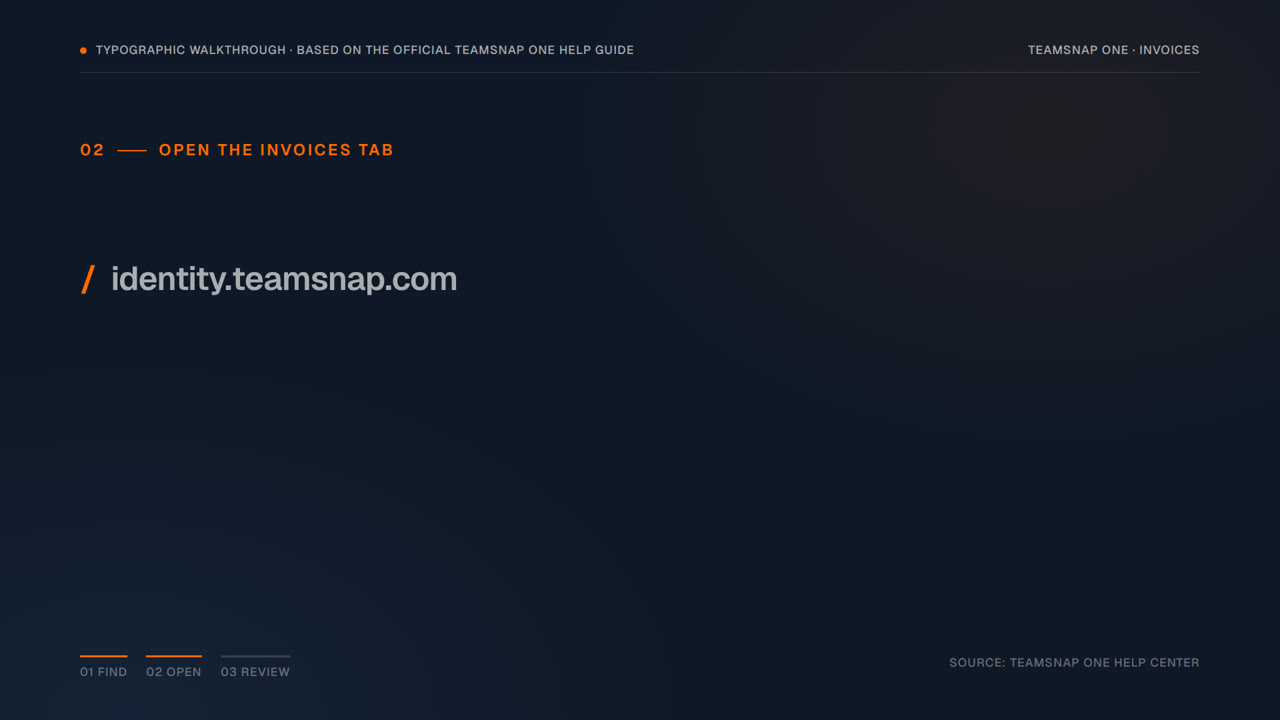
This video was created by ngram to show parents and team members how to locate the details of a team payment request sent through TeamSnap ONE. It explains that there are two ways to access an invoice: directly from the invoice email, or anytime by logging into a TeamSnap account and opening the Invoices tab, which lists every invoice an organization has sent. The video walks through clicking into an invoice to open its details card, which shows the total amount due, the next due date, the member's name, the invoice ID, and the invoice name and description. It closes by pointing viewers to the TeamSnap ONE invoice guide for a complete walkthrough. ngram created the video using HTML/CSS motion graphics in a 16:9 format, structured across five scenes that move from stating the problem of finding an invoice, to showing the two entry points, to the Invoices tab, to reviewing the invoice details, and ending with a closing card. The pacing and on-screen text are built directly from the supplied script and captions, giving viewers a clear, concise reference for navigating TeamSnap ONE invoices without digging through email or account menus.
- #teamsnap
- #invoices
- #payments
- #walkthrough
- #account navigation
- #motion graphics