Khan Academy — Your Learner Home | made with ngram

About the video
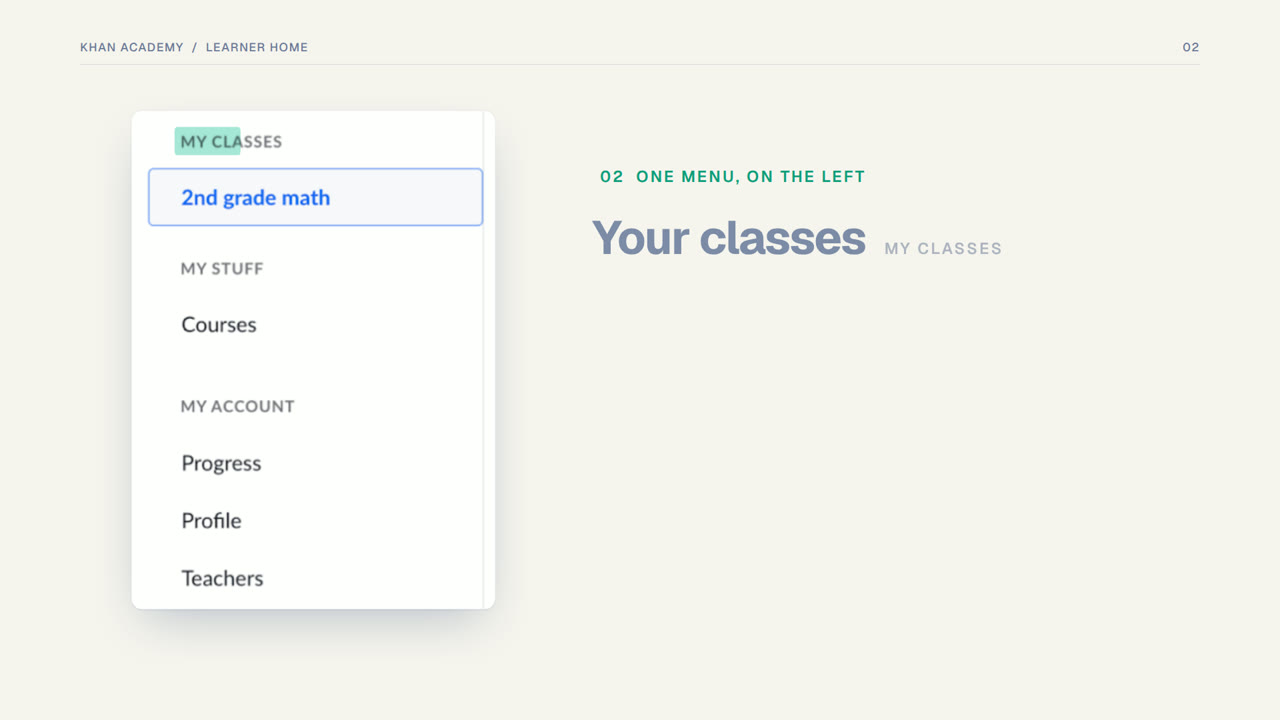
This video was created by ngram to walk learners through the Khan Academy Learner Home page, the screen they land on after logging in. Using clean HTML/CSS motion graphics, the video opens by posing the question of what to learn next, then moves scene by scene through the interface: the Learner Home itself, the single left-hand menu that holds classes, courses, and account settings, the list of assigned activities sorted by due date with the most urgent items at the top, and the My Stuff section where previously chosen courses are ready to resume. A closing end card reinforces the call to explore learning with Khan Academy. The narration is paced to match each on-screen element, so viewers see exactly where to click as each feature is named. The concrete takeaway is that everything a learner needs—current assignments and ongoing courses—lives in one consolidated home screen accessed through a single navigation menu, removing guesswork about where to start each session. ngram built the video as a short, scene-based explainer with synchronized captions and a 16:9 layout suited for sharing on a help page or embedding in an onboarding email, giving new and returning learners a quick visual orientation to the platform's layout before they begin their first task.
- #khan academy
- #learner home
- #navigation walkthrough
- #education platform
- #dashboard tour
- #motion graphics
- #onboarding