UltiMaker Cura — From Model to Print-Ready | made with ngram

About the video
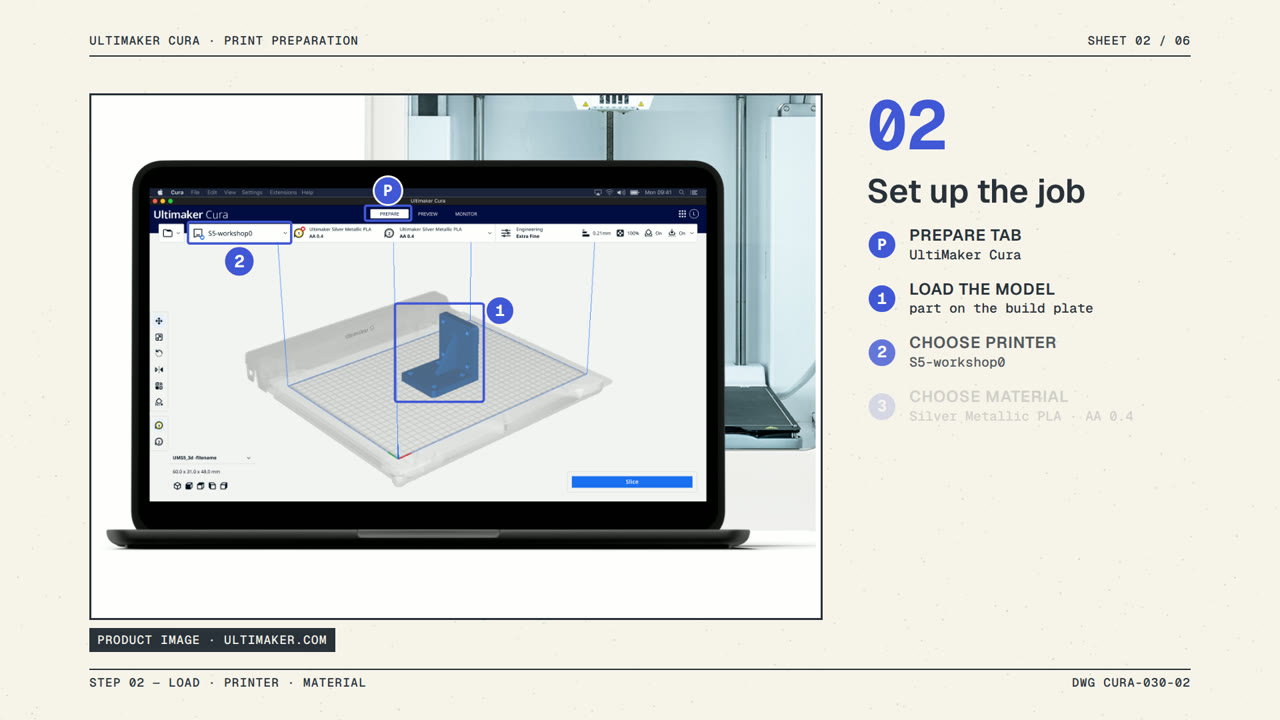
This video was created by ngram to explain how UltiMaker Cura turns a 3D model into printer-ready instructions. It opens on the core problem every print faces: converting a model into instructions with the correct settings, then walks through loading a model and selecting a printer and material. It shows choosing a recommended profile tested for thousands of hours, or an intent profile suited to a specific application, before clicking Slice so Cura's open-source engine builds each layer. The video also highlights Custom mode, which exposes more than four hundred settings for users who want deeper control, before closing with a call to explore UltiMaker Cura further. ngram built this as an HTML/CSS motion graphics video in 16:9, structuring the narration into clear scenes—the problem, loading the printer and material, recommended profiles, slicing, custom mode, and a closing call to action—so each step in the software workflow is easy to follow. The pacing and on-screen motion graphics mirror the voiceover script closely, keeping the explanation concise while covering the practical path from model import to a finished slice.
- #3d printing
- #slicing software
- #ultimaker cura
- #product walkthrough
- #motion graphics
- #print settings