Teammates can't hear you in a Slack huddle (Chrome) | made with ngram

About the video
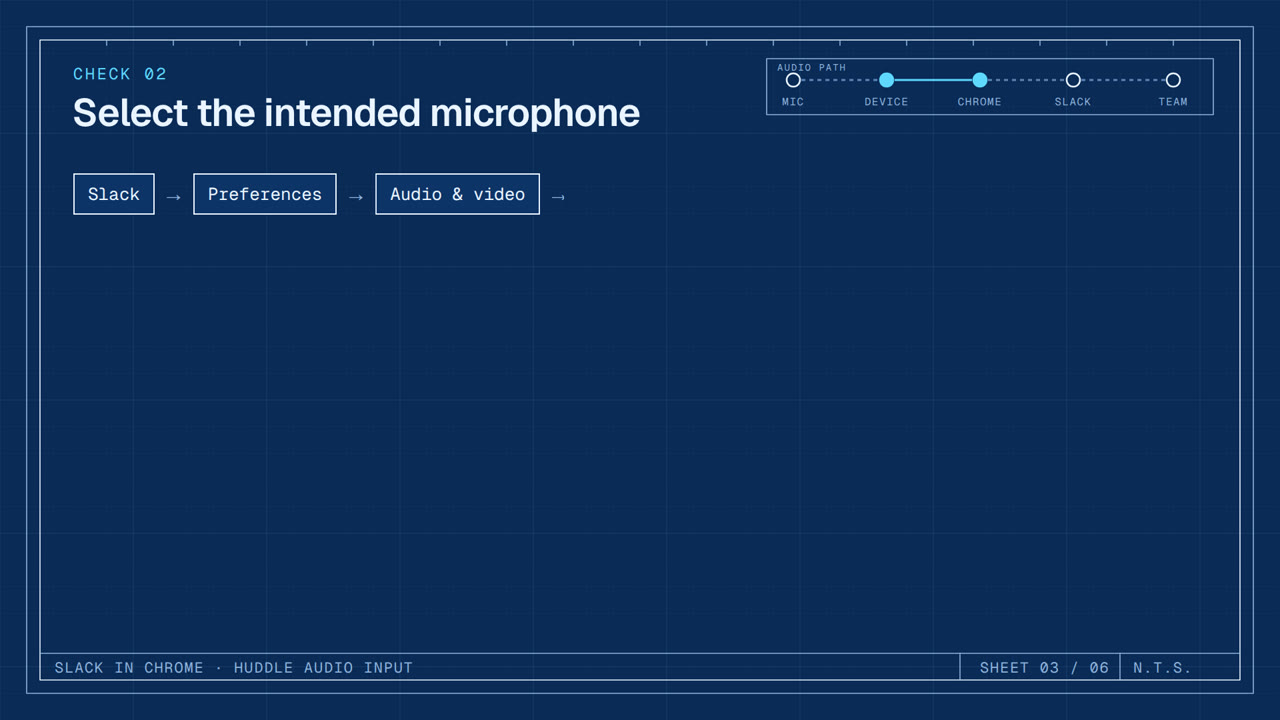
This video was created by ngram to walk through a troubleshooting flow for the common issue where teammates can't hear you in a Slack huddle while using Chrome, even though your microphone meter stays flat when you speak. The video recognizes the issue, then walks through a sequence of checks: restarting Chrome and, if needed, restarting the device; selecting the correct microphone in Slack's audio and video preferences and confirming the input meter responds; verifying your audio isn't muted; and reviewing Chrome's microphone permissions under Privacy and security, Site settings, to confirm Slack isn't blocked and that only the trusted workspace URL is added to the allow list. It closes by describing the expected result, a responsive mic meter and audible teammates, and points viewers to workplace IT or Slack support if the issue persists. ngram created the video using HTML/CSS motion graphics in a 16:9 format, built around six titled scenes, recognize the issue, restart, select the microphone, confirm not muted, check Chrome microphone permission, and expected result plus escalation, paired with a clear, instructional voiceover script that mirrors a support documentation flow. The result is a concise, step-by-step support video suited for a help center or internal IT knowledge base entry.
- #Slack
- #Chrome
- #microphone troubleshooting
- #IT support
- #huddle audio
- #browser permissions