Slack Huddles — Quick question, live answer | made with ngram

About the video
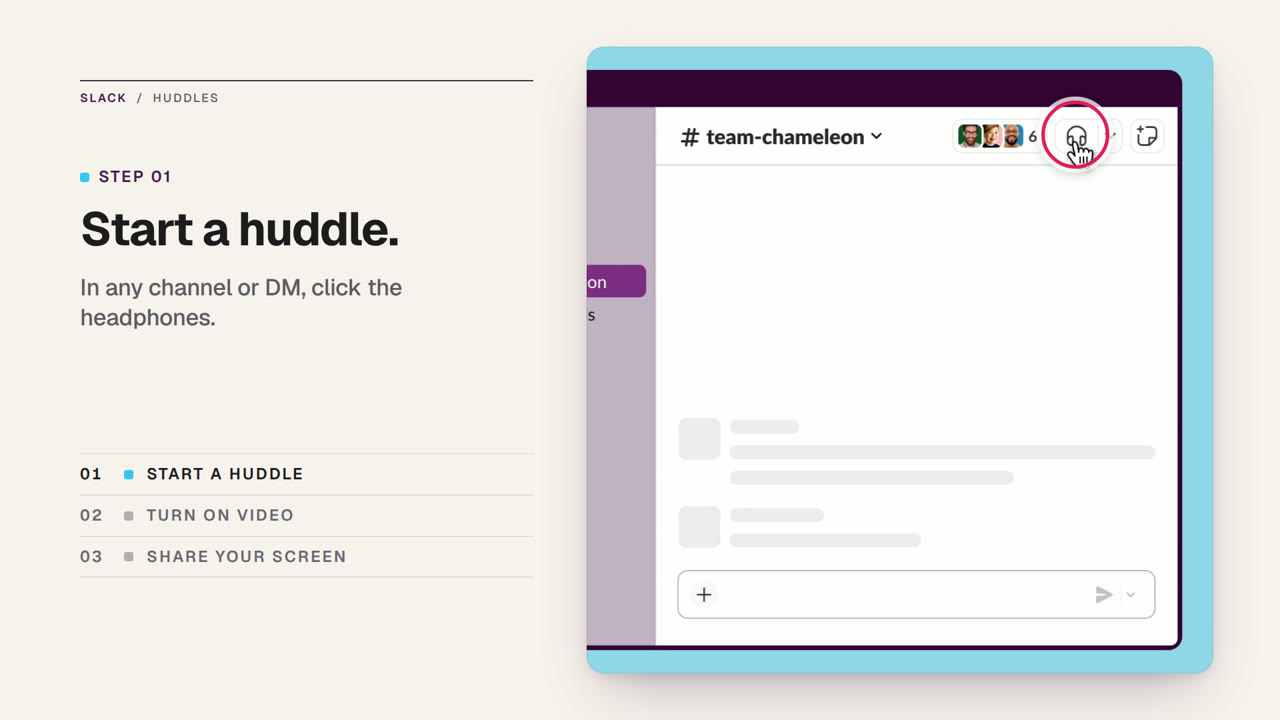
This video was created by ngram to explain how Slack Huddles replace long message threads with quick, live conversations. The video opens by framing the problem: some questions need real conversation rather than another drawn-out thread. It then walks through starting a huddle directly inside any channel or DM by clicking the headphones icon, noting that huddles begin with audio only. From there it shows how to turn on video or share a screen so teammates can work through a problem together in real time, and points out that anything shared during the huddle is automatically saved in Slack for later reference. The video closes with an end card reinforcing the idea of bringing the team together in Slack. Using HTML/CSS motion graphics in a 16:9 format, ngram built the video around five scenes — the problem, starting a huddle, turning on video and sharing a screen, the resolved and saved outcome, and a closing end card — paired with a timed voiceover script to clearly sequence the feature walkthrough. The result is a concise product explainer aimed at showing teams how a built-in communication feature can replace asynchronous back-and-forth with faster, recorded conversations.
- #Slack
- #Huddles
- #product explainer
- #team communication
- #motion graphics
- #feature walkthrough