ngram.com Explainer Script | product demo video made with ngram

About the video
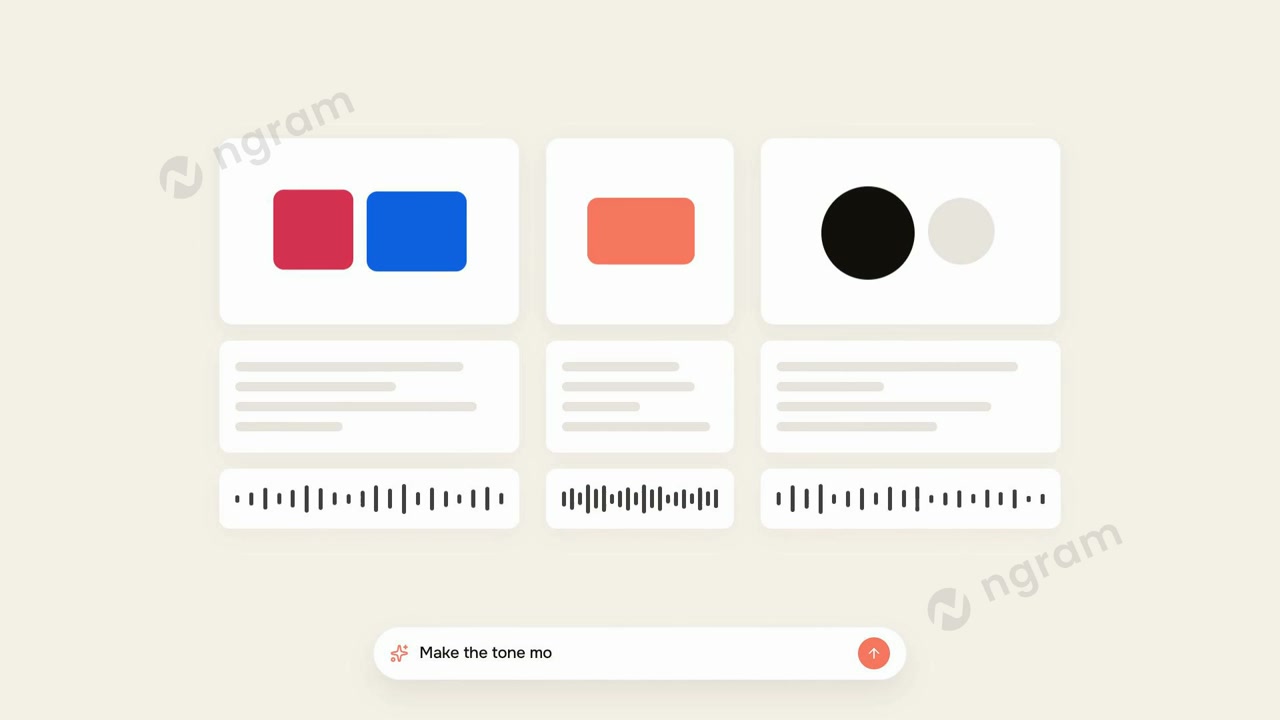
This product demo video was made with ngram to show how the ngram platform turns a feature announcement brief into a finished video draft. the frames show the app's project workspace labeled 'ngram / feature announcement,' with a script outline panel describing scene one as a camera pan across a sleek workspace, alongside an empty storyboard panels area still loading. a second frame shows an abstract line-art diagram with a video camera icon labeled 'video team,' suggesting a visual asset or illustration style option within the tool. a third frame displays a brand kit selection screen with three style card options, each showing a different color palette (red and blue, coral, black and gray), placeholder text lines, and an audio waveform bar, along with a text input field reading 'make the tone mo...' which indicates users can refine the video's tone through a prompt. together the frames document the drafting stage of the ngram workflow, covering script creation, storyboard setup, visual style selection, and tone adjustment via a chat-style command, giving viewers a concrete look at how a project moves from outline to styled draft inside the platform.
- Script Outline
- Storyboard Panels
- Brand Kit
- Color Palette
- Audio Waveform
- Video Team
- Tone Prompt
- Feature Announcement